





ERP security is essential for businesses that rely on connected systems to manage daily operations and sensitive data. However, vulnerabilities such as unauthorized access, cyberattacks, and outdated security measures can expose these systems to threats, putting business continuity and operational efficiency at risk.
Preventing these risks requires more than basic security measures. Businesses need practical strategies to protect their ERP environments, minimize potential disruptions, and maintain system reliability. This article explores six ERP security moves that can help strengthen protection and reduce the risk of costly downtime.
Key Takeaways
To ensure ERP security, businesses need to implement measures such as MFA, role-based access, and immutable backups to minimize risks.
Layered protection through continuous monitoring, automated updates, and incident response planning strengthens resilience against disruptions.
HashMicro ERP combines these essential strategies in one platform, offering built-in security and automation to keep your business running smoothly, with a free demo available to see it in action.
Common ERP Security Vulnerabilities
ERP systems keep finance, HR, inventory, and procurement data in one place, which makes them a valuable target. Most incidents trace back to a handful of recurring weaknesses:
Outdated software: Delayed patches leave known flaws open, especially in heavily customized legacy setups.
Weak access controls: Excessive permissions often stay in place after staff change roles or leave the company.
Limited security training: Phishing still tricks employees into handing over ERP credentials.
Skills shortage: Penetration testing and incident response need specialist skills that many teams lack in house.
Compliance gaps: ERP modules hold personal and financial data, so weak controls can lead to regulatory penalties.
Remote work widens the attack surface further. When staff and contractors connect from outside the office, secure remote access to ERP systems becomes a baseline requirement rather than an optional extra.
6 Ways to Protect ERP Systems from Security Threats
1. Enable MFA with SSO to Strengthen User Authentication
Strong authentication protects ERP systems from unauthorized access. Implementing multi-factor authentication (MFA) ensures that even if passwords are compromised, attackers can’t gain entry without additional verification like a code or biometric scan.
Single sign-on (SSO) streamlines the process, allowing users to securely log in once for multiple applications. Together, MFA and SSO reduce friction while bolstering security. This approach significantly lowers the risk of credential-related breaches that could lead to costly downtime scenarios.
2. Implement Role-Based Least Privilege for Controlled Access
Restricting user access is essential to minimize risks. Role-based least privilege means each user only has access to the specific data and functions required for their job, limiting potential damage from insider threats or compromised accounts.
This approach prevents unnecessary exposure of sensitive ERP components and reduces errors caused by untrained users accessing critical areas, thereby strengthening data security in ERP systems through access control. Regularly review roles and permissions as responsibilities change to keep this control effective and reduce downtime risk.
3. Establish Immutable Backups with Offsite Replication
Immutable backups safeguard your ERP data by preventing unauthorized changes or deletions. These “write-once, read-many” backups ensure a clean recovery point in the event of ransomware attacks or accidental data loss.
Offsite replication adds another layer of protection. Storing backup copies in geographically separate locations shields them from localized disasters like fires or floods. HashMicro ERP includes automated backup scheduling with offsite options, so businesses can quickly restore operations without complex manual processes.
4. Use Automated Patch and Change Gates for Reliable Updates
Keeping ERP systems updated is critical, but manual updates risk introducing errors or delays. Automated patching ensures that security vulnerabilities are addressed quickly without disrupting operations.
Change gates add another safeguard by automatically testing updates in controlled environments before deployment. HashMicro ERP leverages automated updates with validation steps, reducing the chance of incompatibilities and maintaining system stability while strengthening security.
Together, automated patching and gating create a reliable update process, keeping your system secure and operational without risking stability from rushed or faulty changes.
5. Integrate EDR and SIEM to Monitor ERP Logs Continuously
Endpoint detection and response (EDR) tools, combined with security information and event management (SIEM) systems, provide real-time visibility into ERP activities. They analyze logs for unusual patterns or signs of potential threats.
This proactive monitoring allows rapid identification of issues before they escalate into full-blown disruptions. By correlating data from multiple sources, these integrations improve incident response times and reduce downtime risks. Regularly review alert thresholds to maintain effectiveness as system behaviors evolve over time.
6. Build an Incident Response Plan
Incident response (IR) prepares organizations to handle cybersecurity incidents effectively, minimizing downtime and recovery time. A robust IR plan outlines clear steps for detecting threats, containing damage, remediating systems, and restoring operations swiftly.
It’s important to regularly test the plan through simulations or tabletop exercises to ensure readiness when real incidents occur. To strengthen your approach further and minimize risk from future events, learn about effective incident response strategies that prioritize both preparation and recovery.
Why ERP Security Requires Immediate Attention
The threat is not theoretical for Singapore businesses. The Cyber Security Agency of Singapore (CSA) reports that ransomware cases rose from 159 in 2024 to 165 in 2025, with small and medium-sized enterprises among the hardest hit. Because an ERP system pulls finance, inventory, HR, and procurement into one platform (see what ERP is and how it works), a single compromised account can reach a lot of sensitive data.
Phishing is still a common way in. CSA recorded around 4,800 reported phishing cases in 2025 and warns that AI tools now make these messages more convincing through personalized text, voice cloning, and deepfake video. One stolen ERP login can expose payroll, supplier, and customer records.
The financial fallout builds quickly. The IBM Cost of a Data Breach Report 2025 puts the global average at USD 4.44 million per breach, with detection, lost business, and post-breach response among the biggest cost items. Ransomware can also lock finance and inventory modules for days, corrupt or destroy records, and trigger breach notification duties under Singapore’s data protection law.
ERP Compliance and Data Protection in Singapore
ERP systems store customer, supplier, and employee records, so they fall under Singapore’s Personal Data Protection Act (PDPA). Businesses must protect personal data with reasonable security arrangements. The Personal Data Protection Commission (PDPC) can impose penalties of up to 10% of annual turnover in Singapore for businesses above S$10 million in turnover, or S$1 million, whichever is higher. The controls below matter most for ERP:
Encryption at rest and in transit: Encrypting stored data and data moving between users, modules, and integrations limits exposure if a device or connection is compromised.
Audit trail: Logs showing who viewed, changed, or deleted records support investigations and compliance reviews.
Data retention: Personal data should not be kept longer than needed for a business or legal purpose, so set retention rules and delete expired records.
Breach notification: Once a breach is assessed as notifiable, the PDPC must be told within three calendar days, and affected individuals must be informed where required.
Access control: Limit who can see customer and employee data by role, and review permissions regularly.
These requirements are worth checking early. When comparing the best ERP software for growing businesses, confirm how each platform handles encryption, logging, retention, and access control before you commit.
Why HashMicro is the Right Choice for Secure ERP
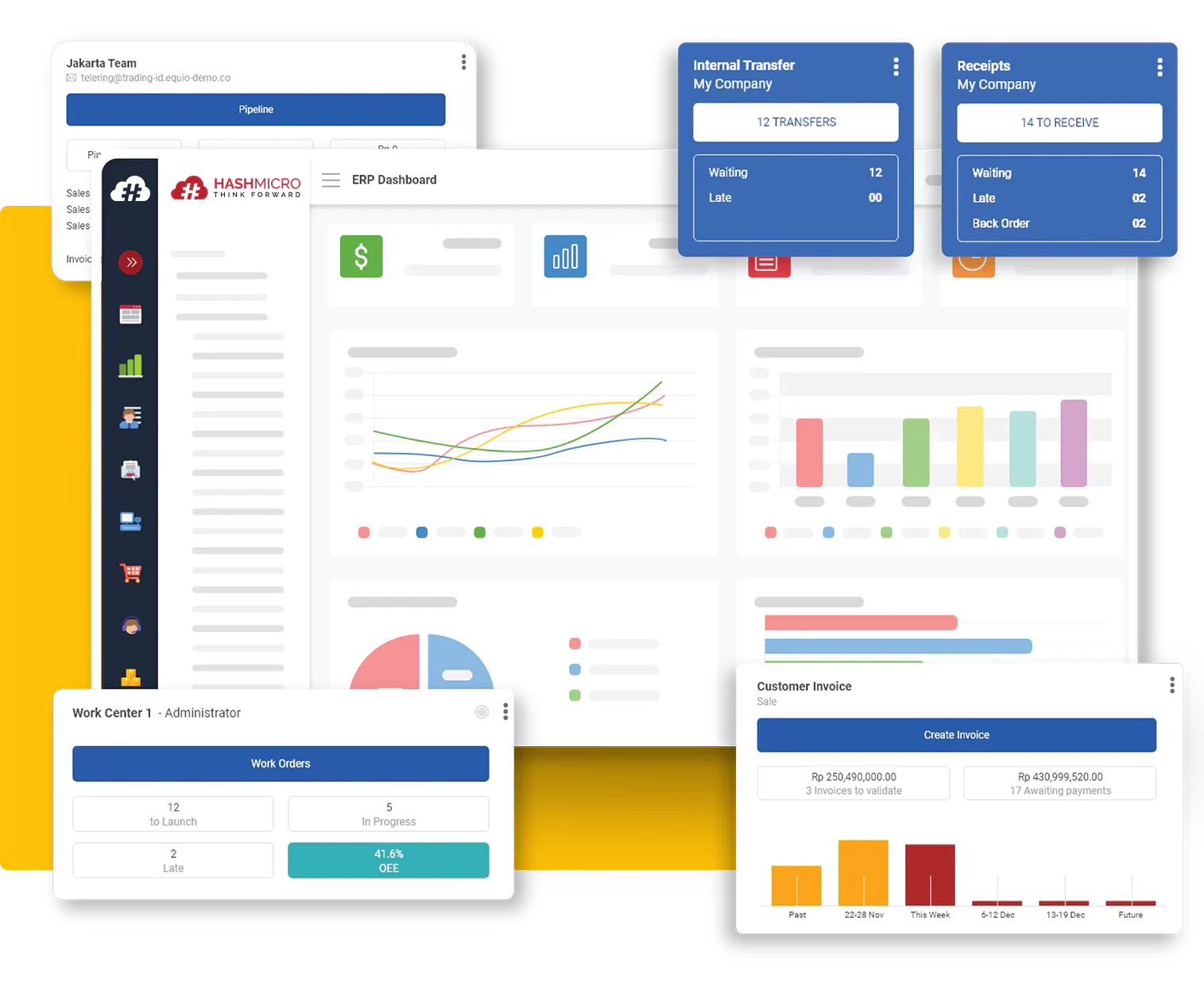
HashMicro is a leading provider of cloud-based ERP solutions in Singapore, trusted by enterprises across industries such as manufacturing, construction, retail, trading, and F&B. Designed to simplify complex business operations, HashMicro ERP combines automation, scalability, and strong compliance features tailored to the needs of regional businesses.
Security is a cornerstone of HashMicro’s platform. By embedding advanced safeguards directly into the ERP system, HashMicro enables companies to focus on growth without worrying about unexpected downtime or data breaches. With continuous innovation and a customer-first approach, HashMicro empowers decision-makers to run operations confidently.
Key Advantages of HashMicro ERP:
-
Built-in Security: Data encryption, access control, and automated backup features protect sensitive business information.
-
AI-Driven Capabilities: Intelligent monitoring and predictive analytics help identify risks before they escalate.
-
Comprehensive Modules: From accounting and inventory to HR and procurement, all processes are connected in one system.
-
Scalability: Flexible deployment options fit medium to large-scale businesses, with unlimited user access to support growth.
-
Local Compliance Support: Ready for tax, payroll, and regulatory requirements in Singapore, Malaysia, Indonesia, and the Philippines.
Conclusion
Proactive ERP security measures are key to minimizing downtime and protecting business operations. From stronger access controls to automated recovery, these strategies ensure resilience in today’s fast-moving digital environment.
HashMicro ERP brings these protections together in one platform, combining high-level security with ease of use. With automated backups, access management, and real-time monitoring support, you gain peace of mind knowing your ERP is built to handle disruptions.
Ready to see how it works for your business? Book a free demo with HashMicro today and discover how stronger ERP security can keep your operations running without interruption.

Frequently Asked Questions
ERP security is the set of controls, policies, and tools that protect an ERP system and its data from unauthorized access, cyberattacks, and data loss, while keeping operations running.
ERP systems store finance, HR, and customer data in one place, so a breach can halt operations, expose sensitive records, and lead to penalties under data protection laws such as the PDPA.
Common risks include outdated software, weak access controls, phishing, ransomware, poor staff training, and compliance gaps. Unpatched flaws and excess permissions are often the easiest entry points.
Enable MFA, apply role-based least privilege, keep immutable offsite backups, automate patching, monitor logs with EDR and SIEM, and maintain a tested incident response plan.
It can be. Cloud providers handle infrastructure security, patching, and backups, but businesses still own access control and data governance, so the right setup matters more than the hosting model.