










 Limited to 100 registrants

Not every landowner has the time or skills to handle the business side of a property. That is where a property manager steps in, acting as the link between the owner and tenants while keeping operations on track.
Who handles rent collection, maintenance requests, and tenant complaints when the owner is not involved? Property managers manage these daily tasks and keep records organized.
They also track staff time and schedules to control costs and keep work running smoothly, which makes timesheets an important part of property operations.
Key Takeaways
Timesheets help property managers track staff hours, control labor costs, and keep daily operations running smoothly.
A clear timesheet structure for projects, tasks, auto-totals, and PTO improves payroll and reporting accuracy.
An employee timesheet HR management system can centralize time tracking, approvals, and reporting, making time management more consistent across teams.
What is a Timesheet?
A timesheet records how much time an employee spends working, whether on a shift, a project, or for a specific client. It can be tracked on paper, spreadsheets, or a timesheet system, and usually includes start and end times plus breaks, which helps calculate pay accurately.
Today, timesheets also support project and client work. Teams use them to track time per task, manage project costs, support billing, and generate simple reports for planning and productivity reviews.
What is the Purpose of a Timesheet?

Timesheets often get a bad reputation because they feel like extra admin work. Many employees dislike filling them in after a long day.
But used properly, a timesheet has a clear purpose. It shows where time is spent, highlights tasks that consistently run over, and helps teams improve planning and workload balance.
Timesheets also give managers and clients better visibility. You can track progress by project, understand cost and effort, and compare time spent with output delivered to support fair performance reviews.
Read Also: How Tech Startups Control Finance with ERP Software in Singapore?
What Should Be Included in a Timesheet?
The following information in timesheet systems typically includes:
- User’s name: Identifies who submitted the timesheet and who can review it.
- Date: Logs hours by day, most often in a weekly format.
- Project: Group time entries by project for clarity.
- Task: Records the specific work done under each project.
- Auto-totals: Calculates total, regular, overtime, and double-time hours.
- Non-project time: Tracks PTO, meetings, and training that still use work hours.
How to Make a Timesheet?
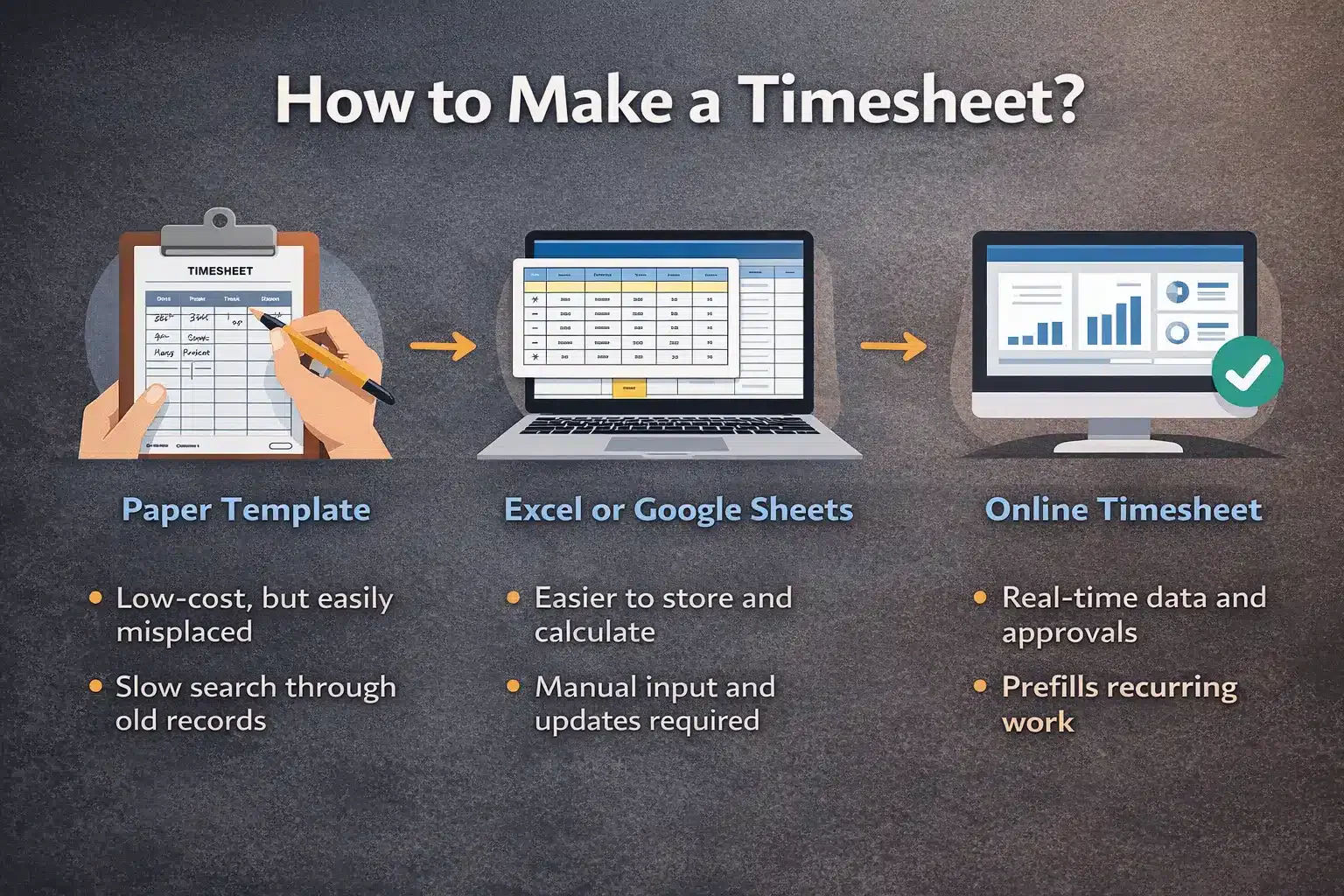

You can make a timesheet in a few ways, starting with a simple paper template. It is low-cost, but it is easy to lose, and searching old records takes time.
A step up is using Excel or Google Sheets with columns for tasks, projects, and hours. This is easier to store and calculate, but it still relies on manual input and back-and-forth between departments.
The most efficient option is an online timesheet software that shows logged hours in real time. It can prefill recurring work, prompt managers for approval, and lock approved entries so the process stays consistent and easier to manage.
7 Best Employee Timesheet Software For Efficient Time Management
Timesheets help assess effort vs results and calculate wages or project costs. Online tools make it easy to track your work with a timer, generate reports, and create invoices. You can choose a simple time-tracking app or a full job management system for timesheet management:
1. HashMicro
Who it’s for: Mid-sized to large enterprises that need an advanced, fully integrated timesheet and productivity management ecosystem
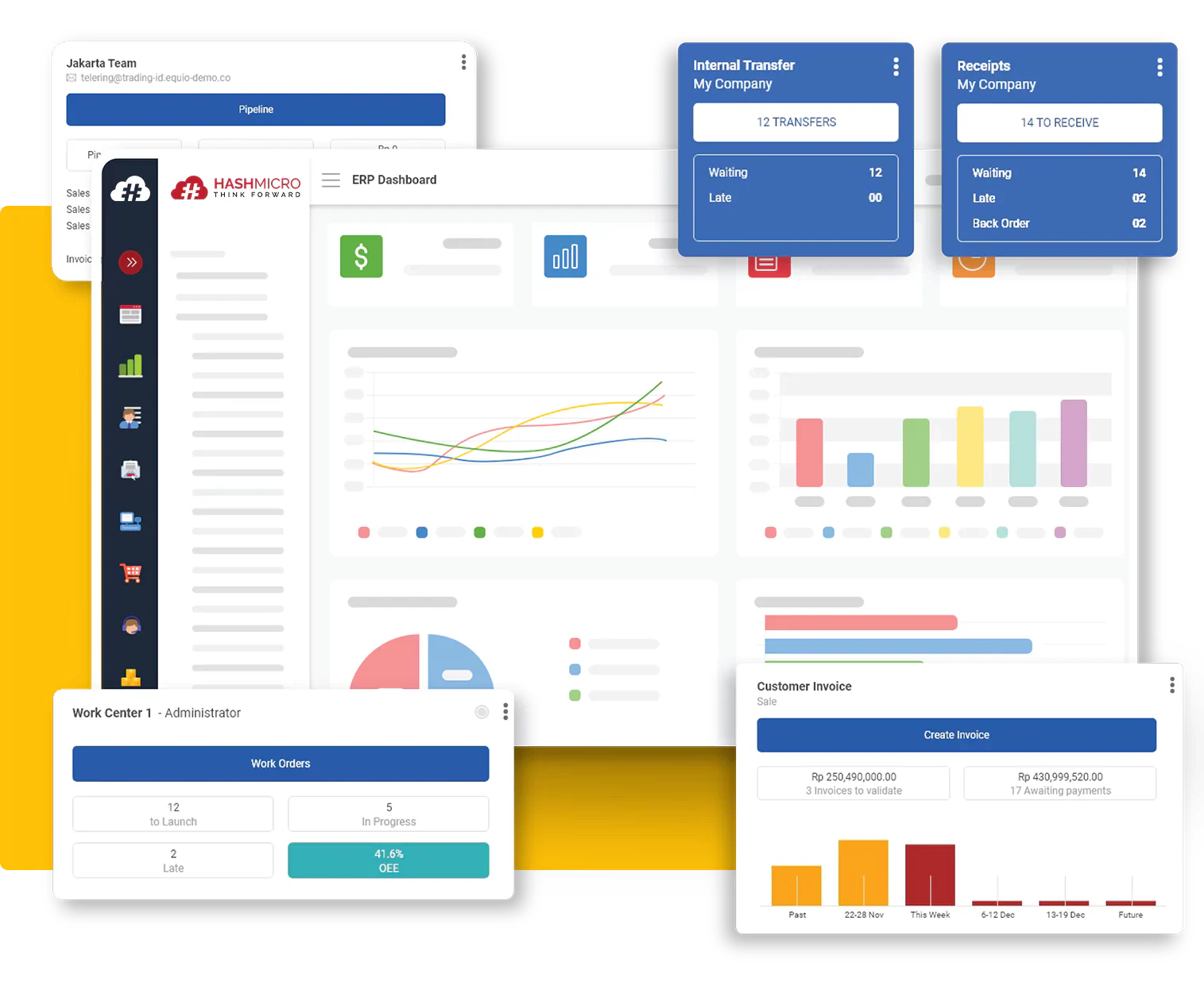
HashMicro’s timesheet management system goes beyond basic time tracking by combining time logs, project monitoring, and workforce management in one platform. It helps businesses track hours by project, manage assignments, and generate clear reports across teams.
It also automates work hours, meetings, overtime, and attendance, including biometric check-ins like face recognition. With real-time dashboards, managers can monitor productivity, utilization, and project costs with less manual work.
Pricing: Custom pricing available based on modules and team size; demo available upon request
| Pros | Cons |
|
|
2. Scoro
Who it’s for: Businesses that need an all-in-one platform for time tracking, project management, reporting, and client operations
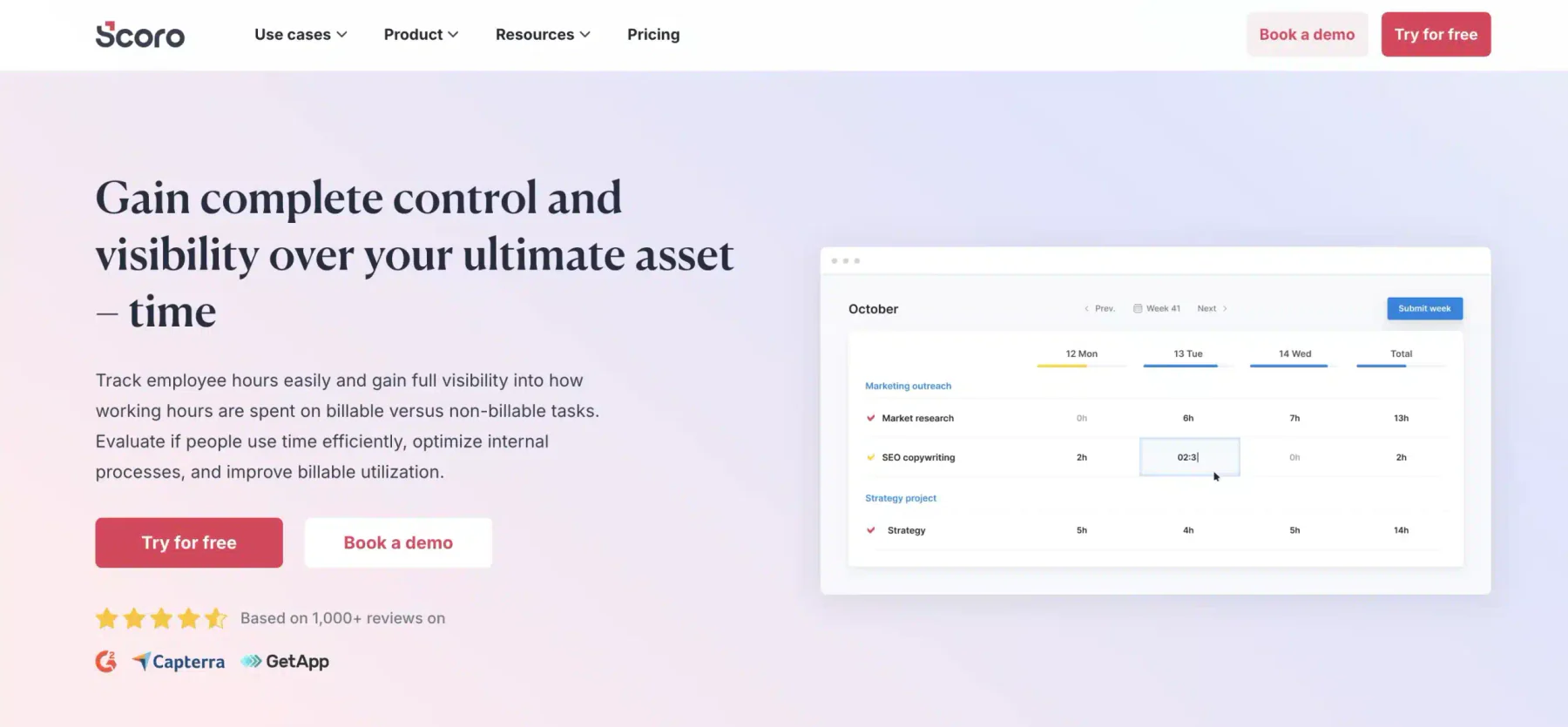
Scoro is an all-in-one business management system that combines time tracking, reporting, billing, and team collaboration in one platform. It also includes project management, CRM, and financial tools, reducing the need for multiple apps.
Its main strength is how it connects daily work with client and budget tracking. You can manage tasks and deadlines, monitor team performance, track billable hours, and stay on top of projects without switching tools.
Pricing: Plans start at $26 per user/month; advanced features available in higher-tier plans; 14-day free trial available
| Pros | Cons |
|
|
Read Also: The Importance of Enterprise Value for Your Company
3. ClockShark
Who it’s for: Cleaning businesses with mobile teams that need accurate time tracking and GPS verification
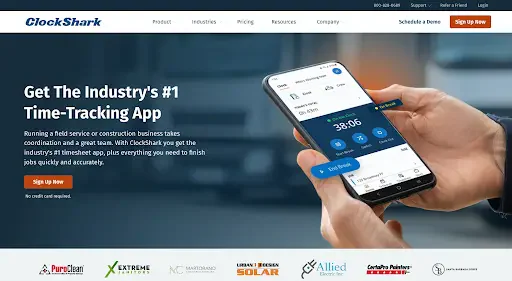
ClockShark is a cloud-based timesheet and time-tracking tool built for field service teams and mobile workers. Employees can clock in and out on their phones with GPS verification, giving managers real-time visibility into job sites and hours worked.
It also offers scheduling, timesheet approvals, and integrations with tools like QuickBooks to support payroll. Features like geofencing reminders, job costing, and offline mobile tracking help teams reduce missed entries and track labor costs by project.
Pricing: Standard plan starts at $40/month base fee plus $9 per user/month; Pro plan starts at $60/month base fee plus $11 per user/month; 14-day free trial available
| Pros | Cons |
|
|
4. Hubstaff
Who it’s for: Remote teams and businesses that need online timesheets, productivity monitoring, and GPS-based tracking
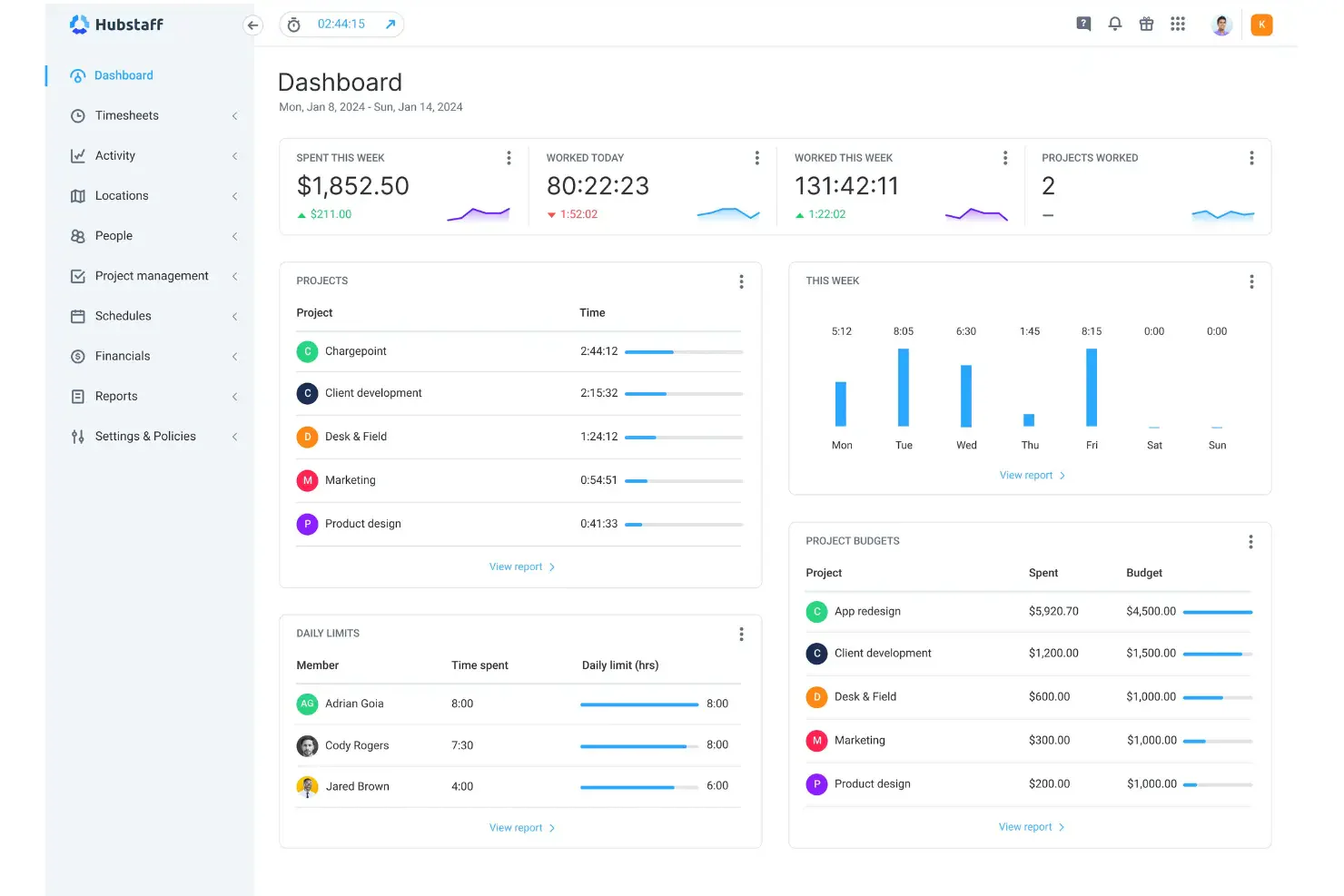
Hubstaff is an online timesheet tool that helps track work hours and simplify payments based on time logged. It supports 30+ integrations and includes monitoring features like activity levels and optional screenshots for better visibility.
Its mobile app tracks work, travel, or driving time, and GPS tracking supports field teams. This makes Hubstaff a solid fit for remote and distributed teams that need payroll-ready timesheets and real-time oversight.
Pricing: Free plan available; paid plans start at $7 per user/month with advanced tracking and monitoring features
| Pros | Cons |
|
|
5. Beebole
Who it’s for: Companies of any size that need flexible timesheets, offline access, and customizable reporting
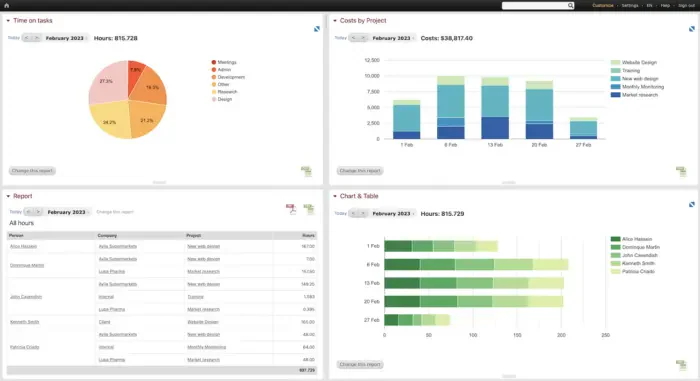
BeeBole Timesheet is a time-tracking tool with reporting and budget controls to help teams monitor hours, project costs, and profitability. Its modular setup and customizable reports work well for companies with varied workflows or detailed reporting needs.
It also offers a mobile app with offline tracking, so employees can log time without internet access. With support for multiple languages, it is a practical option for global or multilingual teams.
Pricing: Starts at €6.99 per user/month; free 30-day trial available
| Pros | Cons |
|
|
6. Timesheets.com
Who it’s for: Freelancers and small businesses that need simple, accurate time tracking with flexible billing options
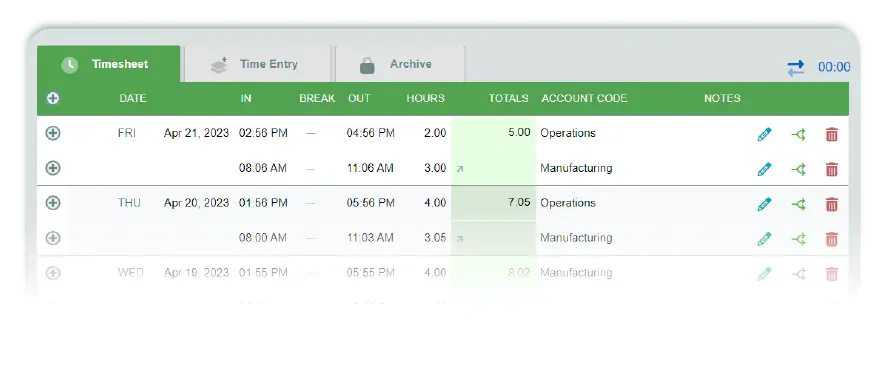
Timesheets.com is a simple timesheet tool that lets you track time with a timer or manual entries. It supports multiple bill rates per employee and offers reporting for payroll and client billing, plus a free plan that works well for freelancers.
Beyond basic tracking, it includes billable time, task costing, time-off requests, calendar views, and mobile time and expense entries. It also supports reimbursable expense tracking to keep spending organized.
Pricing: Free plan for freelancers; Standard plan starts at $5.50 per user/month with additional features
| Pros | Cons |
|
|
7. Avaza
Who it’s for: Teams that need a unified platform for time tracking, project management, and client billing
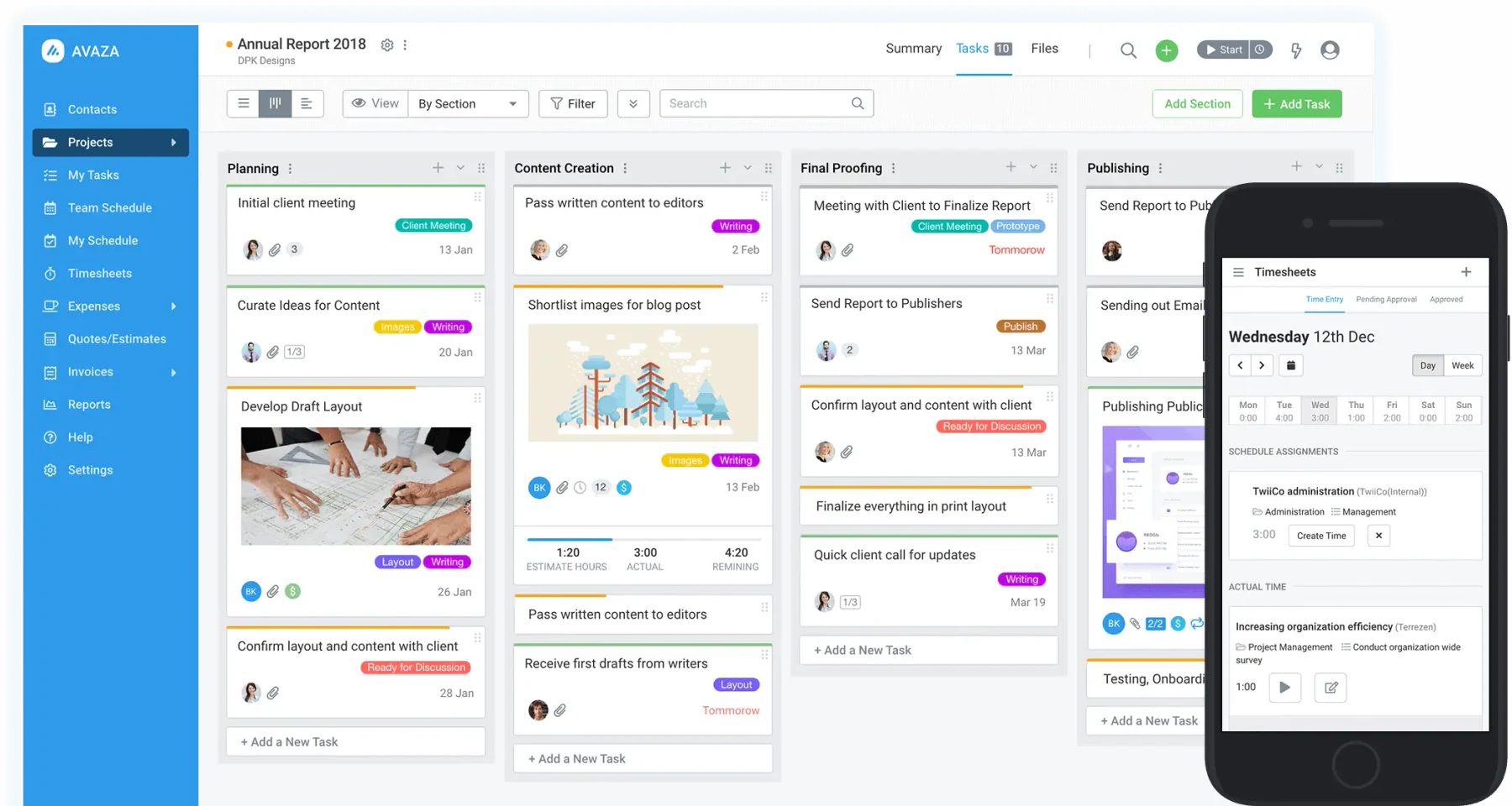
Avaza is a time-tracking tool that lets you run timers on any device and log time by task or project. It also includes project management features, so teams can track billable and non-billable hours while keeping work organized.
A key benefit is turning time entries into invoices quickly. It also supports timesheet approvals, expense tracking, and clear billing workflows for service-based teams.
Pricing: Free plan available for 1 user; paid plans start at $11.95/month for additional users and features
| Pros | Cons |
|
|
Read Also: 6 Strategies How to Secure Your ERP System
Conclusion
Timesheets can feel restrictive when they are treated only as proof of work, which can hurt trust. The goal should be clearer visibility into time, cost, and workload, not surveillance.
Used well, timesheets help spot inefficiencies, control project costs, and support fair payroll or billing with consistent records.
To streamline time tracking without extra admin, book a consultation with an operations specialist. A quick review can reduce friction and tighten accountability.