








When a machine, delivery vehicle, or piece of store equipment stops working, the fix is only part of the job. Someone has to log the request, decide who handles it, order parts, approve the cost, and record what was done. When those steps live in chat threads, spreadsheets, or paper job cards, it is hard to tell which repairs are open, who owns them, and what they have cost.
Repair management software puts the whole process in one place. It tracks each repair from the first request to the final result, links it to the asset, and keeps a searchable history. Managers can see what is open, who is working on it, and what it has cost so far, without asking each technician for an update.
This guide compares 10 repair management software options for businesses in the Philippines. For each tool you will find what it is best for, its main features, pros and cons, pricing where the vendor publishes it, and what we could confirm about Philippine availability.
Key Takeaways
Repair management software tracks repair requests, work orders, technicians, parts, and costs for every asset
Clear ownership of every repair, better cost visibility, and a searchable repair history mean less time chasing updates.
Choose a tool based on your asset count, technician mobility, and parts integration.
What Is Repair Management Software?
Repair management software manages the full repair cycle for equipment and assets. A user reports a fault, the request is approved, a repair work order is created, a technician or vendor is assigned, parts are used, and the job is closed with a recorded result. Every step is tied to the asset, so over time you build a history of failures, repair costs, and repeat problems.
It overlaps with two familiar categories. A computerized maintenance management system (CMMS) usually centers on scheduled, preventive work. Asset management software centers on the register of what you own, where it is, and who holds it. Repair management focuses on breakdowns and corrective work. Many products cover all three, so check which side is strongest before you buy.
It suits manufacturers, logistics and fleet operators, facilities teams, hospitals, retailers with store equipment, and any business whose assets must stay in service. A team that only needs a monthly service reminder may be fine with a shared calendar. Once repairs involve approvals, parts, or outside vendors, a dedicated tool saves time and avoids lost requests.
Benefits of Repair Management Software
Repair management software replaces scattered chats, spreadsheets, and phone calls with one system for every repair. These four benefits are usually the first ones a team notices after switching.
Clear ownership of every repair
Each request has a status and an owner, so a fault reported on Monday does not disappear in a chat thread by Wednesday. Managers always know who is responsible and what happens next.
Better cost visibility
Labor, parts, and outside service costs attach to the asset. That makes it easier to judge when repeated repairs cost more than replacement.
A searchable repair history
Every past repair is stored against its asset, so repeat failures become visible. This supports better decisions on servicing intervals and replacement timing.
Less time chasing updates
Managers see open repairs in one view instead of asking each technician. Technicians spend less time on paperwork and more time on the repair itself.
The 10 Best Repair Management Software for Philippine Businesses
We shortlisted tools that offer work order management plus asset or parts tracking, and that describe those features on their own websites. We did not run hands-on tests, so the pros and cons below are a reading of vendor documentation. Confirm details in a demo before you decide. HashMicro is our own product and appears as one option among ten.
1. MaintainX
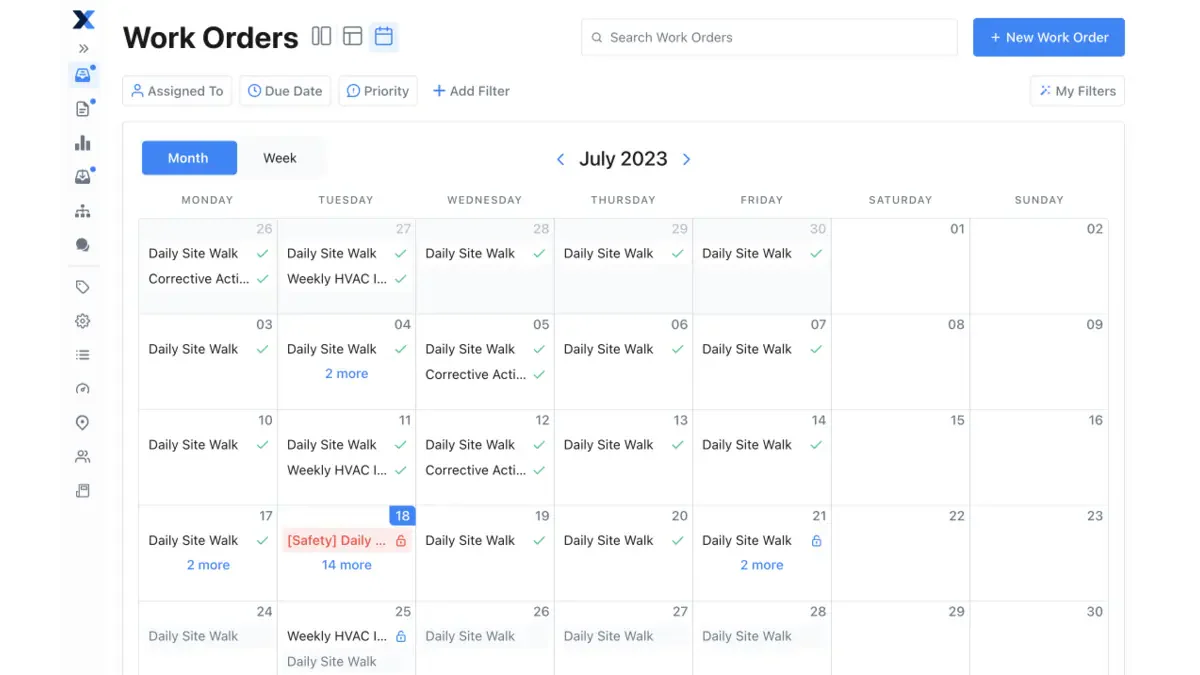
Best for: Small and mid-sized teams that want to replace paper work orders with a mobile-friendly tool.
MaintainX is a work order and maintenance platform. Its pricing page describes the free Basic plan as aimed at small teams digitizing work orders, and it scales up through Essential, Premium, and Enterprise tiers. Its product pages also describe AI features for troubleshooting and work summaries, so it appeals to teams that want to start simple and grow into more advanced use. Language support listed on the site is English, Spanish, French, and Portuguese.
Key features:
Create, assign, and track work orders across sites
Asset management and parts inventory with reorder alerts
Checklists and inspections
iOS and Android apps
Pricing: Basic free; Essential $20 and Premium 65peruserpermonthbilledannually(25 and $75 billed monthly); Enterprise custom.
| Pros | Cons |
|---|---|
| Free Basic plan makes it easy to trial | Per-user pricing adds up as technician headcount grows |
| Mobile-friendly work orders replace paper | Local support in the Philippines is not stated |
| Preventive maintenance, checklists, and inspections included | Sales hours follow U.S. Eastern Time |
| AI features for troubleshooting and work summaries | Language support is limited to English, Spanish, French, and Portuguese |
2. Limble
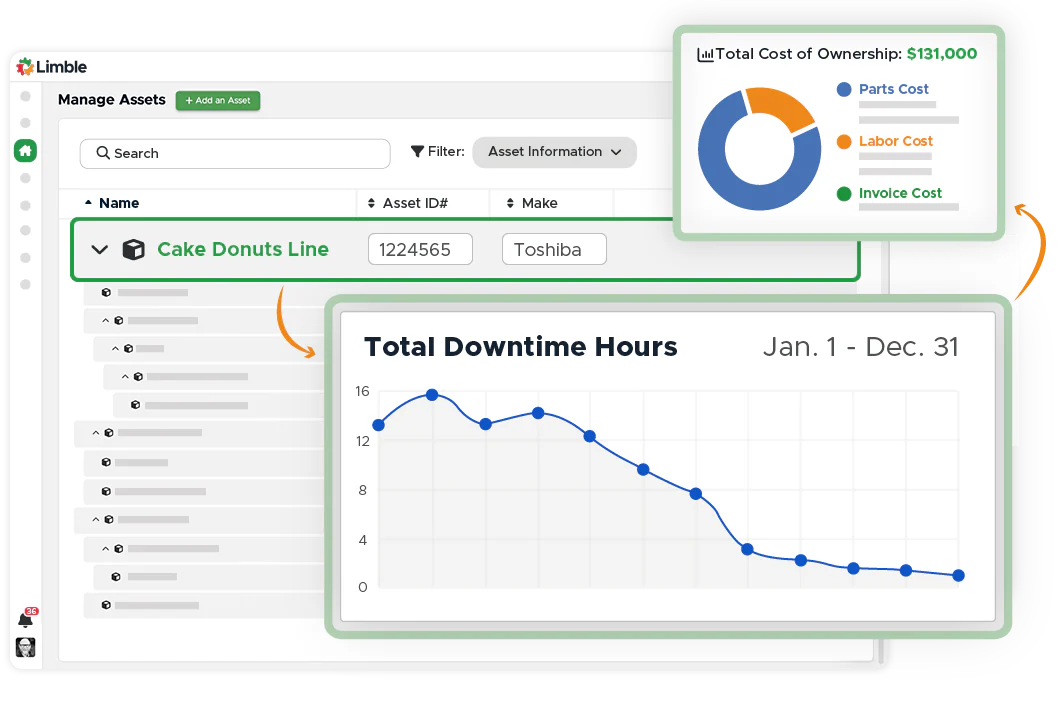
Best for: Maintenance teams in manufacturing, food and beverage, healthcare, and facility management.
Limble positions itself as an asset management platform focused on reducing unplanned downtime. It connects work orders to the asset record, so a repair is always visible next to the equipment's history and the spare parts it uses. That makes it useful for teams that want to see repeat failures on the same machine.
Key features:
Preventive and predictive maintenance
Asset history and spare parts inventory
Mobile app for technicians
Compliance and audit support
Pricing: Not publicly listed (quote or demo).
| Pros | Cons |
|---|---|
| Work orders connect to the asset record | No public pricing |
| Asset history and spare parts sit in the same record as the repair | Budgeting requires a sales conversation |
| Preventive and predictive maintenance | Philippine availability is not mentioned |
| Mobile app plus compliance and audit support | Best suited to maintenance-led teams in manufacturing, food and beverage, healthcare, and facilities |
3. Fiix
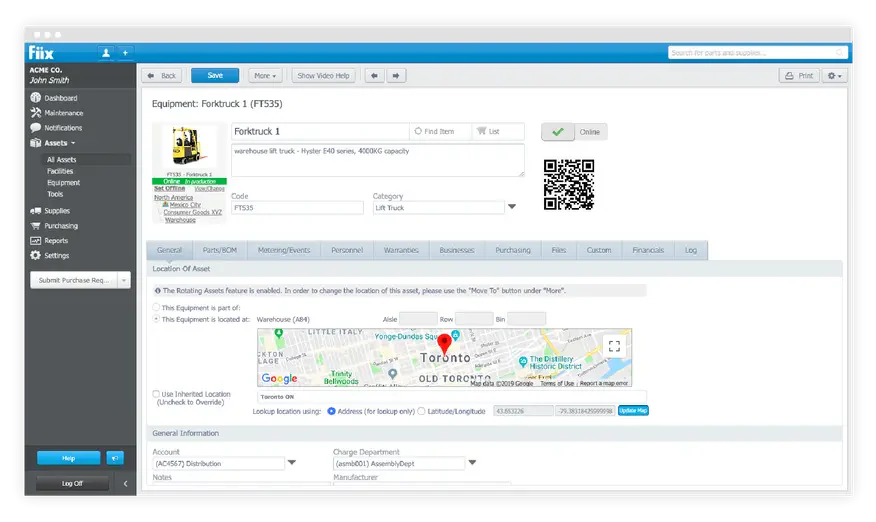
Best for: Teams that want a cloud-based CMMS with analytics and offline mobile use.
Fiix is a cloud-based maintenance management system. Its mobile app works offline, which helps in plants or warehouses with weak connectivity, and it includes an AI assistant called Fiix MAX. It covers the full path from work order to parts to reporting.
Key features:
Work order management
Asset and parts management
Analytics and reporting
Offline mobile access
Fiix MAX AI assistant
Pricing: Not listed on the homepage (demo or consultation).
| Pros | Cons |
|---|---|
| Offline mobile access suits sites with weak signal | Plan prices are not listed on the homepage |
| Fiix MAX AI assistant included | Demo or consultation is needed before budgeting |
| Analytics and reporting built in | Philippine availability is not mentioned |
| Covers the full path from work order to parts to reporting | Time zone coverage for the Philippines is not stated |
4. UpKeep
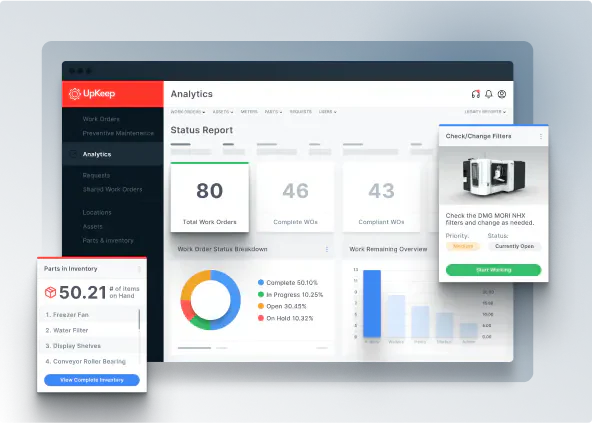
Best for: Manufacturing, facilities, and healthcare teams whose technicians work mainly from phones.
UpKeep describes itself as an AI-native platform for maintenance, safety, and asset operations. It is built around mobile work orders, so a technician can receive, update, and close a repair from the floor. Its two lower tiers are priced publicly, which helps small teams plan a budget.
Key features:
Work orders and mobile access
Preventive maintenance scheduling
Parts and inventory
Safety compliance tools
Pricing: Essential $24 and Premium $55 per user per month; Professional and Enterprise by quote (billing terms not confirmed).
| Pros | Cons |
|---|---|
| Mobile work orders let technicians close repairs from the floor | Higher tiers are quote-based |
| Two published per-user tiers simplify early budgeting | Per-user pricing grows with technician headcount |
| Preventive maintenance scheduling and asset history | Site lists a U.S. headquarters with no Philippine office mentioned |
| Safety compliance tools included | Billing terms are not confirmed |
5. Fracttal
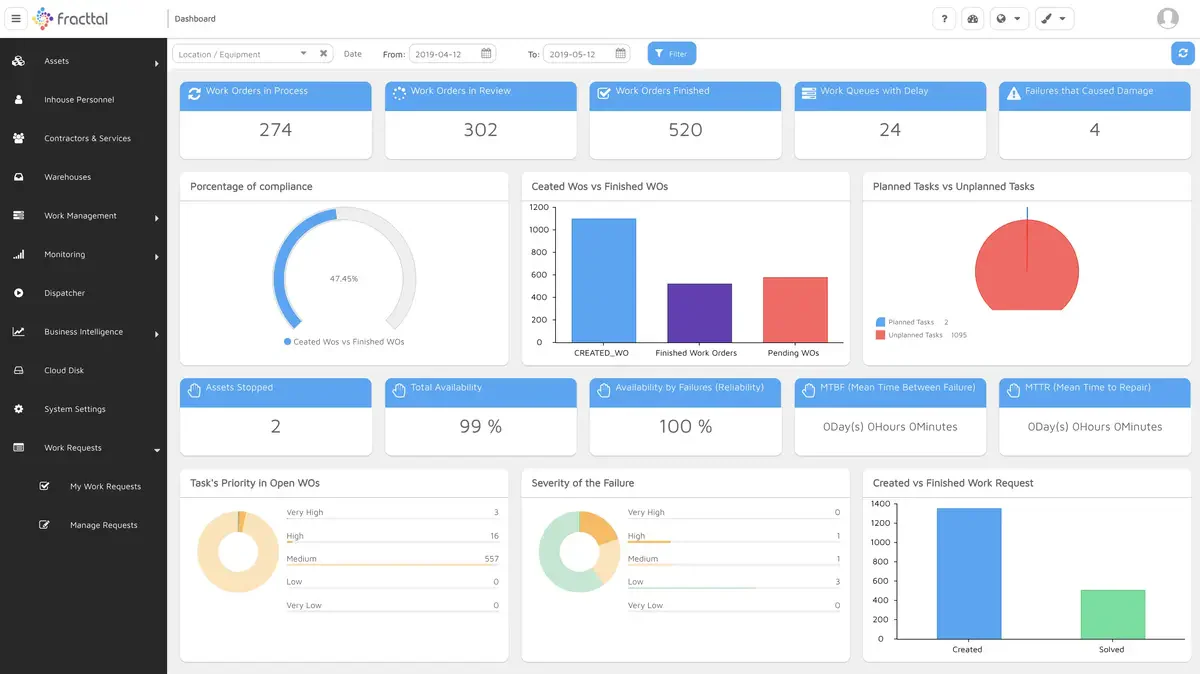
Best for: Teams that want maintenance connected to IoT sensors on their equipment.
Fracttal is a cloud-based maintenance platform with a mobile-first approach. Its site refers to customers in more than 30 countries without naming them, and independent sources describe its main presence as Latin America and Spain. If you choose it, ask where its nearest support team sits.
Key features:
Work order planning, assignment, and reporting
Team and vendor administration
Asset management with IoT sensor monitoring
KPI reports
Pricing: Not publicly listed.
| Pros | Cons |
|---|---|
| IoT sensor data can trigger work from equipment | No public pricing |
| Mobile-first approach | Philippine presence is not stated on its site |
| Team and vendor administration | Main presence is described as Latin America and Spain |
| KPI reports for maintenance performance | Customer countries are not named on the site |
6. HashMicro (HMX Assets and Maintenance)
Best for: Businesses that want repair work managed in the same ERP as their accounting and inventory.
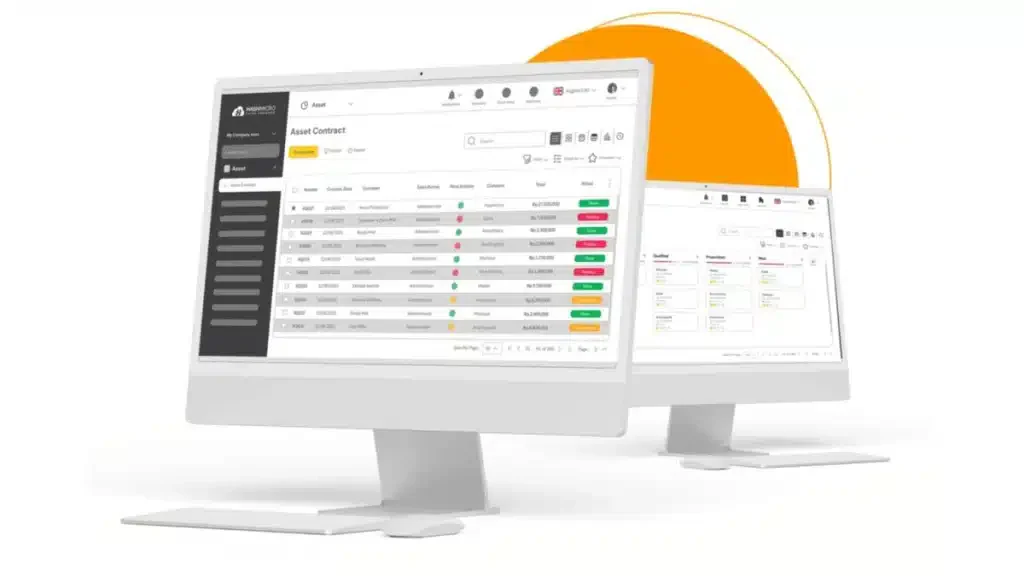
HashMicro’s HMX keeps the asset register alongside maintenance records. Teams can log a maintenance request when equipment needs attention. Maintenance plans schedule preventive work, while maintenance orders and repair work orders track corrective repairs.
Each completed job adds to the asset’s service history. Accounting tracks depreciation on the same asset, helping managers review repair costs alongside its value. Businesses considering this setup can explore HashMicro’s repair management system to see how the repair workflow fits their operations.
Key features:
Maintenance Request, Maintenance Plans, Maintenance Order, and Repair Work Order menus under Assets
Maintenance plans by period, hour meter, odometer, or a combination
Maintenance Cost Order Analysis report
Parts issued from stock and vendor bills for external repairs
Pricing: Not publicly listed.
| Pros | Cons |
|---|---|
| One system for assets, maintenance, and accounting | Better suited to companies adopting an ERP than to a stand-alone repair tool |
| Maintenance plans by period, hour meter, odometer, or a combination | Pricing is not publicly listed |
| Maintenance Cost Order Analysis report | Setup covers more than repairs because it is a full ERP |
| Parts issued from stock and vendor bills for external repairs | Value is highest when accounting and inventory modules are also used |
7. Eptura Asset (formerly Hippo CMMS)
Best for: Facilities and maintenance teams that want a CMMS with barcode-based parts tracking, including those already on Hippo.
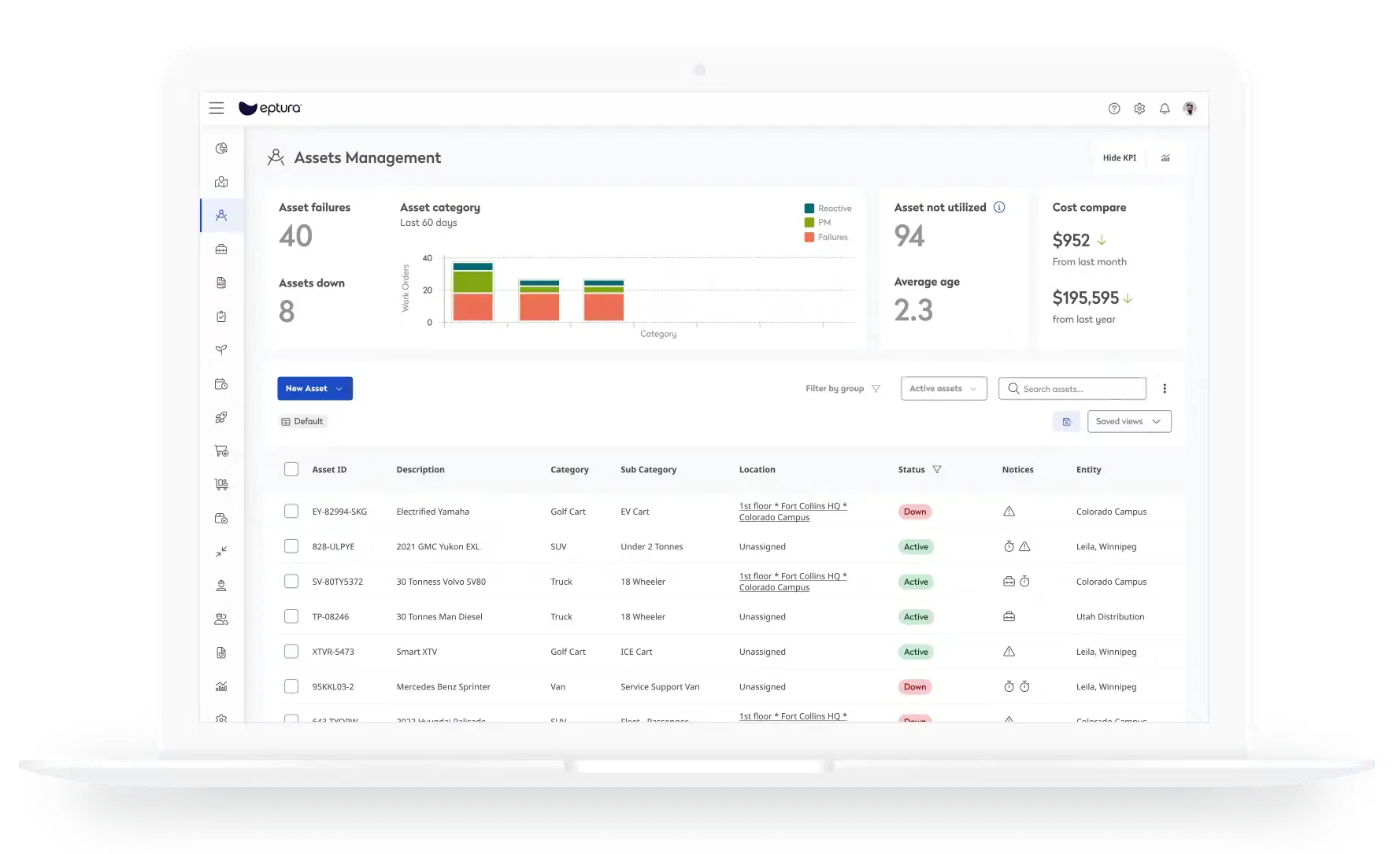
Hippo CMMS is no longer sold as a stand-alone product. The Hippo website now redirects to Eptura, which says Hippo CMMS is evolving into Eptura Asset and that existing Hippo users can keep using their accounts while being encouraged to migrate. Review sites describe Eptura Asset as a CMMS for work orders and preventive maintenance by calendar or usage. Because the product is in transition, confirm the current feature set in a demo.
Key features:
Work order management and preventive maintenance scheduling
Parts inventory tracking with barcode scanning
Equipment inspection logs and vendor management
Compliance reporting
Mobile and desktop access
Pricing: Not shown on the vendor page; a demo is required.
| Pros | Cons |
|---|---|
| Barcode-based parts tracking | Product is mid-migration, so older reviews may not match |
| Equipment inspection logs and vendor management | Hippo CMMS is no longer sold as a stand-alone product |
| Preventive maintenance by calendar or usage | Pricing is not shown and a demo is required |
| Mobile and desktop access plus compliance reporting | Philippine availability is not mentioned |
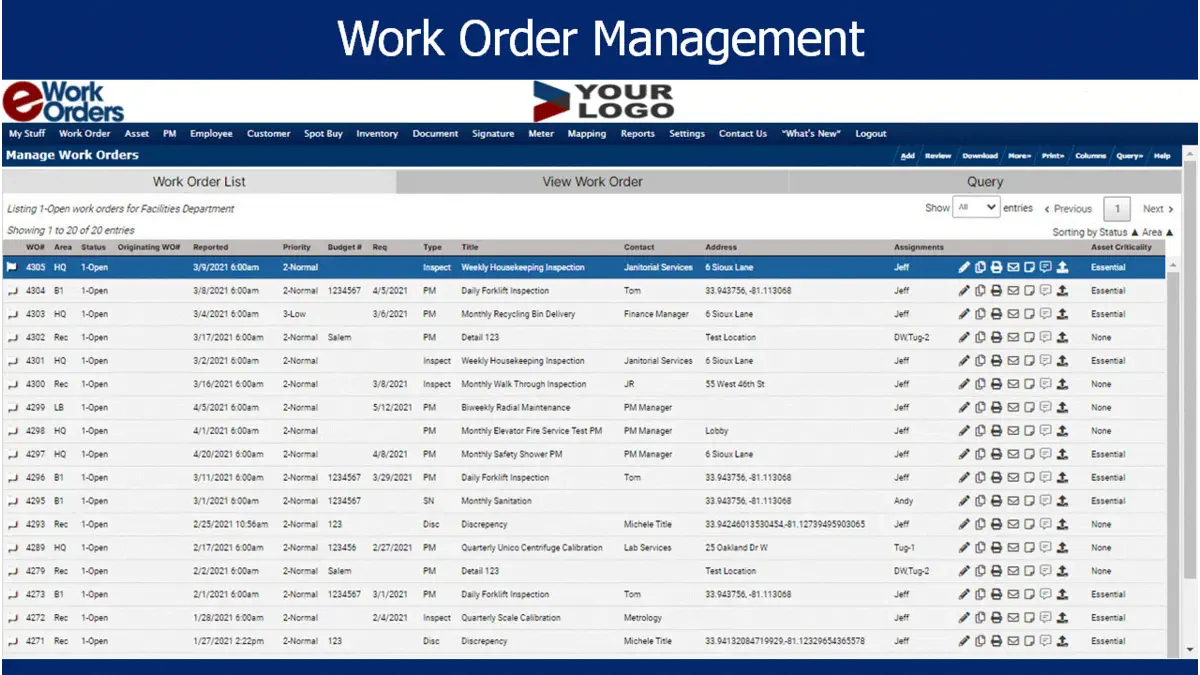
8. eWorkOrders
Best for: Maintenance teams that want a cloud CMMS with QR-code scanning and dashboards.
eWorkOrders describes itself as one option of cloud-based CMMS software, with support it describes as U.S.-based. It covers requests through to reporting, and includes MRO inventory and integration options that suit larger organizations.
Key features:
Submit, assign, and track work orders
Preventive maintenance scheduling
Mobile access with QR code scanning
Real-time KPI dashboards
MRO inventory with barcodes, API integration, and SSO
Pricing: Not publicly listed (quote).
| Pros | Cons |
|---|---|
| Mobile access with QR code scanning | No public pricing |
| Real-time KPI dashboards | Listed address is in the United States |
| MRO inventory with barcodes | Support is described as U.S.-based |
| API integration and SSO for larger organizations | Philippine availability is not mentioned |
9. Go FMX
Best for: Facilities teams that need work orders, scheduling, and inventory in one tool.
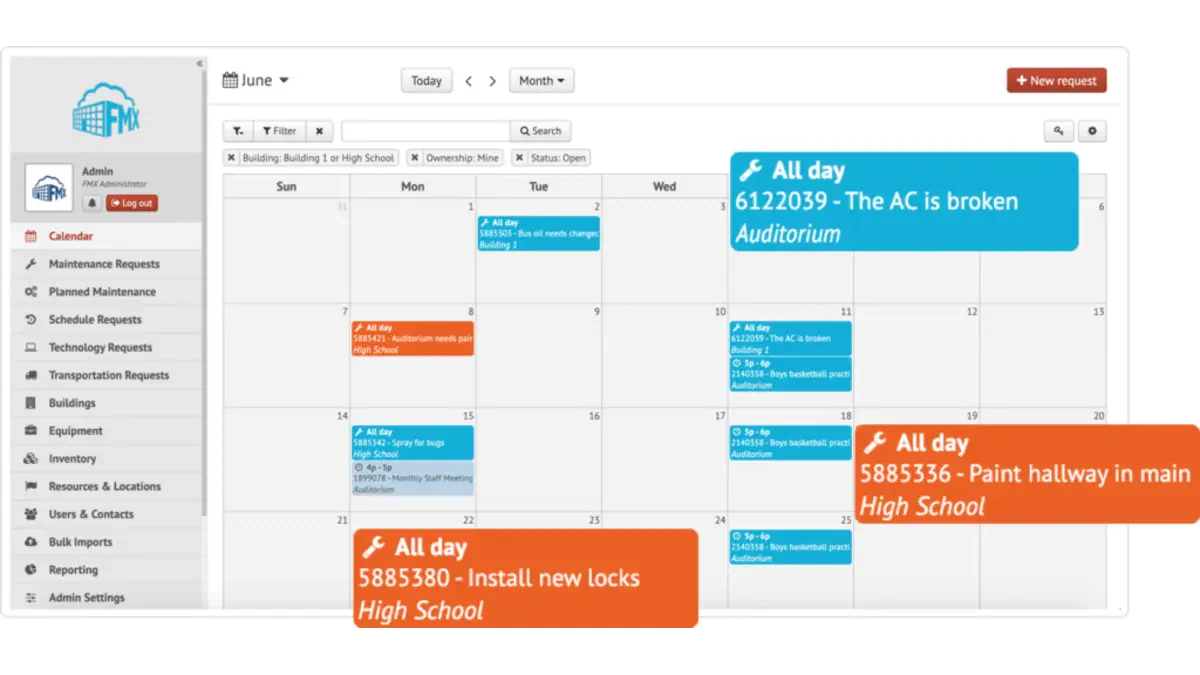
FMX provides facilities and maintenance management software. It leans toward facilities work more than breakdown repair, so it fits best if your repairs are part of general building and equipment upkeep rather than heavy industrial breakdowns.
Key features:
Work order management
Preventive maintenance
Inventory management
Reporting and analytics
Mobile access
Pricing: Not publicly listed (demo or free trial).
| Pros | Cons |
|---|---|
| Work orders, scheduling, and inventory in one tool | Less repair-specific than other tools here |
| Preventive maintenance included | Leans toward facilities work over heavy industrial breakdowns |
| Reporting and analytics | No public pricing |
| Mobile access | Philippine availability is not mentioned |
10. Asset Panda
Best for: Teams that start from asset tracking and want maintenance scheduling added on.
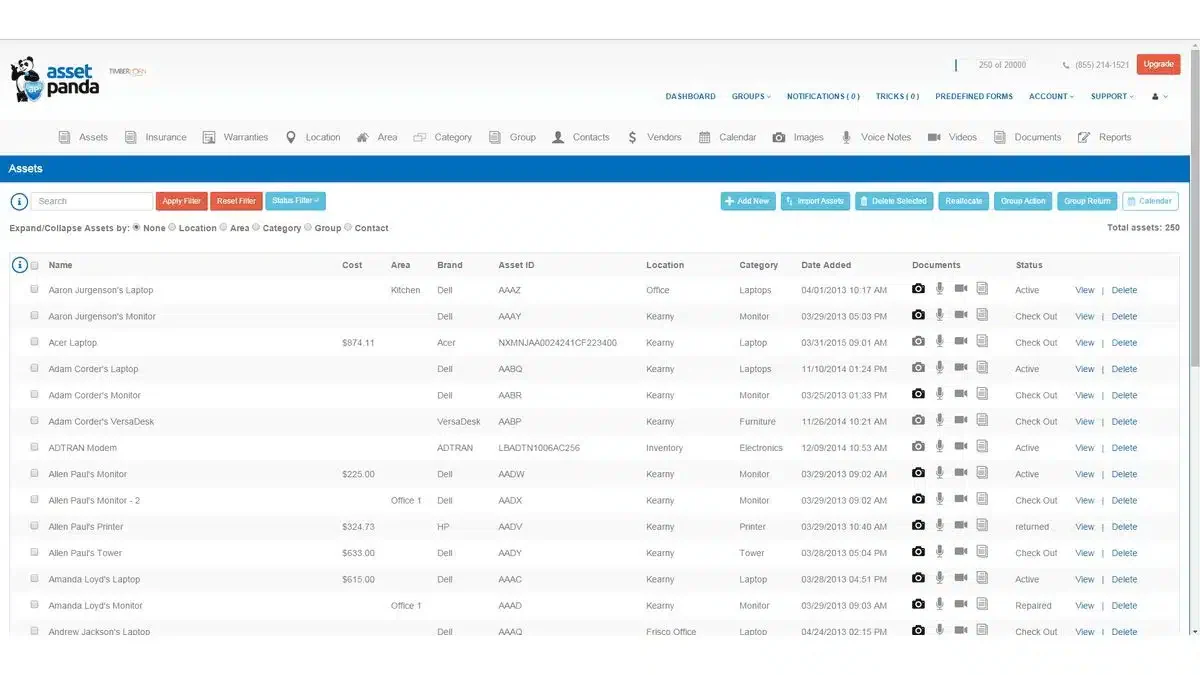
Asset Panda is asset management software. Its strength is tracking what you own, with maintenance as an extension, so it suits businesses whose first problem is knowing where assets are and what condition they are in.
Key features:
Barcode and QR code scanning
Inspection workflows
Maintenance and preventive maintenance scheduling
IT asset lifecycle tracking
Compliance reporting
Pricing: Not publicly listed (quote or free trial).
| Pros | Cons |
|---|---|
| Strong asset tracking base | Repair workflows are secondary to tracking |
| Barcode and QR code scanning | Maintenance is an extension of the core product |
| Inspection workflows | No public pricing |
| Maintenance scheduling plus compliance reporting and IT asset lifecycle tracking |
How to Choose Repair Management Software
The right repair management software depends on how your team works, not on the longest feature list. Work through these six checks before you book any demo, and your shortlist will narrow quickly.
- Asset and technician count: Small teams may start with a lightweight tool, while larger fleets need parts and approvals.
- Field technicians: If technicians work in the field, test the mobile app, including offline use.
- Parts and cost tracking: Check whether the tool links to inventory and accounting or needs a separate integration.
- Philippines support: None of the official pages we checked mentions the Philippines, so ask each vendor about local support, time zone coverage, and whether pricing can be billed in pesos.
- Asset list import: A spreadsheet import shortens rollout.
- Pricing model: Compare per-user, per-asset, and quote-based models against your headcount and growth plans.
Conclusion
The right repair management software depends on how many assets you run, how your technicians work, and whether repairs need to connect to inventory and accounting. Match the tool to your real workflow instead of the longest feature list.
Shortlist two or three tools, run a pilot on one asset group, and compare how quickly repairs are logged, assigned, and closed. A short pilot shows which tool your technicians actually use and whether repair costs reach your accounting records without re-entry.
HashMicro, the publisher of this guide, offers asset and maintenance management inside its HMX ERP, covering maintenance requests, repair work orders, and maintenance plans next to inventory and accounting. If you want to see how this fits your own repair workflow, book a free consultation with the HashMicro team to review your assets, technicians, and parts setup.

FAQ
It is software that tracks repair requests, work orders, technicians, parts, and costs for each asset, from the first report to the final result.
A CMMS usually focuses on scheduled preventive maintenance, while repair management focuses on breakdowns and corrective work. Many products cover both.
Manufacturers, fleet and logistics operators, facilities teams, hospitals, and retailers with equipment that must stay running.
Yes. A small team can start with request and work order tracking, then add parts and reporting later. Free entry plans, such as MaintainX Basic, exist for early trials.
Some tools do, and ERP-based options generally include it. Ask each vendor which accounting and inventory integrations are standard.