A POS quotation can look affordable until you add hardware, implementation, integrations, training, support, and future expansion. That is why understanding the full POS system price matters for Philippine businesses before choosing a solution or approving a budget.
The actual cost depends on your branches, users, terminals, products, transaction volume, payment channels, integrations, reporting needs, and rollout plan. This guide provides a vendor-neutral framework to compare POS investments in the Philippines, so you can prepare the right requirements and request quotations based on the same operating scope.
Key Takeaways
Your POS system price should cover more than software or terminals: include implementation, support, integrations, training, and future expansion.
Compare POS quotations against the same requirements list so differences in hardware, modules, support, and implementation scope are visible.
A three- or five-year TCO worksheet helps you plan for recurring costs, replacements, upgrades, and internal operating effort.
For multi-branch operations, assess how POS data will connect with inventory, purchasing, accounting, payments, and management reporting.
What Is the Total POS System Price You Should Budget For?
A complete POS budget includes more than software subscriptions or terminal purchases. For businesses in the Philippines, the total POS system price depends on equipment, implementation, integrations, training, ongoing support, and future expansion, as well as the number of branches, users, terminals, and transaction volume. Planning these costs in advance helps businesses compare quotations fairly and avoid unexpected expenses.
A complete POS budget includes more than software subscriptions or terminal purchases. For businesses in the Philippines, the total POS system price depends on equipment, implementation, integrations, training, ongoing support, and future expansion, as well as the number of branches, users, terminals, and transaction volume. Planning these costs in advance helps businesses compare quotations fairly and avoid unexpected expenses.
| Cost category | What to include | Questions to clarify |
|---|---|---|
| Equipment | Terminals, scanners, receipt printers, cash drawers, customer displays, network devices and backup equipment | Which items are supplied, leased, or purchased? Who handles replacement? |
| Software access | POS application, user access, branch access, modules and optional features | Are users, locations and modules priced separately? |
| Implementation | Discovery, configuration, data preparation, migration, testing and deployment | What deliverables and responsibilities are included? |
| Integrations | Inventory, purchasing, accounting, CRM, e-commerce, payment and reporting connections | Are APIs, testing and monitoring part of the scope? |
| Training and change | Role-based training, procedures, pilot support and refresher sessions | How many sessions and users are covered? |
| Recurring operations | Subscription, support, connectivity, payment-related charges, upgrades and maintenance | Which costs change when branches or users are added? |
| Replacement and expansion | New terminals, branch rollout, extra modules, product growth and process changes | What assumptions apply to a three- or five-year plan? |
For Philippine retailers with multiple branches, POS costs may also cover inventory synchronisation, purchase orders, payment reconciliation, and consolidated reporting. Ask HashMicro for a written quotation that clarifies all inclusions and exclusions, and compare it against the same requirements when evaluating retail inventory management solutions.
Which Factors Have the Greatest Impact on POS System Price?
POS system price depends on what your business needs the system to handle. The factors below affect the equipment, setup work, and ongoing support included in a quotation.
Branches and users: A single store with a few cashiers usually needs a simpler setup. Multiple branches add user permissions, shared product data, stock transfers, consolidated reporting, and a coordinated rollout.
Products and transaction volume: A large catalogue or menu takes more time to set up and check, especially when items have variants or different prices. High sales volume also makes system performance, connectivity, and payment reconciliation more important.
Hardware: Terminals, barcode scanners, receipt printers, customer displays, and network equipment all add to the budget. Ask which devices are compatible and who pays for installation, maintenance, and replacements.
Inventory and accounting workflows: Stock deductions, receiving, purchasing, returns, tax rules, and accounting entries need to follow your business processes. The more controls you require, the more setup and testing the quotation should cover.
Sales channels and reporting: Connecting e-commerce stores or marketplaces adds work to keep orders, prices, and stock aligned. Custom reports also need agreed definitions, data sources, and access permissions.
Support coverage: Support hours, response targets, and procedures for urgent branch outages affect recurring costs. Check what the quoted support package includes before comparing prices.
A specialty shop may only need basic checkout and inventory, while a multi-branch food business may also need kitchen printing, promotions, and outlet reporting. Compare quotations against your own workflows so each provider prices the same scope.
What Should You Check Before Buying a POS System?

Hidden POS costs usually arise from exclusions and undefined responsibilities. Before buying a POS system, require finance, operations and IT stakeholders to review the same written proposal.
- Confirm the commercial structure. Ask whether the quotation is subscription-based, perpetual, leased, usage-based or a combination. Check renewal, escalation, cancellation and minimum-term provisions.
- Define implementation scope. Request deliverables for discovery, configuration, migration, testing, training, deployment and post-go-live support. Clarify what your team must provide.
- List every hardware responsibility. Identify supplied devices, compatible models, warranties, replacement procedures, installation work, network requirements and backup equipment.
- Verify support coverage. Ask for support hours, response targets, escalation paths, remote-assistance rules and the process for urgent branch outages.
- Clarify data migration. Confirm source formats, cleansing responsibilities, opening balances, historical data, validation and sign-off criteria.
- Assign integration ownership. State who owns APIs, mapping, testing, monitoring, error resolution and changes to connected accounting, inventory, payment or e-commerce systems.
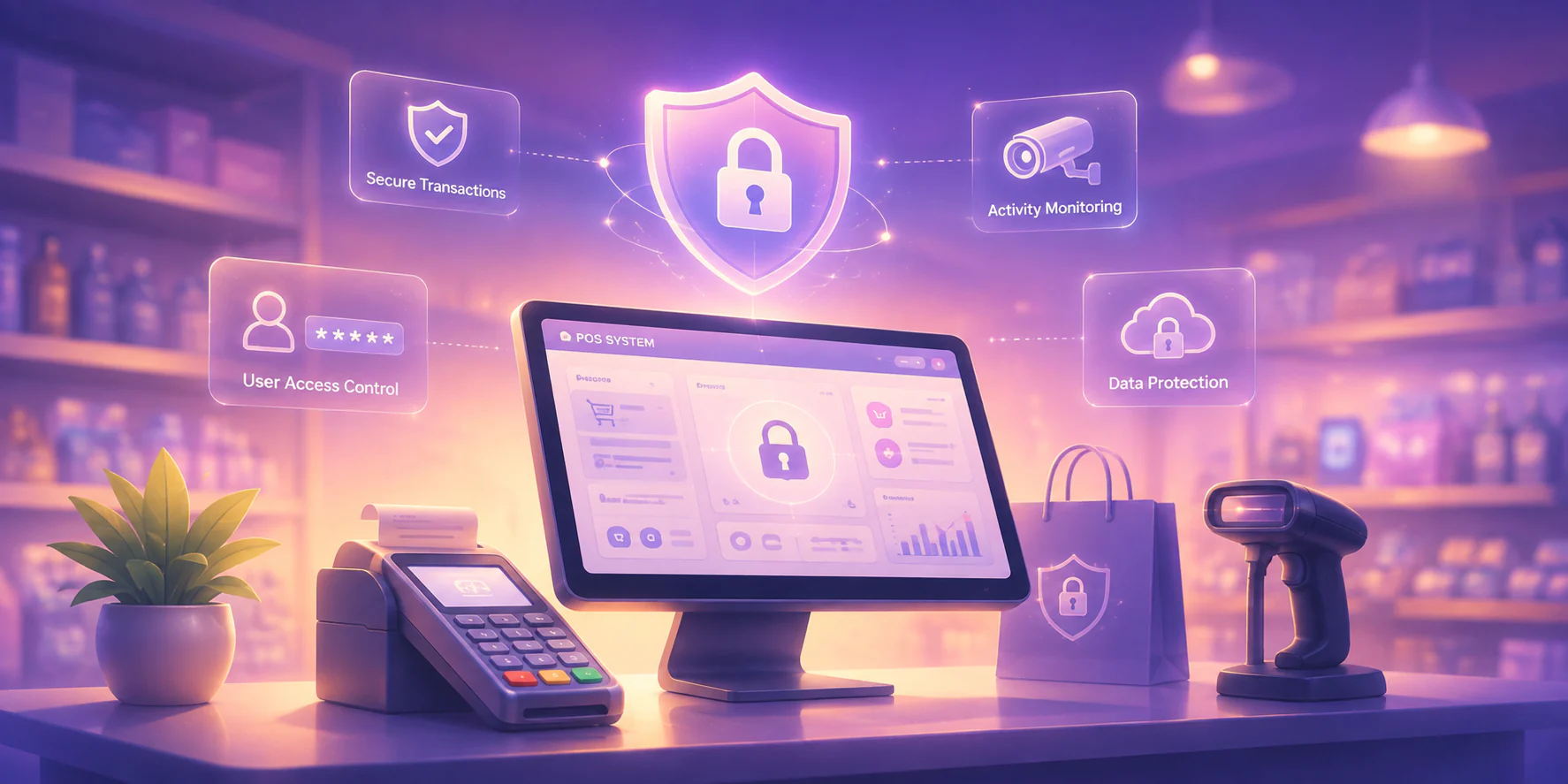
- Review security responsibilities. Ask about user access, audit logs, backups, device controls, data ownership, retention and incident notification procedures. An audit trail should be considered where approvals and financial changes require traceability.
- Test connectivity fallback. Document what happens during an internet outage, including offline transactions, synchronisation, duplicate prevention and reconciliation.
- Understand upgrade and change costs. Ask which updates are included and how new reports, branches, modules or workflows are priced.
- Protect your exit options. Confirm data-export formats, access after termination, transition assistance and any fees for retrieving your records.
Quote exclusions that should be clarified in writing include third-party payment charges, cabling, network upgrades, custom reports, historical data conversion, extra training, travel, branch-specific setup, integration licences and replacement devices. Do not approve a POS system price until these assumptions are visible.
What Is the Average Price in the Philippines for POS Systems?

A reliable average POS system price is difficult to define because providers package hardware, software, support, payments, integrations, and implementation differently. Instead of relying on a broad market estimate, price the system according to your operating model and required features.
Single-Location Retail
A specialty shop may only need a few terminals, a product catalogue, basic inventory, and payment processing. Prepare your store layout, SKU count, device list, user roles, and reporting needs before requesting a quotation.
Multi-Branch Retail
Multiple branches usually require central inventory, stock transfers, shared pricing, purchasing controls, user permissions, and consolidated reporting. Include your branch count, stock ownership rules, approval workflows, and planned rollout sequence.
Food and Beverage
Restaurants may need menu variants, modifiers, kitchen routing, table management, delivery channels, promotions, and outlet-level reporting. Share your number of outlets, kitchen stations, devices, sales channels, and peak transaction patterns.
Hospitality
Hotels and similar businesses may require several outlets, guest or room-related charges, payment reconciliation, and stronger finance controls. Your quotation should reflect the property structure, outlet workflows, payment methods, and accounting requirements.
Distribution-Linked Operations
Businesses connected to warehouses or distribution networks may need purchasing, fulfilment, delivery coordination, and stock allocation across locations or channels. Provide your warehouse count, product hierarchy, fulfilment rules, and accounting integration requirements.
The right question is not “What is the average POS price?” but “Which operating scope matches my business, and what does the quotation include?” Ask each provider to separate acquisition, implementation, recurring operations, integrations, and expansion costs so you can compare proposals on equal terms.
How Do You Calculate the Total Cost of Ownership for a POS System?
Use this vendor-neutral formula for a POS total cost of ownership estimate:
Ask finance whether payment reconciliation and accounting entries will be automatic or manual. Ask operations whether stock adjustments, transfers and branch reporting require duplicate work. Ask IT whether integration monitoring, user administration and exception handling have an assigned owner. These answers can materially change the real cost of ownership even when the software quotation appears similar.
Keep a separate assumption register for transaction volume, users, branches, devices, support hours, connectivity and planned expansion. Update the worksheet when those assumptions change.
What Implementation and Change Costs Should You Plan For?
Implementation costs depend on deployment readiness and business-process complexity. A written scope document should accompany every quotation, with clear entry and exit criteria for each phase.
- Discovery: Confirm branches, users, devices, products, workflows, integrations and reporting requirements.
- Process mapping: Document sales, returns, discounts, stock movements, payments, approvals and period-close procedures.
- Configuration: Set up roles, price rules, tax settings, item structures, locations, printers and dashboards.
- Data preparation: Cleanse and validate product, customer, supplier, opening-stock and accounting data.
- Integration testing: Test inventory deductions, payment reconciliation, accounting postings, error handling and reports.
- User acceptance testing: Give representative users realistic scenarios and record defects, decisions and sign-off.
- Role-based training: Train cashiers, supervisors, finance users, inventory teams, administrators and support contacts.
- Pilot rollout: Start with a controlled branch or process, then assess data, hardware, users and support readiness.
- Deployment: Confirm cutover responsibilities, fallback procedures, opening balances and escalation contacts.
- Post-go-live support: Review incidents, reconciliation results, adoption gaps, report accuracy and change requests.
Budget internal staff time as well as provider fees. Employees may need time for data cleansing, test transactions, training attendance, reconciliation and procedure updates. If these tasks are omitted from the POS system cost, the project can appear cheaper than it is.
How Should You Choose a POS System for Your Budget?
Choose the proposal that meets your required controls and operating scope while making future costs and responsibilities clearest. A low headline price is not useful if it excludes the integrations, support or branch controls your business needs.
Use this weighted decision matrix and adjust the weighting to your priorities:
| Evaluation area | Weight | Evidence to request |
|---|---|---|
| Budget predictability | 15% | Complete fee schedule, assumptions and change policy |
| Hardware suitability | 10% | Device list, compatibility, warranty and replacement terms |
| Branch expansion | 10% | Added-branch process, permissions and pricing rules |
| Inventory control | 15% | Stock, transfers, purchasing and adjustment workflows |
| Accounting and payments | 15% | Reconciliation, posting, refunds and exception handling |
| Integration readiness | 10% | API documentation, ownership, testing and monitoring |
| Reporting | 10% | Required dashboards, exports and auditability |
| Support and security | 10% | Service coverage, access controls, backups and escalation |
| Implementation scope | 5% | Phases, deliverables, training and acceptance criteria |
If disconnected sales, inventory and accounting data are increasing reconciliation work, discuss your current workflows with an ERP team. HashMicro POS can help clarify the branches, users, products, controls, integrations and reporting requirements that should shape a tailored quotation. The objective is a better-defined investment plan, not a guaranteed cost reduction.
Conclusion
A reliable POS system price covers more than software and hardware. It should also account for implementation, integrations, training, support, recurring fees, replacements, and future expansion.
Compare providers using the same requirements and calculate total cost over three to five years. This makes exclusions, responsibilities, and long-term expenses easier to identify before approving a quotation.
For businesses managing multiple branches or disconnected sales, inventory, and accounting processes, HashMicro provides an integrated POS solution tailored to operational needs. Book a free consultation to define your requirements and receive a quotation based on your actual business scope.
Frequently Asked Questions
Normalize both proposals against the same requirements list, including hardware, users, branches, modules, integrations, support, implementation scope, data responsibilities, and contract terms. Ask each provider to identify exclusions and assumptions so the comparison reflects equivalent scope rather than headline price.
Include setup, hardware, subscriptions, support, integrations, internal labour, training, connectivity, upgrades, replacement, change management, and planned expansion. The three- or five-year horizon is a planning method, not a market-price forecast.
Integration deserves detailed assessment when you operate multiple branches, manage central stock, carry many SKUs, use purchase-order controls, require financial reconciliation, or depend on consolidated management reporting. Evaluate whether manual re-entry and exception handling would be sustainable.
Request a written scope document, implementation plan, inclusions and exclusions, support terms, hardware responsibilities, integration responsibilities, data ownership details, security assumptions, connectivity fallback procedures, upgrade rules, and exit or data-export arrangements.