

A leave request gets approved in a group chat, attendance sheets arrive from three branches in three different formats, and payroll only sees the final numbers a day before cut-off. HR then spends the week reconciling records instead of supporting employees, and most corrections surface only after the payslip has gone out.
That manual handling carries a real cost. Wrong attendance data becomes wrong payroll data, slow approvals delay onboarding and headcount plans, and records scattered across chats and spreadsheets leave HR with nothing to show when an audit, a DOLE inspection, or an employee dispute asks how a decision was made.
This guide shows Philippine HR, finance, and operations leaders which workflows to automate first and what data and approvals each one needs, and how to evaluate software so the result connects cleanly with payroll, accounting, and operations reporting.
Key Takeaways
HR automation is most effective when it handles repeatable workflow steps while people retain responsibility for sensitive decisions and exceptions.
Philippine businesses should prioritise processes such as attendance, leave, onboarding, employee requests, and payroll inputs according to data quality, repeatability, and control requirements.
Evaluate HR automation software by workflow fit, shared data, permissions, auditability, integrations, reporting, scalability, localisation, and implementation support.
A staged rollout with clear owners, tested exception paths, employee communication, and baseline KPIs reduces implementation risk.
What Is HR Automation?
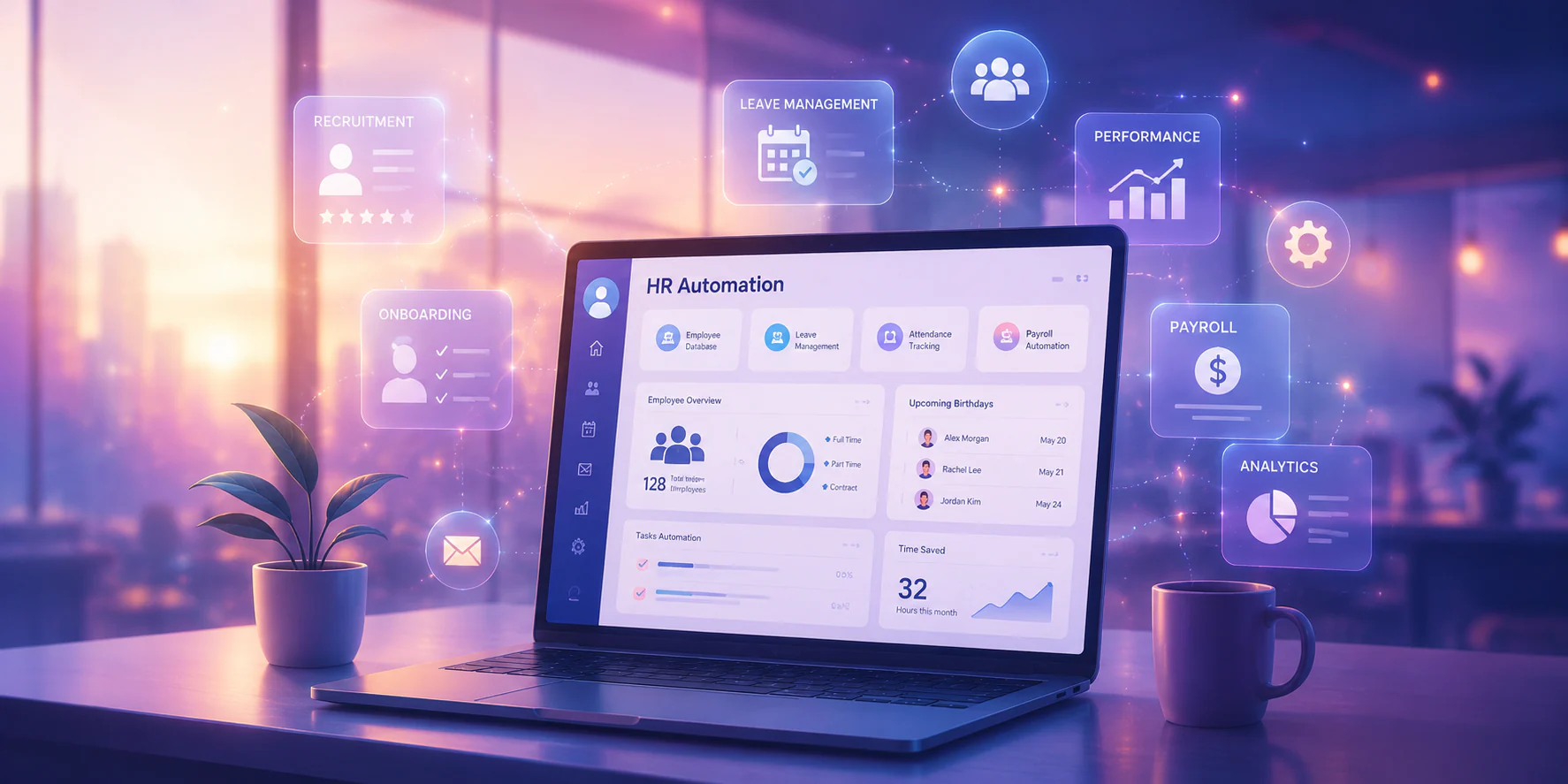
HR automation is software configured to execute, route, record, and monitor repeatable human-resources activities. A leave request, attendance event, onboarding task, or employee data change starts a workflow; rules determine who reviews it, what records are updated, which notifications are sent, and what evidence is retained.
HR automation is related to, but different from, broader HR technology:
- HR workflow automation handles repeatable steps and approvals.
- HRM software provides a wider system for employee records, attendance, leave, payroll-related data, reporting, and self-service.
- AI in HR automation may assist with recommendations, classification, or natural-language interactions, but it needs additional review for privacy, explainability, bias, and high-impact employment decisions.
Where Does HR Automation Fit in Philippine HR Operation?
Philippine HR teams usually run the same process across several branches, shifts, and employment types. A retail chain, BPO, hotel group, or manufacturer may capture attendance on rotating schedules, apply rest-day and holiday premiums, and process leave requests approved by different supervisors. Automation fits exactly where those steps repeat and follow written rules.
In that setting, one employee record can connect a shift attendance capture with a manager approval, a leave balance, and payroll preparation. Maintaining that single record is the core job of a human resources management system. The exact connection depends on the organisation's data model, existing applications, permissions, and implementation scope.
It also fits where evidence matters. Automated HR workflows process personal employee information, so access rules, retention settings, and approval trails should be configured together with the workflow itself. The Data Privacy Act of 2012 (RA 10173) sets out the obligations Philippine organisations carry when they collect and process this data. Software can support those controls; your legal and data-protection officers confirm whether a given configuration meets them.
How Does HR Automation Work Across a Business Workflow?
HR automation works can be explained through four parts:
- a trigger starts the process
- an automated process applies rules and routes work
- an output updates records or produces a result
- a control defines permissions, approvals, exceptions, and audit evidence.
| Trigger | Automated process | Responsible owner | Output |
|---|---|---|---|
| Employee submits leave | Check required fields and route by department or leave type | Line manager and HR | Approved leave record and notification |
| New hire is added | Create onboarding tasks for HR, IT, finance, and manager | HR coordinator | Task checklist and status view |
| Shift attendance is captured | Match schedule, flag anomalies, and prepare records | Supervisor and payroll team | Attendance summary or exception queue |
| Manager requests workforce change | Route request for policy and budget review | HR, finance, or operations | Approved change record |
For example, an approved leave request can update the employee’s leave record, notify the supervisor, and make approved information available for payroll preparation. A new-hire workflow can notify IT to prepare access, finance to establish cost-centre information, and the line manager to complete role-specific tasks.
Which HR Processes Can You Automate First?
The following use cases can be adapted for BPO, retail, hospitality, manufacturing, and distribution operations in the Philippines. Payroll inputs deserve the closest attention, because every attendance correction and approved leave eventually flows into the payroll process in the Philippines.
| Use case | Trigger | Automated action | Output | Control point and example |
|---|---|---|---|---|
| Employee onboarding | New hire record created | Assign document, orientation, and equipment tasks | Onboarding status | HR verifies identity and role; useful for distributed branches |
| Document collection | Required document marked pending | Send reminders and record submissions | Complete document checklist | HR reviews sensitive documents and retention rules |
| Employee self-service | Employee opens a request | Present approved forms and route the request | Request status and response | HR handles unusual or confidential cases |
| HR request routing | Request submitted by employee or manager | Classify by topic and send to owner | Queue with timestamps | HR defines categories and escalation rules |
| Attendance capture | Clock-in, schedule, or timesheet event received | Match schedule and flag anomalies | Attendance record or exception | Supervisor reviews missed punches and shift changes |
| Leave management | Leave application submitted | Check balance and route for approval | Leave decision and updated balance | Manager and HR review policy exceptions |
| Overtime or schedule request | Overtime or shift change proposed | Route to manager and, where required, finance | Approved schedule or overtime input | Human approval remains required for exceptional cases |
| Payroll input preparation | Approved attendance, leave, or allowance change | Consolidate validated inputs | Payroll-ready data | Payroll team reconciles cut-off exceptions |
| Employee data update | Employee submits a profile change | Route for verification and update the record | Updated employee record | Access permissions and change history |
| Training administration | Training assigned or completed | Send invitations, reminders, and status updates | Training completion report | HR validates attendance and required certifications |
| Offboarding | Separation approved | Create clearance, asset-return, and access-removal tasks | Offboarding checklist | HR and IT confirm completion before closure |
| Management reporting | Reporting period closes | Aggregate approved workforce data | Dashboard or scheduled report | Owners review data quality and definitions |
These are HR automation examples, not promises that every process can be switched on immediately. A payroll input workflow may require clean employee identifiers and an agreed cut-off.
What Should Philippine Businesses Consider Before Automating HR?
HR automation in the Philippines should be configured around data ownership, role-based access, approval controls, audit records, and current legal and company requirements. Software controls support governance, which means they do not by themselves determine whether an organisation meets every obligation.
Before implementation, business should review:
- Which team owns employee master data, attendance records, leave records, and payroll inputs.
- Which roles may view, create, approve, edit, export, or delete information.
- How long records should be retained and how changes are documented.
- Whether approval authority differs by branch, department, employment type, or amount.
- How manual overrides, corrections, and exceptional attendance or payroll cases are logged.
- What integrations transfer data to payroll, accounting, finance, scheduling, or operations systems.
- How employees are informed about self-service, access, and correction procedures.
Requirements can change and often depend on the facts of a business, so validate current rules with authoritative Philippine sources, the National Privacy Commission for personal-data processing, and the Department of Labor and Employment and the Bureau of Internal Revenue for employment records and payroll.
What Benefits Can HR Automation Deliver?
HRM software delivers these gains only when process design, data quality, adoption, integrations, and ongoing ownership are handled alongside it; no software should be assumed to guarantee a particular ROI
| Business problem | Relevant capability | Indicator to monitor | Responsible owner |
|---|---|---|---|
| Employees chase approval status | Status notifications and queues | Pending requests by age | HR service owner |
| Branches use different forms | Configured workflow and standard fields | Correction or rework volume | HR operations |
| Payroll receives late changes | Approved input consolidation | Inputs received by cut-off | Payroll manager |
| Records are difficult to review | Central history and audit trail | Completed audit checks | HR and internal control |
| Managers lack workforce visibility | Shared dashboards and reports | Reporting timeliness and data completeness | HR and operations |
| HR handles routine questions manually | Employee self-service and knowledge prompts | Self-service adoption and unresolved requests | HR service desk |
| Duplicate data entry creates errors | Shared employee and workflow records | Duplicate or corrected records | Data owner |
Integrated workforce data can support finance, accounting, scheduling, and operational reporting when the required interfaces are properly designed.
What are the Challenges and Limitations Faced?
The most common HR automation challenges are poor data, unclear ownership, excessive rule complexity, weak adoption, and dependencies on other systems. Each limitation below lists its early warning sign, the control that prevents it, and the accountable owner.
- Inaccurate or duplicated employee data: duplicate records and mismatched IDs push the wrong figures into payroll, so the HR data owner should clean the master file and set matching rules before go-live.
- Inconsistent policies across branches: when branches expect different outcomes from the same request, a single workflow cannot serve them all, so HR leadership must document each policy variant and its approval rule first.
- Integration dependency: attendance, payroll, and accounting systems exchange data on a fixed schedule, so IT and payroll should test the mappings, reconcile totals, and keep a fallback step ready when a cut-off fails.
- Permission errors: access that is too broad lets users view or approve records outside their scope, so the system administrator should map roles to actual responsibilities and review them at every joiner, mover, and leaver event.
- Poor exception handling: unusual cases stall in the queue when no rule covers them, so the process owner needs escalation paths and a manual-review route for anything the workflow cannot decide.
- Employee resistance: staff keep sending requests through chat when the system feels slower than the old habit, so the HR change lead should pair the rollout with training, clear communication, and visible support.
- Automating a flawed process: automation runs a broken step faster instead of fixing it, so HR and operations should redesign the process and sign it off before anyone configures the workflow.
Rules-based workflow automation is not the same as AI-assisted recommendations. AI features may require separate assessment of training data, explainability, human review, privacy, and potential impact on employment decisions.
Most of these risks share one root cause, the process runs across separate spreadsheets, chats, and systems, so no one can see where a request stopped or who last changed a record. Keeping attendance, leave, approvals, and payroll inputs on one employee record with role-based access and a visible approval trail like HashMicro lets exceptions surface while they are still cheap to fix.

How Do You Evaluate HR Automation Software
How Do You Evaluate HR Automation Software?
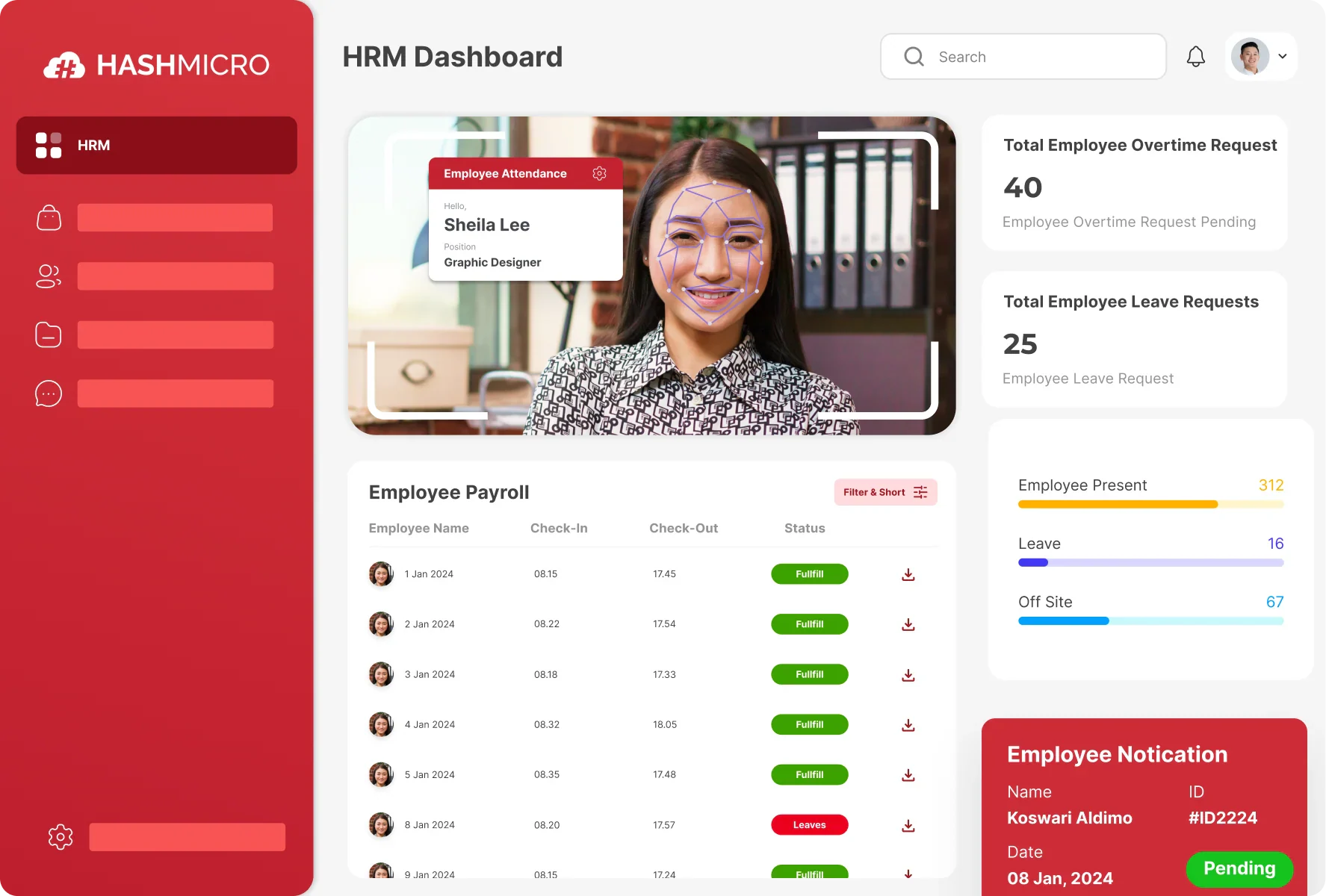
Evaluate HR automation software against operating requirements, not just feature counts. Ask vendors to demonstrate a realistic Philippine scenario using your approval levels, branch structure, employee data fields, attendance rules, and reporting needs.
Key criteria include:
- Workflow configuration for leave, attendance, onboarding, requests, and payroll inputs.
- A shared employee record with controlled changes and searchable history.
- Role-based permissions, approval separation, and access-review support.
- Exception queues, escalation, manual overrides, and reconciliation reports.
- Integration options for payroll, finance, accounting, scheduling, attendance, and operations.
- Employee and manager self-service suited to mobile and distributed teams.
- Reporting definitions that stakeholders can understand and verify.
- Localisation, implementation support, training, documentation, and scalability.
- Security assessment, data-processing responsibilities, retention, backup, and incident procedures.
Request clarity on what is standard configuration, what requires customisation, and what depends on another system. A credible evaluation should also include total cost, internal resources, change management, and the effort required to maintain policies after launch.
Reviewing how HRIS platforms used in the Philippines package these capabilities gives you a realistic baseline before shortlisting.
Conclusion
HR automation works as a controlled workflow, not a shortcut. A trigger starts the process, rules route the work, an output updates the record, and a control defines who may approve, what counts as an exception, and what evidence is kept.
In short, automation makes a well-defined process faster and a poorly defined one fail faster, which is why process design has to come before system design.
HashMicro can help HR, finance, IT, and operations leaders map current workflows and assess an integrated ERP approach before committing to a one-size-fits-all rollout. Discuss your ERP requirements with our team to identify a practical HR automation priority, control model, and implementation sequence. You can also take a free product tour to see how these workflows run inside one system.

Frequently Asked Questions
The best first candidates are high-volume, repeatable, rules-based processes with reliable data and manageable exceptions. Assess attendance, leave, onboarding, employee requests, and payroll inputs against transaction volume, data quality, approval complexity, and integration dependencies.
Use a trigger-to-output flow: approved workforce changes, attendance records, leave data, and payroll inputs are validated, routed, and transferred according to the organisation’s data model, permissions, existing systems, and implementation scope.
Review data ownership, role-based access, approval authority, audit trails, exception handling, manual overrides, retention, security assessment, and periodic review. Validate current Philippine requirements with authoritative sources and internal legal, compliance, and information-security teams.
Automation can support routing, reminders, record updates, and standard approvals, but sensitive employee relations, disciplinary, compensation, and exceptional cases should retain appropriate human review.
Use a balanced scorecard covering processing time, pending approvals, exception volume, data corrections, employee adoption, audit completion, reporting timeliness, and stakeholder satisfaction. Set benchmarks from the organisation’s own baseline rather than invented industry averages.