






A morning rush can expose every gap in a bakery’s workflow. The cashier needs to move a queue of pandesal buyers, while the owner needs to know what is left to sell and whether tomorrow’s production should change.
Cost control adds another concern. The Philippine Statistics Authority reported that prices in its flour, bread, and other bakery products category rose 4.5% year on year in September 2026. That figure does not describe the cost increase at every bakery, but it shows why an old recipe cost should not be treated as a current one.
A bakery POS system can connect checkout with the sales and stock records used to make those decisions. This guide compares six options available to Philippine businesses and shows what to test before choosing one.
Key Takeaways
A bakery POS system records sales and may also manage stock, orders, and reports. Recipe costing requires a closer look at each product and plan.
The quick comparison separates options suited to a small panaderia from those aimed at bakery-cafés or multiple branches.
The right features depend on whether the bakery needs to track finished products, ingredients, custom orders, or all three.
What Is a Bakery POS System?
A bakery point-of-sale system records purchases at the counter and helps staff manage products, prices, payments, and transaction reports. Depending on the software, it may also track inventory, accept online orders, store customer details, or consolidate results from several branches.
For a bakery, the distinction between finished goods and ingredients matters. Selling one loaf can reduce the number of loaves available in the display case. Reducing flour, butter, and yeast according to the loaf’s recipe is a different function. Calculating the loaf’s cost after a supplier changes its prices takes another step.
That is why an “inventory management” label alone cannot tell you whether a POS meets your production needs. Ask the vendor to show what happens to finished stock and ingredient stock when you make and sell a product.
How Can a POS Help a Bakery?
A bakery POS can support more than transactions by connecting sales data with daily operations, helping owners manage customer orders, production decisions, inventory records, and branch performance from one system. Its value depends on how well the features match the bakery’s workflow.
Speed up counter service: An organised product screen helps staff find items, enter quantities, apply prices, and complete orders quickly during peak hours, while modifiers support drinks, meal bundles, and takeaway orders.
Support production planning: Sales reports show which products sell fastest and which remain unsold, helping owners adjust production quantities while considering weather, holidays, promotions, and advance orders.
Improve inventory accuracy: Detailed inventory records separate items produced, sold, transferred, or discarded, making stock discrepancies easier to investigate.
Manage custom cake orders: A POS system can record collection dates, customer specifications, order details, and payment status to keep customised orders organised.
Track branch performance: Multi-location reporting shows which products each branch sells and where inventory is held, helping owners manage stock across growing operations.
These benefits depend on the features and plan selected, so businesses should request a demonstration using their actual bakery workflow.
Full Comparison of Bakery POS Systems at a Glance
The six systems below cover different operating needs. The order is an editorial shortlist, not a score-based ranking.
| System | Best fit | Relevant capabilities shown by the vendor | Published starting price |
|---|---|---|---|
| HashMicro | Bakeries connecting POS, recipes, inventory, and multiple outlets | Recipe management, recipe-based stock deduction, outlet reporting | Request a quote |
| StoreHub | Bakery-cafés managing sales, stock, and returning customers | POS, inventory, online ordering, loyalty, reporting | Starter from ₱2,249/month |
| KwentaPOS | Panaderias evaluating recipe cost and offline selling | Checkout, recipe costing on Pro, sales history, offline mode | Lite ₱59/month; Pro ₱299/month |
| UTAK | Local F&B operators seeking POS, stock, and sales reports | Inventory, low-stock alerts, reports, offline mode | Software-only package: ₱14,000 for six months, excluding VAT |
| Qashier | Bakery-cafés comparing POS, inventory, and customer tools | POS, inventory, modifiers, outlet reporting; ingredient management on Growth | Essential ₱1,790/month; Growth ₱2,790/month, excluding VAT |
| Peddlr | Small bakeries moving from handwritten sales records | Mobile POS, inventory, offline use | Free basic app |
6 Best Bakery POS Systems in the Philippines
Choosing the right bakery POS system depends on your operational needs. Here are six options worth considering in the Philippines.
1. HashMicro
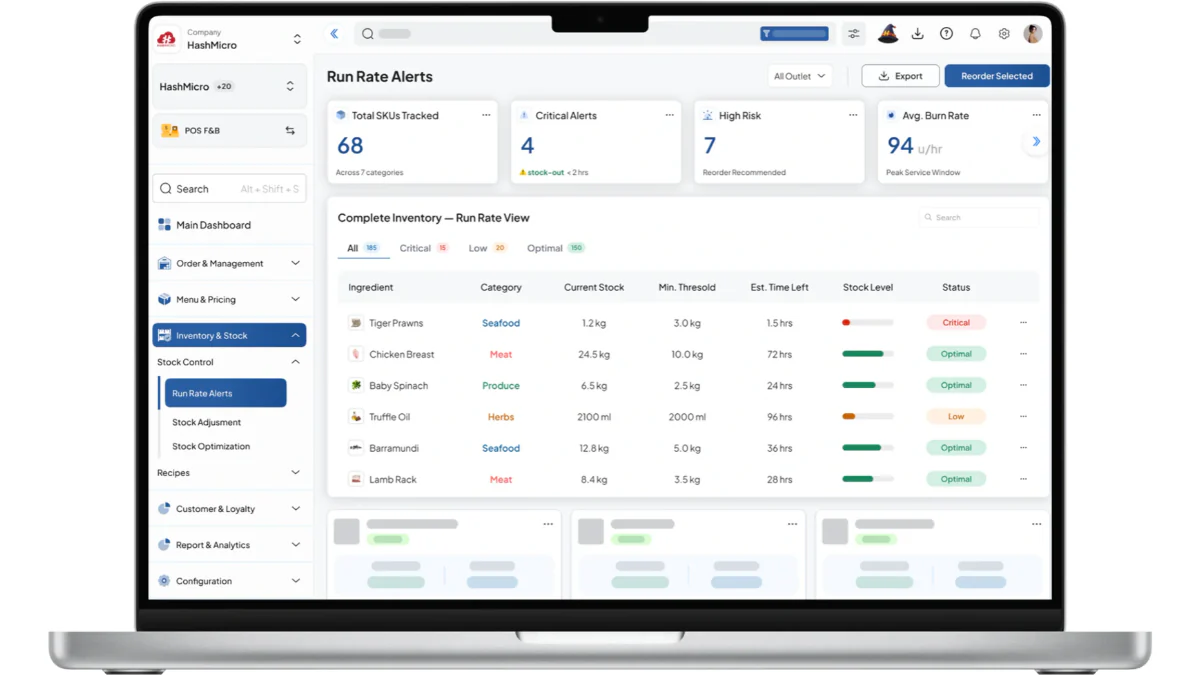
HashMicro is designed for bakeries that need to connect point-of-sale transactions with recipes, ingredient inventory, production records, and outlet reporting. Its Philippine F&B POS information describes recipe management, recipe-based inventory deduction, sales insights, and centralised multi-outlet operations.
These capabilities support bakeries that prepare products centrally or sell the same items across multiple locations. A practical evaluation should begin with a defined bread recipe, followed by production, a counter sale, and a review of the updated ingredient balance and outlet report.
HashMicro also describes restaurant workflows such as kitchen orders and table service. Bakeries should confirm which functions fit their production process, how waste and stock transfers are recorded, and which configuration is required.
Best for: Bakeries that need connected sales, recipes, ingredient inventory, production, and multi-outlet reporting.
Key features:
- Recipe management: Creates and maintains recipes that define the ingredients and quantities required for each bakery product.
- Recipe-based inventory deduction: Automatically deducts ingredient stock when products are produced or sold according to their recipes.
- Sales insights: Provides sales data to help bakeries identify best-selling products and improve production planning.
- Multi-outlet operations: Centralises sales and inventory information across multiple bakery branches for consistent oversight.
- Kitchen order workflows: Supports the preparation and coordination of kitchen or production orders for bakery operations.
- Table service support: Handles table-service workflows for bakeries that also operate as cafés or dine-in outlets.
| Pros | Cons |
|---|---|
| Connects recipes with ingredient inventory records | The product page does not show a public price |
| Supports centralised reporting across multiple outlets | Recipe, waste, transfer, and production workflows should be confirmed during the demo |
| Provides workflows beyond basic cashier transactions | Implementation requirements may vary by bakery |
| Allows bakery-specific workflow validation through a tailored demonstration |
2. StoreHub
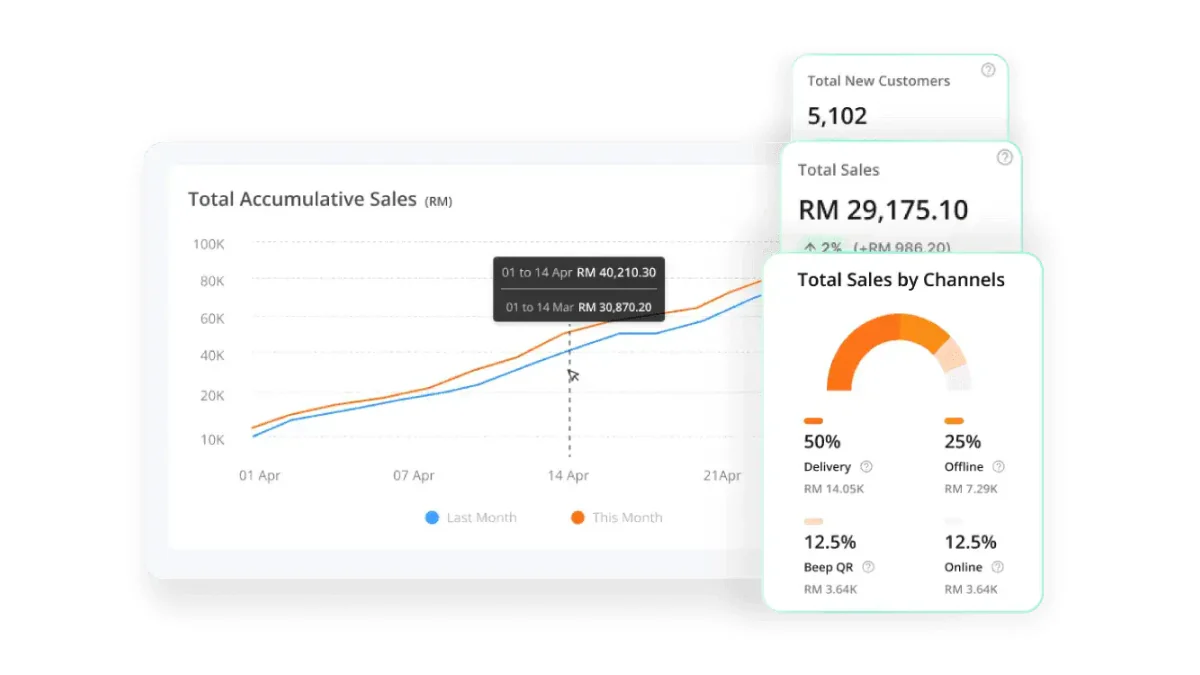
StoreHub combines POS, inventory, online ordering, loyalty, and reporting for cafés and bakeries. Its Starter plan begins at ₱2,249 per month, while Advanced starts at ₱4,499 per month and includes multi-location management, advanced inventory, stock transfers, and alerts. Bakeries should confirm how recipes, ingredient consumption, and production costing are handled before choosing a plan.
Best for: Bakery-cafés that sell pastries and drinks across physical outlets and online channels.
Key features:
- POS and product management
- Inventory tracking
- Online ordering
- Loyalty tools
- Multi-location management
- Stock transfers and low-stock alerts
| Pros | Cons |
|---|---|
| Supports both bakery and café product ranges | Recipe and ingredient-consumption workflows require confirmation |
| Includes online ordering and loyalty functions | Advanced features require the higher-priced plan |
| Advanced plan includes multi-location inventory tools | Pricing does not confirm implementation or hardware costs |
| Public monthly pricing is available |
3. KwentaPOS
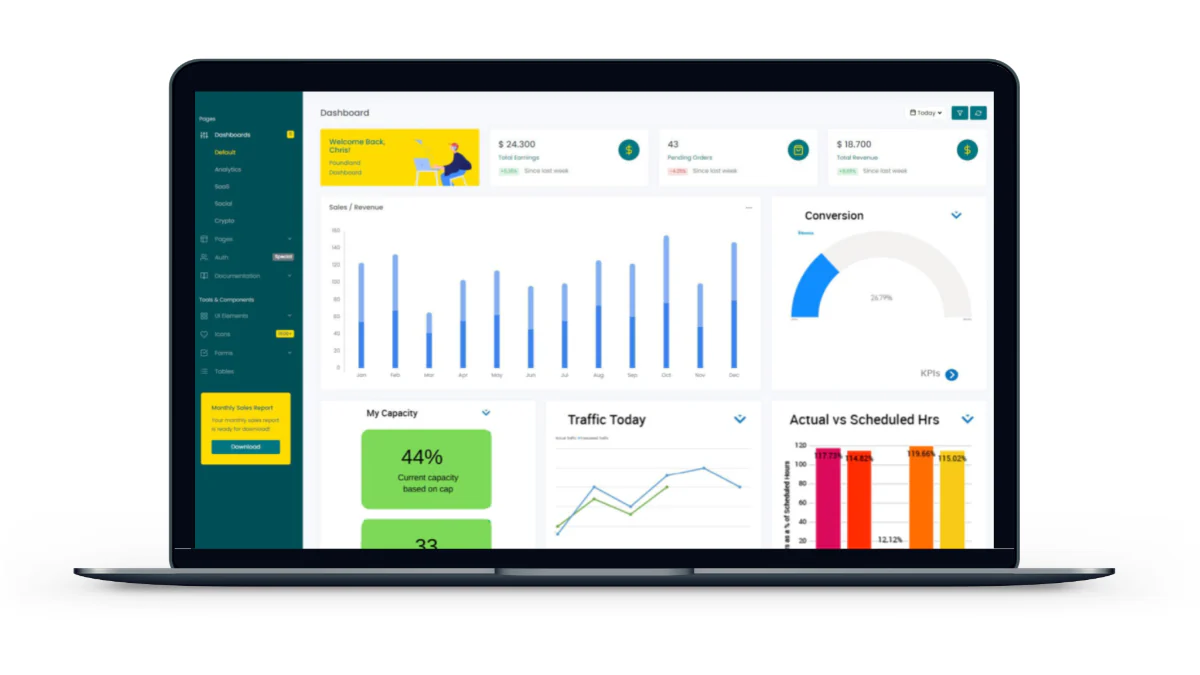
KwentaPOS focuses on panaderia workflows such as recipe creation, ingredient tracking, product cost and margin analysis, hourly or daily sales reports, and offline selling with later synchronisation. Its Lite plan starts at ₱59 per month, Pro starts at ₱299 per month with recipes and ingredients, and Business starts at ₱999 per month with two branches and consolidated reports.
Best for: Panaderias that need recipe costing, ingredient control, and offline selling.
Key features:
- Recipe and ingredient management
- Product cost and margin tracking
- Hourly and daily sales reports
- Offline selling
- Automatic synchronisation after reconnection
- Multi-branch reporting on the Business plan
| Pros | Cons |
|---|---|
| Recipe and ingredient features are clearly linked to the Pro plan | Multi-branch reporting is limited to the Business plan |
| Supports offline transactions and later synchronisation | The lowest-priced Lite plan does not include recipe features |
| Provides published plan differences | Actual costing accuracy should be tested with real ingredient prices |
4. UTAK
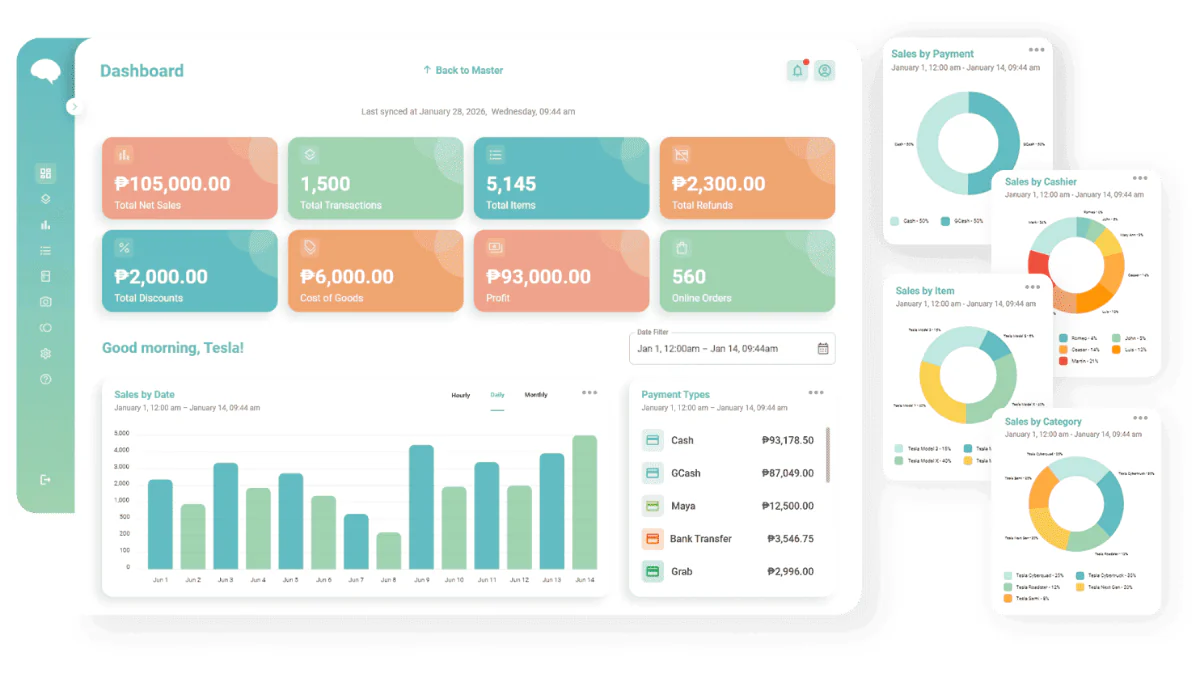
UTAK offers a cloud-based POS for Philippine businesses with sales reports, inventory monitoring, low-stock alerts, offline operation, and multi-store management. Its pricing page lists a software-only subscription at ₱14,000 for six months, while packages that include a tablet, printer, or cash drawer cost more.
Best for: Local bakeries that need POS, stock monitoring, offline operation, and multi-store support.
Key features:
- Sales reporting
- Inventory monitoring
- Low-stock alerts
- Offline operation
- Multi-store management
- Software-only and hardware-inclusive packages
| Pros | Cons |
|---|---|
| Includes offline operation | The software-only price excludes VAT |
| Offers both software-only and hardware packages | Hardware packages increase the total cost |
| Publishes a six-month subscription price | Recipe costing and production tracking require direct confirmation |
5. Qashier
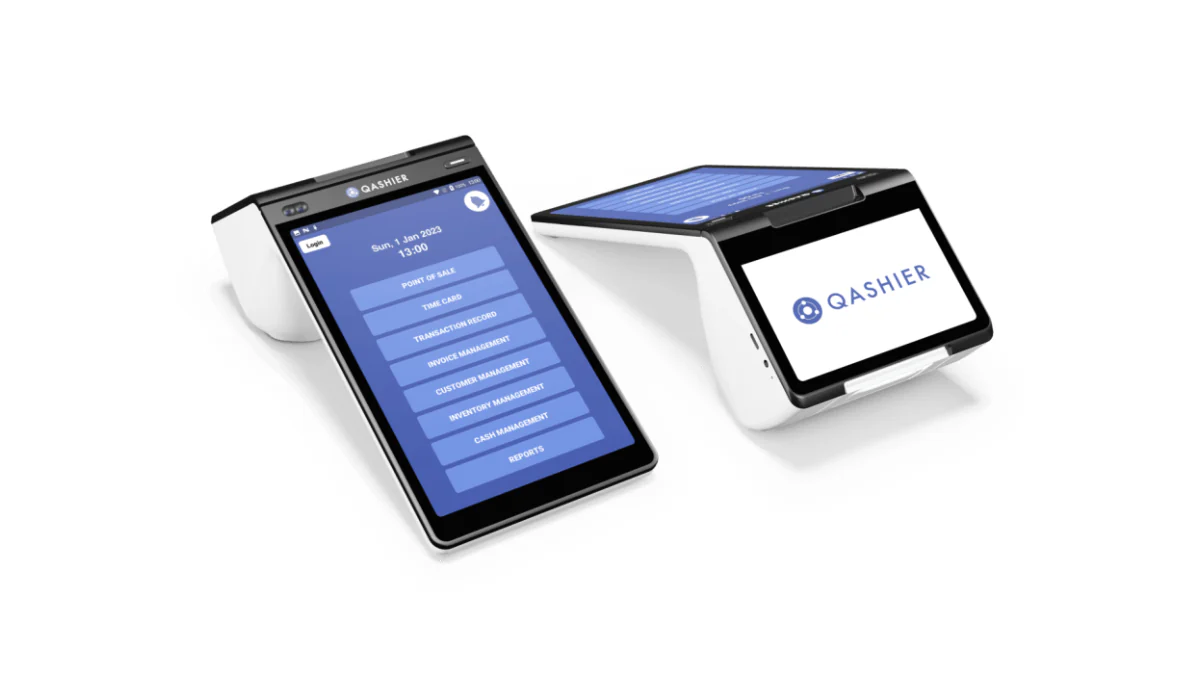
Qashier software provides product categories, modifiers, discounts, inventory management, and multi-outlet monitoring through QashierHQ. Its Philippine plans list Essential at ₱1,790 per month and Growth at ₱2,790 per month, excluding VAT, with ingredient management for F&B available under Growth.
Best for: Bakery-cafés that need product modifiers, customer management, inventory, and multi-outlet monitoring.
Key features:
- Product categories and modifiers
- Discounts
- Inventory management
- Multi-outlet monitoring
- Customer management
- F&B ingredient management on Growth
| Pros | Cons |
|---|---|
| Supports varied bakery and café products | Ingredient management requires the higher Growth plan |
| Modifiers can handle drink options and product variations | Prices exclude VAT |
| Growth includes F&B ingredient management | QashierPay is listed as coming soon in the Philippines |
| Provides published monthly plan prices | Payment reconciliation should be confirmed before implementation |
6. Peddlr
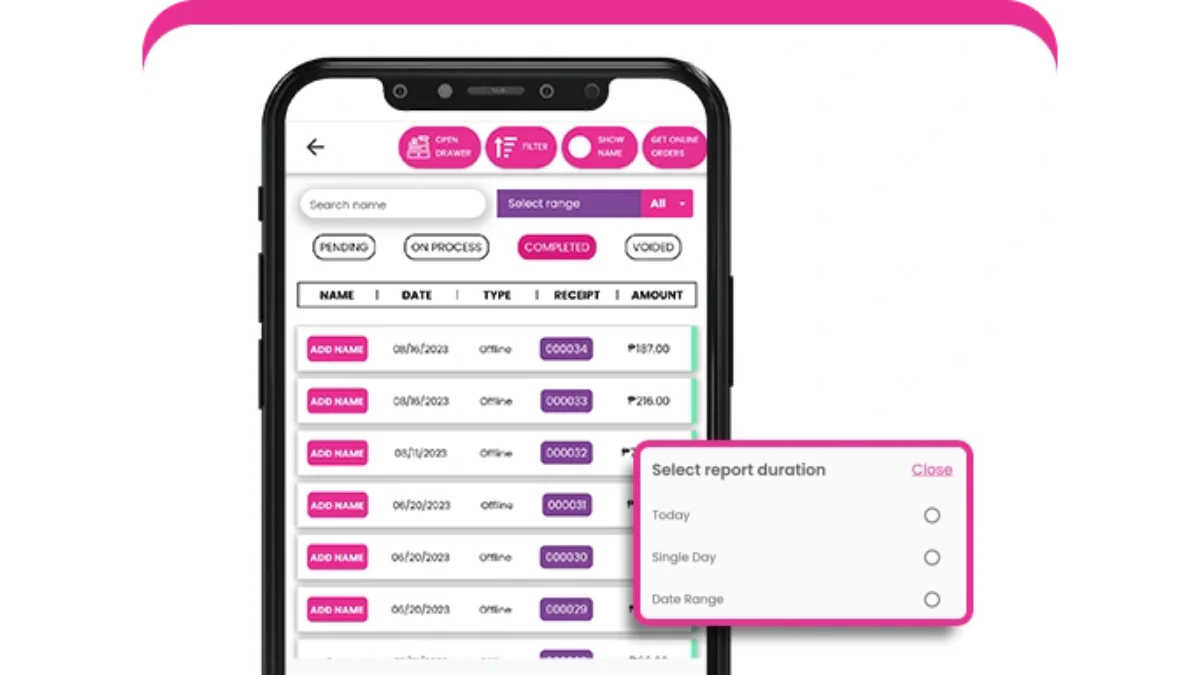
Peddlr provides a free mobile POS and inventory app that can work offline, making it suitable for small bakeries replacing handwritten sales and stock records. However, owners should test whether it can track ingredient consumption, damaged goods, custom cake details, deposits, collection dates, and final balances without relying on separate spreadsheets.
Best for: Small bakeries that need a free mobile POS for basic sales and inventory records.
Key features:
- Mobile POS
- Inventory tracking
- Offline operation
- Digital sales records
- Basic stock adjustments
| Pros | Cons |
|---|---|
| Free to start | Recipe-based ingredient deduction may not be available |
| Mobile-based and accessible for small teams | Custom cake workflows may require manual records |
| Supports offline selling | Advanced production and costing features may be limited |
| Helps replace handwritten transaction records | Additional spreadsheets may be needed for detailed bakery operations |
How to Choose a Bakery POS System
Before comparing bakery POS systems, define the workflow the system must support and test each vendor against the same daily scenarios. This makes it easier to identify practical fit, hidden manual work, and compliance gaps.
Start with your biggest workflow problem: Identify the process causing the most rework, whether it is handling morning queues, planning production, or managing cake orders between shifts.
Write down your essential requirements: List the features your bakery needs, such as recipe tracking, ingredient deductions, waste recording, order details, branch reporting, or cashier controls.
Test the same bakery scenario with every vendor: Sell several packs of pandesal during a rush, create a next-day cake order, check the flour balance, record unsold products, and close the cashier shift.
Review the resulting reports: Ask the demonstrator to show the updated inventory, sales, production, and cashier reports, then record every step that still requires a notebook or spreadsheet.
Compare the complete setup: Check supported devices, offline functionality, registers, branches, staff permissions, training, customer support, and the process for transferring existing product and customer records.
Confirm production and inventory workflows: Ask how the system records recipes, ingredient consumption, waste, transfers, finished products, and custom orders.
Check Philippine registration requirements: Review the Bureau of Internal Revenue’s Permit to Use process for POS and similar sales machines through eAccReg, and ask which documents the vendor provides.
Separate vendor support from your responsibilities: Confirm which registration steps remain the bakery’s responsibility and verify any general “BIR compliant” claim against the exact configuration you plan to purchase.
Conclusion
A small panaderia may begin with checkout, finished-product stock, and offline use. A bakery-café may place more weight on modifiers, online orders, and returning customers. A multi-branch bakery needs clearer connections between recipes, ingredients, transfers, and outlet reports.
HashMicro’s F&B POS is an option for bakeries evaluating those connected workflows. Bring a sample recipe, a recent stock issue, and the report you need to a HashMicro consultation so the demonstration can address your actual operation.

FAQ about Bakery POS System
Some systems offer ingredient and recipe tools, but availability varies by vendor and plan. During a demo, enter ingredient quantities, purchase prices, and the number of products produced. Then change a supplier price and check how the reported cost changes.
Offline operation is useful where internet service is unreliable and the counter must keep selling. Test which transactions work without a connection, whether receipts can be produced, and how records sync afterward.
The process should preserve the cake specifications, agreed price, deposit, collection date, and order status. Ask staff to create and update a sample order during the demo. If the POS cannot retain that information, decide where it will be recorded and how the team will prevent details from being missed.
No. Confirm the documents and registration process that apply to the specific POS setup the bakery will use. The BIR’s POS Permit to Use guidance is a starting point for discussing responsibilities with the vendor.