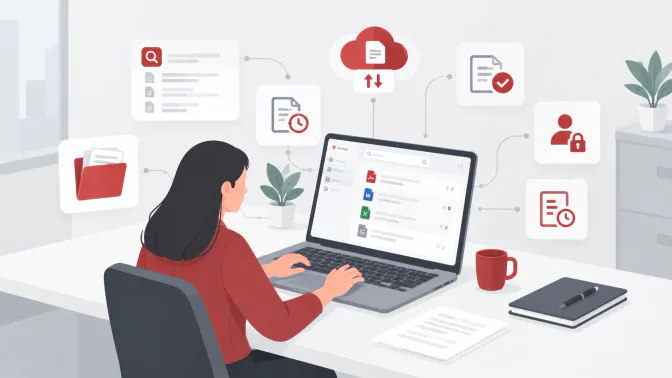
A contract awaits approval, but its latest version is buried in an email thread. A supplier invoice sits in a branch folder, while its approval remains in a chat. For Philippine businesses with multiple departments or locations, finding the right document can delay purchasing, payments, and reporting.
Document management software helps teams organize files, track revisions, and manage approvals. It also helps control access to sensitive information, such as employee files and customer records. The Philippine National Privacy Commission’s guidance on data security highlights the importance of protecting this information.
Beyond storage capacity, businesses should consider search tools, approval workflows, version history, access controls, and system integrations. This guide compares 10 document management software options for Philippine companies, from cloud collaboration tools to dedicated and ERP-connected platforms.
Key Takeaways
Document management software helps businesses organize and manage documents securely in one digital system.
Right document management software options to compare their features and suitability for businesses in the Philippines.
Choose document management software that fits your business needs and budget while supporting your daily workflows and document control.
What Is Document Management Software?
Document management software is a digital system that stores, organizes, retrieves, secures, and tracks business documents. Common features include document search, version control, approval workflows, access permissions, and audit trails.
Unlike shared folders or cloud storage, document management software provides greater control over document access, updates, and approvals. It also differs from enterprise content management, which covers broader business content, and records management, which focuses on document retention and disposal.
Some platforms integrate with finance, procurement, inventory, HR, CRM, and accounting systems. These integrations link documents such as invoices, purchase orders, contracts, and supplier records to related business transactions, making information easier to manage and retrieve.
Benefits of Document Management Software for Philippine Businesses
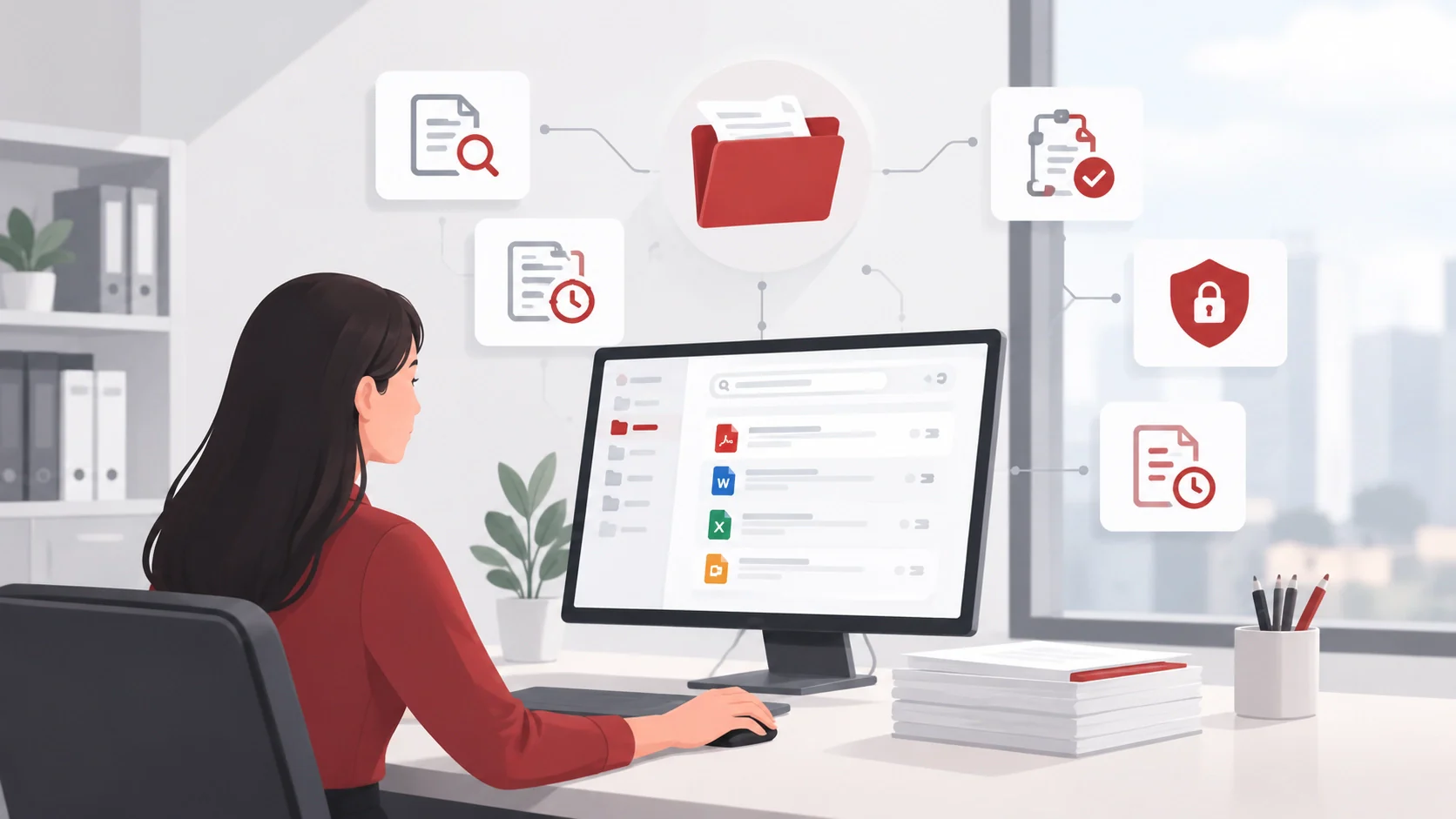
Document management software can help teams find information faster, keep approvals moving, and maintain control over business records. The benefits depend on how well the system fits a company’s documents and daily workflows.
Find Documents Faster
A centralized repository keeps contracts, invoices, purchase orders, and other records in an organized location. Search tools and OCR can make scanned documents easier to retrieve, reducing time spent looking through emails and shared folders.
Reduce Confusion Over File Versions
Version history helps employees identify the latest document and review earlier changes. This is useful when several people edit a contract, policy, or other shared file.
Keep Approvals Moving
Approval workflows route documents to the right reviewers and show their status. Teams can see which invoices, purchase orders, or contracts are awaiting a decision and follow up before work stalls.
Protect Sensitive Information
Access permissions help limit who can view, edit, or approve documents, including employee files and customer records. Businesses should still assess the system against their own data privacy obligations.
Make Document Activity Easier to Review
Audit trails record actions such as uploads, edits, and approvals. These records help teams trace what happened to a document during an internal review.
Connect Documents to Business Transactions
Integrations can link documents to related suppliers, purchase orders, invoices, or accounting records. This gives employees more context when processing transactions and reduces the need to enter the same information in separate systems.
Prepare for Recovery and Future Migration
Backup, retention, and export options help businesses recover files, manage records, and retrieve their documents if they change providers. Buyers should test these capabilities during vendor evaluation.
Quick Comparison Document Management Software
The table below compares popular document management software by key features, limitations, and suitability for businesses in the Philippines.
| Software | Category | Best fit | Main strength | Main limitation | Philippine fit |
|---|---|---|---|---|---|
| HashMicro | ERP-connected business workflow | Companies connecting documents with transactions | ERP, accounting, procurement, inventory, asset, and reporting context | Exact document features require verification | Verify |
| Microsoft SharePoint | Enterprise content and collaboration | Microsoft 365 organizations | Microsoft ecosystem integration | Configuration complexity | Verify |
| Google Workspace Drive | Cloud collaboration and storage | SMB and distributed teams | Familiar collaboration | Not automatically a full DMS | Verify |
| Dropbox Business | Cloud file management | Teams needing simple sharing | Ease of use | Advanced workflows may require add-ons | Verify |
| Zoho WorkDrive | Cloud collaboration | Zoho-based SMBs | Zoho ecosystem | Enterprise governance needs review | Verify |
| Folderit | Dedicated DMS | Teams seeking a focused platform | DMS positioning and SERP visibility | Local support needs confirmation | Verify |
| OpenDocMan | Open-source DMS | IT-capable organizations | Deployment control | Internal maintenance burden | Open-source implementation required |
| DocuWare | Workflow automation and DMS | Process-heavy organizations | Approval and invoice workflows | Partner and implementation cost | Verify |
| M-Files | Metadata-driven DMS | Governance-heavy companies | Metadata and retrieval | Requires structured setup | Verify |
| Alfresco | Enterprise content management | Large organizations and IT teams | Extensibility and deployment flexibility | Specialist implementation required | Verify |
10 Best Document Management Software Options
The following options are suitable for evaluation by Philippine companies. They do not all belong to the same category, and their Philippine support, pricing, data hosting, implementation, and local availability must be confirmed before selection.
1. HashMicro
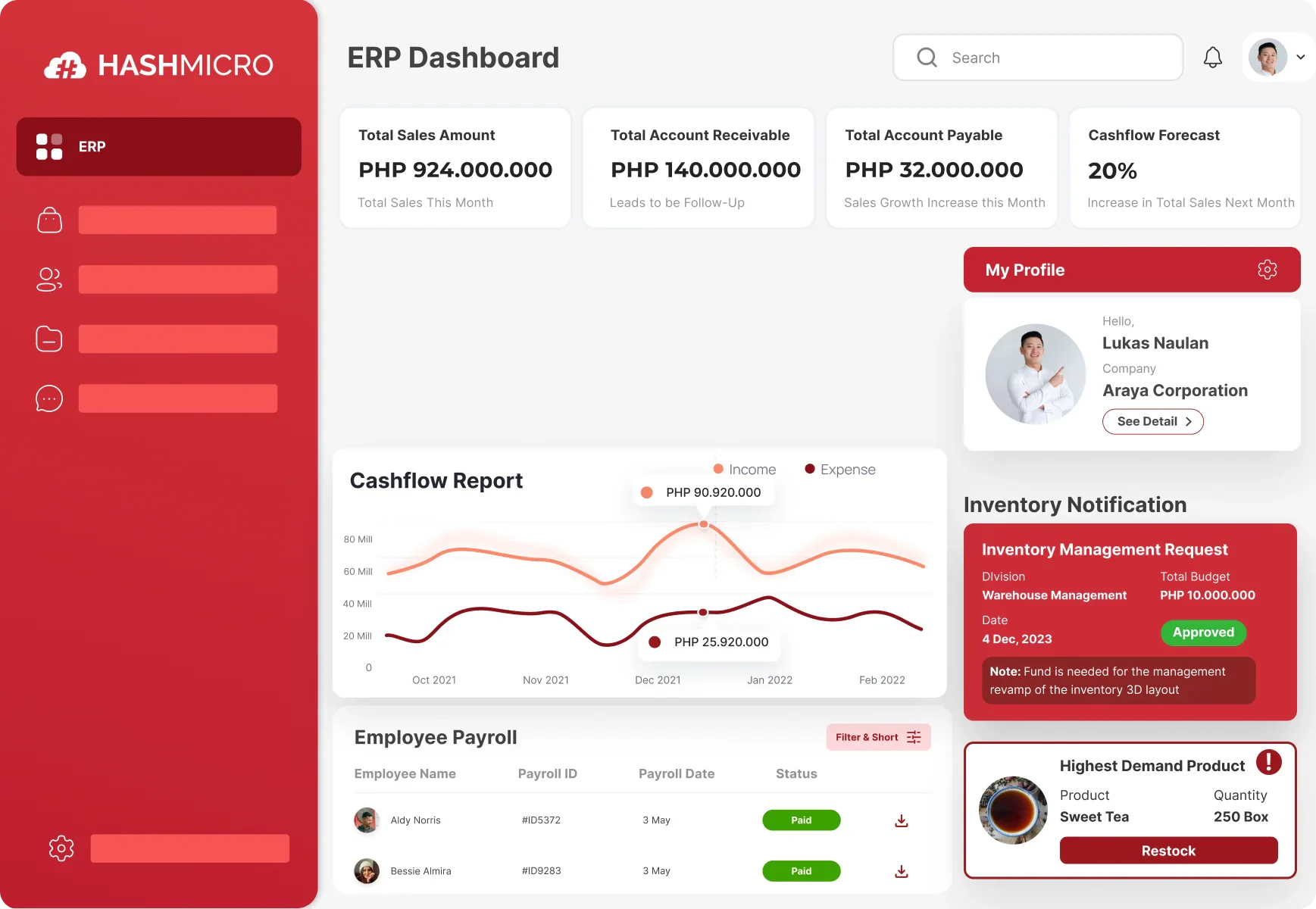
HashMicro ERP document system is an ERP-connected business software provider that can be evaluated by companies seeking to connect documents with accounting, procurement, inventory, asset management, approvals, and operational reporting.
This approach is relevant when documents are part of a wider business process. For example, a purchase order may need to remain connected to a supplier, approval record, inventory receipt, invoice, and accounting transaction. An asset document may need to remain connected to an asset register, maintenance record, purchase history, and responsible department.
HashMicro's key feature:- Document and business master data
- User roles and access permissions
- Purchase and supplier document workflows
- Invoice and accounting attachments
- Inventory and asset-related documents
| Pros | Cons |
|
|
Pricing: Custom quote, contact vendor for more information.
Philippine fit: To verify through the approved HashMicro Philippines product or contact page.
2. Microsoft SharePoint
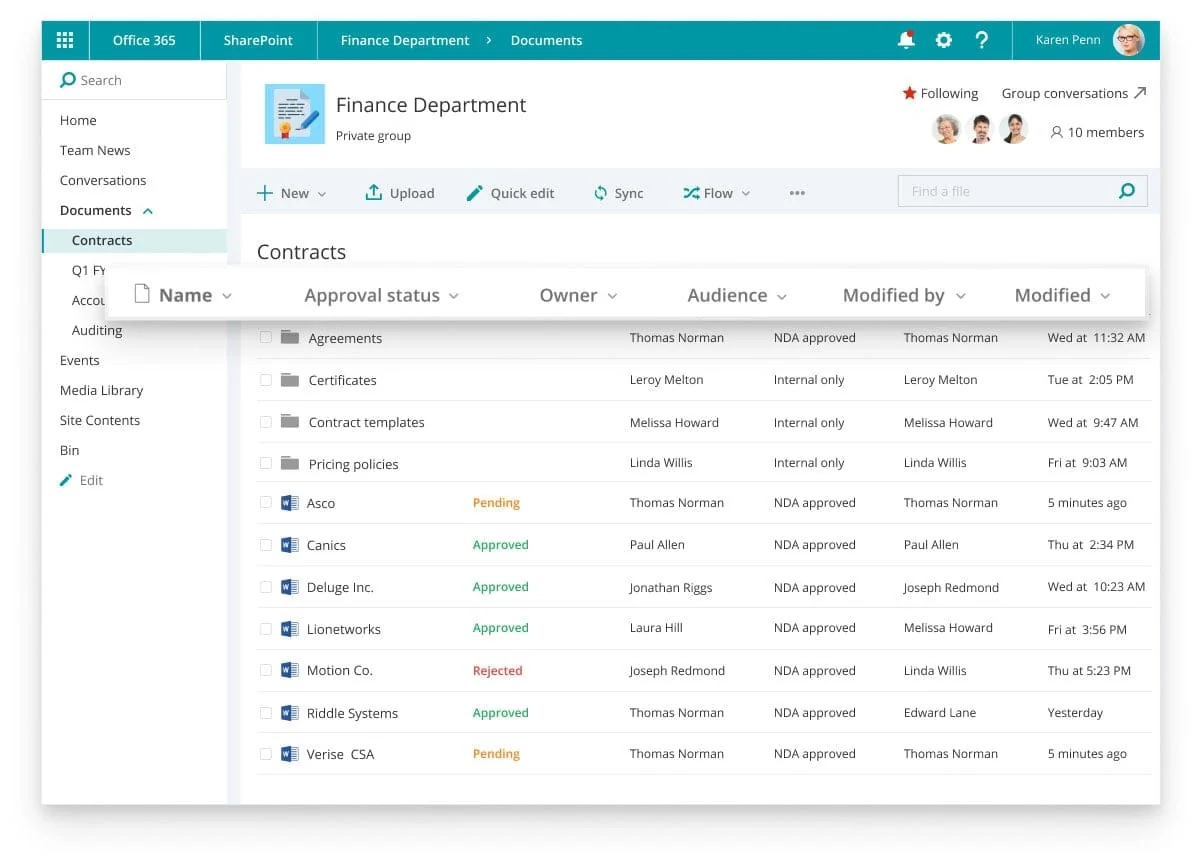
Microsoft SharePoint is an enterprise content and collaboration platform commonly evaluated by organizations already using Microsoft 365. It can support document libraries, permissions, version history, sharing controls, collaboration, and workflow integrations.
SharePoint may suit companies that want documents connected to Microsoft Teams, Outlook, OneDrive, Power Automate, or other Microsoft services.
Microsoft key features:- Document libraries
- Permission management
- Version history
- Microsoft Teams and OneDrive integration
- Power Automate workflows
| Pros | Cons |
|
|
Pricing: ₱448/user/month.
₱448/user/month
Philippine fit: Verify Microsoft 365 plan, reseller support, implementation assistance, data residency, and billing arrangements.
3. Google Workspace and Google Drive
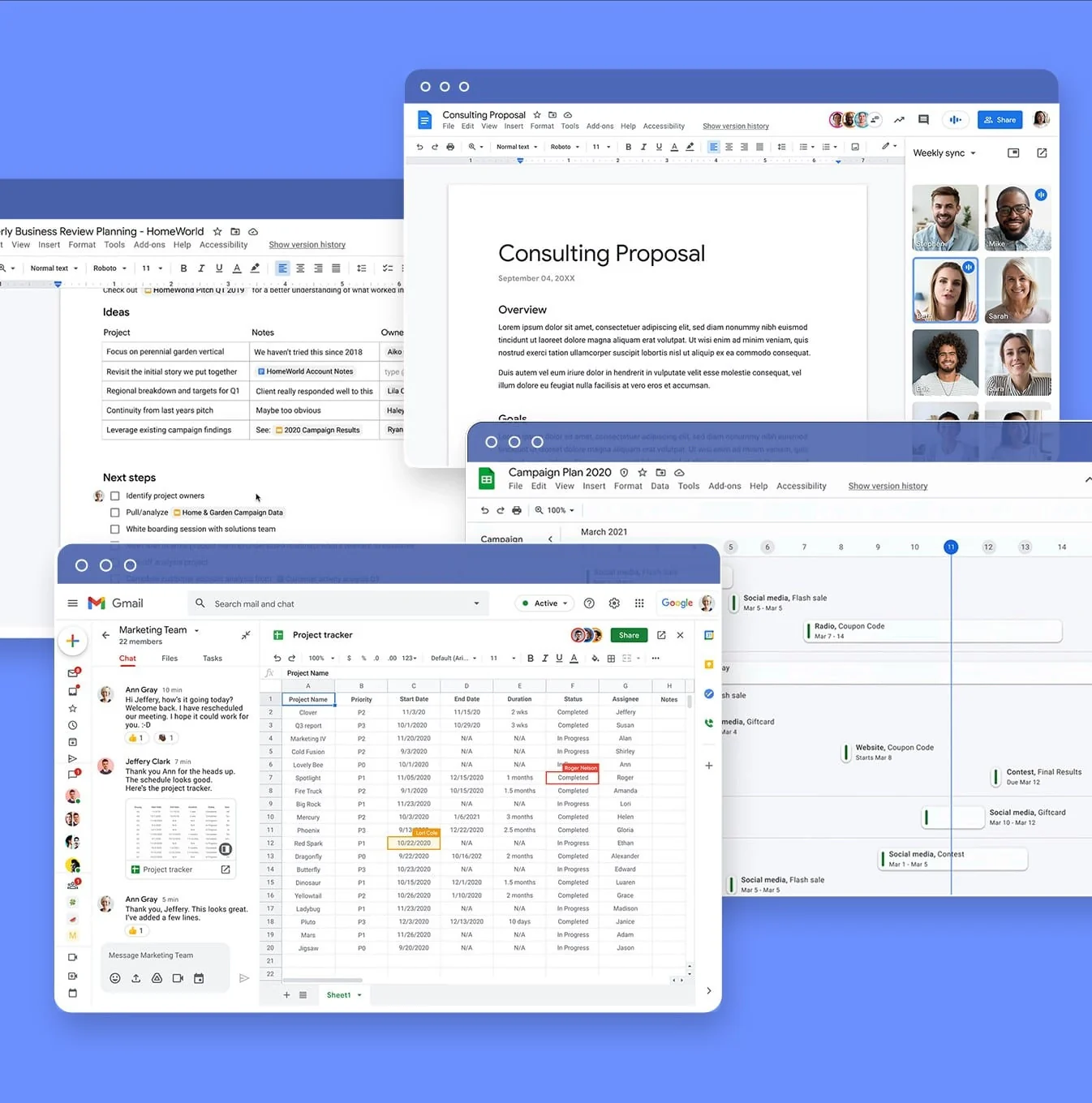
Google Drive, used within Google Workspace, provides cloud storage, collaboration, sharing controls, file version history, and integration with Google Docs, Sheets, Gmail, and Meet.
It may suit small and medium-sized companies that need accessible cloud collaboration. However, companies should distinguish between basic cloud file management and a full document management system with advanced retention, metadata, approval, and records controls.
Google Workspace key features:- Cloud file storage
- Shared drives and folders
- File sharing permissions
- Version history
- Gmail, Docs, Sheets, and Meet integration
| Pros | Cons |
|
|
Pricing: ₱448/user/month.
₱448/user/month
Philippine fit: Verify Google Workspace billing, administrator support, data location, retention controls, and integration requirements.
4. Dropbox Business
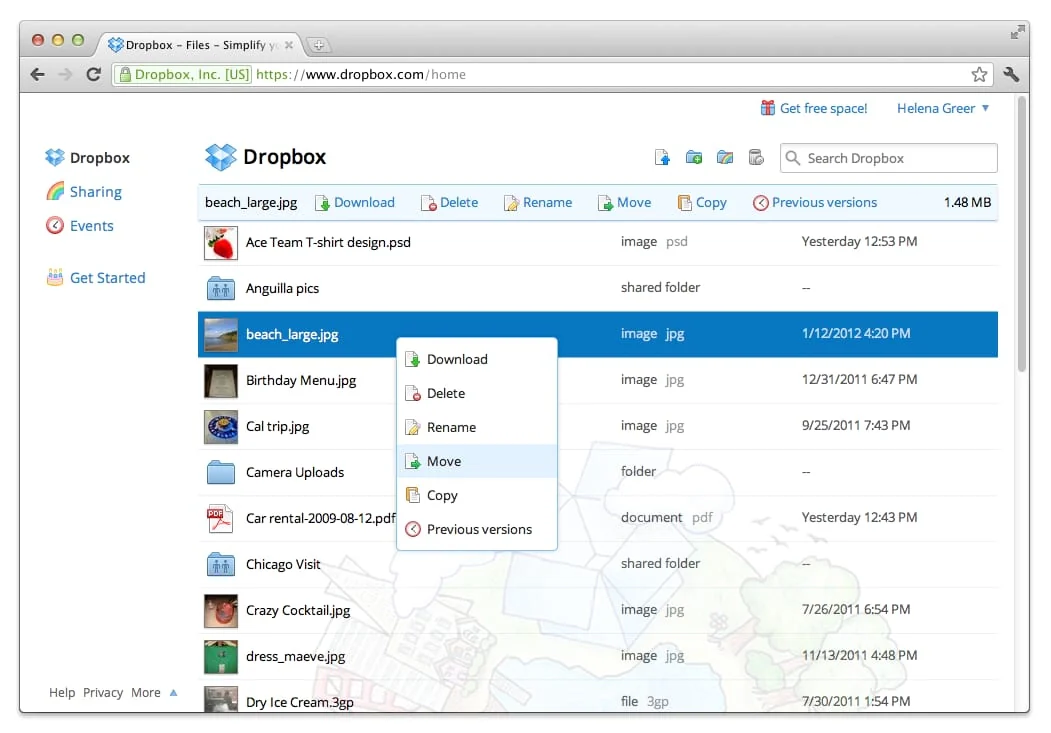
Dropbox Business provides cloud file storage, team folders, file sharing, access management, and collaboration features. It may suit companies that prioritise simple file access across teams and locations.
Dropbox Business should be assessed carefully if the company requires complex approval routing, structured metadata, ERP integration, formal records management, or detailed document workflows.
Dropbox key features:- Team folders
- File sharing controls
- Access management
- File collaboration and synchronization
| Pros | Cons |
|
|
Pricing: ₱960/user/month.
₱960/user/month
Philippine fit: Verify billing, local partner support, administrator controls, security documentation, and export procedures.
5. Zoho WorkDrive
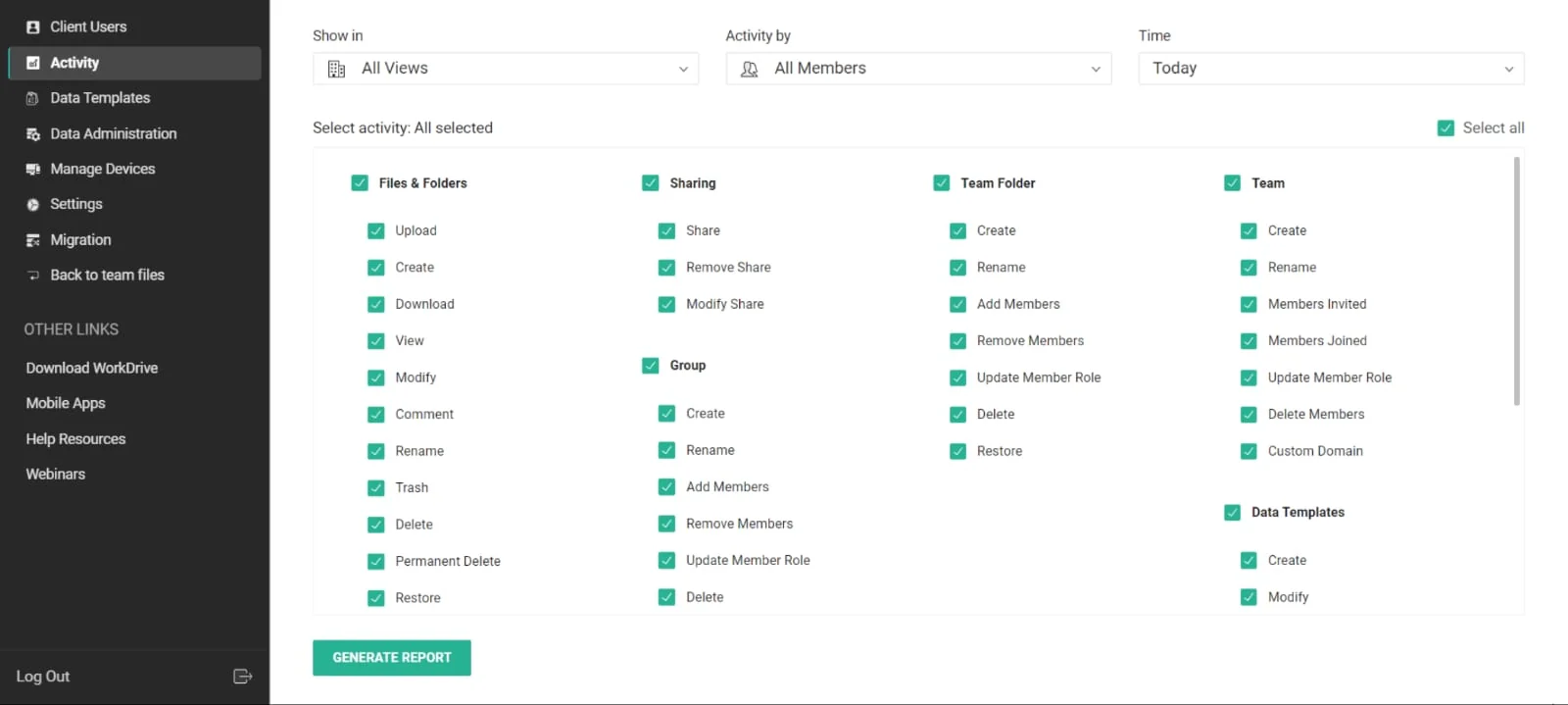
Zoho WorkDrive is a cloud collaboration and file management platform designed for teams and businesses. It can support shared folders, access controls, collaboration, and integration with other Zoho applications.
It may be relevant for small and medium-sized businesses that already use Zoho CRM, Zoho Books, Zoho Projects, or other Zoho services.
Zoho key features:- Shared team folders
- File collaboration
- Workspace management
- Zoho CRM, Books, and Projects integration
| Pros | Cons |
|
|
Pricing: ₱160/user/month.
₱160/user/month
Philippine fit: Verify local billing, support coverage, implementation partners, and data hosting.
6. Folderit
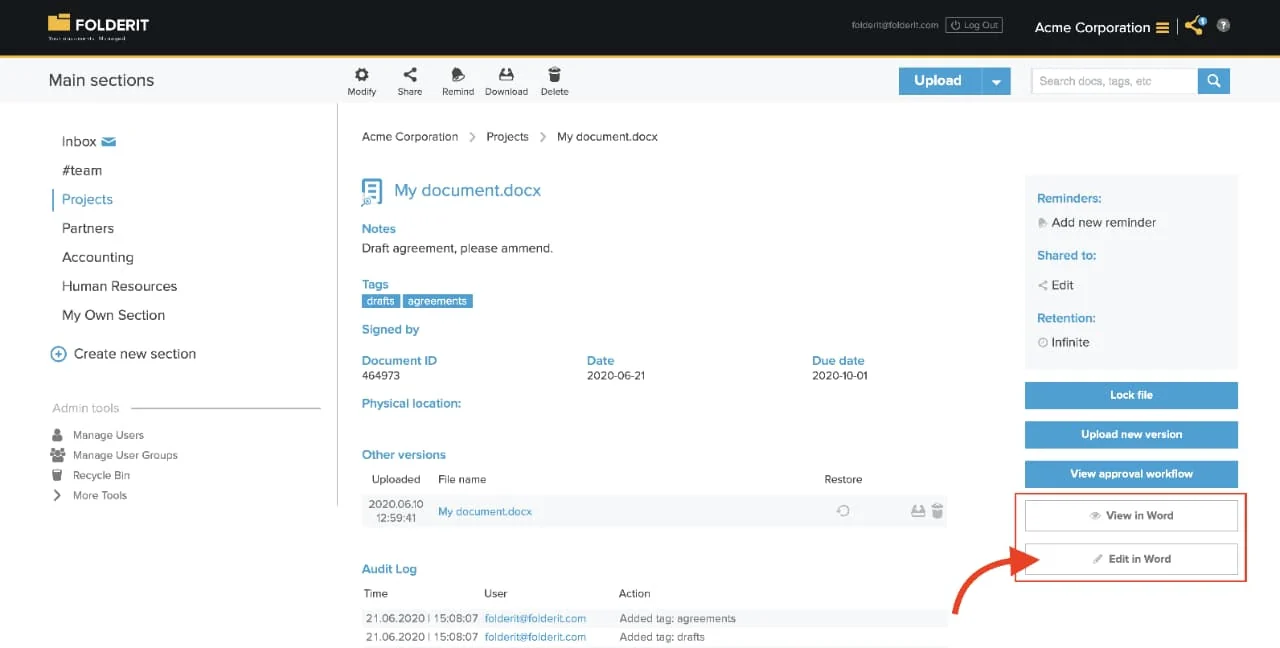
Folderit appears in the Philippine SERP for document management software and is positioned as a dedicated document management platform. Buyers should evaluate its capabilities around document storage, search, versioning, permissions, audit trails, and workflow.
Folderit key features:- Document search
- Version management
- User permissions
- Audit trails and workflow evaluation
| Pros | Cons |
|
|
Pricing: ₱4,159/month or ₱37,178/year (mini); ₱7,039/month or ₱74,548/year (medium); ₱8,447/month or ₱86,898/year (tailor).
Mini: ₱4,159/month atau ₱37,178/year; Medium: ₱7,039/month atau ₱74,548/year; Tailor: ₱8,447/month atau ₱86,898/year
Philippine fit: SERP-visible, but local support, PHP billing, data location, and implementation must be verified.
7. OpenDocMan
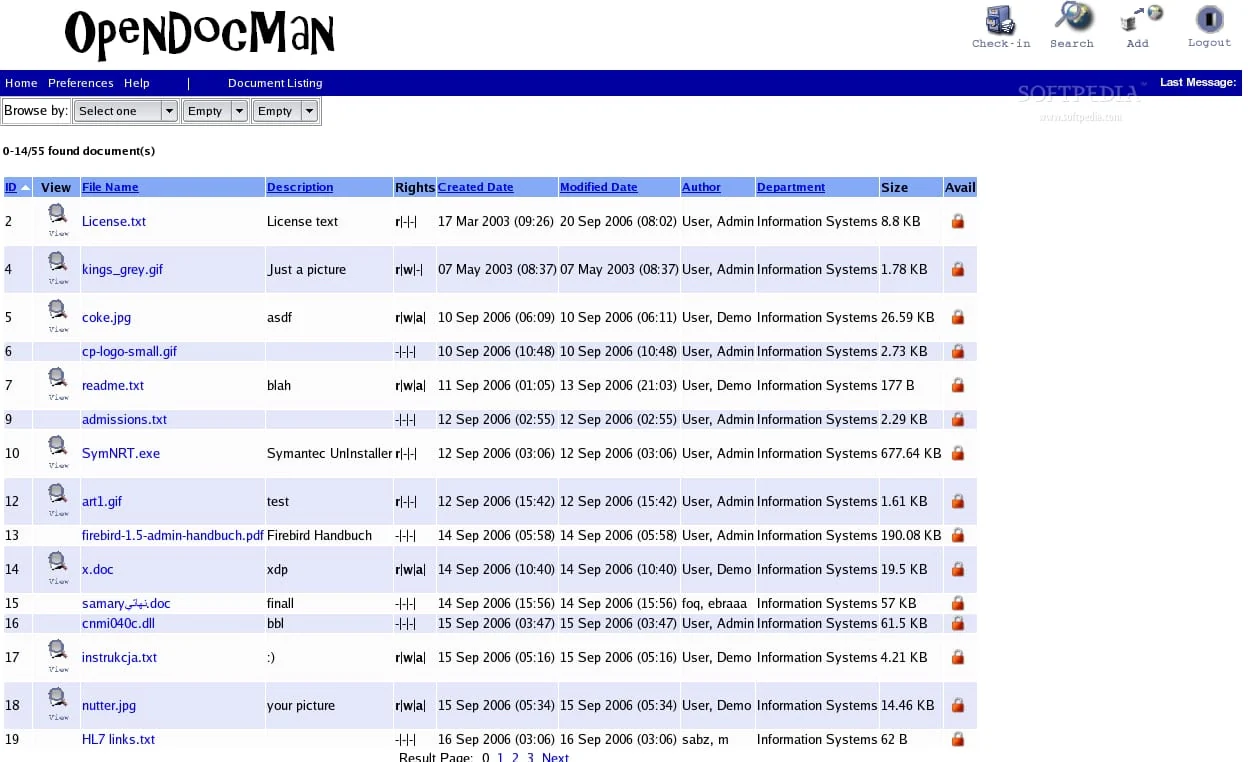
OpenDocMan is an open-source document management system. It may be evaluated by organizations with internal technical resources that can manage deployment, database administration, backups, security updates, user access, and customization.
OpenDocMan key features:- Open-source deployment
- Document storage and retrieval
- User roles and access controls
- Document version management
- Self-hosted customization potential
| Pros | Cons |
|
|
Pricing: ₱6,335/month.
₱6,335/month
Philippine fit: Open-source implementation required. Confirm current project activity and security maintenance before production use.
8. DocuWare
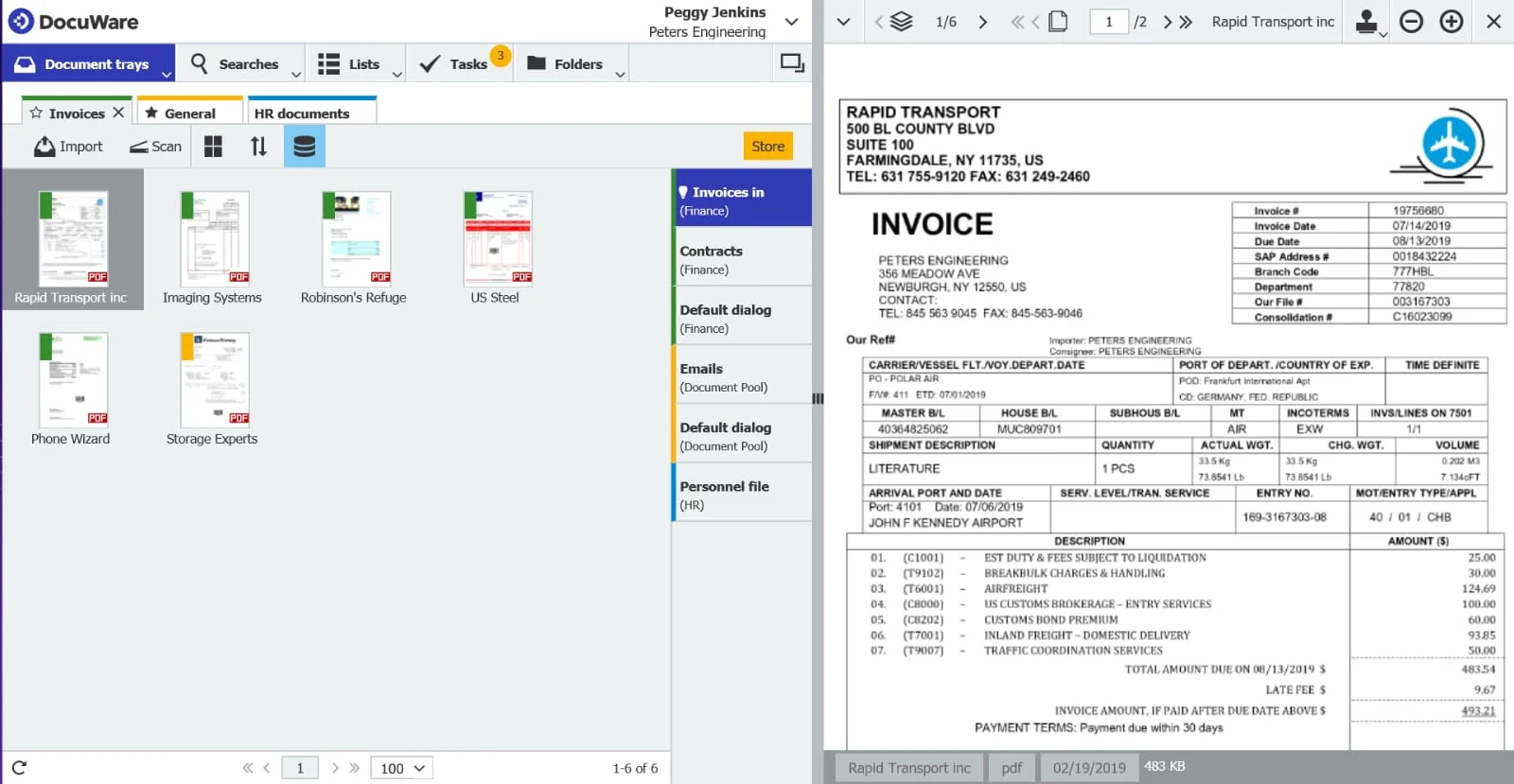
DocuWare is an enterprise document management and workflow automation platform. It may suit organizations that need structured document capture, approval routing, invoice processing, workflow automation, and controlled access.
DocuWare key features:- Document capture
- Approval routing
- Invoice processing
- Workflow automation
- Controlled document access
| Pros | Cons |
|
|
Pricing: Custom quote.
Philippine fit: Verify regional implementation partner, pricing, data hosting, and support escalation.
9. M-Files
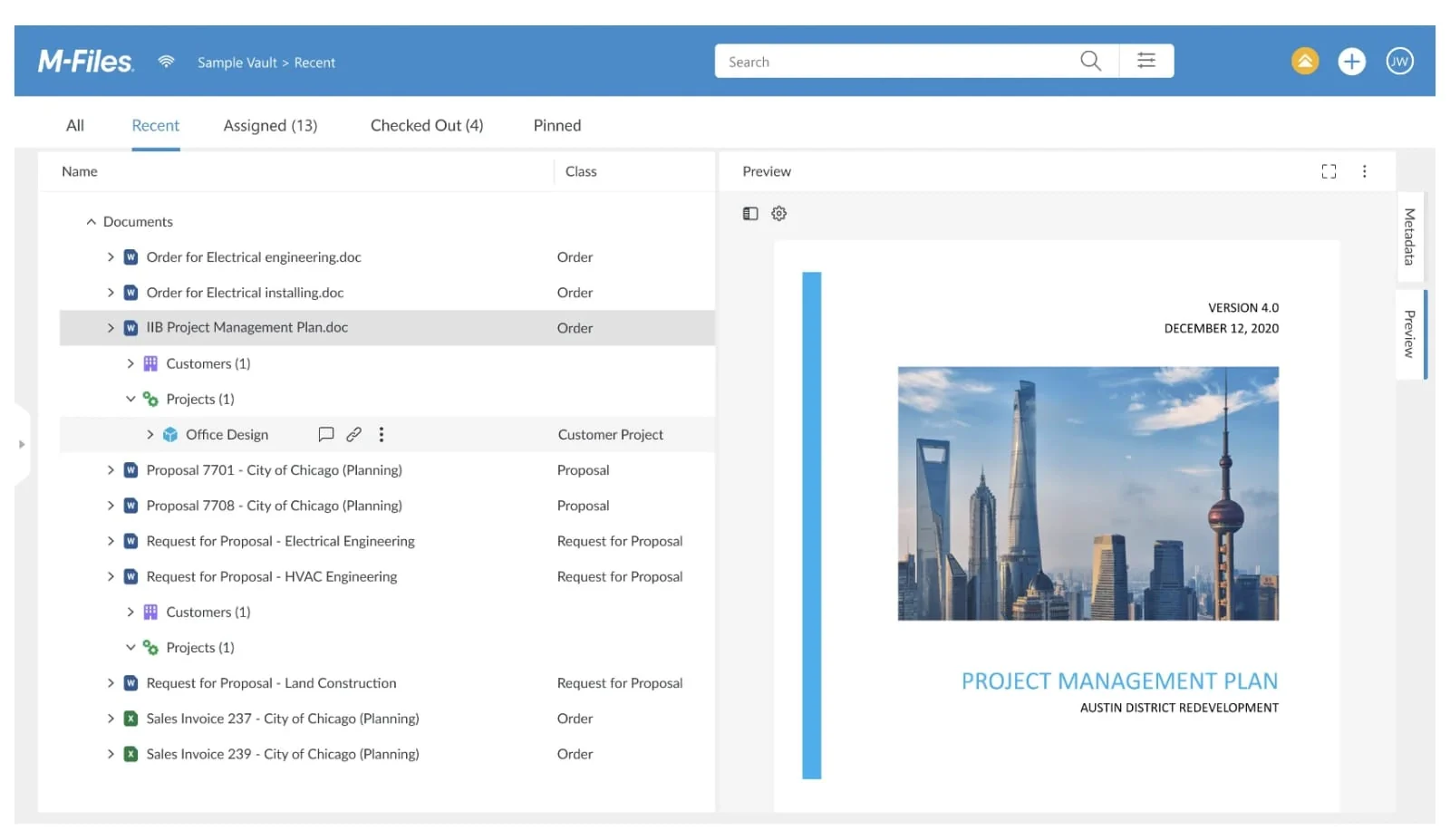
M-Files uses metadata-driven document management to organize information based on what a document is, rather than relying only on folder location. This can help companies manage contracts, supplier records, projects, and compliance documents across multiple repositories.
M-Files key features:- Metadata-based document organization
- Structured document search
- Document version control
- Access permissions
- Workflow and repository integration
| Pros | Cons |
|
|
Pricing: ₱4,159/seat/month.
₱4,159/seat/month
Philippine fit: Verify implementation availability, pricing, integrations, and support coverage.
10. Alfresco
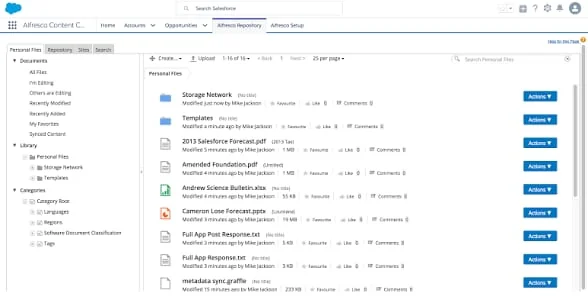
Alfresco is an enterprise content management platform that can be evaluated by organizations requiring extensibility, structured content management, integrations, and control over deployment.
It may be more appropriate for larger organizations with internal IT teams or implementation partners.
Alfresco key features:- Enterprise content repository
- Document version management
- Workflow and approval processes
- Access control and permissions
- Flexible deployment and integrations
| Pros | Cons |
|
|
Pricing: ₱20,888–₱59,838/user.
₱20,888–₱59,838/user
Philippine fit: Verify partner availability, hosting model, technical ownership, security updates, and support.
Document Management Software Comparison
How to Choose Document Management Software in the Philippines
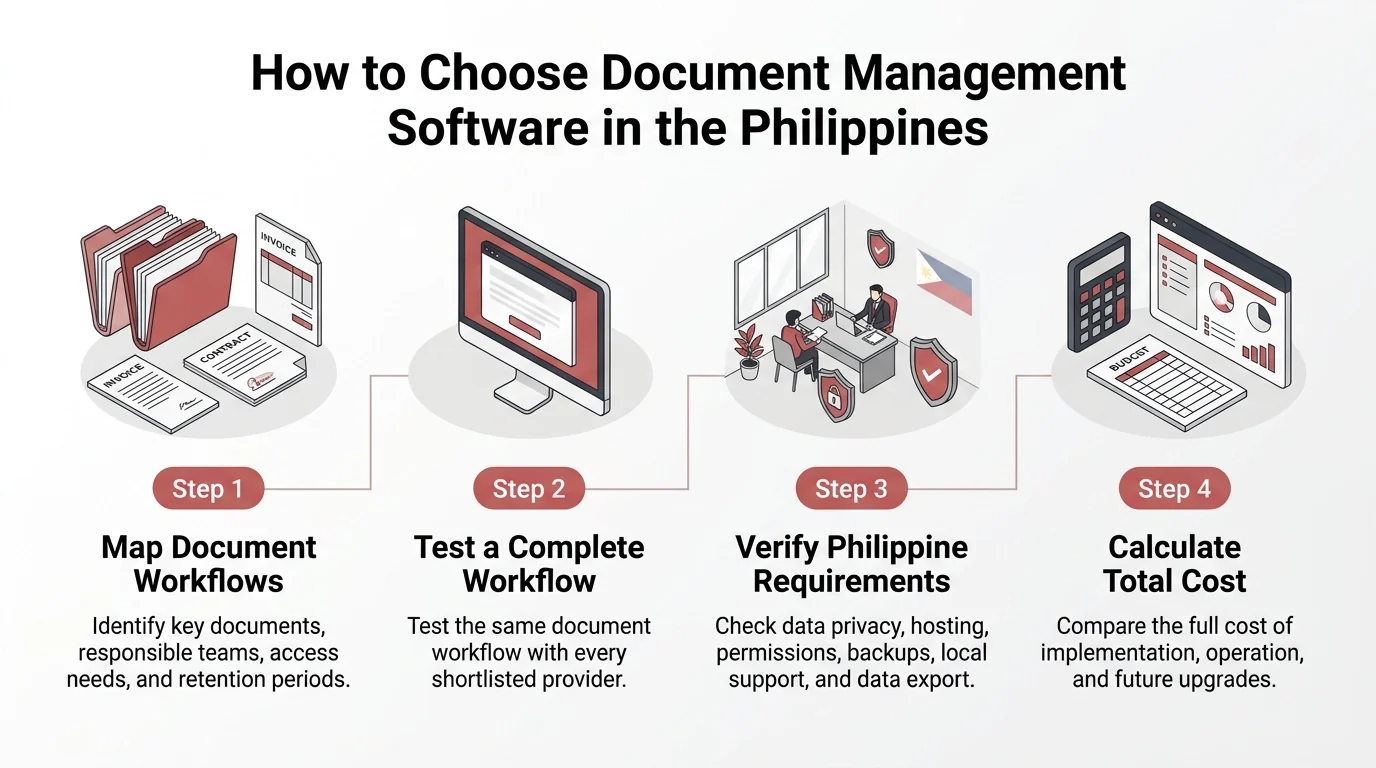
The right solution should match the company’s budget, daily workflows, and document control needs. Consider these factors when evaluating document management software in the Philippines.
1. Map Your Document Workflows
List the documents that create the most operational delays. These may include invoices, purchase orders, contracts, employee records, sales documents, delivery records, compliance files, and asset documents.
For each document type, identify who creates it, who reviews it, who approves it, where it is stored, how long it must be retained, and who needs access.
2. Test a Complete Workflow
Ask each shortlisted vendor to demonstrate the same process: upload an invoice or purchase order, add supplier and department details, route it for approval, then reject, revise, and resubmit it.
Check whether the system keeps version history, links the document to the related accounting or procurement record system, and lets you review and export its activity history. Using one scenario makes the vendors easier to compare.
3. Verify Philippine Requirements
Philippine companies should confirm peso billing, data hosting and transfers, privacy responsibilities, access controls, audit logs, and document retention and deletion. They should also check multi-branch access, backups, local support, migration, and data export.
Use guidance from the Philippine National Privacy Commission to assess applicable privacy obligations. Confirm the vendor’s product and compliance claims with its team and your company’s legal or compliance team.
4. Plan Data Migration Before Implementation
Moving documents from email accounts, shared drives, local computers, and spreadsheets requires more than uploading files. The migration plan should cover duplicate removal, file classification, metadata mapping, access permissions, retention rules, and user acceptance testing.
Ask the vendor how documents, metadata, audit records, and permission information can be exported if the company changes providers. Reviewing data export options early can reduce future vendor lock-in.
5. Calculate Total Cost of Ownership
The subscription price is only one part of the investment. Include migration, configuration, training, storage, integrations, support, custom reports, security reviews, and future upgrades.
Open-source products may reduce license fees but still require hosting, technical support, monitoring, backup, security updates, and development resources.
6. Prepare Users for Adoption
Even a capable system can fail when employees do not know where to store documents, how to search for records, or when to use an approval workflow.
Training should cover document uploads, metadata entry, version control, search, access requests, approvals, rejection handling, and audit history. Provide role-based guidance for administrators, approvers, and regular users, then review adoption after launch.
7. Review the Vendor’s Implementation Support
Underestimating implementation can lead to disorganized records and low adoption. Confirm whether the vendor provides workflow design, migration assistance, configuration, testing, training, documentation, and post-launch support.
A reliable implementation plan should define responsibilities, milestones, testing requirements, escalation channels, and the process for resolving migration issues.
8. Avoid Common Buying Mistakes
Before selecting a platform, check that the evaluation does not:
- Focus only on storage capacity
- Treat cloud storage as a complete document management system
- Ignore data export and exit procedures
- Leave document ownership undefined
- Underestimate migration complexity
- Skip user training
- Exclude implementation and support costs from the budget
Conclusion
The right ERP document management software helps Philippine companies organize files, manage approvals, control access, and maintain accurate records. The ideal solution depends on business workflows, integration needs, data security, and budget.
Cloud storage may suit basic file sharing, while dedicated document management systems offer greater control over document workflows and audit trails. ERP-connected platforms can also link documents with accounting, procurement, inventory, and other business operations.
Explore how HashMicro can support document management and wider business workflows. Request a free demo to see how the system fits your company’s operational needs.
FAQ about Document Management Software
Costs vary based on the number of users, storage, deployment, integrations, migration, training, and support. As an initial planning estimate, a business might budget PHP 120,000–PHP 300,000 annually for subscriptions or licensing, plus PHP 80,000–PHP 250,000 for migration and configuration. These figures are illustrative, not confirmed vendor prices, so request a quote based on actual requirements.
Cloud storage focuses on storing, syncing, and sharing files online. Document management software adds features such as version control, approval workflows, access permissions, audit trails, and retention policies. Cloud storage may suit everyday collaboration, while a document management system is more suitable for businesses with complex workflows or stricter document controls.
Companies should check data privacy responsibilities, hosting arrangements, access controls, audit trails, retention policies, backups, data export, integration, local support, and total cost. It is also helpful to ask vendors to demonstrate a complete workflow using sample invoices, contracts, purchase orders, and approval records.
Open-source document management software can be secure when properly configured, maintained, and updated. However, businesses are responsible for tasks such as hosting, access control, security updates, backups, and recovery planning. Review the software’s maintenance activity and security requirements before using it for important business documents.