







Disconnected recruitment, employee records, attendance, payroll, and performance processes create repeated work for HR teams. A new hire may be entered into several systems, while a late attendance change may require a separate payroll correction. Human capital management (HCM) software helps connect those processes across the employee lifecycle.
Philippine buyers need to examine more than the length of a feature list. They should establish how each platform handles local payroll, statutory contributions, tax-related outputs, integrations, and support. This guide compares 10 HCM options using those questions alongside lifecycle coverage and business fit. The order is an editorial shortlist rather than a numerical ranking.
Key Takeaways
Assess employee-lifecycle coverage and Philippine payroll delivery as separate criteria.
Judge each platform on how it covers the full journey from recruitment to offboarding, not on payroll alone.
Compare each vendor by best-fit business type and payroll model, whether local, configurable, partner-led, or external.
Test real hire, attendance, payroll, and exit scenarios, and compare the full cost of modules, implementation, and support.
Why does HCM software selection differ in the Philippines?
Attendance and employee changes affect pay. Payroll then affects payslips, accounting, and statutory work. Philippine employers should test how a platform handles SSS, PhilHealth, Pag-IBIG, and BIR-related requirements, alongside their own leave, overtime pay, holiday, and 13th-month-pay policies. A system that calculates a deduction may not also submit a filing or remit a payment.
Official SSS employer guidance and PhilHealth payment guidance describe employer responsibilities for contributions and remittance. In a product demonstration, ask which tasks the software performs, which a payroll provider performs, and which remain with your team. Test exceptions such as a branch transfer, retroactive salary adjustment, or final pay rather than relying only on a standard payroll run.
How were the HCM platforms evaluated?
Each product was considered for recruitment, onboarding, employee records, attendance tracking, leave, payroll, performance, learning, analytics, succession planning, and offboarding. We assessed Philippine payroll separately by identifying whether the vendor describes a local product, a configurable localization, a partner, an external payroll integration, or an employer-of-record arrangement.
Integration design, implementation effort, pricing visibility, support, and business fit also matter. The “why we chose it” statements below explain why each platform belongs on a Philippine buyer’s shortlist. Pros and cons are selection considerations drawn from the published product model; they are not customer-review scores or measured performance results.
Quick Comparison of The Best HCM Software
This table compares the ten HCM software options side by side. It shows each platform's best starting point and its Philippine payroll software model, so you can shortlist quickly. Check the payroll column closely, because local payroll delivery differs from vendor to vendor.
| Software | Best starting point for | Philippine payroll model |
|---|---|---|
| HashMicro | Connected HR, payroll, and ERP | Configurable local payroll |
| Sprout Solutions | Philippine HR and payroll | Philippine-focused payroll |
| ZingHR | Regional lifecycle management | Vendor-stated native Philippine payroll |
| Darwinbox | Asia-focused enterprises | Vendor-stated native Philippines payroll |
| Workday HCM | Global HCM governance | Third-party payroll integration |
| SAP SuccessFactors | SAP-centered enterprises | Delivered payroll localization |
| PeopleStrong | APAC HR and talent operations | Philippine payroll scope unverified |
| Oracle HCM Cloud | Complex Oracle environments | International Payroll Core with partner configuration |
| HiBob | Distributed, growing teams | Payroll-provider integration |
| Rippling | Global HR, payroll, and IT | Global payroll or EOR route; confirm local scope |
10 Best HCM software in The Philippines
Each HCM platform offers different capabilities, payroll models, and employee management features. Below are 10 HCM software options worth considering for businesses in the Philippines, along with their key features, advantages, and limitations.
1. HashMicro
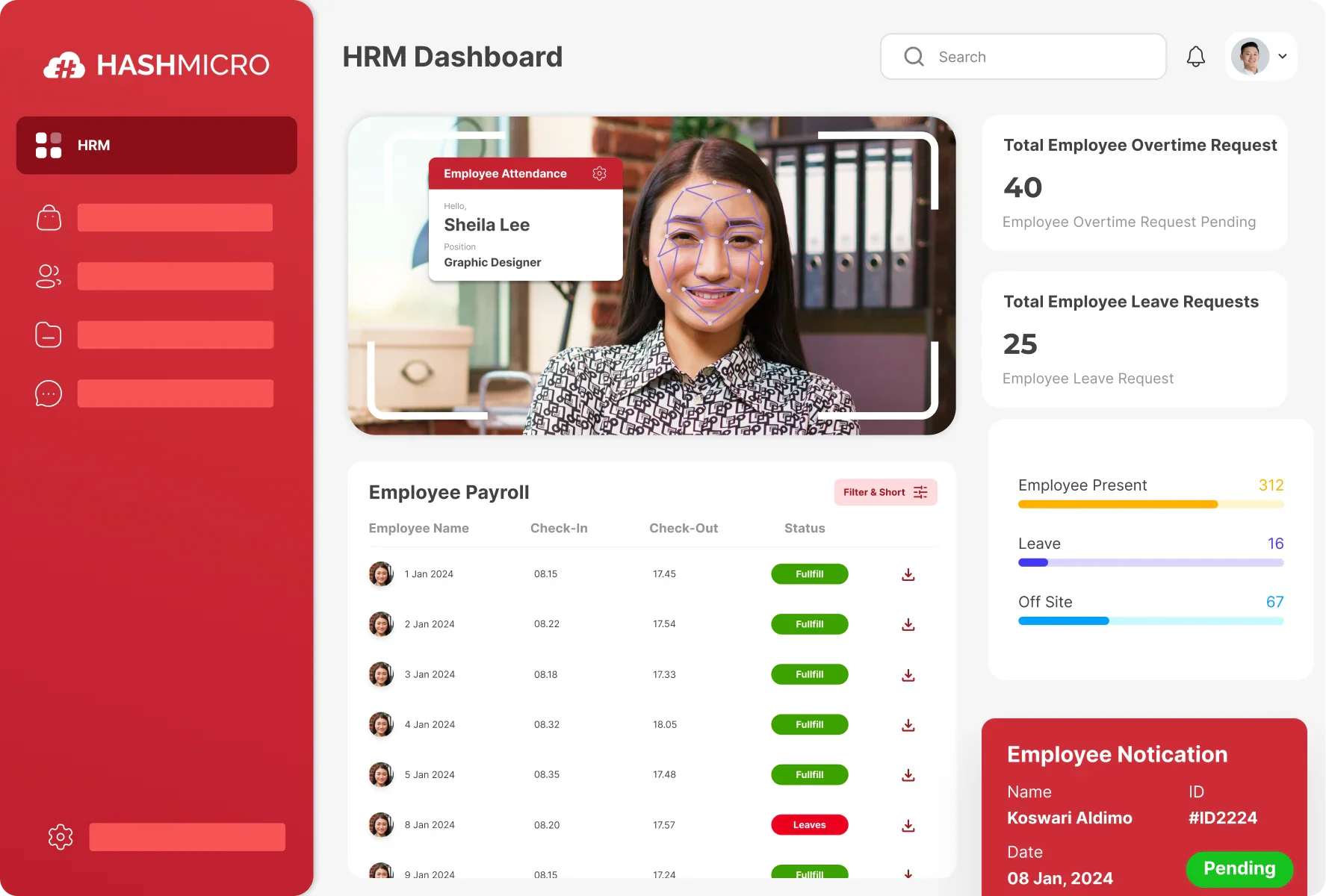
HashMicro connects employee and payroll processes with a wider ERP environment. Its Philippine payroll product covers approved timekeeping inputs, earnings, deductions, calculations, payslips, HR reports, and accounting posting. This makes it relevant when HR and finance teams need consistent records across departments.
The HashMicro payroll systems enables SSS, PhilHealth, and Pag-IBIG contributions can be calculated when the corresponding rules and employee data are configured and maintained. Buyers should confirm the setup, reports, exports, and manual-review cases included in their project.
Why we chose it: We chose HashMicro for businesses that want Philippine payroll connected to HR and finance processes within a broader ERP deployment.
Features:
Employee and payroll records: Stores employee details and payroll data in one place. HR and finance teams then work from the same record.
Timekeeping and pay inputs: Brings approved hours and absences into the payroll run. This reduces manual entry between attendance and pay.
Configurable deductions: Lets you set up SSS, PhilHealth, and Pag-IBIG rules once. The system then applies them in each payroll run.
Payslips and payroll reports: Generates payslips and reports from every payroll run. Teams can review the results before releasing pay.
Accounting connection: Posts payroll results to accounting. Finance sees labor costs without re-keying data.
Pros | Cons |
|
|
Pricing: Request a quote covering selected modules, configuration, integration, training, and support.
2. Sprout Solutions
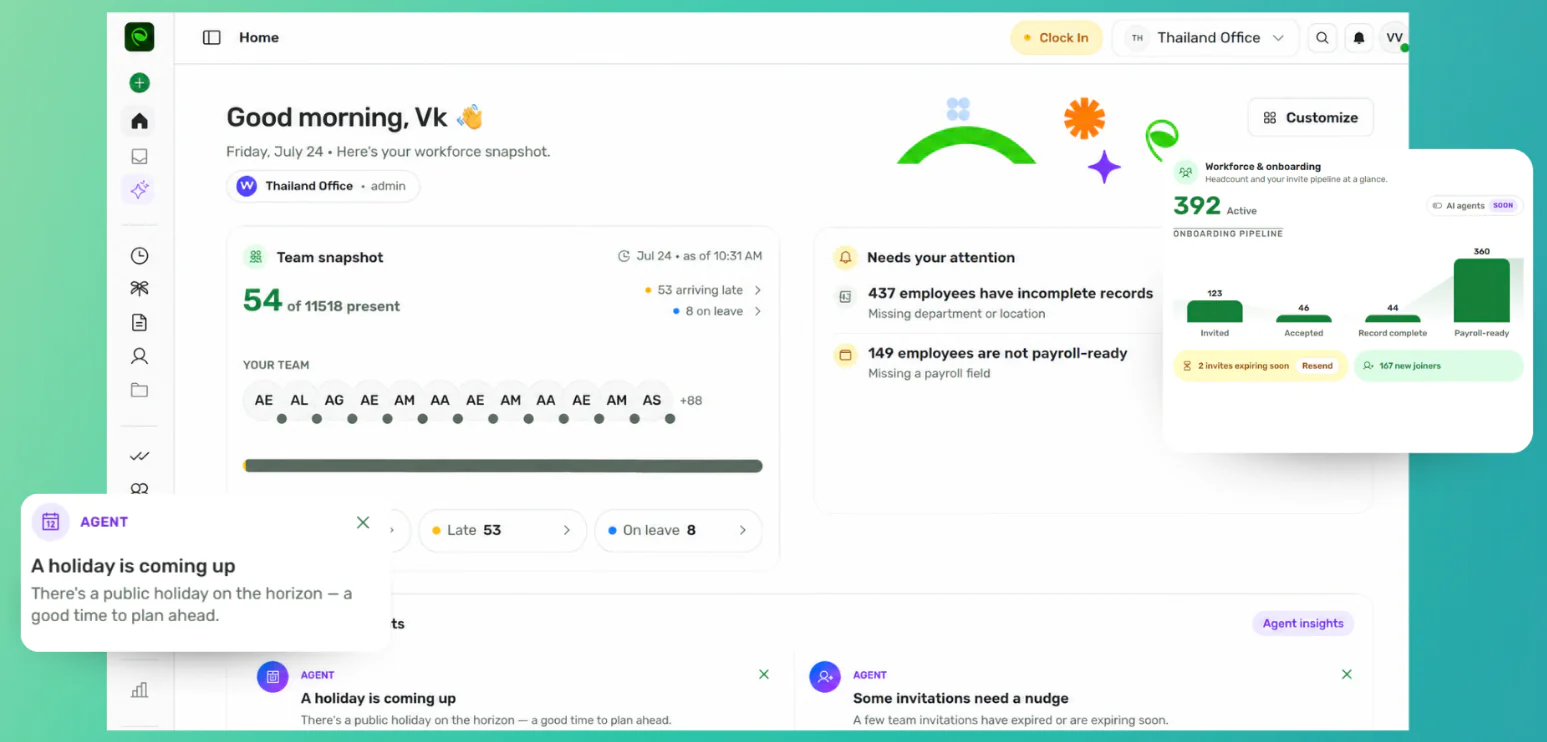
Sprout Solutions focuses on Philippine HR and payroll operations. It is a suitable shortlist option for employers that want employee administration, time data, leave, and payroll organized around local working practices.
Sprout’s payroll guidance documents how SSS, PhilHealth, and HDMF contributions can be included and checked during payroll runs. Buyers should still test complex cases and confirm which reports and services are included in their proposed package.
Why we chose it: We chose Sprout because its documented Philippine contribution workflow gives local employers a concrete starting point for payroll evaluation.
Features:
Employee records: Keeps employment details in one profile. Leave and payroll then draw from the same source.
Timekeeping inputs: Captures attendance data that feeds the payroll run. HR can review exceptions before pay is processed.
Leave workflows: Routes leave requests through approval. Approved leave then carries into payroll.
Payroll runs: Processes pay cycles and produces payslips. Teams can check results before finalizing each run.
Government contribution calculations: Includes SSS, PhilHealth, and HDMF contributions in payroll runs. Teams can validate the amounts before release.
Pros | Cons |
|
|
Pricing: Request a current quote for the selected HR, timekeeping, payroll, integration, and support scope.
3. ZingHR
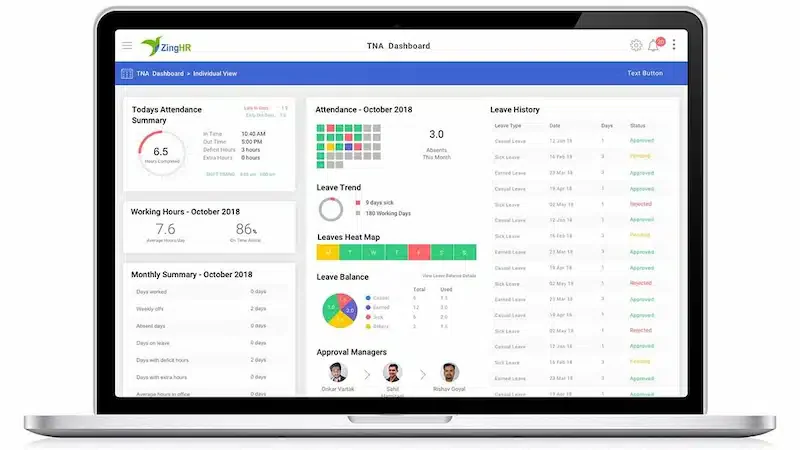
ZingHR presents an HCM platform spanning hiring, employee administration, payroll, talent, learning, and workforce intelligence. It targets organizations that want connected lifecycle processes across several Southeast Asian markets.
ZingHR’s Southeast Asia material explicitly names the Philippines and local frameworks including BIR, Pag-IBIG, DOLE, and SSS. It describes Philippine payroll as native. Buyers should request a demonstration of their specific calculations, statutory outputs, and support arrangements.
Why we chose it: We chose ZingHR for regional employers seeking broad lifecycle coverage with an explicitly stated Philippine payroll offering.
Features:
Recruitment and onboarding: Tracks candidates through hiring and moves new hires into the employee record. This cuts repeat data entry.
Employee records: Holds employee data and changes across the lifecycle. HR works from one profile.
Attendance and payroll: Connects attendance data to pay calculations. ZingHR describes its Philippine payroll as native.
Performance and learning: Links goals, reviews, and training to employee development. Managers can follow progress across review cycles.
Workforce analytics: Reports on headcount and other workforce trends. HR leaders can use the data for planning.
Pros | Cons |
|
|
Pricing: Request a quote for the required countries, employee population, modules, implementation, and support.
4. Darwinbox
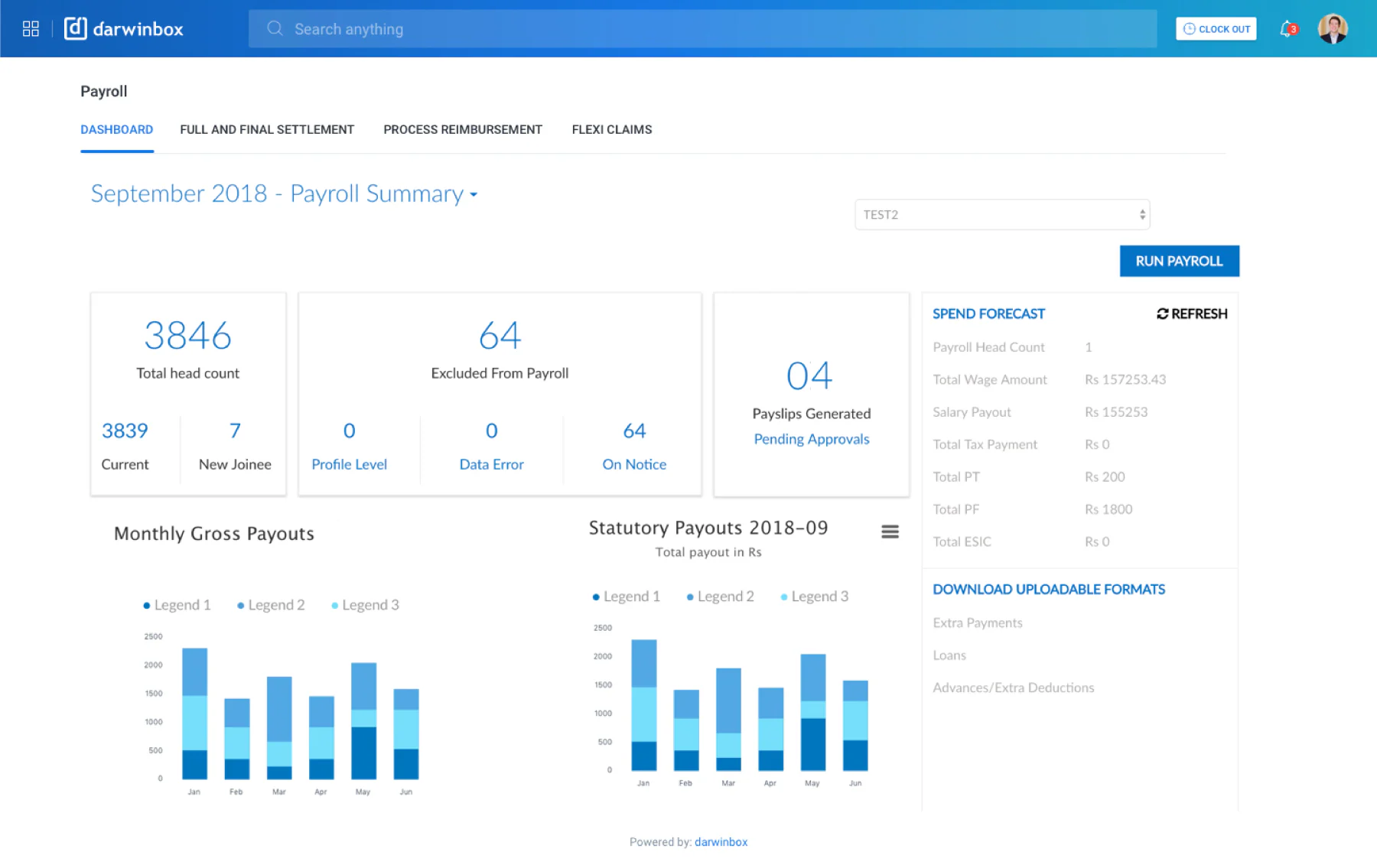
Darwinbox is an Asia-focused HCM platform covering employee data, workforce workflows, talent processes, and payroll. It may suit organizations seeking common HR processes across locations while accommodating local pay rules.
Darwinbox’s global payroll page lists native end-to-end payroll for the Philippines. That is a vendor-stated capability, so buyers should verify statutory reports, support ownership, and their required attendance and pay scenarios during a Philippine demonstration.
Why we chose it: We chose Darwinbox for Asia-focused enterprises because it combines a broad HCM platform with an explicitly advertised native Philippines payroll product.
Features:
Core employee records: Centralizes employee data and changes. Other modules use this record as their source.
Time and attendance: Tracks working time and absences across locations. The data supports pay calculation.
Philippines payroll offering: Darwinbox lists native end-to-end payroll for the Philippines. Buyers should verify statutory outputs in a demo.
Approval workflows: Routes requests and employee changes through configurable approval steps. Enterprises can match their own policies.
Talent processes and analytics: Supports talent processes and workforce reporting. HR can track people data across the organization.
Pros | Cons |
|
|
Pricing: Request a scoped quote for modules, employee count, local payroll, implementation, and support.
5. Workday HCM
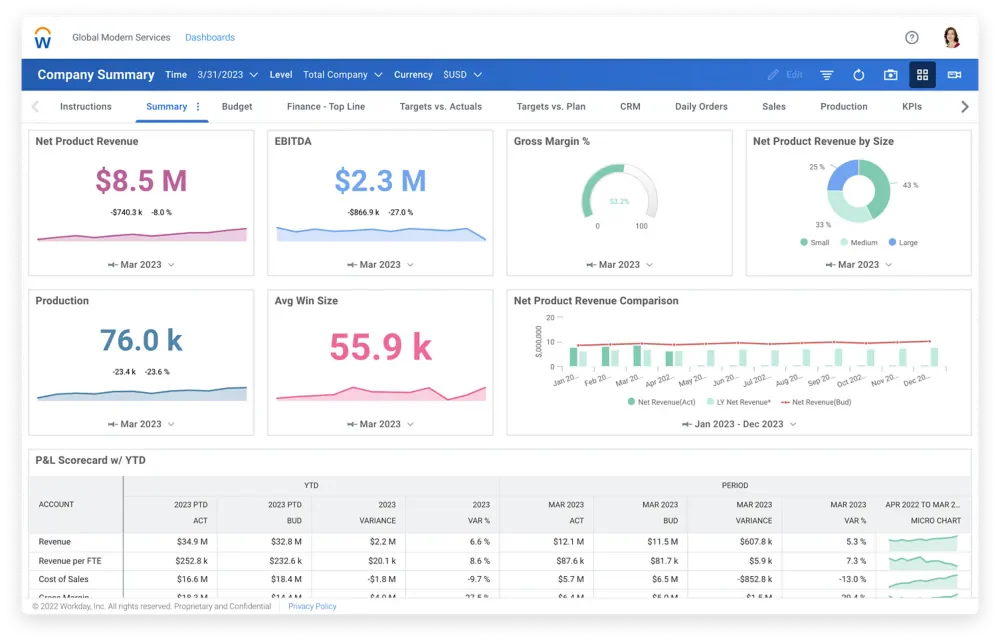
Workday HCM is designed for organizations managing employee data, talent, planning, and reporting across large or multinational workforces. It is most relevant when a company needs shared HR governance across countries.
Workday’s global payroll material lists native payroll in selected countries and certified third-party integrations for additional markets. For Philippine employees, buyers should identify the proposed local provider and establish who processes payroll, maintains rules, and produces statutory outputs.
Why we chose it: We chose Workday for multinationals that value a shared HCM model and can manage a separate Philippine payroll integration.
Features:
Global employee records: Maintains one employee record across countries. Shared HR governance depends on this single source.
Talent management: Supports goals, reviews, and career development. Managers can plan talent actions across large workforces.
Workforce planning: Helps leaders model headcount and organizational changes. Teams can plan hiring before gaps appear.
HR analytics: Reports on workforce and pay data in one place. HR can spot trends across regions.
Global payroll integrations: Connects Workday to certified third-party payroll providers for additional countries. Philippine buyers must identify the local provider.
Pros | Cons |
|
|
Pricing: Request a complete HCM, implementation, integration, and local payroll-provider proposal.
6. SAP SuccessFactors
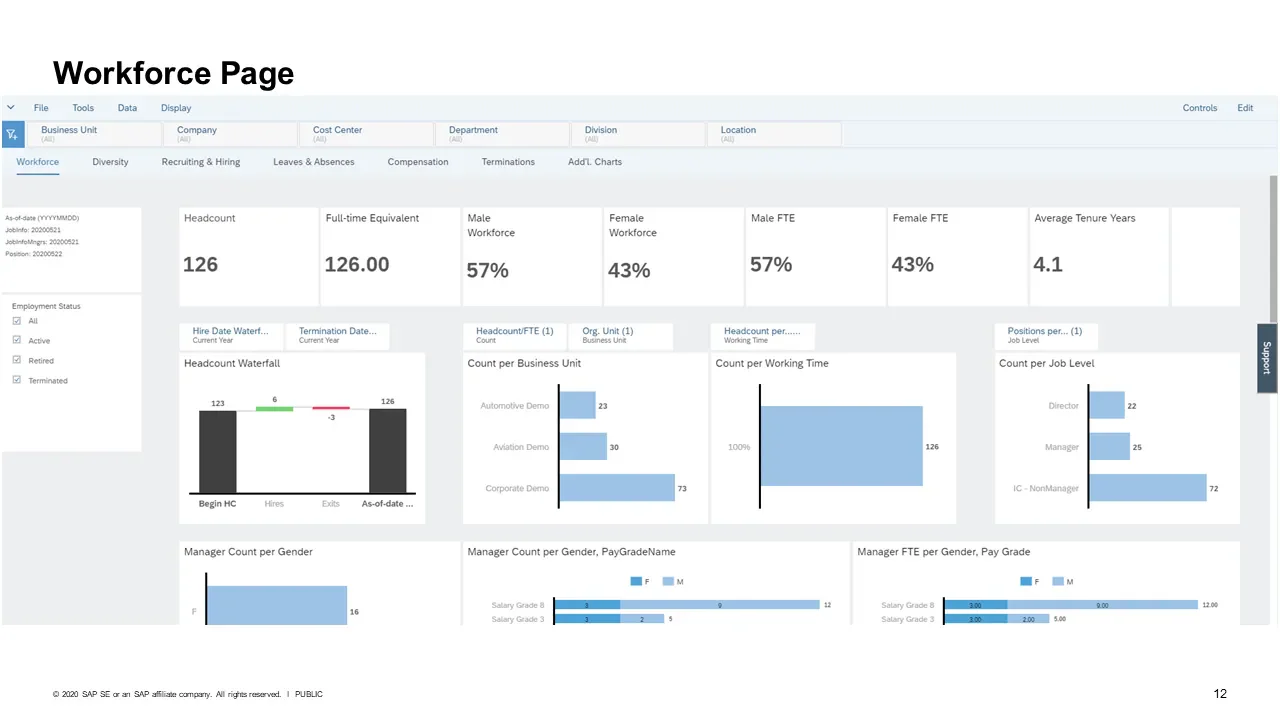
SAP SuccessFactors covers core HR and talent processes for organizations with formal workforce governance. It is a natural candidate when the business already uses SAP systems and wants employee data connected to wider enterprise processes.
SAP’s Employee Central Payroll feature scope includes the Philippines among delivered local versions. Buyers should confirm the functions and statutory outputs in their specific deployment rather than assuming that every localization component is included in the proposed contract.
Why we chose it: We chose SAP SuccessFactors for SAP-centered enterprises seeking broad HCM capabilities and a documented Philippine payroll localization.
Features:
Employee Central records: Serves as the core repository for employee data and organizational structure. Other modules draw from it.
Performance management: Manages goals and review cycles. Managers can tie results to talent decisions.
Learning: Delivers and tracks employee training. HR can connect courses to development plans.
Workforce planning: Helps teams plan headcount and skill needs. Leaders can align staffing with business goals.
Employee Central Payroll: Runs payroll with delivered country versions, including the Philippines. Buyers should confirm statutory outputs in their own deployment.
Pros | Cons |
|
|
Pricing: Request a quote that separates HCM modules, payroll, implementation, integration, and ongoing support.
7. PeopleStrong
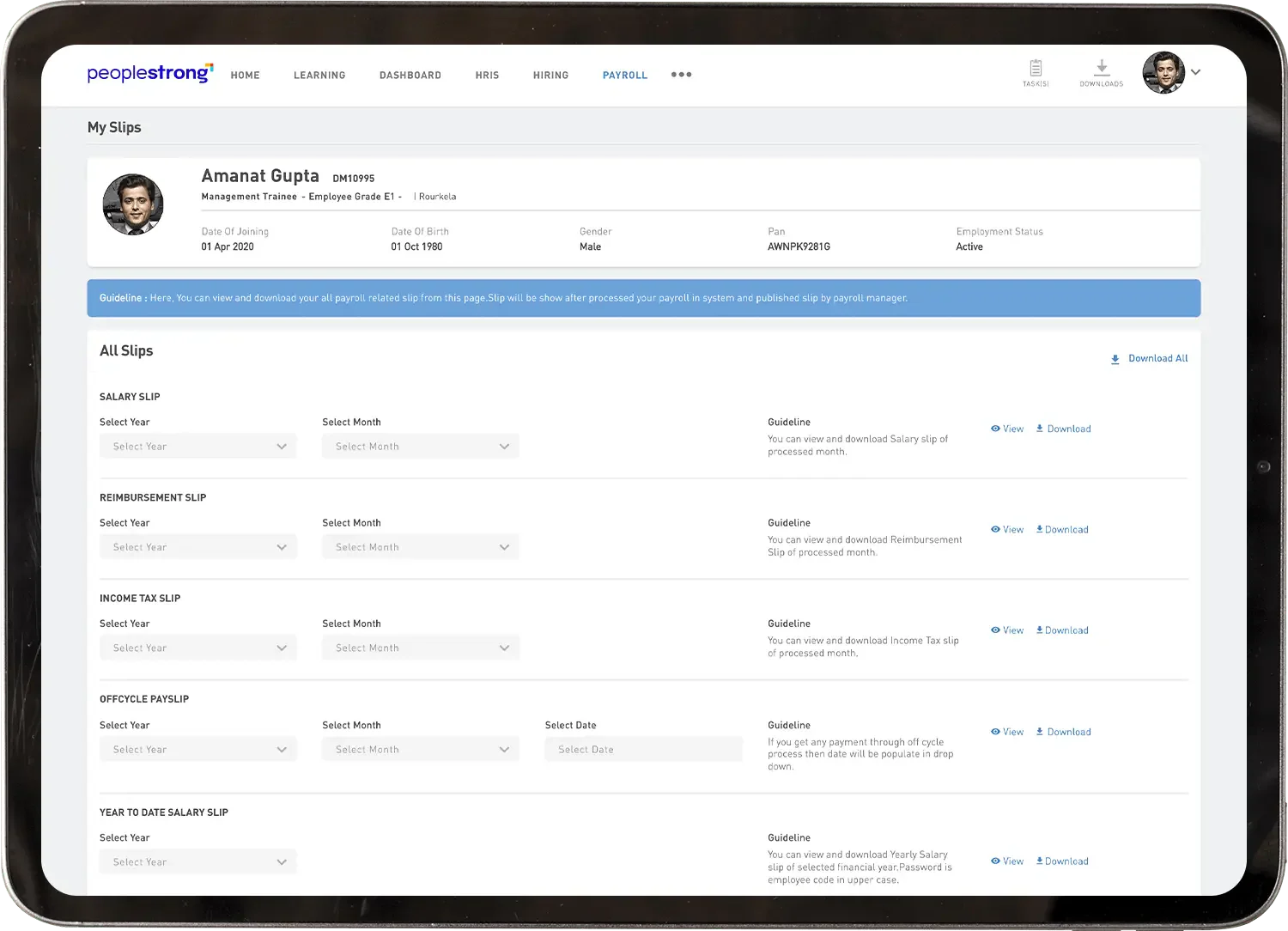
PeopleStrong combines employee records, recruitment, onboarding, attendance, payroll, performance, and lifecycle workflows. Its platform is relevant to APAC businesses looking to connect HR administration with talent processes.
The reviewed PeopleStrong HRMS material describes payroll as part of the platform but does not establish the exact scope of Philippine statutory payroll. Buyers should request a country-specific demonstration before treating it as a local payroll recommendation.
Why we chose it: We chose PeopleStrong for its broad APAC HR and talent scope, while keeping Philippine payroll capability as a required evidence check.
Features:
Recruitment and onboarding: Manages hiring steps and new-hire setup. Candidate data moves into the employee record.
Employee records: Keeps employee details and changes in one profile. HR teams use it as the base for other workflows.
Leave and attendance: Tracks absences and working time. Approved data can support payroll.
Payroll module: Handles payroll as part of the platform. The exact Philippine statutory scope needs confirmation in a demo.
Performance workflows: Supports goal setting and review cycles. Managers can follow employee progress over time.
Pros | Cons |
|
|
Pricing: Request a quote and written confirmation of the Philippine payroll, implementation, and support scope.
8. Oracle HCM Cloud
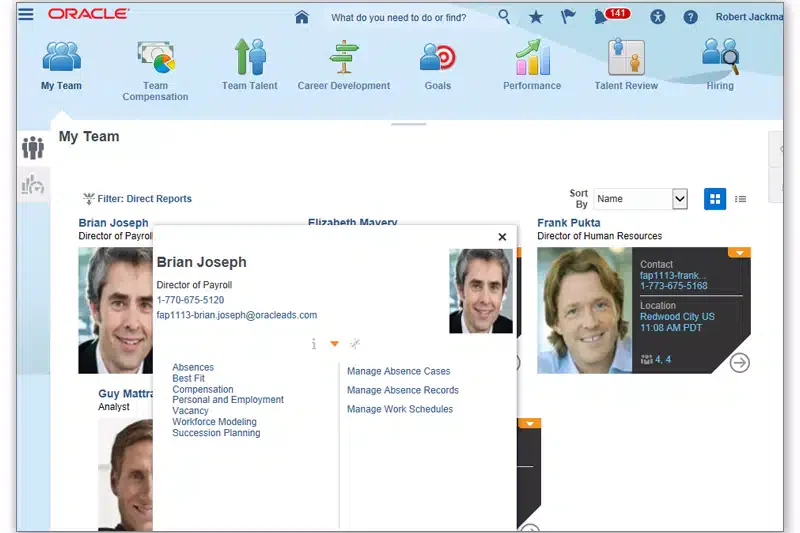
Oracle HCM Cloud is designed for organizations with complex employee structures, workforce policies, and connections to finance. It is especially relevant when an enterprise already uses Oracle technology.
Oracle’s payroll product page lists the Philippines under International Payroll Core. Oracle explains that an approved partner can configure part of the country localization. Buyers should identify that partner and document who maintains local rules, statutory outputs, and ongoing support.
Why we chose it: We chose Oracle for enterprises seeking a shared HCM and finance architecture with a defined route to Philippine payroll configuration.
Features:
Global employee records: Keeps employee and organization data in one system. Complex structures stay consistent across entities.
Talent management: Covers performance, development, and career processes. HR can apply common talent policies across the business.
Workforce planning: Supports headcount and organizational planning. Leaders can model changes before they happen.
Payroll Core: Oracle lists the Philippines under International Payroll Core. An approved partner can configure part of the local setup.
HR and finance reporting: Connects workforce data with financial reporting. Finance and HR can review labor costs together.
Pros | Cons |
|
|
Pricing: Request a quote that includes Oracle modules, partner localization, integration, implementation, and support.
9. HiBob
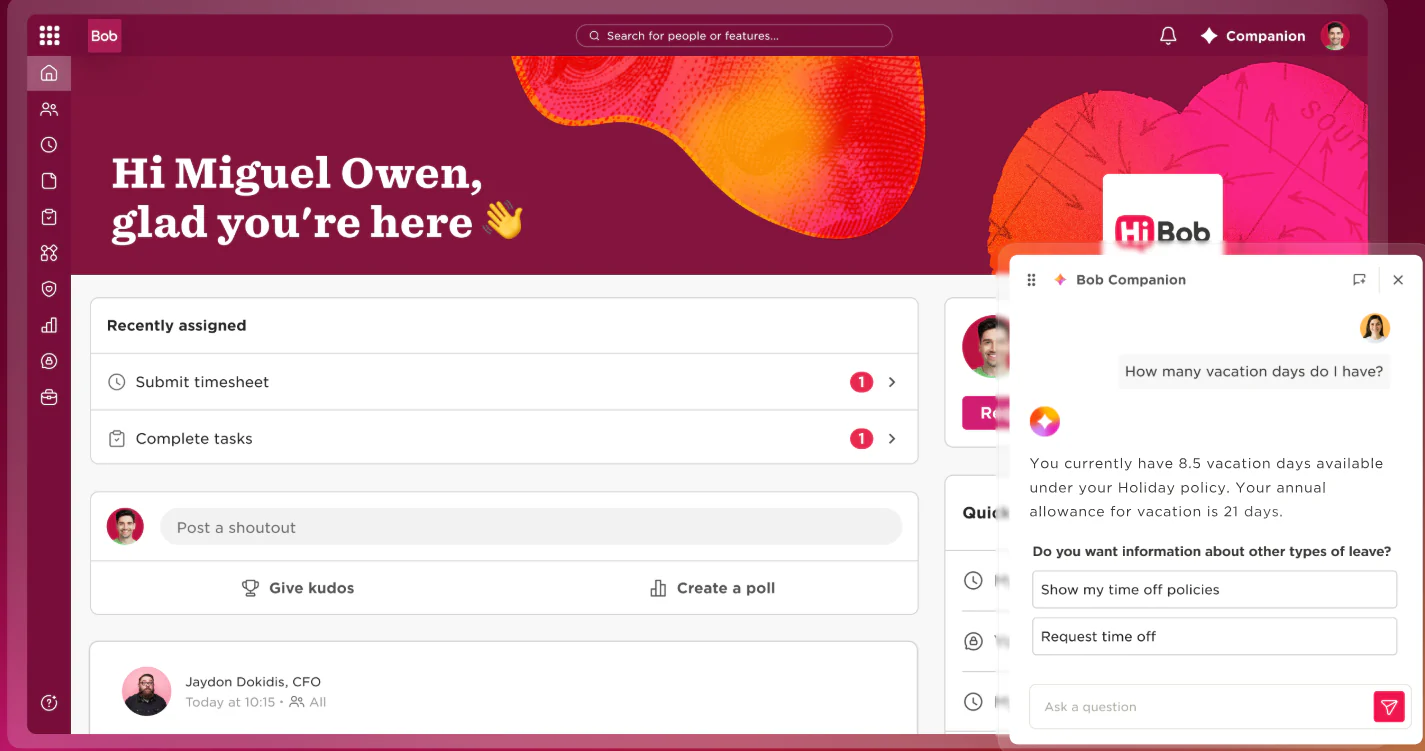
HiBob, also called Bob, focuses on connected people data and employee experience. It covers core HR, onboarding, performance, learning, workforce planning, compensation, and analytics for growing or distributed teams.
HiBob’s Payroll Hub connects HR data with payroll providers. Its FAQ identifies native payroll for the US and UK. A Philippine buyer should therefore confirm the provider, data flow, local processing responsibilities, and integration costs.
Why we chose it: We chose HiBob for distributed employers prioritizing employee experience and broad HR workflows while using a separate Philippine payroll provider.
Features:
Core HR records: Stores employee data and changes in one profile. Teams share the same people data across workflows.
Onboarding workflows: Guides new hires through setup tasks. HR can follow each step to completion.
Performance management: Supports goals, reviews, and feedback. Managers can track progress across teams.
Learning and planning: Supports learning programs and workforce planning. HR can connect development to future staffing needs.
Payroll Hub integrations: Connects HR data to external payroll providers. Philippine buyers need a separate provider for local payroll.
Pros | Cons |
|
|
Pricing: Request a quote for Bob modules and the proposed payroll-provider integration.
10. Rippling
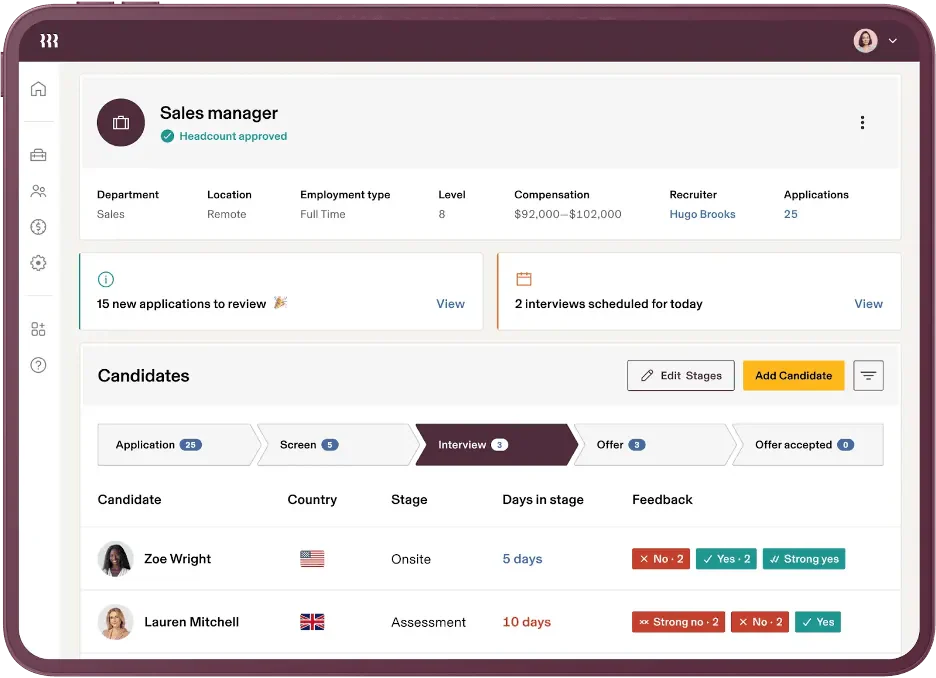
Rippling combines HR, payroll, time, expenses, and IT administration. It is relevant to global businesses that want employee changes to inform both people operations and software-access workflows.
Rippling offers Global Payroll and an employer-of-record product, and publishes Philippines payroll guidance. Buyers must establish which route applies to their workforce and who handles local calculations, filings, remittances, and support.
Why we chose it: We chose Rippling for multinational teams that want HR, payroll, and IT processes connected across the employee lifecycle.
Features:
HR employee records: Keeps employee data in one profile. HR, payroll, and IT teams update the same record.
Global payroll workflows: Offers Global Payroll and an employer-of-record route. Buyers must confirm which one applies in the Philippines.
Time tracking: Records working hours and absences. The data can support pay calculation.
Expense management: Handles employee expense claims and approvals. Finance can review spending alongside HR data.
IT access administration: Links employee changes to software access. Onboarding and exits can update accounts automatically.
Pros | Cons |
|
|
Pricing: Request separate prices for the proposed HR, payroll or EOR, IT, implementation, and support scope.
How to Choose Human Capital Management Software
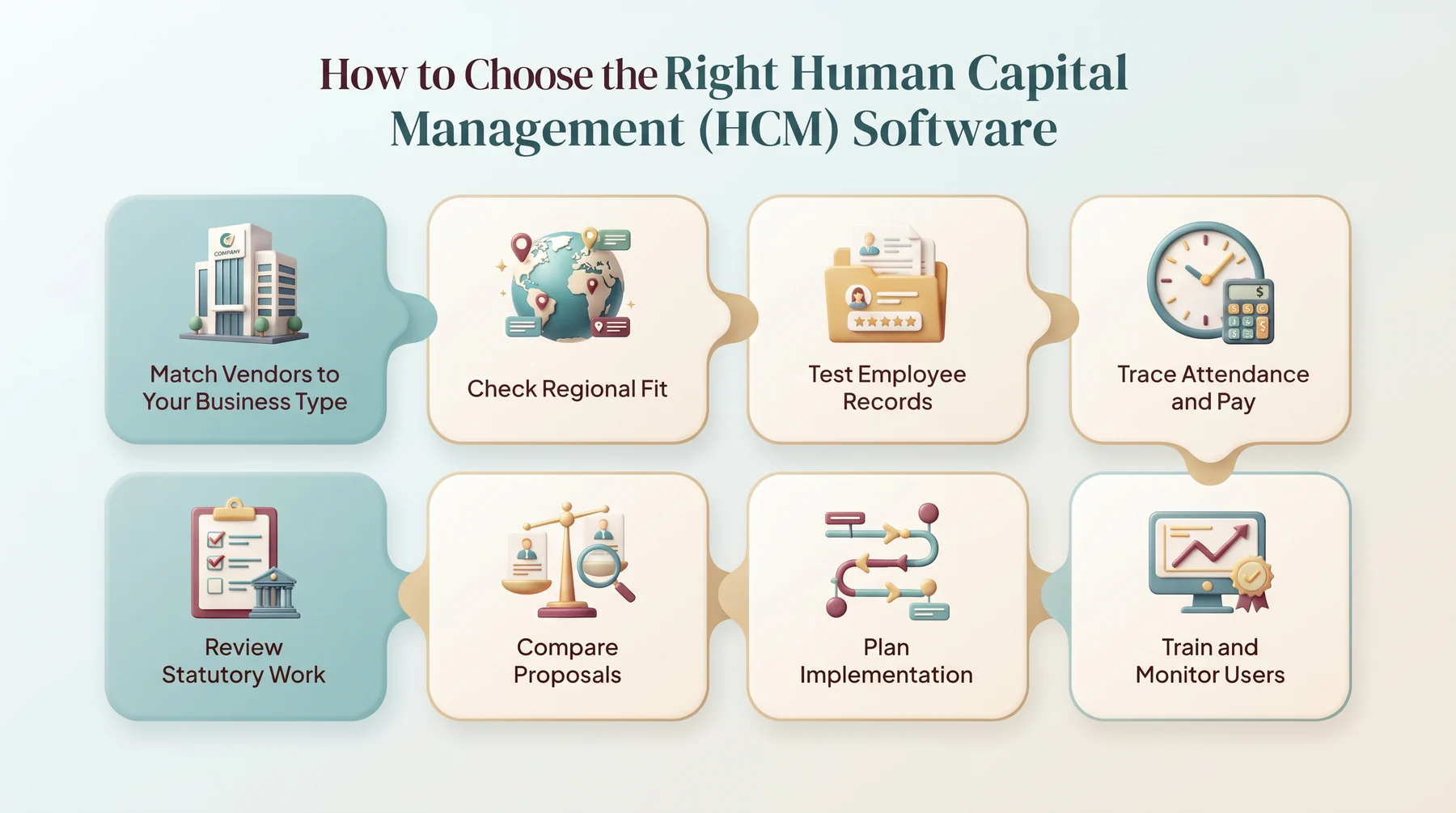
Choosing HCM software starts with your workforce size, branch count, and payroll needs. The right platform keeps employee records, attendance, and Philippine payroll consistent from hire to exit. Work through the steps below in order, from vendor shortlist to rollout.
1. Match Vendors to Your Business Type
A Philippine SME needing local HR and payroll should begin with HashMicro or Sprout. Compare ZingHR if broader lifecycle or regional needs matter. A multi-branch employer should test HashMicro, Sprout, ZingHR, and Darwinbox against the same roster, attendance exceptions, and payroll changes.
2. Check Regional Fit for Larger Organizations
A regional or multinational organization may also evaluate Workday, SAP SuccessFactors, PeopleStrong, Oracle, HiBob, and Rippling. The choice depends on its existing systems and the documented Philippine payroll model. Confirm PeopleStrong's local payroll scope. Workday and HiBob use external payroll providers, and Oracle's local configuration involves a partner.
3. Test the Employee Record
Test the employee record first by running hire, transfer, promotion, leave, rehire, and exit. Ask each vendor to show unusual cases rather than only a standard payroll run. This reveals how the system handles real HR changes.
4. Trace Attendance and Pay Changes
Then follow attendance and pay changes through approval, payroll, payslip, reporting, and accounting. Every handoff should stay traceable without manual re-entry. Gaps between these steps often cause payroll errors and reconciliation delays.
5. Review Statutory Work Step by Step
Separate calculation, report generation, export, filing support, payment, and rule maintenance. Ask who handles each step, whether the vendor, a partner, or your team. A vendor may cover some steps, such as SSS contribution calculation, but not others.
6. Compare Complete Proposals
Compare proposals covering licenses, implementation, integrations, training, payroll services, support, and future expansion. A low license price can hide costly add-ons. HashMicro HR software pricing guide provides additional buying context.
7. Plan the Implementation
Agree on the authoritative employee record, clean historical data, and define approval responsibilities before migration. Configure pay rules and integrations using representative employees. Run payroll in parallel, reconcile differences, and document who approves the final results.
8. Train Users and Monitor After Launch
Train HR, payroll, managers, and employees on their actual tasks. After launch, monitor failed integrations, payroll exceptions, support requests, and changes to local rules. The timeline should reflect workforce size, data quality, entities, and the chosen payroll model.
Conclusion
The right HCM software should connect the employee lifecycle and fit the business’s Philippine payroll responsibilities. Use the same real hiring, attendance, payroll, transfer, and exit cases when evaluating vendors. Confirm the local delivery model and support owner before choosing on the strength of a feature list.
Once the shortlist is ready, focus on workflows that repeat every pay cycle. HashMicro's HR automation can reduce manual re-entry between leave, attendance, approvals, and payroll. Fewer handoffs also mean fewer corrections before payroll release.

FAQ Around HCM Software
There is no universal winner. Start with the platforms that fit your workforce, then compare written payroll scope and demonstrations. HashMicro and Sprout are local starting points; ZingHR and Darwinbox warrant review for broader regional needs. Enterprise and global options depend heavily on implementation and payroll architecture.
Recruitment, onboarding, employee records, attendance, leave, payroll, performance, learning, analytics, and offboarding form a useful comparison set. Succession and workforce planning become more relevant as complexity grows. Confirm whether the required functions share data directly or rely on integrations.
Some platforms advertise local calculations and outputs; others use providers or partners. Ask for a demonstration of each required step and identify who maintains rules, files returns, and remits payments. A general claim of Philippine availability does not establish every statutory function.
HCM usually covers the broadest employee lifecycle, including talent and planning. HRIS and HRMS commonly focus on core records and HR operations, but product labels vary. HashMicro’s HRIS comparison addresses the narrower HRIS shopping intent.
Employee count, entities, selected modules, payroll delivery, data migration, integrations, configuration, training, and support all affect the proposal. Request an itemized quote and milestone plan so that software subscriptions can be compared alongside the work required to launch and operate the system.