

Real estate software is a digital platform that manages one or more property-business workflows, from leads and listings to leases, trust transactions, and reporting.
It works by connecting the people, dates, and money involved in a property transaction, so a lead, a signed lease, and a reconciled invoice all trace back to one record.
This shortlist covers 14 platforms across ERP, CRM, trust accounting, property management, lease management, and inspection workflows, organised by use case rather than a single ranking.
Key Takeaways
See how HashMicro, MRI Software, and 12 other platforms compare across category, integration depth, and trust-accounting fit.
Check which category actually matches your bottleneck before comparing individual vendor features.
Confirm portal, GST, and trust-accounting requirements before assuming any platform covers Australian rules by default.
Use the full comparison table to shortlist by workflow fit, not by the length of a feature list.

Some agencies just need a sharper CRM, others need trust accounting connected to finance and reporting across a whole portfolio. The five platforms below span that range.

Best Because
ERP-connected real estate operations linking finance, purchasing, and CRM in one system.

Best Because
Enterprise property, lease, and asset finance for large, complex portfolios.
Best Because
Cloud-first property management built for Australian residential agencies.
Best Because
Commercial lease administration with property accounting and connected ledgers.
Best Because
Agency CRM built around leads, appraisals, and listing coordination.
What Is Real Estate Software and What Should It Include?
Real estate software is a digital platform managing one or more property-business workflows, from leads and listings to leases, trust transactions, and reporting.
- CRM and lead management: contacts, enquiries, appraisals, and communication history so agents follow up consistently.
- Property and lease records: properties, tenants, listings, rent details, and documents in one controlled record.
- Finance and trust-accounting workflows: invoices, receipts, owner payments, and reconciliations, with GST reporting confirmed by an adviser.
- Workflow automation: approvals, inspections, and renewals routed to the right role with due dates.
- Reporting with role-based access: useful views for managers while restricting sensitive data appropriately.
Trace one transaction end to end during a demo: a lead becomes an appraisal, a lease is signed, an invoice is raised, and management receives a report.
"A shortlist built on feature checklists tells you what a vendor claims. A shortlist built on your own workflow tells you what actually breaks first."
Which Category of Real Estate Software Do You Need?
Identify the category matching your main bottleneck first. A developer managing multiple entities needs different scope than a small residential agency running one office.
| Business type | Primary category | What to check first |
|---|---|---|
| Residential agency | Real estate CRM | Portal feeds, lead routing, commission approvals |
| Property management business | Property management software | Owner statements, trust controls, inspections |
| Commercial property operator | Commercial real estate software | Lease abstraction, recoveries, expiries |
| Property developer | Project ERP | Feasibility, project costs, progress claims |
| Multi-entity group | Real estate ERP software | Intercompany controls, chart of accounts |
| Sales-focused agency | Real estate CRM | Enquiry response, pipeline visibility |
Specialist products fit best when one workflow dominates and integrations stay simple. ERP software Australia becomes more relevant once finance, procurement, and several entities need to share governed data.
Once that data finally sits in one connected system, the next question is how fast anyone can get an answer out of it. The banner below shows how Hashy AI reads it and flags the exceptions.






How the Australian Market Shapes Your Options
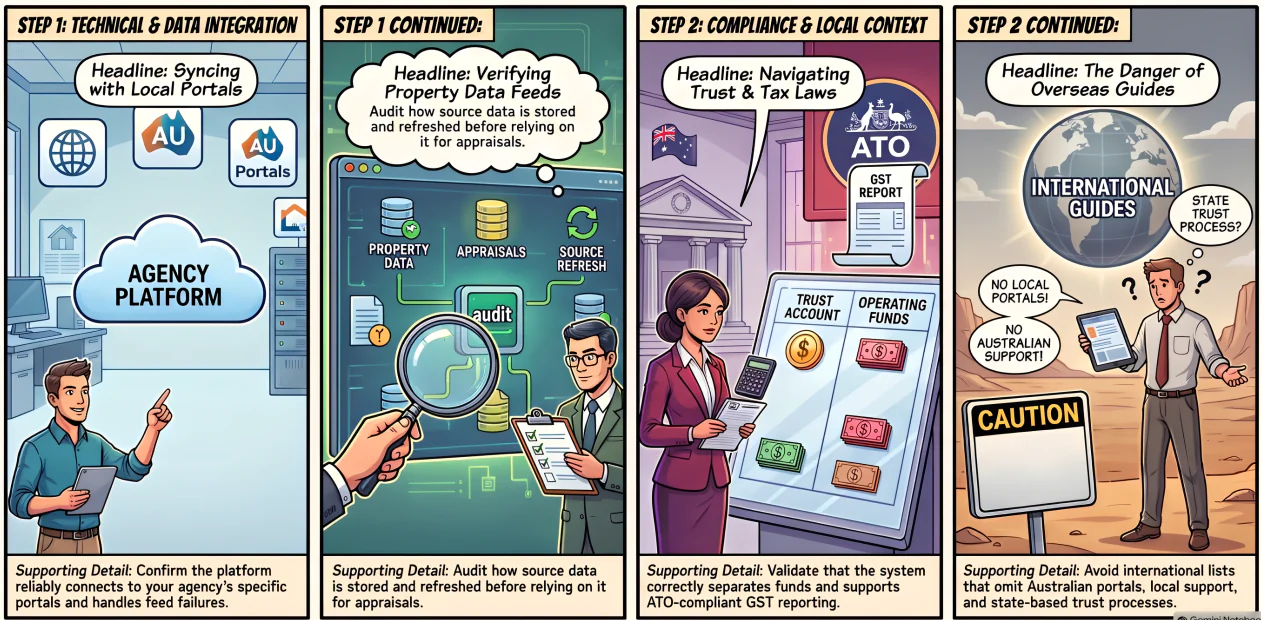
Portals, tax administration, and trust-accounting practices vary enough by state that a generic global feature list rarely tells the full story.
1. Listing portals and integration reliability
Confirm whether the platform connects with the portals your agency actually uses, how often listings sync, and what happens when a feed fails mid-campaign.
2. Property data providers and the appraisal workflow
Property data feeds support comparative-market analysis, but ask how source data is stored, refreshed, and exported before relying on it for pricing decisions.
3. GST and BAS administration
If your agency is registered for GST, reporting should support accurate transaction coding, though software doesn't replace professional interpretation of ATO obligations.
4. Trust accounting and state-based regulation
Demonstrate how the system separates trust and operating funds, records approvals, and produces reports, then validate requirements directly with your state regulator.
5. Why overseas comparison lists can mislead
International guides often omit Australian portals, local support hours, and state-based trust processes entirely, so treat them as a starting point only.
How We Selected These Platforms
The list is organised by use case, not presented as an objectively ranked winner. For each platform, we reviewed:
- target users and business model, plus core workflow covered.
- observable finance, trust, and reporting functions.
- integration questions, including API access and data ownership.
- scalability across branches, portfolios, and entities.
HashMicro is included as a solution provider, not presented as an independently tested number-one platform.
14 Best Real Estate ERP and Back-Office Software
Use these summaries to remove unsuitable options first. Then run the same scripted demonstration with whichever two or three vendors survive your shortlist.
1. HashMicro
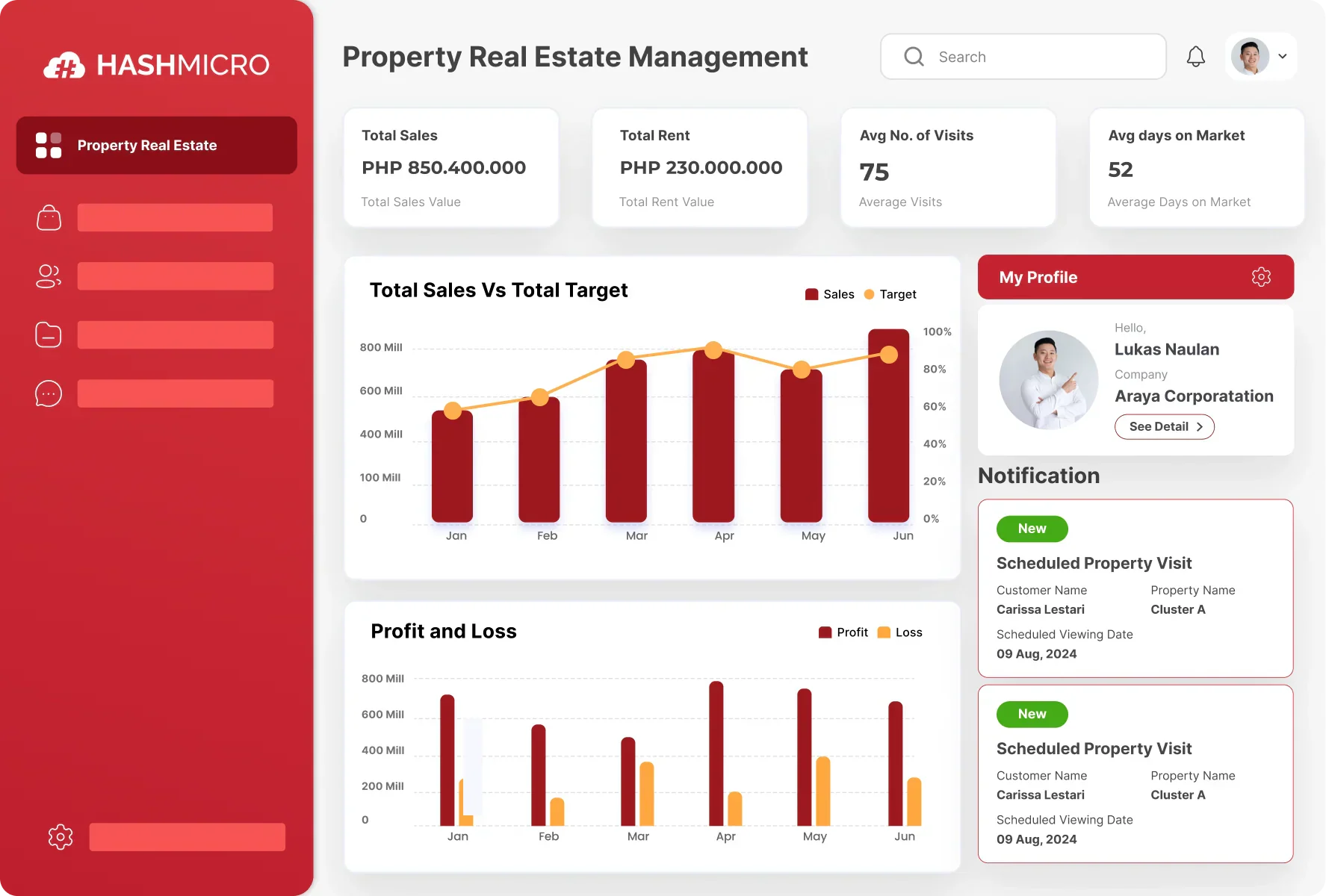
HashMicro connects finance, purchasing, projects, approvals, CRM, and reporting into one governed system rather than several tools that need reconciling every month.
It suits growing agencies, developers, and multi-entity property groups that need one view across departments, though setup takes longer than a single-purpose CRM.
| Pros | Cons |
|
✓
Connects finance, CRM, and operations natively.
✓ Handles multi-entity structures and intercompany reporting. ✓ Approval workflows and audit trails built in. |
×
Trust and portal functions may need configuration.
× Longer implementation than a specialist tool. × Full value depends on adopting several modules. |
Best for: businesses wanting connected finance, CRM, and operations in one place. Confirm portal, trust, and document-export options during a demo.
2. MRI Software
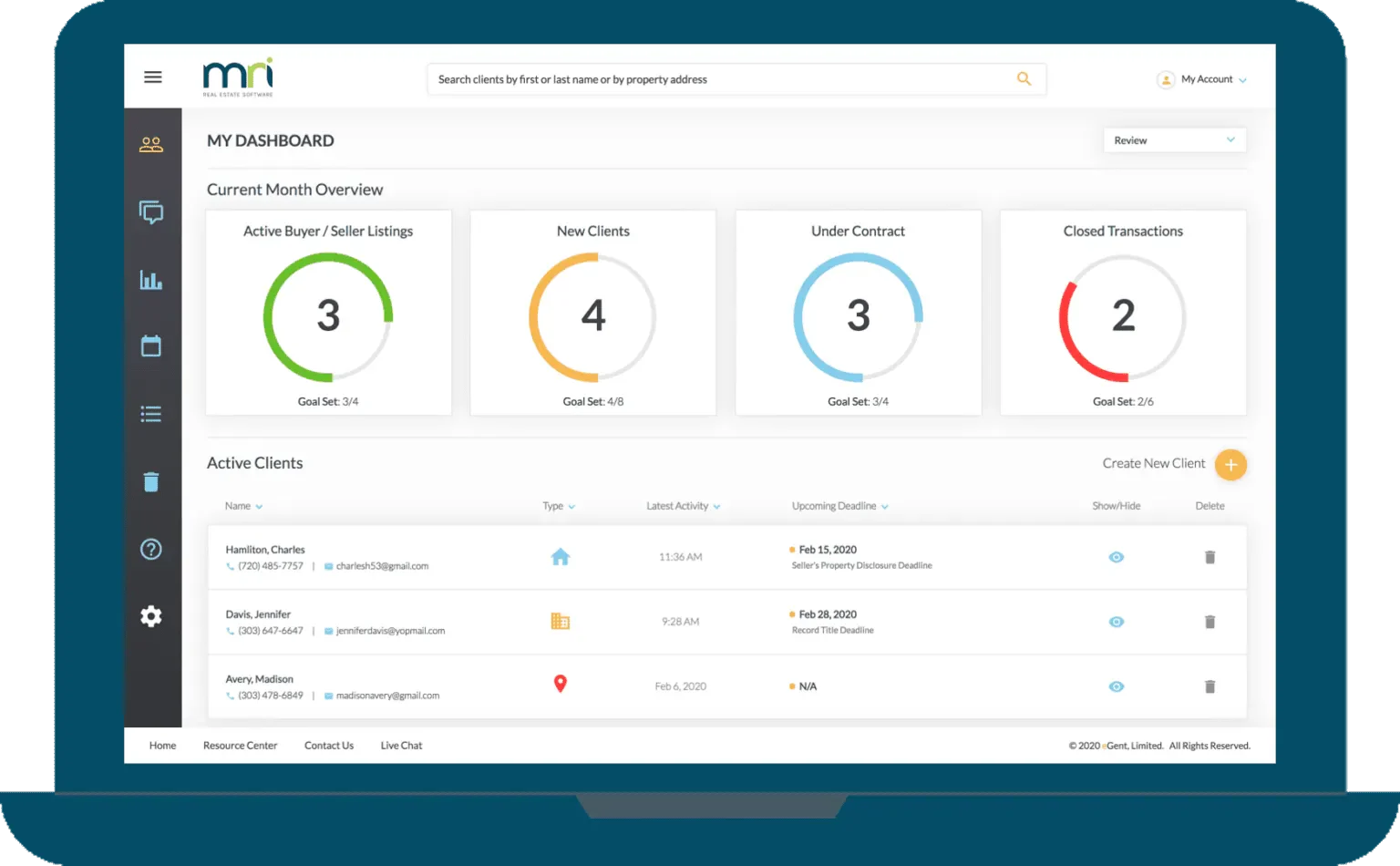
MRI covers enterprise property, lease, and asset finance processes, holding a 4.1 out of 5 rating on G2 across roughly 168 reviews, mostly from mid-market and enterprise users.
It suits complex portfolios with formal governance and dedicated reporting teams, though reviewers note a steeper learning curve than smaller residential-focused tools.
| Pros | Cons |
|
✓
Deep accounting and configurability for large portfolios.
✓ Long-established, enterprise-proven track record. ✓ Broad module range across lease, asset, and facilities. |
×
Reviewers report a steeper implementation curve.
× Support responsiveness rated below mid-market alternatives. × Overhead is hard to justify for a small agency. |
Best for: large property owners and managers. Ask about Australian tax and banking connectivity, and validate implementation scope before committing.
3. Re-Leased
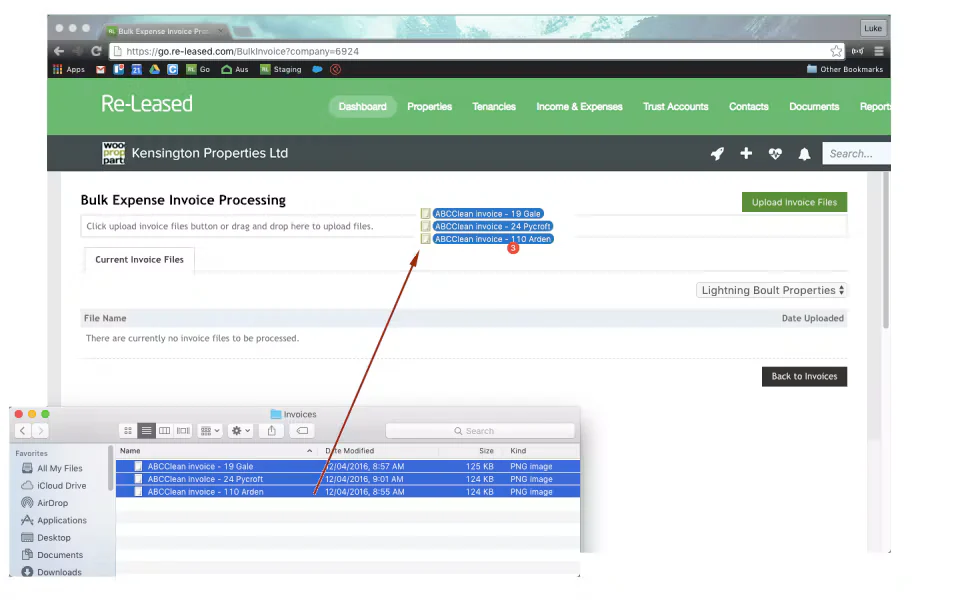
Re-Leased pairs lease administration with property accounting and connected ledgers, rated 4.6 out of 5 on G2 across around 149 reviews, mostly from small commercial operators.
Reviewers highlight ease of use and support quality, though some note the maintenance-request workflow could use finer detail for tradies in the field.
| Pros | Cons |
|
✓
Lease administration and property accounting in one place.
✓ High marks for ease of use and support. ✓ Connected ledgers reduce double entry with accounting systems. |
×
Maintenance workflow feels limited for field staff.
× Residential and full trust scope needs confirming. × Built around commercial, so mixed portfolios need testing. |
Best for: commercial property managers and owners. Confirm bank-feed and general-ledger exports, and check residential requirements separately.
4. Agentbox
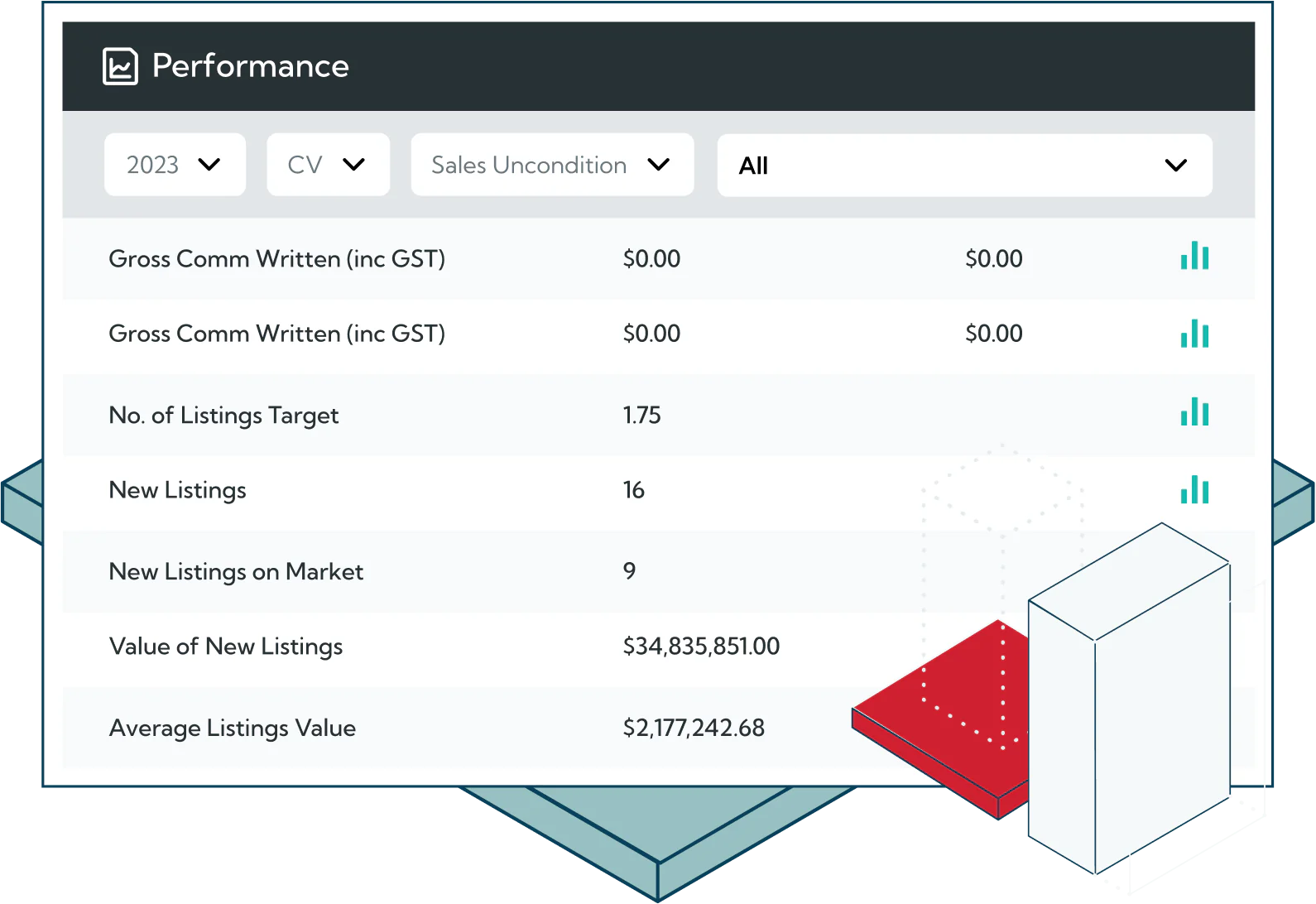
Agentbox organises contacts, leads, appraisals, and listings so residential sales teams follow a consistent process from first enquiry through to campaign reporting.
It is built for sales agencies rather than property management, so finance and trust work still depends on accounting software Australia and a connected platform.
| Pros | Cons |
|
✓
Structured sales pipeline from enquiry to listing.
✓ Campaign and marketing coordination built for agencies. ✓ Established local agency user base. |
×
No property management or trust accounting depth.
× Finance handoff depends on integrations. × Limited fit for commercial or developer workflows. |
Best for: residential sales agencies needing listing coordination. Confirm portal feeds and accounting handoff before assuming finance coverage.
5. Rex
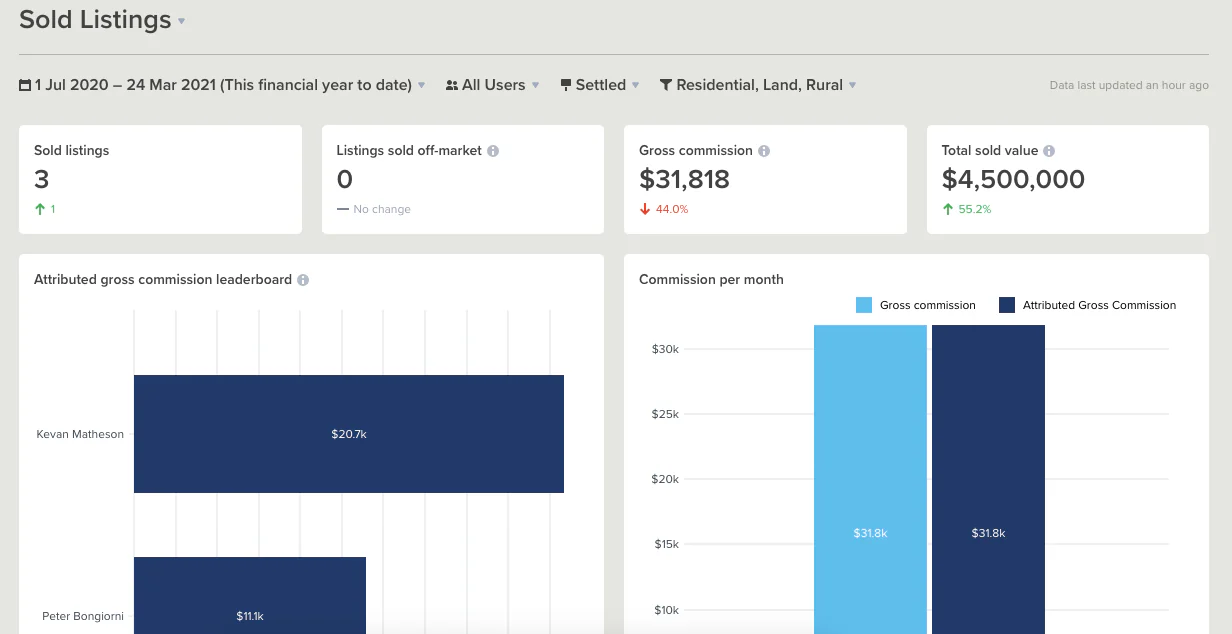
Rex focuses on lead management, campaigns, and pipeline reporting, giving principals visibility over agent activity and conversion rather than back-office data.
Agencies that also manage properties will need a second platform, since trust accounting and tenancy workflows sit outside its core scope.
| Pros | Cons |
|
✓
Clear pipeline and agent performance reporting.
✓ Strong campaign and communication tracking. ✓ Quick to adopt for sales-led teams. |
×
Property management workflows sit outside scope.
× No trust accounting. × Reporting depth thins beyond sales metrics. |
Best for: sales-focused agency groups. Validate property management and trust workflows separately if your agency also manages rentals.
6. VaultRE
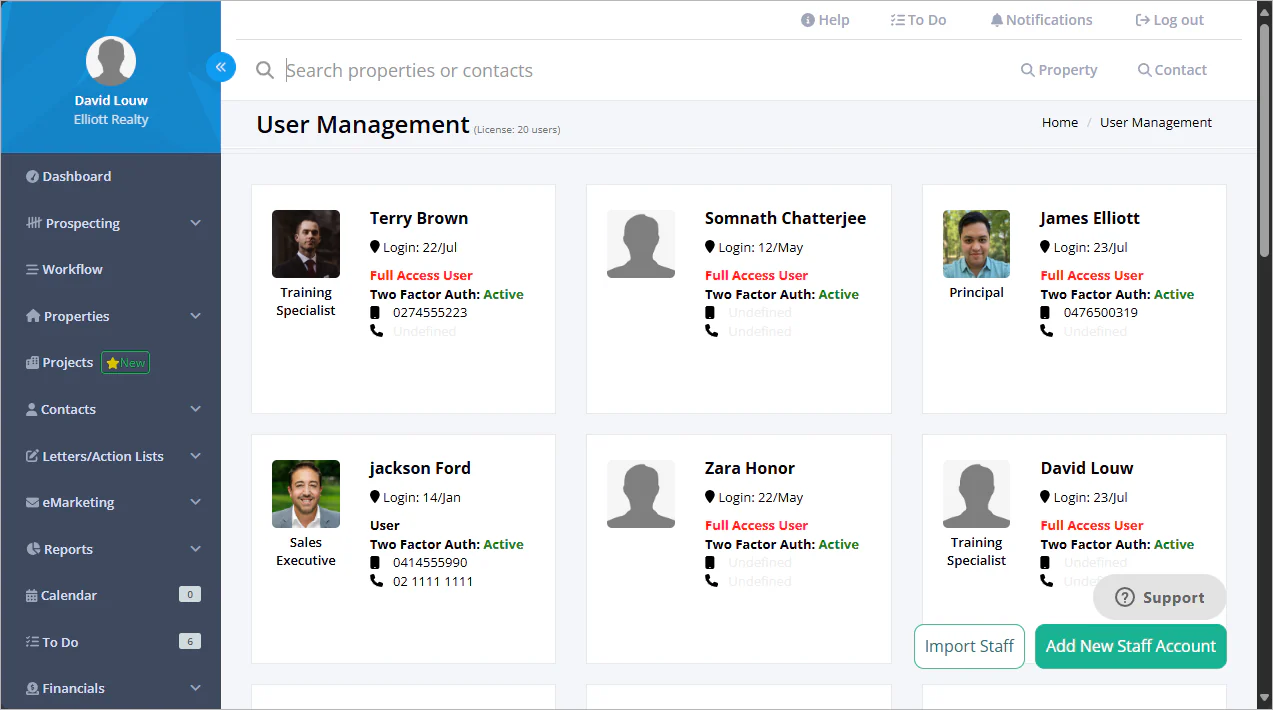
VaultRE shares contact, listing, and communication records across sales and property management teams, so both sides work from the same customer and property context.
That shared model cuts duplicate entry, though consolidated finance reporting across several offices still needs checking before a group-wide rollout.
| Pros | Cons |
|
✓
Shared records across sales and property management.
✓ Reduces duplicate contact and property entry. ✓ Suits agencies running both service lines. |
×
Consolidated multi-office finance needs validation.
× Inspection depth may require a specialist tool. × Configuration effort rises with more offices. |
Best for: agencies combining sales and property management under one roof. Validate portal, inspection, and consolidated finance depth before scaling.
7. Console Cloud
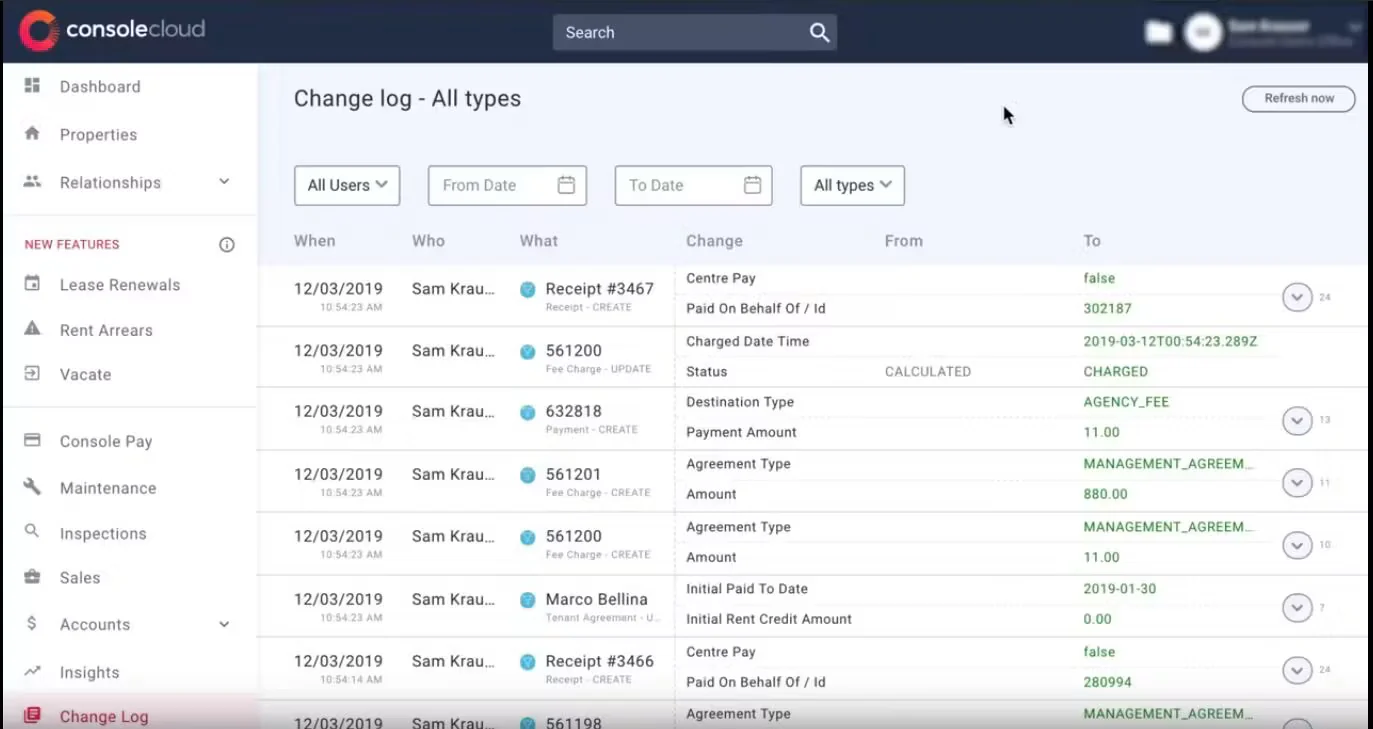
Console Cloud covers property management, trust, and agency administration in one platform, with workflows shaped around established Australian agency practice.
Established agencies gain breadth in return, but migrating years of trust and tenancy history is the part most teams underestimate.
| Pros | Cons |
|
✓
Property management and trust in one platform.
✓ Built around local agency practice. ✓ Suits agencies consolidating several tools. |
×
Migration effort is significant for established agencies.
× Developer and project controls sit outside scope. × Broad platforms can feel heavy for a single small office. |
Best for: agency groups seeking scale. Confirm migration complexity and whether developer project controls fall outside its scope.
8. Proply
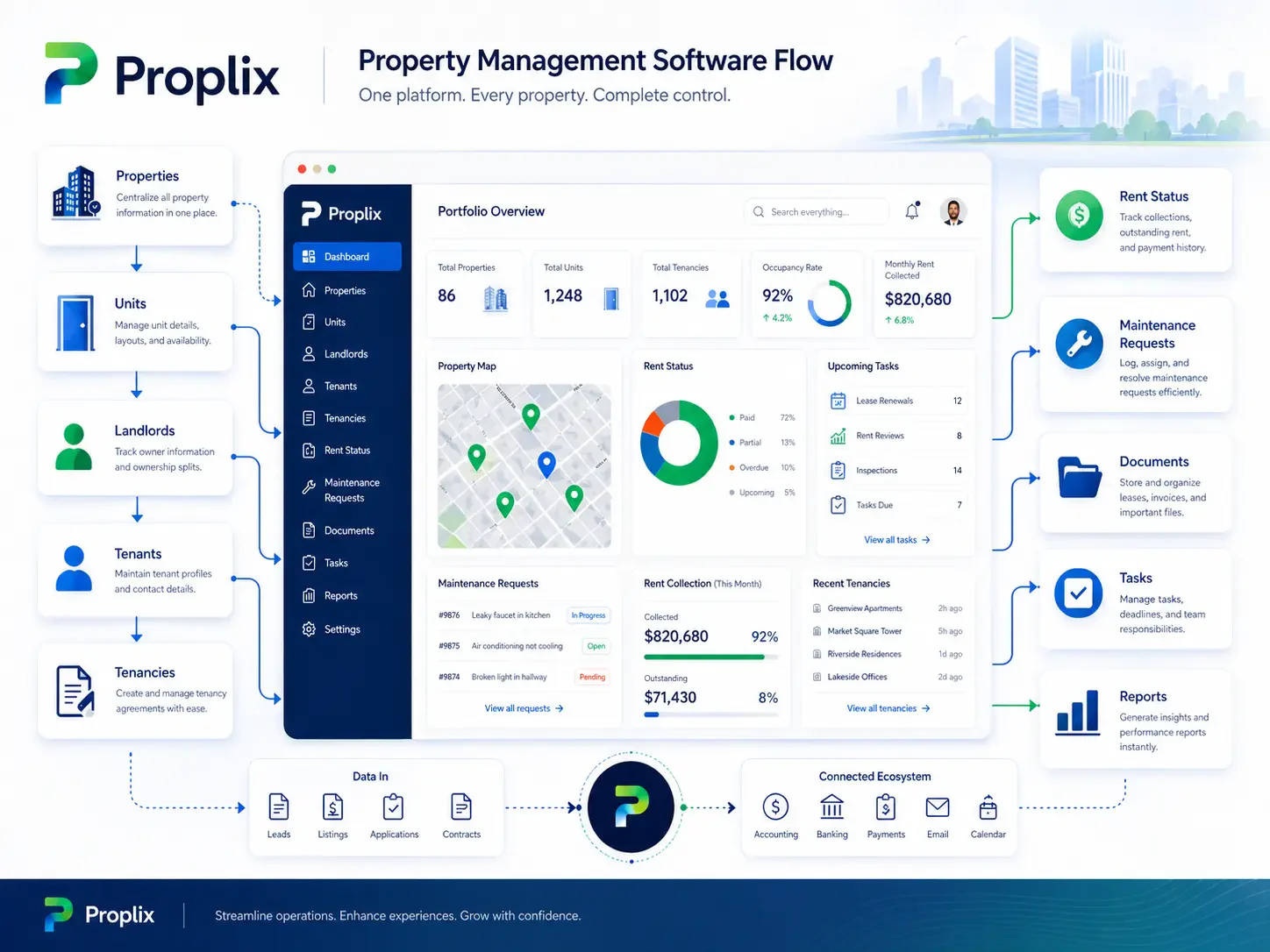
Proply builds vendor presentations and listing proposals, giving agents a consistent pre-listing experience without rebuilding a document for every appraisal.
It sits alongside a CRM rather than replacing one, and it does not handle accounting, tenancy, or property management workflows.
| Pros | Cons |
|
✓
Consistent, branded appraisal presentations.
✓ Fast to produce vendor proposals. ✓ Low training overhead for agents. |
×
Not a CRM, accounting, or property system.
× Value depends on CRM sync quality. × Narrow scope limits back-office benefit. |
Best for: sales agents standardising appraisal presentations. Check CRM sync and document branding rather than expecting back-office coverage.
9. PropertyTree
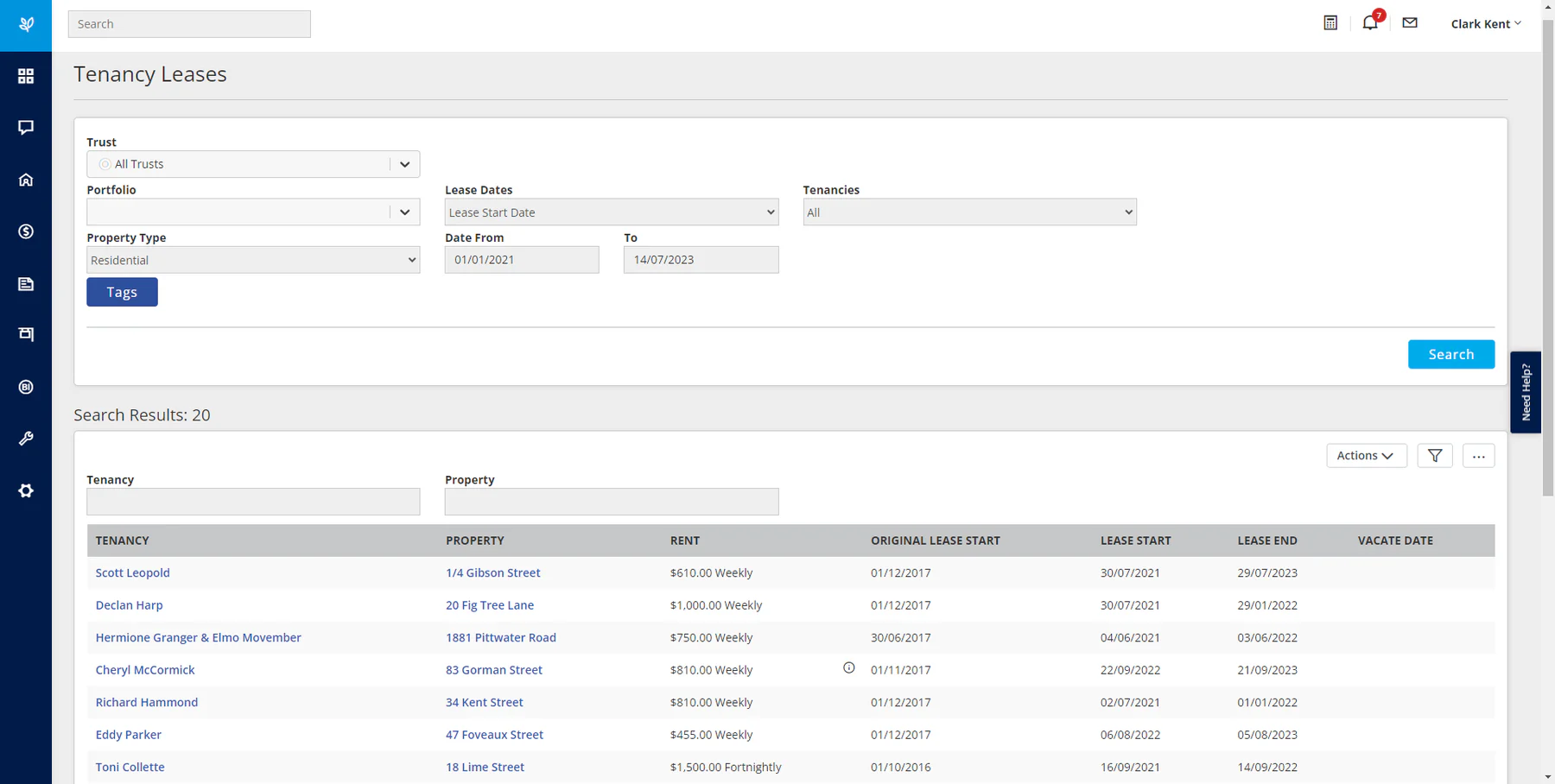
PropertyTree combines trust accounting with day-to-day field workflow, so residential property managers can run receipting, disbursements, and inspections from one system.
It is built around operations rather than group finance, so multi-entity consolidation and project reporting need a separate platform.
| Pros | Cons |
|
✓
Trust accounting paired with operational workflow.
✓ Cloud access for property managers in the field. ✓ Familiar to many local residential teams. |
×
Limited multi-entity or group consolidation.
× Sales CRM sits outside scope. × Integration depth varies by third-party tool. |
Best for: agencies focused on residential property operations. Confirm banking, portal, and inspection integrations, and validate broader ERP needs separately.
10. PropertyMe
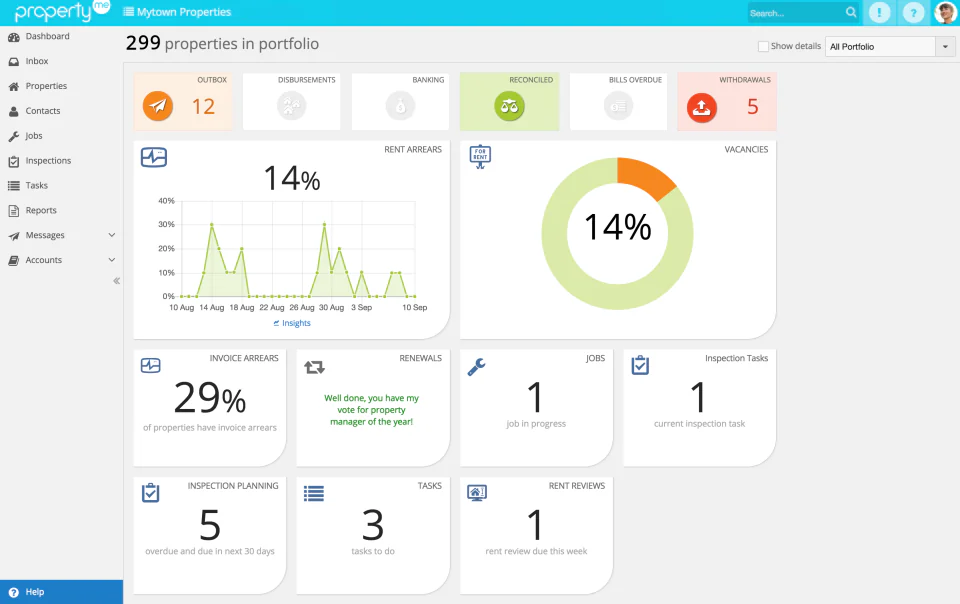
PropertyMe runs property, tenant, owner, and maintenance workflows in the cloud, built specifically for Australian residential property management businesses.
The interface is accessible for smaller teams, though API limits and multi-entity structures deserve testing before a larger portfolio moves across.
| Pros | Cons |
|
✓
Purpose-built for Australian residential agencies.
✓ Accessible interface with a short learning curve. ✓ Owner and tenant communication built in. |
×
API limits can restrict custom integrations.
× Multi-entity coverage needs confirming. × Commercial lease workflows sit outside scope. |
Best for: cloud-first residential agencies wanting accessible operational tools. Validate trust, payment, and API limits before assuming multi-entity coverage.
11. Managed App
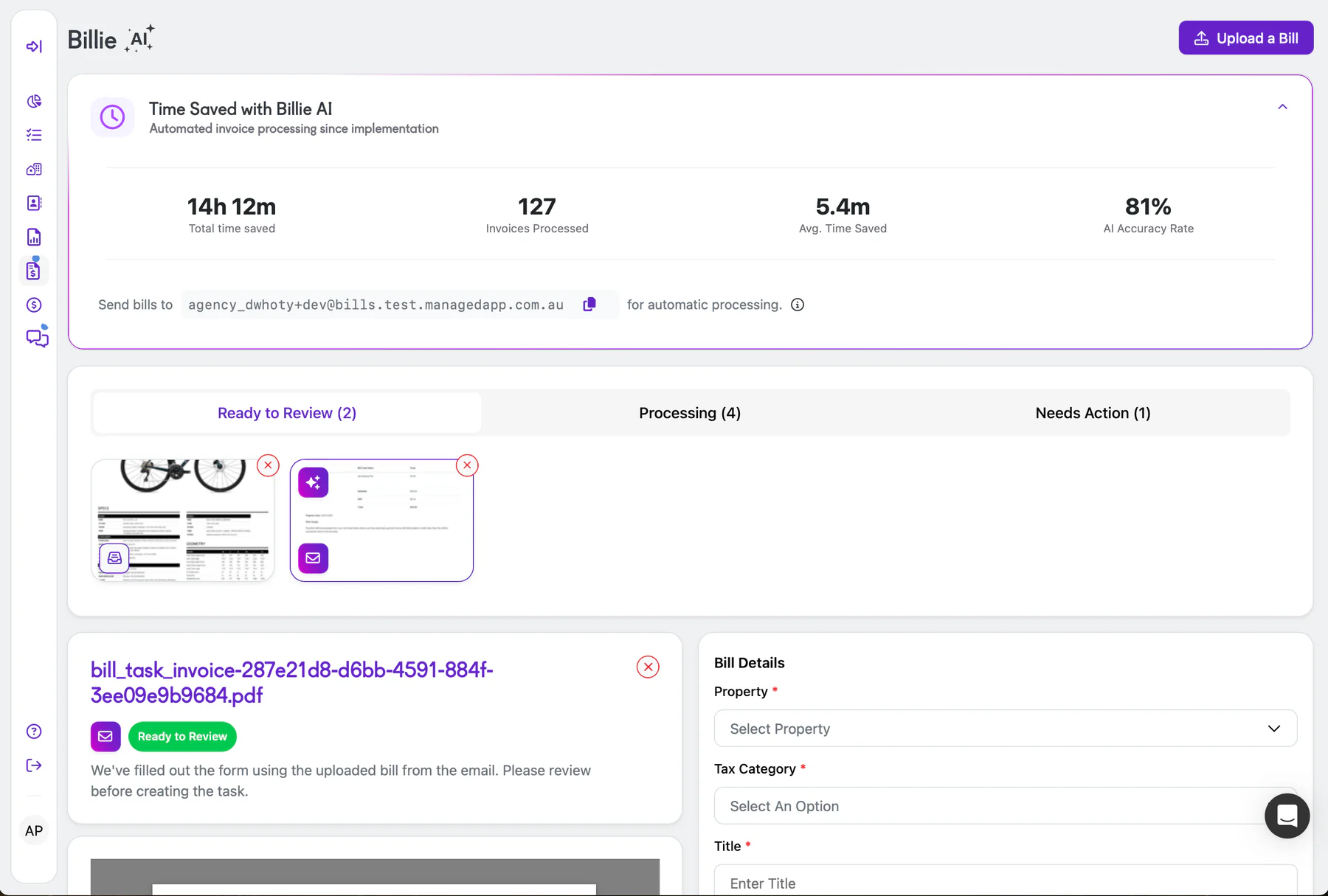
Managed App centres on tenant payments and owner communication, reducing the manual chasing that surrounds rent collection, arrears, and disbursement.
Payment convenience is the strength, so reconciliation depth and trust ledger controls need testing before it replaces a full back office.
| Pros | Cons |
|
✓
Streamlined digital rent and payment handling.
✓ Clear owner and tenant communication. ✓ Reduces manual follow-up on arrears. |
×
Not a full CRM or property management suite.
× Trust ledger depth needs verifying. × Limited reporting for larger portfolios. |
Best for: businesses prioritising digital rent processes. Ask about trust ledgers and reconciliation depth before treating it as a full back office.
12. Kolmeo
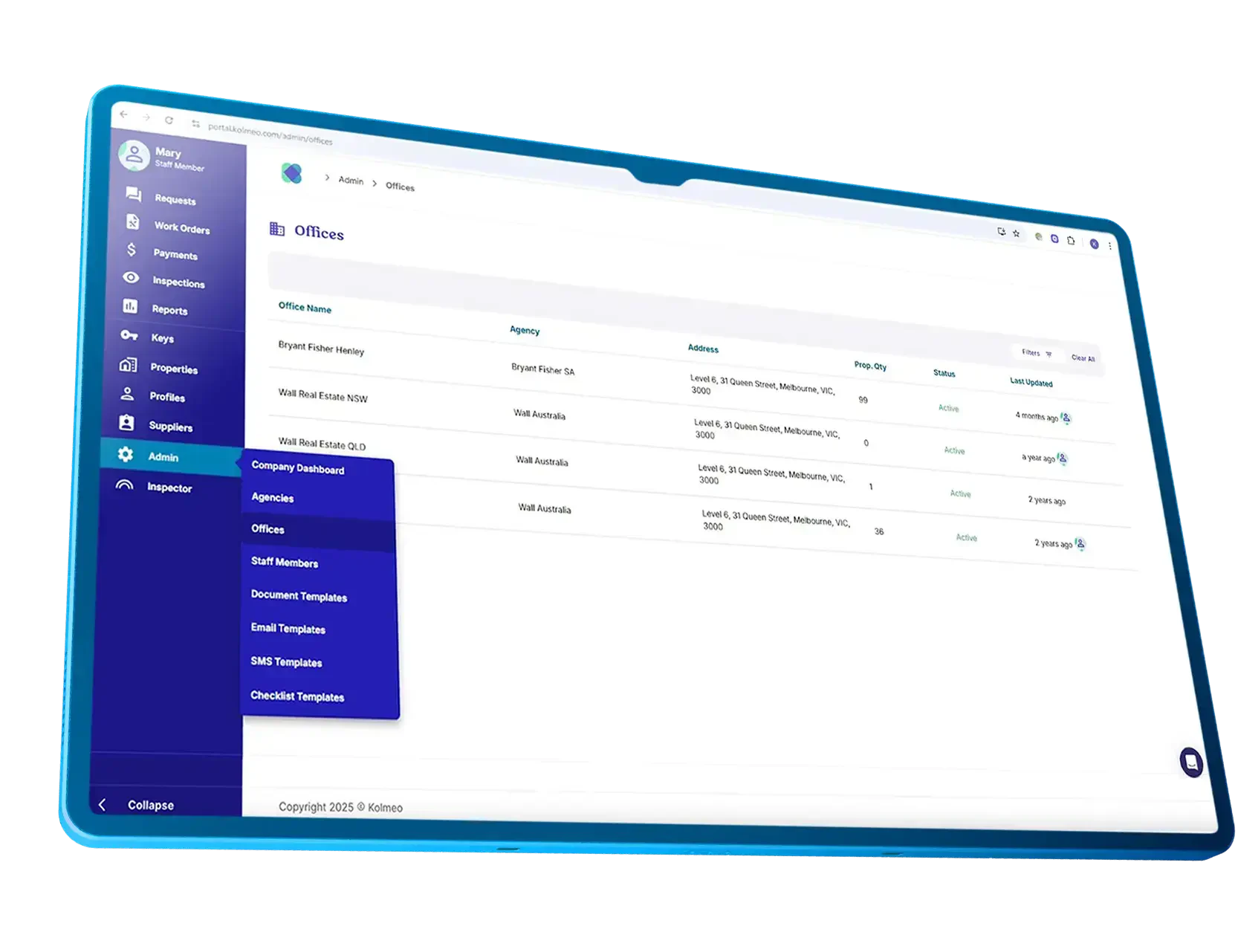
Kolmeo delivers communication, maintenance, and payments through tenant and owner apps, putting the customer experience at the front of the workflow.
App-based engagement suits service-led agencies, though accounting and consolidation depth still needs checking for larger multi-entity groups.
| Pros | Cons |
|
✓
Strong tenant and owner app experience.
✓ Maintenance and payments handled in one flow. ✓ Reduces inbound phone and email volume. |
×
Accounting depth needs validating for larger groups.
× Newer platform with a smaller install base. × Sales CRM sits outside scope. |
Best for: residential agencies prioritising tenant and landlord experience. Confirm accounting and consolidation depth for larger, multi-entity setups.
13. LeaseEagle
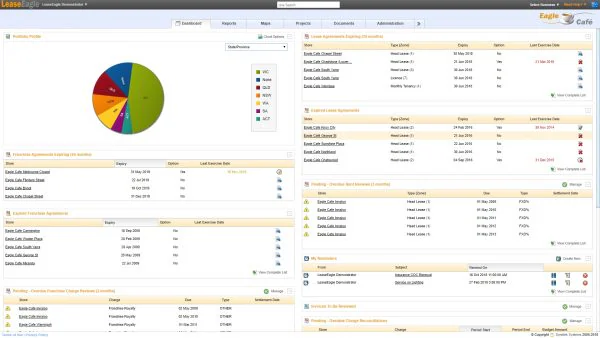
LeaseEagle tracks lease obligations, dates, options, and recoveries for commercial and retail teams managing high volumes of time-sensitive lease events.
It is a lease specialist, so sales CRM, trust accounting, and tenancy operations need to come from elsewhere in your software stack.
| Pros | Cons |
|
✓
Deep lease event and obligation tracking.
✓ Recoveries and escalation handling for retail portfolios. ✓ Clear visibility over option and notice windows. |
×
No sales CRM or trust accounting.
× Residential workflows sit outside scope. × Value depends on clean lease abstraction upfront. |
Best for: teams with heavy commercial lease activity. Validate ERP and budgeting integrations, since sales CRM and trust accounting sit outside its scope.
14. Property Inspect
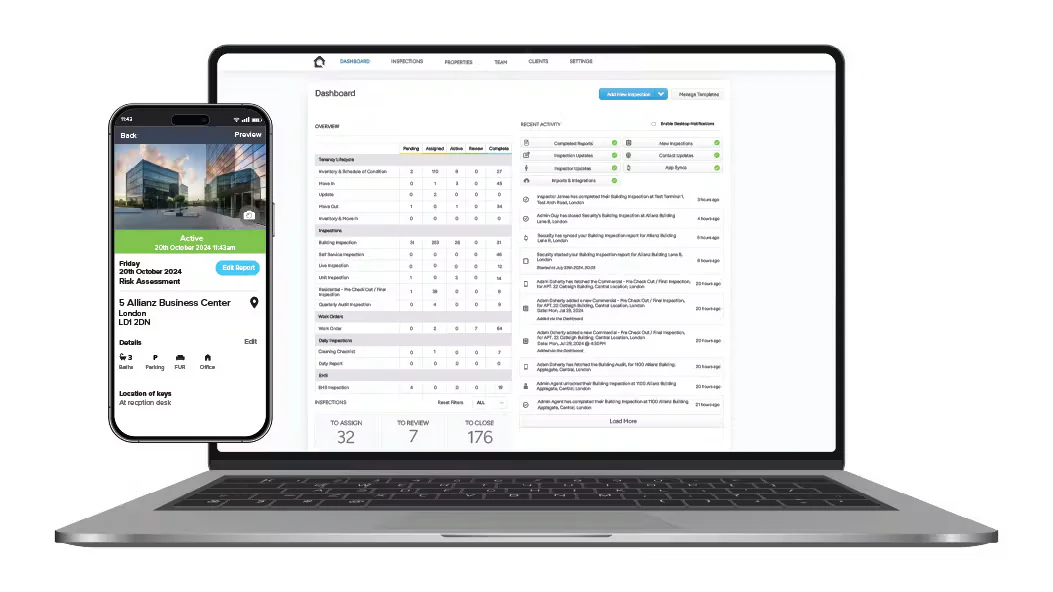
Property Inspect handles inspection scheduling, condition reports, and photo evidence, giving property managers a consistent record for bond and dispute discussions.
It complements a property management platform rather than replacing one, so the value depends on how cleanly it links to your existing system.
| Pros | Cons |
|
✓
Consistent condition reports with photo evidence.
✓ Useful audit trail for bond and dispute matters. ✓ Quick for field teams to complete on site. |
×
Not a finance, trust, or CRM platform.
× Requires a connected property system to be useful. × Adds another login for field staff. |
Best for: property managers and inspectors needing consistent field evidence. Check links to your existing property system before treating it as standalone.
Full Comparison Table for Real Estate Software Buyers
This table summarises public positioning rather than independently verified product testing, so treat it as a starting shortlist.
| Platform | Strongest workflow | Best fit | Finance/trust focus |
|---|---|---|---|
| HashMicro | Connected ERP operations | Multi-entity or cross-functional groups | ERP finance and approvals |
| MRI Software | Property and asset finance | Large portfolios | Deep enterprise finance |
| Re-Leased | Lease accounting | Commercial portfolios | Property accounting |
| Agentbox | Leads and listings | Residential agencies | Confirm accounting links |
| Rex | Sales CRM | Sales-focused agencies | Confirm finance handoff |
| VaultRE | Shared CRM workflows | Sales and PM teams | Confirm trust depth |
| Console Cloud | Agency operations | Established agencies | Trust and agency controls |
| Proply | Proposals | Sales teams | Not a finance platform |
| PropertyTree | Trust and field work | Residential PM | Trust accounting |
| PropertyMe | Cloud PM | Australian agencies | Confirm trust and ledger |
| Managed App | Payments | Payment-led PM | Reconciliation questions |
| Kolmeo | Tenant and owner service | App-oriented PM | Confirm trust controls |
| LeaseEagle | Lease events | Retail and commercial | Recoveries and budgets |
| Property Inspect | Inspection records | Field teams | Not a finance platform |
What Does Real Estate Software Cost in Australia?
Cost depends on scope rather than a standard published price, since vendors charge per user, property, entity, or module, and proposals rarely match line for line.
1. Common pricing models: per user, per property, per entity
Per-user pricing suits smaller teams, while per-property or per-entity models scale more predictably for larger portfolios with fluctuating headcount.
2. What sits outside the subscription
Configuration, data migration, and premium integrations often sit outside the base subscription, so ask for a like-for-like proposal before comparing headline prices.
3. Implementation and data migration effort
A lower subscription can still create a higher total cost if data migration leaves teams reconciling multiple systems manually during and after implementation.
4. Questions to ask before signing
Ask about response-time commitments, contract length, exit rights, and data export terms, and get a clear list of excluded work in writing.
How to Shortlist Without a Six-Month Evaluation
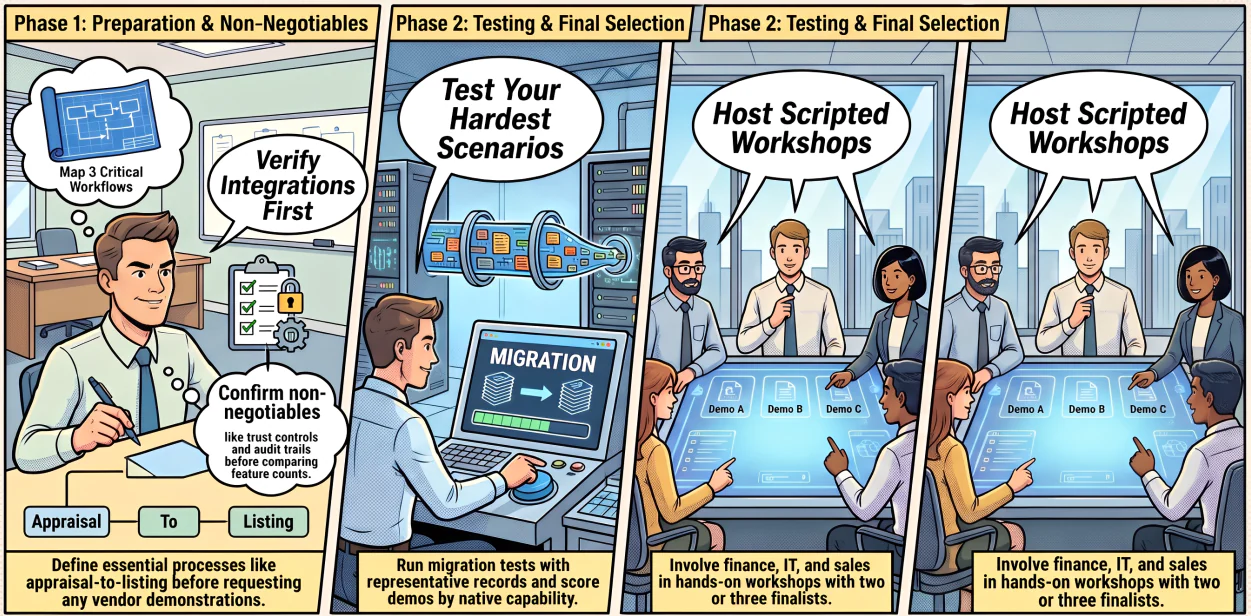
A practical process narrows the market quickly without months of open-ended vendor calls.
1. Define the category first, then the shortlist
Map three critical workflows, such as appraisal-to-listing or lease-to-owner statement, before requesting a single demonstration from any vendor.
2. Test against your most complicated scenario
Score demonstrations consistently: absent, workaround, configurable, or demonstrated natively, and run a migration test as part of ERP implementation with representative records.
3. Involve the people who will use it daily
Keep two or three finalists and involve finance, property operations, sales, and IT, since a short scripted workshop reveals more than a sales pitch.
4. Check integration before features
Define non-negotiables like Australian reporting, trust controls, and audit trails, then confirm system integration before comparing feature counts at all.
Conclusion
The best real estate software is the platform that handles your hardest workflow reliably, with implementation effort your team can actually absorb.
Specialist CRM, property-management, and lease products can be excellent when their scope matches your needs. An integrated ERP earns consideration once fragmented systems or multiple entities start slowing decisions.
Map your requirements first, validate every critical integration, and request a scoped demonstration before committing to any platform.

Frequently Asked Questions
Assess listing portals, property data providers, accounting systems, payment services, document tools, identity or access systems, and reporting integrations. Confirm API availability, data ownership, sync frequency, error handling, and integration costs through vendor documentation or a technical demonstration.
Test GST and BAS-related reporting where relevant, approval workflows, trust-accounting processes, reconciliations, audit trails, role-based access, document retention, and state-specific requirements. Software suitability does not replace advice from a qualified Australian accountant or legal professional.
Implementation typically covers discovery, data mapping, cleansing, configuration, integration, user acceptance testing, training, go-live planning, and post-launch review. Duration depends on data quality, workflow complexity, integrations, users, entities, and internal availability.
Consider ERP when you have multiple entities, fragmented finance and operational systems, complex approvals, cross-functional procurement or projects, consolidated reporting, or governance requirements. An ERP is not automatically better for every agency; test it against your most complex workflow.
A CRM primarily organises relationships, leads, opportunities, communications, and sales activity. An ERP connects broader finance, procurement, projects, HR, inventory, and reporting processes. Some real estate businesses use both, depending on process complexity and integration requirements.
Compare target user, core workflow, financial controls, integrations, reporting, governance, implementation effort, support, contract terms, and limitations to validate. Public pricing and feature pages are not substitutes for a scoped proposal and workflow demonstration.
Commercial operators typically need lease abstraction, recoveries, rent escalation schedules, and multi-tenant budget tracking, areas residential-focused platforms rarely build for. Confirm lease-specific depth separately rather than assuming a residential PM tool scales up cleanly.