

 Limited to 100 registrants












 Powered by Hashy AI































18 Best Warehouse Management Software in Australia 2026
Find your ideal warehouse management software from 18 solutions for Australian businesses, from small operations to large 3PLs, with pricing and expert reviews.
Read MoreTrack stock, automate picking, and manage every warehouse movement in real time with HashMicro Warehouse Management Software.
Warehouse complexity is reduced while inventory accuracy improves, helping teams move goods faster with fewer operational gaps.
Ask where your stock, space, and fulfillment team should focus today, and the system instantly recommends actions based on demand, stock age, and order priority.
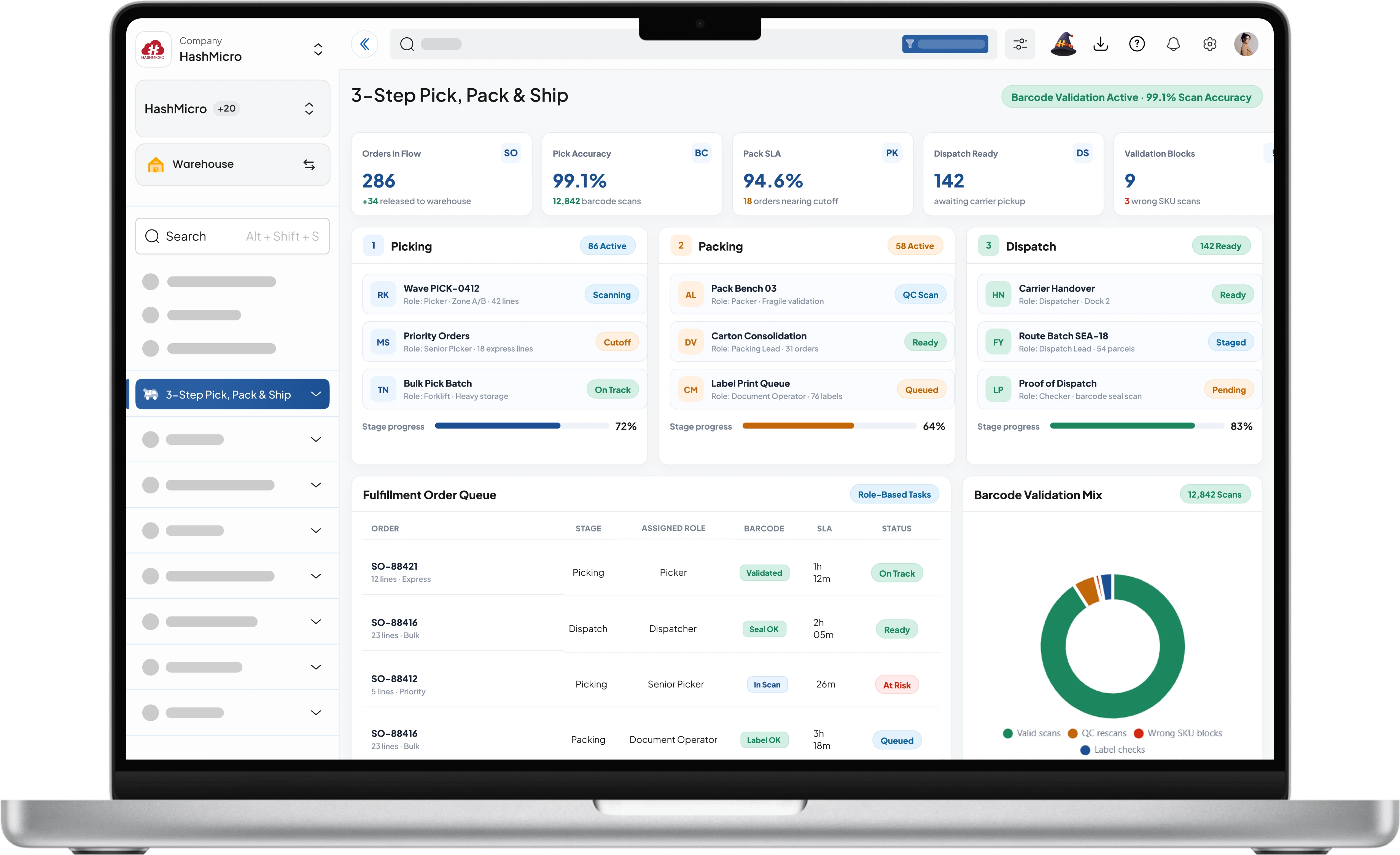
The system prioritizes orders by urgency, stock location, and picker availability so warehouse teams can fulfill high-impact shipments faster.
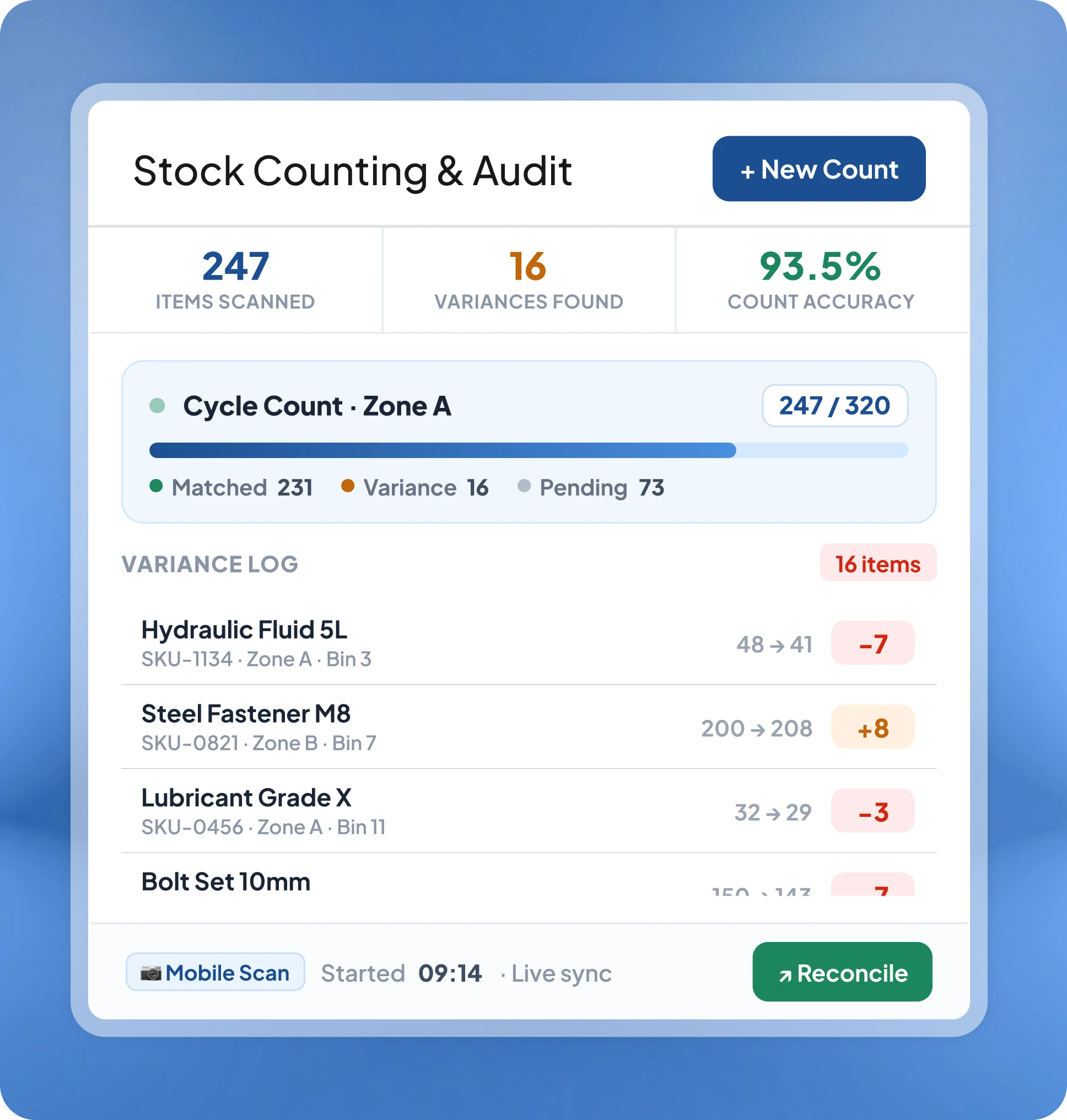
Inventory updates automatically across bins, racks, zones, and branches, helping teams prevent overstock, stockouts, and manual count errors.
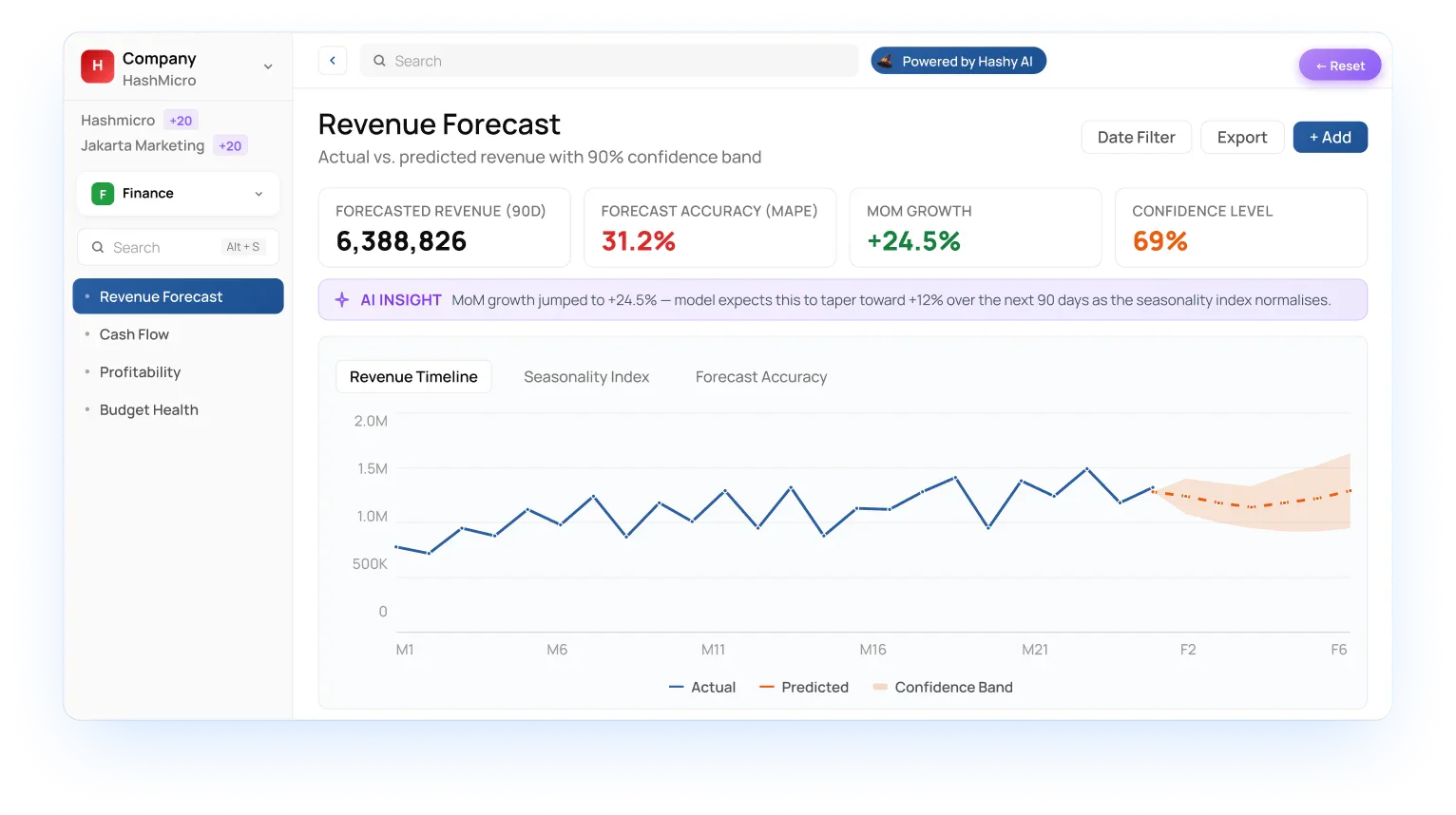
AI highlights urgent warehouse issues and predicts where performance can improve, so your team knows what to fix and where to focus next.
 traordinary
 See every item, location, and stock state across all your warehouses in real time, with intelligent analytics that surface patterns, risks, and imbalances automatically.
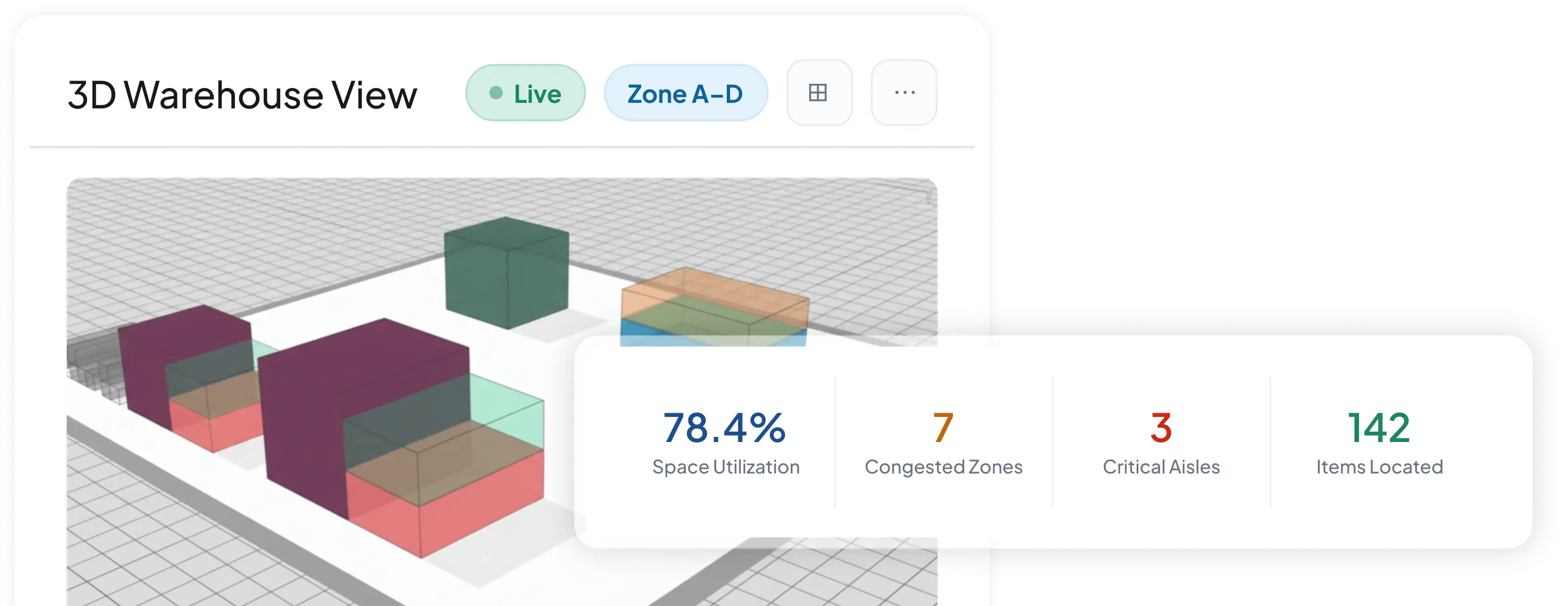
See every rack, bin, and aisle in a live 3D map to spot congestion, locate items, and optimize space at a glance.
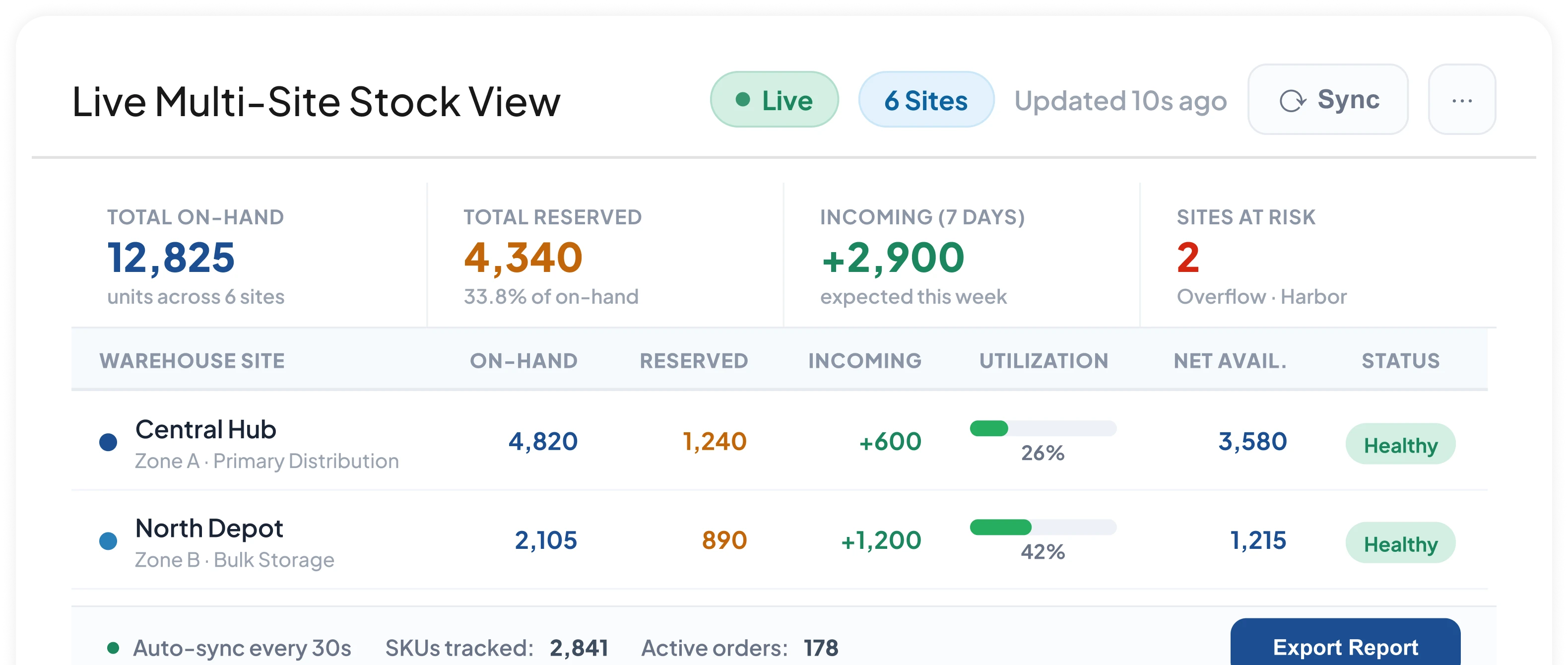
Consolidate on-hand, reserved, and incoming quantities across all warehouses into one real-time screen for fast decisions.
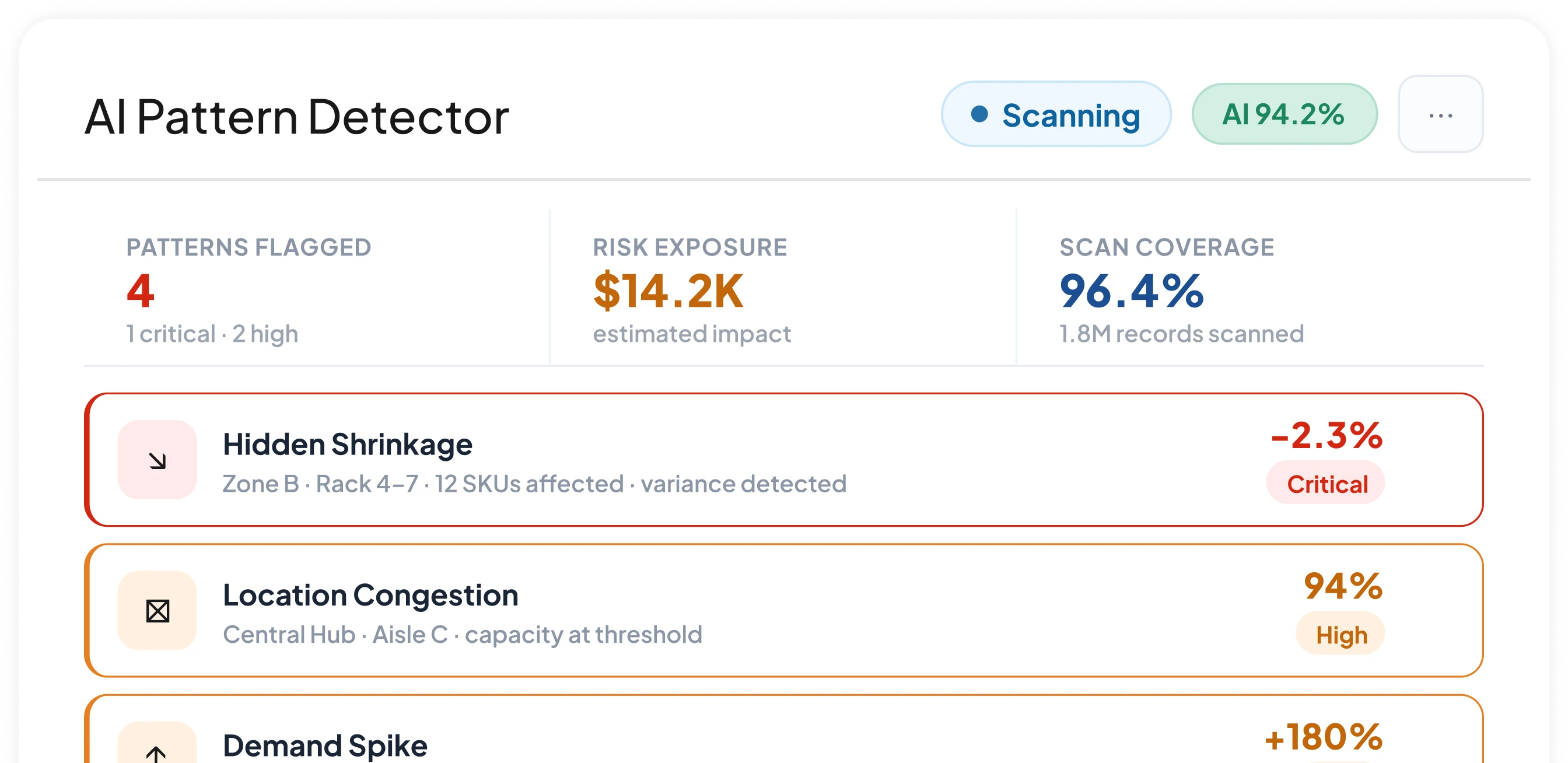
Flag hidden shrinkage, location congestion, and demand spikes automatically before they escalate into operational problems.
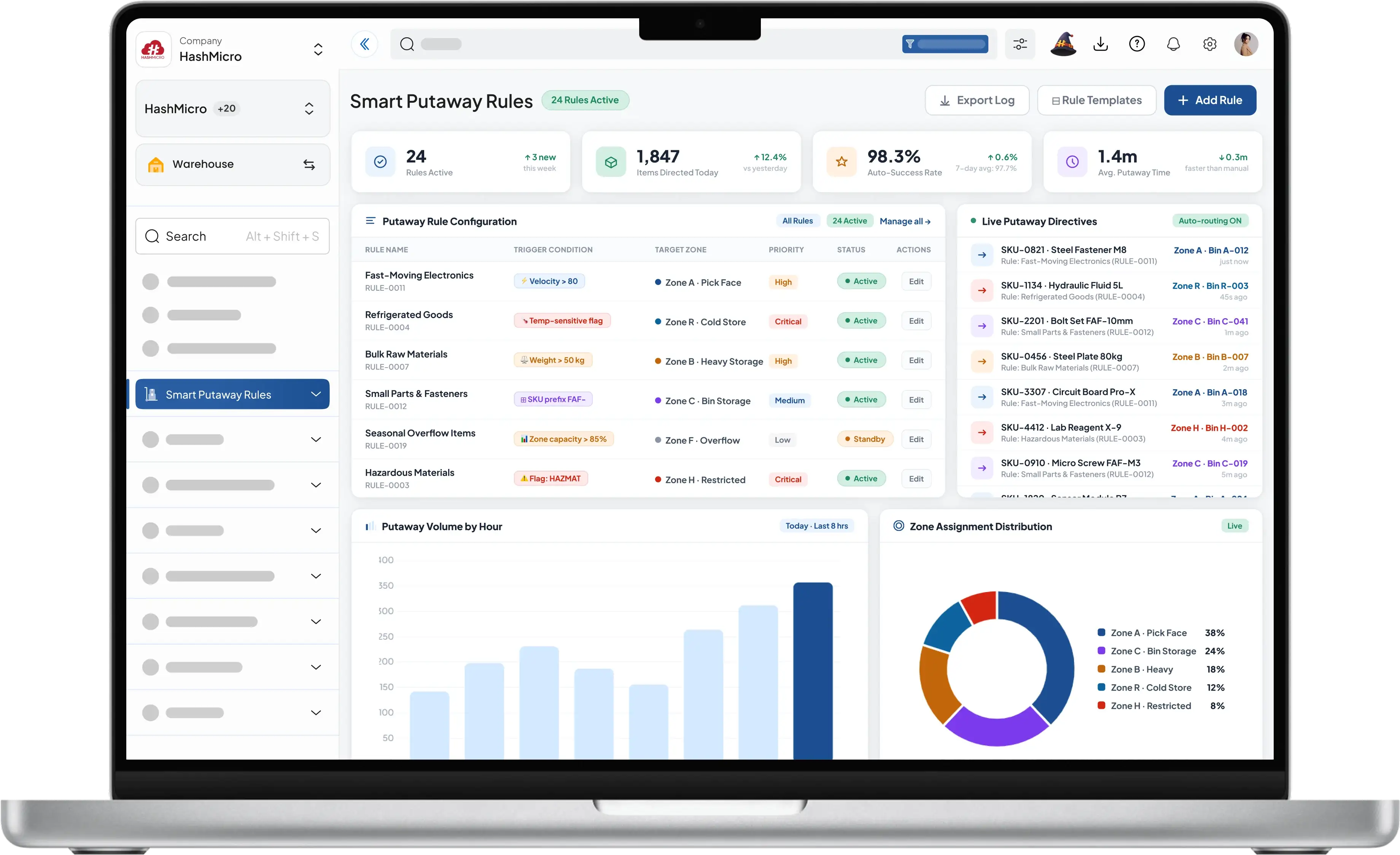
Speed up inbound and outbound operations with smart putaway rules, automated document capture, and structured fulfillment flows that reduce errors and manual work.
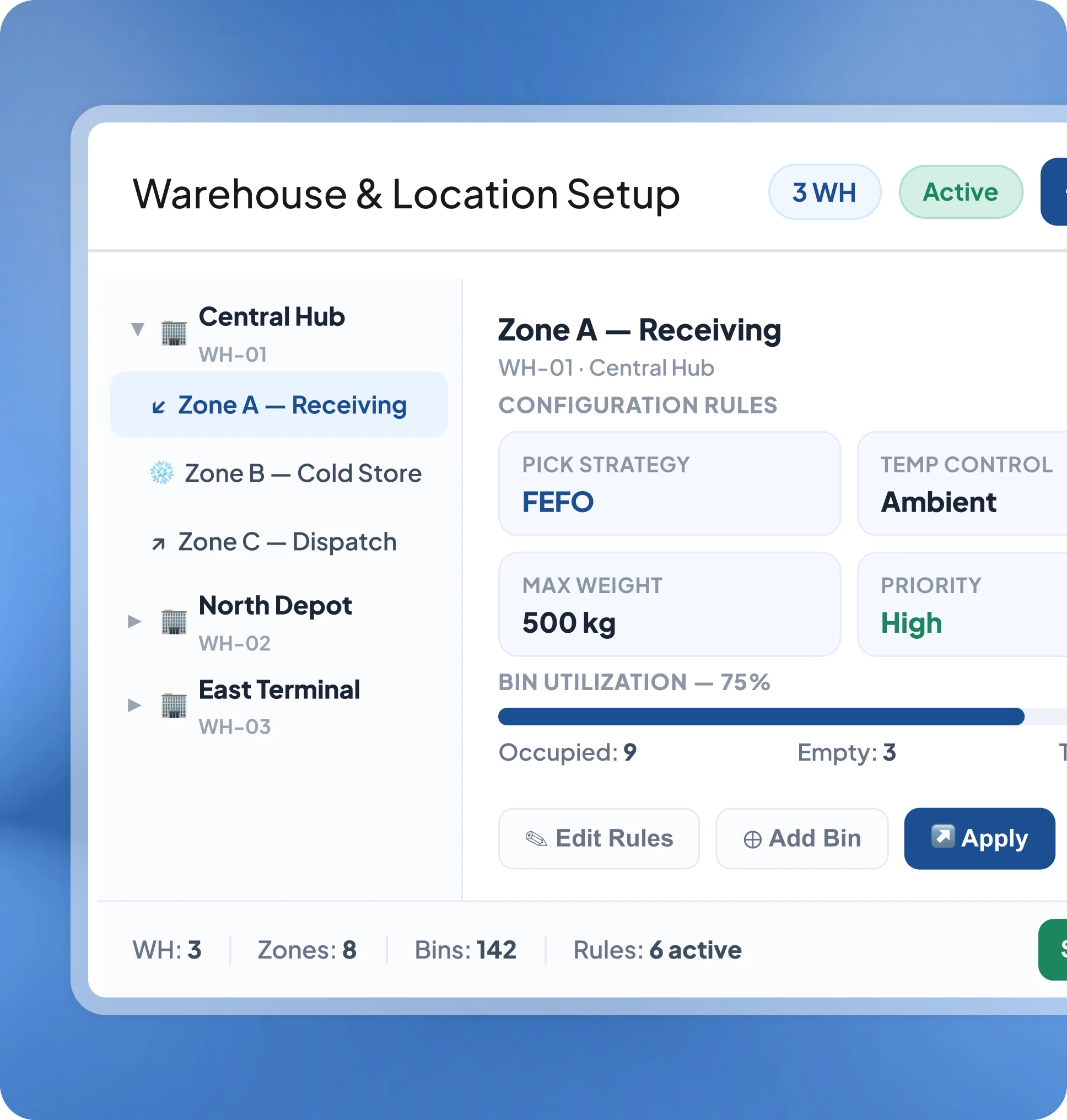
Direct every incoming item to the optimal bin automatically based on product type, velocity, and zone configuration.
One Business. Many Locations. Always Balanced.
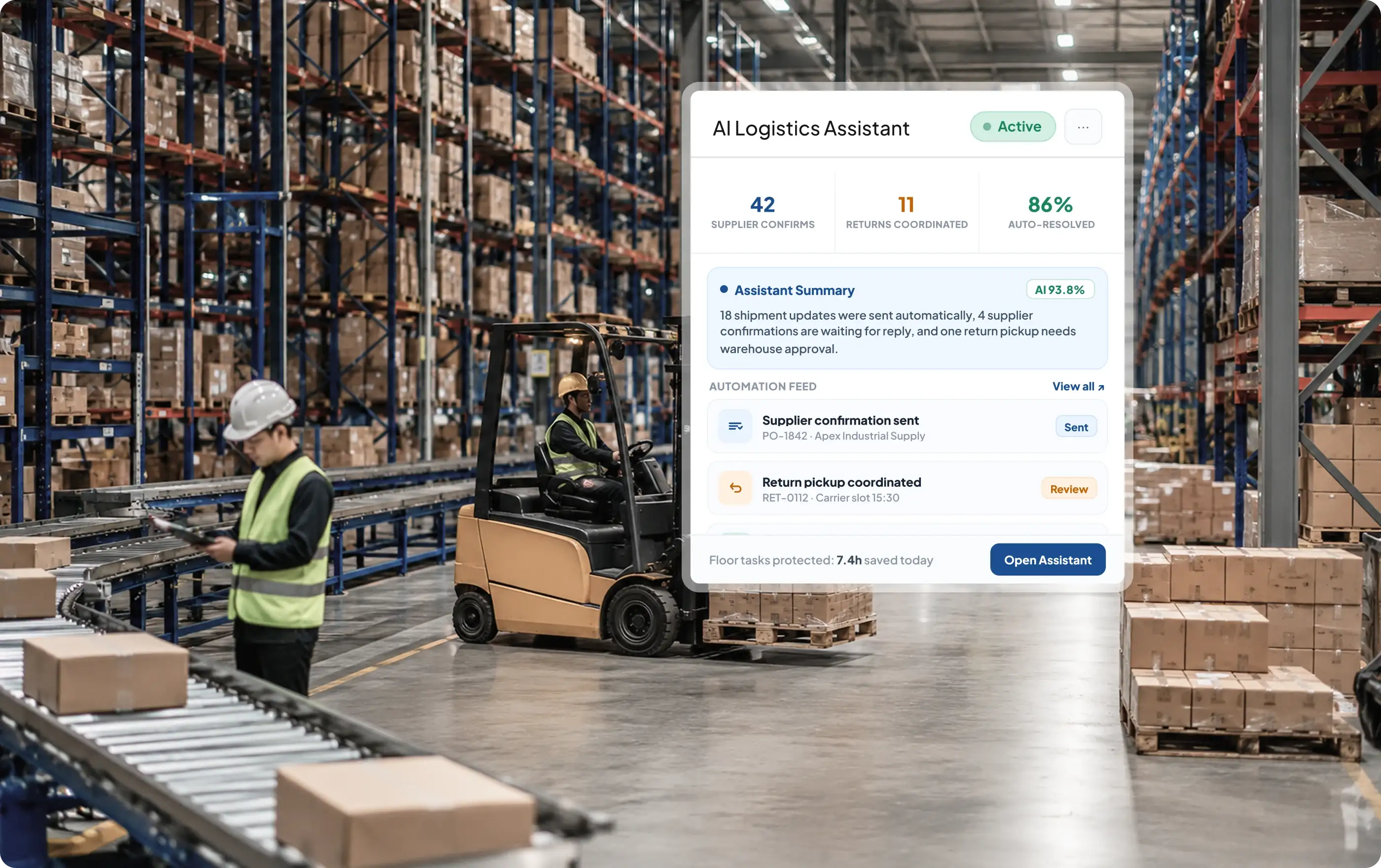

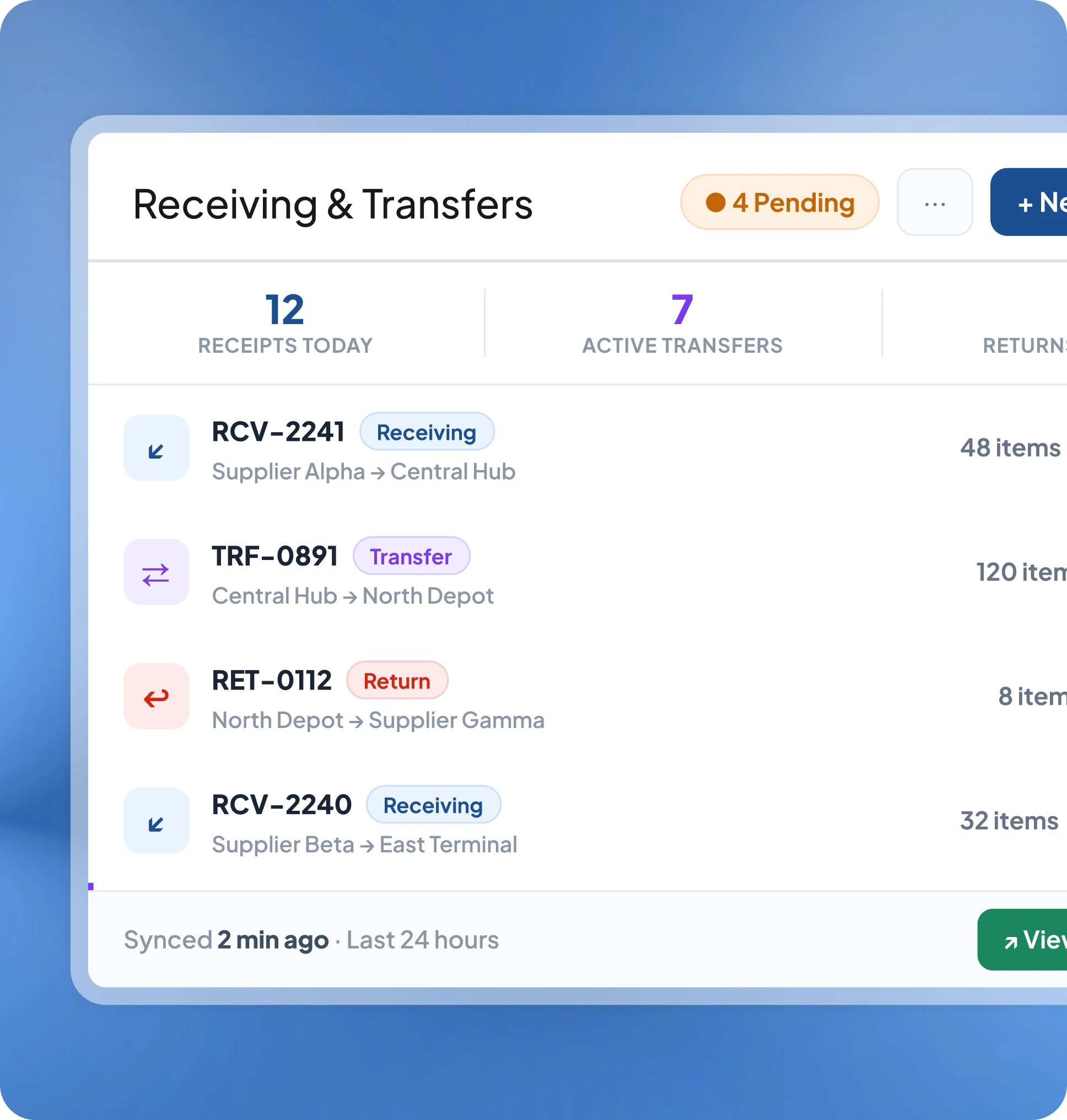
Automate supplier confirmations, return coordination, and shipment updates so warehouse teams stay focused on floor operations.
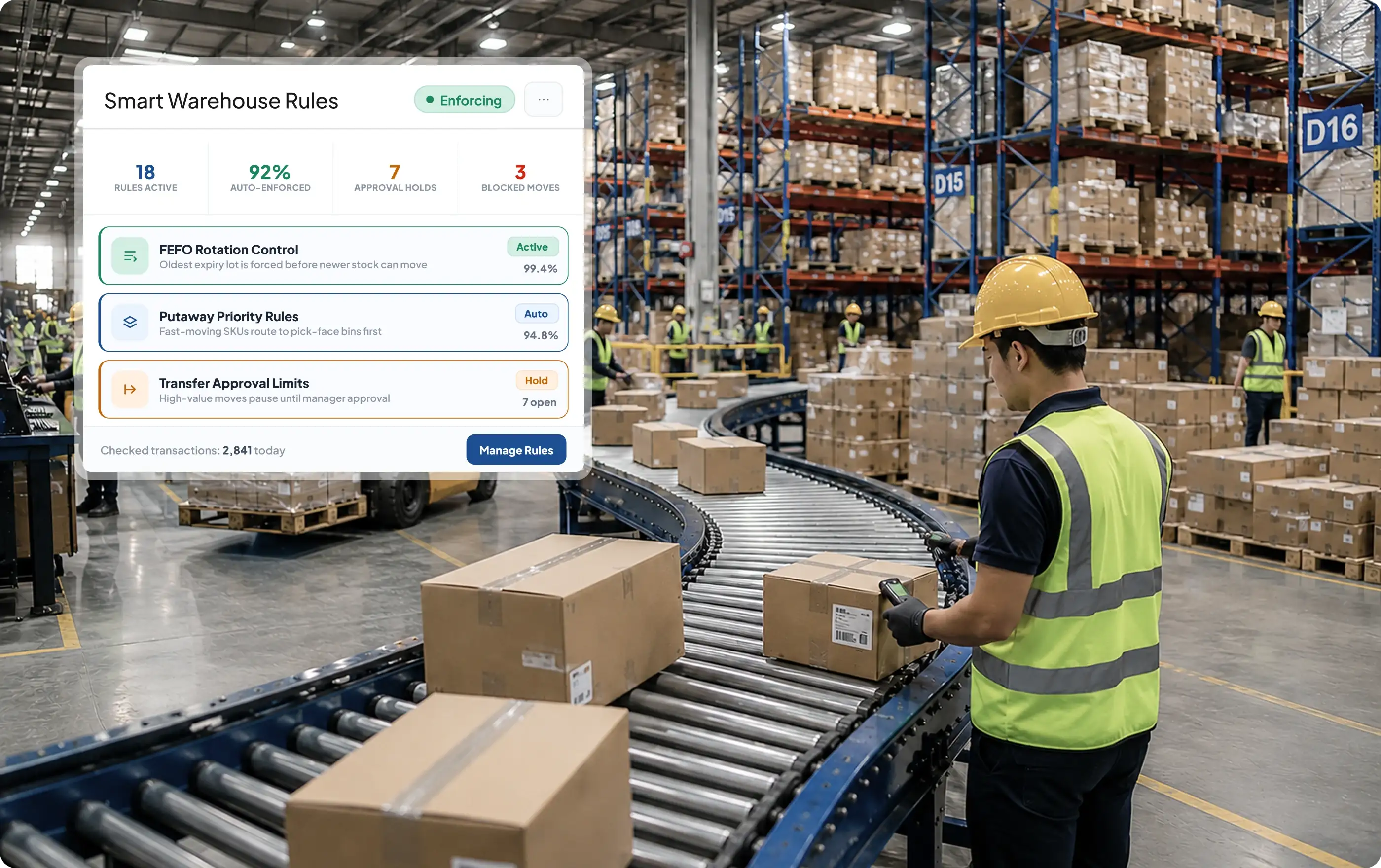
All the tools your warehouse team needs to control stock, speed up fulfillment, and reduce daily operational errors, built into one WMS system.
Monitor every product, lot, and expiry date in one place so stock stays accurate and your team knows exactly what's on hand.
 Lot & serial tracking Batch expiry monitoring Stock on hand view Low stock alerts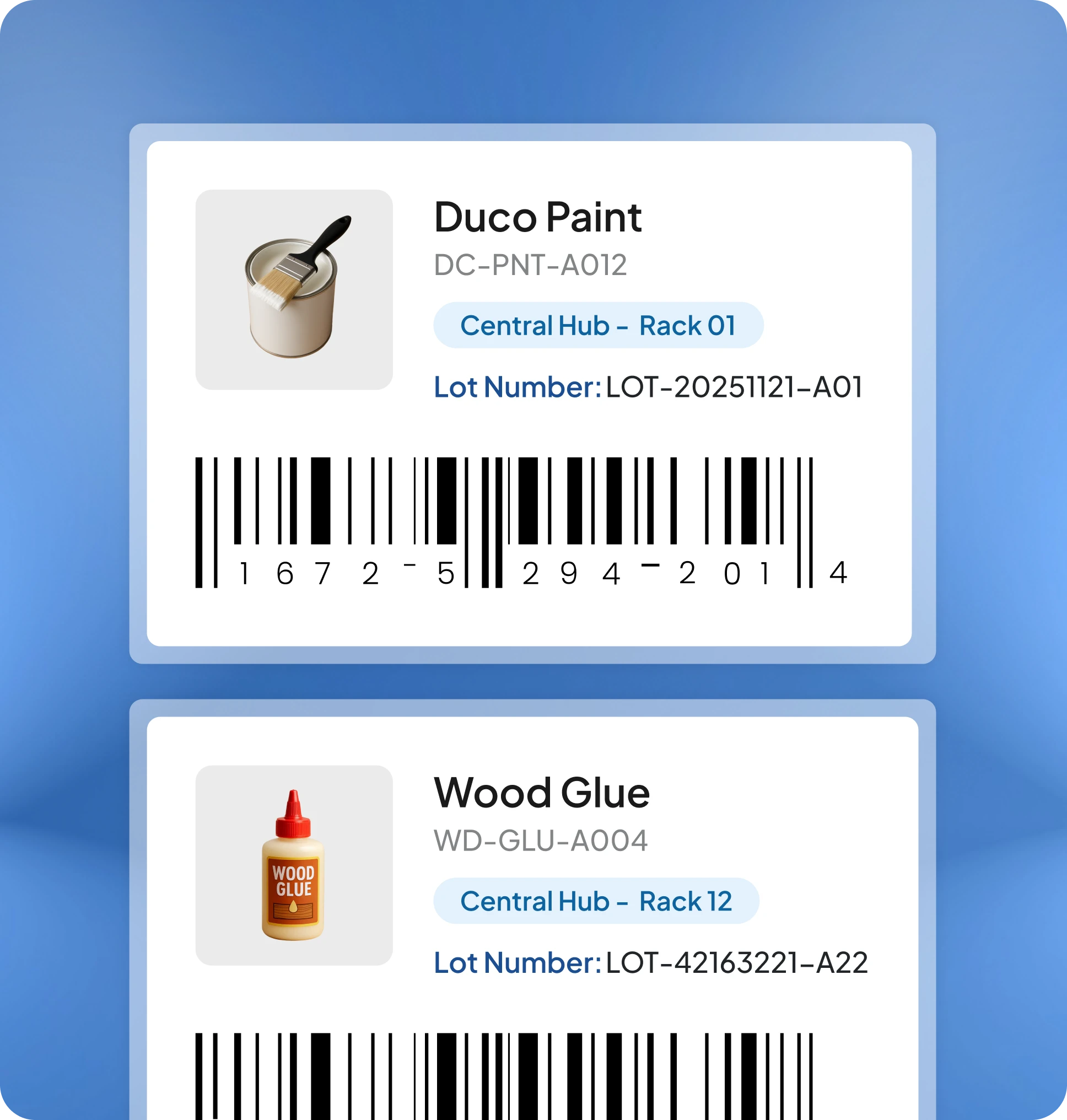

Super Fast & Shockingly Powerful

Stop tracking stock manually. Get live inventory, automated workflows, and smart insights to move goods faster with fewer errors.
Get Free Demo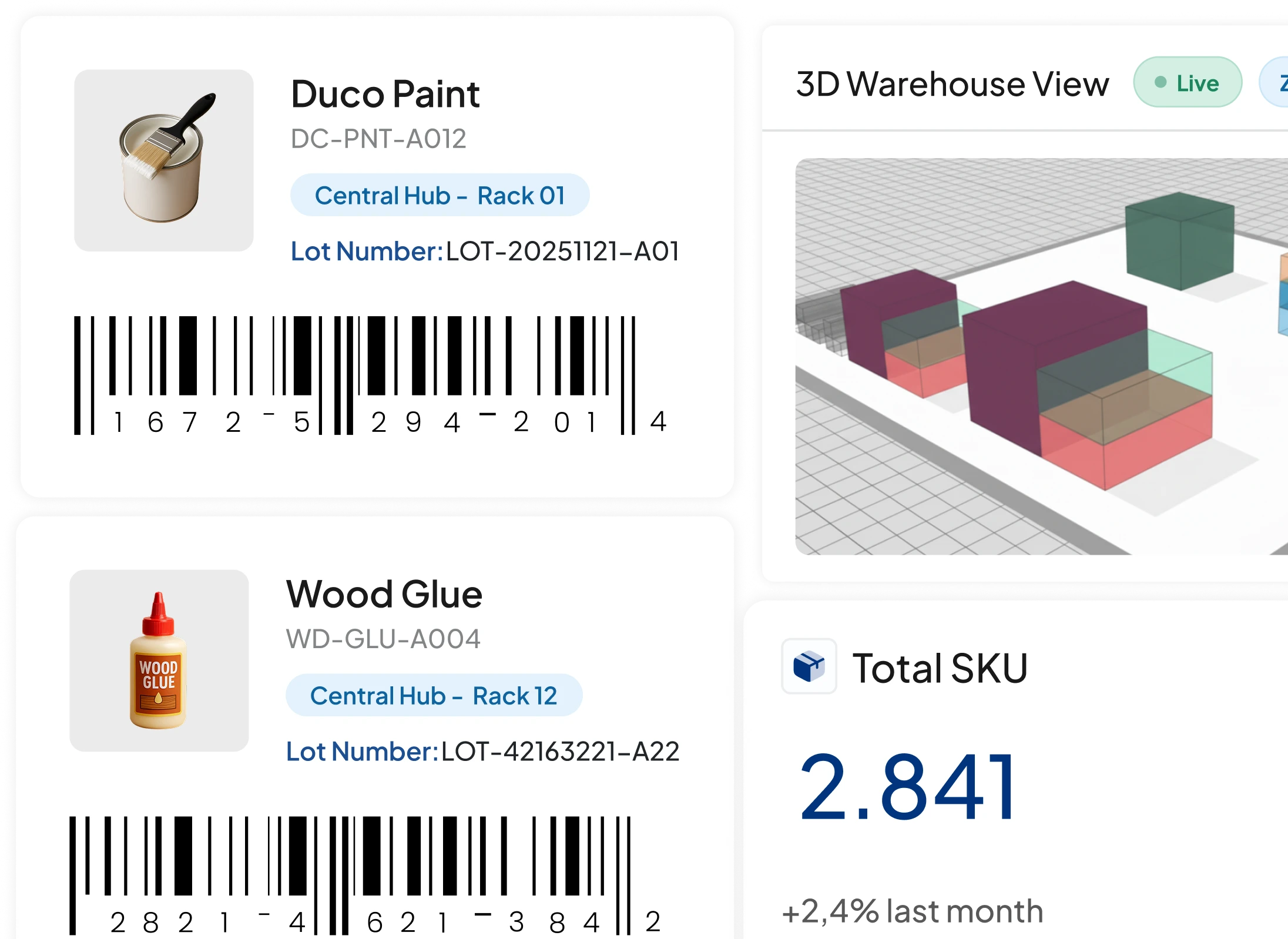
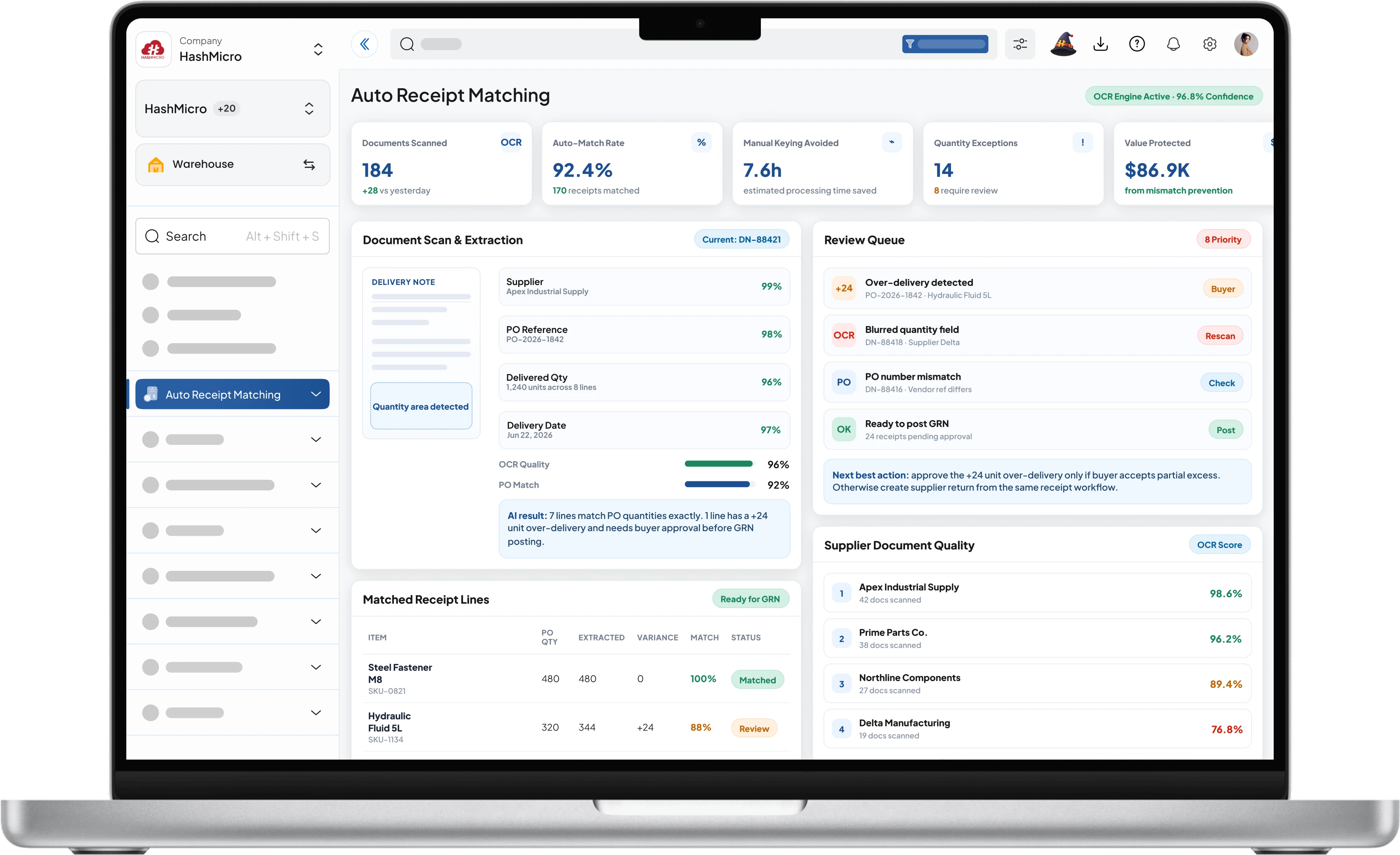
Connect warehouse operations to sales, procurement, inventory, and accounting. Real-time, no manual input needed.
 Inventory




Material requests and finished goods move between production and warehouse with real-time visibility.
Real Stories Real Impact.
Discover how enterprises across industries transformed their operations with HashMicro.















Business Worldwide run on HashMicro














Discover how enterprises across industries transformed their operations with HashMicro



Honored by respected industry platforms for innovation, performance, and enterprise reliability.


Independent recognition and consistently high ratings from enterprise users across industries.

.webp)
Certified under internationally recognized frameworks and acknowledged by regulatory authorities.
Discover a variety of enterprise business insights that can help grow your business.

Find your ideal warehouse management software from 18 solutions for Australian businesses, from small operations to large 3PLs, with pricing and expert reviews.
Read More
Learn how a warehouse management system helps Australian businesses improve stock accuracy, speed up fulfilment, and streamline daily warehouse operations.
Read More
A bonded warehouse stores goods under customs control until importers clear them for home consumption.
Read More
Learn what warehouse automation is, explore related key technologies, and discover how automated warehouses improve efficiency & scalability.
Read MoreHigh-performing teams run smarter and faster with HashMicro. Experience the difference today.

Grace
Typically replies within an hour