

Businesses operating factories, hotels, BPO facilities, and other asset-intensive environments cannot afford to lose visibility over maintenance schedules. Unexpected equipment failures can increase repair costs, interrupt production, delay deliveries, and create safety risks.
Although the Southeast Asia CMMS market was valued at USD 101.9 million in 2023 and is projected to grow through 2033, choosing the right platform remains challenging. A system that does not match asset volume, technician workflows, reporting needs, or integration requirements may create more administrative work instead of improving maintenance control.
This guide compares 12 CMMS platforms for Philippine businesses based on core features, mobile access, predictive maintenance capabilities, pricing considerations, and ERP connectivity. The goal is to help maintenance and operations teams shortlist a system that fits their asset complexity and long-term reliability goals.
Key Takeaways
A CMMS (Computerized Maintenance Management System) helps businesses organize maintenance schedules, track assets, and reduce unexpected equipment failures
The core value of a CMMS lies in four functions: managing work orders, tracking assets, monitoring spare parts, and scheduling preventive maintenance.
A CMMS reduces downtime, extends equipment life, improves team efficiency, and gives managers better data for maintenance planning.
The best CMMS depends on your business needs, since each platform offers different strengths in integration, mobility, predictive maintenance, and ease of use.
What is CMMS Software and How Does it Work?
A Computerized Maintenance Management System (CMMS) is software that helps businesses organize and track maintenance activities for their equipment and assets. Think of it as a central hub where your maintenance team can see what needs fixing, what is scheduled for routine inspections, and how an efficient inventory management software can help monitor spare-part availability across locations.
Think of it as a central hub where your maintenance team can see what needs fixing, what is scheduled for routine inspections, and how inventory management software can help monitor spare-part availability across locations.
Here’s how it typically works: when a piece of equipment needs attention, the system creates a work order. That work order gets assigned to a technician, complete with details about what tools they’ll need, safety precautions, and step-by-step instructions. Once the job’s done, the technician logs the completion, and the system updates the asset’s maintenance history.
The real value comes from having all this information in one place. Instead of digging through filing cabinets or asking around to find out when a machine was last serviced, anyone with access can pull up the complete history. For businesses that need to comply with BIR requirements for asset tracking and depreciation, this kind of documentation can save a lot of headaches during audits.
Key Benefits of Using a CMMS System
A good maintenance management system does more than just keep records. Here’s what it can actually do for your business:
- Extends equipment lifespan: Regular maintenance keeps machines running longer. You’re not replacing equipment as often, which saves money over time.
- Reduces unexpected downtime: When you’re tracking equipment condition and following a maintenance schedule, you catch problems before they shut down your operations. For manufacturers, this can mean the difference between meeting delivery deadlines and losing customers.
- Improves team efficiency: Your maintenance team spends less time on paperwork and hunting for information. They know what needs to be done, what parts are available, and what the priorities are.
- Supports better planning: With historical data on maintenance costs and equipment performance, managers can make more accurate budget forecasts and replacement plans.
- Reduces human error: Automated scheduling and digital records mean less reliance on memory and manual tracking, which is where mistakes typically happen. Comparison of the Best CMMS Software
The list of Top 12 CMMS Software in 2026
The Philippine market offers several CMMS platforms, each with different strengths. Some work better for large enterprises with complex needs, while others are built for smaller teams that just need the basics done well.
To help you compare the options more easily, the table below summarizes the best CMMS software based on their key features and the type of business they suit best.
| Business Need | Best Fit CMMS | Why It Fits |
|---|---|---|
| Need ERP integration across departments | HashMicro | Best for companies that want maintenance, inventory, accounting, and HR data connected in one system. |
| Need predictive maintenance for complex operations | Fiix or Cryotos | Suitable for larger businesses that want to reduce downtime through analytics and AI driven maintenance. |
| Need a mobile first tool for field technicians | MaintainX or UpKeep | Ideal for teams that handle work orders, inspections, and updates directly from mobile devices. |
| Need a simple system for a growing team | Limble or Hippo | Good for businesses that want an easy to use system without a steep learning curve. |
| Need strong asset and inventory tracking | EZO | A practical choice for businesses managing movable equipment, spare parts, and barcode based tracking. |
| Need a flexible system that adapts to existing workflows | CloudApper or WorkTrek | Useful for organizations that need customization or smoother integration with existing systems. |
| Need advanced IoT connected maintenance | Fracttal One | Best for businesses ready to invest in smart maintenance with real time equipment data. |
| Manage multiple sites and need centralized oversight | Brightly | Works well for businesses that need visibility across several locations with mobile access. |
Here’s our breakdown of the top options:
1. HashMicro
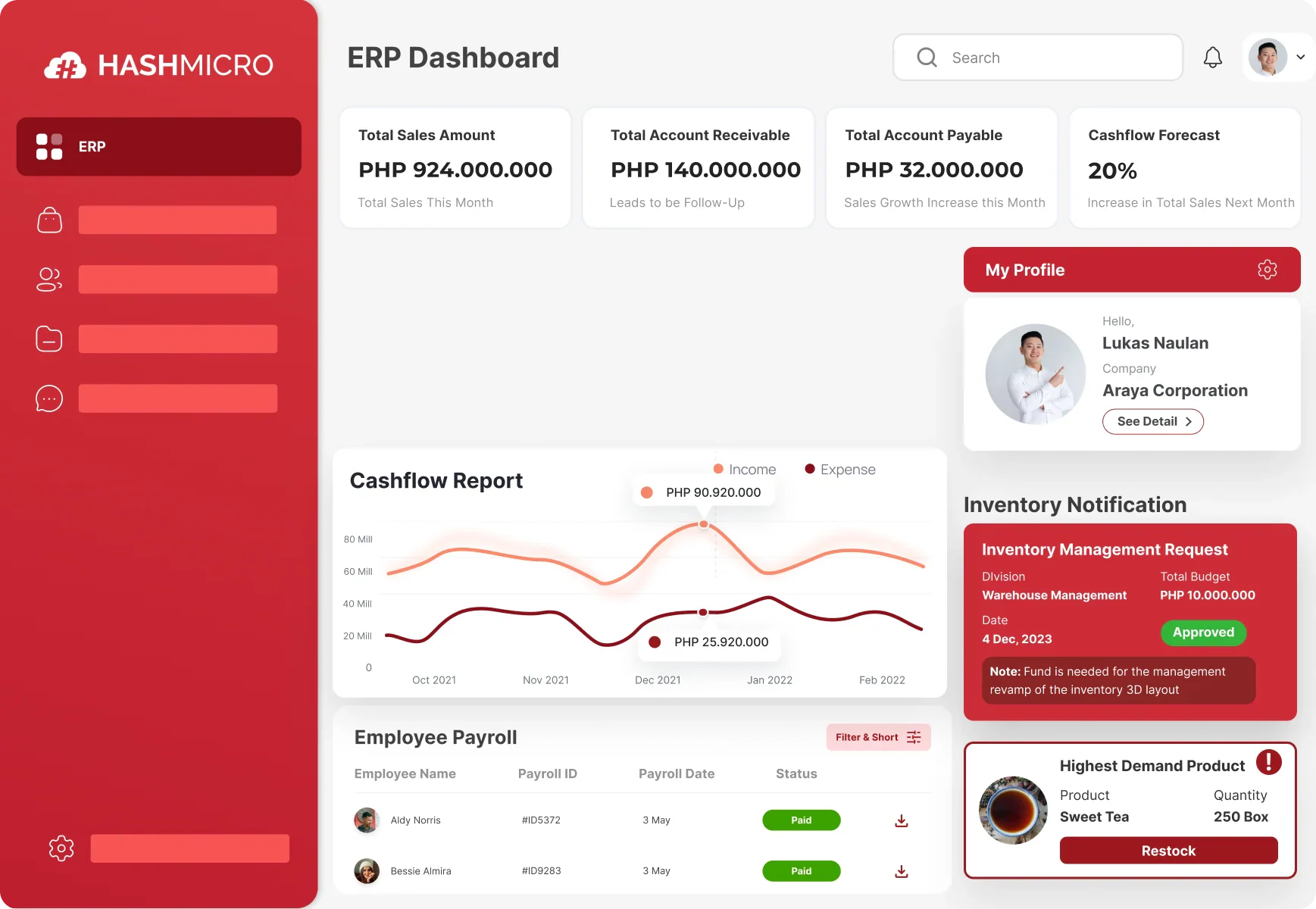
HashMicro CMMS Software is best suited to mid-sized and enterprise companies managing assets across departments, branches, or sites. Its core capabilities include preventive maintenance, work orders, automated depreciation, and asset movement tracking. Unlike standalone CMMS platforms, it connects maintenance data with procurement, inventory, accounting, HR, and fleet workflows within one integrated ERP environment.
Key Features:
- Automatic Maintenance Scheduling: The system sets up routine maintenance based on time intervals or usage, so you’re not relying on someone to remember when the next service is due
- Budget Tracking for Maintenance: Lets you monitor spending against your maintenance budget and forecast upcoming costs
- Parent-Child Asset Management: If you have complex equipment with multiple components, you can track the main unit and its parts separately while keeping them linked
- Barcode Scanner Integration: Speeds up asset tracking and reduces data entry errors
- Rental Contract Management: Useful if you lease equipment, tracks contract terms, renewal dates, and payment schedules
Technician workforce coordination: Connect maintenance assignments and labor information with HR management software when departments need a shared view of technician availability and employee data.
| Pros | Cons |
|---|---|
|
|
Works best for: Companies that want their maintenance system connected to their broader business software, especially those in manufacturing, logistics, telecommunications, food processing, or facilities management.
Price range: Custom, as there is no public numeric price on the current product page
To explore the best solutions for your business, check out HashMicro’s asset management software. Discover the pricing scheme below and find the right package for your needs.

2. Fiix
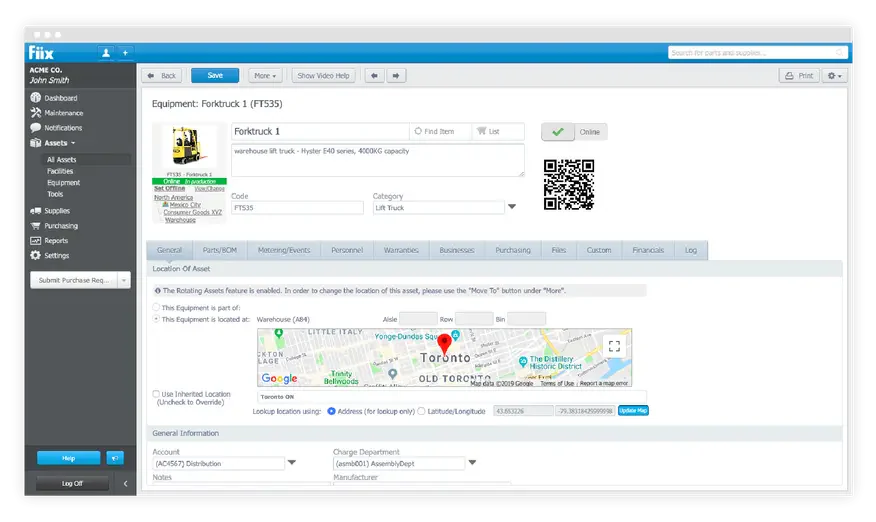
Fiix is a cloud-based CMMS for maintenance teams that need preventive scheduling, asset hierarchies, parts control, and advanced reporting across one or several sites. Its differentiator is Fiix Foresight, which applies AI-powered insights to maintenance data. It is best suited to larger industrial and manufacturing teams seeking predictive capabilities and configurable analytics.
Key Features:
- Work order management
- Preventive maintenance scheduling
- Barcode and RFID integration
- Analytics and reporting
| Pros | Cons |
|---|---|
|
|
Works best for: Larger enterprises, particularly in manufacturing, that want advanced predictive maintenance features.
Price range: Free, Basic USD 45/user/month, Professional USD 75/user/month or Enterprise custom.
3. MaintainX
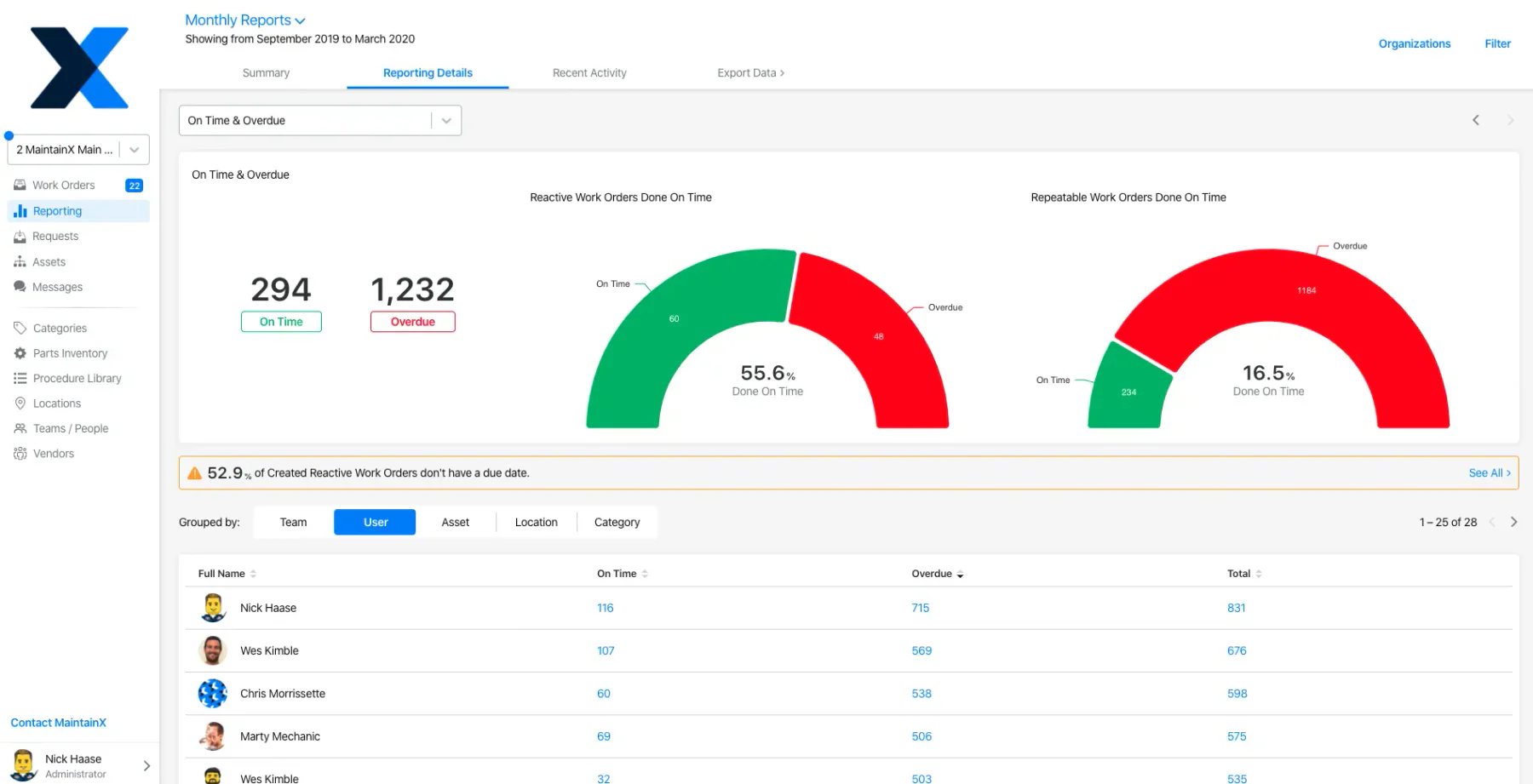
MaintainX is a mobile-first maintenance management platform built around work orders, digital procedures, inspections, team messaging, and parts tracking. Its main differentiator is a frontline-friendly app that lets technicians document work and communicate in real time. It suits field-based teams that prioritize fast adoption, standardized procedures, and mobile execution across facilities.
Key Features:
- Mobile-first work order management
- Real-time team chat
- Digital checklists and procedures
- Maintenance history tracking
| Pros | Cons |
|---|---|
|
|
Works best for: Teams that do most of their work in the field and need a simple, mobile-friendly system for managing work orders and staying coordinated.
Price range: There is Free option, paid USD 20–65/user/month billed annually or USD 25–75 monthly, and Enterprise custom.
4. UpKeep
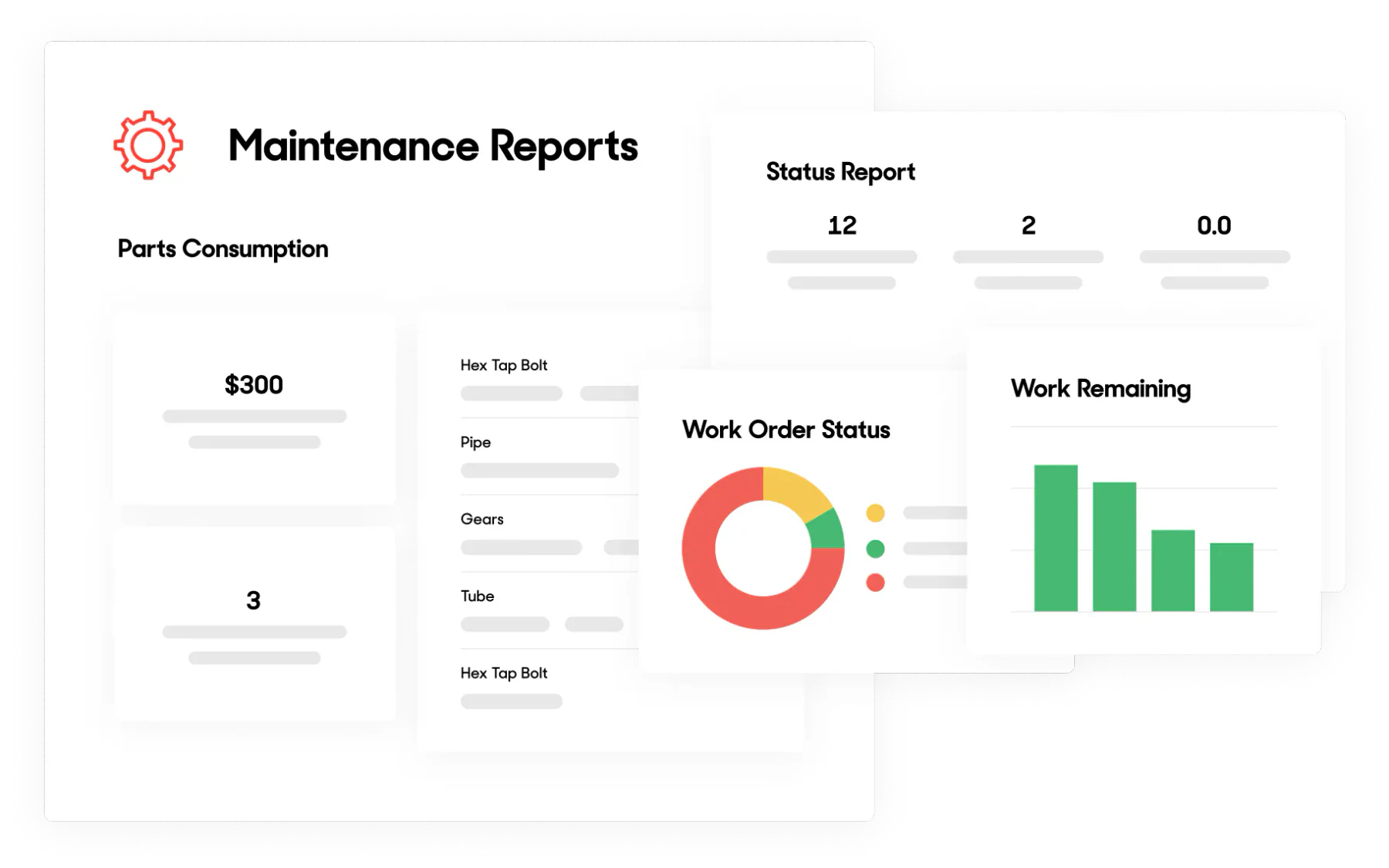
UpKeep is a mobile-focused CMMS that combines work orders, preventive maintenance, asset records, parts inventory, and maintenance analytics. Its differentiator is field accessibility, including offline functions on higher plans and tools for distributed maintenance operations. It is ideal for small to mid-sized teams whose technicians need to update jobs and asset information away from desks.
Key Features:
- Mobile work order management
- Inventory tracking for spare parts
- Preventive maintenance scheduling
- Asset management to maintain all organization's assets
| Pros | Cons |
|---|---|
|
|
Works best for: Small to mid-sized businesses with mobile maintenance teams who need a straightforward system that’s easy to learn.
Price range: USD 24–55/user/month or Professional and Enterprise custom
5. Cryotos
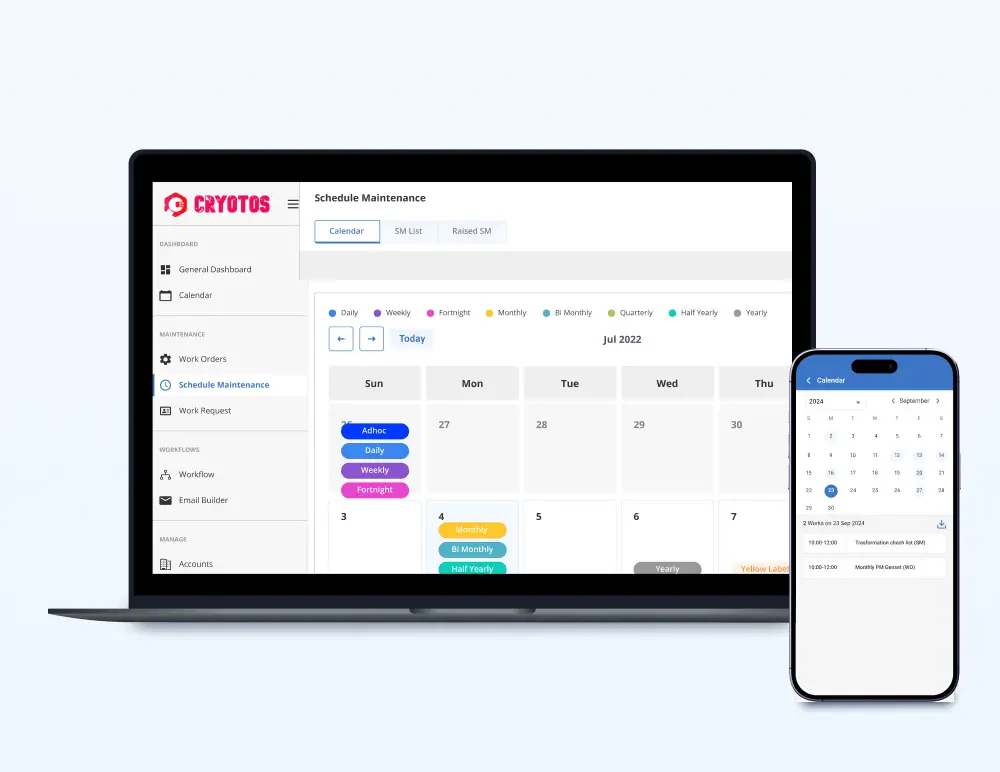
Cryotos is a cloud CMMS that combines work requests, preventive maintenance, asset tracking, workflow automation, inventory control, and mobile offline support. Its differentiator is the use of AI and IoT capabilities for more proactive maintenance decisions. It is best suited to mid-sized or larger organizations seeking configurable workflows and data-led maintenance across assets or facilities.
Key Features:
- AI-powered predictive maintenance
- Real-time asset tracking
- Workflow automation
- Mobile-friendly interface
| Pros | Cons |
|---|---|
|
|
Works best for: Mid-sized to larger companies that want to use data analytics to improve their maintenance operations.
Price range: USD 29–39/user/month or Professional USD 720/user/year (about USD 60/month).
6. Limble
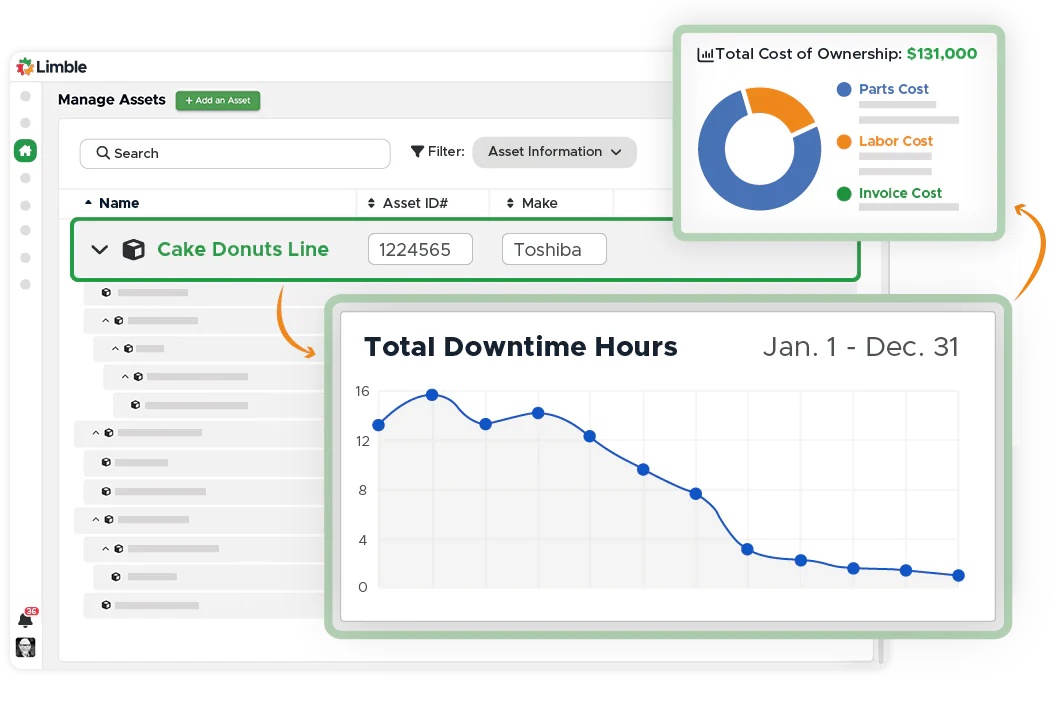
Limble is a user-friendly CMMS for teams that need unlimited work orders, preventive maintenance, asset records, dashboards, and work-request portals. Its differentiator is a practical interface designed to improve technician adoption, with offline mobile access and parts management on higher plans. It suits growing maintenance teams that want quick usability without sacrificing operational depth.
Key Features:
- Automated work order management
- Preventive maintenance scheduling
- Customizable dashboards and reports
- Asset and inventory tracking
- Works offline on mobile
| Pros | Cons |
|---|---|
|
|
Works best for: Growing companies that want a system their team will actually use, with room to add more advanced features later.
Price range: Custom quote through Limble’s price calculator because no current numeric range is publicly displayed.
7. Hippo
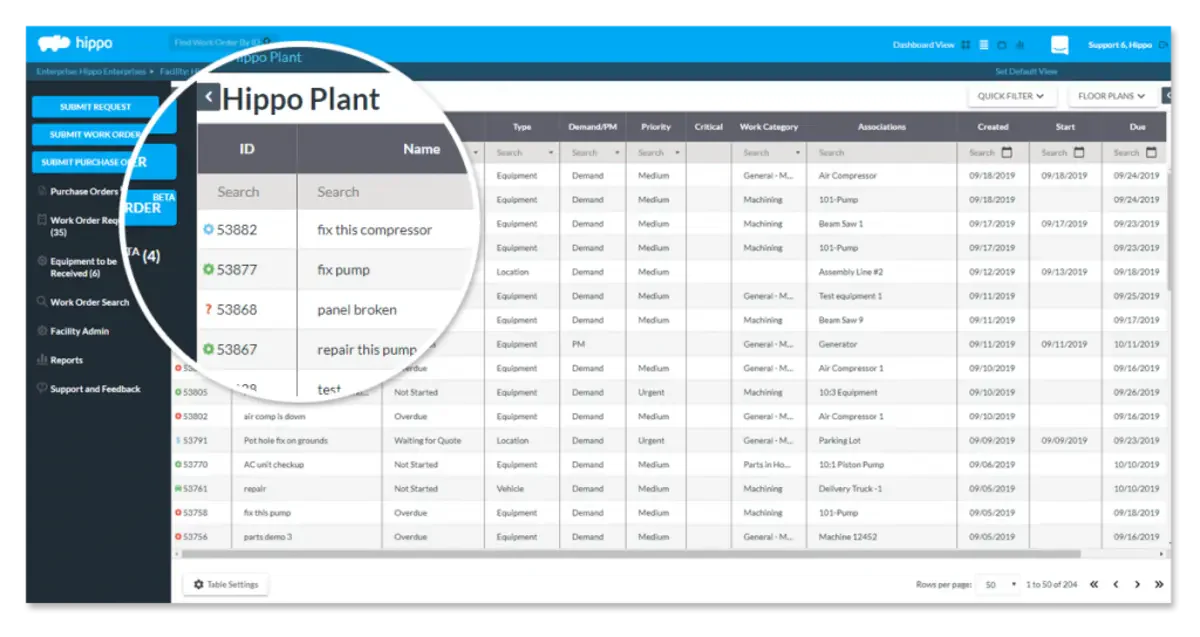
Eptura Asset is the current platform that incorporates Hippo CMMS capabilities; Hippo is no longer sold as a standalone product. It supports work orders, preventive maintenance, parts inventory, inspections, vendor management, and asset reporting. The platform is best suited to multi-location facility or asset teams that need broader enterprise controls and centralized maintenance visibility.
Key Features:
- Drag-and-drop work order management
- Asset and equipment tracking
- Preventive maintenance scheduling
- Customizable reporting
| Pros | Cons |
|---|---|
|
|
Works best for: Businesses that want a simple, cloud-based system without a steep learning curve.
Price range: Custom quote, annual subscription, Hippo standalone pricing should not be published.
8. Brightly
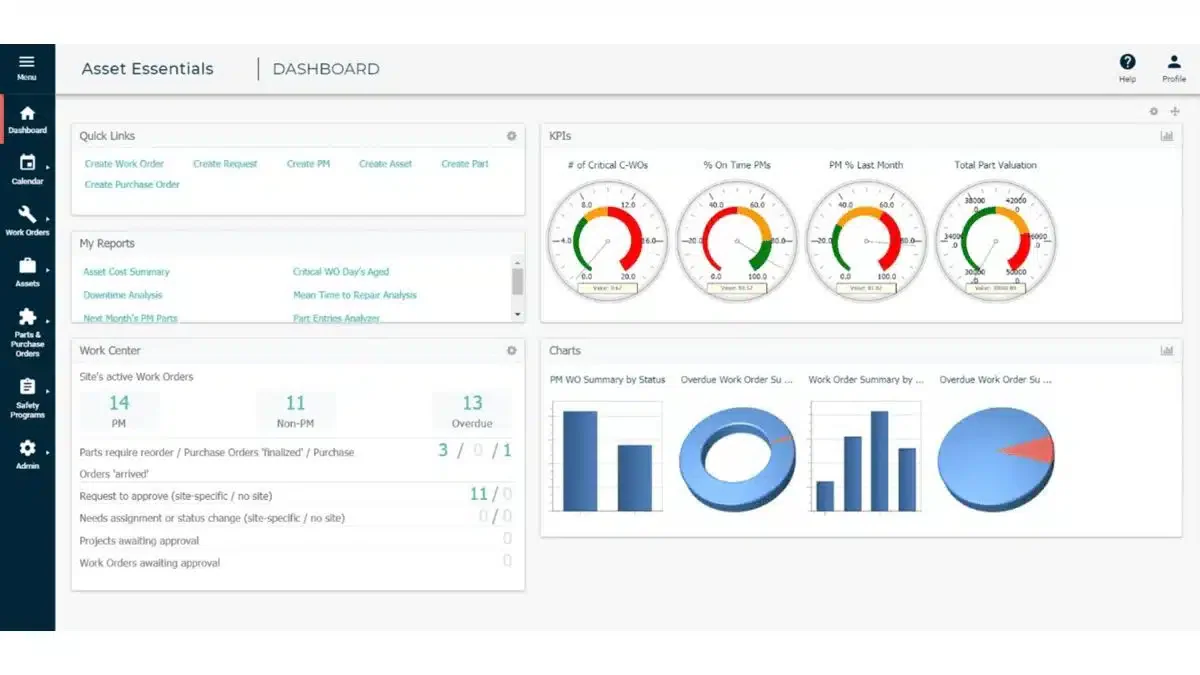
Asset Essentials is a CMMS within Siemens’
asset-management portfolio, formerly marketed under Brightly, for managing work
orders, preventive maintenance, assets, inspections, and mobile tasks. Its
differentiator is a centralized asset and maintenance view designed for complex
public-sector and institutional environments. It best fits education,
government, healthcare, and multi-site facility teams requiring structured
oversight.
Key Features:
- Work order management
- Preventive and predictive maintenance
- Mobile access
- Customizable dashboards
| Pros | Cons |
|---|---|
|
|
Works best for: Small to medium businesses, especially those managing multiple locations, that need mobile access and real-time tracking.
Price range: Custom quote as price varies by organization size and scope.
9. EZO
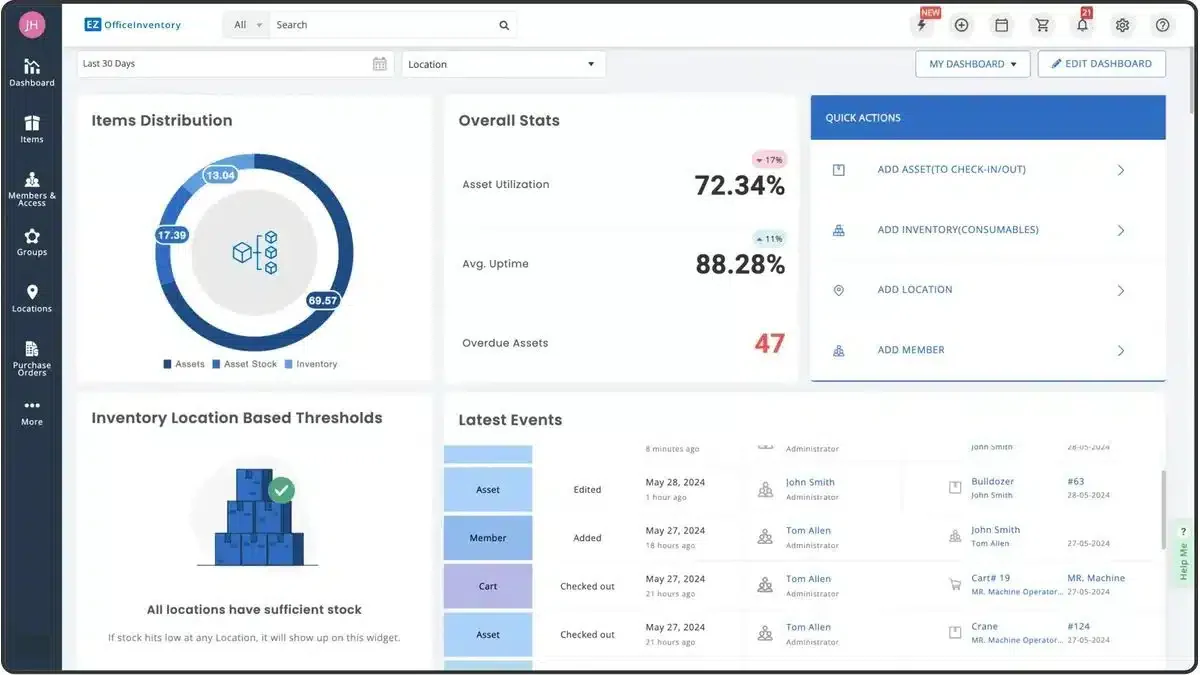
EZO, formerly EZOfficeInventory, combines equipment tracking, reservations, barcode and RFID tools, service records, and configurable asset workflows. Full CMMS capabilities are offered through separate packaging or the enterprise plan, which differentiates it from maintenance-first tools. It suits organizations that prioritize asset custody and inventory visibility alongside maintenance, particularly across departments and locations.
Key Features:
- Maintenance scheduling
- Barcode and RFID tracking
- Reporting and analytics
- Mobile access
| Pros | Cons |
|---|---|
|
|
Works best for: Small and medium-sized businesses that need to track both assets and inventory, especially those with equipment that moves between locations.
Price range: Base plans USD 63.55–100.88/month for 300 items, CMMS add-on priced separately by admin user or Enterprise custom.
10. CloudApper
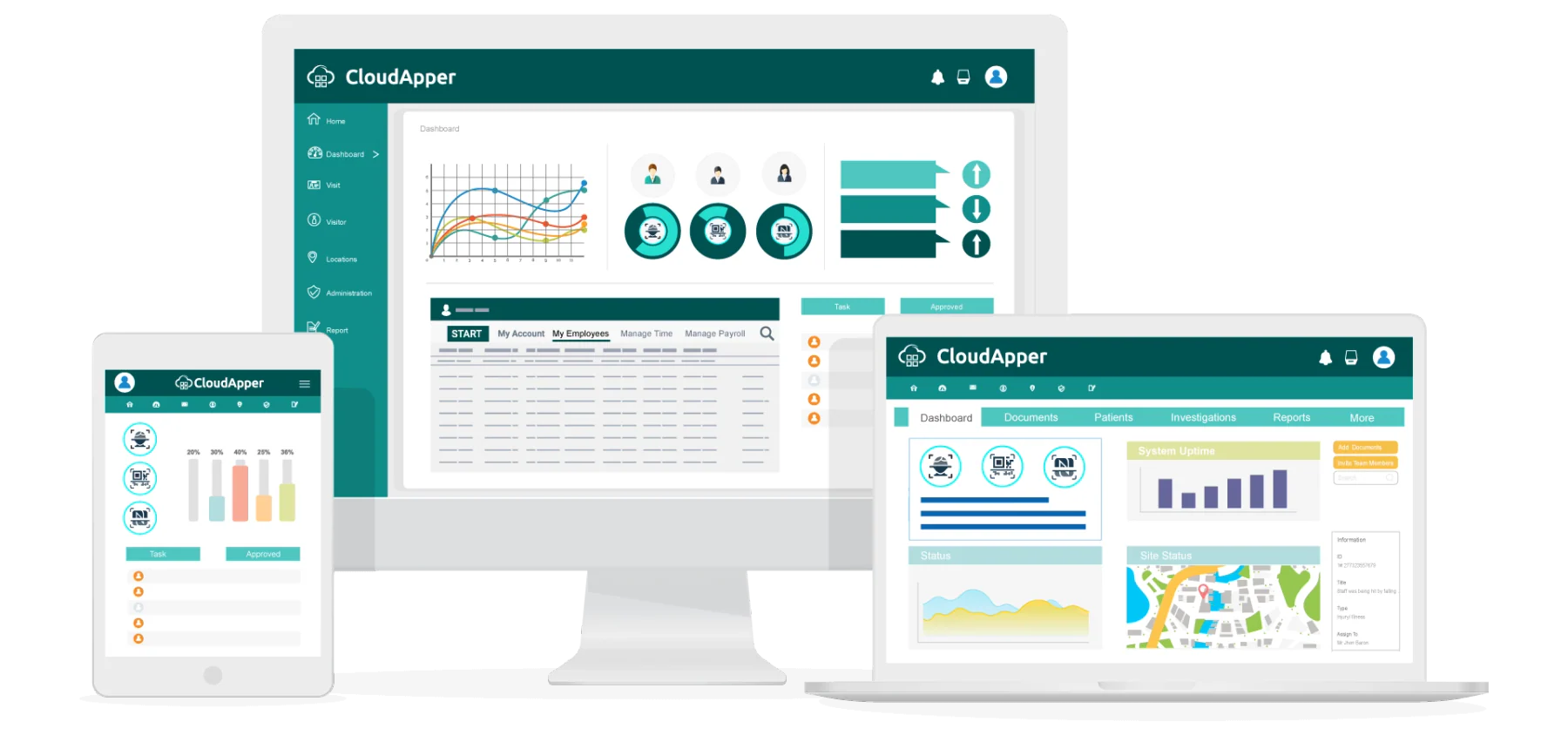
CloudApper CMMS is a customizable cloud
and mobile application for scheduling maintenance, routing work orders,
tracking assets and inventory, and managing technician activity. Its
differentiator is a no-code configuration model that lets teams adapt fields,
modules, workflows, and notifications. It suits organizations with specialized
processes that need flexibility without developing a maintenance application
from scratch.
Key Features:
- Cloud-based and mobile-friendly
- Preventive maintenance scheduling
- Asset and equipment management
- Customizable reports and dashboards
| Pros | Cons |
|---|---|
|
|
Works best for: Organizations that want a flexible, cloud-based system they can customize to fit their specific processes.
Price range: Custom quote on the current product page
11. Worktrek
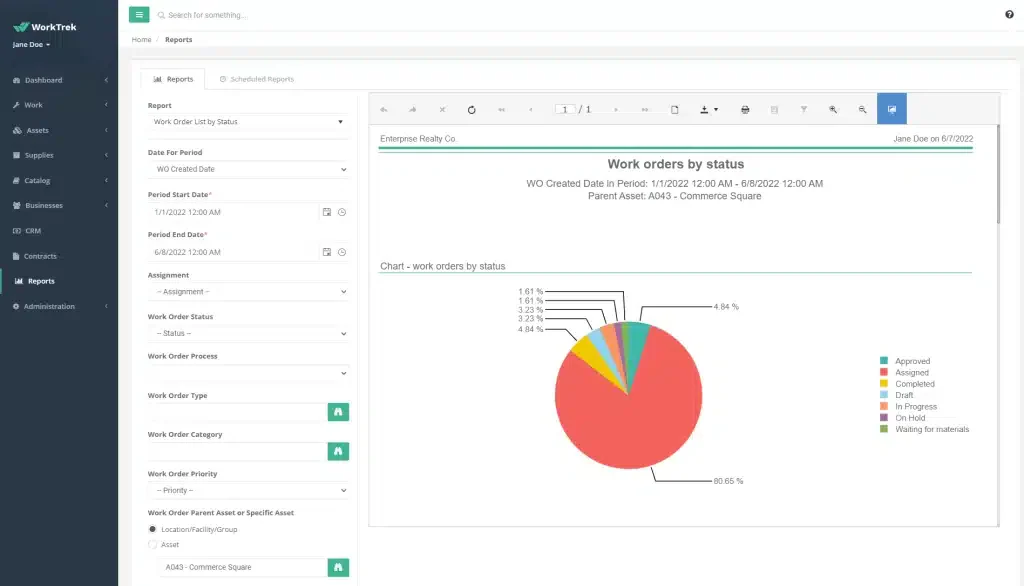
WorkTrek is a cloud CMMS for managing work
orders, preventive maintenance, assets, inventory, contracts, subcontractors,
and reports from web or mobile devices. Its differentiator is transparent
entry-level pricing combined with custom workflows and API access on the
enterprise plan. It suits small to mid-sized maintenance teams seeking
straightforward deployment with room to expand integrations later.
Key Features:
- Work order management
- Preventive maintenance
- Asset lifecycle tracking
- Integration with existing systems
| Pros | Cons |
|---|---|
|
|
Works best for: Organizations that need their CMMS to work alongside existing systems and want detailed tracking of asset lifecycles.
Price range: USD 29–49/user/month or Enterprise custom.
12. Fracttal One
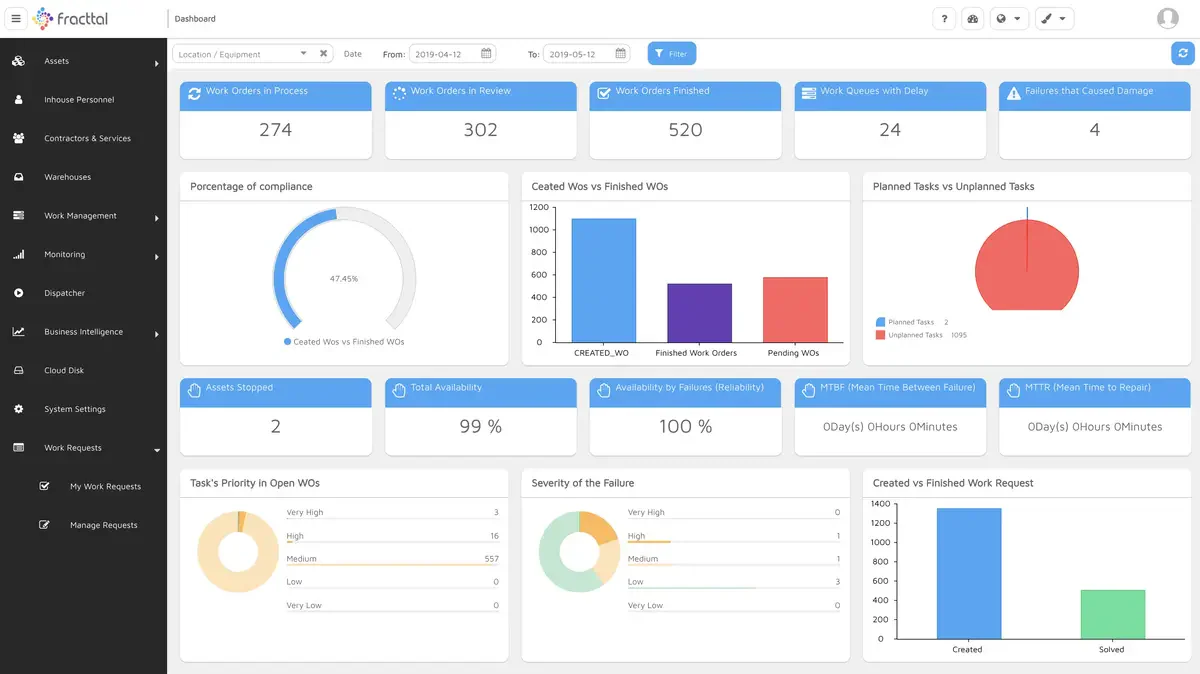
Fracttal One is an intelligent maintenance
platform that combines work orders, asset history, predictive maintenance, IoT
sensor integration, mobile execution, and audit traceability. Its
differentiator is the ability to turn equipment data and deviations into smart
alerts and recommended actions. It is ideal for asset-intensive organizations
ready to connect industrial data with proactive, multi-site maintenance
operations.
Key Features:
- IoT integration for connected equipment
- AI-powered predictive maintenance
- Mobile access with real-time updates
- Asset and equipment tracking
- Customizable maintenance workflows
| Pros | Cons |
|---|---|
|
|
Works best for: Businesses ready to invest in IoT-connected equipment and AI-driven maintenance strategies.
Price range: Free version available and paid plans require a custom
How to Choose the Right CMMS Software for Your Business

Picking the right system depends on your specific situation. Here’s what to think about:
- What do you actually need? Consider your asset inventory size, how complex your maintenance operations are, and which features matter most. A small business with 50 pieces of equipment has different needs than a manufacturing plant with thousands.
- Will your team actually use it? The most feature-rich system in the world won’t help if it’s too complicated for your team. Look for something with an interface that makes sense to the people who’ll use it daily.
- Does it connect with your other systems? If you’re already using accounting software, inventory management platform, or an ERP system, check whether the CMMS can integrate. Manual data transfer between systems wastes time and creates errors.
- Can it grow with you? If you’re planning to expand, adding more equipment, opening new locations, or scaling up operations, make sure the system can handle that growth without needing to be replaced.
- What support is available locally? For Philippine businesses, having local support can make a big difference. Time zone differences and language barriers can slow things down when you need help.
- What are other users saying? Look for reviews from businesses in similar industries. Their experience will tell you more than marketing materials ever will.
Considerations for Philippine Businesses
If you’re operating in the Philippines, there are a few additional factors worth thinking about:
- BIR compliance: Your CMMS should help you maintain records that satisfy BIR requirements for inventory list, asset tracking, depreciation schedules, and maintenance expenses. Clean documentation makes tax season and audits much smoother.
- Multi-location operations: If you have branches across different islands or regions, a cloud-based system with reliable mobile access becomes essential. Teams in Cebu and Davao need the same visibility as your head office in Manila.
- Internet reliability: Some areas still have inconsistent connectivity. If your maintenance teams work in locations with spotty internet, look for systems that offer offline functionality.
- Local support: When something goes wrong, being able to reach support during Philippine business hours, and in a language your team is comfortable with, saves time and frustration.
- MSME considerations: For small and medium enterprises, pricing models matter. Systems that charge per user can get expensive as your team grows. Look for options with flat-rate pricing or unlimited user licenses.
Conclusion
The right CMMS software is the platform that removes your current maintenance bottleneck without creating a new data silo. Mobile-first tools suit field teams, predictive platforms suit sensor-rich operations, and ERP-integrated CMMS solutions suit businesses that need spare parts, purchasing, labor, depreciation, and maintenance costs to stay connected.
For Philippine companies managing multiple sites or departments, HashMicro brings preventive maintenance, work orders, asset histories, inventory, procurement, and accounting into one system. Compare your asset volume, user count, integrations, and total annual cost, then validate the shortlist through a demo using your own maintenance scenario.
The right CMMS software is the platform that removes your current maintenance bottleneck without creating a new data silo. Mobile-first tools suit field teams, predictive platforms suit sensor-rich operations, and ERP-integrated CMMS solutions suit businesses that need spare parts, purchasing, labor, depreciation, and maintenance costs to stay connected.
If you’re still unsure where to start, seeing the system in action can make the decision easier. HashMicro offers a product tour that lets you explore how its CMMS supports maintenance scheduling, asset tracking, and cross-departmental integration for growing businesses.
FAQ About CMMS Software
A CMMS, or computerized maintenance management software, is a tool that enables companies to streamline the management of maintenance data and processes in one place, ultimately improving equipment uptime.
Industries that need CMMS include manufacturing, healthcare, utilities, transportation, hospitality, and facility management. These industries rely on CMMS to streamline maintenance tasks, ensure equipment reliability, reduce downtime, and enhance overall operational efficiency.
A standalone CMMS is usually sufficient when one maintenance team mainly needs work orders, inspections, and preventive schedules. ERP-integrated CMMS is more suitable when spare-part consumption must update inventory, purchases require procurement approval, technician costs flow into accounting, or asset maintenance history must support depreciation and audit reporting.
Predictive maintenance relies on advanced data analysis to determine when maintenance is needed, while preventive maintenance follows a fixed schedule to minimize the risk of unexpected failures.
CMMS ROI can be estimated using: (Annual maintenance savings − annual CMMS cost) ÷ annual CMMS cost × 100 Savings may include avoided downtime, lower overtime, fewer emergency purchases, longer asset life, lower spare-parts waste, and reduced audit preparation. The calculation should use the company’s operational baseline rather than general vendor averages.
The primary goal of implementing a CMMS is to optimize maintenance operations, track maintenance activities, extend asset lifespan, and control expenses.