
Choosing the right manufacturing inventory software is one of the most consequential decisions a Philippine manufacturer can make. A single missing component can bring a production line to a complete halt and that kind of disruption isn't just an inconvenience, it's a direct hit to revenue and customer trust. Poor inventory control leads to stockouts, overstocking, and production delays that spreadsheets simply are not built to prevent.
This guide covers the top manufacturing inventory management software solutions available in 2026, compares their key features side by side, and walks through what to look for when evaluating options whether you're running a single facility or multiple production sites across the Philippines.
Key Takeaways
Manufacturing inventory software tracks raw materials, WIP, and finished goods in real time, preventing production delays caused by stockouts or overstocking.
The right manufacturing inventory software cuts stockouts, lowers carrying costs, and keeps production costing accurate, all from one real-time view of stock across warehouses.
Industry-specific needs such as batch control in food manufacturing or component traceability in electronics should drive software selection, not just general features.
Integrating quality control into inventory management prevents defective materials from disrupting production and supports regulatory compliance.
What is Manufacturing Inventory?
Manufacturing inventory covers three core categories: raw materials waiting to enter production, work-in-progress (WIP) goods currently being assembled or processed, and finished goods ready for distribution. Together, these make up the lifeblood of any production operation and managing them accurately is what keeps output consistent and costs predictable.
Dedicated manufacturing ERP software helps businesses track all three categories in real time, reducing waste, preventing shortfalls, and keeping production lines responsive to actual demand.
Benefits of Manufacturing Inventory Software
The right inventory management system does far more than count stock. Here's what Philippine manufacturers consistently gain after implementation:
- Real-time production visibility. Know exactly what's on hand, in production, and on order at any moment, across every warehouse or production site.
- Fewer production stoppages. Automated reorder alerts prevent raw material shortages before they halt the line, reducing unplanned downtime.
- Lower carrying costs. Align inventory levels to actual production schedules instead of guesswork, reducing excess stock and storage costs.
- Accurate cost tracking. Follow material costs through each production stage and feed the results directly into your financial reports.
- Faster supplier coordination. Auto-generated purchase orders based on demand signals reduce manual procurement work and lead-time uncertainty.
- BIR-ready traceability. Batch and serial number tracking supports Philippine BIR audit trails and product recall requirements without manual lookups.
Comparison of the Best Manufacturing Inventory Management Software
Before reading the full reviews, use the table below to map each platform against the business types it serves best. This gives you a working shortlist based on your production model, team size, and existing tech stack before you evaluate pricing or book demos.
| Software | Key Features | Best For |
|---|---|---|
| HashMicro | AI demand forecasting, multi-warehouse, BOM, full ERP + BIR compliance | Philippine enterprise & mid-market manufacturers |
| Fishbowl | QuickBooks/Xero integration, barcode scanning, manufacturing orders, multi-location | US-based SMB manufacturers using QuickBooks |
| Zoho Inventory | Batch/serial tracking, composite items, multi-channel orders, Zoho ecosystem | Small manufacturers in the Zoho ecosystem |
| Katana MRP | Visual production planner, live inventory allocation, Shopify/WooCommerce integration | D2C and craft manufacturers |
| SOS Inventory | QuickBooks integration, lot/serial tracking, multi-level BOM, FIFO costing | Small manufacturers on QuickBooks |
| MISys | BOM, routing, work orders, MRP module, QuickBooks tie-in | Small discrete manufacturers |
| MRPEasy | Cloud MRP, capacity planning, purchasing, self-serve setup | Small manufacturers with no IT team |
| QuickBooks Enterprise | FIFO/average costing, assemblies, multi-location, barcode scanning | Manufacturers already on QuickBooks |
| Unleashed | Real-time stock control, margin reporting, Xero/Shopify/QuickBooks integration | Product businesses scaling operations |
Quick Recommendations by Business Type
- Philippine enterprise or multi-site manufacturers needing BIR compliance and full ERP → HashMicro
- Small manufacturers already on QuickBooks who don't want to migrate → SOS Inventory, MISys, or QuickBooks Enterprise
- D2C / e-commerce manufacturers shipping direct-to-consumer → Katana MRP or Unleashed
- Small manufacturers needing cloud MRP without an IT team → MRPEasy
- Businesses running entirely in the Zoho ecosystem → Zoho Inventory
9 Best Manufacturing Inventory Management Software in 2026
The right inventory management software boosts efficiency, cuts costs, and streamlines manufacturing. Below are 10 apps to enhance inventory control, traceability, and scalability.
1. HashMicro Inventory Software
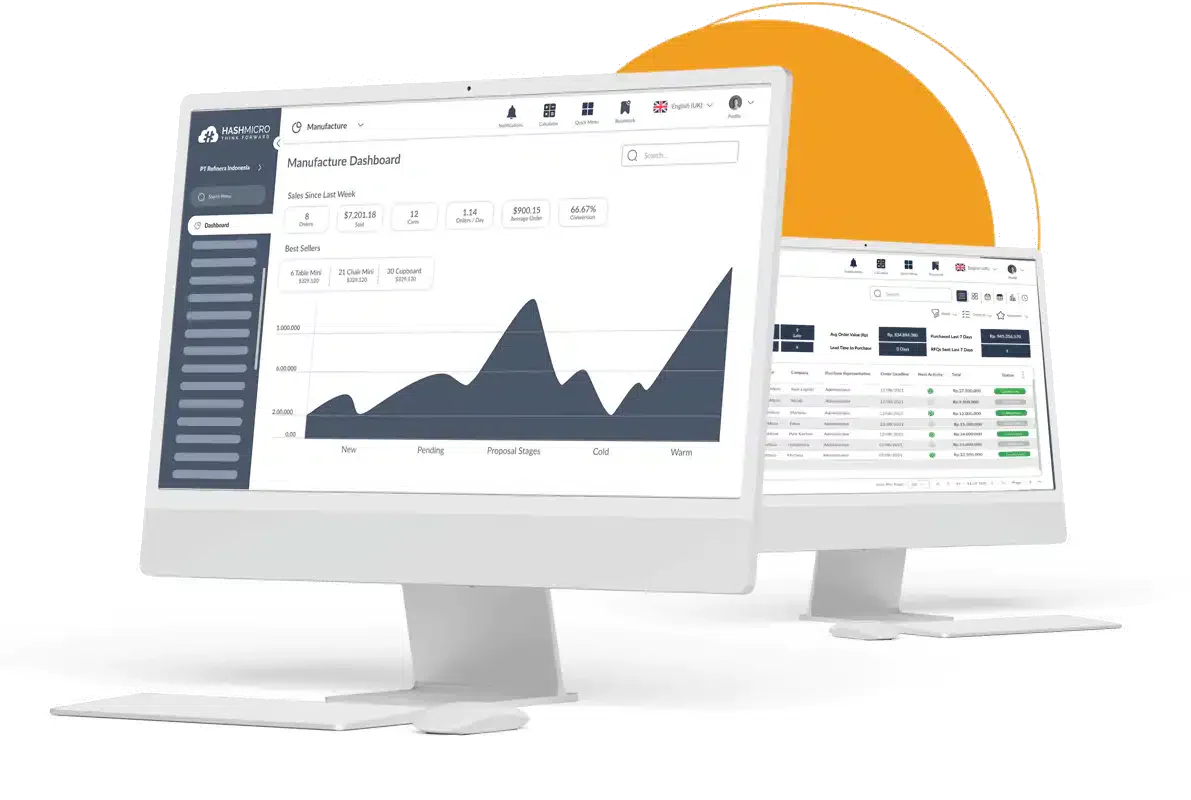 HashMicro provides a quick, easy, and complete inventory management solution for various types of businesses of all sizes, including construction. Many industries, such as steel and lumber, can utilize the right ERP software for the lumber and wood products industry to enhance their business operation.
The platform supports real-time stock monitoring, barcode generation, and picking and packing workflows, all within a broader ERP environment that connects inventory data to procurement, production, and finance.
Features:
- Efficient goods tracking: Barcode management ensures precise and swift tracking of goods.
- Streamlined stock requests: Automatic stock request management handles requests across store branches or warehouses.
- Tailored integration: Customization and integration align with your company’s unique requirements and growth. ERP Module Integration: Seamless integration with ERP modules like accounting, manufacturing management software, purchasing, and POS software.
- Automated inventory operations: Optimal and automatic stock recording streamlines warehouse and inventory processes.
- Partnership with singapore government grants: Maintain financial health with support from the Singapore Government’s EDG up to 50% and NTUC CTC Grant up to 70%.
| Pros | Cons |
|
|

2. Fishbowl Manufacturing Inventory Management Software
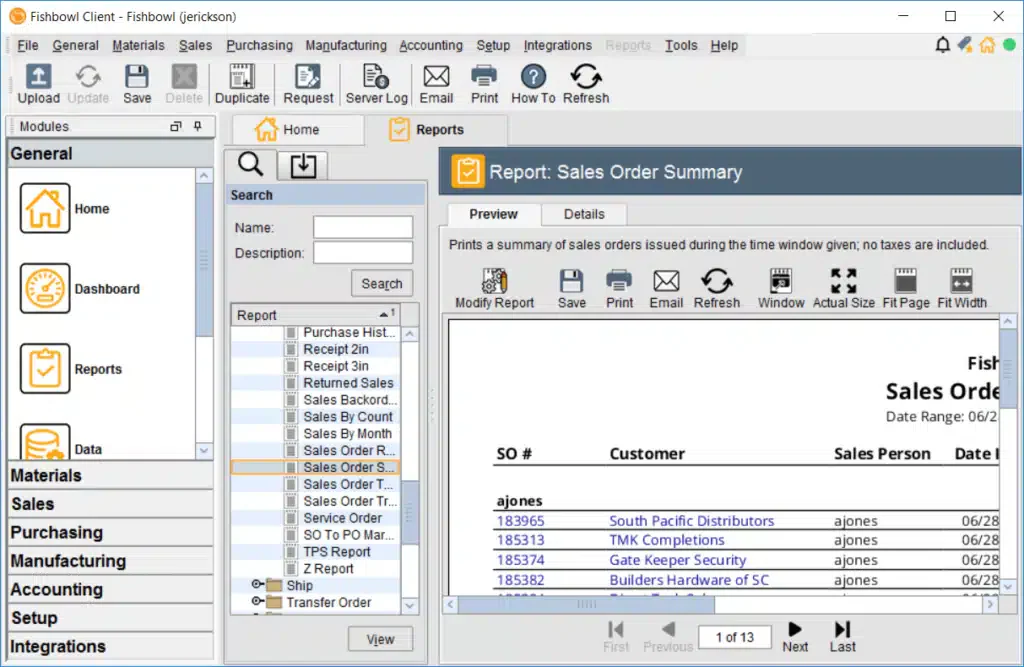 Fishbowl Inventory is a robust ERP system designed for businesses aiming to scale. It offers powerful inventory tracking and serves as a cost-effective, out-of-the-box solution for growing manufacturers. With built-in MRP capabilities, Fishbowl provides a flexible way to manage diverse inventory processes efficiently.
- Bi-directional sync with QuickBooks and Xero and no double accounting entry
- Manufacturing order management with multi-level Bill of Materials support
- Barcode scanning for receiving, picking, and shipping workflows
- Multi-location inventory tracking across warehouses and production floors
- Automatic low-stock alerts and reorder point management
| Pros | Cons |
|
|
3. Zoho Manufacturing Inventory Software
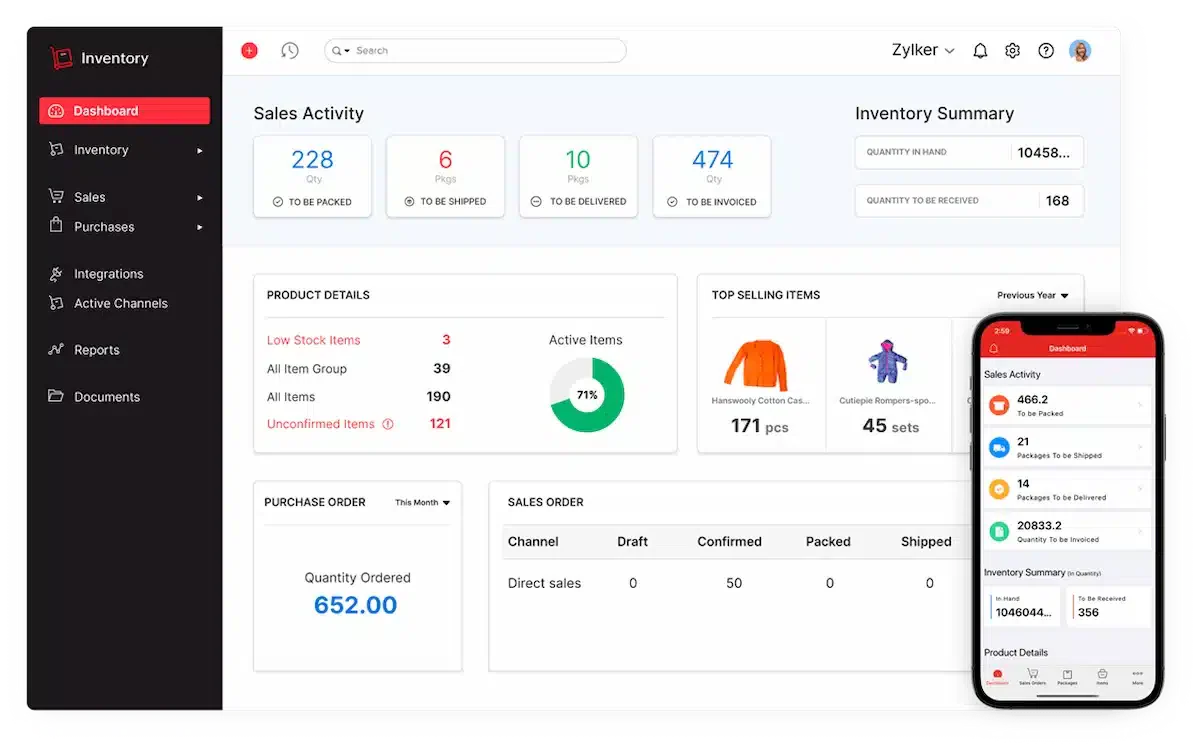 Zoho Inventory is an excellent option for small to mid-sized businesses in the online retail space. This cloud-based software simplifies inventory management, especially for businesses that need to track stock across multiple warehouses. It also allows for the tracking of individual units using expiration dates, serial numbers, or batches.
- Native integration across Zoho CRM, Books, and Analytics and no connector needed
- Batch tracking and serial number tracking for compliance and recall management
- Composite item support for kitting, bundling, and assembly operations
- Multi-channel order management across Shopify, Amazon, and Etsy
- End-to-end traceability from purchase order to customer delivery
| Pros | Cons |
|
|
4. Katana MRP
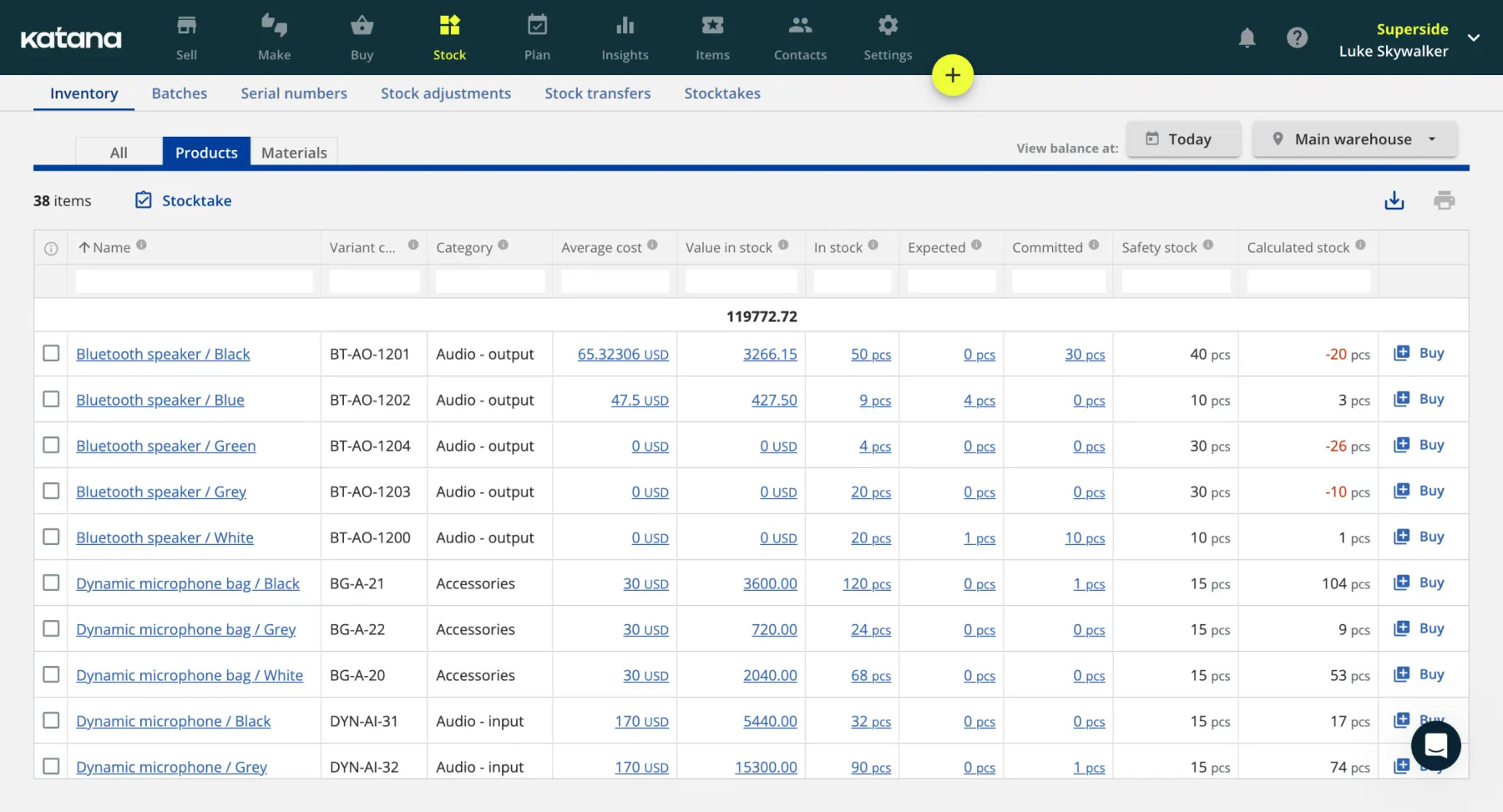 Katana MRP is perfect for industries needing strict batch control like food, cosmetics, and pharmaceuticals. Its batch management feature tracks raw materials and finished goods with unique batch numbers from production to sale, ensuring compliance with quality and safety standards.
- Visual production scheduler with real-time inventory allocation to orders
- Native integrations with Shopify, WooCommerce, Xero, and QuickBooks
- Live floor-level stock view accessible on mobile for production staff
- Automatic material reservation when sales orders are confirmed
- Barcode scanning support for shop floor operations
| Pros | Cons |
|
|
5. SOS Manufacturing Inventory Software
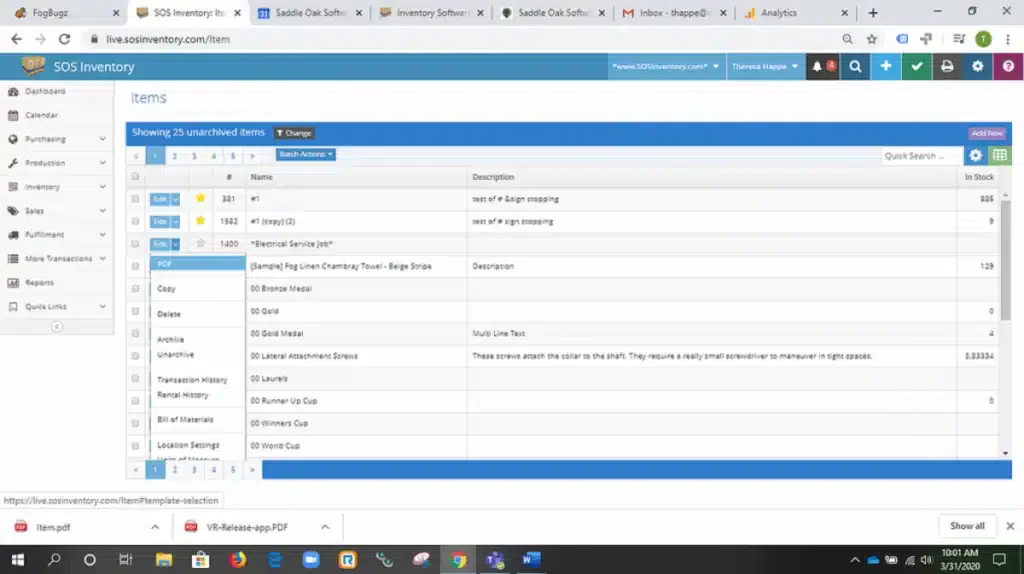 SOS Inventory excels in providing detailed lot tracking, making it an excellent choice for industries like food manufacturing, where traceability is critical. It assigns unique identifiers, such as lot or serial numbers, to every item, ensuring complete traceability throughout the supply chain. This includes product coding and labeling, which allows businesses to closely monitor inventory from procurement all the way to customer delivery.
- Deep QuickBooks Online and Desktop integration as the core architecture
- Lot and serial number tracking for compliance-heavy manufacturing
- Multi-level Bill of Materials with sub-assembly tracking
- Pick, pack, and ship workflow management with barcode support
- FIFO costing with full audit trail visibility
| Pros | Cons |
|
|
6. MISys Manufacturing Inventory Software
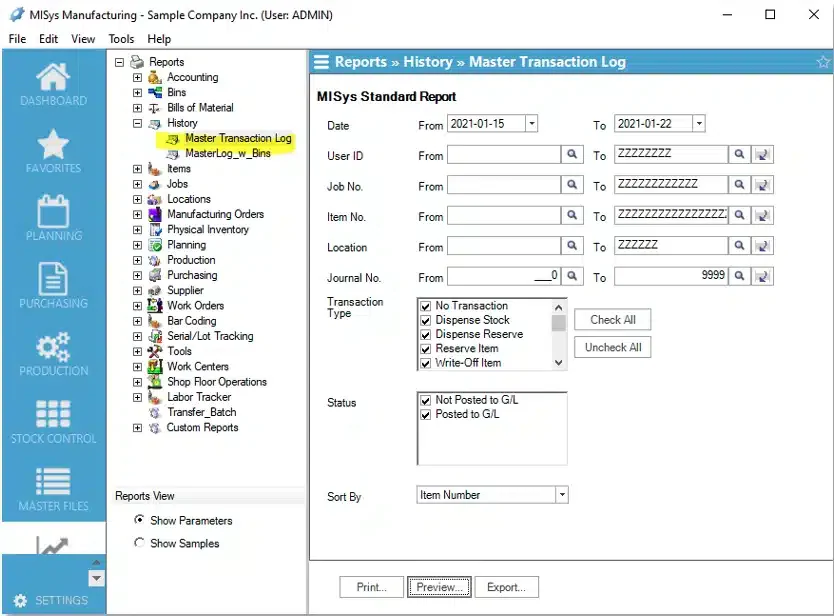 MISys Manufacturing is ideal for small to mid-sized manufacturers who need a scalable inventory management solution. Designed to grow with your business, it offers modules that can be added as your manufacturing needs evolve. The software provides comprehensive tracking of inventory levels, costs, and manufacturing orders, ensuring businesses can efficiently manage their resources as they expand.
- Tight bi-directional QuickBooks integration (Online and Desktop)
- Bill of Materials with multi-level sub-assembly support
- Work order management tied to production routing and labor tracking
- Material Requirements Planning (MRP) engine for demand-driven purchasing
- Standard costing with variance analysis against actual production costs
| Pros | Cons |
|
|
7. MRPEasy Manufacturing Inventory Management Software
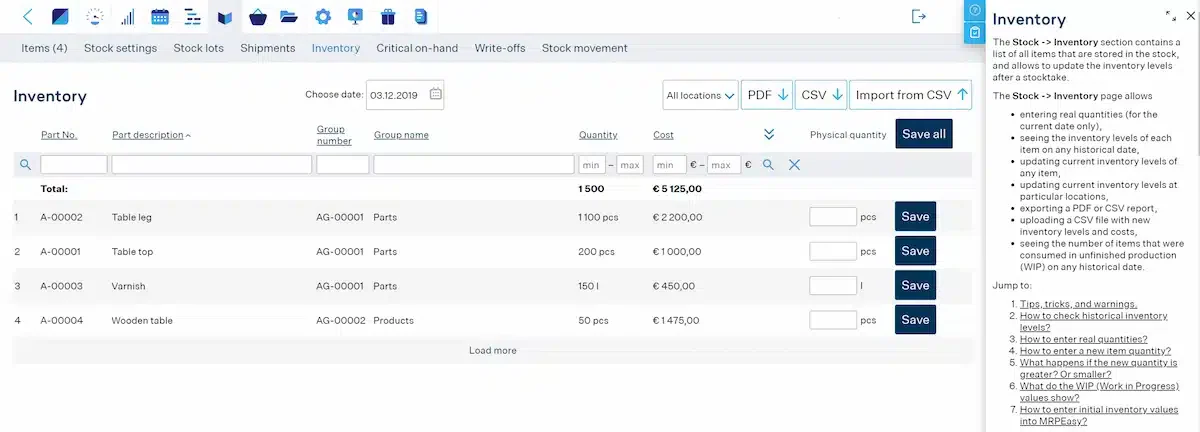 MRPEasy is a cloud-based MRP solution tailored for small manufacturers. One of its standout features is its flexibility, allowing users to choose the tools that best suit their unique needs, making it a great option for both small businesses and those that are growing.
However, it’s important to note that MRPEasy is primarily a manufacturing resource planning software and works best when integrated with a separate accounting system. It excels at managing stock, bills of materials (BOM), and inventory while streamlining production and assembly orders.
Features:- Cloud-based MRP with automatic scheduling based on capacity and demand
- Integrated purchasing where purchase orders generated directly from production requirements
- Real-time WIP tracking across production stages
- Built-in CRM for customer order management alongside production planning
- Clean, non-technical dashboard designed for owner-operators and small teams
| Pros | Cons |
|
|
8. QuickBooks Enterprise
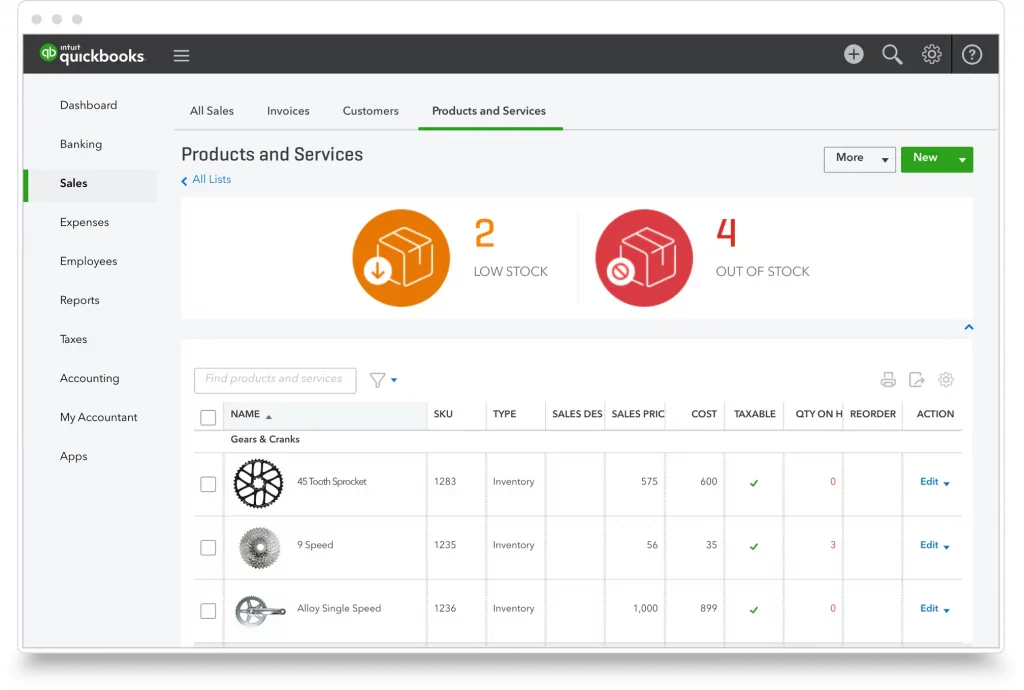 QuickBooks Enterprise's Advanced Inventory module extends the platform many Philippine SMBs already use into meaningful manufacturing territory without changing accounting software. For businesses where finance and operations run in the same system, the reduced data reconciliation work is a genuine advantage. For more advanced MRP needs, consider QuickBooks alternatives that offer deeper production planning.
Features:
- Advanced Inventory with FIFO or average costing method selection
- Assemblies and Bill of Materials tracking within existing QuickBooks workflows
- Multi-location inventory with bin/site management
- Barcode scanning for receiving, picking, and assembly operations
- Serial number and lot tracking for warranty and compliance purposes
| Pros | Cons |
|
|
9. Unleashed Manufacturing Inventory Software
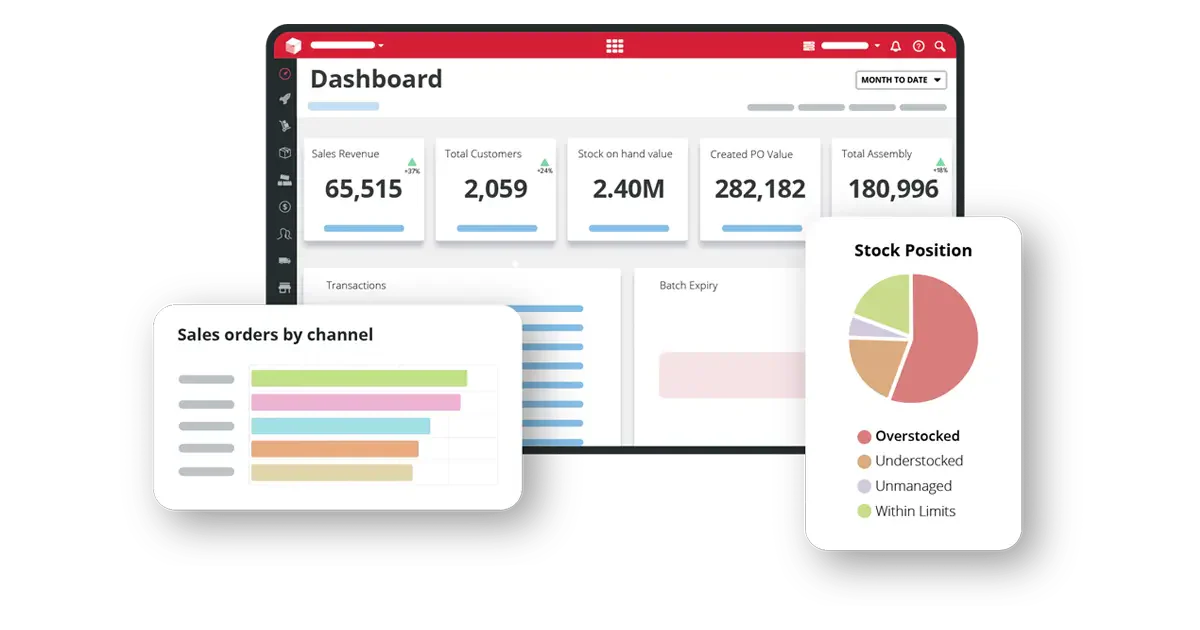 Unleashed is a cloud-based inventory management software designed specifically for manufacturers. It offers key features like batch tracking and supports multiple warehouse management, making it ideal for businesses with complex inventory needs.
- Real-time inventory control with landed cost and multiple costing methods
- Product margin reporting at SKU level for pricing and profitability decisions
- Native integrations with Xero, QuickBooks, Shopify, and Salesforce
- Multi-currency and multi-location support for regional businesses
- B2B e-commerce portal for wholesale order management
| Pros | Cons |
|
|
Tips for Choosing the Right Manufacturing Inventory Software
Selecting the right platform starts with a clear picture of your specific operational pain points. Beyond feature lists, there are a few practical factors worth evaluating before committing to a solution especially for manufacturers managing inventory management across multiple sites.
1. Assess your specific needs
Different manufacturers have different requirements. Identify your specific inventory management challenges whether it’s real-time tracking, forecasting, or multi-location management and choose software that addresses these needs.
2. Look for user-friendly interfaces
A complicated software solution can lead to confusion and errors. Ensure the software you choose has an intuitive interface that your team can easily adopt without extensive training.
3. Consider scalability
As your business grows, your inventory management system should grow with it. Choose the right inventory management solution that can scale seamlessly to handle higher order volumes, expanding product lines, and additional locations without disrupting operations.
4. Ensure integration with existing systems
To avoid siloed operations, ensure that the inventory management system integrates seamlessly with other business systems, such as your ERP or manufacturing execution system. This ensures smooth data flow and minimizes manual entry.
5. Check for strong customer support
Good customer support is essential, especially during the initial setup and when troubleshooting issues. Look for software providers that offer reliable, responsive customer service and training resources.
6. Consider Your Industry-Specific Requirements
Manufacturing inventory needs vary significantly across sectors, and a solution that fits one industry often falls short in another. A food and beverage manufacturer in the Philippines needs batch tracking, expiry date management, and BFAD or FDA traceability. An electronics assembler requires component-level BOM precision, serial number tracking, and sub-assembly staging. A textile or apparel producer needs color-size-variant matrix support for raw material and finished goods tracking.
Before finalizing a shortlist, identify your industry's top three non-negotiable requirements, the ones that would create workarounds that erode the value of the entire system. Verify each requirement through a live demo, not just a feature comparison matrix.
Conclusion
In today’s competitive manufacturing landscape, Efficient inventory management is foundational to keeping manufacturing operations on schedule and costs under control. The right software whether MRP-focused, cloud-based, or ERP-integrated reduces manual effort, improves material visibility, and gives production teams the data they need to make faster, better-informed decisions.
For businesses still evaluating their options, a structured comparison of leading inventory management platforms can help narrow the field based on industry fit, scalability, and integration needs.

FAQ About Manufacturing Inventory Software
Manufacturing inventory software is a tool designed to help manufacturers manage their inventory, including raw materials, work-in-progress, and finished goods. It automates tracking, demand forecasting, and reordering to streamline operations and improve decision-making.
The software helps businesses reduce stockouts, avoid overstocking, improve demand forecasting, and automate reordering. It also provides real-time tracking and detailed reporting, ultimately increasing efficiency and reducing operational costs.
Yes, many manufacturing software solutions are designed to scale with your business. As your manufacturing operations grow, the software can accommodate more locations, products, and transactions, ensuring your inventory management evolves with your business.
Consider factors like your specific inventory needs, software ease of use, scalability, integration with existing systems, and the quality of customer support when selecting a solution. It’s also important to choose a provider that offers a free demo or trial so you can assess the software before committing.
Yes, most modern manufacturing inventory software integrates seamlessly with other systems like ERP, accounting, or supply chain management platforms, allowing for a unified business operation.