















SAP T-codes (Transaction Codes) are alphanumeric shortcuts that access various functions within SAP ERP systems. These codes streamline user interaction by allowing quick navigation to specific tasks and modules without navigating multiple menus.
By utilizing SAP T-codes, businesses can significantly enhance operational efficiency within their ERP system. These codes reduce manual effort, minimize errors, and ensure faster task execution, ultimately optimizing business workflows and problem-solving capabilities.
Learn more about how SAP T-codes can elevate your business processes. This article will explore key T-codes and how they contribute to smoother, more effective business operations. Handa nang i-unlock ang buong potensyal ng SAP T-codes? Sumisid tayo!

Key Takeaways
SAP T-codes (Transaction Codes) are alphanumeric shortcuts that improve user experience by allowing fast access to specific tasks and modules without navigating various menus.
The letters in SAP T-Codes indicate the module; for example, M indicates materials management.
HashMicro ERP System integrates SAP T-codes to streamline processes, improve efficiency, and enhance module task execution.
What are T-Codes in SAP?
SAP T-codes, or SAP Transaction Codes, are short alphanumeric chiper that access specific functions and transactions within the SAP ERP system. These codes allow users to navigate quickly to different modules without complex menu navigation.
The main benefit of SAP T-codes is that they streamline processes, reduce time spent searching for transactions, and minimize human error. They help improve user productivity and enable efficient access to key functionalities.
By using SAP T-codes, businesses can significantly enhance operational efficiency. They solve the problem of slow system navigation, ensure faster task execution, and provide employees with the tools to manage operations seamlessly, boosting overall performance.
Program Behind a T-Code
Each SAP T-code corresponds to a specific program or transaction designed to execute a predefined function within the SAP system. Depending on the business’s needs, the program behind a T-code can either be a standard SAP program or a custom-developed one.
Typically, the transaction’s technical component is an SAP program that runs its code, mainly written in ABAP, ensuring integration and execution of each function within the system.
These programs process data, perform calculations, and interact with other SAP modules and SAP Business One. For instance, a T-code for financial reports runs a program that collects, processes, and displays financial data.
The program’s design and functionality ensure seamless integration within SAP, enabling users to perform complex tasks with minimal input and enhancing user experience while optimizing business processes.
Authorization Check Process for a Particular T-Code

The authorization check process for a particular T-code ensures that only users with the appropriate permissions can access specific transactions within the SAP system.
When a user attempts to execute a T-code, the system performs an authorization check based on the user’s role and assigned authorizations. This process verifies whether the user has the necessary rights to execute the transaction and access the associated data.
Authorization checks in SAP are tied to user roles and profiles. Each T-code has specific authorization objects, and the user’s profile is evaluated to determine access eligibility. Without authorization, the system denies access, ensuring data security and compliance.
This authorization mechanism safeguards sensitive data and controls business operations. It ensures employees perform actions within their responsibilities, reducing unauthorized access and potential errors.
Most Used SAP TCode List in SAP ECC
SAP ECC is a full ERP suite that uses T-codes to streamline processes, allowing quick access to financial accounting and materials management functions. Here’s a list of all SAP T-codes that are commonly used and their roles in daily operations.
| Transaction Code | Transaction Description | Application Component | Application Description |
| VF01 | Create Billing Document | SD-BIL | Billing |
| MMBE | Stock Overview | LO-MD-MM | Material Master |
| F-03 | Clear G/L Account | FI | Financial Accounting |
| XK02 | Change vendor (centrally) | FI-AP-AP | Basic Functions |
| FB02 | Change Document | FI | Financial Accounting |
| MB52 | List of Warehouse Stocks on Hand | MM-IM | Inventory Management |
| KSB1 | Cost Centers: Actual Line Items | CO | Controlling |
| VA03 | Display Sales Order | SD-SLS | Sales |
| FBL5N | Customer Line Items | FI-GL-IS | Information System |
| ME23N | Display Purchase Order | MM-PUR | Purchasing |
To leverage SAP T-codes, choose an ERP that integrates them seamlessly. HashMicro, a top ERP solution, boost efficiency and streamlines processes. Check our pricing scheme to see how HashMicro can optimize your operations.

Meaning of Numbers Behind the Letters in SAP T Codes
In SAP T-codes, the numbers following the letters help differentiate between similar transactions within the same module and define the exact task that needs to be performed. Below is how the numbers behind the letters are structured and what they signify.
| Number | Meaning |
| 01 02 03 |
Create Amend/Change View/Display |
What Do the SAP T Codes Letters Mean?
SAP T-codes consist of letters and numbers, each serving a purpose. Letters indicate the module, while numbers identify the transaction. Below are the meanings of the letters and their relation to various modules.
| Initial letters | Module |
| M | Materials management |
| MB | Goods receipt – inventory management |
| ME | Purchasing |
| ME1 | Purchase requisition |
| ME2 | Purchase order |
| MK | Material vendor master |
| MM | Material master |
| MR | MM invoice verification |
| XD | Central customer master |
| XK | Central vendor master |
| F | Financial |
| FB | Shared financial transactions (shared between AP, AR, Assets, GL) |
| FK | Financial vendor master |
| FS | Ledger accounts |
| V | Sales and distribution |
| VA | Sales orders |
| VF | Sales orders |
Enhancing ERP Workflow with HashMicro
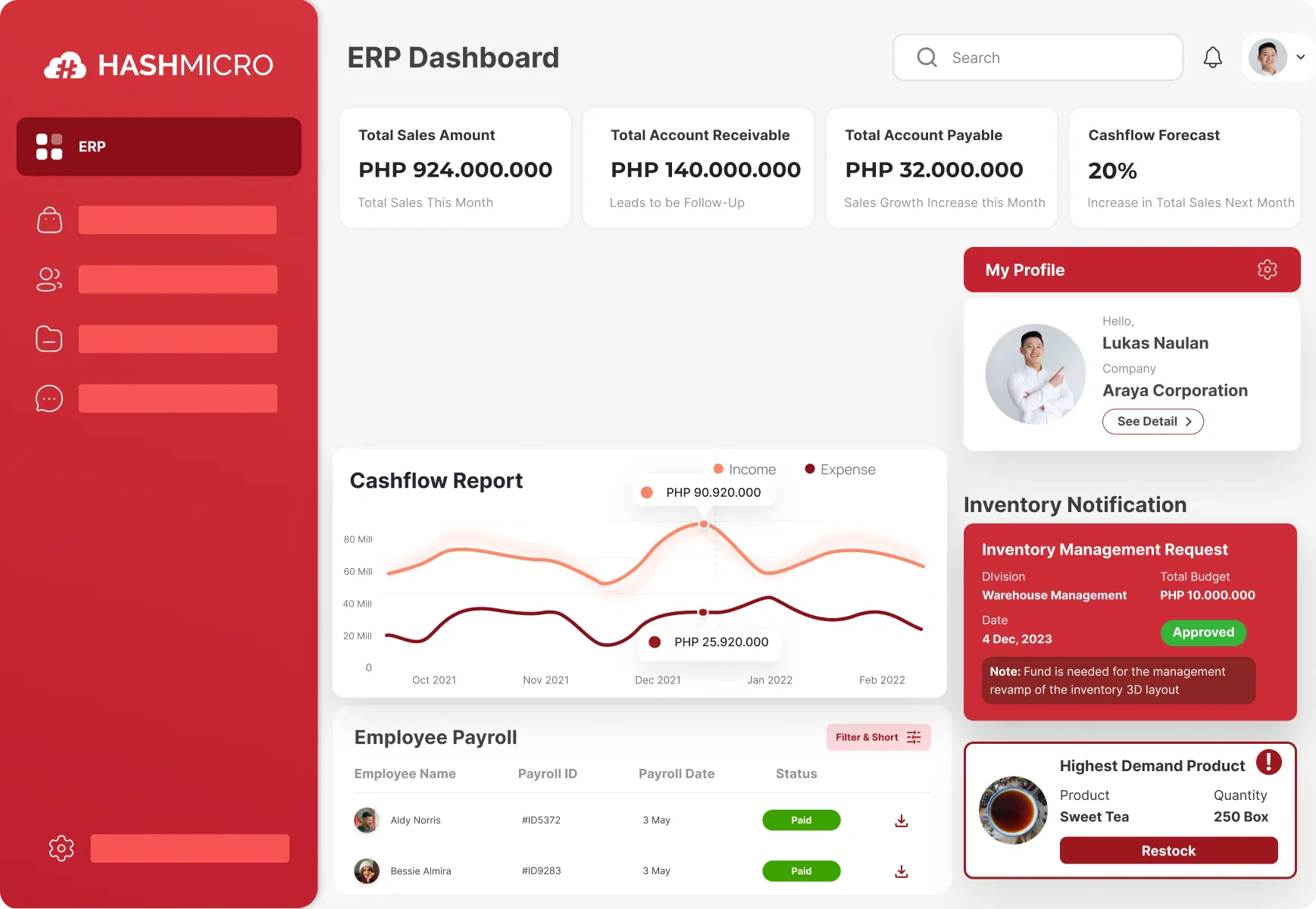
One of the best ERP systems that works similarly to SAP T-Codes is HashMicro. This ERP solution is more efficient in streamlining business processes, improving user efficiency, and enhancing task execution across various modules.
By adopting the HashMicro ERP System, companies can reduce manual input, optimize workflows, and ensure better data accuracy, ultimately improving decision-making and productivity. Below are the prominent features of the HashMicro ERP System.
- Business Intelligence (BI) integration: This feature helps businesses collect and analyze data for actionable insights that support decision-making, tracking performance with reports and dashboards.
- AI-powered predictions: The system uses AI to automatically forecast future sales trends based on the last three months of data, providing companies with a clear outlook for the next quarter.
- Access control: Businesses can set user access levels, determining who can use certain features, such as Feature A, B, C, etc.
- Weather forecast integration: This feature is vital for industries like mining and construction, where weather affects operations. For example, heavy rain may prompt the rescheduling of construction projects for safety and efficiency.
- Restricted user access: The system is accessible only to users with valid accounts, passwords, and credentials, ensuring secure and controlled entry.
- Mobile application support: The ERP system is compatible with mobile apps, enabling users to access functionalities.
- Multi-language support: The platform supports multiple languages, including Indonesian, Tagalog, Mandarin, and English, making it accessible to users across different regions.
Conclusion
To conclude, SAP T-codes are alphanumeric shortcuts used to access specific transactions and functions within the SAP system quickly. These codes simplify navigation, allowing users to execute tasks efficiently without navigating through multiple menus.
HashMicro is an advanced ERP solution that incorporates the same SAP T-code functionality. It offers businesses a streamlined approach to managing operations. With its user-friendly interface and seamless integration, HashMicro enhances productivity and decision-making.
Experience the benefits of HashMicro for yourself by trying our free demo. See how our ERP system can transform your business processes and optimize your workflow today. Baguhin ang iyong negosyo sa amin ngayon!
Frequently Asked Questions About SAP T Codes
FAQ
An SAP transaction code (T-Code) is a four-character shortcut to a transaction within an SAP system or application. Transaction codes provide direct access to the desired transaction anywhere within the SAP system.
To find the complete list of T-codes in SAP, input the T-Code “SE16” in the command bar and press enter. Then, enter “TSCST” in the “Table Name” field. The “TCODE” and “Maximum No. of Hits” fields are blank. Click on the execute button.
SAP has more than 100,000 transaction codes, making tracking or remembering them increasingly difficult.