

Many businesses still rely on fragmented spreadsheets or outdated reporting tools to consolidate financial information. When data is delayed or inconsistent, managers may struggle to understand profitability, cash flow, budget performance, and emerging financial risks.
Limited reporting visibility can slow decision-making and make it harder to identify cost problems before they affect the business. Financial reporting software can process information more consistently and support real-time data processing, enabling finance teams to work from accurate, up-to-date numbers, the current article cites Estuary’s explanation of real-time data processing.
This guide compares 20 financial reporting software tools based on reporting, budgeting, forecasting, compliance, integration, and usability requirements. It is designed to help Philippine businesses identify a solution that improves financial clarity and supports more informed decisions.
Key Takeaways
Financial reporting software is an essential tool for businesses, streamlining the collection, analysis, and reporting of financial data to enhance decision-making and compliance.
There are several benefits of financial reporting software, including automated reports and time-saving.
Key features of financial reporting software, such as automated financial statements, budget management, e-invoicing, profit and loss reports, and compliance management are important to consider before implementing the software.
Quick Overview of The Best Financial Reporting Software
The table below summarizes 20 top financial reporting software tools by their primary use case and standout capabilities. Use it as a quick reference before diving into the full reviews.
| Software | Best for | Key Features |
|---|---|---|
| HashMicro | Mid-to-large & enterprises needing PFRS/BIR-compliant reporting | AI-powered financial reporting, custom dashboard & report builder, multi-company consolidation, unlimited users |
| Oracle NetSuite | Enterprises & multinationals | Real-time consolidation, multi-entity & multi-currency, advanced automation |
| QuickBooks | Small businesses & startups | Easy-to-use interface, standard P&L and balance sheet reports, budget-friendly pricing |
| FreshBooks | Freelancers & solopreneurs | Simple invoicing, expense tracking, basic cash-flow reports |
| Insightsoftware | Finance teams needing deep analytics | Excel-based reporting, data drill-down, real-time financial insights |
| Workday | Large organizations with unified finance & HR | Combined finance & HCM, real-time analytics, built-in audit trail |
| Board | FP&A and business intelligence | Unified planning, BI & analytics, scenario modeling |
| Xero | Small businesses, accountants & bookkeepers | Cloud accounting, automated bank reconciliation, wide app ecosystem |
| Sage 50 | Established SMEs | Accounting and inventory, compliance-ready reports, hybrid access |
| Vena Solutions | Excel-native finance teams | Native Excel interface, budgeting & forecasting, approval workflows |
What is Financial Reporting Software?
Financial reporting software is a powerful tool that automates the collection, analysis, and reporting of financial data. It simplifies complex financial tasks, ensuring accuracy and compliance withfinancial accounting financial accounting standards and ever-changing regulations.
Beyond basic reporting, financial reporting software also includes advanced features for budgeting, forecasting, and strategic planning. With precise financial projections and data-driven decisions, businesses can improve revenue visibility , enhance performance, and drive long-term growth.
If you are evaluating your options, reviewing core accounting system capabilities first can help you match the right financial reporting tool to your business requirements.
Key Benefits of Financial Reporting Software

Automated financial reporting software offers measurable advantages that directly affect how finance teams operate. Below are the key benefits businesses gain from adopting dedicated reporting tools.
- Automated reports and analytics: Generate financial reports such as income statements, balance sheets, and cash flow statements with a single click and no manual compilation needed.
- Accurate data consolidation: Pull figures from multiple departments or entities into one unified view, ensuring every report reflects the company's complete financial picture without manual reconciliation.
- Collaboration and audit trail: Role-based access controls and automatic change logs let teams work together on financial data while keeping a clear record of every modification for audit purposes.
- Regulation and compliance management: Stay aligned with PFRS, BIR, and international standards through built-in compliance rules that update automatically when regulations change.
- Time savings and error reduction: Automating data entry and calculations frees finance teams from repetitive tasks. This also reduces the risk of human error common in manual spreadsheet-based processes, covering a critical component of financial statement management.
The 20 Best Financial Reporting Tools
Selecting the right software can significantly impact your company’s efficiency and compliance. This choice isn’t just about picking a tool; it’s about choosing a partner that will help navigate through complex financial landscapes, ensure regulatory compliance, and enhance decision-making processes.
Here are our top recommendations for financial reporting software:
1. HashMicro
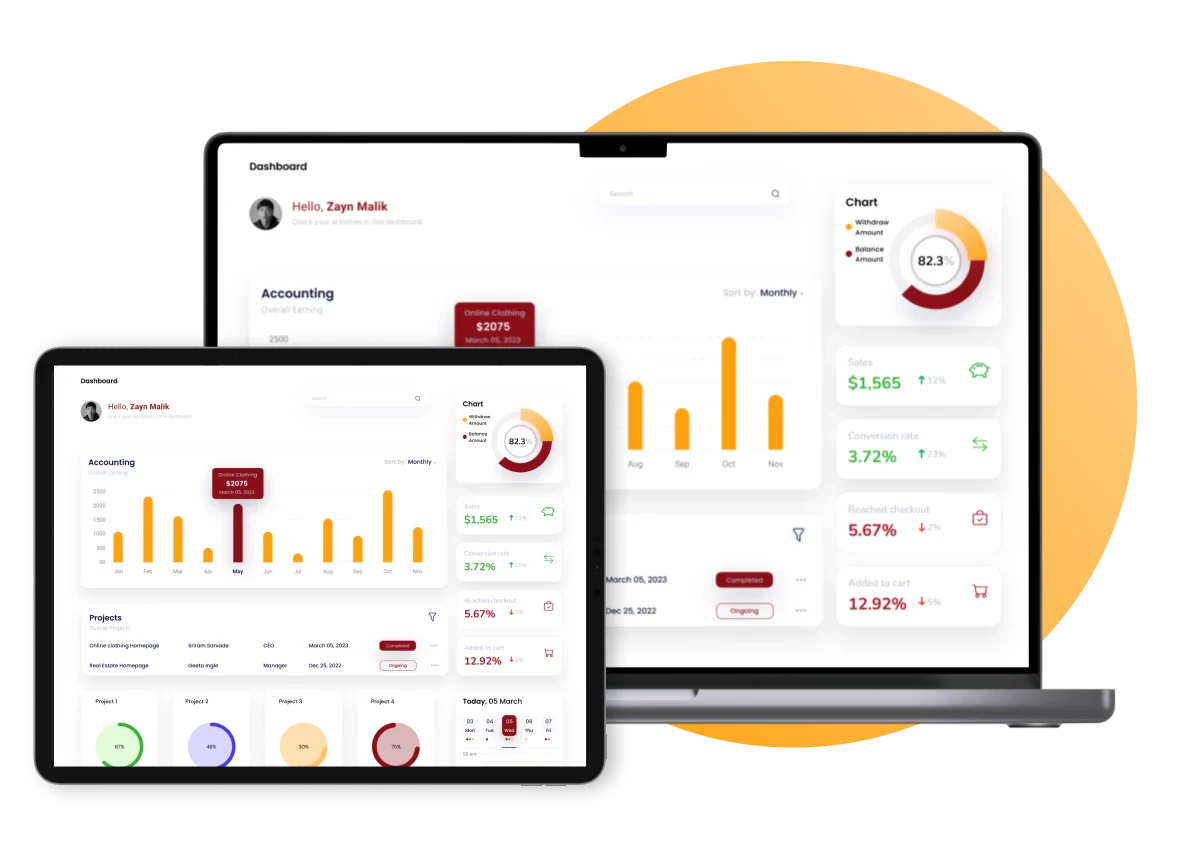
HashMicro stands out as the premier financial reporting software among all the best overall options in the Philippines, offering a robust solution equipped with cutting-edge technologies. Designed to streamline financial reporting tools, HashMicro provides an all-encompassing reporting software that enhances accuracy and efficiency in financial reporting tools.
The software features a comprehensive suite of integrated modules, including accounting system, CRM, and HRM, among others. This integration allows for seamless data flow between different departments, fostering better communication and operational synergy. Interested parties can experience the power of HashMicro firsthand by signing up for a free consultation.
Key features:
- Financial Statement with Budget Comparison: This feature allows users to generate financial statements that directly compare actual financial data against budgeted figures, facilitating effective budget management and variance analysis.
- Cash Flow Reports: Enables businesses to track the amount of cash flowing in and out, providing a clear picture of liquidity and financial health at any given time.
- Multi-Level Analytical: Offers deep dive analytics that allow users to break down financial data across multiple dimensions, such as departments, projects, or regions, for granular analysis.
- Equity Movement Report: Tracks changes in equity over time, detailing sources such as earnings, investments, or distributions, which is crucial for stakeholder reporting and analysis.
- Landed Costs Management: Helps businesses accurately calculate the total cost of inventory, including purchase price, transportation fees, customs, duties, and other costs associated with bringing goods to market.
- Treasury & Forecast Cash Management: Provides tools for managing and forecasting company cash positions, helping ensure liquidity and optimize investment strategies.
- Budget S Curve: This feature visualizes the cumulative cost and revenue over a project’s lifecycle compared to the planned budget, offering a graphical representation of financial progress and forecasting.
While HashMicro offers numerous advantages, weighing its strengths and potential limitations is essential for businesses considering its implementation. The following sections will delve into the detailed pros and cons of HashMicro financial reporting software.
| Pros | Cons |
|
|
HashMicro has earned the trust of numerous companies across the Philippines. By adopting HashMicro, businesses can leverage top-tier financial reporting capabilities, ensuring continued success and compliance. For more details on pricing, you can download the price scheme below.
Pricing: Custom pricing depending on modules and business size.
Best for: Mid-to-large Philippine businesses and enterprises needing PFRS/BIR-compliant, AI-powered financial reporting with multi-entity consolidation.

2. Oracle NetSuite
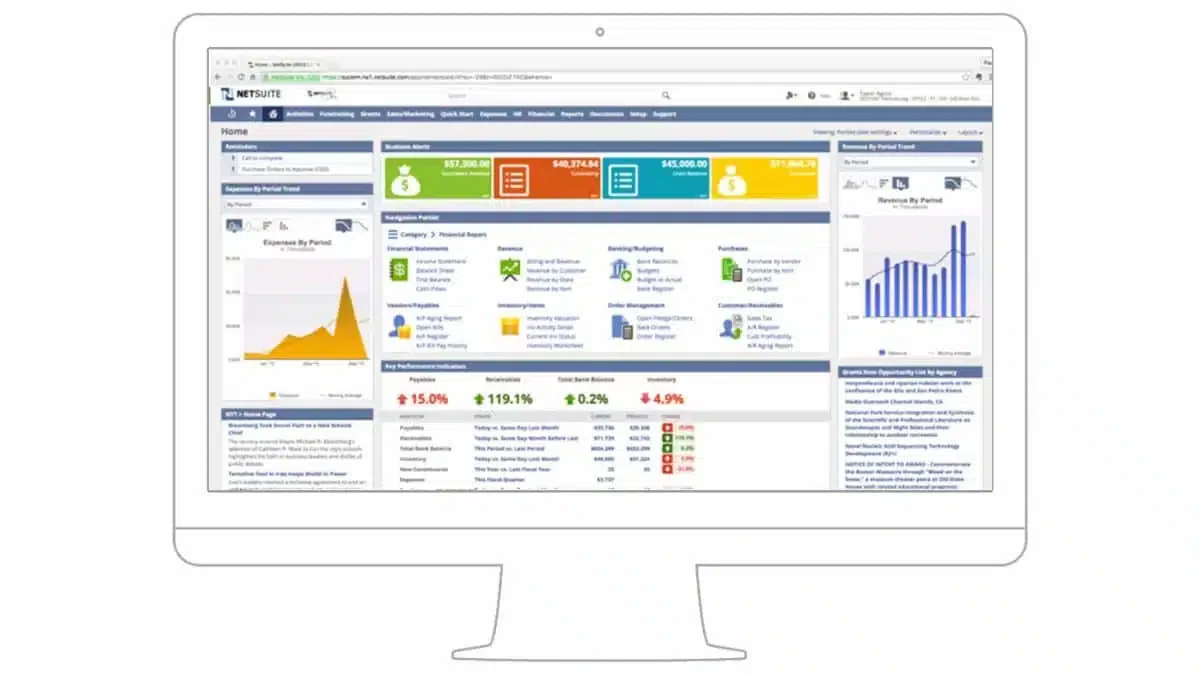
Oracle NetSuite is renowned for its comprehensive and intuitive financial reporting software, tailored to modern business needs. It offers a robust platform that streamlines financial processes through automation and real-time analytics.
The software’s cloud-based nature ensures that users can manage and access their financial data from anywhere, enhancing flexibility and operational efficiency.
Key features:
- Tax management: Automates tax calculation, filing, and compliance across multiple jurisdictions and currencies.
- Accounts receivable and payable: Tracks incoming and outgoing payments to keep collections and obligations under control.
- Cash management: Monitors real-time cash positions to support liquidity planning.
| Pros | Cons |
|
|
Pricing: Starts at around ₱5,742/user/month plus a ₱57,942/month base license fee.
Best for: Enterprises and multinational companies needing unified real-time consolidation with multi-currency support.
3. QuickBooks
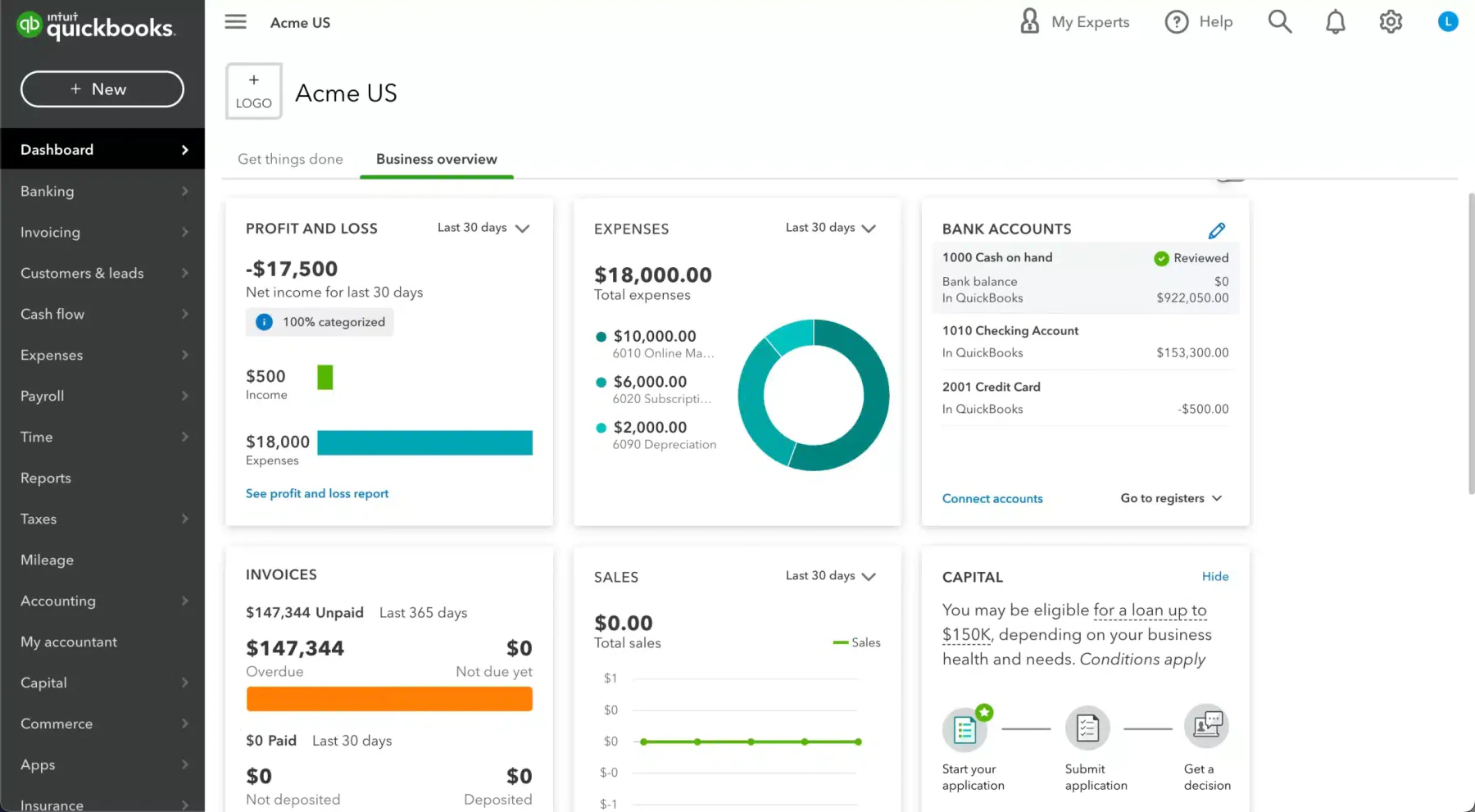
QuickBooks serves as an ideal entry-level financial reporting software, particularly suited for freelancers and small or growing businesses. Recognized globally as one of the most popular accounting solutions, QuickBooks primarily focuses on essential financial tasks but may not suffice for larger organizations seeking advanced and customizable financial reporting software capabilities.
Key features:
- Invoicing: Creates, sends, and tracks professional invoices to speed up payment collection.
- Expenses and expense management: Records and categorizes business spending for accurate cost tracking.
- VAT and GST: Automatically calculates and applies VAT/GST to keep tax reporting compliant.
| Pros | Cons |
|
|
Pricing: Starts at ₱1,740/month for Simple Start, up to ₱11,600/month for Advanced.
Best for: Small businesses and startups needing simple, affordable bookkeeping and basic financial reporting.
4. FreshBooks
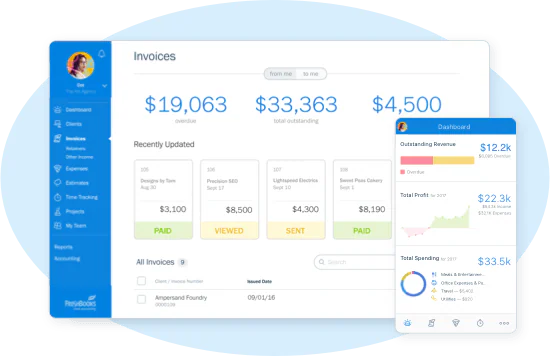
FreshBooks is financial reporting software that is specifically designed for freelancers and small businesses, primarily serving as an effective invoicing tool. While it allows the generation of seven types of reports, its capabilities in customization remain somewhat limited.
Despite its highly user-friendly interface and affordability, some users report issues with frequent crashes and slow loading times.
Key features:
- Budget and sales tax summaries: Summarizes budgets and collected sales tax for quick review.
- Profit and loss reports: Generates P&L statements showing revenue, costs, and net earnings.
- Expense reports: Compiles expense data into clear reports for easier cost monitoring.
| Pros | Cons |
|
|
Pricing: Starts at ₱1,102/month (Lite) to ₱3,480/month (Premium).
Best for: Freelancers and solopreneurs needing simple invoicing with basic cash flow and expense reporting.
5. Insight Software
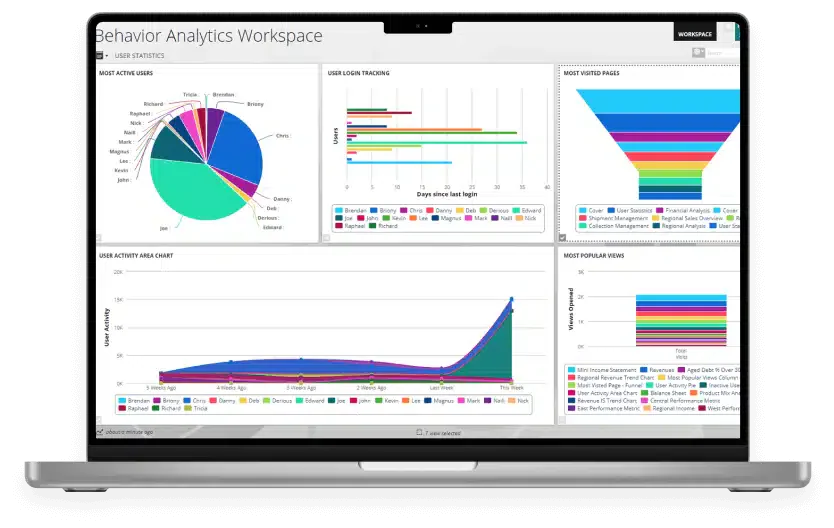
Insight Software, a French tech company, commits to streamlining financial processes, promising to reduce closing and reporting times by up to 50%. Known for its robust financial reporting software with custom report capabilities and seamless Excel integrations, Insight Software adjusts its pricing based on the tier of features, which are aligned with claims of improved efficiency.
Key features:
- ERP to Excel data export: Pulls ERP financial data straight into Excel for flexible analysis.
- Spreadsheet server reporting: Builds live, refreshable reports inside familiar spreadsheets.
- Custom reports: Lets users design tailored financial reports to fit specific needs.
| Pros | Cons |
|
|
Pricing: Available on request. Contact Insightsoftware directly for a quote based on feature tier and team size.
Best for: Finance teams that rely heavily on Excel and need deep ERP-to-spreadsheet reporting with custom report design.
6. Workday
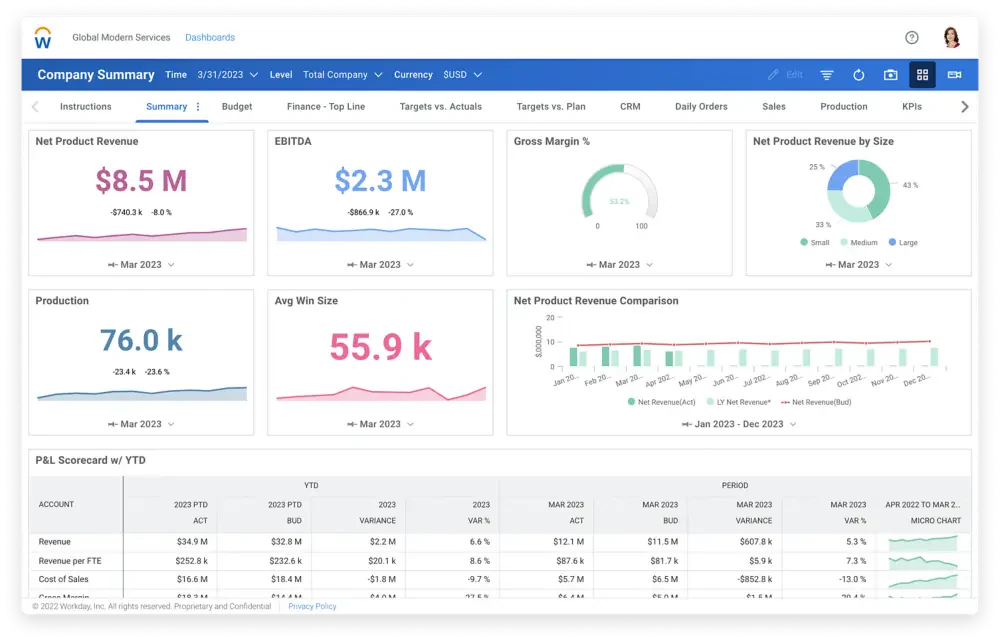
Workday Adaptive Planning offers rapid, visible insights with a single click, complemented financial reporting software. It is particularly praised for its predictive models and seamless cloud-based accounting software for construction operations.
However, some users express challenges in conveying complex financial data to non-financial audiences, highlighting a potential learning curve.
Key features:
- Budgeting and forecasting: Plans budgets and projects future performance using live data.
- Analytics and reporting: Delivers real-time analytics and reports for faster decisions.
- Scenario planning: Models what-if scenarios to prepare for different outcomes.
| Pros | Cons |
|
|
Pricing: Starts around ₱5.8M/year depending on modules.
Best for: Large organizations looking to unify finance and HR with real-time predictive analytics.
7. Board
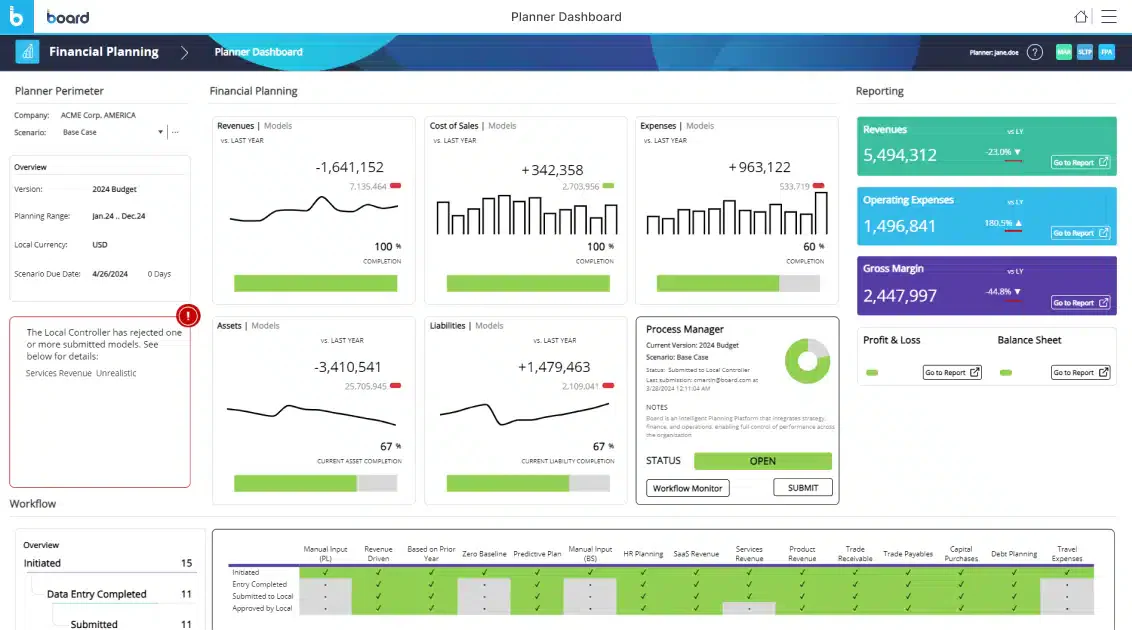
Board is designed to enhance business financial reporting, offering powerful financial reporting software for custom planning and analysis. The software stands out by integrating calculated metrics, analytics, and reports into a unified platform, enabling users to create comprehensive dashboards and real-time models without needing extensive technical expertise.
Key features:
- Calculated metrics: Combines multiple data points into custom KPIs for deeper insight.
- Analytics: Analyzes financial and operational data within one unified platform.
- Real-time modeling: Builds and updates financial models instantly as data changes.
| Pros | Cons |
|
|
Pricing: Custom pricing based on modules and scale.
Best for: FP&A teams and BI specialists needing a single platform for planning, analytics, and real-time scenario modeling.
8. Xero
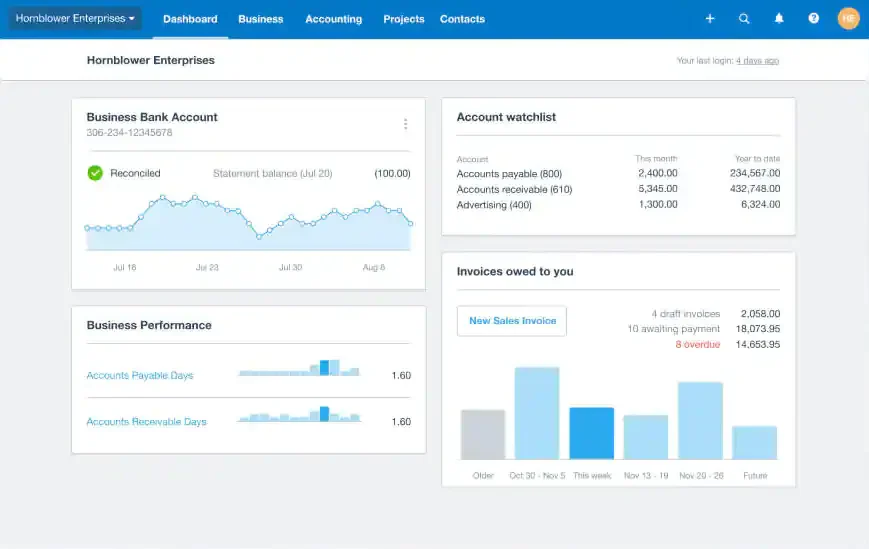
Xero offers robust financial reporting tools performance reporting software with valuable reporting features, making it a favorite among small to medium-sized enterprises. While primarily focusing on payroll, expenses, and invoicing, Xero also excels in providing tools for tracking bills, managing payroll, and integrating bank connections for comprehensive financial oversight.
Key features:
- Collaboration capabilities: Lets teams and accountants work on the same books in real time.
- Customizable reports: Tailors financial reports to match specific business metrics.
- Formulas to compare budgets with actuals: Measures planned vs actual figures to track variance.
| Pros | Cons |
|
|
Pricing: Starts at ₱870/month (Starter) to ₱4,524/month (Ultimate) depending on the plan.
Best for: Small businesses, accountants, and bookkeepers needing straightforward cloud accounting with clean reporting.
9. Sage 50
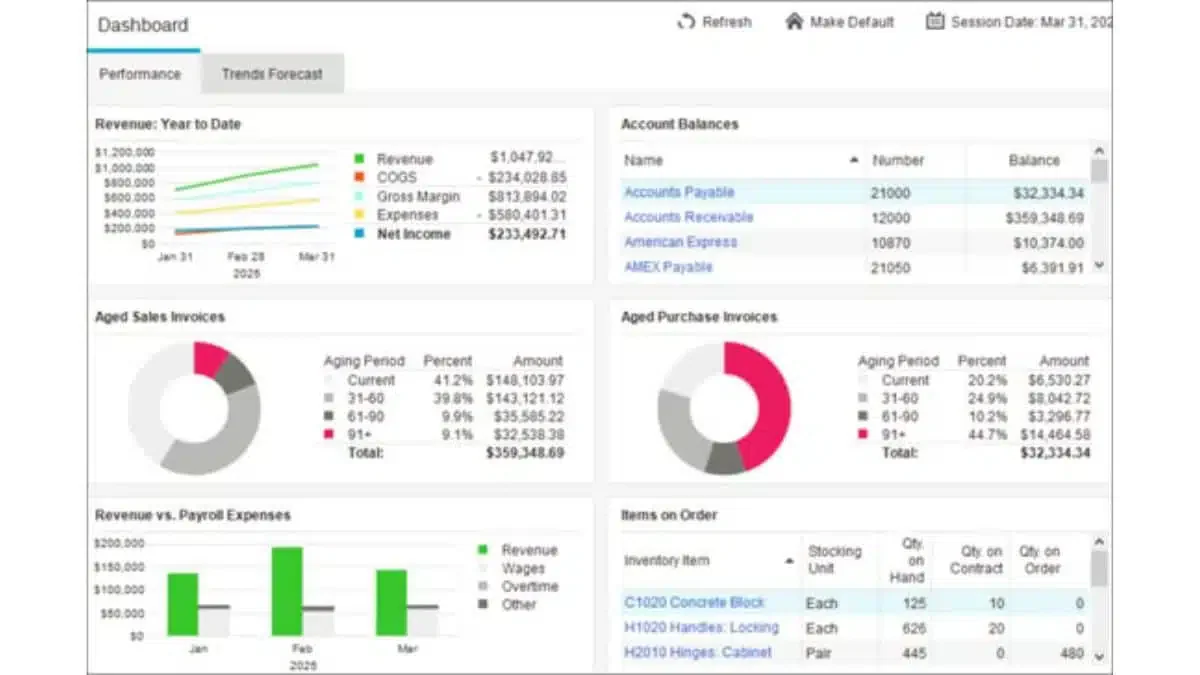
Sage 50 extends the capabilities of Sage Intacct into a cloud-based environment, allowing users to access their financial files from anywhere. It offers robust financial reporting software, including advanced budgeting and seamless Microsoft 365 integration, making it a solid choice for companies that require compatibility with Microsoft products.
Key features:
- Advanced budgeting and reporting: Provides detailed budgeting tools and in-depth reports.
- Audit trails: Records every transaction change for full traceability and compliance.
- Inventory management: Tracks stock levels and links inventory data to financial records.
| Pros | Cons |
|
|
Pricing: ₱3,418/month (Pro) to ₱9,280/month (Quantum).
Best for: Established SMEs needing hybrid desktop and cloud access with solid accounting and inventory reporting.
10. Vena Solutions
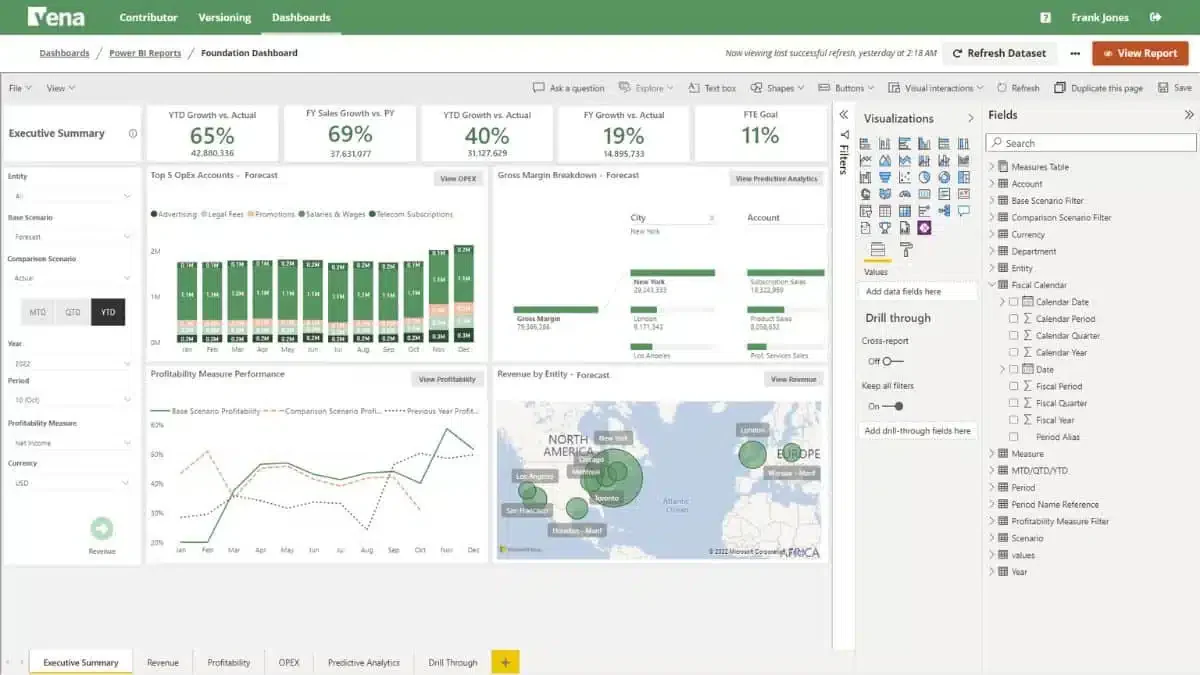
Vena Solutions stands out as an automated financial reporting software that enhances businesses’ capabilities to integrate advanced reporting with Excel data seamlessly. As a cloud-based solution, Vena is designed to facilitate sophisticated scenario planning and budget forecasting, making it a powerful tool for financial management and strategic planning.
Key features:
- Financial management: Centralizes core financial processes for planning and control.
- Financial and ad-hoc reporting: Produces both standard and on-demand reports as needed.
- Analytics and real-time insights: Surfaces live financial insights for timely decisions.
| Pros | Cons |
|
|
Pricing: Customizable; average approximately ₱2.9M/year or more.
Best for: Excel-native finance teams needing structured planning, budgeting, and approval workflows within a familiar spreadsheet environment.
11. Planful
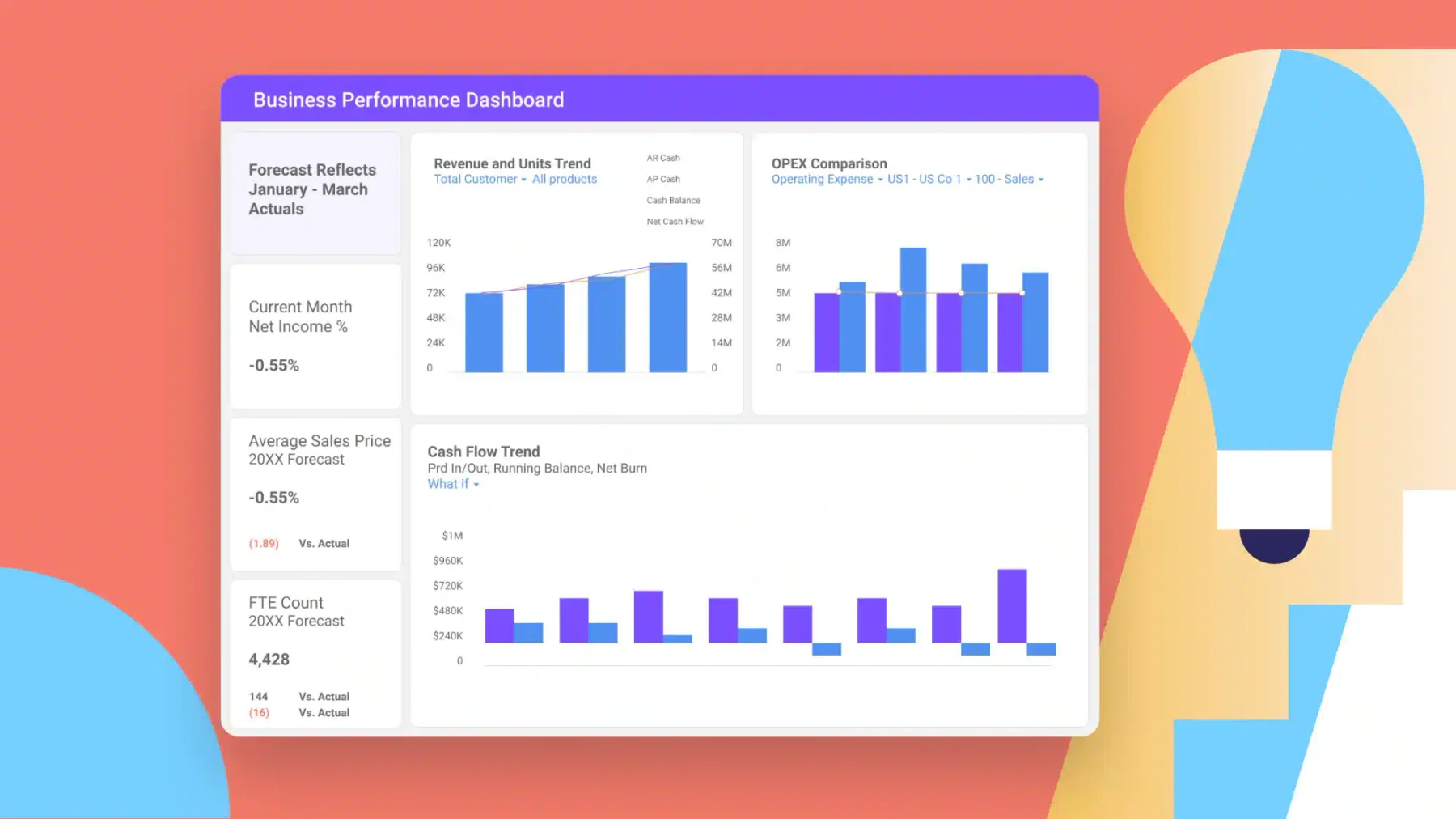
Planful, previously branded as Host Analytics, leverages the expertise of professionals seasoned in enterprise software, HR, and growth strategies. The financial reporting software is appreciated for its user-friendly interface, though it sometimes faces criticism for accuracy issues, particularly when updating formulas and reports.
Key features:
- Excel reporting and integrations: Connects with Excel to build and refresh reports easily.
- Data visualizations: Turns financial data into clear charts and visual dashboards.
- Personalized dashboards: Lets each user configure dashboards around their own metrics.
| Pros | Cons |
|
|
Pricing: Average ₱1.74M–₱5.8M/year.
Best for: Finance teams that rely on reusable planning templates and need robust Excel integrations for budgeting and forecasting.
12. Multiview
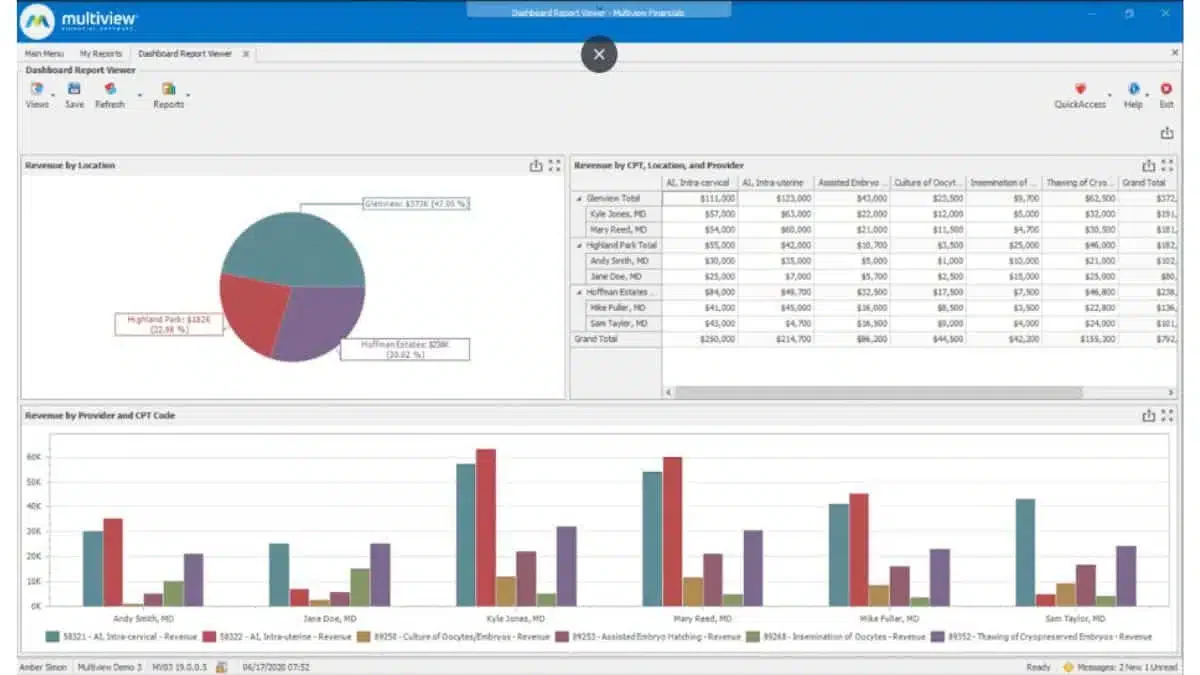
Multiview stands out in the ERP and financial reporting software landscape with its dedication to supporting businesses through both its technology and customer service teams. It excels in providing detailed financial insights and robust data handling capabilities, offering tools that cater to a wide range of financial functions from core accounting to advanced business analytics.
Key features:
- Asset management: Tracks fixed assets and their depreciation across the lifecycle.
- General ledger: Serves as the central record for all financial transactions.
- Accounts payable and receivable: Manages money owed and money due to maintain cash flow.
| Pros | Cons |
|
|
Pricing: Custom pricing based on organization size and usage.
Best for: Healthcare organizations and public sector entities needing structured general ledger management with reliable support.
13. Datarails
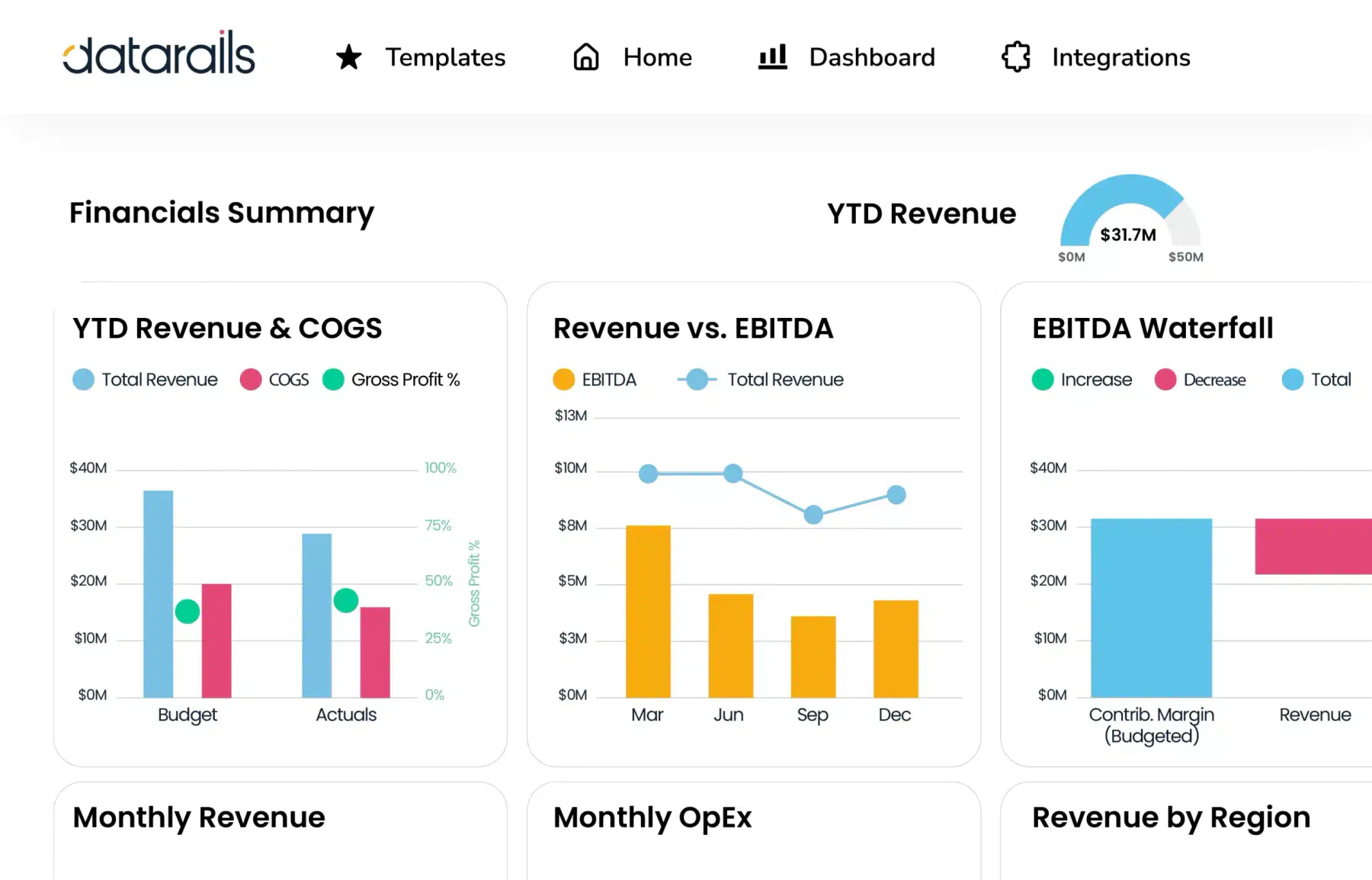
DataRails is a financial reporting software that enhances financial planning and operations for small to mid-sized businesses by integrating deeply with the familiar environment of Excel. It is particularly valued by teams that require robust forecasting capabilities without leaving the Excel ecosystem.
Key features:
- Automatic backup and version management: Saves and versions data automatically to prevent loss.
- Logical version comparison: Compares report versions side by side to spot changes.
- Detailed cell drill down: Traces any figure back to its source data at the cell level.
| Pros | Cons |
|
|
Pricing: Starts at approximately ₱1.57M/year, up to ₱5.1M + based on usage.
Best for: Excel-heavy finance teams wanting automated version control and audit-ready backups without leaving their spreadsheet workflow.
14. Jirav
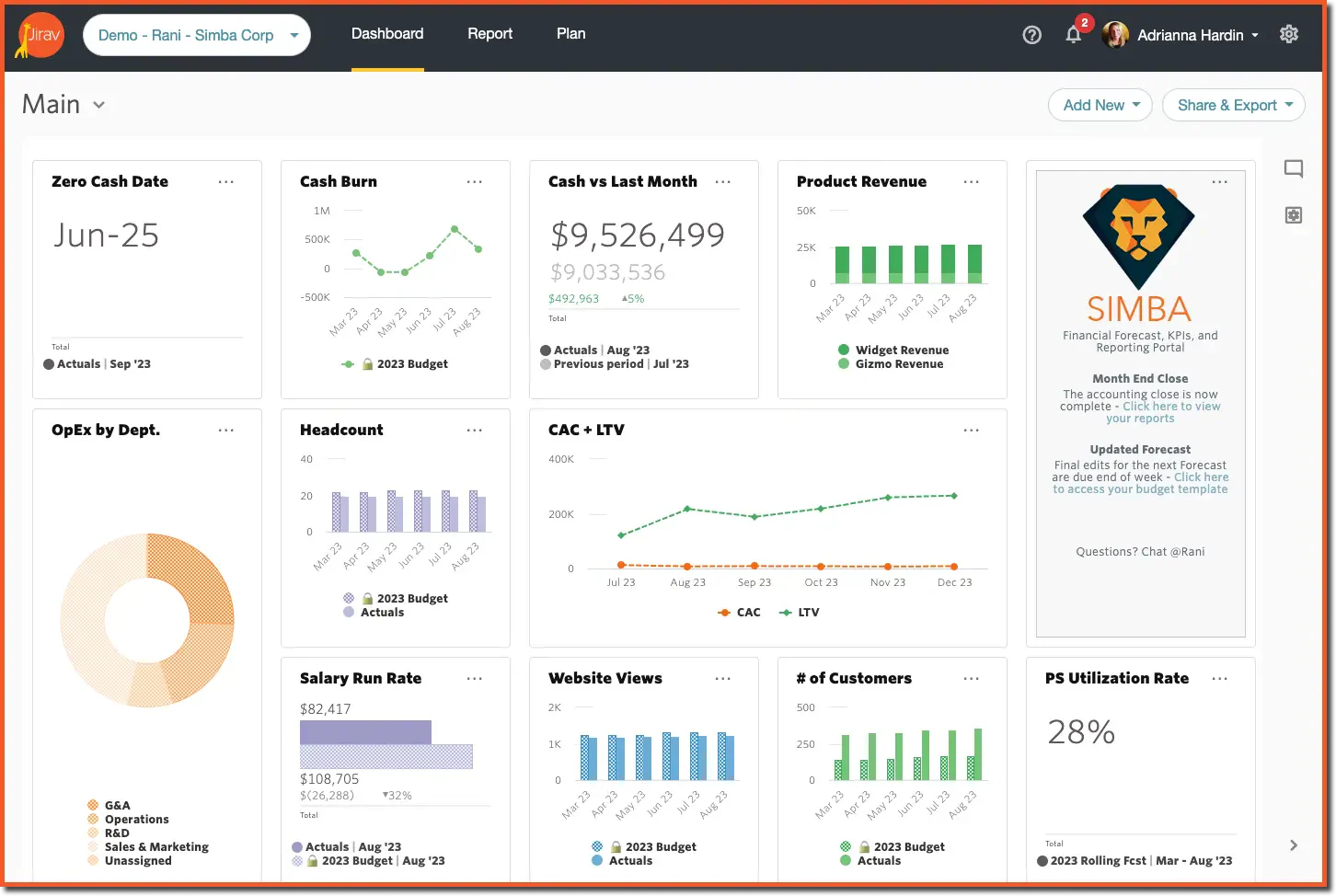
Jirav presents itself as a financial reporting software for Financial Planning and Analysis (FP&A) teams, particularly those looking to move away from traditional spreadsheet models. This platform is especially suited for finance professionals who prioritize driver-based planning and are looking for a purely cloud-based system.
Key features:
- Comprehensive driver-based planning: Builds forecasts based on the real drivers of the business.
- Combination of templated and custom reporting: Mixes ready templates with fully custom reports.
- Easily shareable dashboards: Shares dashboards with stakeholders in a few clicks.
| Pros | Cons |
|
|
Pricing: ₱580,000/year (Starter) to ₱870,000/year (Pro), with custom enterprise pricing.
Best for: Growth-stage companies needing driver-based planning and easy external dashboard sharing at a lower price point.
15. SAP S/4HANA Finance
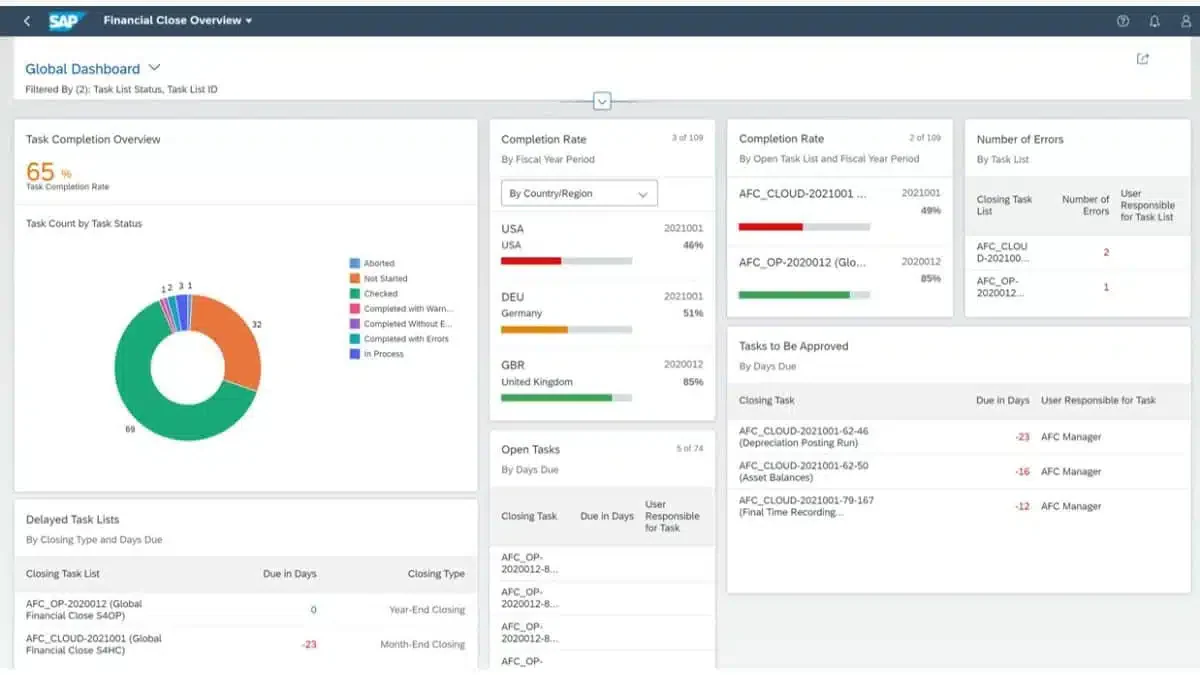
SAP S/4HANA Finance is a specialized financial reporting tools tailored for businesses deeply integrated into the SAP ecosystem. It’s designed to streamline both financial consolidation and the close processes by integrating operational and group reporting into a cohesive system. For a broader look at SAP’s accounting capabilities beyond financial reporting, read our SAP accounting review, which covers its features, pricing, pros, and cons.
For a closer look at how SAP handles accounting beyond reporting, check out our full SAP accounting review covering its features, pricing, and pros and cons.
Key features:
- Flexible deployment options: on-premise, cloud, or hybrid: Adapts to whichever IT setup a company prefers.
- Unified entity and group close reporting: Consolidates entity and group closes in one process.
- Continuous accounting functionality: Enables ongoing close activities instead of month-end bottlenecks.
| Pros | Cons |
|
|
Pricing: Licensing starts at approximately ₱1.45M/user/year; total implementation may exceed.
Best for: Large enterprises with complex global financial operations needing a fully integrated ERP finance module.
16. Sypnotix
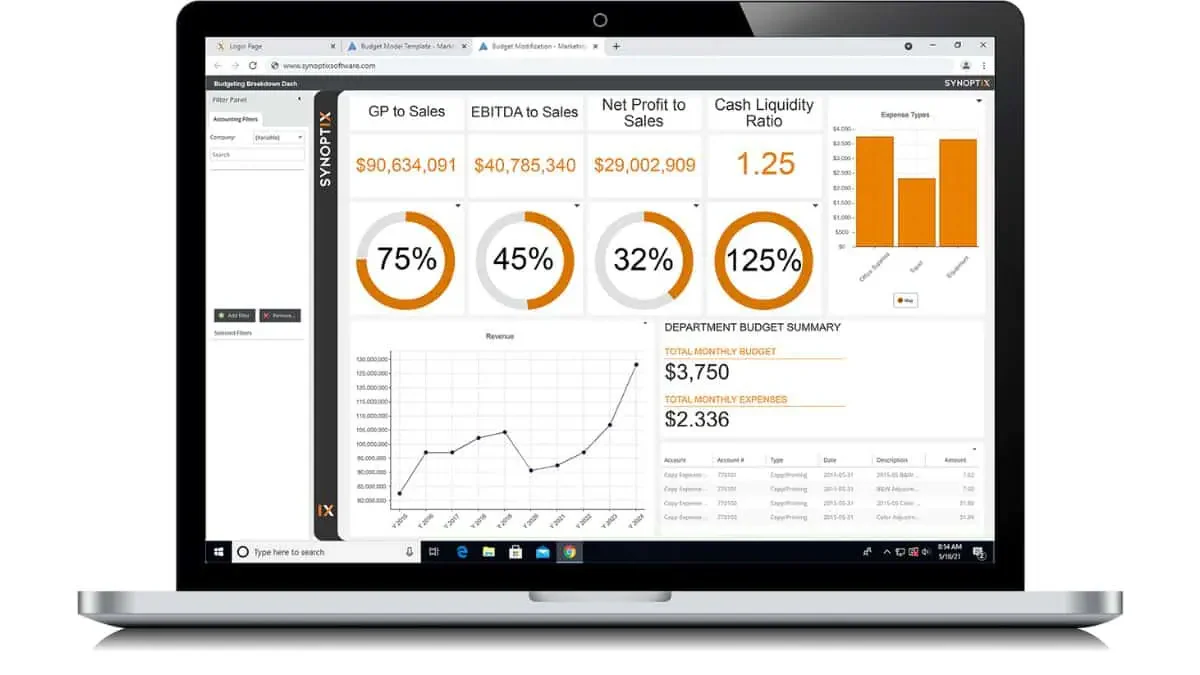
Synoptix is a financial reporting tools that aims to move businesses away from traditional Excel-based reporting to a more integrated system. This tool is recognized for its capability to centralize and streamline financial reporting, especially for creating recurring financial statements.
Key features:
- Dashboards highlighting key performance indicators (KPIs): Displays key performance indicators at a glance.
- Capability for custom reports: Builds tailored reports for specific reporting needs.
- Real-time analytics with drill-down details: Explores live data down to transaction level.
| Pros | Cons |
|
|
Pricing: Custom pricing only, based on organization size and usage.
Best for: Industry-agnostic finance teams needing KPI-focused dashboards and real-time drill-down analytics.
17. Cube
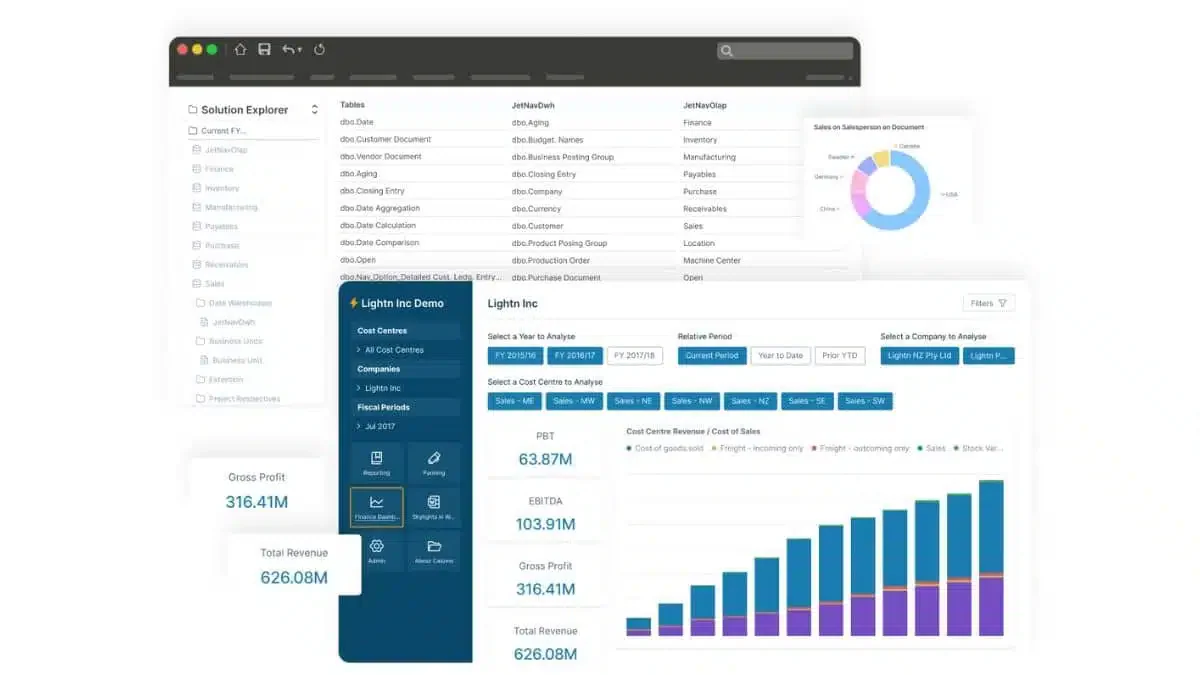
Cube is a financial reporting software designed to enhance business reporting, planning, and overall performance without altering existing workflows. Its seamless integration with both Excel and Google Sheets makes it a versatile tool, enabling users to generate reports in one platform and share them effortlessly across others.
Key features:
- Automated data consolidation: Gathers financial data from multiple sources automatically.
- Multi-scenario analysis: Compares several planning scenarios in parallel.
- Native excel and google sheets integration: Works directly inside the spreadsheets teams already use.
| Pros | Cons |
|
|
Pricing: ₱87,000-₱162,400/month.
Best for: Mid-sized finance teams using both Excel and Google Sheets who need automated consolidation and scenario planning.
18. Sage Intacct
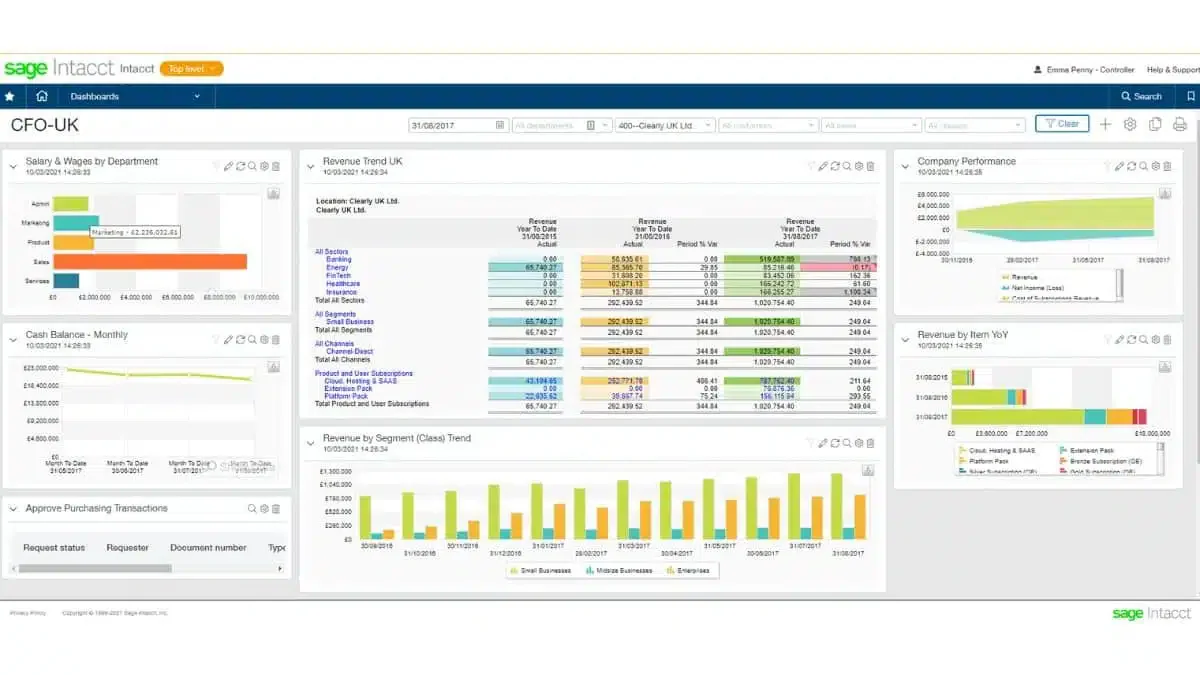
Sage Intacct is a robust financial reporting software that excels in enhancing user efficiency through its customizable reporting capabilities.
Sage Intacct offers a more dynamic and flexible environment compared to Sage 50cloud. While both platforms provide cloud solutions, Sage Intacct is tailored more towards mid-sized to large businesses that require detailed, customizable reports and multi-entity consolidation.
Key features:
- Quick multi-entity consolidation: Consolidates multiple entities' financials rapidly.
- Cloud-based solution: Provides anywhere access to financial data.
- Comprehensive integration options, including salesforce: Connects with key tools like Salesforce for unified data.
| Pros | Cons |
|
|
Pricing: Approximately ₱23,200/user/month; totaling ₱870,000–₱3.48M/year.
Best for: Multi-entity businesses, nonprofits, and professional services firms needing fast consolidation with deep Salesforce integration.
19. Prophix
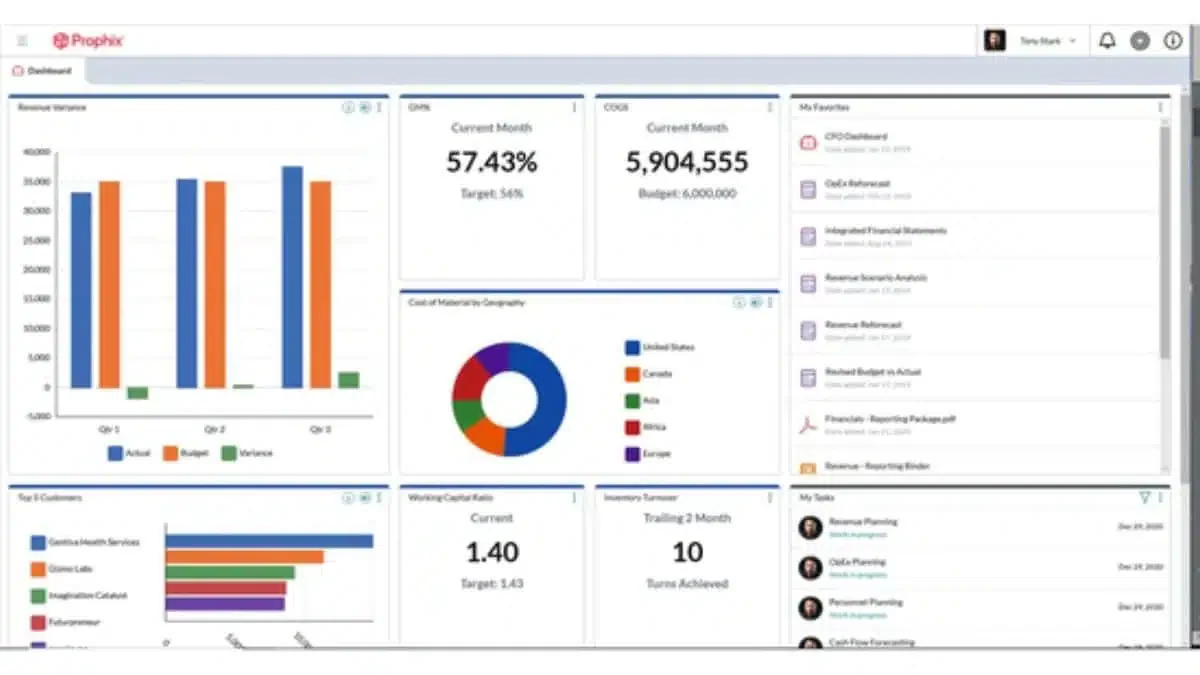
Prophix stands out as an automated financial reporting software, designed to enhance organizational efficiency in budgeting, planning, forecasting, reporting, and analysis. It is particularly favored by medium-sized and large businesses seeking to eliminate time-consuming manual reporting tasks.
Key features:
- Automates labor-intensive reporting tasks: Cuts manual effort in recurring reports.
- Currency conversion capabilities: Handles multi-currency reporting automatically.
- Advanced security features and role-based access permissions to reports: Controls who can view or edit sensitive reports.
| Pros | Cons |
|
|
Pricing: ₱2.9M–₱29M/year depending on implementation size.
Best for: Mid-market finance teams handling multi-currency operations that need automated reporting with strong security controls..
20. Anaplan
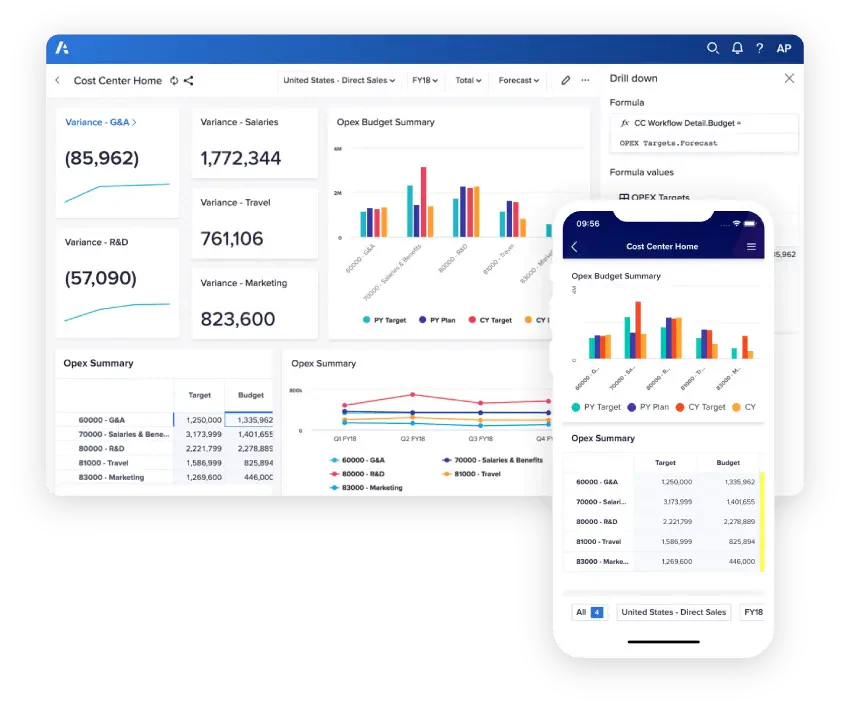
Anaplan is a cloud-based automated financial reporting software designed for planning and performance management, known for its agility in connecting data and automating various business processes. This platform is especially beneficial for companies aiming to enhance their financial and operational workflows.
Key features:
- Business performance monitoring: Tracks critical KPIs across the organization in real time.
- Facilitates detailed reporting and analysis of critical KPIs to senior management: Delivers executive-level KPI analysis.
- App hub with a wide range of use cases to drive business solutions: Offers ready-built apps to solve varied business needs.
| Pros | Cons |
|
|
Pricing: Starts at approximately ₱2.9M/year; median approximately ₱5.9M/year.
Best for: Large enterprises needing complex, cross-functional performance modeling with a connected app ecosystem.
How to Choose the Best Financial Reporting Software
Accurate and timely financial insights are essential for effective decision-making. Choosing the right solution is critical, as it enhances data accuracy, scales with your business needs, and integrates with other systems for seamless operation.
1. Identify your business needs
Before selecting software, assess your company’s unique financial reporting requirements, such as multi-entity consolidation, compliance needs, or specific financial metrics. Small businesses may need basic reporting features, while larger enterprises might require complex, customizable reports and forecasting.
2. Evaluate core features
For essential features like real-time data processing, automated reporting, invoice management, integration with accounting systems, and advanced analytics. Ensure the software can handle multiple reporting types tailored to your business model, such as income statements, balance sheets, and cash flow reports.
3. Scalability and customization
Choose a solution that can grow with your business and adapt to changing financial needs. Customization options, like tailored dashboards or bespoke metrics, can be crucial for aligning the software with company goals and operational specifics.
4. Integration capabilities
The software should integrate seamlessly with your existing ERP, CRM, and accounting systems to ensure smooth data flow across platforms. Strong integration supports accurate, comprehensive reporting by pulling information from various departments.
5. User-friendly interface
An intuitive, easy-to-navigate interface improves user adoption and efficiency, reducing the learning curve and ensuring all team members can use it effectively. Check for features like drag-and-drop report building and simple data visualization options.
6. Data security and compliance
Ensure the software complies with industry security standards and data privacy regulations, such as GDPR, SOC 2, or ISO standards. Secure software with role-based access control and encrypted data handling protects sensitive financial information and ensures regulatory compliance.
7. Vendor support and training
Reliable customer support and training resources are vital for helping your team get the most out of the software. Look for vendors offering onboarding, ongoing support, and thorough documentation or training programs.
Conclusion
Implementing financial reporting tools is a crucial step for any business looking to enhance its financial management and decision-making processes. As such, selecting the best financial reporting software is as important as the implementation itself, ensuring that the chosen software meets the unique needs and challenges of your business.
Software like HashMicro stands out as the best financial reporting software in the Philippines. With its user-friendly interface, advanced features, and dedicated support, HashMicro enhances financial transparency and operational efficiency. Choosing HashMicro means investing in a software solution that will drive your business forward.
You can try explore HashMicro’s offerings today to see how they can transform your financial reporting processes by trying the free consultation service!
about Financial Reporting Software
about Financial Reporting Software
FAQ around Financial Reporting Software
The most important features to look for in financial reporting software are real-time reporting, automated consolidation, customizable dashboards, budget-versus-actual comparison, multi-currency support, audit trails, and integration with your accounting or ERP system. Prioritize tools that combine automation with compliance, so your finance team produces accurate, timely reports with far less manual effort.
Yes, Excel can be used as a basic financial reporting tools. However, it requires manual entry and lacks automation features compared to dedicated financial reporting tools, which offers real-time insights and minimizes human error.
The four main types of financial reporting are:
1. Income Statement: Shows a company’s profitability over a specific period.
2. Balance Sheet: Displays the company’s financial position, including assets, liabilities, and equity.
3. Cash Flow Statement: Tracks the cash inflows and outflows to measure liquidity.
4. Statement of Shareholders’ Equity: Highlights changes in equity, including retained earnings and issued shares.
Financial reporting software improves business decision-making by turning raw financial data into real-time, accurate insights. It consolidates figures automatically, flags variances between budget and actuals, and visualizes trends through dashboards. This gives leaders a clear, up-to-date view of cash flow, profitability, and performance, helping them make faster, confident, data-driven decisions.
Yes, most modern financial reporting software integrates directly with accounting and ERP systems. These integrations sync transactions, ledgers, and master data automatically, removing manual exports and reducing errors. Platforms like HashMicro go further by combining financial reporting with a full ERP suite, so data flows seamlessly across accounting, inventory, and operations in real time.