








Replacing an ERP can affect production, finance, inventory, reporting, integrations, and user responsibilities. Singapore enterprises may also need GST workflows, multi-entity reporting, and local support.
This guide reviews 10 SYSPRO alternatives for structured evaluation. It is not a universal ranking, price comparison, or substitute for demonstrations using your own processes and data.
The right shortlist depends on manufacturing complexity, site structure, integration requirements, governance, internal capability, and the level of change your business can manage.
Key Takeaways
Before replacing SYSPRO, confirm whether the real issue is the platform, configuration, data, or adoption, so you switch only when a switch will genuinely help.
The 10 SYSPRO alternatives, from HashMicro and SAP Business One to Epicor Kinetic and NetSuite, each suit a different manufacturing model and site structure.
Manufacturing depth, such as BOMs, scheduling, traceability, and multi-site costing, is where ERP options differ most, so test it with your own scenarios.
Look beyond licence fees: migration, integrations, training, and support often decide whether a new ERP delivers lasting value.


Best Because
Connected manufacturing, inventory, and finance in one configurable ERP.


Best Because
Structured financials with inventory, purchasing, and light manufacturing.
Best Because
Finance and operations for teams already working in Microsoft 365.

Best Because
Deep shop-floor, scheduling, and costing control for discrete manufacturers.

Best Because
Multi-entity, multi-currency ERP for wider regional operations.
When Should a Business Consider Moving Away from SYSPRO?
A business should consider moving away from SYSPRO when important requirements remain unmet after configuration, data, process, adoption, and support issues have been investigated.
Recurring spreadsheets or manual workarounds are warning signs, but they do not automatically prove that the platform must be replaced.
1. Signs the Problem Is the Platform
The case for replacement becomes stronger when a documented requirement cannot be met without excessive customisation, unsafe workarounds, or disconnected external tools.
- Persistent capability gaps: essential manufacturing, reporting, integration, or governance needs remain unresolved.
- Structural limitations: the data model cannot support additional sites, entities, products, or reporting dimensions.
- High ownership burden: routine changes require scarce technical skills or repeated external consulting.
- Integration constraints: important systems require manual re-entry or unreliable point-to-point connections.
2. Signs the Problem Is Configuration, Data, or Adoption
Some ERP problems come from incomplete setup, poor master data, unclear ownership, weak training, or processes that no longer match the operating model.
Problems often come from setup, not the platform: unconfigured functions, inaccurate item or BOM records, low user adoption, or unmaintained approval rules. Try configuration, data cleansing, or training first.
3. Diagnostic Table: Symptom, Root Cause, Evidence, and Response
| Symptom | Possible root cause | Evidence to collect | Response to test |
|---|---|---|---|
| Reports need extensive spreadsheet work | Data quality, report design, or product limitation | Report definitions, reconciliation time, data lineage | Redesign reports, cleanse data, or test alternatives |
| Teams maintain disconnected workarounds | Configuration, ownership, or integration gap | Process maps, exception logs, manual files | Redesign, configure, integrate, or assess replacement |
| Sites lack shared visibility | Data model, permissions, or reporting architecture | Site structures, consolidation rules, access reviews | Review governance before changing platforms |
| Production changes are difficult to control | Manufacturing setup or changing operations | BOM revisions, shortage records, quality holds | Demonstrate scenarios and assess capability |
| Users avoid the ERP | Training, usability, incentives, or sponsorship | Adoption data, training records, support tickets | Run an adoption intervention first |
| Interfaces fail or require re-entry | Interface design, ownership, or platform constraint | Error logs, API details, recovery procedures | Repair architecture or test replacement options |
| Governance is difficult to maintain | Role design, approvals, or control gaps | Access reviews, approval matrices, audit findings | Remediate controls or include them in requirements |
How to Evaluate SYSPRO Alternatives for an Enterprise
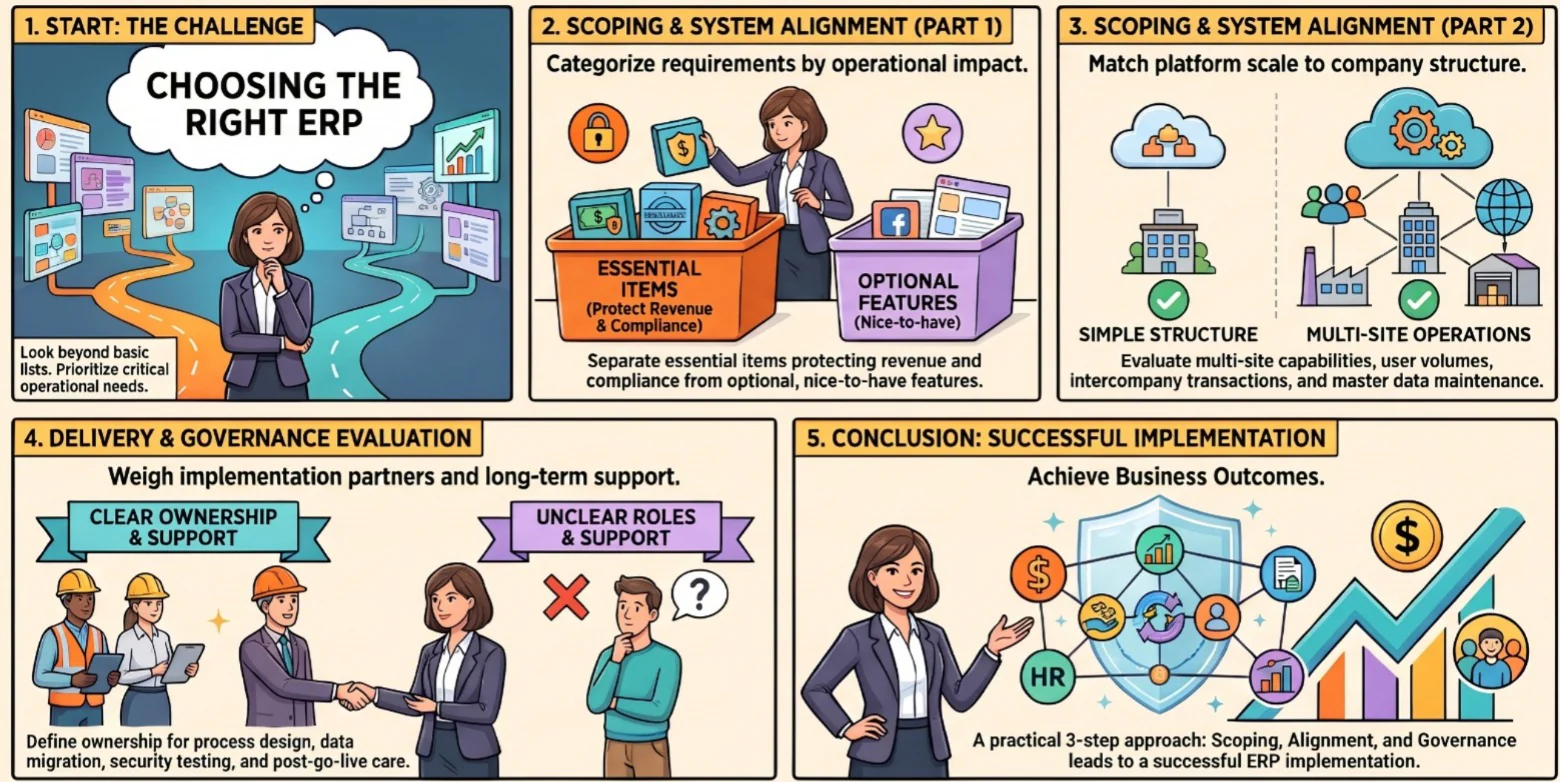
Translate business outcomes into weighted ERP requirements, evidence requests, named owners, and acceptance tests. Avoid scoring feature names without seeing how the workflow operates.
1. Separate Essential Requirements from Nice-to-Haves
Start with requirements that protect revenue, production continuity, financial control, compliance, customer service, and management visibility.
Nice-to-have functions can remain in the evaluation, but they should not outweigh critical gaps in production, inventory, finance, security, or integration.
- Essential: functions required for safe, compliant, and reliable operations.
- Important: functions that improve control, reporting, or productivity.
- Optional: features that can be deferred without blocking the operating model.
2. Match the System to Company Size and Number of Sites
A platform suitable for one plant may become difficult to govern across several entities, warehouses, countries, or production sites.
Check user volumes, data growth, entity structures, intercompany transactions, ACRA financial reporting requirements, and the effort needed to maintain consistent master data.
3. Weigh Implementation, Support, and Governance
Product capability is only one part of ERP fit. The implementation partner, project method, training plan, escalation model, and governance structure affect the final result.
Ask who owns process design, migration, testing, security, integrations, release management, and post-go-live support.
Top SYSPRO Alternatives and Competitors to Shortlist
The following platforms are candidates for structured review, not a definitive ranking. Each should be tested against your manufacturing model, finance controls, Singapore requirements, and implementation capacity.
Pricing notes describe how each vendor typically charges, not exact figures. Most ERP vendors quote by scope, so confirm current pricing and add Singapore GST when you request quotations.
1. HashMicro: ERP with Manufacturing, Inventory, and Finance in One System
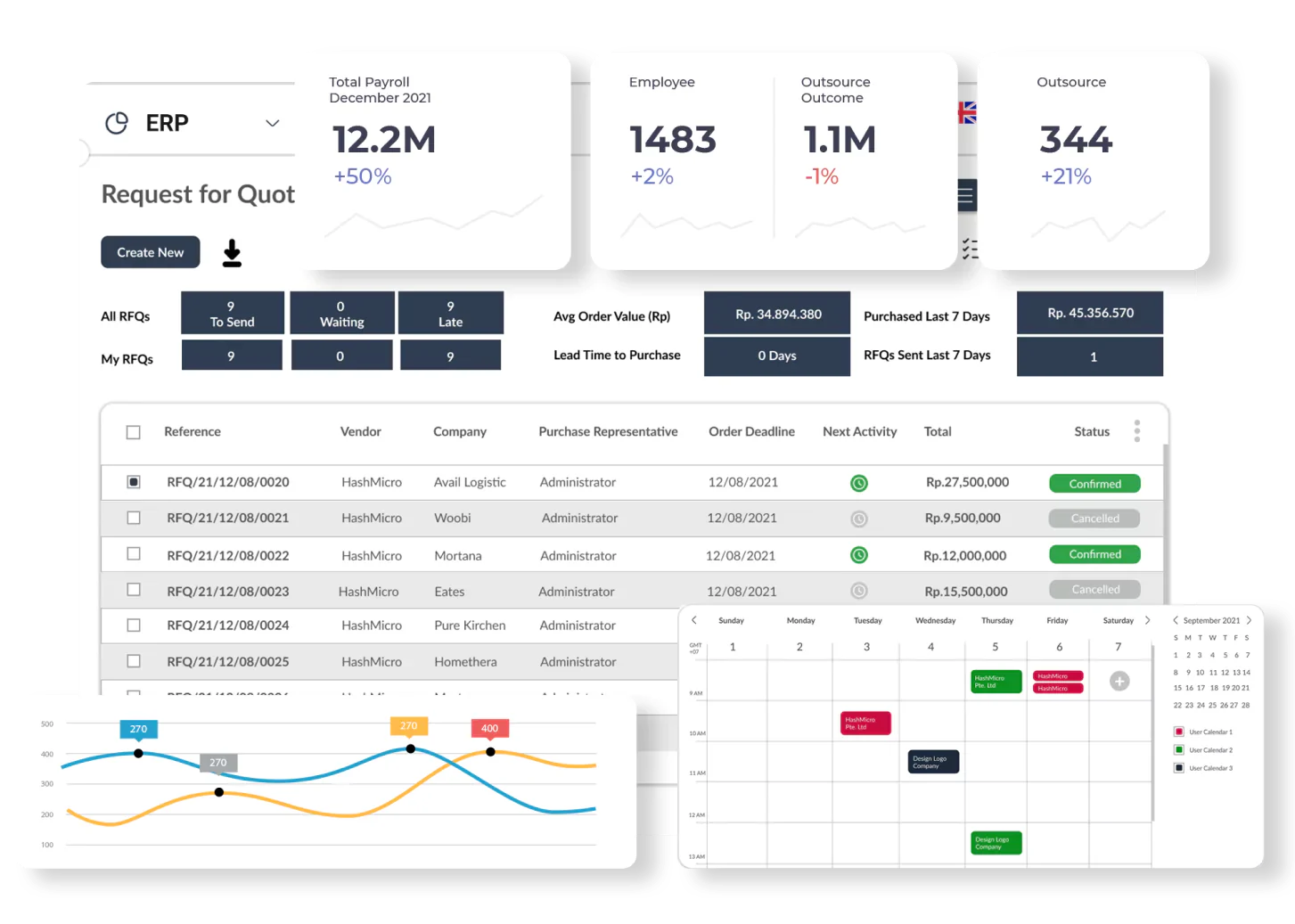
HashMicro may suit enterprises seeking connected manufacturing, inventory, purchasing, sales, accounting, reporting, and workforce processes in one platform.
It can be considered where local implementation, configurable workflows, Singapore finance requirements, and fewer disconnected systems are priorities.
Key Features:
- Connected Operations: manufacturing, inventory, purchasing, and sales workflows on one platform.
- Integrated Finance: accounting and reporting that draw on the same operational records.
- Configurable Workflows: processes adjusted to your operating model instead of the reverse.
- Local Support: implementation and support aligned with Singapore requirements.
Best for: Singapore enterprises that want manufacturing, inventory, and finance in one connected system.
Pricing: HashMicro does not list fixed plan prices. Because it is modular, the cost is tailored to the modules you need and the expected implementation timeline. The quickest way to see what that means for your business is to select your requirements in the pricing calculator below.
2. SAP Business One: Compact Manufacturing and Financials
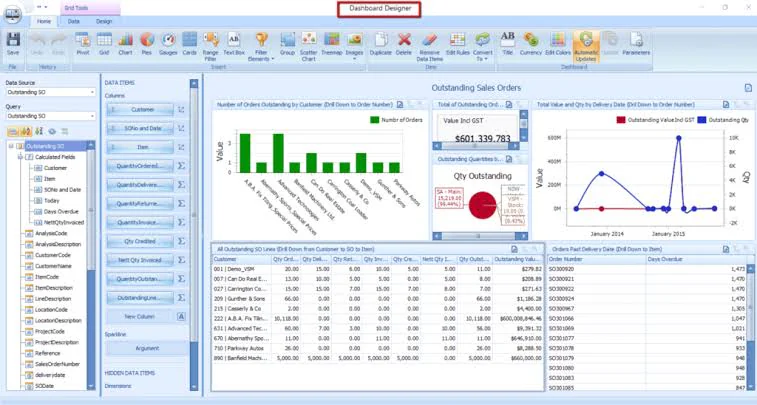
SAP Business One may suit growing or mid-sized enterprises that want structured financials alongside inventory, purchasing, sales, and manufacturing functions.
The final fit depends on the selected partner, manufacturing extensions, local configuration, integration design, and expected expansion across sites. As with any ERP vendor, confirm each item in writing.
Key Features:
- Structured Financials: accounting and controls linked to operational transactions.
- Inventory and Purchasing: stock, procurement, and sales in one system.
- Production Functions: BOMs and production orders for manufacturing needs.
- Partner Ecosystem: add-ons and local configuration through implementation partners.
Best for: Growing mid-sized enterprises that want structured financial control alongside daily operations.
Pricing: Quote-based through SAP partners. Cost typically depends on user types, number of users, add-ons, and implementation scope.
3. Microsoft Dynamics 365 Business Central: Scaling in a Microsoft Environment
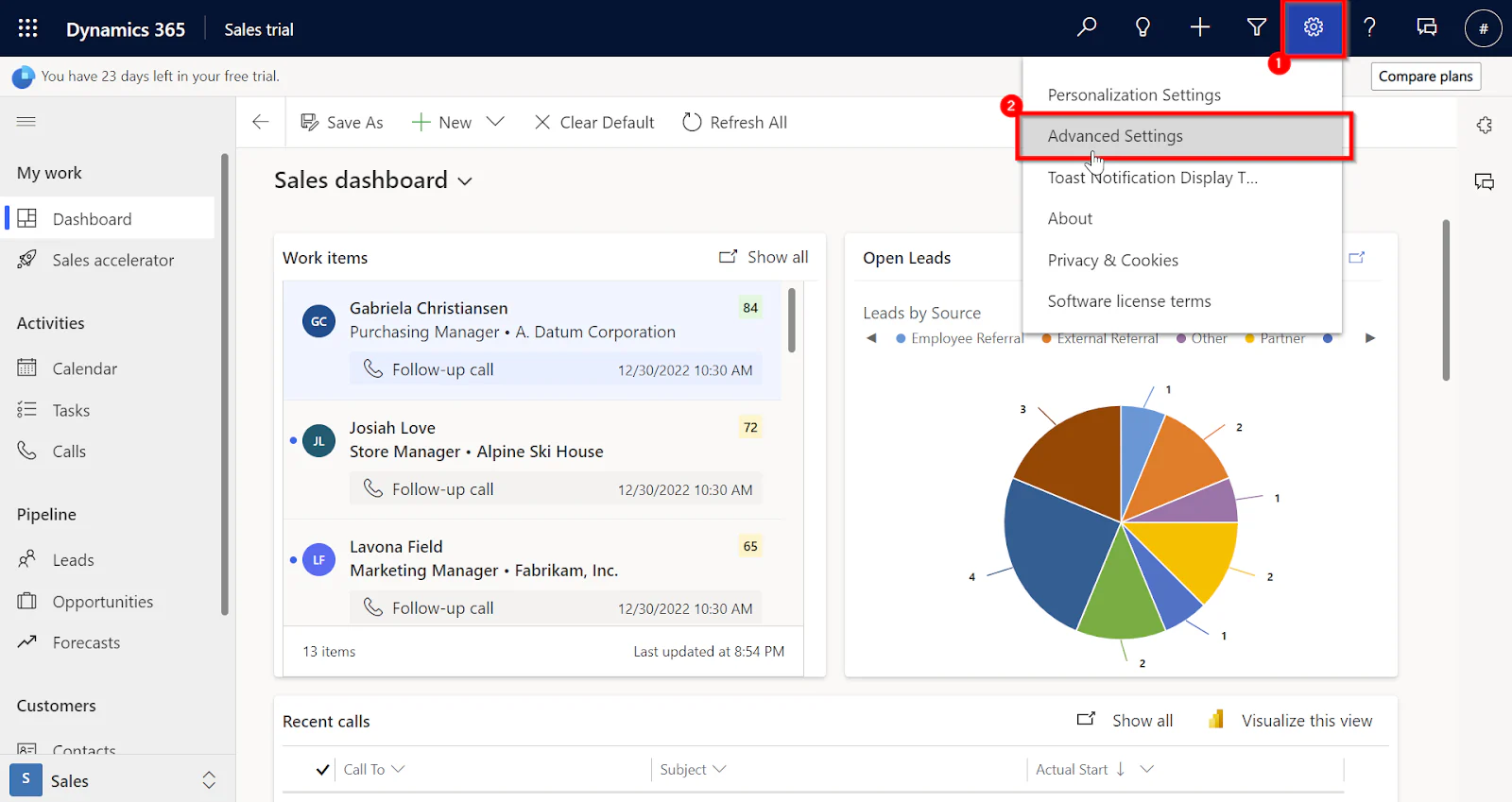
Business Central may appeal to organisations already using Microsoft 365, Teams, Power BI, Azure, or other Microsoft services.
It can connect finance, purchasing, inventory, sales, and manufacturing workflows, although complex production may require extensions or partner solutions.
Key Features:
- Microsoft Connectivity: works with Microsoft 365, Teams, Power BI, and Azure.
- Core Business Workflows: finance, purchasing, inventory, and sales in one platform.
- Manufacturing Functions: production capabilities, extended through partner solutions where needed.
- Cloud Delivery: subscription-based cloud ERP with regular updates.
Best for: Organisations already invested in the Microsoft ecosystem.
Pricing: Per-user subscription that varies by edition, with partner services and extensions priced separately. Check current rates with a Microsoft partner.
4. Epicor Kinetic: Discrete Manufacturing and Shop-Floor Depth
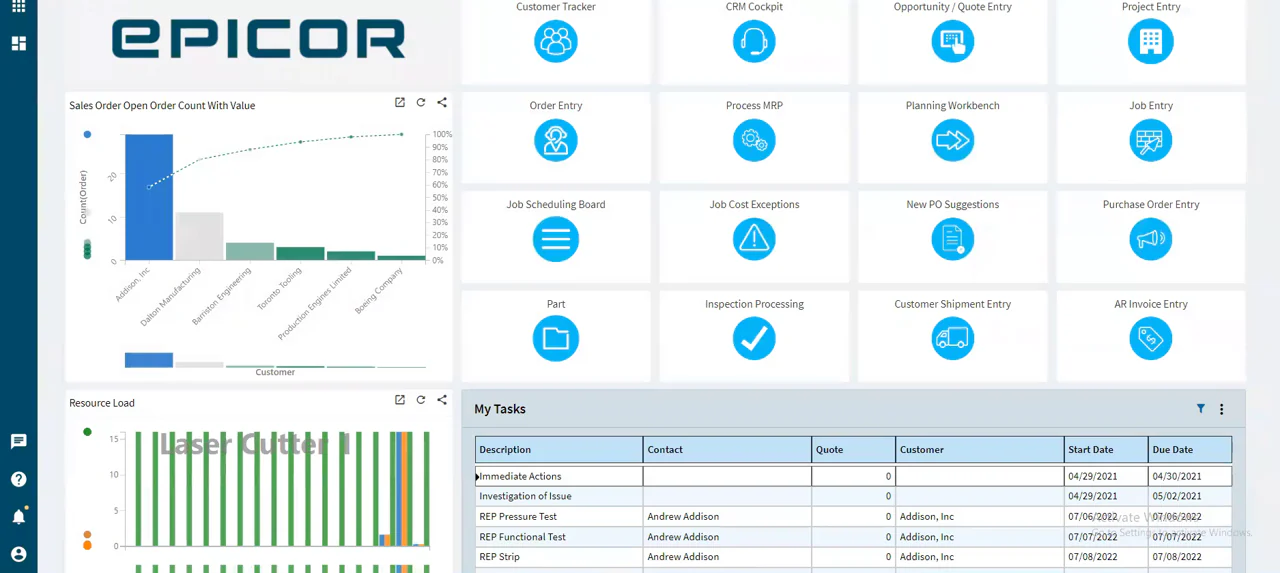
Epicor Kinetic may be relevant for discrete or mixed-mode manufacturers requiring detailed production planning, scheduling, costing, quality, and shop-floor control.
Its manufacturing depth can be valuable, but the project may require more process redesign, training, and implementation governance.
Key Features:
- Production Planning: detailed planning and scheduling for complex jobs.
- Shop-Floor Control: work recording, material usage, and exception handling.
- Costing and Quality: production costing alongside quality management.
- Manufacturing Models: supports discrete and mixed-mode operations.
Best for: Discrete or mixed-mode manufacturers that need deep shop-floor control.
Pricing: Quote-based. Cost depends on users, modules, deployment model, and implementation scope, which is usually priced separately.
5. Acumatica: Cloud ERP with Unlimited Users
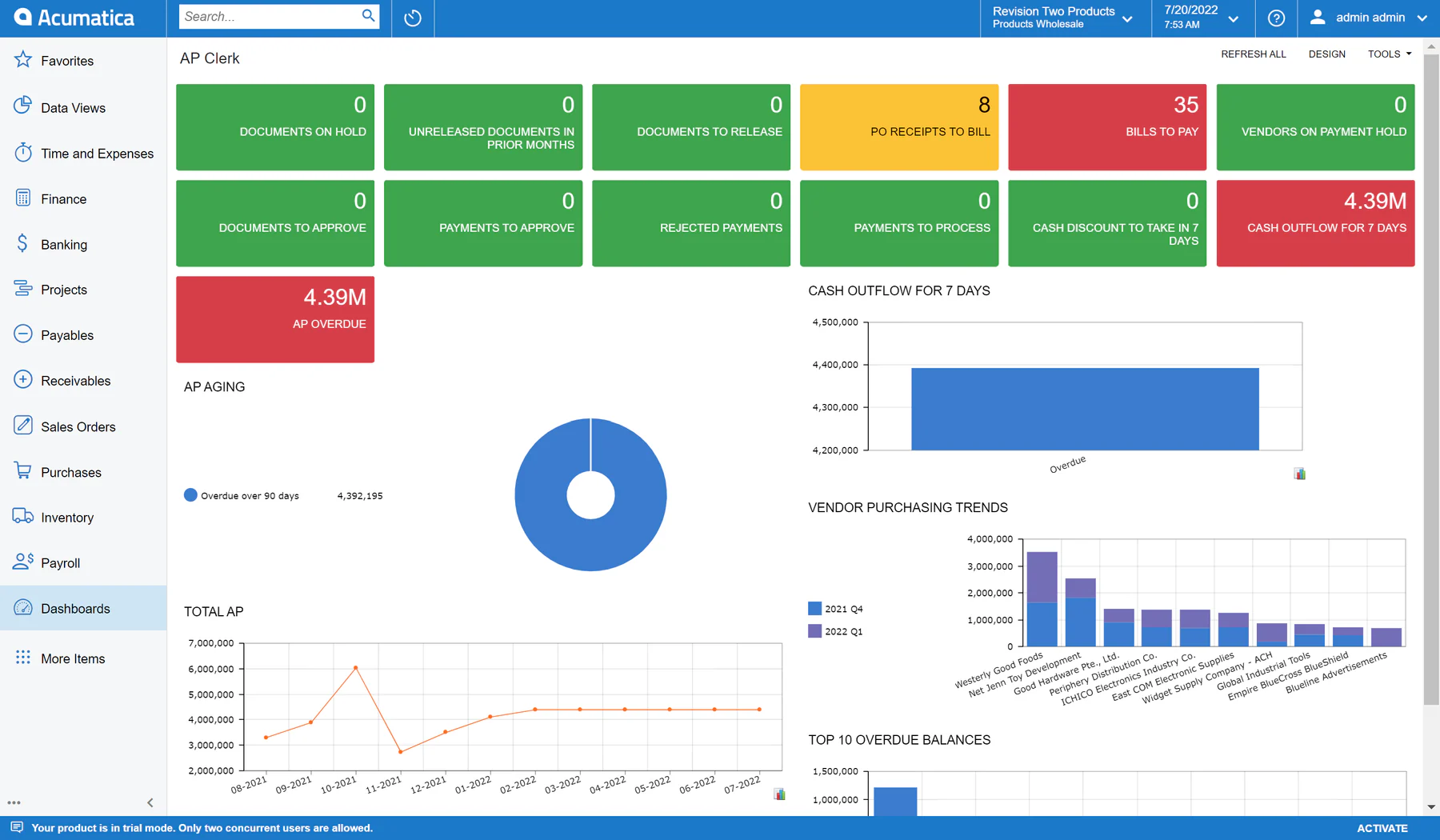
Acumatica may appeal to enterprises wanting cloud ERP across finance, distribution, inventory, manufacturing, projects, and customer operations.
Its user-access model can support wider participation, but buyers should confirm how production complexity and Singapore requirements are handled.
Key Features:
- Cloud ERP: finance, distribution, inventory, and manufacturing on one platform.
- Wider User Access: an access model designed for broader participation.
- Project and Customer Operations: projects and customer processes alongside operations.
- Customisation Controls: configurable workflows managed through partners.
Best for: Enterprises that want cloud ERP with broad user participation.
Pricing: Quote-based through partners. Because access is not licensed per user, cost depends more on modules and resource assumptions, so confirm them in writing.
6. Odoo: Modular and Open-Source, Suited to Smaller Teams
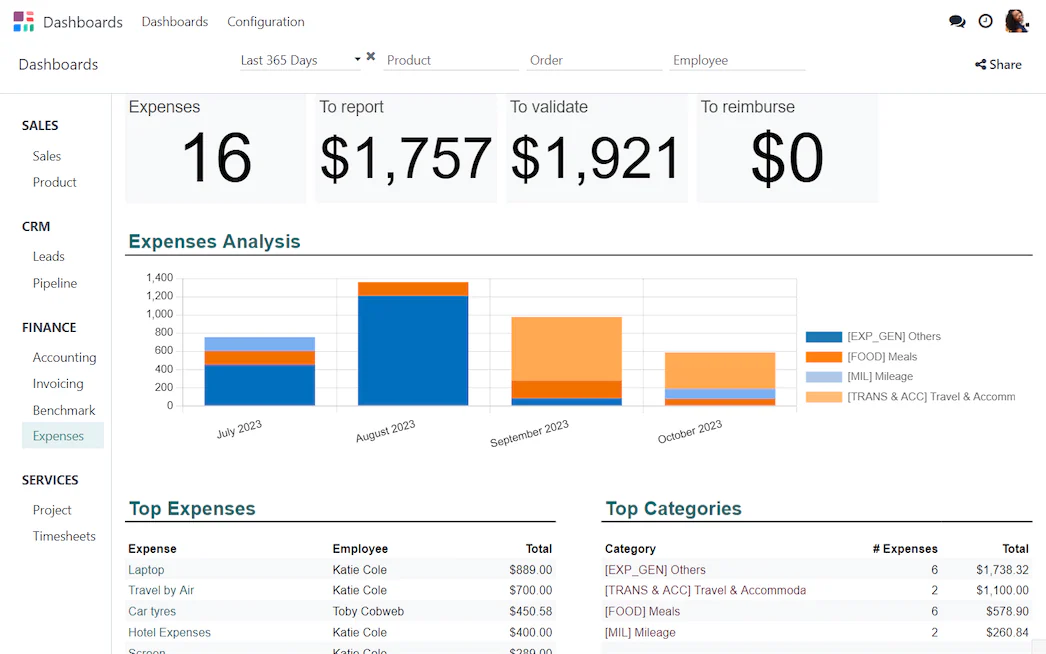
Odoo may suit smaller teams that value modular applications, open-source flexibility, and a broad range of business functions.
Operational fit can depend heavily on custom modules, partner quality, internal technical ownership, upgrade discipline, and support continuity.
Key Features:
- Modular Applications: add only the apps you need and expand later.
- Open-Source Flexibility: adaptable to specific workflows.
- Broad Coverage: inventory, manufacturing, accounting, and sales apps.
- Customisation Options: tailored through custom modules and partners.
Best for: Smaller teams that value modularity and are prepared to own customisation.
Pricing: Per-user subscription with a free single-app plan and paid tiers. Custom modules and partner services add to the total, so check current plans on Odoo's pricing page.
7. Oracle NetSuite: Multi-Entity ERP for Wider Operations
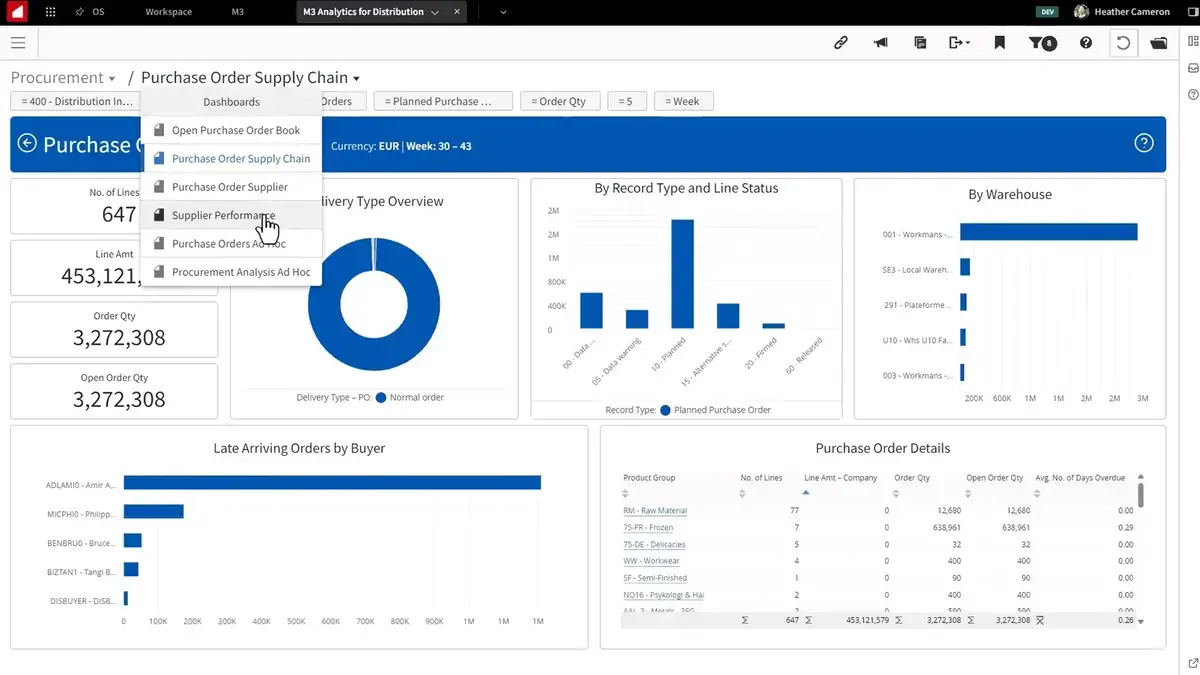
NetSuite may suit enterprises managing several entities, currencies, subsidiaries, locations, or regional reporting requirements.
Its financial and operational coverage can support wider operations, but smaller manufacturing sites should test whether the cost and complexity match their needs.
Key Features:
- Multi-Entity Management: subsidiaries, currencies, and locations in one system.
- Financial Coverage: accounting and consolidation for wider operations.
- Operational Scope: inventory, purchasing, and order management.
- Regional Reporting: reporting across entities and regions.
Best for: Enterprises with several entities, currencies, or regional reporting needs.
Pricing: Quote-based. Cost depends on edition, number of users, modules, and contract length, and implementation is typically scoped separately.
8. QAD Adaptive ERP: Regulated Manufacturing
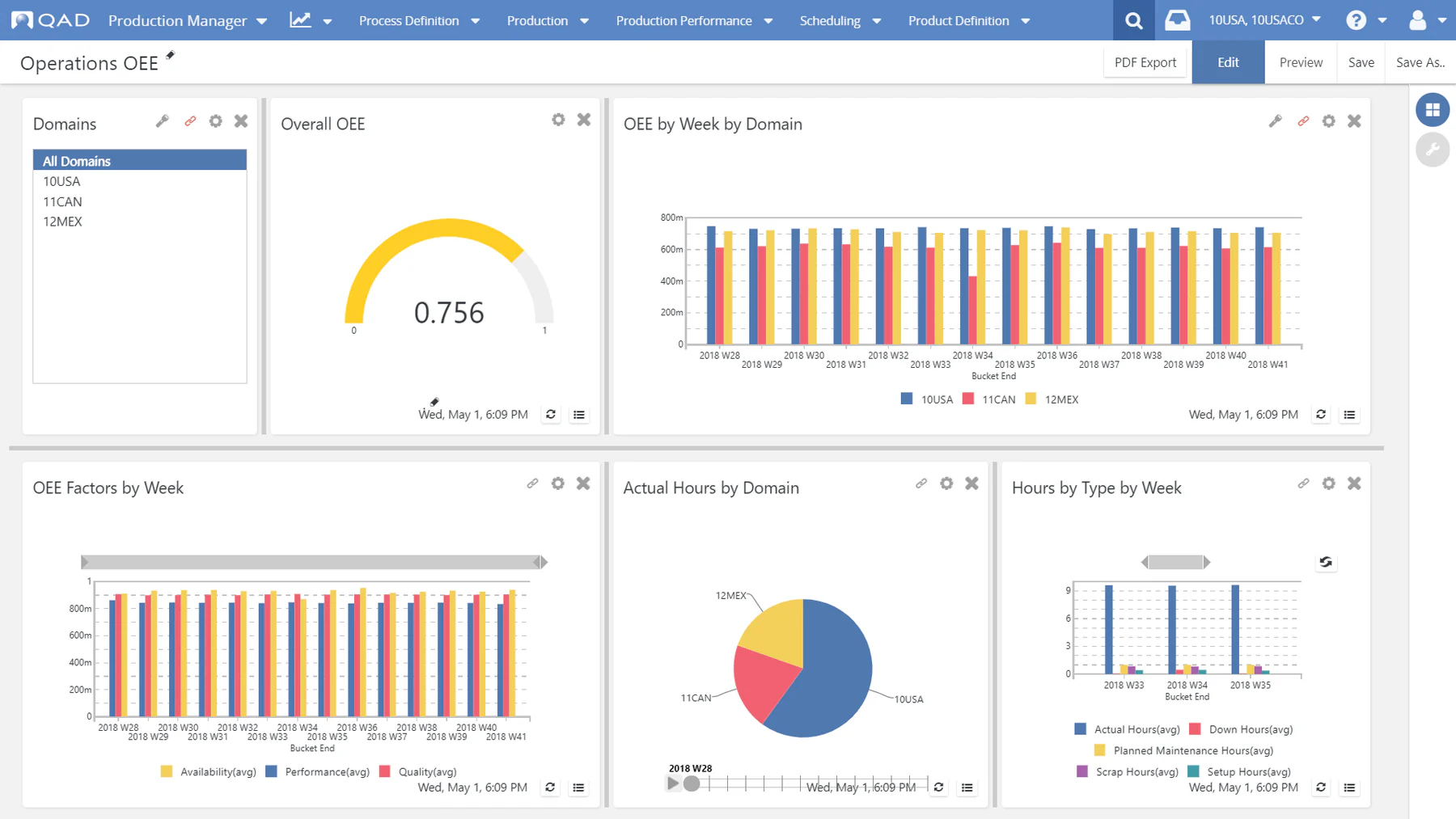
QAD Adaptive ERP may suit manufacturers that need industry-focused planning, quality, supply chain, compliance, and traceability controls.
Its specialist orientation can be relevant to regulated production, although local support and implementation expertise should be confirmed early.
Key Features:
- Industry-Focused Planning: planning designed around manufacturing needs.
- Quality and Compliance: controlled processes and quality records.
- Supply Chain Coverage: supplier and demand coordination.
- Traceability: genealogy and audit support for regulated production.
Best for: Manufacturers in regulated industries that need strong quality and traceability controls.
Pricing: Quote-based. Confirm local partner availability and a full project estimate alongside the software subscription.
9. Infor CloudSuite Industrial: Configurable Discrete Manufacturing
Infor CloudSuite Industrial may suit discrete manufacturers seeking configurable planning, production, supply chain, quality, and financial workflows.
It can be considered for complex operations where industry functionality and multi-site visibility are important ERP selection factors.
Key Features:
- Configurable Planning: planning and scheduling adapted to production models.
- Production and Quality: shop-floor workflows with quality controls.
- Supply Chain Workflows: purchasing, inventory, and demand coordination.
- Multi-Site Visibility: reporting across plants and sites.
Best for: Discrete manufacturers with complex operations and multi-site visibility needs.
Pricing: Quote-based. Cost depends on edition, users, modules, and implementation resources.
10. Sage X3: Mid-Sized Process Manufacturers and Distributors
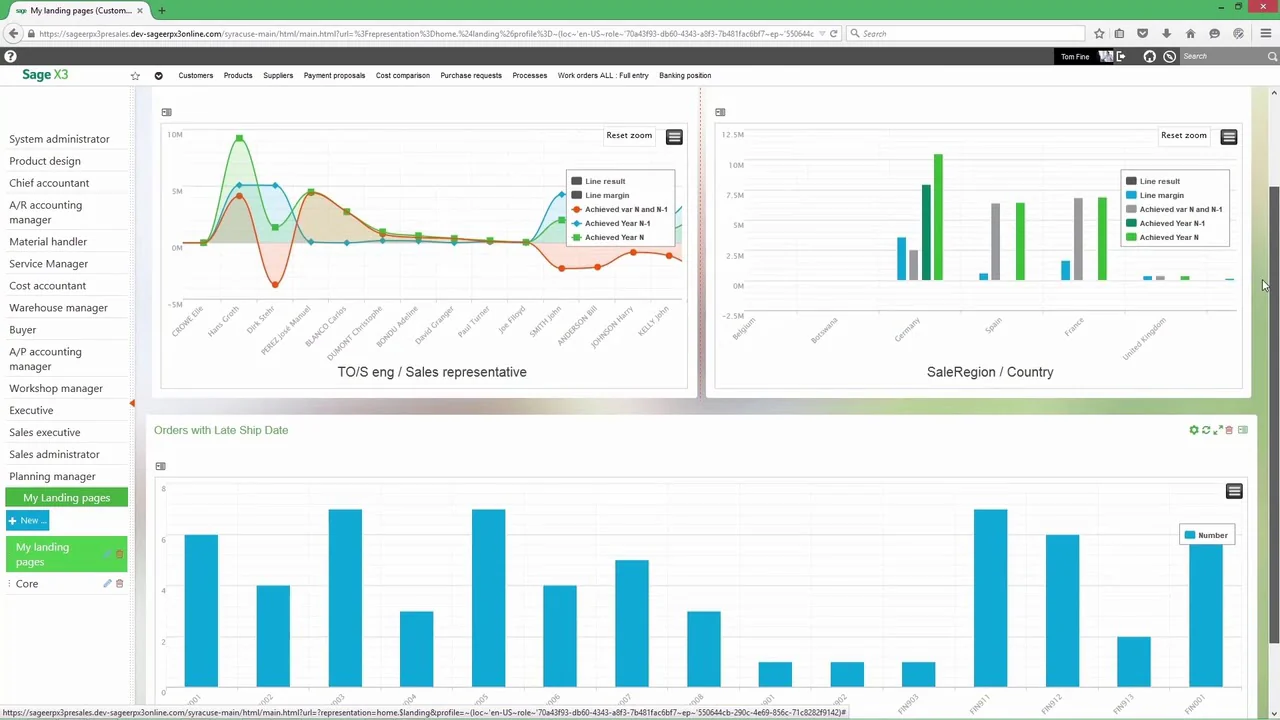
Sage X3 may suit mid-sized manufacturers and distributors that need finance, purchasing, inventory, sales, supply chain, and multi-site operations.
Its fit depends on production type, local tax configuration, integration requirements, partner capability, and the amount of process change involved.
Key Features:
- Finance and Operations: accounting, purchasing, inventory, and sales together.
- Multi-Site Support: operations across sites and entities.
- Process Manufacturing: batch processes and traceability needs.
- Distribution Coverage: supply chain and fulfilment workflows.
Best for: Mid-sized process manufacturers and distributors with multi-site operations.
Pricing: Quote-based through partners. Cost depends on modules, users, configuration, and local tax setup.
How Do Manufacturing and Production Capabilities Compare?
Compare manufacturing ERP systems through complete scenarios rather than isolated labels such as MRP, shop floor, or quality management.
1. BOMs, Routing, and Engineering Data
Test multi-level BOMs, revisions, effectivity dates, substitutes, routings, phantom components, engineering approvals, and change history.
Ask whether engineering data flows correctly into planning, purchasing, production, costing, quality, and reporting.
2. Production Scheduling and Shop-Floor Visibility
Demonstrate make-to-stock, make-to-order, shortages, rescheduling, work-centre capacity, downtime, priority changes, and production completion.
Shop-floor users should be able to record work, material usage, scrap, rework, and exceptions without creating duplicate data entry.
3. Quality, Traceability, and Subcontracting
Validate batch and serial genealogy, inspection plans, quarantine, release, non-conformance, rework, subcontracted operations, and supplied materials.
Traceability should work in both directions, from purchased components to finished goods and from dispatched products back to their source.
4. Multi-Site Operations and Cost Control
Review how the system handles shared items, site-specific BOMs, transfers, replenishment, intercompany flows, standard costs, actual costs, and variances.
Ask whether management can compare site performance without rebuilding information manually in spreadsheets.
5. SYSPRO vs Odoo for Production Planning
SYSPRO may suit manufacturers seeking manufacturing software centred on production and distribution. Odoo may suit teams that prefer modularity and customisation.
The comparison should test planning parameters, capacity, revisions, shortages, traceability, quality, reporting, technical ownership, and upgrade responsibility.
Which ERP Modules and Integrations Should You Validate?
Validate both module coverage and the data flow between ERP, finance, warehouse, production, tax, banking, customer, and supplier systems.
1. Finance, Inventory, and Procurement as One Workflow
Test the complete procure-to-pay process, from demand and approval through purchase order, receipt, inventory update, invoice matching, and payment.
Finance should be able to reconcile operational transactions without repeatedly rebuilding the source data outside the ERP. For Singapore businesses, also confirm the system supports InvoiceNow and GST requirements where they apply.
2. Sales, Warehouse, and Reporting Needs
Review order capture, allocation, picking, dispatch, returns, customer commitments, warehouse movements, and management reporting.
Reports should show trusted data with clear ownership, definitions, permissions, and refresh rules.
3. Integrations with Accounting, E-Commerce, Banking, and BI
Use the interface inventory prepared before shortlisting, covering accounting tools, e-commerce, banks, logistics, CRM, payroll, tax, and BI platforms.
For each interface, validate the system of record, timing, volume, security, monitoring, failure handling, and support owner.
What Do Deployment, Implementation, and Total Cost Factors Include?
Beyond the software itself, the deployment model, implementation effort, and long-term costs shape how smoothly a replacement goes. Review each factor below before you compare quotations.
1. Cloud, On-Premise, and Hybrid Deployment
Cloud deployment may reduce infrastructure ownership, while on-premise or hybrid models may support specific governance, connectivity, or legacy requirements.
Compare security, data access, resilience, upgrades, internal skills, integration control, and lifecycle responsibilities before selecting a model. Also confirm how the vendor protects personal data under the PDPA data protection obligations.
2. Data Migration, Customisation, and Training
Migration may include items, BOMs, routings, customers, suppliers, locations, opening balances, open orders, and selected historical transactions.
Budget for cleansing, mapping, validation, custom reports, workflow design, testing, role-based training, and operational backfill.
3. A Total Cost Checklist and Tailored Quote Request
- Software: subscriptions, licences, users, entities, modules, storage, and environments.
- Implementation: workshops, configuration, project management, migration, testing, and cutover.
- Integration: APIs, middleware, banking, tax, warehouse, logistics, e-commerce, and BI.
- People: training, change management, internal project time, super users, and backfill.
- Lifecycle: support, upgrades, release testing, security, infrastructure, and future changes.
Ask each vendor for a scope-based quotation that separates recurring software charges from implementation, integration, migration, training, support, and optional services. Share the same assumptions with everyone, including user numbers, entities, sites, modules, data volumes, integrations, custom reports, service levels, and expected expansion.
Which SYSPRO Alternative Fits Each Enterprise Scenario?
Every business has different priorities, so the best ERP software for you depends on your scenario. The table below matches common enterprise needs with the alternatives worth investigating first.
| Enterprise scenario | Priorities | Candidates to investigate |
|---|---|---|
| Manufacturing-led transformation | BOMs, MRP, shop-floor control, quality, costing, traceability | HashMicro, Epicor Kinetic, Infor CloudSuite, QAD |
| Finance and reporting standardisation | Multi-entity accounting, approvals, consolidation, dashboards | HashMicro, Business Central, NetSuite, SAP Business One, Sage X3 |
| Multi-site inventory control | Warehousing, replenishment, transfers, lot and serial tracking | HashMicro, Acumatica, Infor CloudSuite, Epicor Kinetic |
| Microsoft-centric operations | Finance, analytics, collaboration, supply chain integration | Business Central |
| Modular adoption for smaller teams | Phased rollout, configurable workflows, technical flexibility | Odoo, Acumatica, HashMicro, SAP Business One |
| Regulated production | Quality, auditability, genealogy, controlled processes | QAD, Infor CloudSuite, Epicor Kinetic, Sage X3 |
What Should You Prepare Before Shortlisting Vendors?
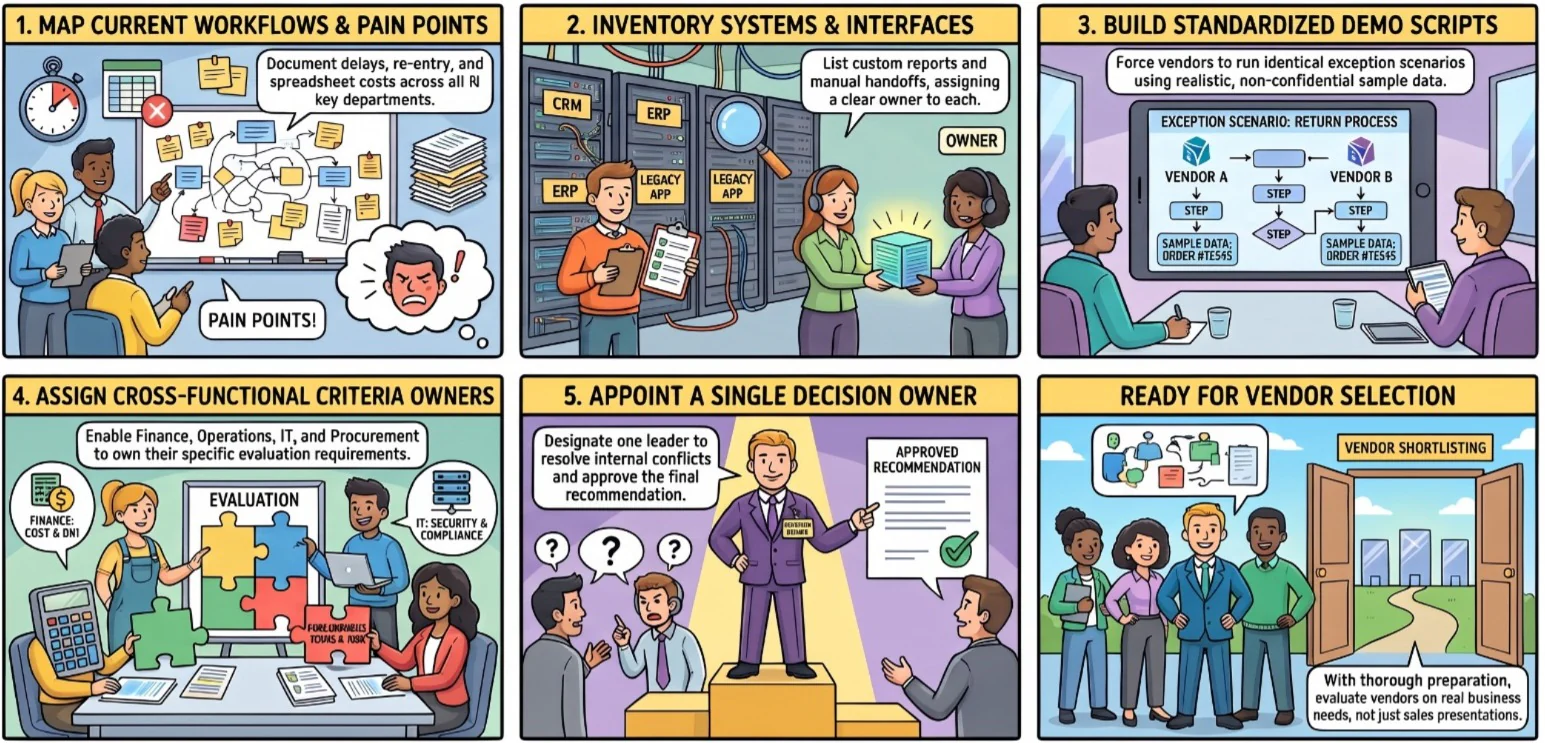
Good preparation lets you compare vendors on real business needs, not polished demos or long feature lists.
1. Document Current Processes, Pain Points, and Integrations
Map your flow across finance, procurement, inventory, production, sales, and approvals. Record delays, re-entry, exceptions, and spreadsheet dependencies, and what each one costs the business.
List every interface, custom report, export, and manual handoff by department. Name the system owner, data owner, and support contact for each connection.
2. Prepare Sample Data and Demo Scripts
Prepare representative items, multi-level BOMs, routings, orders, and inventory records, including production exceptions. Remove confidential details but keep the structure realistic.
Ask vendors to demonstrate shortages, BOM revisions, quality holds, and failed integrations. Use the same scripts for every vendor so scores are comparable.
3. Assign Evaluation Owners Across Finance, Operations, and IT
Let finance, operations, IT, procurement, and end users each own their requirements and acceptance criteria.
Appoint one decision owner to resolve conflicts, keep the evaluation file, and approve the final recommendation.
How Should You Compare ERP Evidence Without Overclaiming?
ERP comparisons should distinguish vendor claims, independent evidence, customer references, demonstrations, proof-of-concept results, and assumptions.
1. Vendor-Published Claims vs Independent Evidence
Vendor websites and brochures explain positioning, but they do not prove that a configuration will work in your enterprise. Mark each statement as vendor-published, independently verified, demonstrated, referenced by a customer, or still unverified.
Keep these statuses in one decision file with requirements, scores, assumptions, unresolved risks, and named reviewers. Record whether each capability is native, configurable, customised, integrated, partner-dependent, or unavailable in the proposed edition.
2. Reference Calls and a Proof of Concept
Reference calls can reveal implementation effort, support quality, adoption challenges, reporting limitations, and upgrade experiences.
A proof of concept using the sample data and demo scripts prepared earlier can expose integration and process gaps before contract approval.
Conclusion
The right SYSPRO alternative depends on manufacturing complexity, finance controls, site structure, integrations, governance, and implementation readiness. HashMicro, SAP Business One, Business Central, Epicor Kinetic, Acumatica, Odoo, NetSuite, QAD, Infor CloudSuite Industrial, and Sage X3 each deserve scenario-based validation before a decision is made.
Start with diagnosis, prepare realistic data, request comparable demonstrations, and record the evidence. If you would like to see how a connected ERP handles your own manufacturing scenarios, you can book a free consultation with our team.

Frequently Asked Questions
There is no single best option for every enterprise. The suitable choice depends on manufacturing complexity, finance requirements, site structure, integrations, governance, support, and total ownership cost.
Common alternatives include HashMicro, SAP Business One, Microsoft Dynamics 365 Business Central, Epicor Kinetic, Acumatica, Odoo, Oracle NetSuite, QAD Adaptive ERP, Infor CloudSuite Industrial, and Sage X3.
Yes. Several ERP platforms offer overlapping manufacturing, inventory, procurement, finance, reporting, and distribution capabilities. The practical fit must be confirmed through demonstrations and evidence.
The answer depends on production type and operating scale. Epicor, Infor, QAD, HashMicro, SAP Business One, and Business Central may suit different manufacturing scenarios after validation.
SYSPRO may suit enterprises seeking a manufacturing-focused platform, while Odoo may suit smaller teams that value modularity and customisation. Compare governance, production depth, technical ownership, and upgrade effort.
Costs vary by users, entities, modules, implementation, migration, integrations, training, support, and customisation. Request an itemised total-cost model instead of comparing licence fees alone.