
The hospitality industry moves quickly. Restaurants, cafés, hotels, and resorts must deliver great service while keeping operations under control. Guests expect fast service, accurate billing, and a smooth experience from start to finish.
Technology plays a major role in making that happen. Among the most important tools is the hospitality point of sale, commonly known as a POS system.
Today’s hospitality POS does much more than process payments. It connects ordering, kitchen communication, inventory tracking, and reporting in one unified point-of-sale software.
For Australian hospitality businesses facing labour shortages and rising costs, a reliable POS helps teams work faster, reduce errors, and keep guests satisfied.
Key Takeaways
Understand how hospitality POS platforms connect ordering, payments, and reporting to support daily operations.
Explore how POS systems help staff serve guests faster while reducing billing mistakes.
Learn how digital order routing keeps dining floor staff and kitchen teams working in sync.
Discover how POS reporting helps managers optimise menus, staffing, and overall business performance.
What Is a Hospitality POS System?
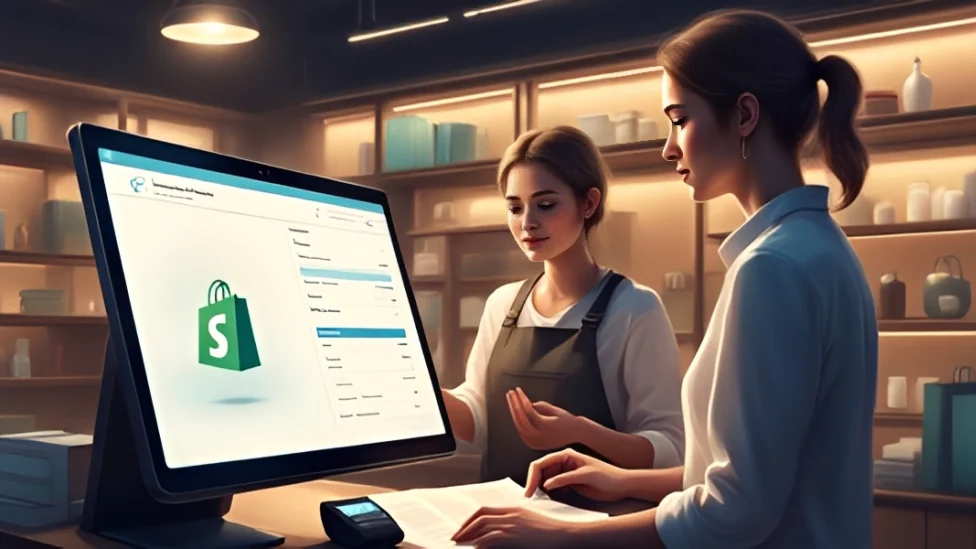
A hospitality POS system combines software and hardware designed for food service and POS for accommodation business. Unlike retail POS systems, it handles complex guest interactions such as open tabs, split bills, and customised orders.
Staff use POS terminals, tablets, payment readers, and kitchen display screens to manage orders and payments. These devices connect through a network so information flows instantly between the dining floor, bar, and kitchen. For businesses comparing broader POS options, reviewing the top POS software for business can help identify which system best fits hospitality workflows, payments, inventory, and reporting needs.
Most modern systems run on the cloud. Managers can check sales, update menus, and track performance from any device with internet access.
Because everything connects in one platform, the POS becomes the operational hub of a hospitality business. It helps teams coordinate service while keeping financial records accurate.
Why POS Matters in Hospitality Operations
"A"
A good POS system improves daily operations across the entire venue. It helps staff serve guests faster, avoid billing mistakes, and coordinate work between teams.
Faster Service for Guests
A hospitality POS helps staff take orders quickly. Touchscreen menus allow servers to enter modifiers like cooking temperature, allergies, or drink options in seconds.
Mobile tablets make the process even faster. Staff can send orders straight to the kitchen from the table instead of walking to a terminal.
This speed helps businesses turn tables more efficiently. Faster service increases revenue while keeping the dining experience relaxed and enjoyable for guests.
Accurate Billing and Transactions
Hospitality bills can become complicated. A table might include food, drinks, discounts, and different tax calculations.
A POS system records every item the moment staff enter it. The system automatically applies correct pricing and tax rules, reducing mistakes.
Splitting bills also becomes simple. Staff can divide checks by guest, seat, or item with just a few taps, which keeps the payment process smooth.
Smooth Coordination Between Staff
Hospitality bills can become complicated. A table might include food, drinks, discounts, and different tax calculations.
A POS system records every item the moment staff enter it. The system automatically applies correct pricing and tax rules, reducing mistakes.
Splitting bills also becomes simple. Staff can divide checks by guest, seat, or item with just a few taps, which keeps the payment process smooth.
How POS Connects Front and Back of House
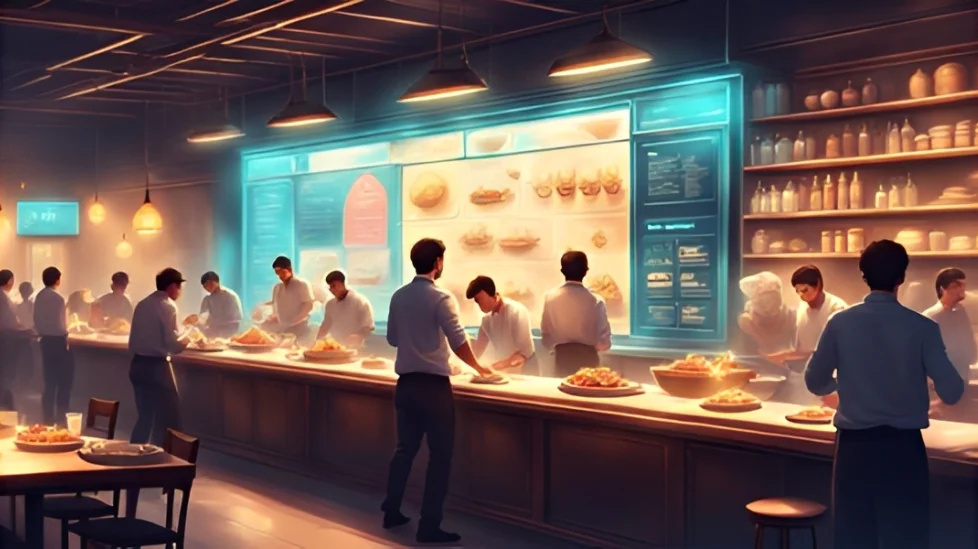
Restaurants work best when the dining floor and kitchen operate in sync. A POS system connects both sides through real time data and order routing.
Sending Orders to Kitchen or Bar
When staff confirm an order in the POS, the system sends it straight to the kitchen or bar. Preparation begins immediately without delays.
Many venues now use kitchen display screens instead of paper tickets. These screens show incoming orders and highlight any items waiting too long.
This setup keeps the kitchen organised and helps staff prioritise dishes during busy periods.
Managing Tables and Reservations
Modern POS systems include digital floor plans that show the status of every table. Hosts can see which tables are occupied, paying, or ready for the next guests.
This view helps staff seat customers faster and estimate wait times more accurately.
When the POS integrates with reservation software, the system can assign tables automatically and balance workload across servers.
Synchronizing Orders Across Outlets
Large hotels and resorts often run multiple outlets such as bars, restaurants, and lounges. Guests may move between these areas during their stay.
A central POS allows staff to access the same tab from different outlets. Guests can continue their bill without closing and reopening payments.
The system also tracks inventory and revenue across locations. Managers can monitor performance across the whole property in one dashboard.
Handling Multiple Revenue Points
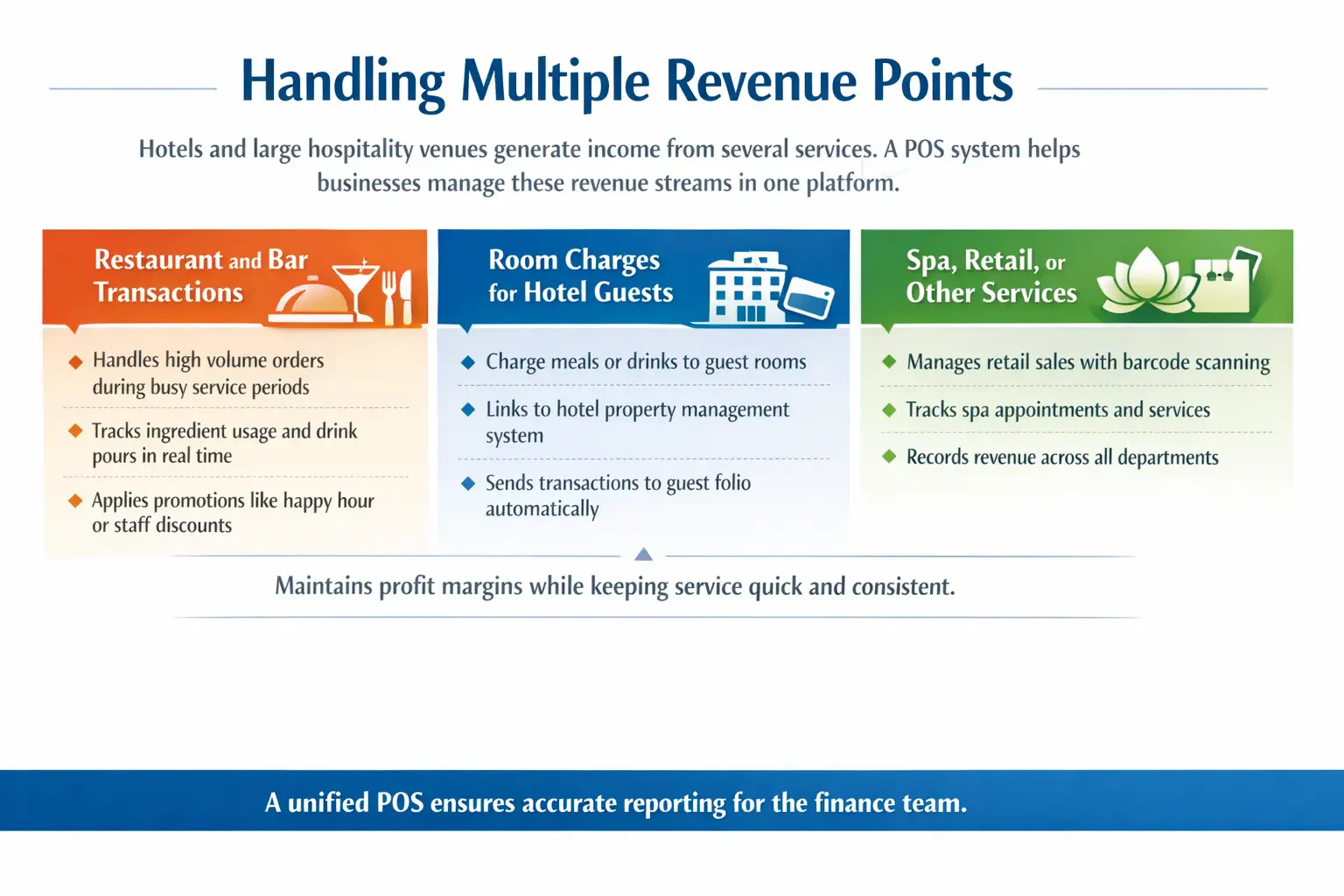
Hotels and large hospitality venues generate income from several services. A POS system helps businesses manage these revenue streams in one platform.
Restaurant and Bar Transactions
- Handles high volume orders during busy service periods
- Tracks ingredient usage and drink pours in real time
- Automatically applies promotions such as happy hour or staff discounts
These tools help hospitality businesses maintain profit margins through better restaurant inventory management while keeping service quick and consistent.
Room Charges for Hotel Guests
- Allows guests to charge meals or drinks to their room
- Connects directly with the hotel property management system
- Sends itemised transactions to the guest folio automatically
This integration lets guests enjoy the property without carrying cards or cash.
Spa, Retail, or Other Hotel Services
- Manages retail items through barcode scanning
- Tracks service bookings such as spa appointments
- Records revenue from multiple departments in one system
A unified POS ensures all departments report sales accurately to the finance team.
Features That Support Hospitality Workflows
Modern hospitality POS systems include tools that simplify daily operations and help staff work more efficiently.
Table and Floor Management
- Digital floor plans show table status in real time
- Managers can assign sections and adjust layouts quickly
- The system tracks seating time and guest counts for reporting
Mobile or Tableside Ordering
- Staff take orders directly at the table using tablets
- Orders reach the kitchen instantly, reducing wait times
- Tablets prompt upsell suggestions to increase average spend
Contactless and Digital Payments
- Accepts chip cards, tap payments, and mobile wallets
- Portable payment terminals allow pay at table service
- Digital tipping options simplify checkout for guests and staff
Insights Hospitality Managers Get From POS
A hospitality POS shows real time sales across the venue. Managers can see how the current shift performs compared with previous days or weeks.
This visibility helps businesses react quickly. If sales drop during a service period, managers can adjust staffing or promotions immediately.
The system also breaks revenue into categories such as food, drinks, or specific menu items. This helps businesses identify which products generate the most income.
Item level tracking supports menu optimisation. Managers can highlight popular dishes, remove weak sellers, and adjust pricing to improve profit margins.
Industry Use Cases for Hospitality POS

Different hospitality businesses use POS systems in different ways. The system adapts to each venue’s service style and operational needs.
From fine dining restaurants to quick service cafés and large hotels, a POS helps teams maintain efficiency while delivering consistent service.
Fine Dining Restaurants
Fine dining venues rely on precise timing and detailed service. A POS helps staff manage courses and seat level ordering during complex meals.
Servers can send courses to the kitchen at the right time. This keeps dishes flowing smoothly without overwhelming the kitchen team.
Quick Service Restaurants and Cafés
Quick service venues focus on speed. The POS acts as software for a diner business, helping staff process orders quickly and reduce queues during busy periods.
Customer facing screens, kiosks, and mobile payments allow guests to order and pay faster. This helps cafés and takeaway businesses serve more customers during peak hours.
Resorts and Large Hotels
Hotels often run several hospitality outlets under one roof. Guests may dine at restaurants, order drinks by the pool, or shop at a gift store.
A unified POS connects these transactions. Staff can charge purchases directly to the guest’s room, creating a smooth experience while giving management a clear view of spending across the property.
Implementation Steps for Success
Introducing a new POS system requires careful preparation. A structured rollout helps businesses avoid disruptions during service.
Start by reviewing your current workflows. Identify pain points in ordering, billing, and reporting so you know what features your business needs.
Next, check your network setup. A web-based POS system relies on strong Wi Fi to support tablets, payment terminals, and kitchen displays without delays.
Plan your menu structure before entering it into the system. Clear categories and modifier groups make ordering faster for staff.
Finally, launch the system gradually. Testing it during quieter hours or in one outlet helps your team fix issues before full deployment.
Common Pitfalls to Avoid
Poor staff training is one of the biggest reasons POS projects fail. If employees struggle to use the system, service slows down and mistakes increase. Businesses should schedule proper training sessions before launch.
Another issue is ignoring offline functionality. Internet outages can happen anywhere in Australia. A good POS should still record orders and payments until the connection returns.
Advanced Practices and Future Trends
Many hospitality businesses now use POS data to improve decision making. Some systems analyse past sales, predict busy periods, and support AI order-taking technology to improve operations.
Personalised service is also becoming more common. When POS systems connect with guest profiles, staff can see favourite dishes, seating preferences, or dietary notes. These insights help businesses deliver more memorable guest experiences.
Conclusion
Hospitality businesses rely on speed, coordination, and accuracy every day. A modern POS system helps restaurants, cafés, and hotels manage orders, payments, and service without unnecessary delays.
By connecting staff, kitchens, and management tools, a POS platform becomes the backbone of daily operations. If your hospitality business wants to improve efficiency and guest satisfaction, you can consult the expert to find the right POS solution.