










 Limited to 100 registrants
Choosing the right system has always been a crucial decision for me because it directly impacts how efficiently a business can operate and grow. The choice between a POS and an ERP system influences sales, inventory control, and even financial accuracy.
From my experience, the right system can simplify processes, save time, and boost productivity. But I’ve also seen how choosing the wrong one can cause inefficiencies and missed opportunities that slow down business growth.
That’s why I trust HashMicro’s POS solutions, which integrate seamlessly with ERP to centralise operations and improve data accuracy. If you’re exploring options, try the free demo to see how these solutions can give your business the flexibility it needs to grow.
Key Takeaways
Many businesses struggle with integrating their Point of Sale (POS) systems with ERP POS, leading to data silos and inefficiencies in managing inventory, sales, and financials.
Implementing an integrated POS vs ERP system can streamline operations by ensuring real-time data synchronization across all business functions and providing comprehensive insights into sales and inventory management.
HashMicro offers a robust POS ERP software solution that seamlessly integrates ERP vs POS systems, which helps businesses enhance operational efficiency, improve data accuracy, and drive growth with a unified platform.
Definition of Point-of-Sales (POS) System and ERP System
When running a business, whether it’s a retail store or a service-based company, managing sales, inventory, and customer relationships effectively is crucial. This is where Point-of-Sales (POS) software and Enterprise Resource Planning (ERP) systems come into play.
While both systems are designed to help streamline operations, they serve different purposes and offer distinct functionalities.
Read more: Top 15 Loyalty Program Platform in 2025
What is a POS System?
A POS system is the platform where customer transactions take place, whether in-store or online. It allows businesses to process payments, issue receipts, and track sales in real time using terminals, mobile devices, or cloud-based tools. Retailers, F&B outlets, and service businesses rely on a modern POS system to speed up checkout and improve customer experience.
Beyond processing payments, POS can support inventory visibility, customer purchase history, and basic promotional tools. Many businesses now use POS across multiple touchpoints (physical counters, mobile devices, and online platforms) making it easier to manage sales consistently throughout the customer journey.
Hashy AI Fact

More businesses are shifting from traditional to automated management, including POS. AI for POS improves transaction accuracy, streamlines inventory, and offers valuable customer insights, enhancing efficiency and boosting sales.
Request a free demo today!
What is an ERP System?
An ERP system is a centralized platform that connects major business functions (including finance, procurement, HR, inventory, operations, and reporting) into a single interface. Unlike POS, which focuses mainly on front-end transactions, ERP streamlines back-end processes and supports strategic planning for long-term growth.
By consolidating data from different departments, ERP improves accuracy, collaboration, and decision-making across the organization. If you’re looking to improve efficiency with a connected POS ERP program, you can request a free demo and consultation to see how an integrated system supports business performance.
The Differences Between POS Software and ERP Software
Understanding the difference between POS and ERP is crucial because each supports very different business needs. POS is effective for fast sales, while ERP provides wider visibility across finance, HR, and operations, helping prevent data gaps and inefficiencies.
| Aspect | POS | ERP |
| Definition | Retail-focused system combining hardware and software to process in-store sales, manage payments, and print receipts. | All-in-one business platform that integrates core processes such as finance, HR, procurement, supply chain, and manufacturing. |
| Key Purposes | Take customer payments, track daily sales, manage retail promotions, and sync transactions with e-commerce. | Coordinate daily operations, centralise business data, support planning, reporting, and compliance across departments. |
| Features | Front-end order and payment processing, multiple payment options, real-time stock visibility, receipts, basic reports, customer database, simple promos. | Financial management, HR, CRM, procurement, supply chain, manufacturing, plus advanced analytics and forecasting. |
| Integration | Connects to cash registers, barcode scanners, and receipt printers; can sync online and offline sales; limited beyond retail. | Integrates all business modules, connects with POS and third-party tools (CRM, accounting, HR), and acts as the central data hub. |
| Pros | Simple to use, fast checkout, real-time sales and stock view, affordable, and easy to implement. |
|
| Cons | Limited to front-end and retail; cannot manage HR, finance, or manufacturing; lacks long-term strategic reporting. | Higher implementation cost, requires training and change management, more complex setup, and longer deployment time. |
| Best Use Cases | Retail stores, supermarkets, convenience stores, restaurants, cafés, and SMEs focused on quick transactions. | Medium to large enterprises, multi-branch companies, and organisations needing cross-department integration and long-term scalability. |
| Example | HashMicro POS for retailers and F&B businesses of various sizes | HashMicro ERP for enterprises across multiple industries |
Benefits of Point-of-Sale (POS) Software and ERP Software
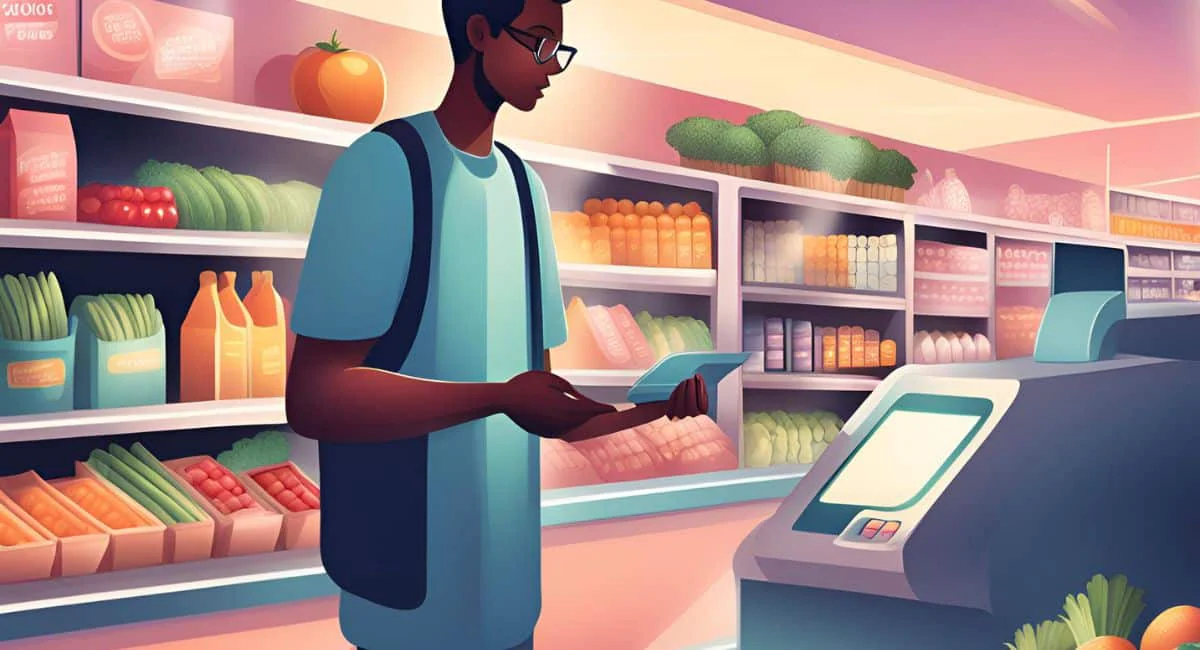
So, what is the difference between ERP and POS? Both Point-of-Sale (POS) software and Enterprise Resource Planning (ERP) software offer unique benefits that can significantly enhance efficiency and streamline operations. While each system plays a distinct role, integrating them can provide even greater advantages for businesses looking to optimise their processes.
From my own experience managing retail operations in Singapore, I found that using POS alone was effective for sales tracking but lacked the depth to connect with finance, inventory, and HR. Once I integrated POS with ERP, I could see real-time insights across all departments, which helped me make faster and more informed business decisions.
Advantages of POS
Before comparing POS with ERP, it helps to understand how POS software enhances day-to-day retail operations. These points show how automating the transaction process supports efficiency and better customer service.
Faster transactions: Improves checkout speed by automating the transaction process, reducing queues and enhancing customer experience.
Accurate sales tracking: Provides real-time monitoring of sales, pricing accuracy, and cash flow.
Better inventory control: Tracks stock movements and purchasing trends to prevent out-of-stock issues.
Improved customer insights: Helps retailers analyse customer behaviour for targeted promotions.
Loyalty program support: Manages points, rewards, and repeat-purchase incentives effectively.
Enhanced operational efficiency: Utilises barcode scanners, card readers, and other integrated tools for smoother workflows.
What can Retailer do with this system?
Retailers can monitor pricing accuracy, inventory changes, gross revenue, and sales patterns, depending on the software features. Using integrated technology to track data enables retailers to identify pricing or cash flow discrepancies that could result in profit loss or sales interruption.
Retailers can use point-of-sale systems that track inventory and purchasing trends to avoid customer service issues such as out-of-stock sales and to tailor purchasing and marketing to consumer behavior. In addition, you can also take advantage of retail POS software designed specifically for the retail industry so that your business becomes efficient.
For this, cloud-based ERP POS system are increasingly in use, particularly for large online merchants, to track and process numerous purchases. Cloud-based systems can greatly reduce the upfront costs of implementing a POS and ERP system for many businesses.
Benefits of ERP Software
With its ability to act as a bridge for various departments, companies also apply the system for various reasons. The reasons are mainly expanding business, and obviously, improving their operations.
In addition, ERP applications are said to be able to eliminate costly duplicates and incompatible technology. Often, the process integrates accounts payable, inventory control, order monitoring, and customer databases into a single system.
Furthermore, ERP systems are effective in facilitating communication and information sharing between departments and the rest of the company. With ERP systems, companies could efficiently improve their productivity and their accuracy in making decisions.
Even if it comes as a system, ERP could easily be one of the money-making factors. Accurate and comprehensive reporting enables businesses to plan, budget, forecast, and communicate the state of operations. Then the information will be available to both internal stakeholders and external stakeholders, such as shareholders.
Also Read: Best ERP Software Recommendations – Explore the best software options available this year and find the right fit for your business needs.
POS vs ERP Program: Which One is Better?
Choosing between a POS software and an enterprise resource planning system depends on how much operational visibility your business requires. POS focuses on fast, front-end sales transactions, making it ideal for retailers and F&B businesses that prioritize quick checkouts and accurate daily reporting.
ERP, on the other hand, delivers broader control by connecting finance, inventory, HR, procurement, and operations under one platform. This wider scope makes ERP suitable for businesses that need deeper insights, automated workflows, and streamlined processes across multiple departments.
If your operations rely heavily on both smooth transactions and comprehensive backend management, a POS ERP program offers the best balance. It combines real-time sales processing with centralized data and automation, helping businesses improve efficiency while supporting long-term scalability.
Conclusion
Choosing between POS and ERP depends on the level of control your business needs. A POS is ideal for fast, front-end transactions, while an ERP provides deeper visibility across finance, inventory, HR, and operations. When combined as a POS ERP program, businesses gain real-time insights and improved efficiency across departments.
For companies wanting a unified platform that streamlines sales while strengthening backend processes, the ERP Point of Sale Software from HashMicro is a practical solution. It supports automated reporting, seamless inventory tracking, and multi-branch management in one integrated system.
To estimate your investment, you can begin by calculating prices and reviewing available implementation options. Eligible Singaporean businesses can also benefit from the CTC Grant, which covers up to 70% of system adoption. Request a personalized demo to see how this POS ERP program can elevate your operations.
FAQ about POS vs ERP Program
A POS system consolidates and provides access to all your transaction data within one platform, whereas an ERP system goes beyond resource management to include strategic planning and business growth. ERP involves not just automation, but complete digitization of processes.
The four primary types of POS systems are: legacy, tablet-based, mobile, and cloud-based. The latter three are considered “modern” POS systems and are generally more efficient and cost-effective compared to legacy systems.
Basic integration involves manually transferring sales data from the POS to the ERP. For a more automated solution, both systems can be linked via web services or similar tools, allowing seamless data transfer between POS and ERP, such as inventory levels.