










What is Facility Management Software?
Facility Management Software is a digital system that manages facility operations, such as assets, spaces, and maintenance. It automates tasks like maintenance scheduling, utility monitoring, and space management for greater efficiency.
By automating routine tasks such as maintenance planning, inventory tracking, and work order management, FMS helps improve operational efficiency, reduce costs, extend asset lifespan, and create a safer, more productive work environment.
Facility management tools are especially valuable across sectors such as corporate offices, healthcare, education, manufacturing, and commercial real estate.
Best Software for Facilities Management in Singapore
Optimizing facility management is crucial for Singaporean businesses to enhance efficiency, reduce costs, and boost productivity. This list features the top facility management software of 2026 to streamline operations and support ongoing success.
1. HashMicro Facility Management Software
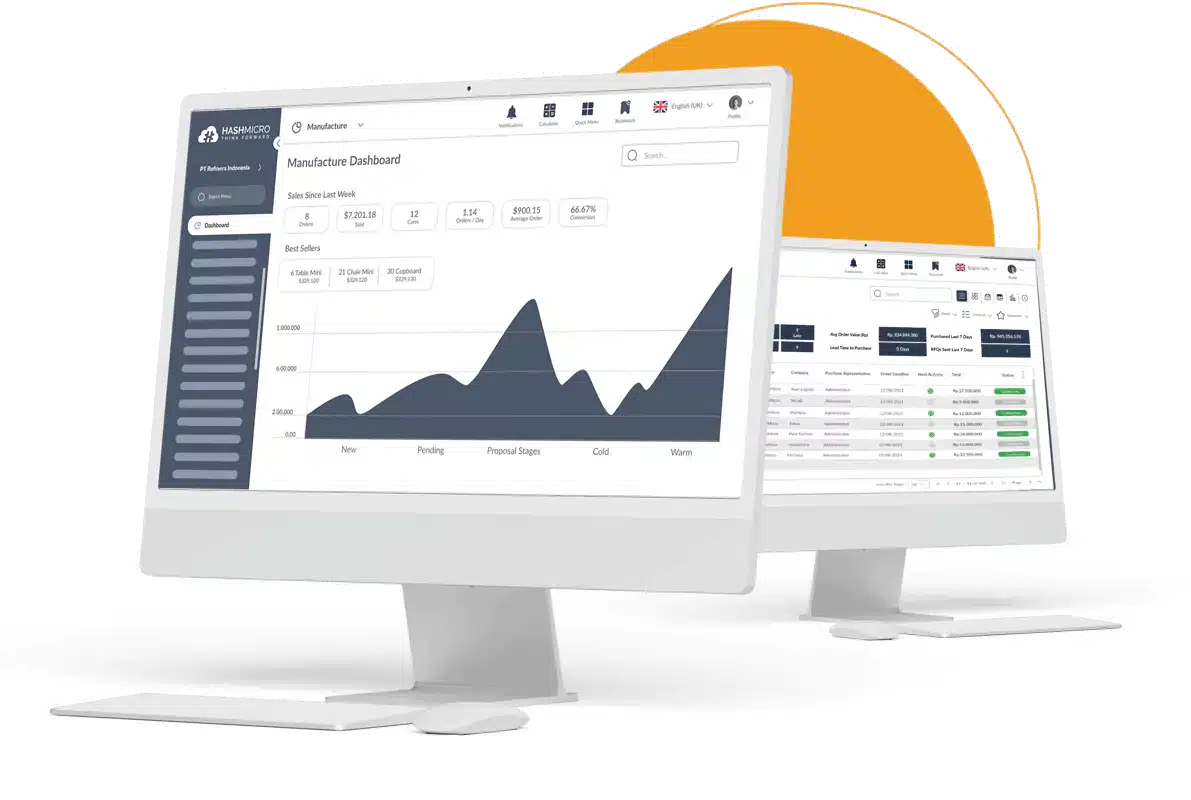
Storage facility management software from HashMicro helps businesses manage building operations, maintenance, and space usage in one place. It supports automated scheduling, work orders, and asset monitoring to keep day-to-day tasks more organized.
With real-time visibility and centralized control, teams can reduce manual follow-ups and keep maintenance on track. The mobile app also makes it easier to handle requests and updates on the go.
Key Features:
- Work order (maintenance order): Manage and track your employees’ maintenance tasks efficiently and effectively.
- Helpdesk (portal submission): Get a report of facility issues from an online form the employees have filled out.
- Auto-generate maintenance schedule: Automated creation of planned maintenance tasks based on predefined criteria.
- Facility database management: Systematic organization and control of facility assets and operations data.
- Maintenance Contract Management: Oversight and administration of contracts governing maintenance services.
| Pros | Cons |
|
|
2. Asset Panda
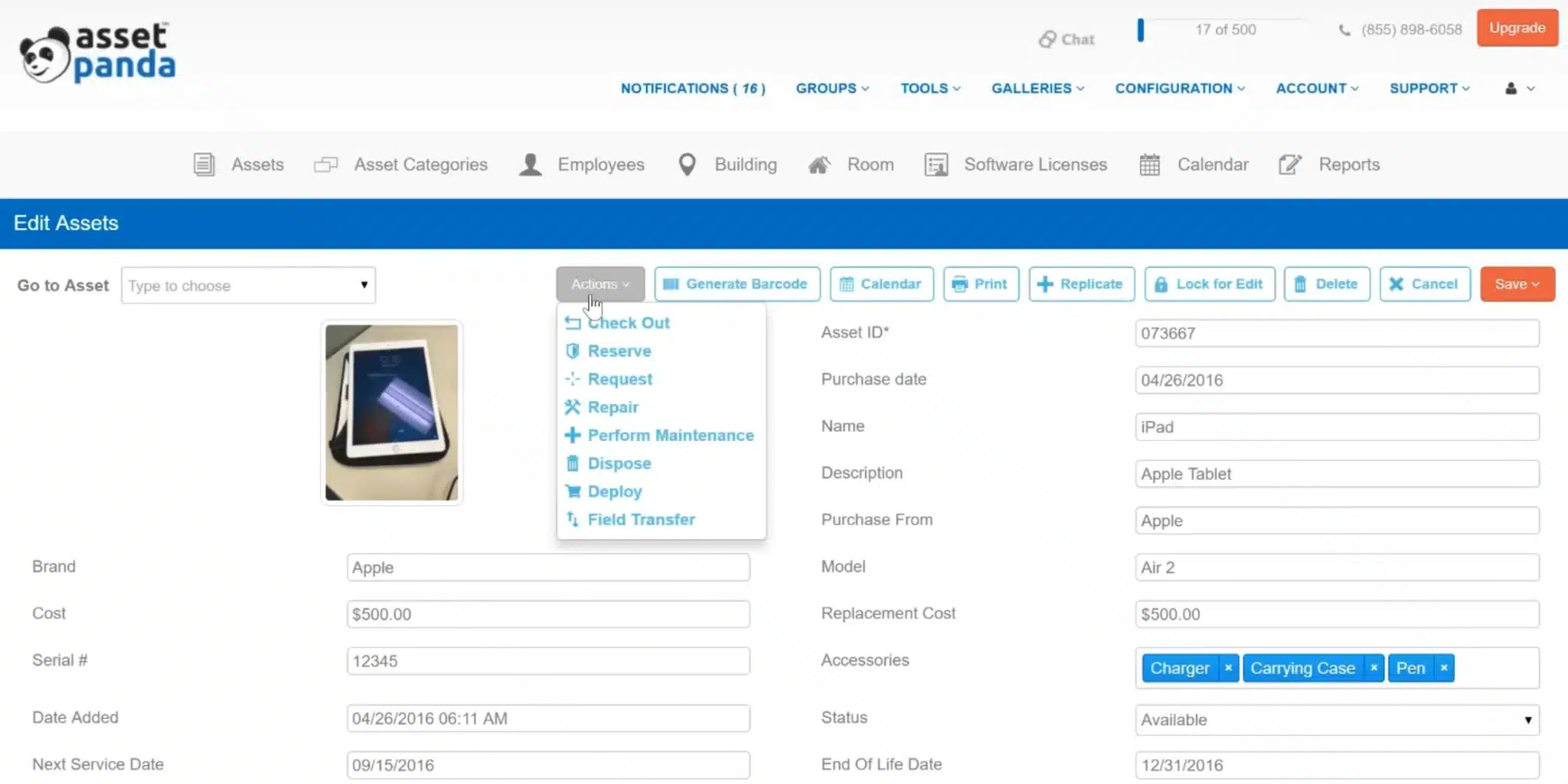
Asset Panda is a cloud-based facility and asset management solution known for its flexibility and mobile-first design. These facility management tools help businesses easily track and maintain physical assets across multiple locations, offering a highly customizable platform for different operational needs.
Key Features
- Customizable asset tracking
- Mobile app with barcode scanning
- Work order and maintenance scheduling
| Pros | Cons |
|
|
3. QuickFMS

QuickFMS is a web-based facility management software that provides end-to-end workspace, maintenance, and resource management solutions. It caters to businesses looking for a centralized system to manage physical and digital infrastructure.
Key Features
- Space and lease management
- Maintenance request tracking
- Asset and inventory management
| Pros | Cons |
|
|
4. Limble Solution
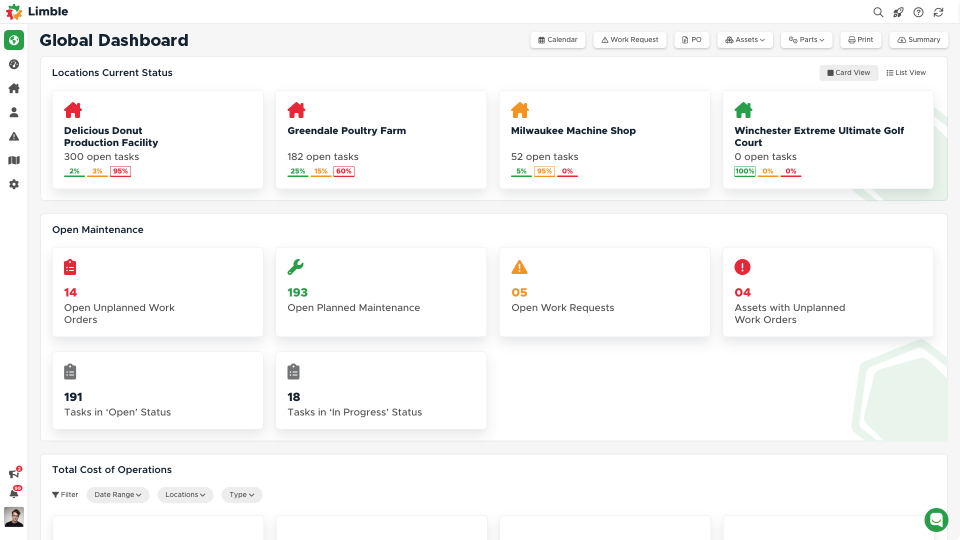
Limble CMMS stands out for its ease of use and intuitive design, which is tailored for maintenance teams that want to move away from spreadsheets and reactive maintenance. It’s widely appreciated for its clean interface and low learning curve.
Key Features
- Preventive maintenance scheduling
- Mobile CMMS with offline access
- Work order management and automation
| Pros | Cons |
|
|
5. Fiix CMMS
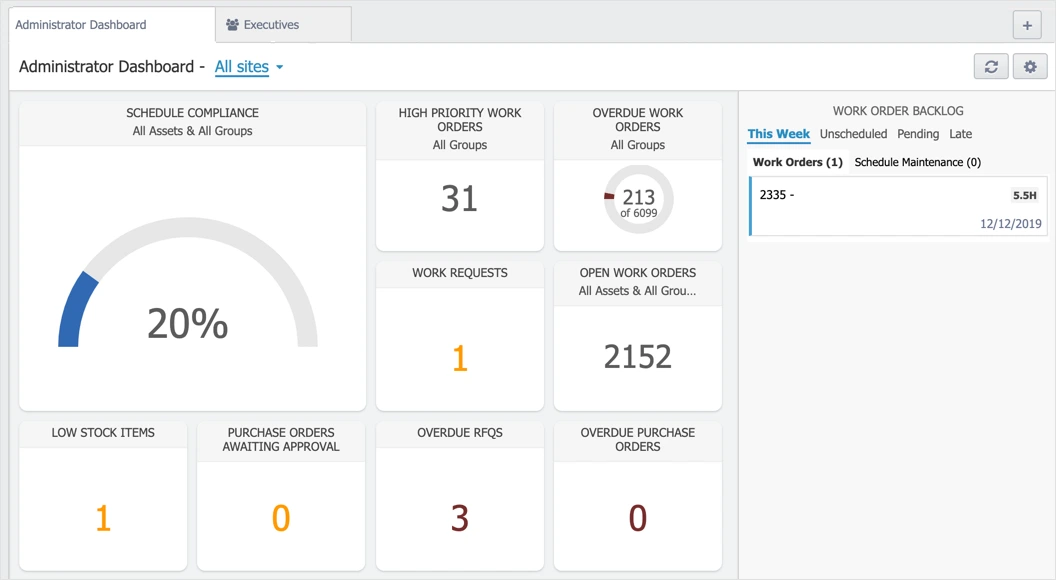
Engineered with modern maintenance teams in mind, Fiix CMMS brings AI-powered insights and automation to facility management. This facility management tool combines AI-driven analytics with a straightforward interface, enabling teams to make data-informed decisions and reduce maintenance backlogs.
Key Features
- AI-powered maintenance insights
- Preventive and predictive maintenance
- Inventory and spare parts management
| Pros | Cons |
|
|
6. Upkeep
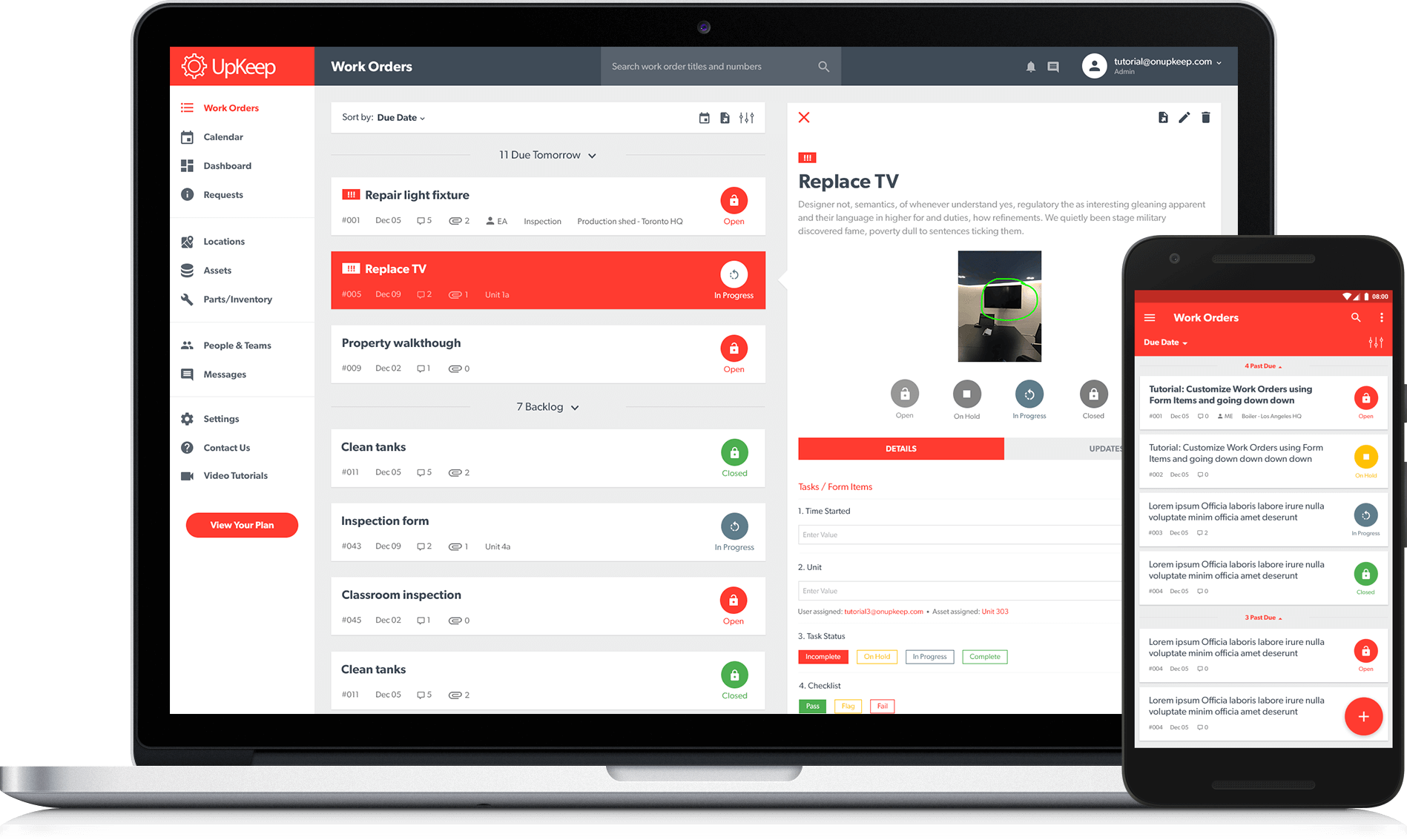
Designed for technicians on the go, UpKeep takes a mobile-first approach for facility asset teams. It pairs well with an inventory management system for spare parts so crews can check work orders, asset data, maintenance updates, and parts availability in real time.
Key Features
- Mobile-first work order management
- Preventive maintenance scheduling
- Asset and inventory tracking
| Pros | Cons |
|
|
7. Maintain X Facility Management Software
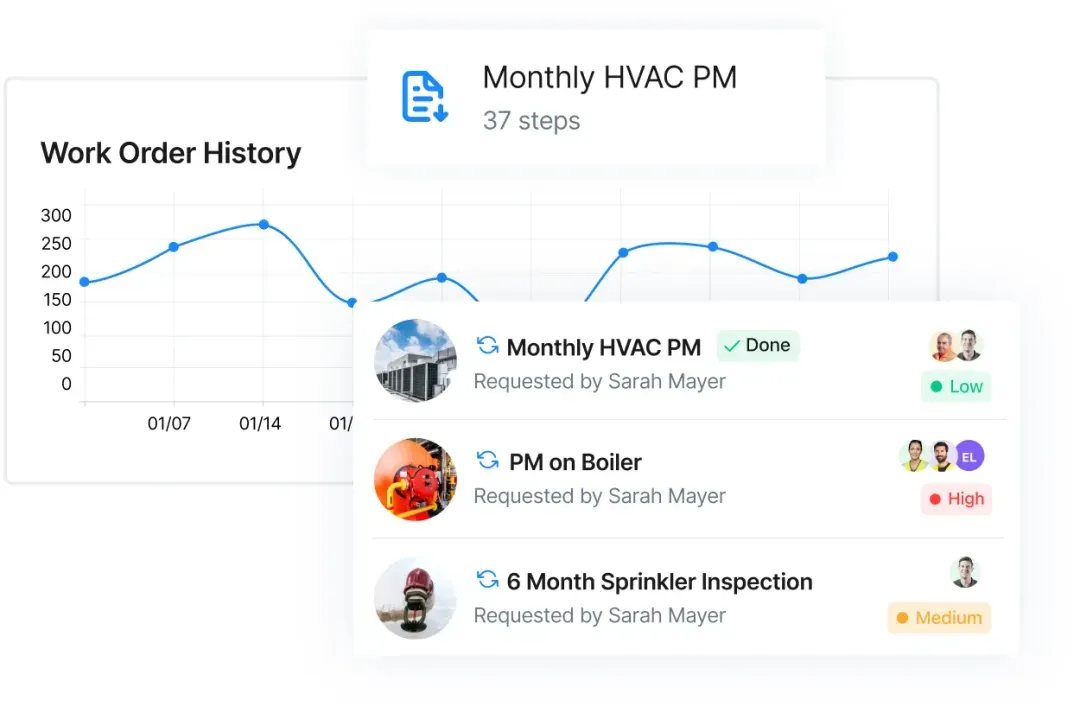
MaintainX puts real-time operations at your fingertips with its clean, mobile-first interface and intense focus on team collaboration. It’s built for frontline workers who need quick, clear access to maintenance tasks and asset data.
Key Features
- Work order and task management
- Preventive maintenance scheduling
- Real-time team messaging
| Pros | Cons |
|
|
8. IBM Maximo
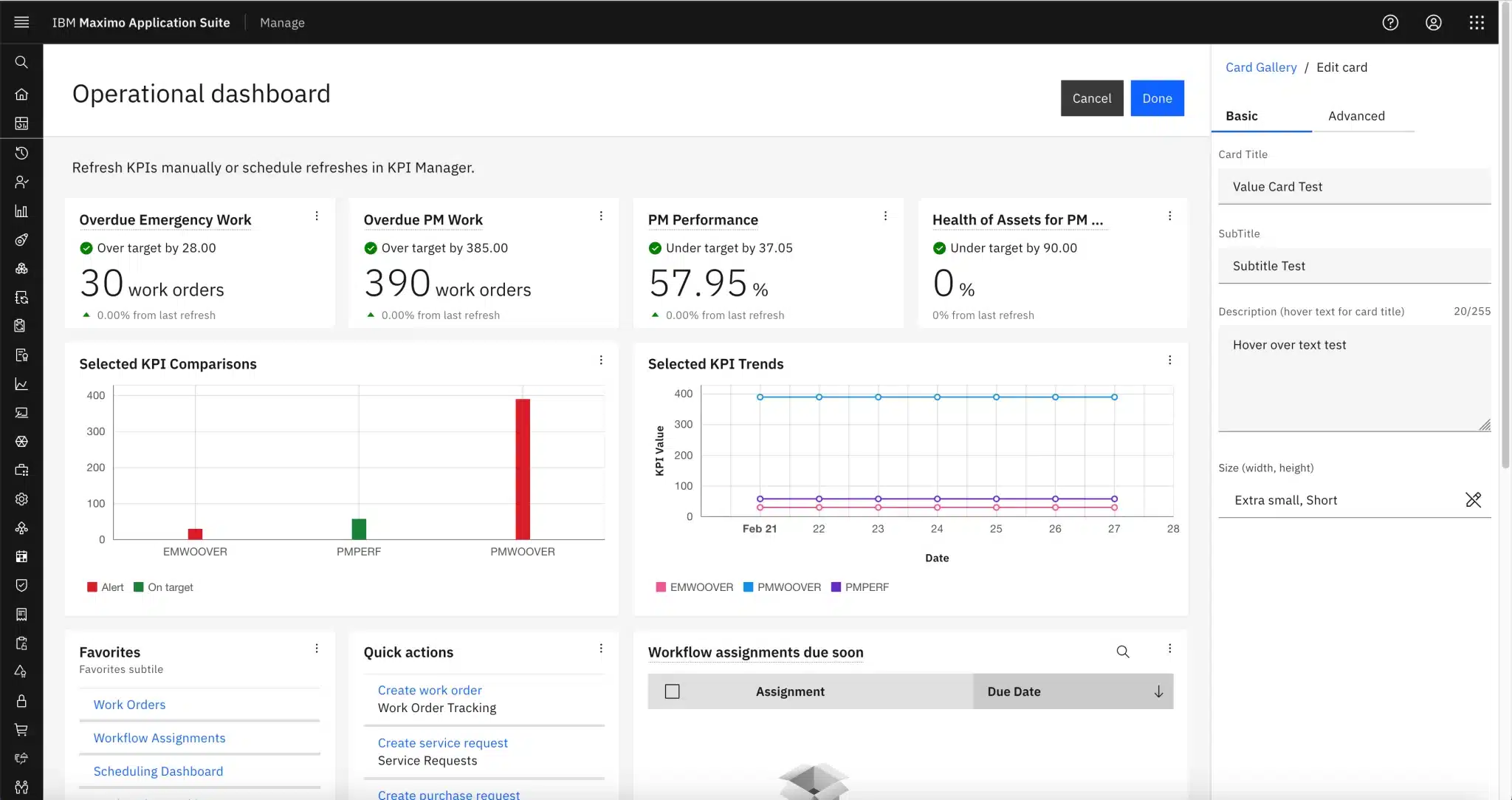
As one of the most powerful enterprise asset and facility management platforms, IBM Maximo delivers a comprehensive suite of tools for large-scale operations. These facility management tools excel in utilities, manufacturing, and transportation, where high-volume data and system integration are critical.
Key Features
- Predictive and preventive maintenance
- IoT and AI-driven asset insights
- Extensive integration capabilities
| Pros | Cons |
|
|
9. eFACiLiTY Smart Facility
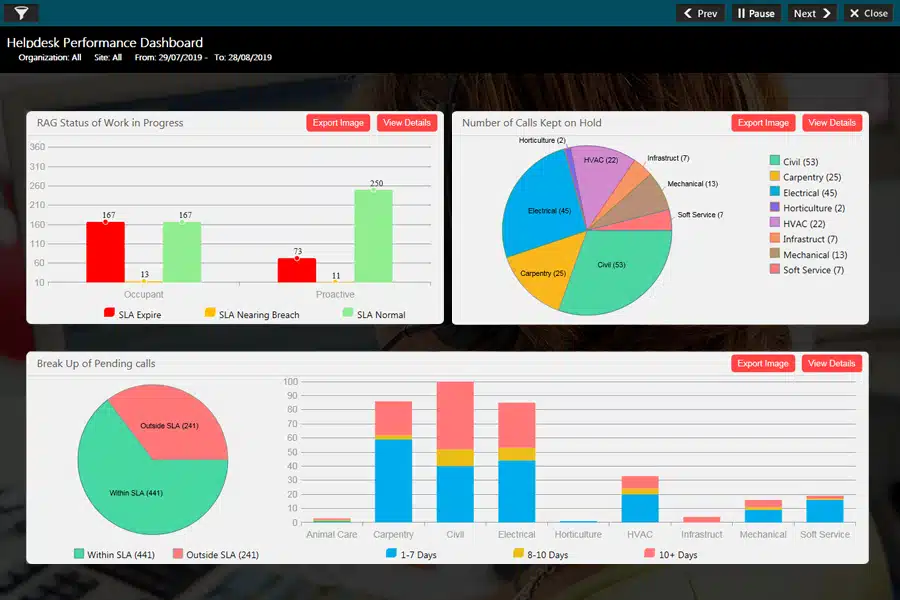
eFACiLiTY offers an innovative, integrated platform for automating and optimizing facility operations. With modules such as a visitor management software system, it supports everything from space booking and visitor check-ins to energy monitoring and environmental control.
Key Features
- Space and resource booking
- Maintenance and asset tracking
- Visitor and access management
| Pros | Cons |
|
|
10. Hippo CMMS
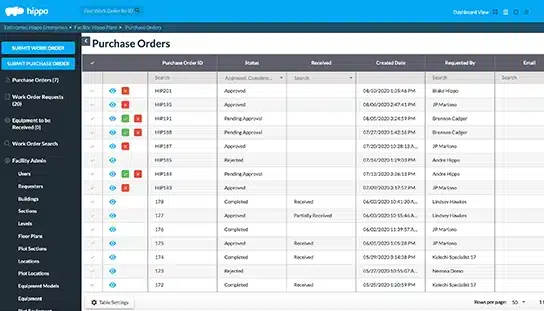
Hippo CMMS is a user-friendly, cloud-based maintenance system tailored for small—to mid-sized facilities. Its simple dashboard and drag-and-drop functionality enable quick setup and minimal training time.
Key Features
- Preventive maintenance and work orders
- Equipment and asset tracking
- Inventory and spare parts management
| Pros | Cons |
|
|
Key Considerations for Selecting a Facility Management Software
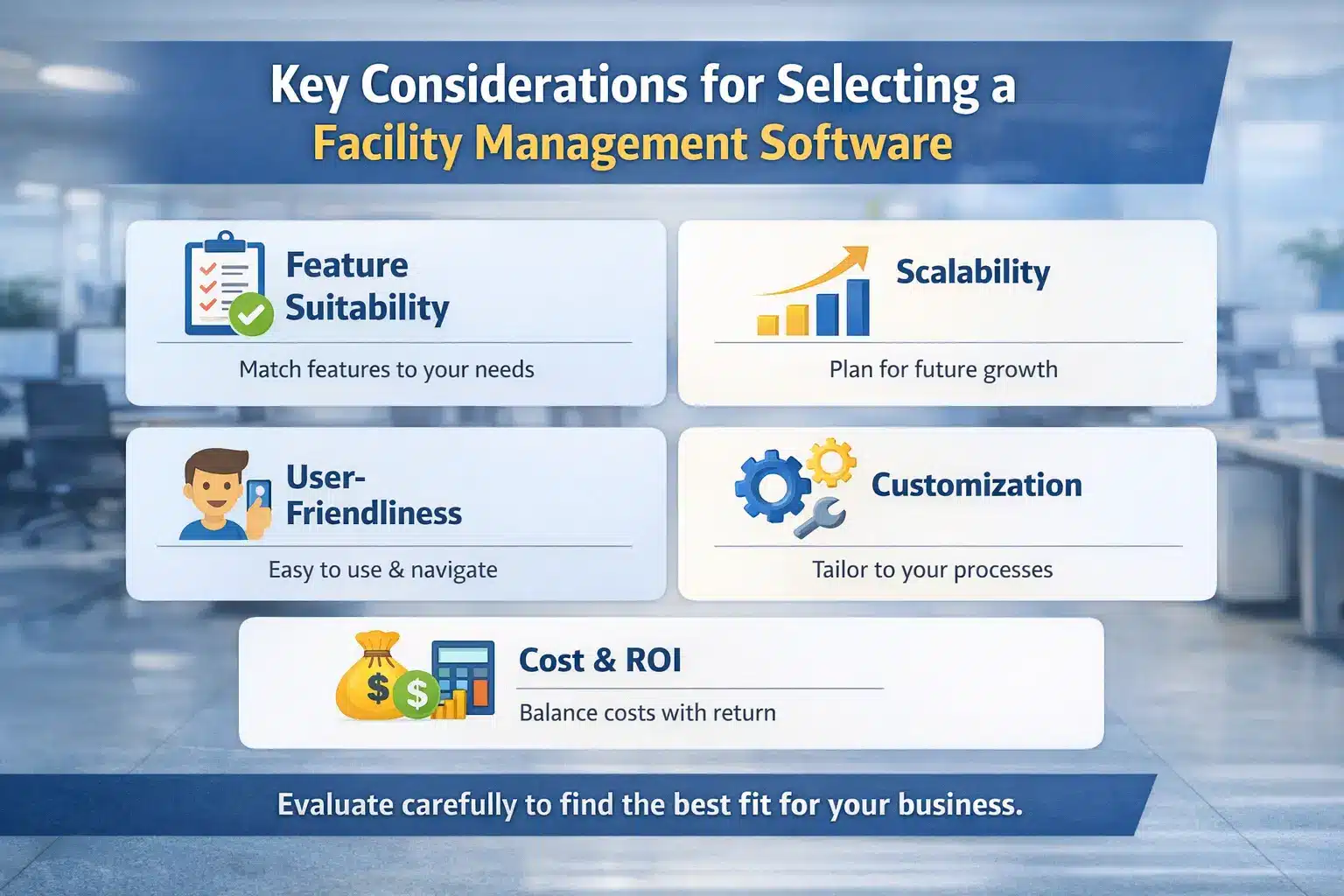
When purchasing facility management software for your company, here are some key considerations to keep in mind:
- Feature suitability: Ensure the software’s features match your facility management needs. Prioritize what matters most, like fixed asset management for facility equipment, to keep daily operations on track.
- Scalability: Assess if the software can grow with your company. Can it handle increased facilities, assets, users, or locations?
- User-friendliness: Look for an intuitive design and straightforward navigation. A user-friendly interface boosts overall adoption and employee productivity.
- Customization options: Check if the software allows customization to adapt to your company’s unique processes and requirements.
- Cost and return on investment (ROI): Consider total ownership costs, customization, and integration expenses, and evaluate how the software enhances efficiency and productivity for potential ROI.
By evaluating these factors, your company can choose facility management software that simplifies daily work, improves efficiency, reduces costs, and supports long-term growth.

Conclusion
Facility Management Software helps teams manage assets, maintenance, and daily facility operations in a more structured way, especially across multiple locations. It supports steady operations through better visibility, scheduling, and work order control.
This guide covered what FMS does, what to look for when choosing one, and a shortlist of software options for maintenance, safety, and asset tracking.
If you want to narrow down the best fit for your sites, assets, and team setup, you can request a short consultation to review your requirements and shortlist.

FAQ About Facility Management Software
-
What is a common tool used for facility management?
Asset management software plays a critical role and is often the foundational tool for any facility management or maintenance system. It helps facility managers monitor maintenance activities, repairs, and overall operations.
-
Are CAFM and CMMs the same?
CAFM software enables facility managers to automate multiple facility management functions, including space and real estate utilization. Meanwhile, CMMS is typically a component within a CAFM system, offering more in-depth features specifically for handling maintenance activities.
-
What is a KPI in CAFM?
In facility management, a Key Performance Indicator (KPI) is a quantifiable metric to assess how well the facility team meets its operational objectives. These KPIs measure performance in equipment uptime, work order fulfillment, energy usage, and preventive maintenance efforts.