






It’s 2 AM. A typhoon floods your warehouse office in Manila, taking your desktop, and years of inventory data with it. Your Excel files are gone. Your installed system is unreachable. Meanwhile, a competitor across town is still processing orders from their phone, checking stock in real time, and coordinating suppliers while evacuating their family. The difference? They moved to cloud inventory management six months ago. Their data is safe. Is yours?
Cloud inventory management software is a SaaS solution hosted on secure remote data centers, often located in Singapore or nearby regions for Philippine businesses. Unlike on-premise systems tied to office hardware, cloud platforms run through browsers or mobile apps, with data backed up across multiple servers for reliability. Updates happen automatically, and the subscription model eliminates high upfront IT and server costs, keeping your inventory accessible, secure, and always up to date.
Therefore, this article will give you the 20 best cloud-based inventory management software. Read until the end to find out how to choose good software so that your business in the Philippines doesn’t suffer.
Key Takeaways
|
What is Cloud Inventory Management Software?
Cloud inventory management software is a digital tool that allows businesses to track, manage, and optimize their inventory in real time. It works by storing inventory data on remote servers, enabling access from any device with an internet connection.
Cloud inventory software has become a trend among Filipino business owners because it offers flexibility, cost savings, and real-time data access. With this logistics software, businesses can manage their inventory efficiently, reduce manual errors, and make better decisions.
But is using inventory management cloud software that important? What benefits can you get besides work efficiency? Here we will explain the truth.
Why You Should Use Inventory Management Cloud Software
Business people, in this economy, managing inventory efficiently by implementing inventory management tips is crucial for maintaining smooth operations and meeting customer demands. Without the right tools, manual inventory processes can lead to errors, delays, and unnecessary costs.
However, it’s not just that, there are 6 benefits you can get if you use cloud inventory software, such as:
- Disaster Recovery Built-In — Your data is automatically backed up to multiple data centers. When Typhoon season hits or fire breaks out, your inventory records remain safe. Most cloud providers guarantee 99.9% uptime with geo-redundant storage, meaning your data exists in at least 2-3 physical locations simultaneously.
- Access From Anywhere — Check stock levels from your phone while stuck in EDSA traffic. Approve purchase orders from your province during Holy Week. Your warehouse manager in Cebu and your accountant in Manila see the same real-time data. No VPN setup, no remote desktop hassles, just login from any browser.
- Zero IT Infrastructure — Cost No need to buy servers (₱200,000-500,000), hire IT staff (₱40,000/month), or maintain backup systems. The cloud provider handles all hardware, security patches, and system updates. You pay a predictable monthly fee instead of surprise IT expenses.
- Automatic Updates & New Features — Wake up to new features without lifting a finger. Cloud software updates automatically, no downtime for ‘system maintenance,’ no compatibility issues with your operating system. You’re always on the latest, most secure version.
- Instant Scalability — Opening 5 new branches next year? With cloud, you add users; no new servers needed. Seasonal business? Scale down during slow months and save money. Cloud grows (and shrinks) with your business without hardware investments.
- Enterprise-Grade Security — Major cloud providers invest millions in security, far more than any SME could afford. Your data is protected by the same infrastructure used by banks and hospitals: 256-bit encryption, SOC 2 compliance, regular penetration testing, and 24/7 security monitoring.
- Seamless Multi-Branch — Sync Transfer stock from Makati to Quezon City warehouse? Both locations see the update instantly. No more end-of-day syncing, no ‘data conflicts,’ no calling the other branch to confirm numbers. Everyone works from a single source of truth.
Cloud vs On-Premise: The Complete Comparison
Before diving into software options, let’s clarify what makes cloud different from traditional on-premise solutions:
| Aspect | Cloud-Based | On-Premise |
|---|---|---|
| Upfront Cost | Low (₱2,000–50,000/month subscription) | High (₱300,000–2M for servers & licenses) |
| Data Location | Secure data centers (SG, JP, AU) | Office or local server |
| Internet Required | Yes (always) | No (can run offline) |
| IT Staff Needed | No | Yes (maintenance & backups) |
| Disaster Recovery | Automatic & built-in | Manual backup management |
| System Updates | Automatic & included | Manual & often paid |
| Scalability | Instant user & feature expansion | Limited by hardware capacity |
| Best For | Multi-branch, remote, fast-growing businesses | Single-site operations with strict data control |
When to Choose Cloud:
- You have multiple branches or warehouses
- Your team works remotely or travels frequently
- You want predictable monthly costs instead of large upfront investments
- You don’t have dedicated IT staff
- You’re growing and need flexibility to scale
When On-Premise Might Be Better:
- Your location has unreliable internet (rural areas)
- You’re in a highly regulated industry requiring local data storage
- You have an existing IT infrastructure and staff
- You need to work completely offline
20 Best Cloud Inventory Management Software in the Philippines
With so many options available, the choice can be daunting. Therefore, this guide outlines the best cloud-based inventory software, highlighting its key features and benefits to help you make an informed decision.
1. HashMicro Cloud Inventory Management Software
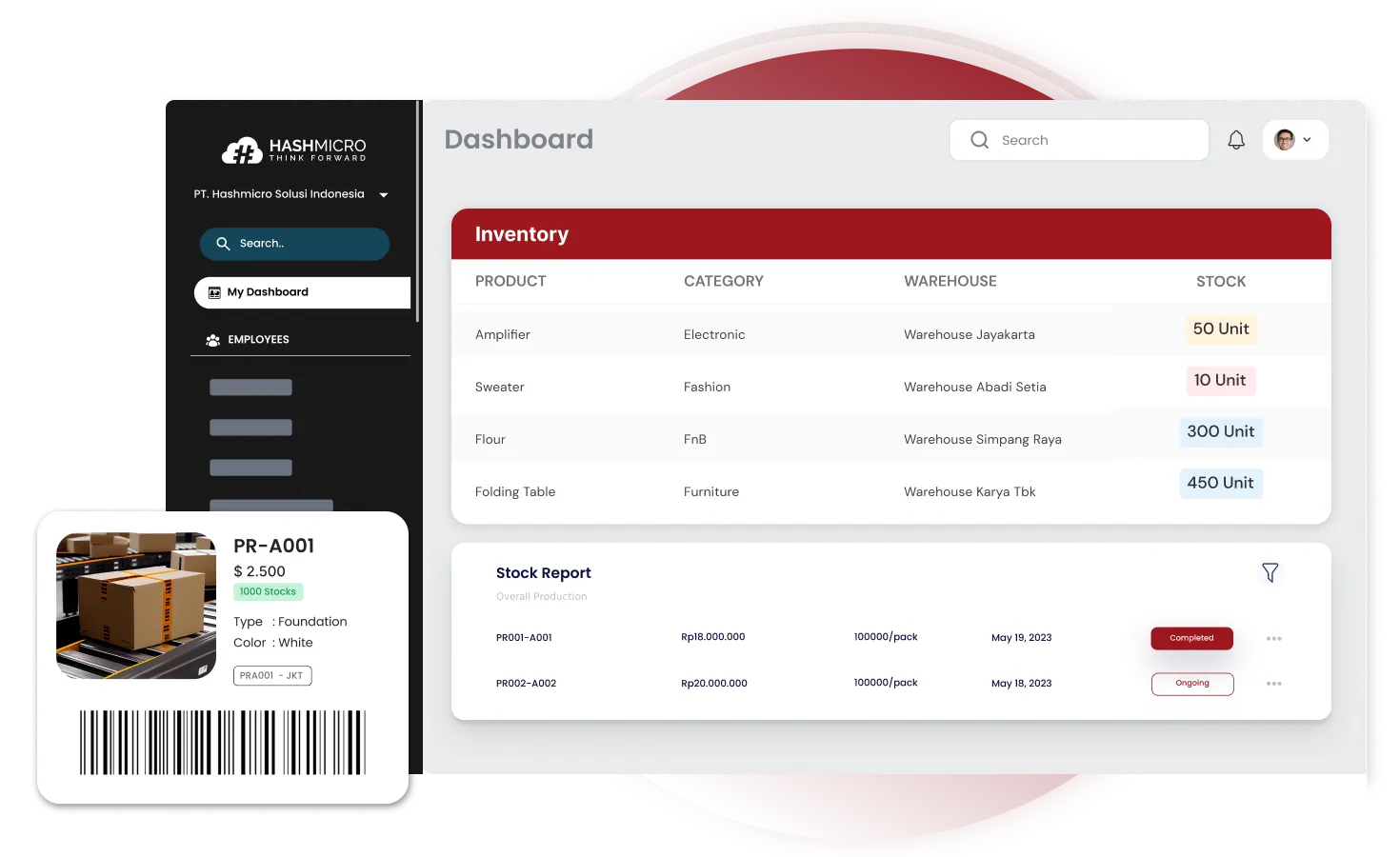 Why we choose: HashMicro is suitable for mid-tier to enterprise-level companies that align with local Philippine regulations.
HashMicro’s Cloud Inventory Management Software is the go-to solution for businesses in the Philippines, offering seamless integration and real-time inventory tracking. This software is trusted for its ability to enhance efficiency, reduce errors, and support business growth.
This vendor has rapidly grown into a leading provider of cloud-based software solutions, trusted by over 1,750 clients across Southeast Asia. Founded with a vision to streamline business processes through innovative technology, HashMicro has earned a reputation for delivering robust and user-friendly software.
With real-time insights, automated processes, and a highly customizable platform, this best cloud inventory management software ensures that your business remains agile and competitive. Also, HashMicro offers a free demo so you can experience firsthand how our software can benefit your operations.
Key features:
- Real-time inventory tracking: Monitor stock levels across multiple locations with real-time updates.
- Automated reordering: Automatically generate purchase orders when inventory reaches a specified threshold.
- Detailed reporting: Gain insights through comprehensive reports on inventory trends, sales performance, and more.
- Multi-location management: Manage inventory seamlessly across various warehouses or stores.
- Scalable integration: Easily integrate with other business systems, such as ERP or Point-of-sale platform to streamline operations.
- User-friendly interface: Simplified dashboard and intuitive design make it easy for your team to use.
| Pros | Cons |
| Highly customizable to fit specific business needs | More suited for medium to large-scale businesses |
| Free to add users | |
| Seamless integration with existing systems | |
| Robust security features | |
| Scalable for business growth | |
| Responsive customer support and continuous updates |
With its proven track record and wide adoption, you can trust HashMicro to elevate your inventory management to the next level. Connect with its expert team, or try a free demo starting now.
2. NetSuite Cloud Inventory System
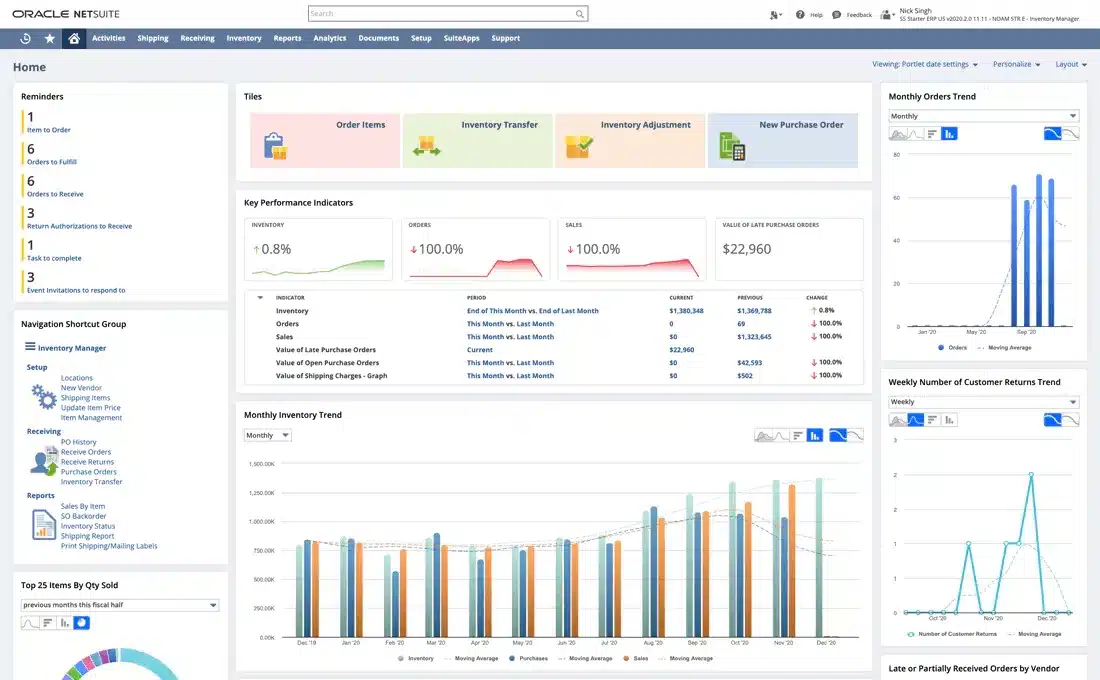
Why we choose: Its inventory system features have good performance for businesses in the Philippines.
NetSuite, a subsidiary of Oracle, has been a good vendor in cloud inventory management software. Its software is highly regarded for its scalability and deep integration with other business processes, making it a preferred choice for growing enterprises.
Key features:
- Automated inventory control
- Real-time visibility across supply chains
- Multi-channel solution for inventory management
- Advanced demand forecasting
| Pros | Cons |
| Deep integration with other modules | High learning curve for new users |
| Scalable for large enterprises | Complex setup process |
| Strong global presence | Expensive support packages |
| Can be resource-intensive |
3. Monday.com Cloud Inventory Management Software

Why we choose: It has a user-friendly interface and flexibility in adapting to inventory management needs.
Monday.com started as a project management tool but has evolved into a versatile work operating system, including inventory management. The platform allows teams to adapt and implement it into their workflows quickly.
Key features:
- Customizable workflows
- Visual dashboards
- Real-time collaboration
- Inventory tracking automation
- Barcode inventory management
| Pros | Cons |
| Has user-friendly interface | Limited native inventory features |
| Fast setup and onboarding | Lacks advanced inventory-specific modules |
| May require third-party integrations | |
| Can become costly with add-ons |
4. Zoho Inventory
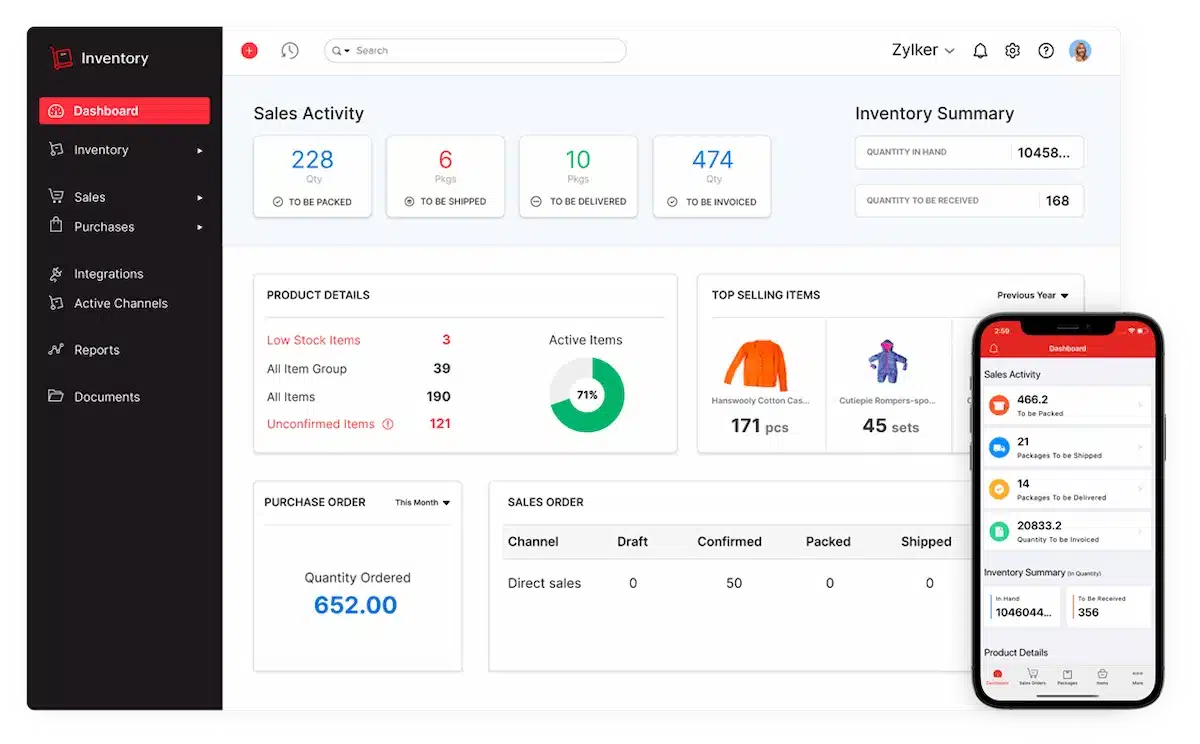
Why we choose: Zoho Inventory is celebrated for its simplicity and seamless integration with other Zoho products.
Zoho Corporation is an Indian multinational technology company that offers inventory management cloud software. The software is designed to be easy to use, making it a good choice for small to medium-sized businesses that need efficient inventory management without the complexity.
Key features:
- Multi-channel selling
- Serial number tracking
- Inventory optimization
- Warehouse management
| Pros | Cons |
| Easy integration with the Zoho suite | Limited scalability for large enterprises |
| Excellent customer support | Fewer advanced features compared to competitors |
| Affordable and accessible | Basic reporting capabilities |
| Lacks deep customization options |
5. Sage X3 Cloud Inventory Management
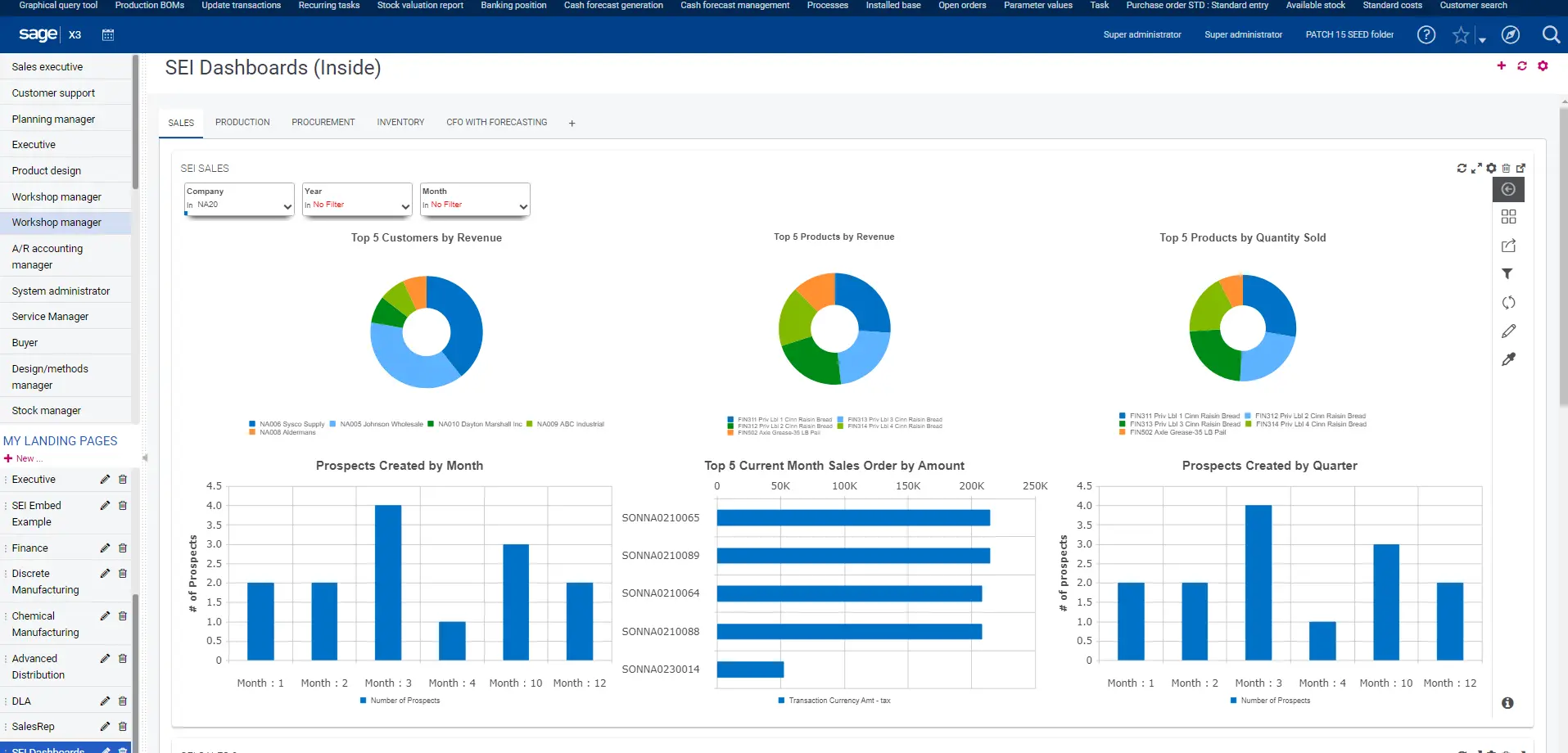 Why we choose: This vendor is known for its enterprise-level inventory management features, ideal for business environments.
Sage X3 is an ERP solution from Sage Group. The platform is designed to manage complex business processes, including inventory management, across large organizations. Sage X3 offers a wide range of functionalities that cater to industries with intricate inventory needs, such as manufacturing and distribution.
Key features:
- Advanced inventory control
- Multi-site management
- Barcode labeling software
- Integrated accounting and financial management
- Real-time inventory insights
| Pros | Cons |
| Comprehensive enterprise solution | Steeper learning curve |
| Strong multi-site management | High cost of ownership |
| Advanced analytics and reporting | Requires significant IT involvement |
| Long implementation time |
6. Odoo Inventory Management Cloud Software
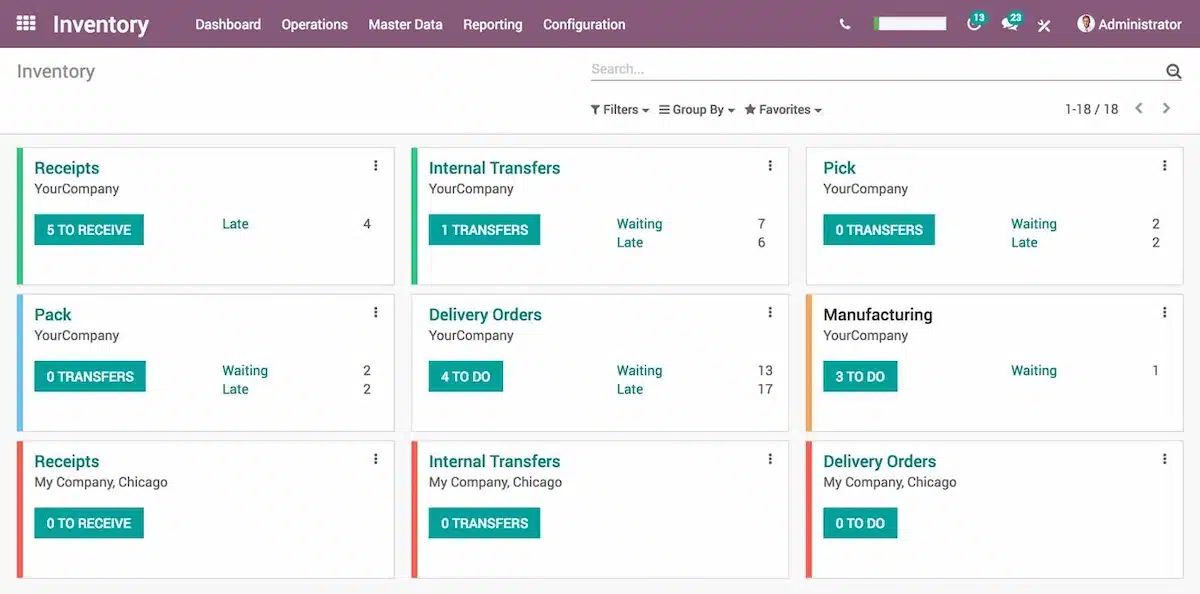
Why we choose: Odoo stands out for its modular approach, allowing businesses to select and customize the features they need.
Odoo is an open-source ERP that offers cloud inventory management system. Originating from Belgium, the modular structure of Odoo allows companies to build their own tailored solutions, making it particularly appealing to businesses that want to pay only for the functionalities they need.
Key features:
- Real-time stock management
- Automated procurement rules
- Barcode scanning
- Barcode inventory management
| Pros | Cons |
| Highly customizable | Can be complex to set up |
| Open-source with a large community | Requires technical expertise for customization |
| Integrated with other Odoo apps | Support can vary by region |
| Limited advanced inventory-specific features |
7. Acumatica
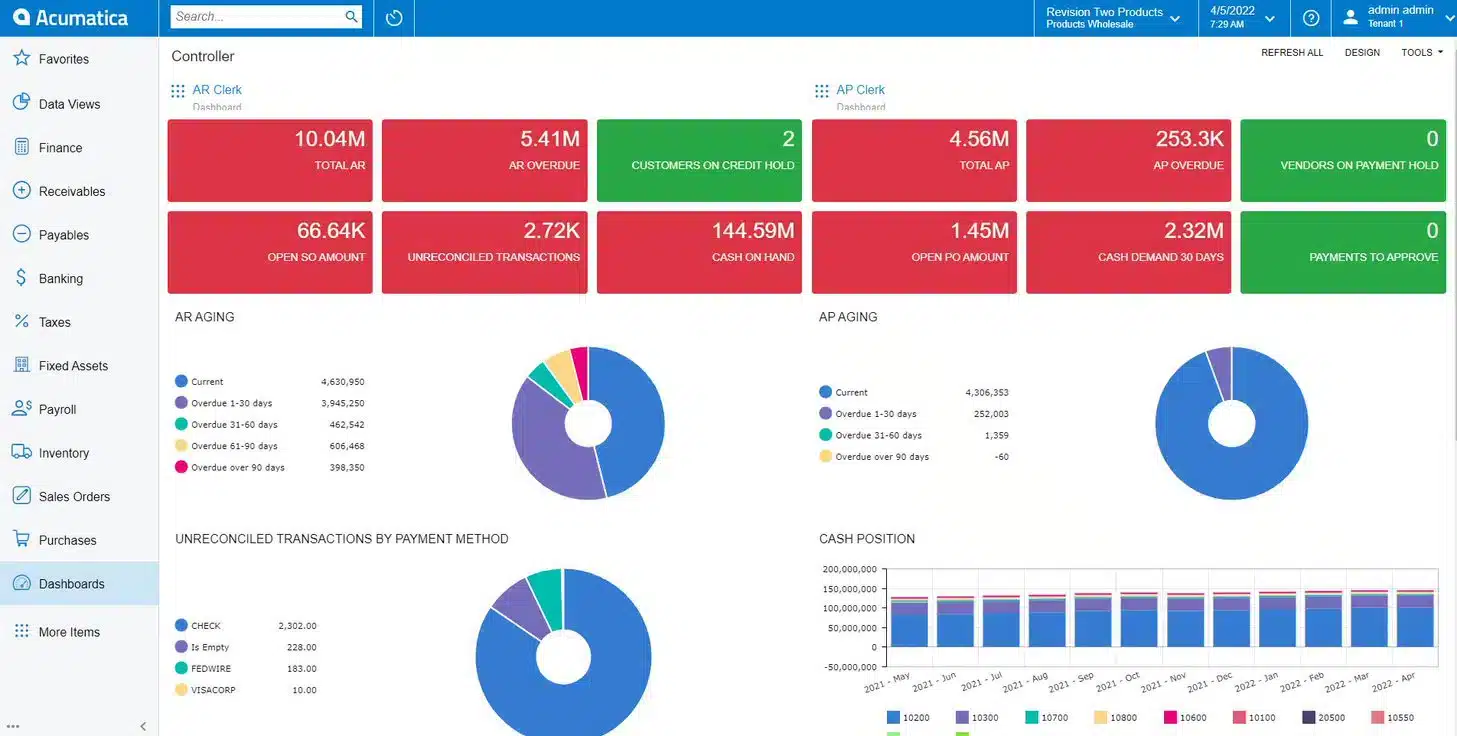
Why we choose: Acumatica is recognized for its flexibility and cloud-native architecture, making it suitable for various industries.
Acumatica is a cloud-based inventory software provider that caters to small and medium-sized businesses. Founded in 2008, acumatica system is known for its cloud platform, offering flexibility and scalability. The software’s comprehensive inventory management helps businesses streamline operations and optimize inventory levels.
Key features:
- Cloud-native platform
- Real-time data and analytics
- Multi-location inventory management
| Pros | Cons |
| Flexible and scalable solutions | Higher cost for advanced modules |
| Strong support for multi-location | Customization may require professional help |
| Excellent customer service | Steeper learning curve for new users |
| Some features may require third-party add-ons |
Also read: Top 12 Acumatica ERP Alternatives & Competitors in 2026
8. Katana Inventory System
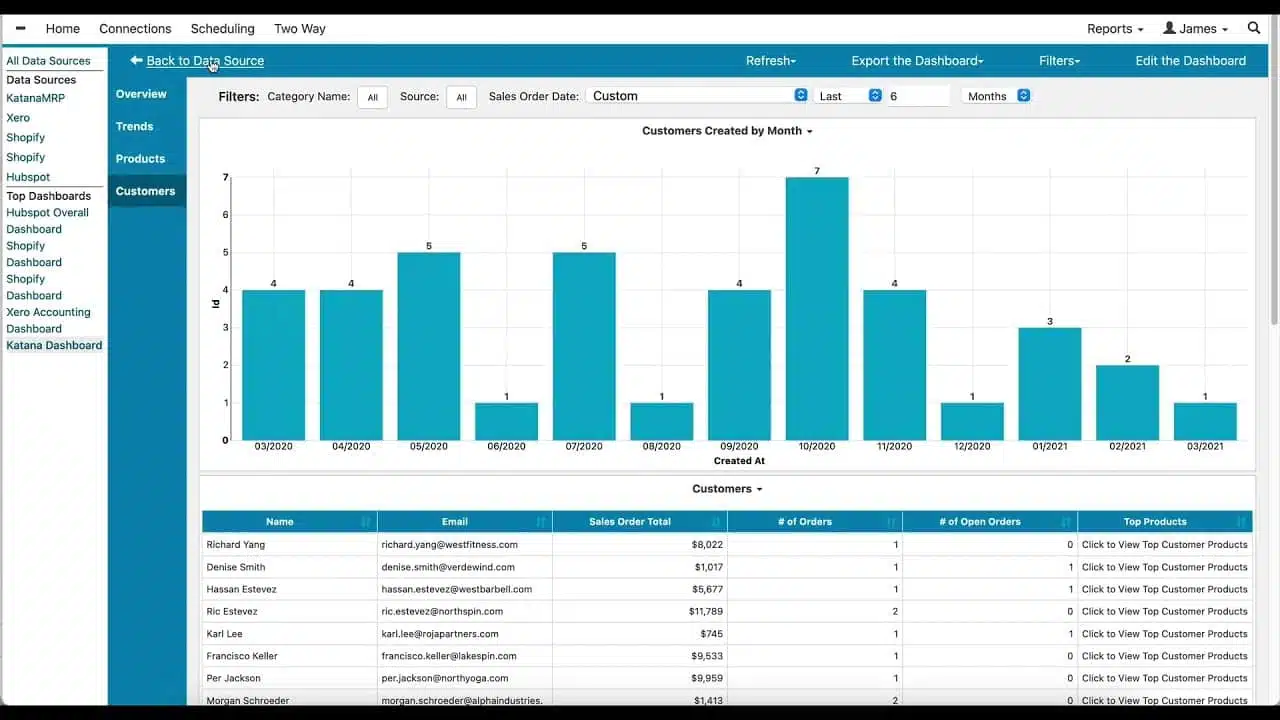
Why we choose: Katana provides a user-friendly experience for small to medium-sized companies.
Founded in Estonia, Katana provides a seamless experience for managing inventory and sales in one platform. The software is known for its intuitive interface, making it easier for business people to track inventory levels, manage production schedules, and optimize workflows.
Key features:
- Real-time inventory management
- Shop floor control
- Multichannel solution
- Batch and expiry date tracking
- Visual production planning
| Pros | Cons |
| User-friendly and intuitive UI | Limited scalability for large enterprises |
| Ideal for small to medium manufacturers | Limited integrations with third-party apps |
| Lacks advanced reporting capabilities |
9. ShipBob Cloud Inventory System
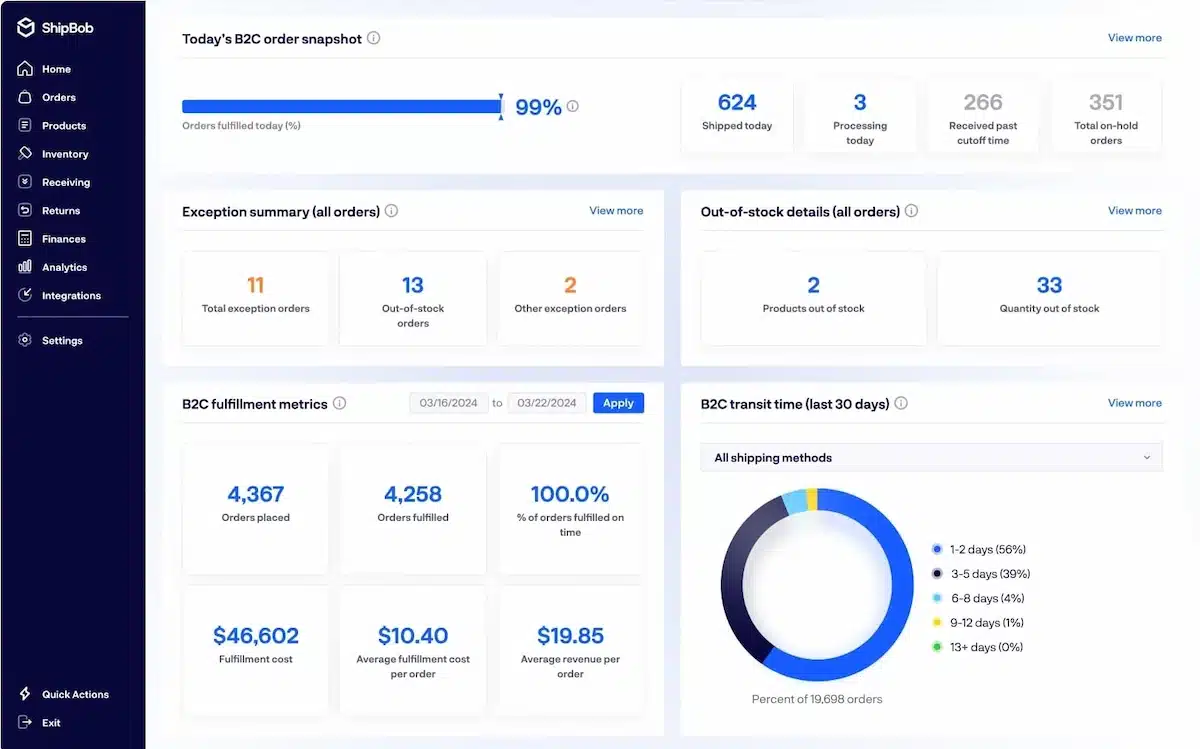
Why we choose: Shipbob is chosen for its e-commerce focus and robust fulfillment network, ideal for online retailers.
Established in 2014, Shipbob has rapidly expanded its services to offer fulfillment solutions, including inventory management, warehousing, and shipping. Many ShipBob review articles highlight how ShipBob simplifies the logistics process for online retailers by integrating seamlessly with popular e-commerce platforms.
Key features:
- Fulfillment automation
- Real-time inventory updates
- Barcode labeling software
- Integrations with e-commerce platforms
- Distributed inventory across multiple warehouses
| Pros | Cons |
| Customizable shipping options | The system may experience delays or lags |
| Centralized dashboard | Not ideal for complex manufacturing needs |
| Dependence on Shipbob’s logistics network |
10. Shopventory
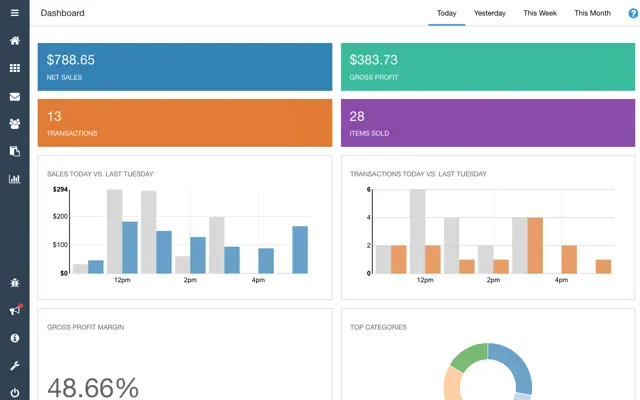
Why we choose: Shopventory is chosen for its ease of use and seamless integration.
Shopventory is a cloud-based inventory management software that integrates with various point-of-sale (POS) systems, making it ideal for retailers looking to optimize their inventory processes. Since its launch, this software has been useful for those who operate online and offline businesses, offering centralized data.
Key features:
- POS integration
- Detailed inventory reporting
- Multi-location management
- Real-time stock tracking
- Barcode inventory management
| Pros | Cons |
| Automated alerts and notifications | Limited to retail and small businesses |
| Customizable reporting | Limited advanced features for large enterprises |
| Good inventory forecasting | The user interface could be more intuitive |
| Lacks manufacturing-focused features |
11. Vend Cloud Inventory Software
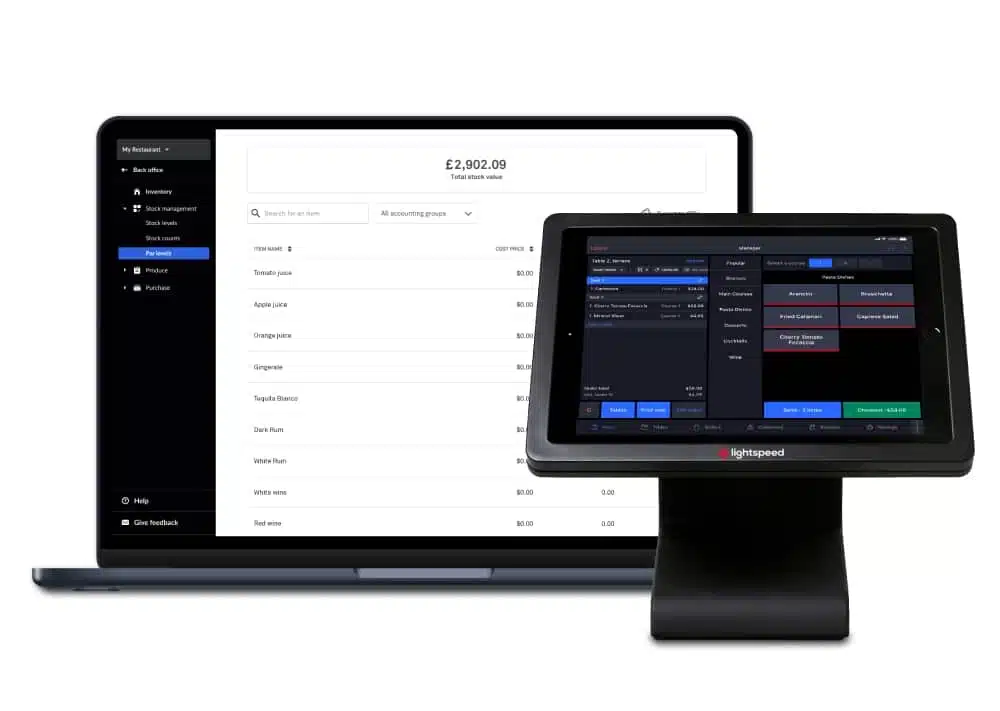
Why we choose: Vend is selected for its simplicity and powerful POS integration, making it ideal for retail businesses.
Vend offers cloud-based inventory management tailored for retail businesses. Founded in New Zealand, Vend has gained popularity for its simplicity in managing inventory in retail environments. The inventory application’s user-friendly interface makes it an attractive option for small to medium-sized retailers
Key features:
- Cloud-based POS integration
- Real-time inventory updates
- Multi-store management
- Customizable reporting
| Pros | Cons |
| User-friendly interface | Limited features for complex inventory needs |
| Strong retail focus | Not ideal for non-retail businesses |
| Real-time sales and inventory sync | Lacks advanced analytics capabilities |
| Multi-store support | Limited customization options |
12. QuickBooks
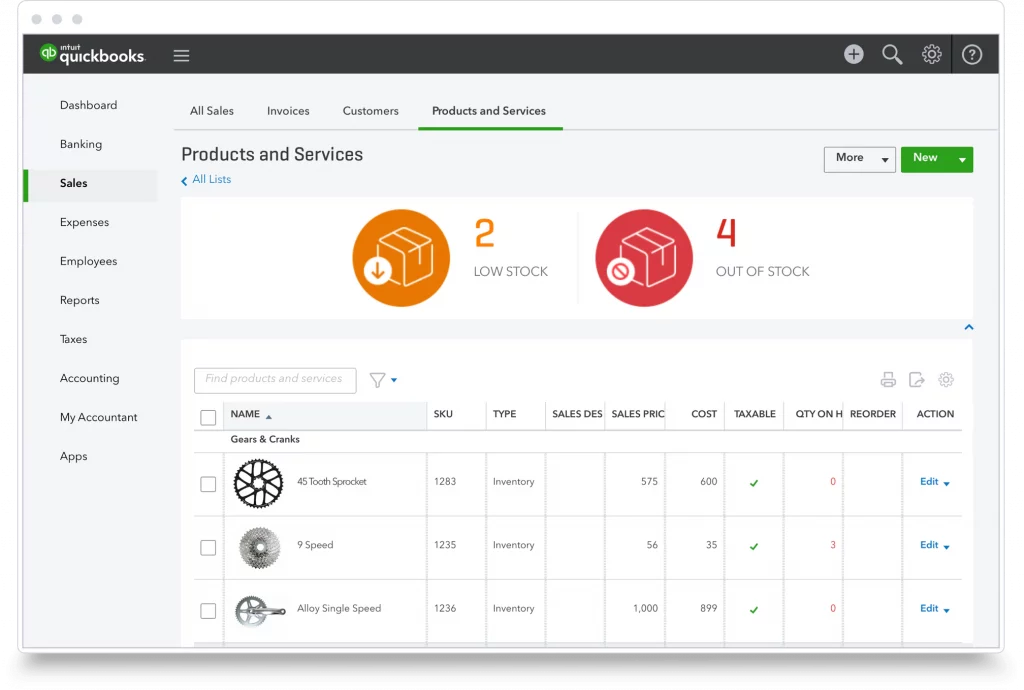
Why we choose: QuickBooks is chosen for its seamless integration with QuickBooks Accounting, providing a unified solution for businesses.
This inventory application vendor offers businesses a unified platform to manage their inventory, orders, and finances. The software is particularly well-suited for e-commerce and wholesale businesses looking to streamline their operations and maintain accurate financial records.
Key features:
- Integration with QuickBooks Accounting
- Order and inventory management
- Multi-channel selling
- Warehouse management
| Pros | Cons |
| Seamless integration with QuickBooks | Limited scalability for large enterprises |
| Unified platform for inventory and finance | High cost for advanced features |
| Strong e-commerce focus | Complex setup for new users |
| Multi-channel support | Limited customization options |
13. Cin7 Cloud Inventory Management
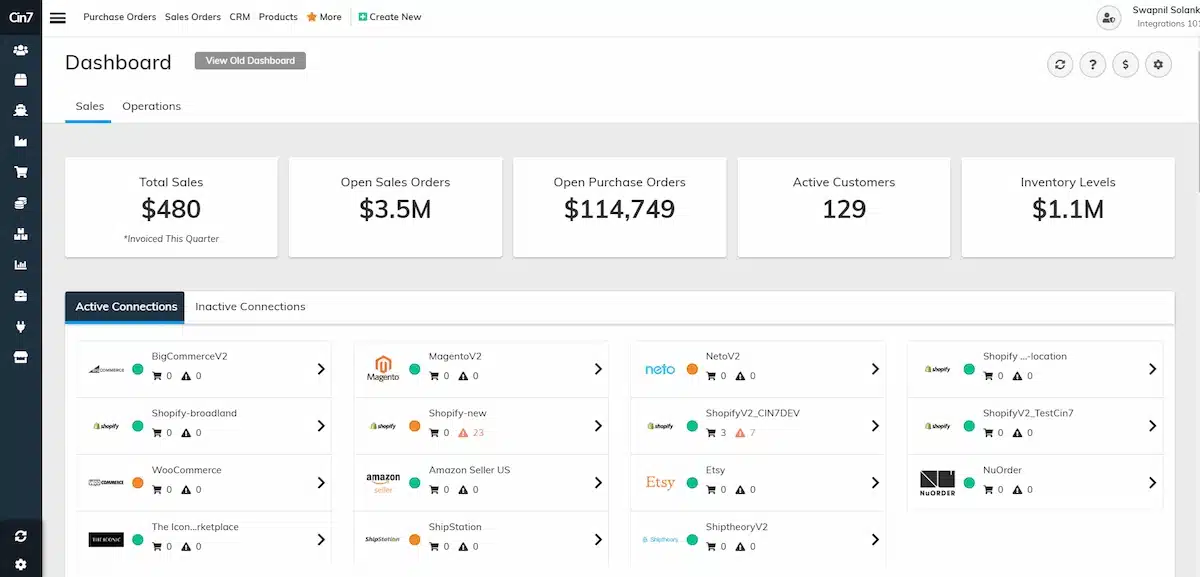
Why we choose: Cin7 is recognized for its robust omnichannel inventory management capabilities, ideal for businesses selling across multiple platforms.
Cin7 is a cloud-based Inventory tracker and POS software that supports omnichannel retailing, making it ideal for businesses that sell across multiple online and offline channels. The inventory application has abilities to integrate a wide range of e-commerce platforms and marketplaces.
Key features:
- Omnichannel inventory management
- Integrated POS system
- Automated order processing
- Real-time stock management visibility
- Barcode labeling software
| Pros | Cons |
| Strong omnichannel support | Complex setup process |
| Integration with multiple platforms | High learning curve |
| Automated order processing | Limited support for non-retail industries |
| Real-time inventory visibility | Can be expensive for smaller businesses |
14. Fishbowl
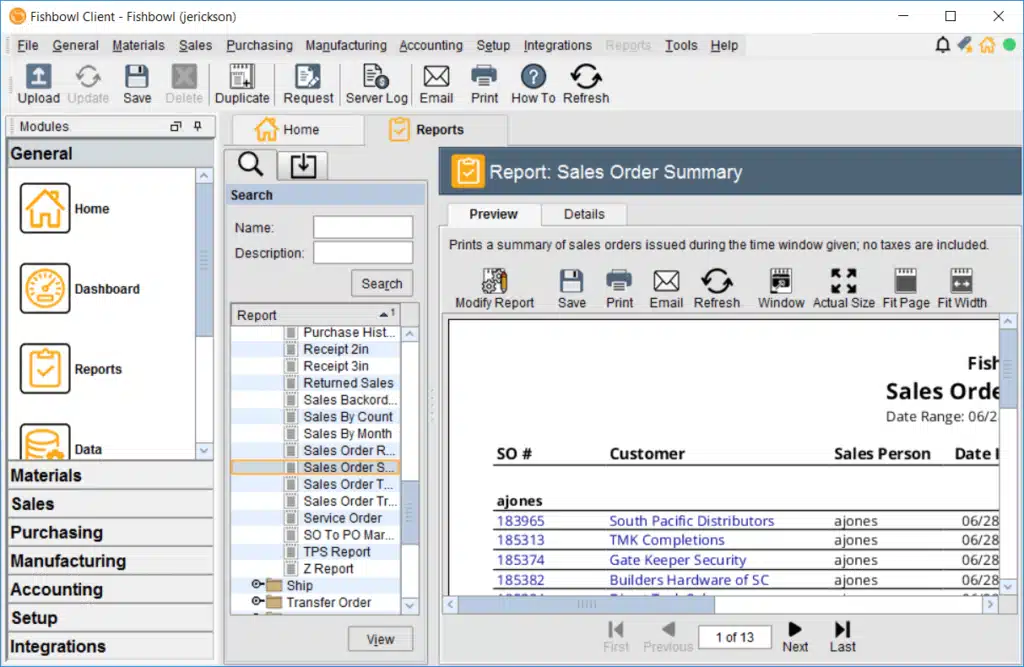
Why we choose: Fishbowl is a manufacturing inventory software that has strong manufacturing and warehouse management capabilities, which are suitable for businesses with complex inventory needs.
Founded in the United States, Fishbowl is designed to help small to medium-sized businesses manage their inventory more effectively by offering advanced features. The inventory application is particularly strong in managing manufacturing workflows, inventory tracking, and order fulfillment.
Key features:
- Integration with QuickBooks
- Manufacturing and warehouse management
- Multi-location inventory tracking
- Advanced order fulfillment
- Barcode inventory management
| Pros | Cons |
| Strong manufacturing features | Can be overwhelming for small businesses |
| Integrates with QuickBooks | Requires significant setup and training |
| Advanced warehouse management | Limited customer support hours |
| Multi-location tracking | Higher cost for additional modules |
15. ShipHero Inventory Tracker
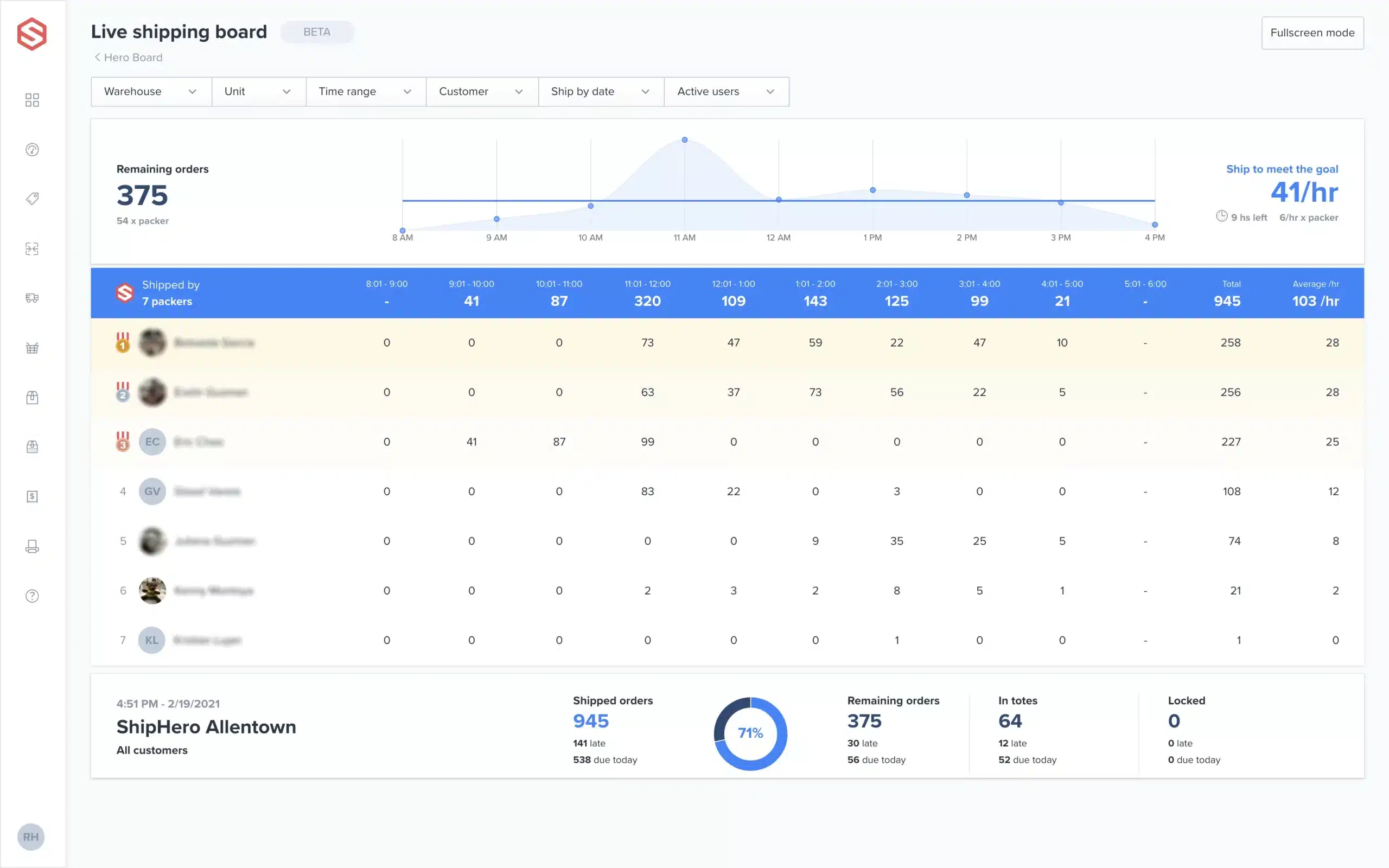 Why we choose: ShipHero is selected for its comprehensive e-commerce fulfillment features, tailored for businesses focused on online retail.
ShipHero based in the United States, offers a range of fulfillment solutions that streamline the entire e-commerce supply chain, from inventory management to order fulfillment. The software is particularly well-suited for businesses that require robust fulfillment capabilities to support their online sales.
Key features:
- E-commerce integration
- Automated order fulfillment
- Real-time inventory tracking
- Warehouse management
| Pros | Cons |
| Strong e-commerce focus | Limited to e-commerce and fulfillment |
| Automated fulfillment processes | Not ideal for non-e-commerce businesses |
| Real-time inventory visibility | Complex setup and configuration |
| Robust warehouse management | Can be expensive for smaller operations |
16. Linnworks Cloud Inventory System
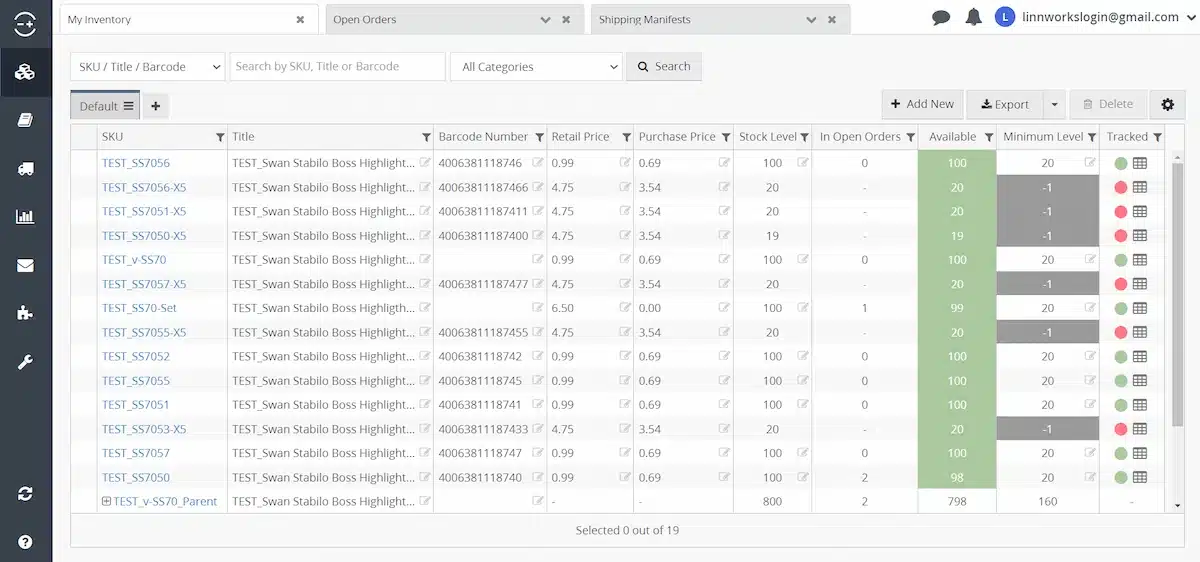
Why we choose: Linnworks is recognized for its powerful automation and multi-channel selling capabilities, ideal for businesses with complex inventory needs.
Founded in the UK, Linnworks has established itself as a leading provider of multi-channel inventory management solutions, allowing businesses to synchronize their inventory, orders, and fulfillment processes. The software is particularly useful for companies that sell on multiple e-commerce platforms.
Key features:
- Multi-channel inventory synchronization
- Automated order and fulfillment processes
- Real-time stock updates
- Barcode inventory management
- Integration with various e-commerce platforms
| Pros | Cons |
| Strong multi-channel support | High learning curve for new users |
| Powerful automation features | Requires significant setup and configuration |
| Real-time inventory synchronization | Limited customer support availability |
| Integration with multiple platforms | Can be expensive with add-ons |
17. MRPeasy
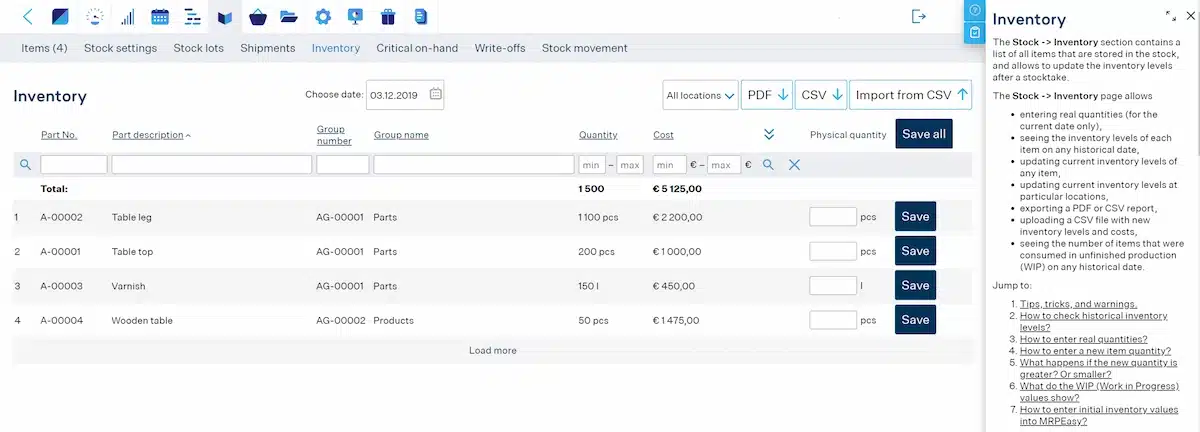
Why we choose: MRPeasy is chosen for its user-friendly interface and strong manufacturing management features, tailored for small manufacturers.
MRPeasy is a cloud-based inventory application designed for small manufacturers. Originating in Estonia, this inventory application vendor offers a comprehensive solution that includes inventory management and production planning.
Key features:
- Production planning and scheduling
- Inventory management
- CRM integration
- Real-time stock tracking
- Barcode labeling software
| Pros | Cons |
| User-friendly interface | Limited scalability for larger manufacturers |
| Strong manufacturing focus | Fewer advanced features compared to competitors |
| Integrated CRM and production tools | Requires customization for specific industries |
| Affordable for small manufacturers | Limited integrations with third-party apps |
18. Zarmoney Cloud Inventory Software
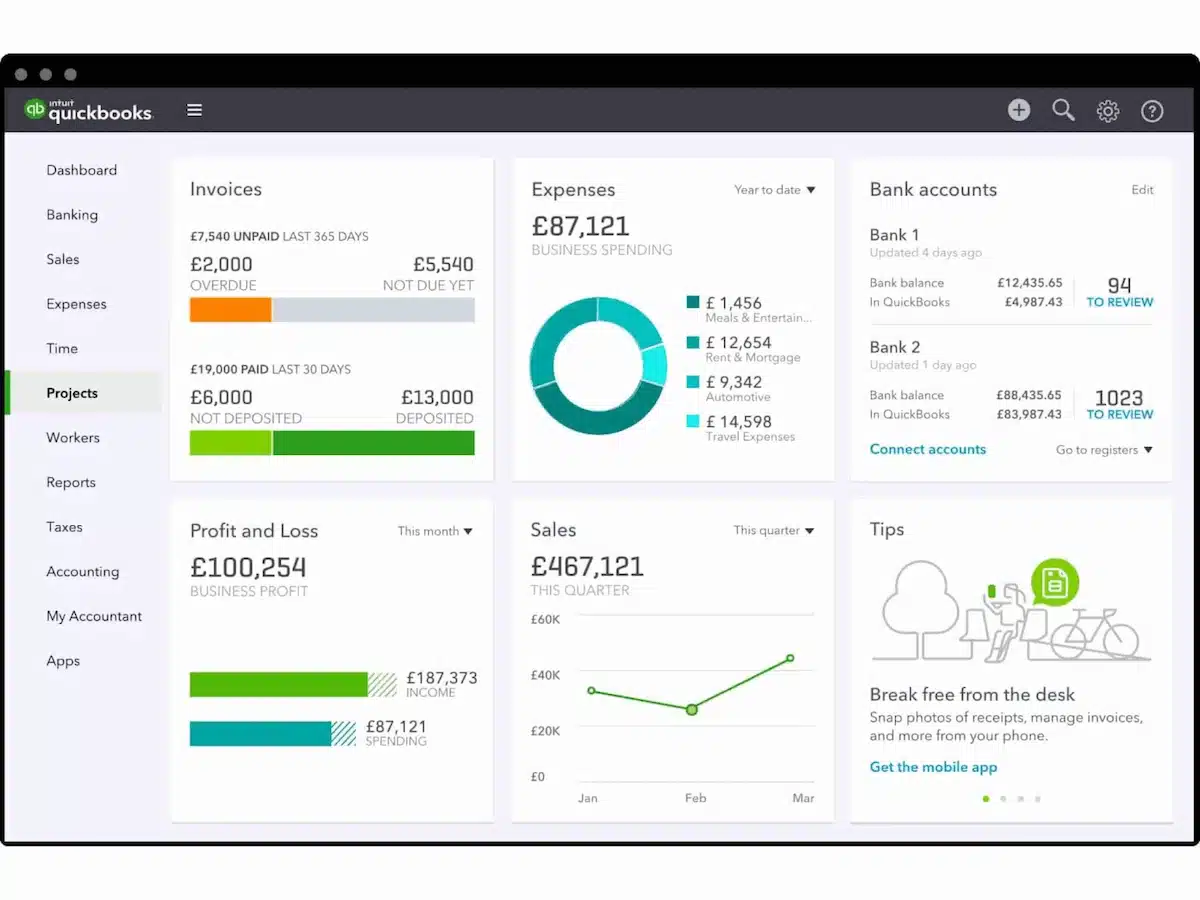
Why we choose: Zarmoney is selected for its affordability and ease of use, making it suitable for small to medium-sized businesses.
Zarmoney is a cloud-based inventory management and accounting software designed to meet the needs of small to medium-sized businesses. The software is particularly well-suited for businesses that need an affordable yet effective solution to manage their inventory without the complexity of larger ERP systems.
Key features:
- Inventory and order management
- Automated invoicing
- Real-time stock management
- Financial reporting
| Pros | Cons |
| Affordable and accessible | Limited features for larger enterprises |
| Easy to use and implement | Basic reporting and analytics |
| Integrated accounting features | Limited customization options |
| Real-time inventory tracking | Lacks advanced inventory-specific features |
19. Extensiv
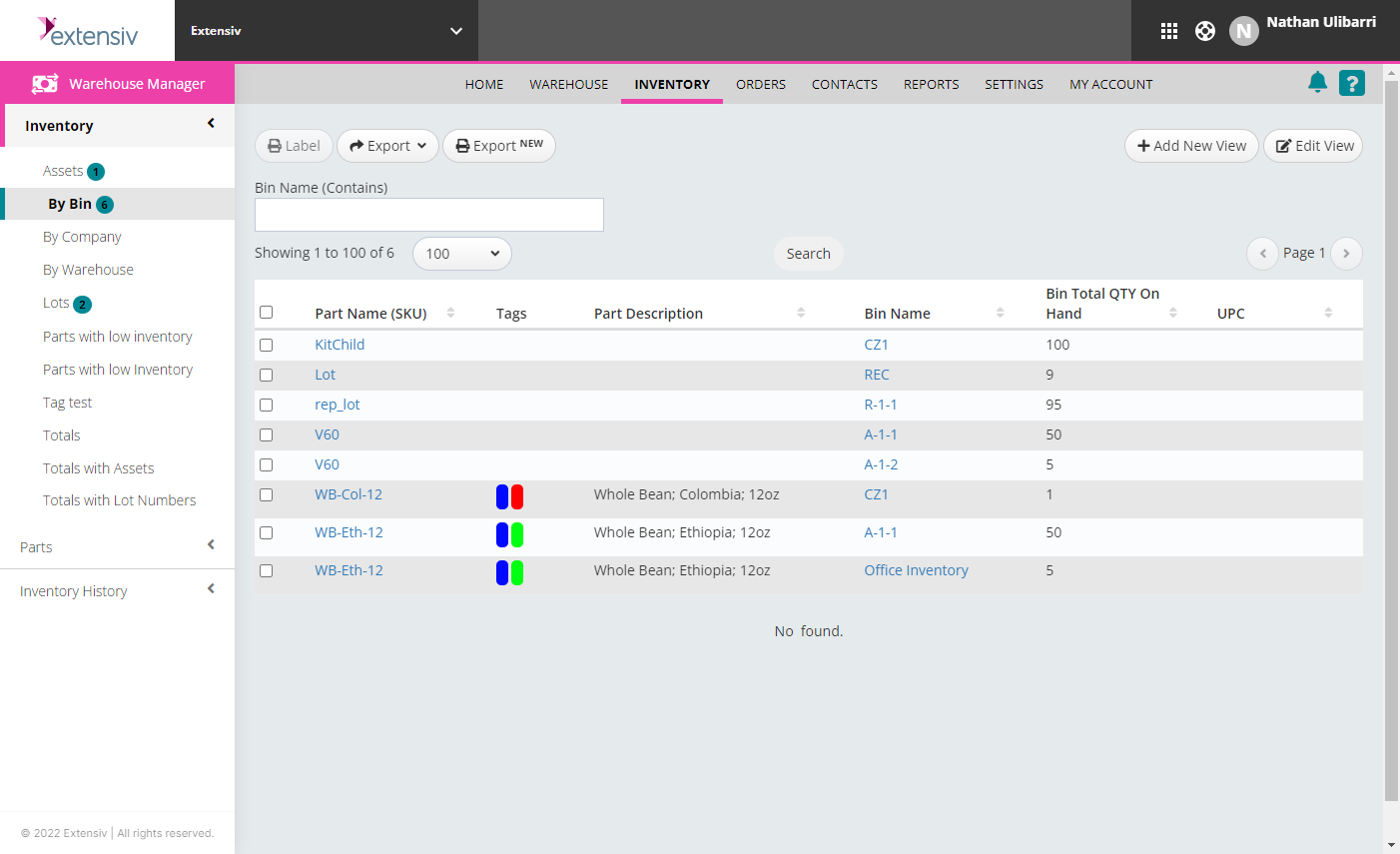
Why we choose: Extensiv is chosen for its scalability and robust warehouse management capabilities, which are ideal for businesses with complex distribution needs.
Extensiv offers a scalable inventory solution that can grow with your business, providing advanced features such as real-time inventory tracking, order management, and multi-warehouse support. The software is particularly strong in helping businesses optimize their warehouse operations and improve fulfillment accuracy.
Key features:
- Warehouse management
- Real-time inventory tracking
- Multi-warehouse support
- Order management and fulfillment
- Multichannel solution
| Pros | Cons |
| Scalable for growing businesses | Steeper learning curve |
| Strong warehouse management features | Requires significant setup |
| Real-time inventory tracking | Can be resource-intensive |
| Multi-warehouse support | Limited to warehousing and distribution |
20. Cova Inventory Application
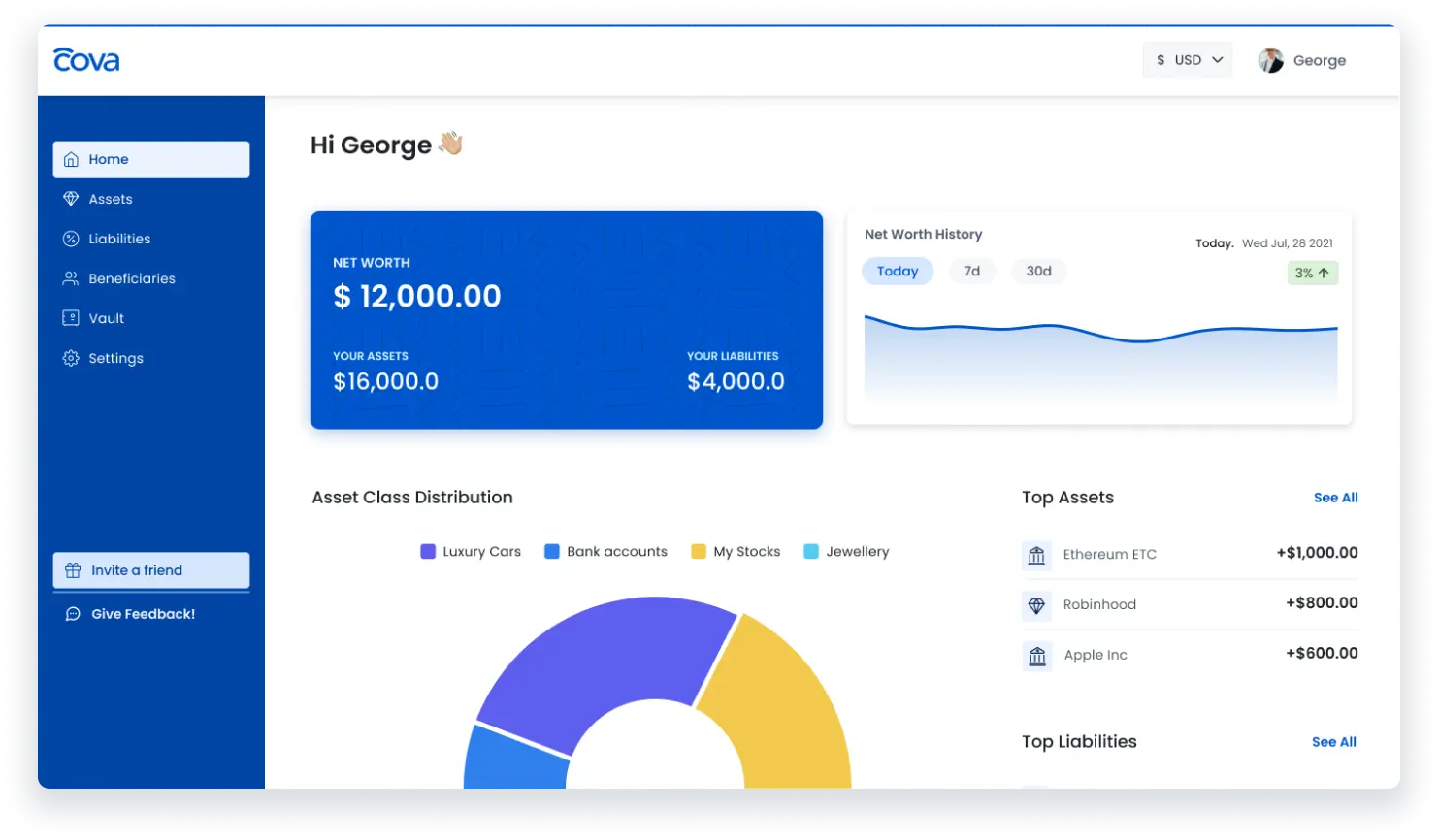 Why we choose: Cova is selected for its specialized focus on the cannabis retail industry, offering tailored inventory management features for dispensaries.
Cova is a cloud-based point-of-sale (POS) and inventory management software designed specifically for the cannabis retail industry. Founded in Canada, the software is built to handle the unique challenges of the cannabis industry, including strict regulatory requirements and complex inventory needs.
Key features:
- Cannabis-specific inventory management
- Compliance reporting and tracking
- Real-time inventory updates
- Integrated POS system
- Barcode labeling software
| Pros | Cons |
| Tailored for the cannabis industry | Limited to cannabis retail |
| Strong compliance features | Not suitable for non-cannabis businesses |
| User-friendly interface | Limited scalability beyond the cannabis sector |
| Real-time inventory tracking | Higher cost for additional features |
How to Choose the Best Cloud Inventory Management Software
 With so many inventory tracker choices available, it’s essential to know how to select the one that not only meets your needs but also drives your business forward, making sure you stay ahead of the competition. Therefore, here are some inventory management tips that could help you:
- Identify your business needs: First, evaluate your current inventory processes and determine which features are essential to address your specific challenges.
- Consider scalability: Next, make sure the software can grow with your business. You don’t want to be stuck with a system that can’t handle your expanding operations.
- Look for user-friendliness: Choose software that has an intuitive interface, easy to use for your team, without requiring long training sessions.
- Check customer support: Moreover, ensure the provider offers responsive customer support, so you can get help when you need it, diba?
- Prioritize data security: Also, look for software with strong security features to protect your business data from cyber threats, like encryption and regular backups.
- Compare pricing and features: Finally, compare different options, checking if the features offered align with your budget and business needs. Sulit na sulit!
Consider whether the platform can integrate with cloud logistics, as this connection improves shipment tracking, warehouse coordination, and overall supply-chain visibility. Such integration ensures stable inventory performance and more reliable fulfillment processes.
Is Your Inventory Data Safe in the Cloud? Security & Compliance Guide
“But is my data safe?” This is the #1 question Filipino business owners ask about cloud software. Here’s what you need to know:
Data Privacy Act of 2012 (RA 10173) Compliance
The Philippines’ data privacy law applies to ALL businesses handling personal data. When using cloud inventory software, ensure your provider:
- Has Data Processing Agreements (DPA) in place
- Can demonstrate compliance with NPC (National Privacy Commission) requirements
- Allows you to export/delete data upon request
- Notifies you of any data breaches within 72 hours
Security Certifications to Look For
When evaluating cloud providers, check for these certifications:
- SOC 2 Type II – Proves security controls are tested and verified
- ISO 27001 – International standard for information security
- GDPR Compliance – Even stricter than Philippine law
- PCI DSS – Important if you handle payment data
Where is Your Data Actually Stored?
Most cloud providers serving the Philippines use data centers in:
- Singapore (most common) – 3-5ms latency
- Tokyo, Japan – 50-70ms latency
- Sydney, Australia – 100-150ms latency
- Ask your provider: “Where exactly is my data stored?” Reputable vendors will tell you the specific region and facility.
The Real Cost: Cloud vs On-Premise Over 5 Years
Many business owners only see the monthly subscription fee without understanding the total cost comparison. Here’s a realistic breakdown for a medium-sized business (3 branches, 10 users):
| Cost Category | Cloud (5 Years) | On-Premise (5 Years) |
|---|---|---|
| Software License / Subscription | ₱1,800,000 (₱30K/month) | ₱500,000 (one-time) |
| Server Hardware | ₱0 | ₱350,000 |
| IT Staff (Part-Time) | ₱0 | ₱1,200,000 (₱20K/month) |
| Maintenance & Updates | ₱0 (included) | ₱400,000 |
| Backup Systems | ₱0 (included) | ₱150,000 |
| Electricity for Servers | ₱0 | ₱180,000 |
| TOTAL 5-Year Cost | ₱1,800,000 | ₱2,780,000 |
| 5-Year Savings with Cloud | ₱980,000 (35% cheaper) | – |
Note: This doesn’t include hidden costs like downtime during server failures, data loss from inadequate backups, or productivity loss from outdated software. Cloud eliminates these risks entirely.
Will Cloud Work with the Philippine Internet? – Connectivity Guide
Let’s address the elephant in the room: the Philippine internet isn’t always reliable. Here’s what you actually need:
Minimum Requirements:
- Speed: 5 Mbps download (most PLDT/Globe fiber plans exceed this)
- Latency: Under 100ms to Singapore servers
- Uptime: 95%+ (standard for business fiber). Good news: Metro Manila, Cebu, and Davao business districts typically exceed these requirements. PLDT Fibr Business and Globe Business plans are more than sufficient.
Backup Strategies for Internet Outages:
- Mobile Data Backup: Keep a Globe/Smart LTE router as a failover (₱2,000-5,000)
- Dual ISP: Use PLDT as primary, Converge as backup (total ₱3,000-5,000/month)
- Offline Mode: Choose software with offline capability that syncs when the connection returns
For Provincial/Rural Locations:
- If your warehouse is in an area with unstable internet:
- Consider hybrid solutions (cloud + local sync)
- Use Starlink Business (now available in PH) as a backup
- Choose software with a robust offline mode
- Or consider on-premise for that specific location while keeping HQ on cloud
Conclusion
Selecting the best cloud inventory management software is a critical decision that can significantly impact your business’s efficiency and growth. By carefully evaluating your business needs, you can find a solution that not only streamlines your operations but also provides a competitive edge.
Remember, the right inventory management software will not only meet your current demands but also support your future growth, ensuring your business remains agile and successful in an ever-changing market. Ready to take the next step? Try a free demo of our cloud inventory management software and see how it can transform your business!
FAQ About Cloud Inventory Management Software
-
What is ERP inventory management software?
ERP software centralizes the tools businesses need for inventory tasks, boosting efficiency and saving managers time by simplifying access to essential tools.
-
What is a CRM inventory system?
A CRM with inventory management analyzes purchase order data against customer orders to provide an overview of current fulfillment capacity.
-
What is web based inventory management system?
Cloud-based inventory management software allows for seamless inventory management across various locations. It provides real-time updates and centralized data, enabling you to monitor stock levels, transfers, and sales information across all warehouses and retail outlets.