



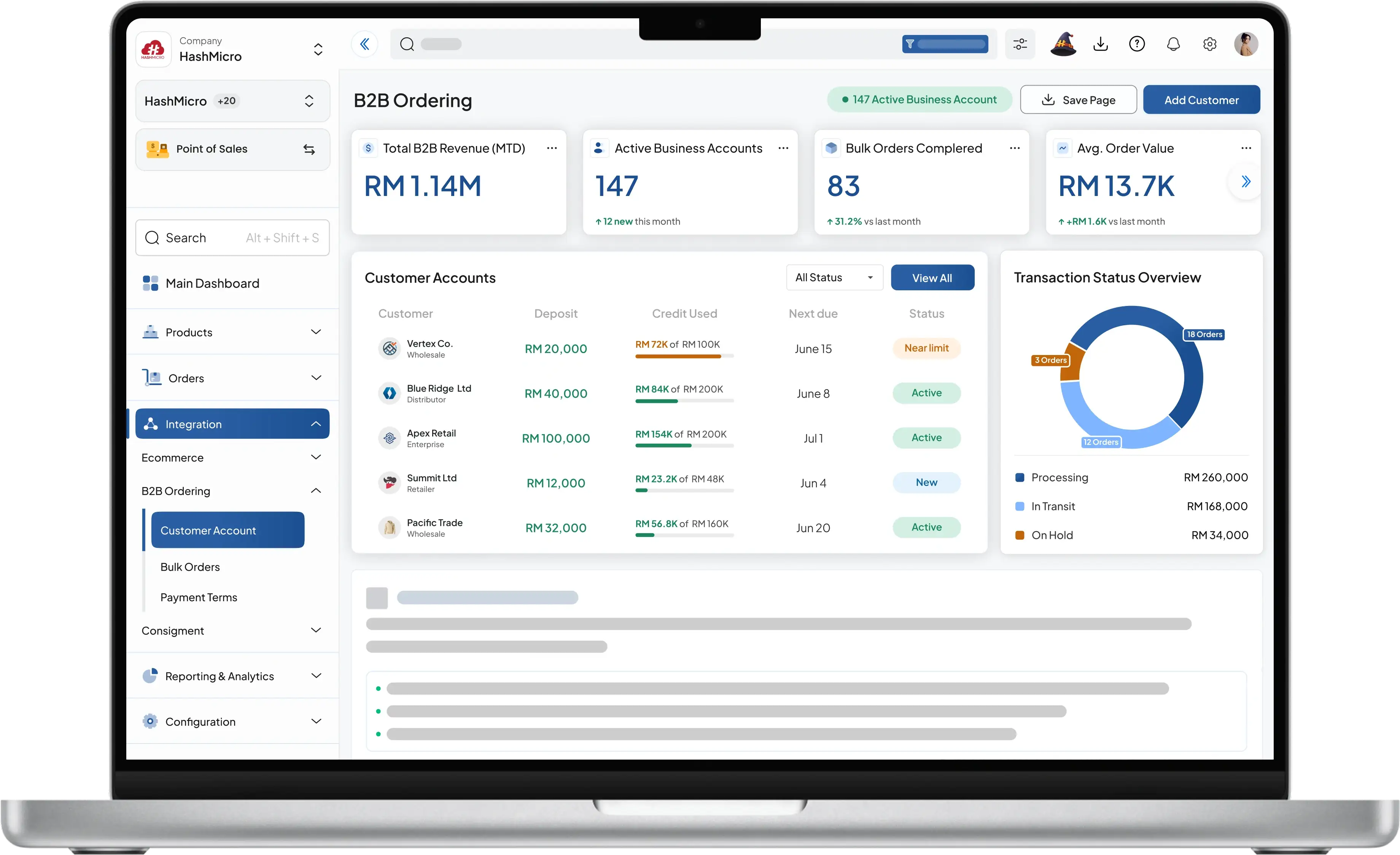
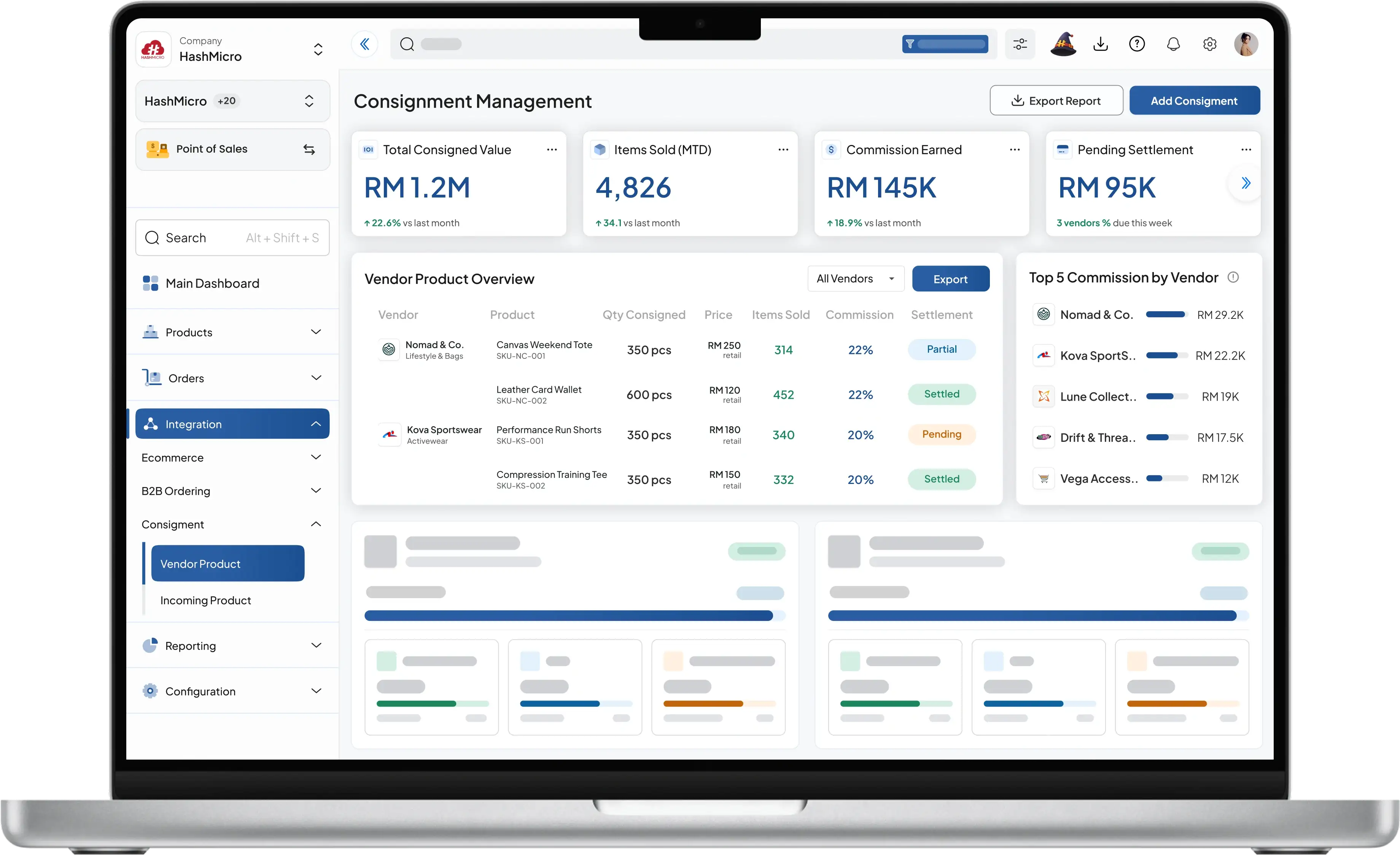


Retail POS Software with SST & E-Invoicing | HashMicro

Complete POS Software for Retail Store Chains in Malaysia

From checkout to stock tracking, simplify retail operations with web-based POS Malaysian businesses. SST-ready, multi-store, and easy to use.

Learn More Request a Demo

HashMicro POS System Workflow

Base White POS CRM Sales Central Warehouse Procurement Finance BI
Point of Sales
Retail PIN1
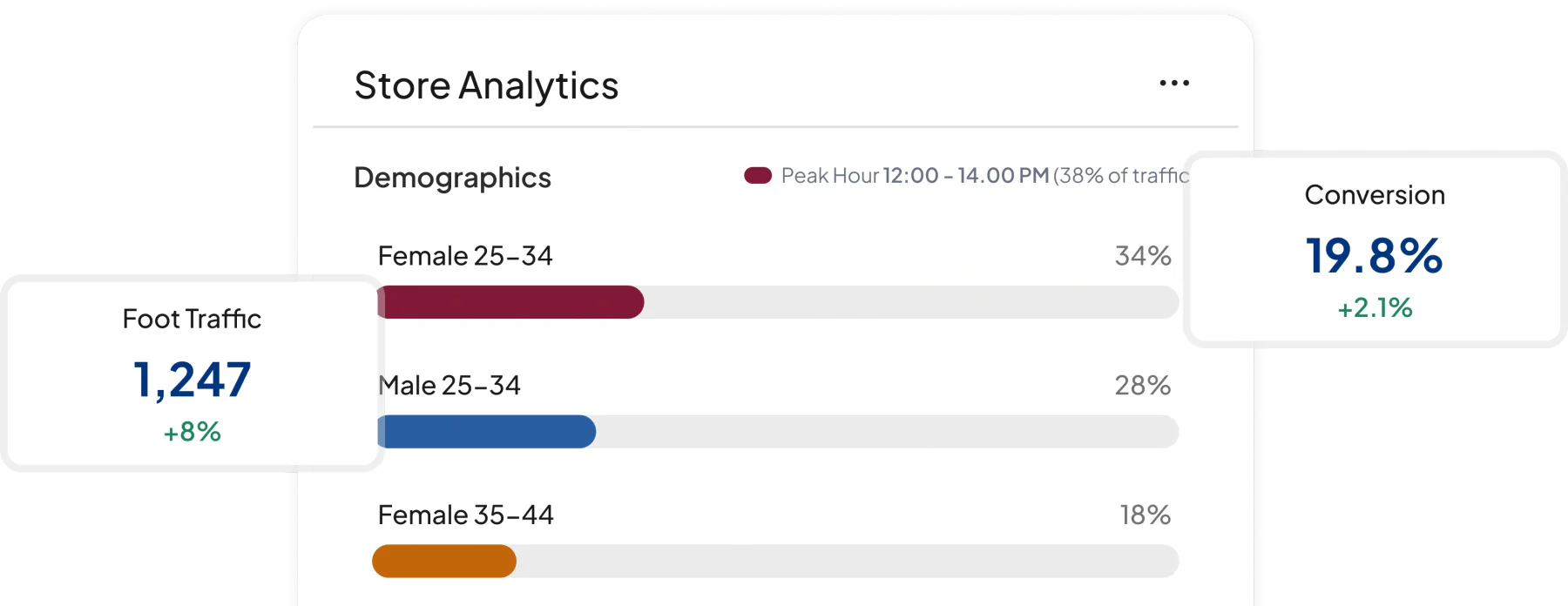
https://www.hashmicro.com/assets/workflows/retail/retailpop-01.png https://www.hashmicro.com/id/sistem-erp With this software, you can simplify the management of branches in different locations with one centralized system. Get comprehensive analytical reports on the performance of all outlets in seconds. 1. Point of Sales
Store Inventory
Retail PIN2
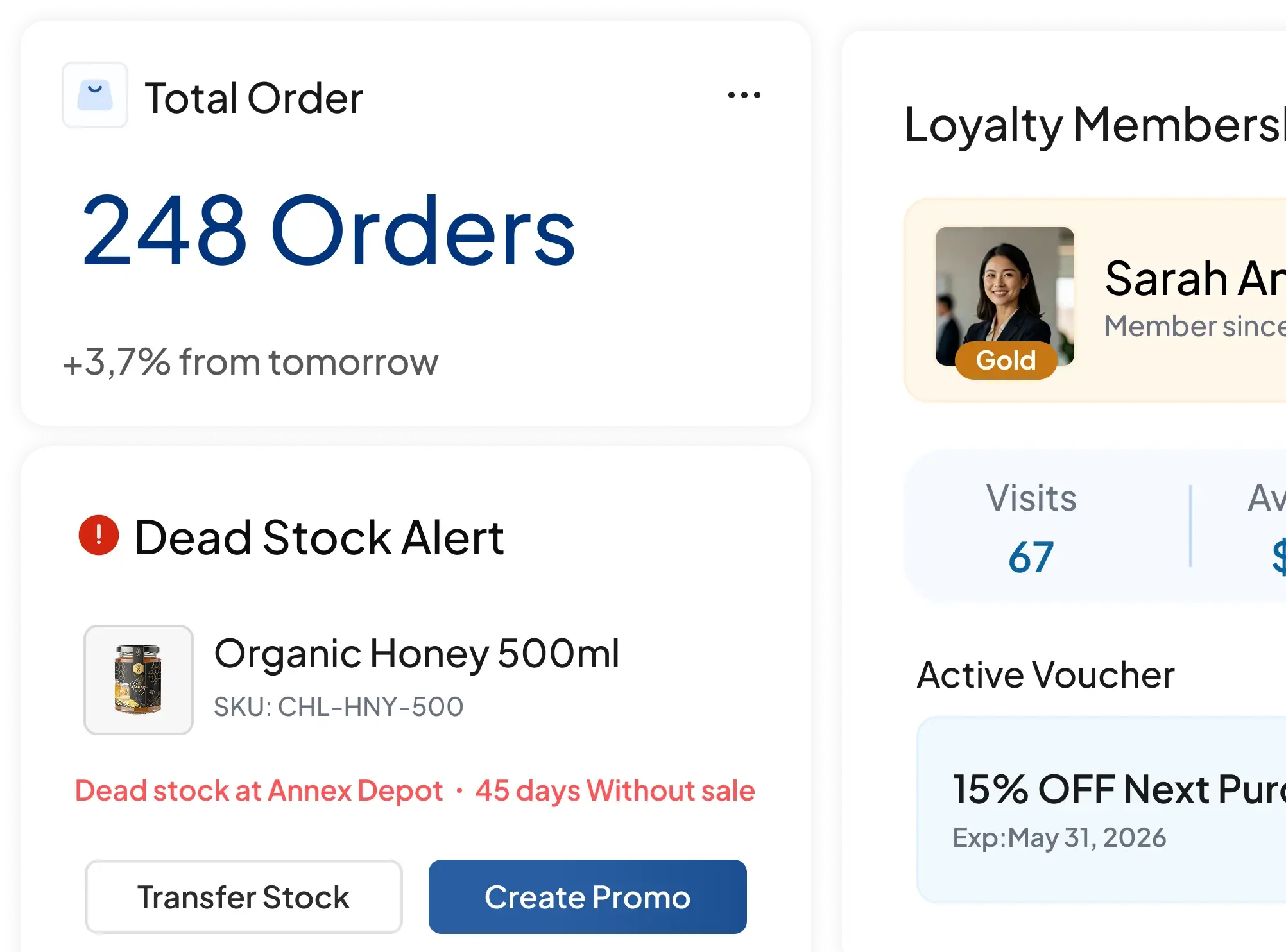
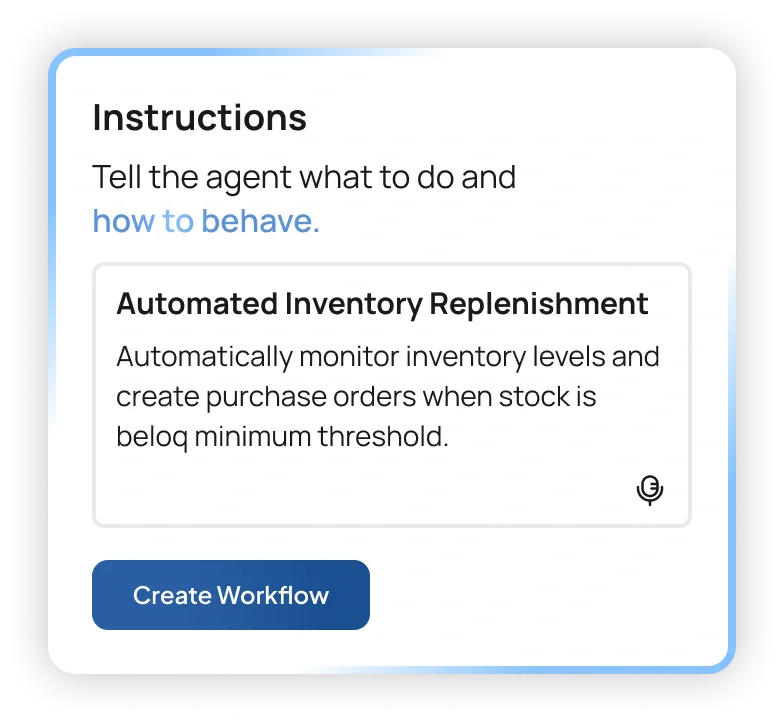
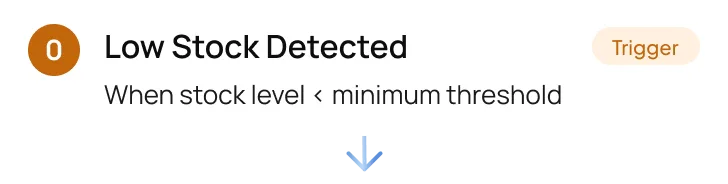
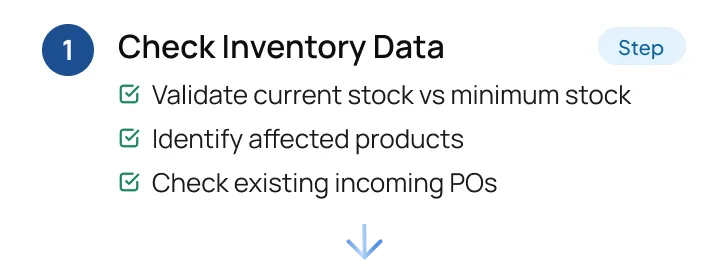
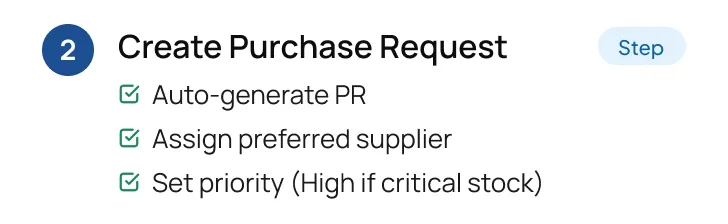
https://www.hashmicro.com/assets/workflows/retail/retailpop-02.png https://www.hashmicro.com/id/sistem-erp This feature helps you prevent product shortages and keeps sufficient inventory without excess in the warehouse. With low stock level notifications, you can get accurate reorder times at the right time. 2. Store Inventory
Loyalty Program Management
Retail PIN3
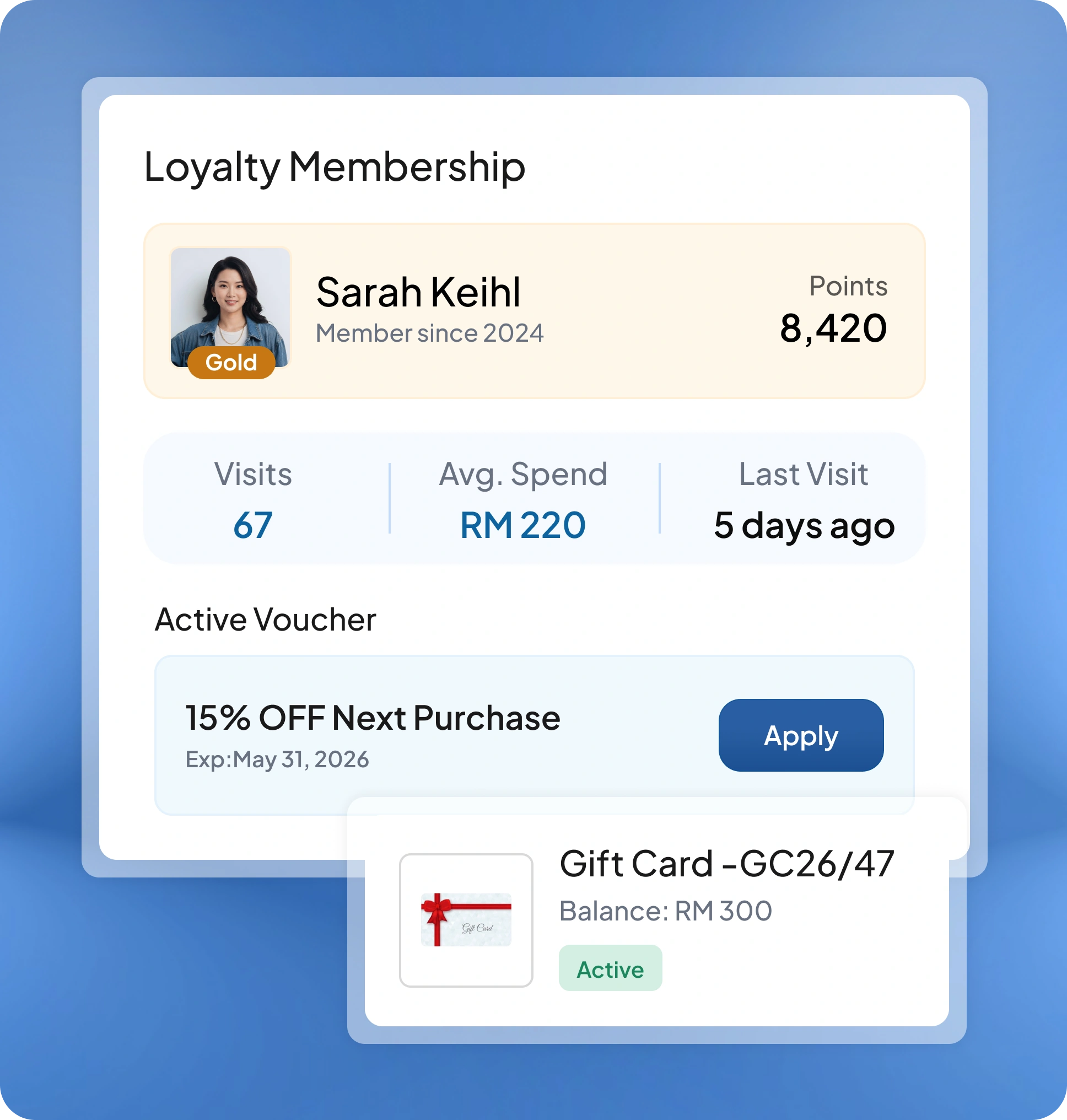
https://www.hashmicro.com/assets/workflows/retail/retailpop-03.png https://www.hashmicro.com/id/sistem-erp This feature helps businesses increase retention by creating loyalty programs based on customers' preferences or purchases. You can automatically set discounts or gifts to customers based on their loyalty points. 3. Loyalty Program Management
Marketing Mass Mailing
Retail PIN4
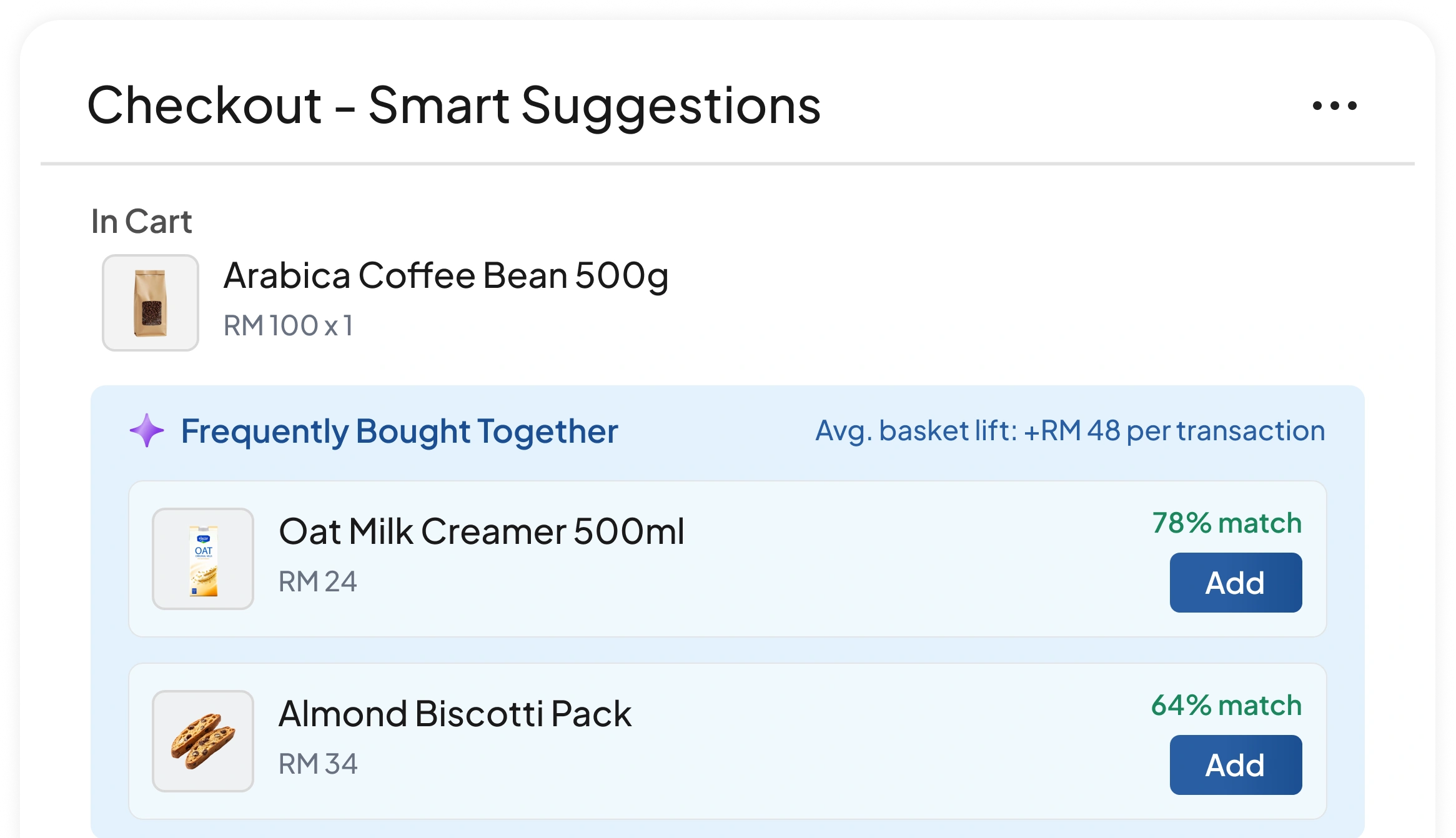
https://www.hashmicro.com/assets/workflows/retail/retailpop-04.png https://www.hashmicro.com/id/sistem-erp Marketing & Mass Mailing helps increase sales conversions. You can provide personalized sales pitches, target the right potential customers, and maintain a relationship with them. 4. Marketing & Mass Mailing
Online Store
Retail PIN5
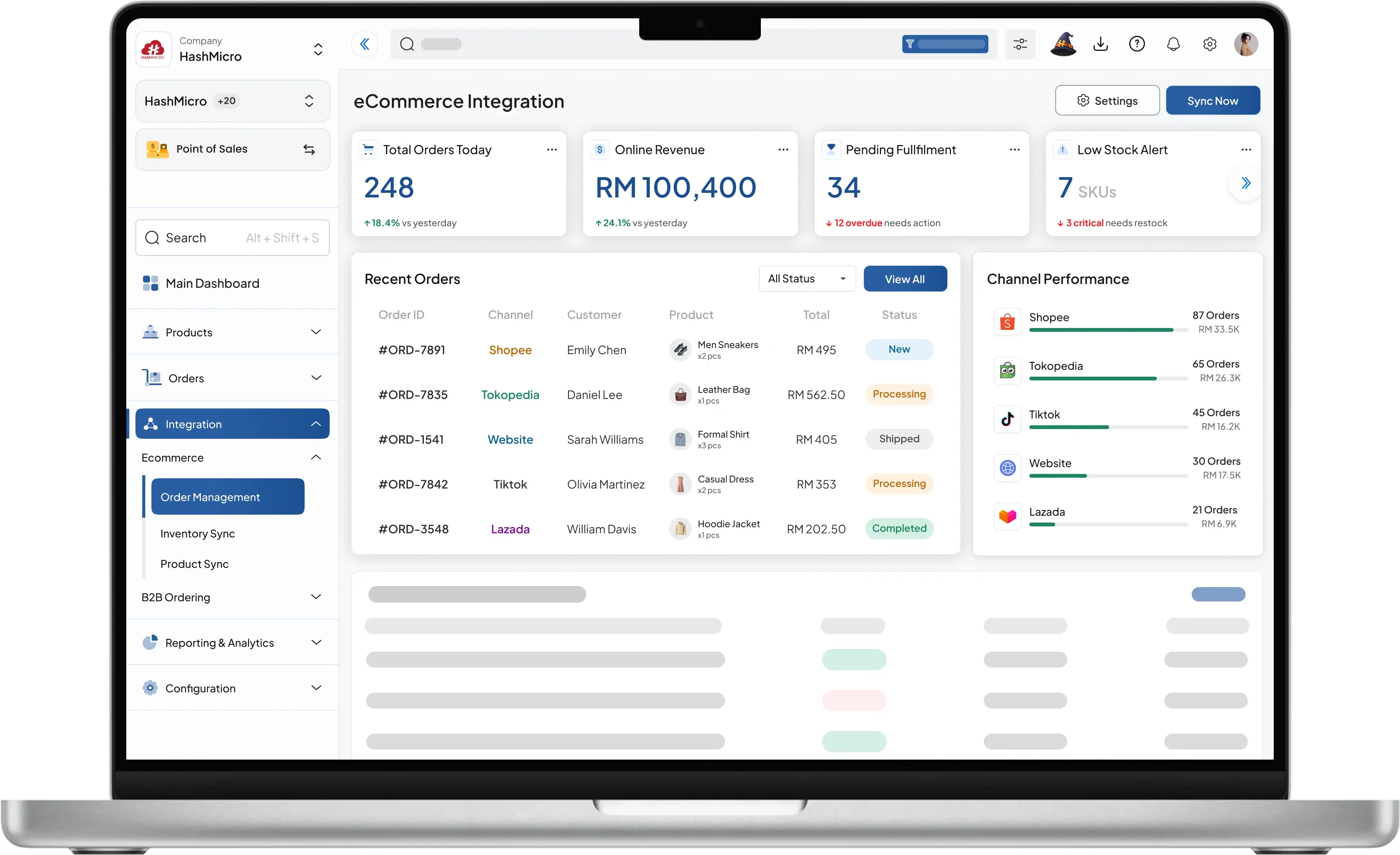
https://www.hashmicro.com/assets/workflows/retail/retailpop-05.png https://www.hashmicro.com/id/sistem-erp This feature helps to integrate your online store with HashMicro ERP software. You can track all transactions that occur and manage inventory in real time. 5. Online Store
Wholesale
Retail PIN6
https://www.hashmicro.com/assets/workflows/retail/retailpop-06.png https://www.hashmicro.com/id/sistem-erp This feature makes it easier for the wholesale industry to manage all sales and requests for inventories. You can simplify supply chain processes from ordering inventories to suppliers until shipping to customers. 6. Wholesale
Central Inventory
Retail PIN7
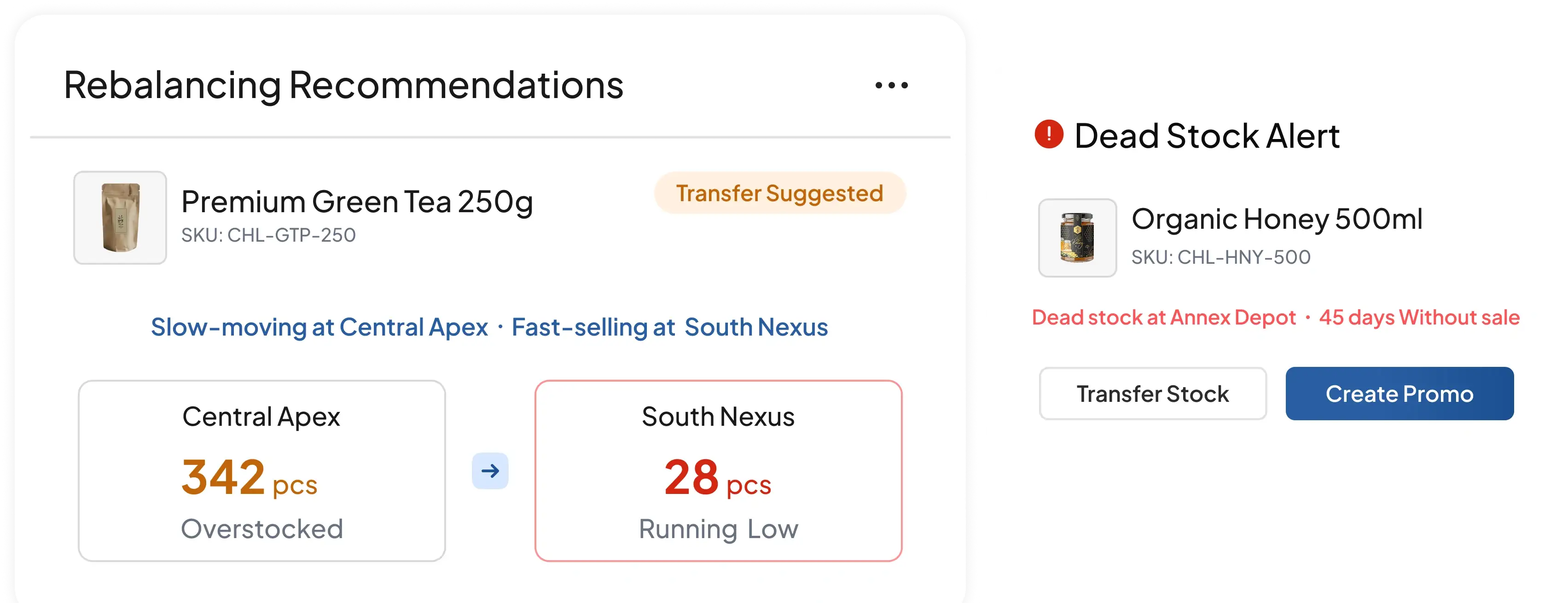
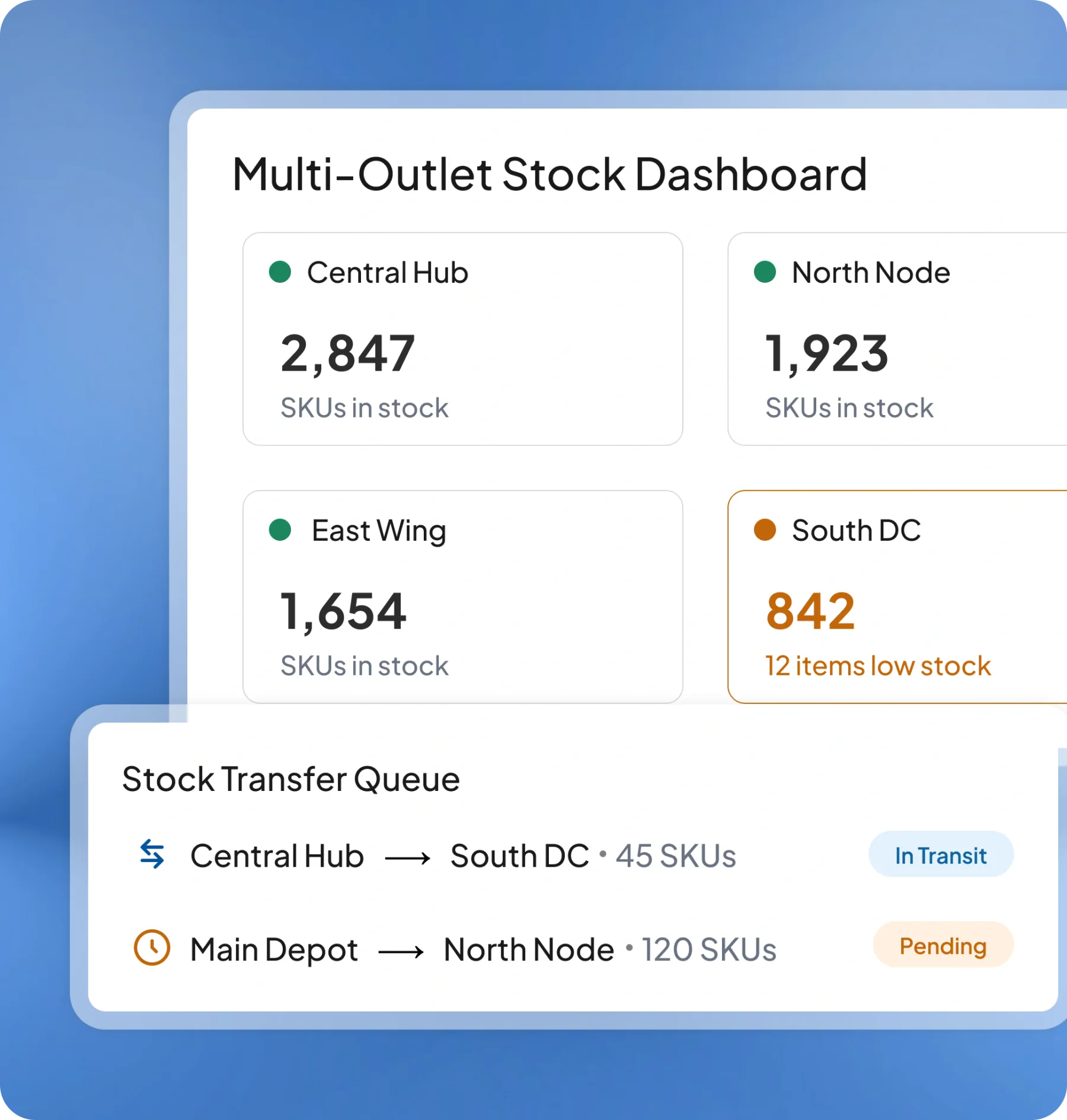
https://www.hashmicro.com/assets/workflows/retail/retailpop-07.png https://www.hashmicro.com/id/sistem-erp Through this feature, you can track stock effectively with the help of QR and barcode generation, labelling, and scanning across different warehouses and process stock transfers in real time. 7. Central Inventory
Purchasing Management
Retail PIN8
https://www.hashmicro.com/assets/workflows/retail/retailpop-08.png https://www.hashmicro.com/id/sistem-erp You can choose the best offers and send purchase orders easily with Purchasing Management. Compare and analyze the quality of goods from each vendor. 8. Purchasing Management
E Procurement
Retail PIN9
https://www.hashmicro.com/assets/workflows/retail/retailpop-09.png https://www.hashmicro.com/id/sistem-erp With E-Procurement, you can order goods per branch automatically. Get complete control over every purchase and reduce wastage. 9. E - Procurement
Finance
Retail PIN10
https://www.hashmicro.com/assets/workflows/retail/retailpop-10.png https://www.hashmicro.com/id/sistem-erp This feature helps you increase your business's financial visibility with easy growth monitoring and analysis of profit and loss across all branches and outlet locations. 10. Finance
Business Intelligence
Retail PIN11
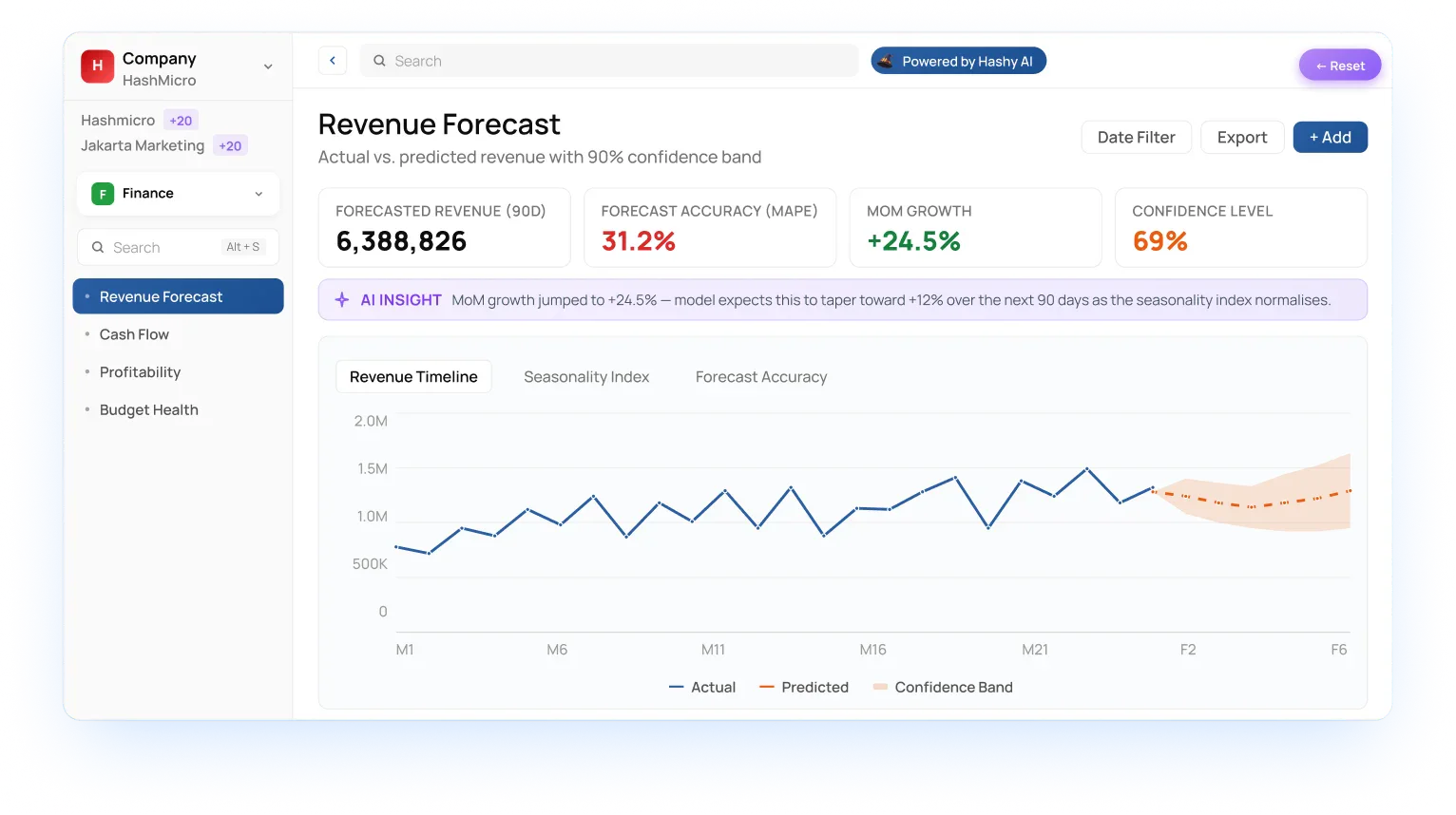
https://www.hashmicro.com/assets/workflows/retail/retailpop-11.png https://www.hashmicro.com/id/sistem-erp This feature helps you increase your business's financial visibility with easy growth monitoring and analysis of profit and loss across all branches and outlet locations. 11. Business Intelligence

The Benefits of POS Software System for Retail

point of sales system Malaysia
retail pos application

Easy-to-use

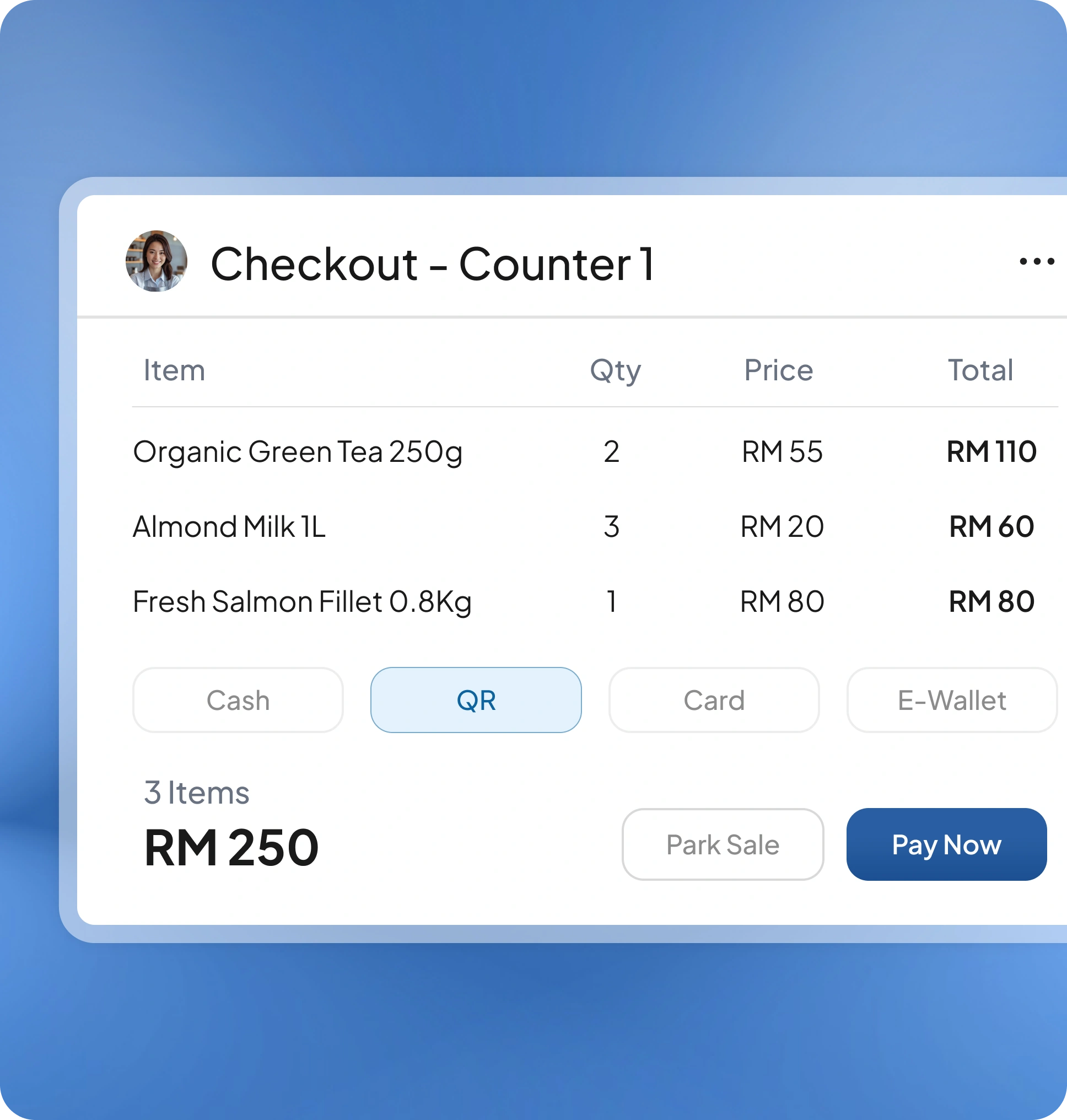
Cashiers learn the interface in minutes. Shortcuts, quick search, and barcode support keep lines moving even during peak hours.

pos retail system

Improved Customer Retention

Manage memberships, loyalty points, and personalized promotions effortlessly.

point of sales system Malaysia
pos software for retail

Faster Checkout Process

With real-time stock visibility and quick item search, both staff and customers experience shorter queues and faster transactions.

point of sales system Malaysia

Accurate Sales Reporting

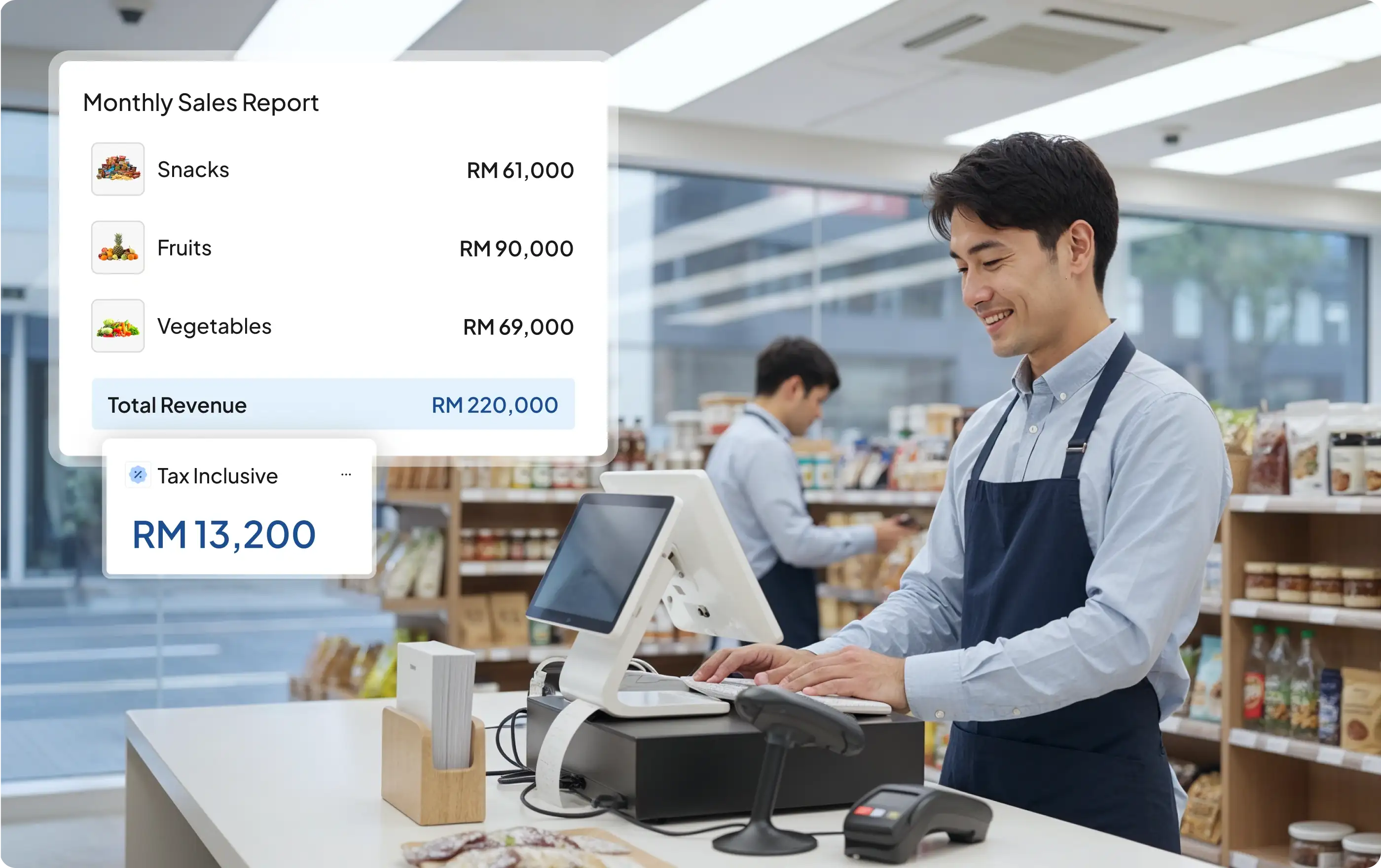
Access detailed sales reports from every branch instantly, anytime and anywhere, to support smarter business decisions.

The Main Features of HashMicro's POS System

POS for retail

Web-based Interface

Access the POS from any device with an internet connection. Data syncs in real time across outlets.

point of sales system Malaysia

Loyalty & Reward

Create personalized promos from customer behavior (points, tiers, vouchers) to lift repeat purchases and retention.

retail pos application

Multi Price List

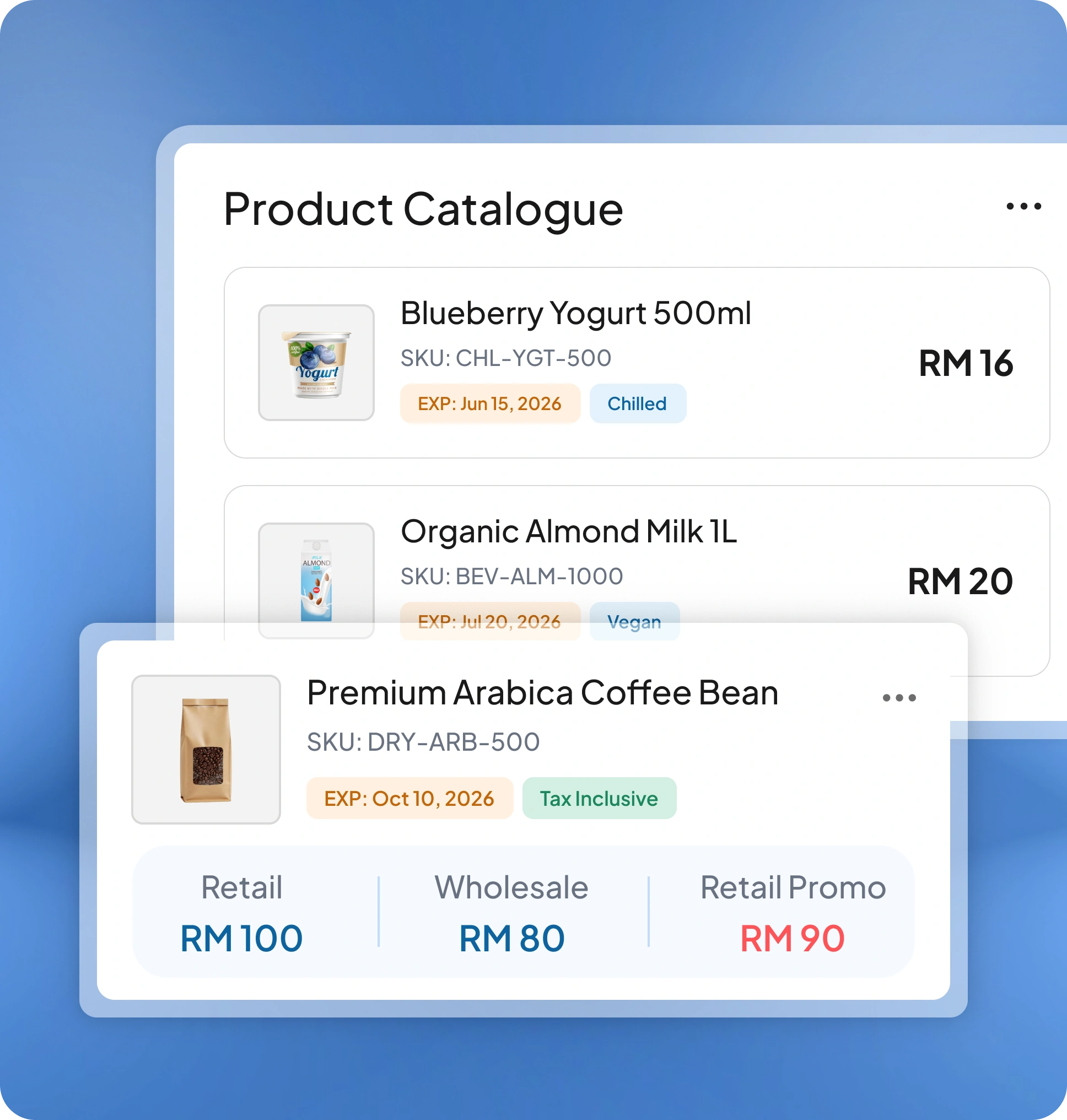
Set different prices by outlet or channel, then bulk-update and auto-sync them to every terminal in one go.

pos retail system

Sales History

Centralize all transactions with smart filters (SKU, cashier, outlet). Analyze trends to forecast demand and cash flow.

point of sales system Malaysia

Void / Return Sale

Handle returns and voids with reason codes and an audit trail. Stock and payments adjust automatically.

pos software for retail

Easy Product Tracking

Find items instantly by name, SKU, or barcode with type-ahead search. Speeds checkout and keeps inventory accurate.

Retail POS System Integration

Purchasing System

The Procurement System helps you to do items reordering easily with simplified purchasing processes.

See More

Inventory Management Software

An Inventory Management system helps you manage the stock from various locations and process the stock transfer easily.

See More

Accounting System

Integration into Accounting System helps you track the profit and loss from every branch and control the margin.

See More

Marketing Automation System

Optimize your marketing effort by targeting prospective buyers strategically and creating scalable campaigns.

See More

Membership Management System

Create interesting personalized promotion programs and get the analysis of each customer's purchase history easily.

See More

FAQs

Frequently asked questions about our software solutions.

We provide comprehensive support, including free consultations, blueprints, training, and user manuals, to ensure your ease of use of our software.
Our solutions are very comprehensive and designed for 15 industries. Our ERP system offers unlimited user licenses. Therefore, it can be used by everyone in your company at no additional cost.
HashMicro offers ready-to-use software solutions that can be quickly deployed, but they’re also fully customizable to suit your company’s specific needs. You don’t have to start from scratch, but you’re not stuck with a rigid system either.
Yes, our software has a mobile version to help you run your business better. Our mobile apps cover various functions, depending on the modules you are using.
HashMicro is web-based ERP software that can be run through the internet on any mobile device via any web browser.
We use PostgreSQL database management system, which ensures data security and scalable performance for many of simultaneous users.
We use Python, one of the most popular programming languages, to develop our software programs.

Real Impact on Leading Enterprises

Discover how businesses thrive with HashMicro solutions

"HashMicro's Retail POS streamlined our sales. Transactions are faster, inventory updates in real time, and reports are instant with seamless integration to warehouse and accounting."

"HashMicro's POS keeps our outlets fast and precise. Menu updates, real-time sales, and instant kitchen notifications make peak hours smooth and every order trackable."

"HashMicro has really helped our work much easier. We can manage sales, inventory, finance, and more in one system, making everything more organized and efficient. It's user-friendly, and their support team is always ready to help. I recommend it to any business that wants to improve the way they work."

"Our journey with HashMicro's ERP had challenges, but the system significantly improved our operations. Despite some delays and training gaps, the Consultant and Project Manager were responsive, flexible, and committed, and we truly value their effort and support."

"I appreciate the immediate response and strong system knowledge. However, accounting technicalities caused some misunderstandings. The company should provide an accountant with deeper expertise to better address client needs. Overall, the support has been good and mostly on time."

"HashMicro’s consultants have been very helpful to our team. They are always available when we need project support, make it easy for us to ask questions, and know the system well enough to answer even technical inquiries during meetings."

ornament ornament

What Is the
Point of Sale (POS) Software?

POS software is the application that powers checkout. It records sales, processes payments, updates inventory in real time, and produces sales reports, often alongside hardware like barcode scanners, receipt printers, and card readers.

At checkout, items are scanned or searched, taxes/discounts are applied, and payment is captured. The system then updates stock, logs the transaction, and syncs data to your dashboard for reporting.

There are several benefits to using a POS system for businesses:

Increased efficiency and accuracy: POS systems automate many tasks involved in sales transactions, such as calculating total costs and processing payments, reducing errors and saving time.

Inventory management: POS systems track inventory levels in real-time, making it easier to reorder products and avoid stockouts.

Sales tracking and reporting: POS systems generate detailed sales reports, providing valuable insights into customer behavior and sales trends.

Customer management: Many POS systems allow businesses to store customer information, such as purchase history and contact details, for targeted marketing and loyalty programs.

Employee management: Some POS systems include features for managing employee schedules, tracking employee performance, and monitoring employee activity.

Mobility: Cloud-based POS systems can be accessed from any device with an internet connection, allowing for remote management, monitoring of the business, and mobile ordering or curbside pick-up.

Secure payments: POS systems process payments securely and comply with payment industry standards, reducing the risk of fraud and chargebacks.

Integration: POS systems can integrate with other software, such as accounting, inventory management, and CRM systems, providing businesses with a more comprehensive view of their operations.

POS systems can have a wide range of features, but some common ones include:

Sales and inventory management: Process sales transactions, track inventory levels, and generate sales reports.

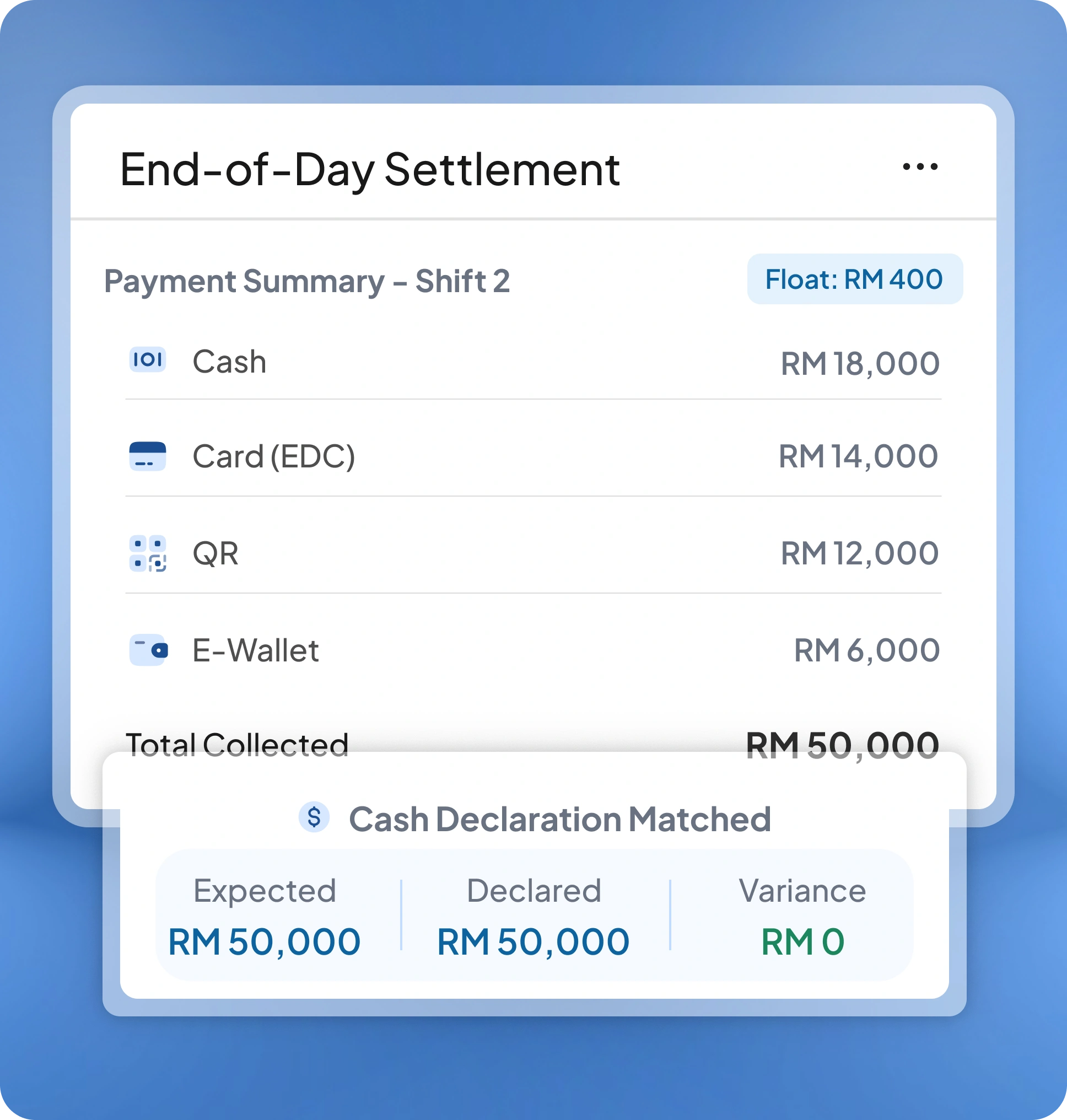
Payment processing: Process various forms of payment, including credit/debit cards, cash, and checks.

Customer management: Store and retrieve customer information, such as purchase history and contact details.

Employee management: Manage employee schedules, track employee performance, and monitor employee activity.

Reporting and analytics: Generate various reports, such as sales reports, inventory reports, and employee performance reports.

Tax calculation: Automatically calculate taxes based on the location of the sale.

Barcode scanning: Scan barcodes to quickly find products and add them to a sale.

Gift card and loyalty program: Process gift cards, loyalty points, and other types of rewards.

Mobile POS: Process transactions with a mobile device or tablet, allowing for curbside pick-up or online ordering.

Integration: Integrate with other software systems, such as accounting software, inventory management software, and customer relationship management software.

Security: Comply with payment industry standards and secure sensitive data like cardholder information.

Cloud-based: Access the system from any device with an internet connection and the ability to backup, update, and access data remotely.

Retail POS systems are mainly used by businesses that conduct face-to-face transactions. Below are the types of businesses that commonly require a POS software:

Retail Businesses (Primary Users): These businesses rely heavily on fast transactions, accurate stock updates, and centralized sales reporting.

Food & Beverage (F&B) Industry: POS systems help handle orders, table management, and kitchen coordination.

Service-Based Businesses with Front-Desk Transactions: While their core operations involve services, they still need POS for payments and product add-ons.

Hospitality Outlets (But Not Room Management): Hotels and resorts still need POS—but only in certain areas such as restaurants, spas, or gift shops.

Recreation, Fitness, and Entertainment: These businesses often combine ticketing, membership payments, and retail sales.

Omnichannel & Pop-Up Retailers: Online stores that open physical stores, pop-ups, booths, or participate in events use POS to sync inventory and prices across all channels.

Non-Profit & Event-Based Sales: POS is useful during on-site fundraising, merchandise sales, or ticketed events.

The cost of POS software in Malaysia can vary depending on several factors, such as the specific software package, the vendor, and the hardware requirements. Typically, the cost of POS software can range from a few hundred to a few thousand Philippine pesos.

It's also important to note that some point of sale software providers may charge additional fees for services such as installation, training, technical support, and software updates. Therefore, it's important for businesses to research different options and compare costs before purchasing a POS system to ensure that they are getting the best value for their money.

There are several POS software options available in Malaysia, and the best one for your business will depend on your specific needs and budget. Some popular POS software options in Malaysia include:

HashMicro POS software: A cloud-based point of sale software popular among retail businesses, offering features such as inventory management, customer management, and reporting.

Lightspeed: A cloud-based point of sale software popular among retailers and restaurants, offering features like inventory management, customer management, and reporting.

Square: A popular choice for small businesses, Square offers a simple and easy-to-use POS system for processing payments and tracking inventory.

iVend Retail: A comprehensive retail management software offering features such as inventory management, customer management, and reporting, widely used by retail businesses of all sizes.

Shopify POS: A widely used e-commerce platform offering a POS system for both in-store and online sales, including features like inventory management and customer management.

Vend: A cloud-based point of sale software popular among retailers and hospitality businesses, offering features such as inventory management, customer management, and reporting.
HashMicro Malaysia

SUITE 6­1, LEVEL 6, LOBBY A, WISMA UOA II, NO. 21, JALAN PINANG, 50450 KUALA LUMPUR W.P. KUALA LUMPUR MALAYSIA

Contact Us

Choose Industry
Choose Solution
icon ERP
icon Accounting
icon Human Resources
icon Inventory & Supply Chain
icon Warehouse Management
icon Purchasing & Procurement
icon POS
icon CRM & Sales
icon Other Operations

LHDN E-Invoicing Approved

Alex

Alia
Typically replies within an hour

Alia
Looking for a Free Demo?

Contact us via WhatsApp and let us know the software you are looking for.
1:40
601116097620

Contact Us

Form

Get FREE product tour

Email HashMicro

Send us your inquiry

Whatsapp HashMicro

Live chat with our experts

Whatsapp HashMicro

Talk to our representatives

#1 the Best Business Software Awards