







These reports give your procurement team a snapshot of spending patterns, supplier reliability, and order status, the kind of clarity you need before signing the next PO or renegotiating a contract.
Below, you’ll find what goes into a solid purchasing report, the different types worth running, and practical cost benchmarks for Philippine businesses.
Key Takeaways
A purchasing report tracks procurement activities, including purchases, supplier performance, and spending trends.
Accurate and clear data presentation is key to creating actionable and effective purchasing reports.
Purchasing reports help businesses manage costs, evaluate suppliers, and improve procurement strategies.
Automating report generation cuts manual work, especially useful for MSMEs handling procurement with a lean team.
Philippine businesses should align purchasing reports with BIR documentation requirements, especially VAT input tracking, to stay audit-ready year-round.
What is a Purchasing Report?
A purchasing report is a document that outlines a company’s procurement activities over a set period. It covers what was bought, from which suppliers, at what price, and whether those purchases stayed within budget. Think of it as a health check for your procurement cycle.
Most purchasing reports consolidate a few core data points:
- Purchases made: Total value of goods or services bought within a period.
- Suppliers: Delivery track record, pricing consistency, and how they compare to alternatives.
- Purchase orders (PO): Status of each PO: pending, partially received, or fully delivered.
- Budget vs. actual spending: A comparison of forecasted costs against actual expenditures to highlight any discrepancies.
What Separates a Useful Purchasing Report from a Useless One?
A useful purchasing report should be clear, accurate, and easy to act on. Here’s what to look for:
1. Accuracy: The report must reflect what actually happened, not what someone remembered to key in two weeks later. Data on suppliers, costs, and purchase orders needs to be consistent and dependable. Using procurement management software helps maintain this accuracy without relying on manual double-checking.
2. Clarity and organization: Structure matters. If your report needs a 30-minute walkthrough before anyone understands it, it’s too complicated. Clear headings, simple tables, and a few charts go a long way.
3. Concise yet comprehensive: Include the numbers that drive decisions, spending trends, supplier scores, budget variances, and skip the rest. Your procurement transaction journal can hold the granular detail; the report itself should surface what matters.
4. Actionable insights: A good report doesn’t just present data, it highlights trends and points to what you should do next. For example, if a supplier is frequently late, the report should flag it so you can renegotiate terms or start looking at alternatives.
5. Customizable: You should be able to filter by date range, supplier, category, or branch location. If you’re running operations in Manila and Cebu, you don’t want one report lumping everything together.
Why Your Business Needs Purchasing Reports
Purchasing reports solves real problems. Here’s where they make the biggest difference:
- Cost control and budget management:
Purchasing reports help you keep track of spending, so you can catch budget overruns before they spiral. By comparing actual expenses to forecasts, you can identify overspending quickly. For a mid-size Philippine manufacturer spending ₱3M–₱5M monthly on raw materials, even a 5% unnoticed price drift from suppliers means ₱150K–₱250K lost per month. - Supplier evaluation:
A well-structured report evaluates supplier performance. By tracking metrics like delivery times, quality, and pricing, you’ll know whether you’re getting good value, or whether it’s time to renegotiate terms or find a new vendor. - Improving procurement strategy:
Purchasing reports shows you patterns you’d miss otherwise. By analyzing trends, you can spot opportunities for bulk buying, negotiate better terms, or catch recurring problems, like a specific branch in Visayas consistently overspending on office supplies. - Decision-making support:
Whether you’re picking a new vendor, adjusting how much safety stock to keep, or planning next quarter’s procurement budget, reports give you the data to back up those calls instead of relying on gut feel. - Inventory management:
Purchasing reports can also help with inventory control by showing purchase trends and demand patterns. This helps you avoid two costly mistakes: running out of stock (lost sales) or holding too much (tied-up capital). You can read more about how inventory management systems handle stock tracking in practice.
The right software can pull all this data together automatically, saving your team from manually compiling spreadsheets every cycle. But before picking a tool, you need to know which types of reports matter most for your business.
Types of Procurement Reports
Three reports do the heavy lifting in most procurement teams. Here’s what each one covers and why it matters.
1. Purchase Order (PO) Status Report: Tracking Order Progress
Tracking Order Progress
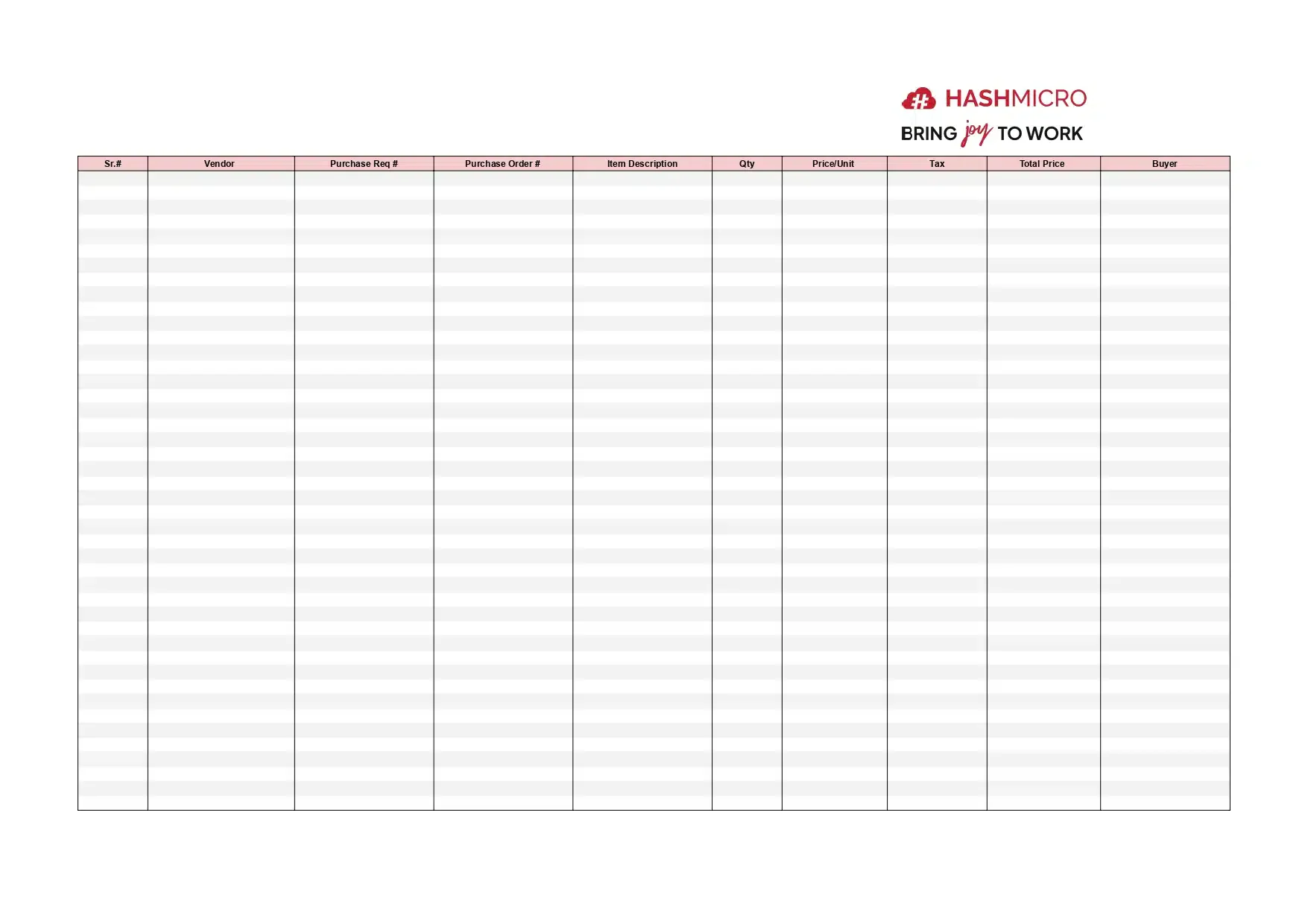
A PO Status Report gives you real-time updates on where each purchase order stands, from the moment it’s created until the goods arrive and the invoice is settled.
Here’s what a PO Status Report tracks:
- Order progress: Whether items are in transit, waiting for an invoice, or fully delivered.
- Potential delays: Flags bottlenecks before they affect your operations, like a supplier in Batangas that’s been sitting on a PO for two weeks.
- Budget compliance: Shows whether each purchase stays within the approved budget.
With a PO Status Report, you can catch delayed orders before they snowball and keep stock levels stable. Understanding the full procure-to-pay (P2P) cycle helps you see where this report fits into the bigger picture.
2. Supplier Performance Report: Evaluating Supplier Effectiveness
Supplier Performance Report
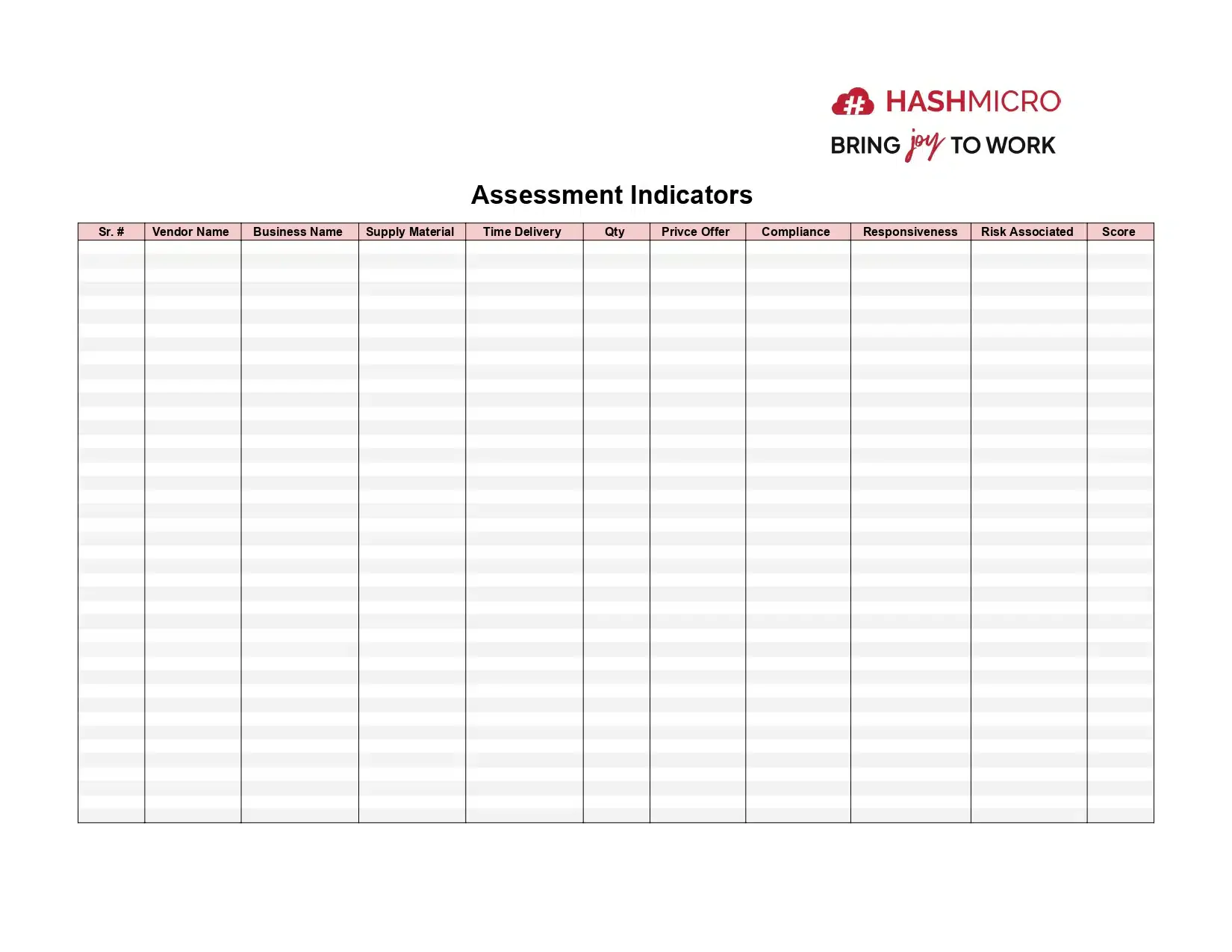
Your suppliers directly affect your costs, quality, and timelines. A Supplier Performance Report scores how well each vendor is holding up their end of the deal.
Track these operational performance metrics for each supplier:
- Delivery time: What percentage of orders arrive on schedule versus late.
- •Product quality: Defect rate or rejection rate on delivered goods.
- •Pricing consistency: Whether they stick to agreed pricing or quietly raise rates.
- •Communication: How responsive they are when issues come up.
This report helps you decide which suppliers to keep, which to put on notice, and which to replace. For businesses managing vendor risk across a long supply chain, it’s non-negotiable.
3. Inventory Ageing Report: Managing Stock and Reducing Wastage
Inventory Ageing Report
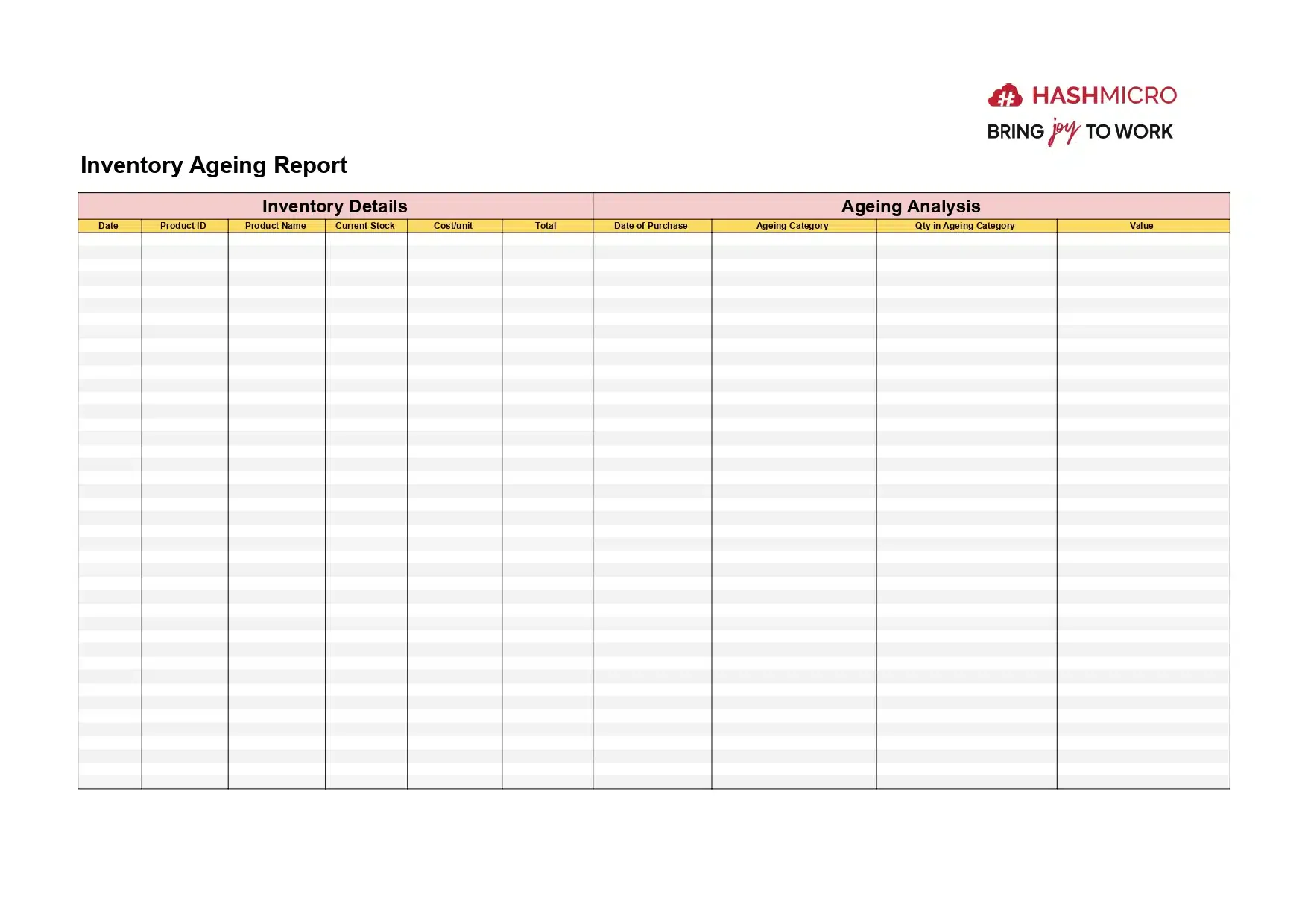
The Inventory Ageing Report shows you how long your stock has been sitting, and helps you spot slow-moving items before they become dead weight. By categorizing inventory into age brackets, like “0–30 days,” “31–60 days,” and “60+ days”, you get a clear picture of what’s moving and what’s not.
Here’s why this report saves you money:
- Optimizing stock levels: Know what to reorder, what to discount, and what to write off.
- •Reducing wastage: Catch obsolete stock early, especially if you’re in food, pharma, or any industry with expiry dates.
- •Improving cash flow: Less dead stock means more working capital freed up for things that actually generate revenue.
This report is especially valuable for Philippine businesses handling perishable goods (food manufacturing, restaurants) or fast-moving consumer products. If you’re holding ₱500K worth of inventory that hasn’t moved in 60+ days, you’ve got a cash flow problem disguised as a stock problem.
Red Flags: Signs Your Purchasing Reports Aren’t Working
You might already have purchasing reports in place, but are they actually useful? Watch out for these warning signs:
- Nobody reads them. If your monthly procurement report sits in a shared drive untouched, it’s not doing its job.
- Data is more than 2 weeks old. A purchasing report based on last month’s spreadsheet is already outdated. Real-time or weekly data is the minimum.
- No supplier comparison. If you can’t see how Supplier A compares to Supplier B on price, delivery, and quality, you’re flying blind.
- No budget variance tracking. Without a “planned vs. actual” column, you won’t know you’ve overspent until it’s too late.
- Missing BIR-aligned tax breakdowns. Philippine businesses need VAT and EWT data in their procurement reports for compliant record-keeping. If your report doesn’t include this, your accounting team is doing double work.
If more than two of these apply to your reports, it’s time to rethink your format, or the tools generating them. Most of these reports are generated automatically once the data sits in one system, so many companies compare purchasing software in the Philippines purchasing software in the Philippines before deciding how to standardize their reporting process.
Conclusion
Purchasing reports give you visibility into what you’re spending, who you’re buying from, and whether those choices are actually working. For Philippine businesses, especially MSMEs juggling BIR compliance and multi-branch operations, that clarity is worth the effort.
If you’re still building these reports manually, e-procurement software options in the Philippines can automate the heavy lifting, from pulling transaction data to generating supplier scorecards and tracking company assets across branches.
Want to see how this works in practice? You can request a free consultation with HashMicro’s team to explore how their e-procurement system handles report generation for PH businesses.
FAQs Purchasing Report
A purchasing report is a document that tracks all procurement activities, detailing purchases made, supplier performance, costs, and other relevant procurement metrics. It helps businesses make informed purchasing decisions.
A purchasing report is important because it allows businesses to monitor spending, evaluate supplier performance, and optimize procurement strategies, leading to cost savings and improved operational efficiency.
Purchasing reports compare actual spending with budget forecasts, helping businesses identify areas where they may be overspending and adjust their purchasing strategies accordingly to stay within budget.
Yes, e-Procurement software like HashMicro’s can automate the generation of purchasing reports, ensuring that data is up-to-date and easy to access, saving time and reducing manual errors in the reporting process.
A good purchasing report should include accurate data on purchases, suppliers, and spending trends, as well as actionable insights. It should also be easy to read and customizable for the specific needs of the business.