














When choosing a retail management system for a Philippine business, the wide selection of options can be both useful and overwhelming. Flexibility is great—until it becomes difficult to identify which solution actually fits your daily operations.
A study conducted by ResearchGate found that retailers using POS-generated data significantly improved inventory accuracy, reduced operating costs, and responded faster to customer demand. The research highlights that POS systems provide real-time insights that help businesses minimise stockouts, streamline replenishment cycles, and make better purchasing decisions.
If you want a system built specifically for Philippine retail operations, HashMicro Retail Software offers an easier starting point. It provides complete POS, inventory, purchasing, CRM, and reporting tools in one platform, plus automated features that cut manual work. You can explore how it fits your business through a free demo.
To help you choose wisely, we’ve compiled a list of the best software available for retail businesses. Here’s a quick overview of the Best Retail Management Software for Philippine Businesses.
Key Takeaways
Benefits of Retail Management Software is streamlines inventory, sales, and customer processes, boosting efficiency and scalability while helping businesses reduce operational costs.
When selecting retail management software, prioritize tools with real-time stock updates, automated barcoding, seamless sales insights, and a user-friendly interface for smooth operations.
HashMicro’s retail software advantage lies in its effortless ability to manage inventory, sales, and multi-branch operations. Its scalability and focus on the local market make it the ideal solution for Philippine businesses.
Best Retail Management Software for Philippine Businesses:



Best Because
Best for retail accounting integration.

Best Because
Best for multi-store retail businesses

Best Because
Best for omnichannel retail management.

What is Retail Management Software?
Retail management software is a tool that helps businesses streamline retail operation, including inventory management, sales tracking, and customer interactions. It integrates these functions into a unified system, providing real-time data and insights.
Retail management software provides numerous advantages that can greatly improve operations. Investing in retail software isn’t just a smart choice; it’s crucial for staying competitive in the Philippines market.
Who uses Retail Management Software?
Retail management software is an essential tool used by various professionals in the retail industry to streamline operations and improve business efficiency. Retail business owners and managers leverage it to oversee daily operations, manage inventory, and track sales, while store staff, such as cashiers and sales associates, rely on integrated POS systems to facilitate transactions and enhance customer interactions. Inventory and supply chain managers use the software to monitor stock levels, automate reordering, and ensure optimal inventory flow.
Benefits of Retail Management Solutions
Retail management Solutions improves business efficiency by automating key operations and reducing errors. It strengthens inventory control, sales tracking, and customer engagement, ensuring smoother day-to-day operations. Here are six key benefits:
- Cost savings: Cuts operational mistakes, optimizes inventory, improves supplier relations, and reduces loss or fraud.
- Scalability: Easily adapts as businesses expand, whether adding new locations or product lines.
- Better inventory management: Provides real-time stock visibility, tracks sales, and identifies items that need restocking.
- Simplified POS process: Speeds up tagging, payments, and product availability checks for faster transactions.
- Improved customer service: Enables promotions, loyalty programs, targeted marketing, and faster checkout experiences.
- Efficient delivery: Streamlines supplier coordination and shipment tracking, improving reliability and customer trust.
Read More: 17 Best CRM Software in the Philippines
Hashy AI Fact

AI in retail management optimizes inventory, enhances experience, and improves forecasting. HashMicro Hashy AI automates replenishment, analyzes behavior, and boosts sales and loyalty.
Get a Free Demo Now!
Top 17 Retail Management Software for Philippine Businesses
Choosing the perfect retail management software for your business can be challenging with so many options. Each software provider offers different features, and their products have pros and cons. To simplify things, here’s a list of the top 17 retail management software systems in the Philippines:
1. HashMicro Retail Management Software
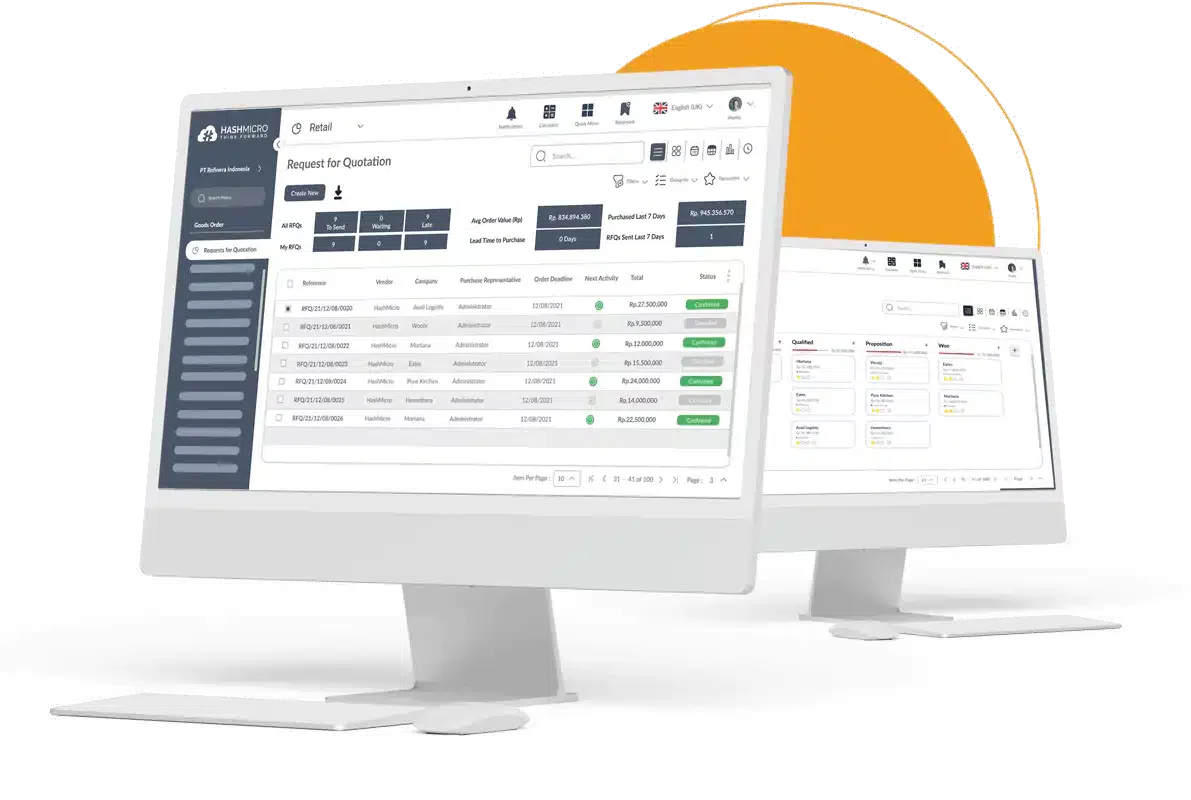
HashMicro offers comprehensive, web-based retail management software in the Philippines, catering to businesses of all sizes across various retail sectors like fashion, electronics, home goods, automotive, beauty products, and more.
The best overall option for Philippine businesses looking for a comprehensive and fully localized retail management software.
Why we pick it: HashMicro offers seamless integration, real-time analytics, and user-friendly features that optimize inventory, sales, and customer management. Its flexibility and scalability make it ideal for businesses looking to enhance operational efficiency.
Renowned enterprises in Singapore and Indonesia have benefited from HashMicro’s comprehensive features and excellent customer service. In the Philippines, HashMicro continues to provide top-notch service to businesses across all industries.
HashMicro’s retail management software makes every part of running a business easier. Moreover, it is more than capable of handling multi-branch management effectively. It handles inventory, sales, customer management, and analytics seamlessly. Additionally, it manages suppliers well and connects with other systems smoothly.
Features:
- Point of sale: HashMicro’s software ensures smooth transactions and boosts customer satisfaction at the end of purchase.
- Inventory and warehouse management: HashMicro simplifies inventory tracking and warehouse operations, maximizing efficiency.
- Loyalty program management: Businesses can effortlessly retain customers and drive sales through effective loyalty programs.
- Marketing & mass mailing: This feature empowers businesses to engage customers and increase sales with targeted marketing campaigns.
- Online store: HashMicro seamlessly integrates with online stores, expanding businesses’ reach and boosting sales online.
- Business intelligence: This feature provides powerful insights to drive informed decision-making and optimize business performance.
- Sales management: Businesses can streamline sales processes and boost revenue generation through efficient sales management features.
| Pros | Cons |
|---|---|
|
|
If you want to discover how HashMicro can significantly help manage retail businesses. In that case, you can start considering the price calculations to find out that your software is really the right solution to support your company.
2. QuickBooks
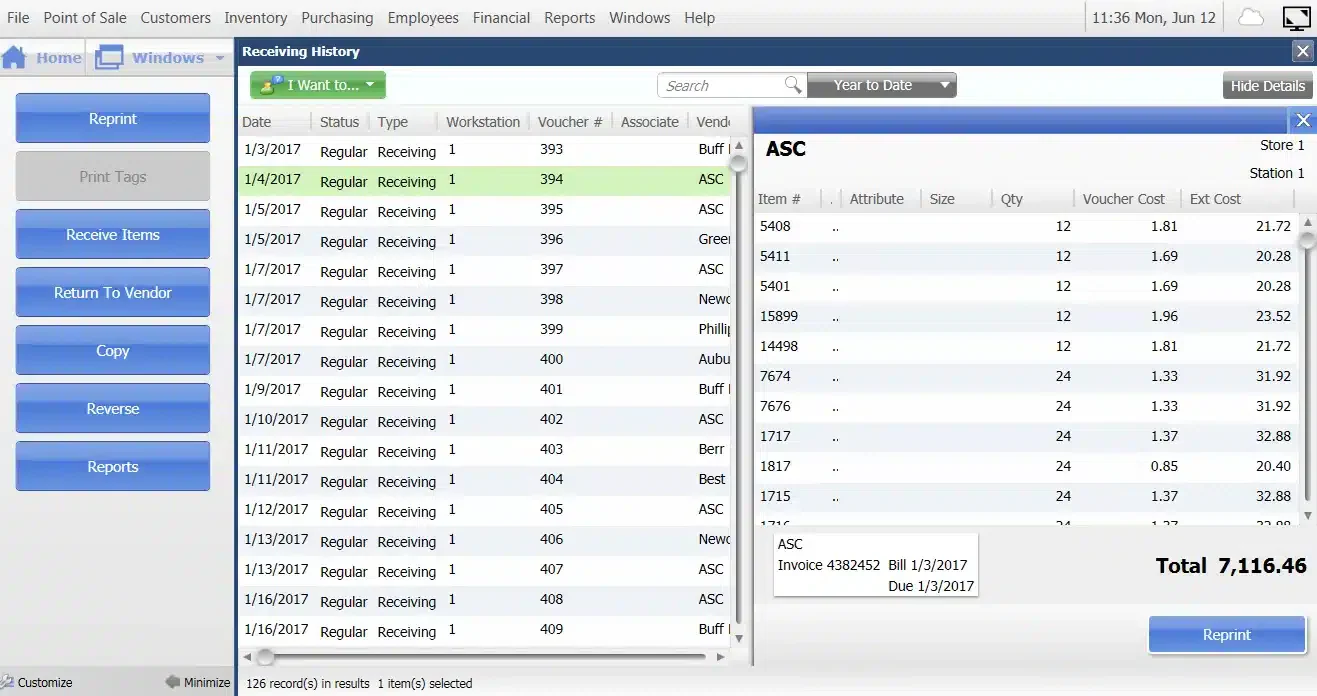
QuickBooks, created and sold by Intuit in the USA, is another software for retail businesses in the Philippines. It helps companies with both on-site and cloud-based accounting. It handles tasks like accepting payments, managing bills, and processing payroll.
Features:
- E-commerce integration
- Inventory management
- Reporting
- Order management
| Pros | Cons |
|---|---|
|
|
3. Xero
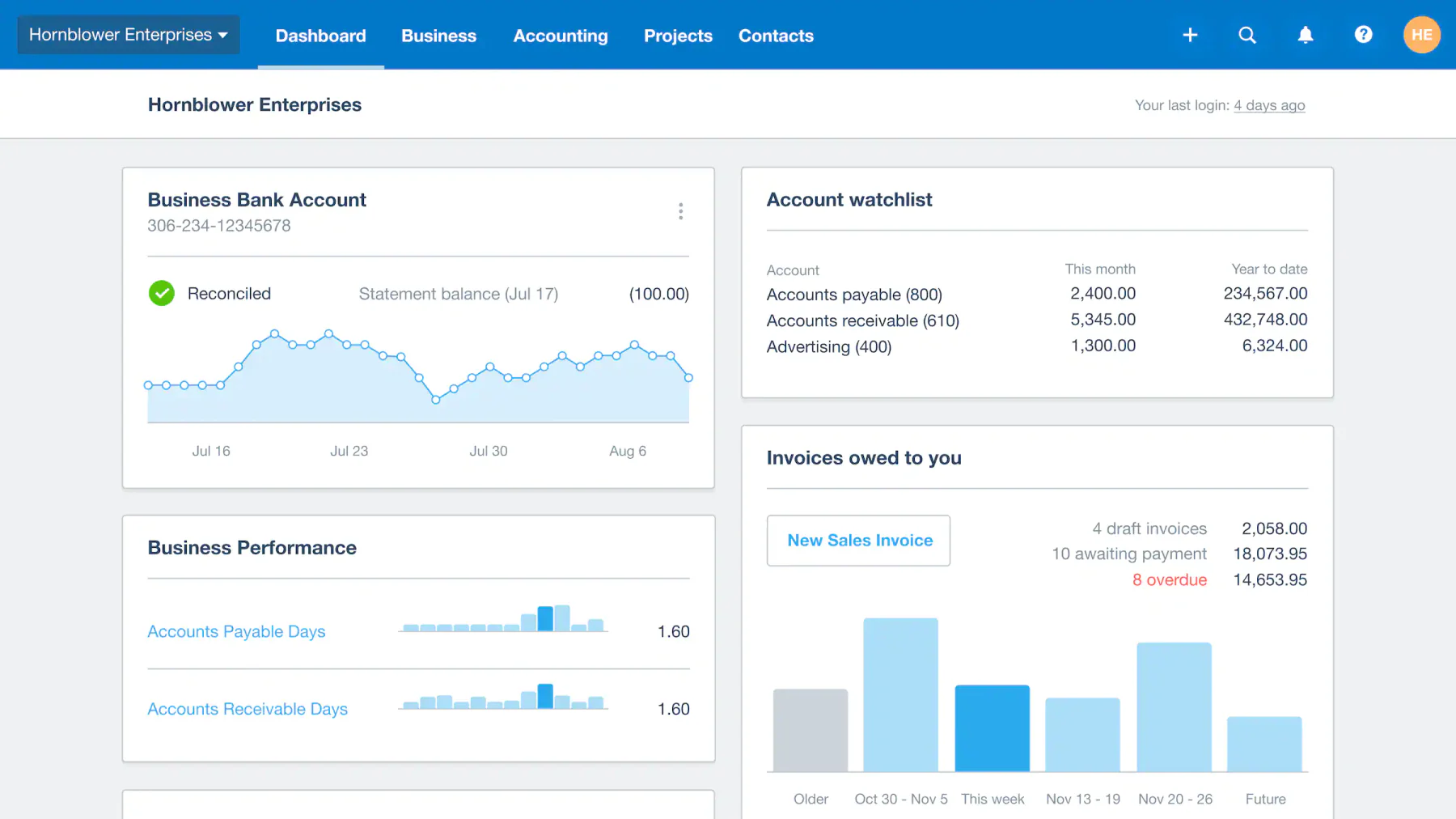
Xero is one of the retail management Solution options that Philippine retailers can consider using. It provides an intuitive experience while upholding a high standard of professionalism. Its cloud-based system adds convenience, allowing retailers to access vital data anywhere.
Features:
- Invoicing
- Inventory management
- Payroll
- Expense management
| Pros | Cons |
|---|---|
|
|
4. Oracle NetSuite
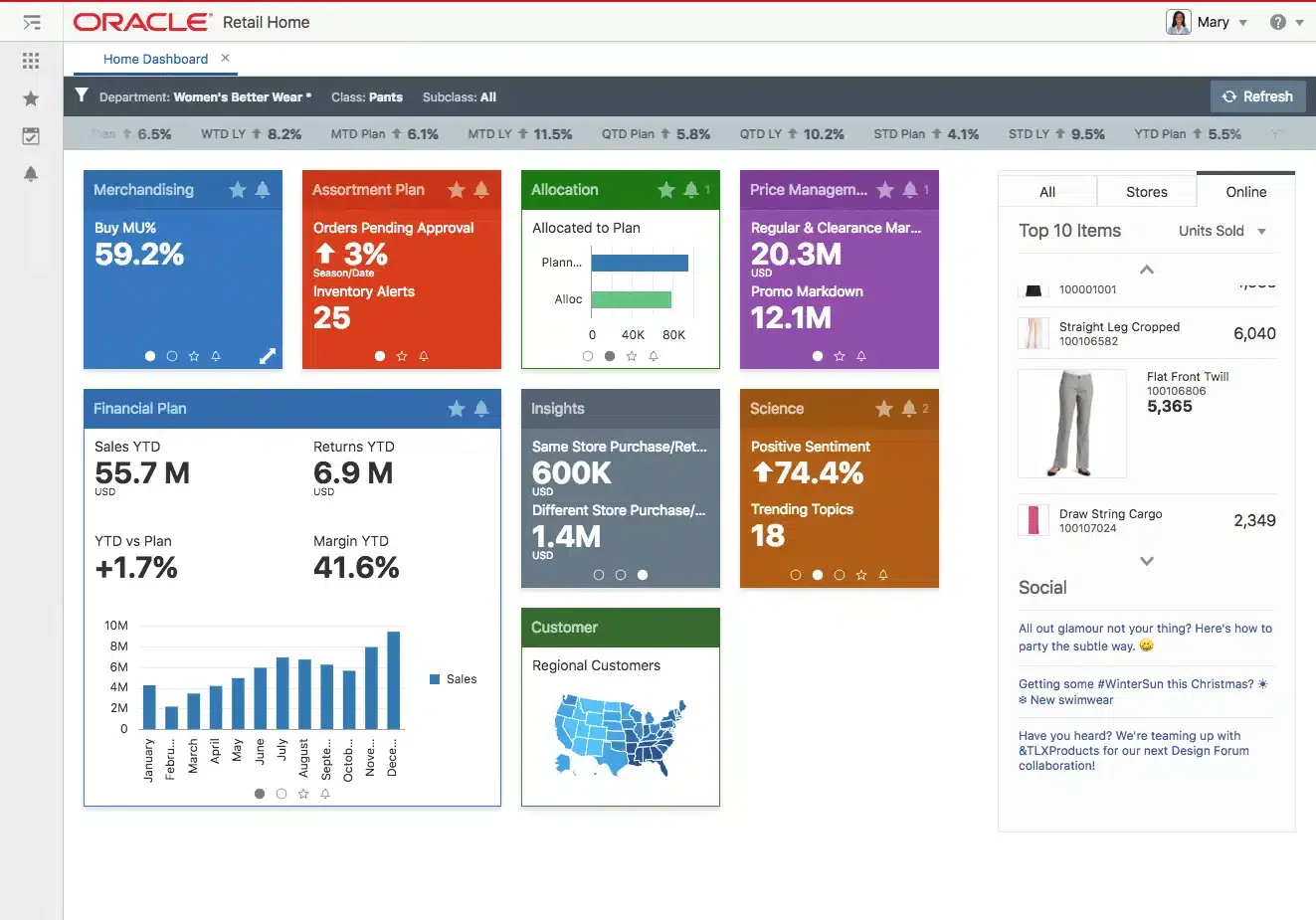
Oracle NetSuite is one of the best retail software for businesses in the Philippines. They offer software and services to handle various aspects of business operations, including finances and customer relations.
Features:
- Inventory management
- Point of Sale (POS) integration
- Order management
- Customer relationship management
- E-commerce integration
| Pros | Cons |
|---|---|
|
|
5. QNE Software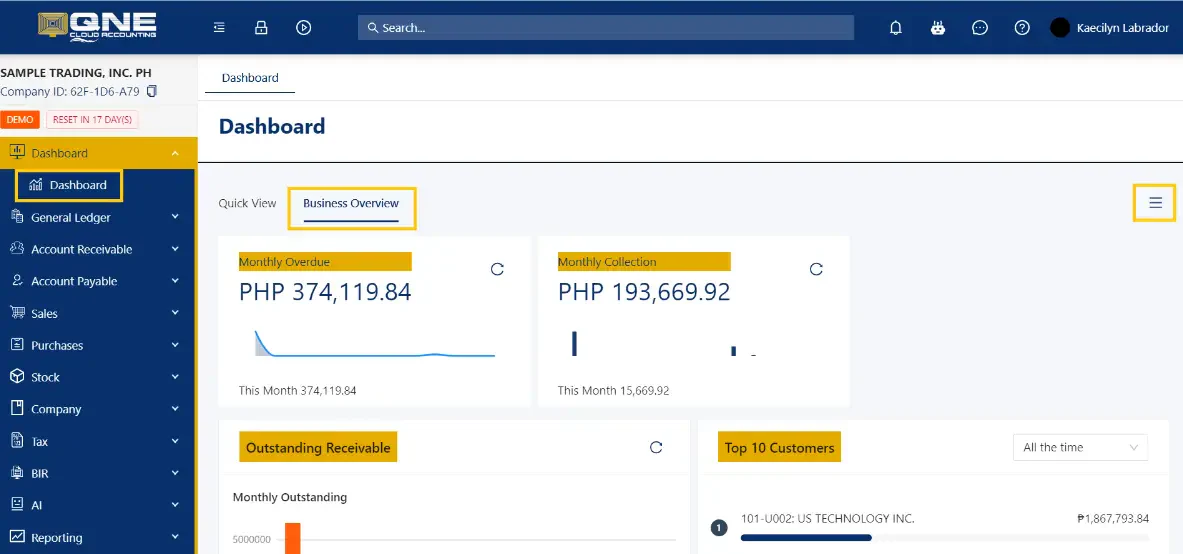
QNE Software is a local provider of software for retail software business. It offers accounting, inventory, payroll software, and a digital portal. Known for its localized system, it simplifies compliance with the country’s evolving tax regulations for accountants and business owners.
Features:
- Accounting
- Inventory management
- Payroll
- Digital portal
| Pros | Cons |
|---|---|
|
|
6. RetailGraph
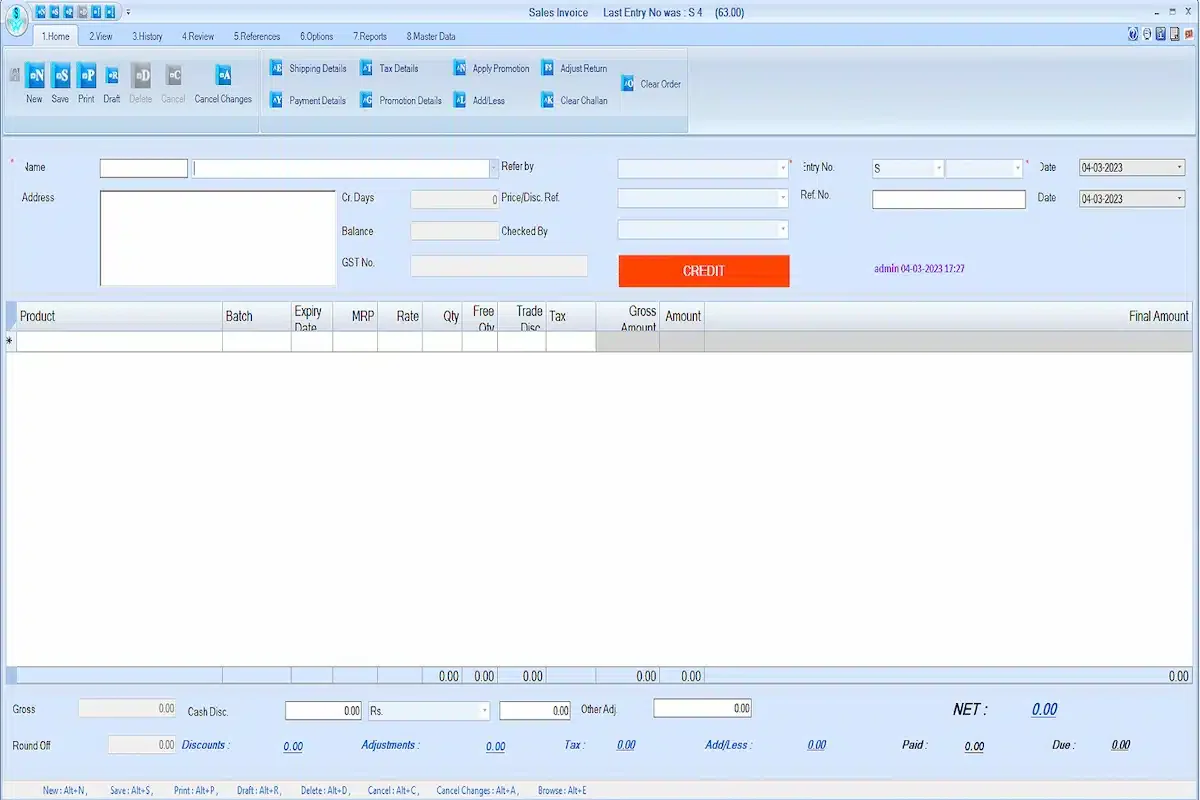
RetailGraph serves as a comprehensive retail and distribution management system tailored for businesses in the Philippines. Designed with retail business needs in focus, this all-inclusive point-of-sale solution simplifies managing multiple retail outlets and warehouses for businesses.
Features:
- Customer management
- Accounting
- Email integration
- E-commerce integration
| Pros | Cons |
|---|---|
|
|
7. Lightspeed 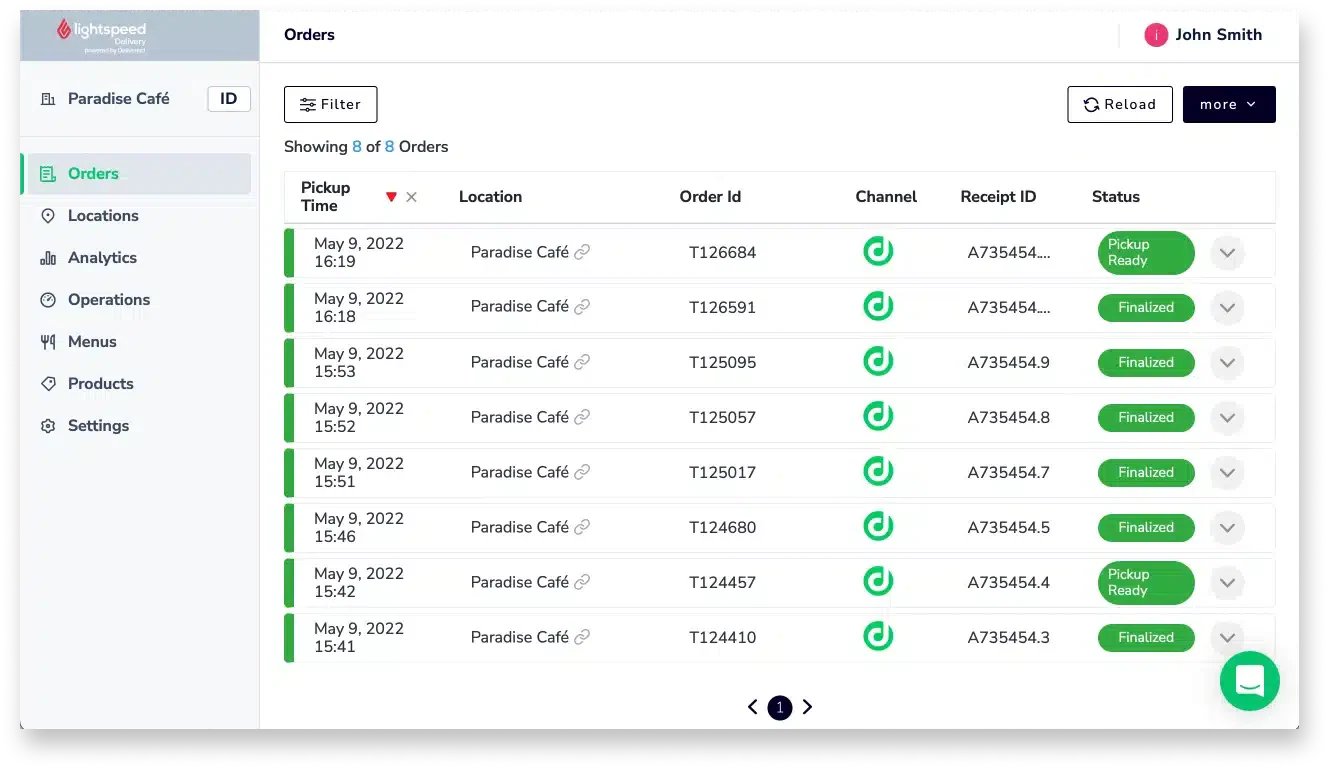
Lightspeed Retail is a comprehensive POS retail system that simplifies tasks like inventory and employee management. With detailed sales reports and customer profiles, businesses can easily identify top-selling items and provide personalized service to boost customer loyalty.
Features:
- Barcode scanning
- Payment integration
- Order notes
- Inventory management
| Pros | Cons |
|---|---|
|
|
8. Cin7 Omni
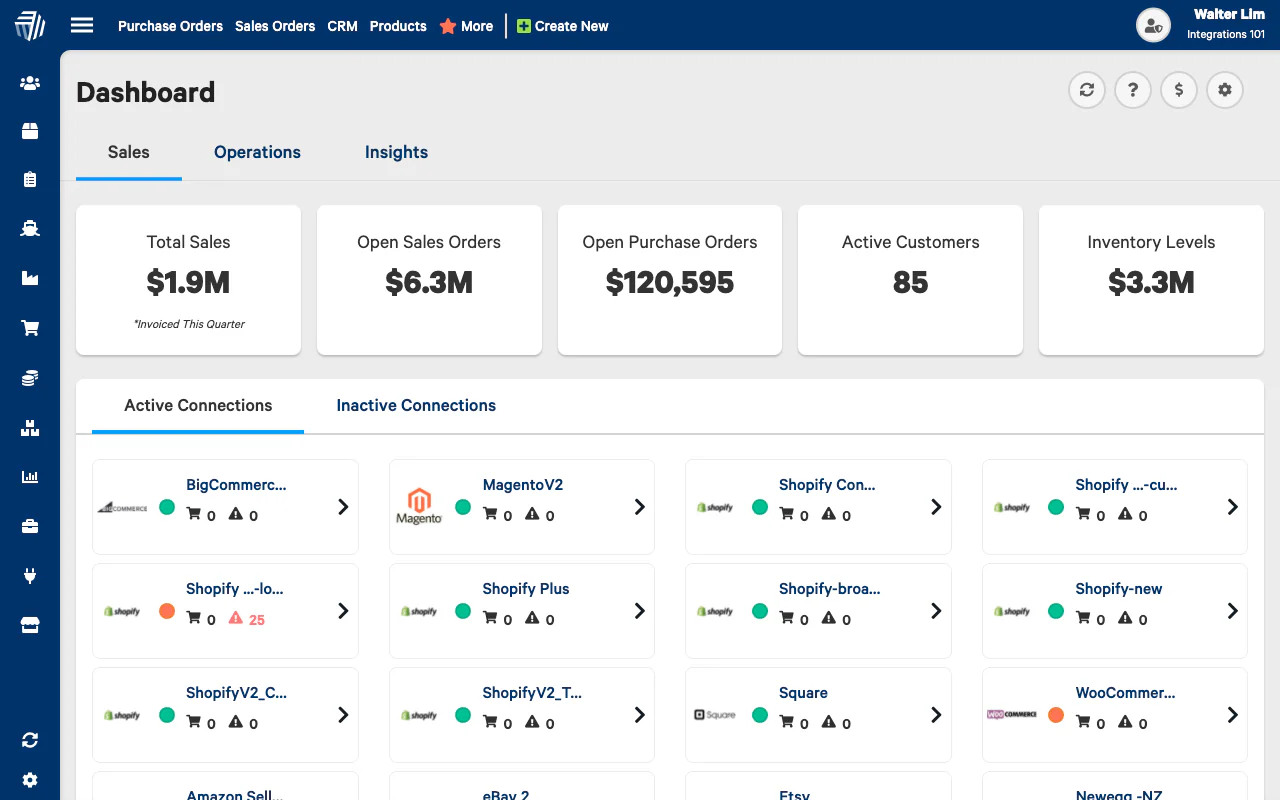
Cin7 Omni Retail Management Solution integrates a business’s products, sales channels, stock locations, orders, warehouses, workflows, reports, and more into a single automated solution. This empowers businesses with the essential tools to collaborate more effectively and efficiently in their operations.
Features:
- Order tracking
- Electronic payments
- Inventory management
- Product identification
| Pros | Cons |
|---|---|
|
|
9. Square for Retail
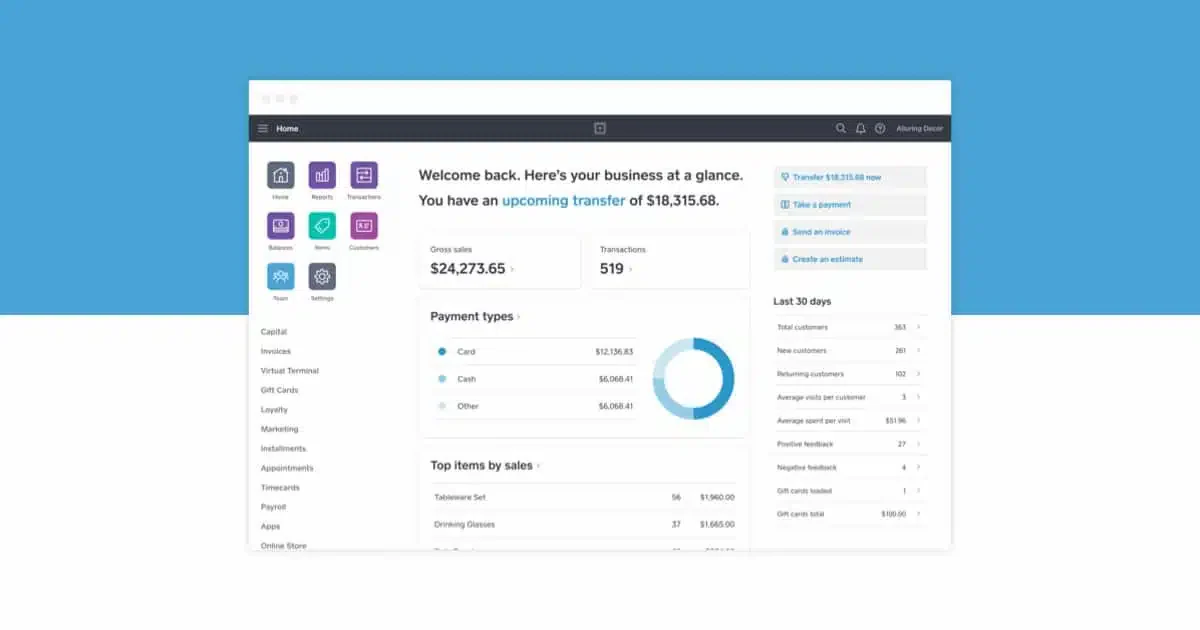
Square for Retail is a complete POS solution designed for retail businesses. It includes advanced features to help retailers run their business more efficiently. Square for Retail is easy to set up and user-friendly, making it ideal for businesses of all sizes.
Features:
- Integrated payments
- Customized order
- Customer relationship management
- Order management
| Pros | Cons |
|---|---|
|
|
10. Zoho
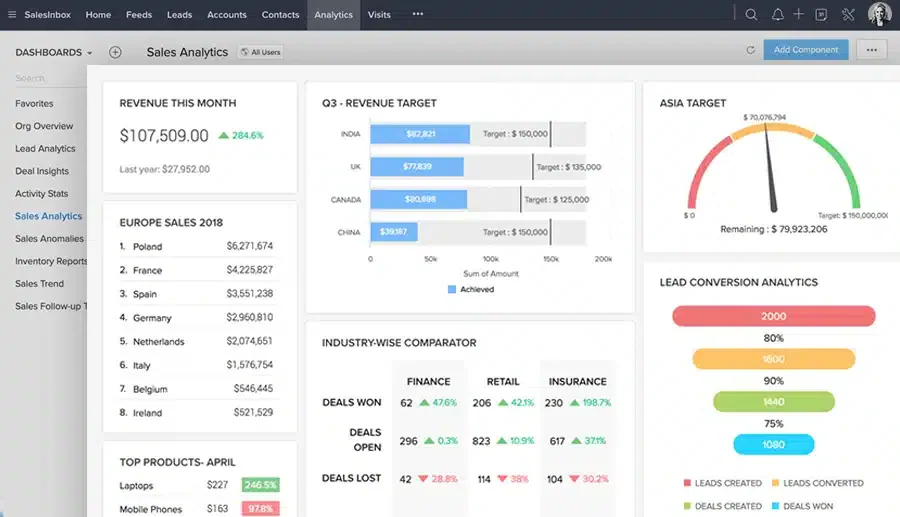
Zoho is a comprehensive retail management software to streamline retail software, from inventory management to customer engagement. Additionally, it enhances business efficiency by automating processes, improving inventory accuracy, and delivering valuable sales insights.
Features:
- Multi-warehouse management
- Order tracking
- Customer portal
- CRM integration
| Pros | Cons |
|---|---|
|
|
11. ECOUNT
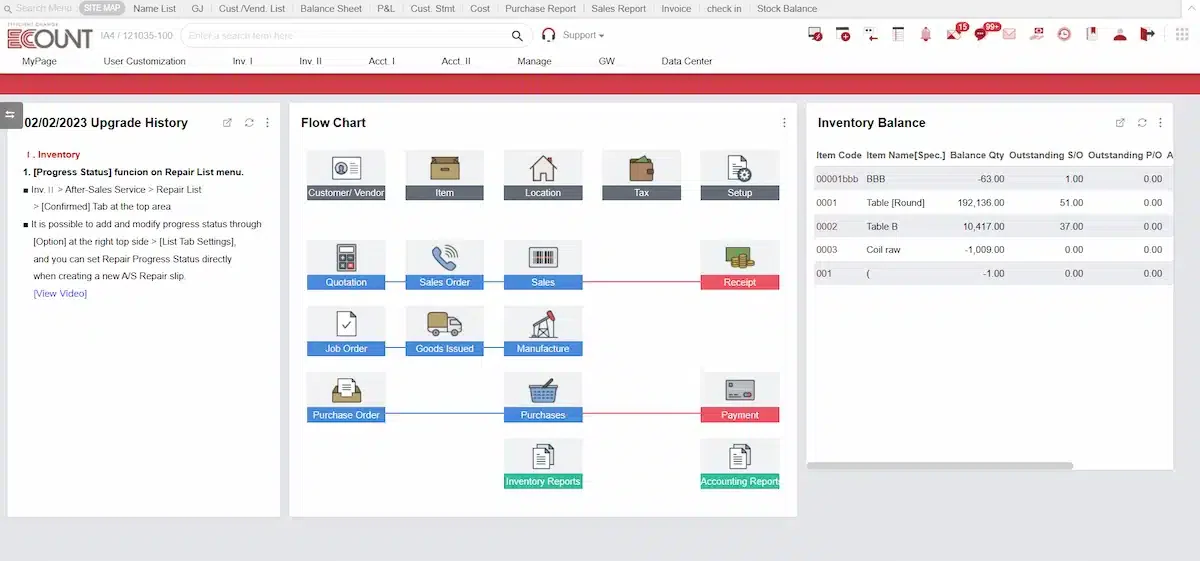
ECOUNT is an online retail software Philippines that integrates enterprise resource planning (ERP) functions. It assists businesses in managing inventory, production, logistics, sales, and accounting, streamlining workflow for retail operations.
Features:
- Store management software
- Inventory tracking
- Warehouse management
- Barcode integration
| Pros | Cons |
|---|---|
|
|
12. Vend
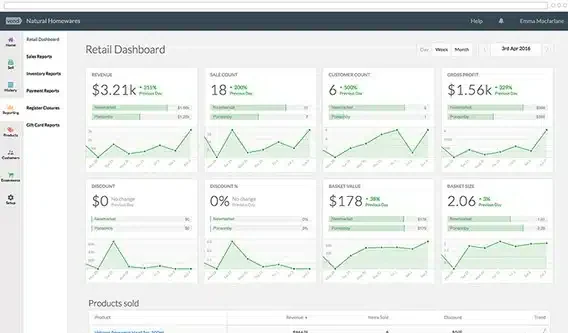
Vend is a cloud-based retail management software that helps businesses manage sales, inventory, and customer data efficiently. It offers benefits such as real-time inventory tracking, seamless integrations with other platforms, and enhanced customer experience through personalized service.
Features:
- Inventory management
- POS system
- Customer relationship management (CRM)
- Loyalty programs
| Pros | Cons |
|---|---|
|
|
13. Katana
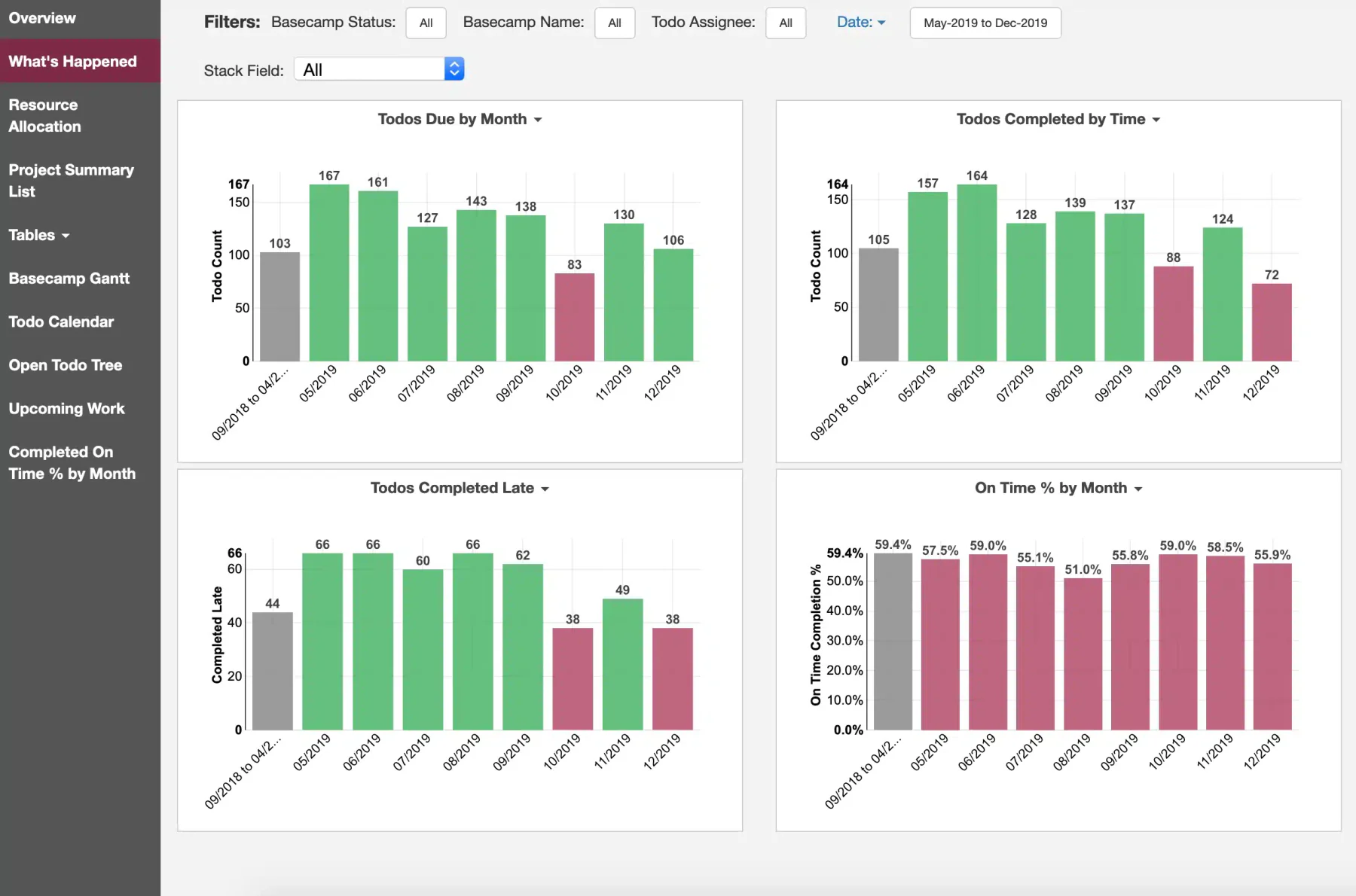
Katana is an ERP software that focuses on production management and inventory control. Moreover, it offers benefits like real-time inventory updates, automated production planning, and integration with e-commerce platforms to streamline operations.
Features:
- Live inventory management
- Master planner
- Order management
- Barcode scanning
| Pros | Cons |
|---|---|
|
|
14. Clover
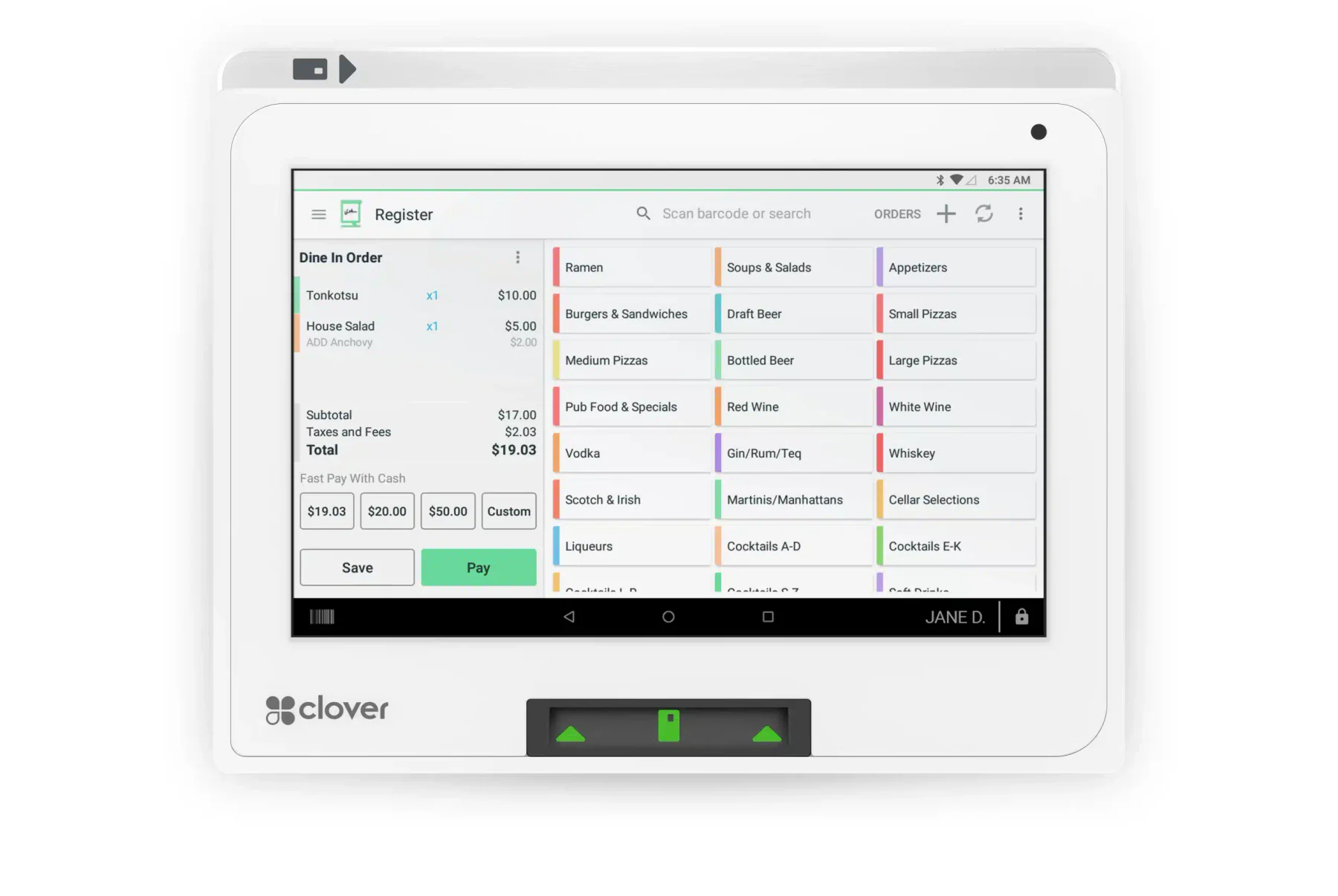
Clover is a cloud-based retail system that provides businesses with tools for sales, inventory, and payment processing. It benefits retailers by offering customizable POS systems, real-time sales tracking, and seamless integration with various business apps.
Features:
- Inventory tracking
- Multiple payment types
- Loyalty programs
- Online ordering
| Pros | Cons |
|---|---|
|
|
15. InFlow
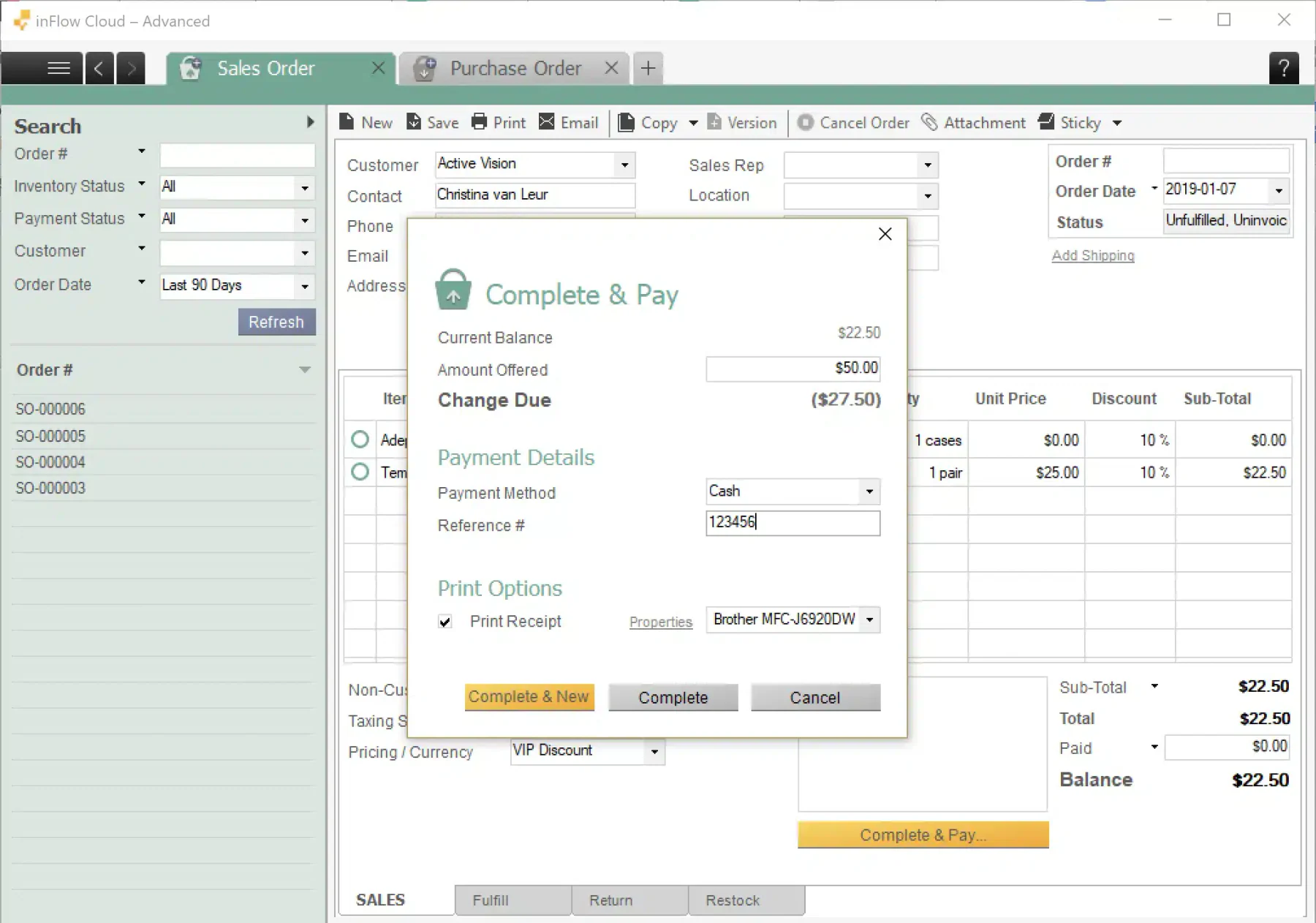
InFlow offers a store management system designed to help businesses track products, manage orders, and optimize stock levels. It benefits users by providing real-time inventory updates, simplifying order management, and generating detailed sales reports.
Features:
- Product organization
- Stock tracking
- Bills of materials
- Quotes and orders
| Pros | Cons |
|---|---|
|
|
16. Ordoro
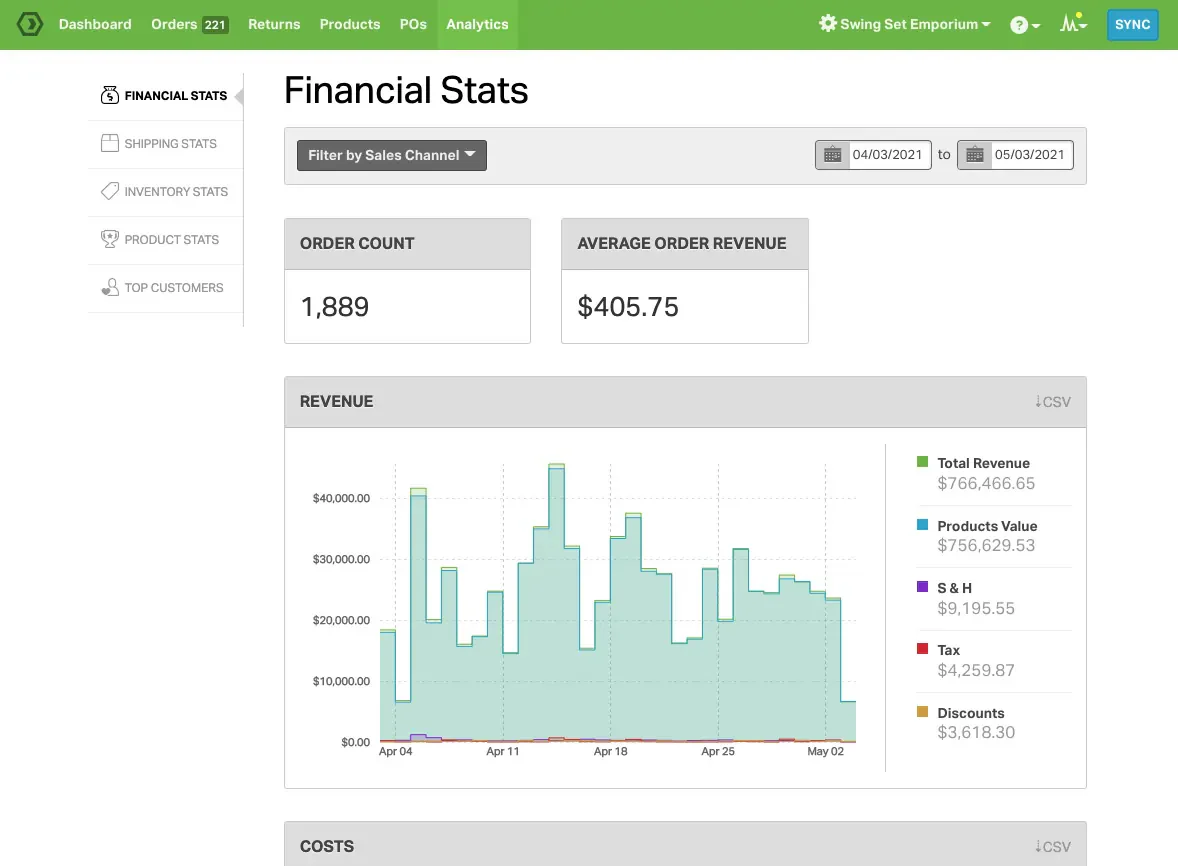
Ordoro offers a retail management system tailored for e-commerce businesses to streamline their operations. It offers benefits like automated order fulfillment, multi-channel inventory synchronization, and discounted shipping rates to enhance efficiency and reduce costs.
Features:
- Multi-warehouse tracking
- Low-stock alerts
- Shipping management
- Order management
| Pros | Cons |
|---|---|
|
|
17. Quant
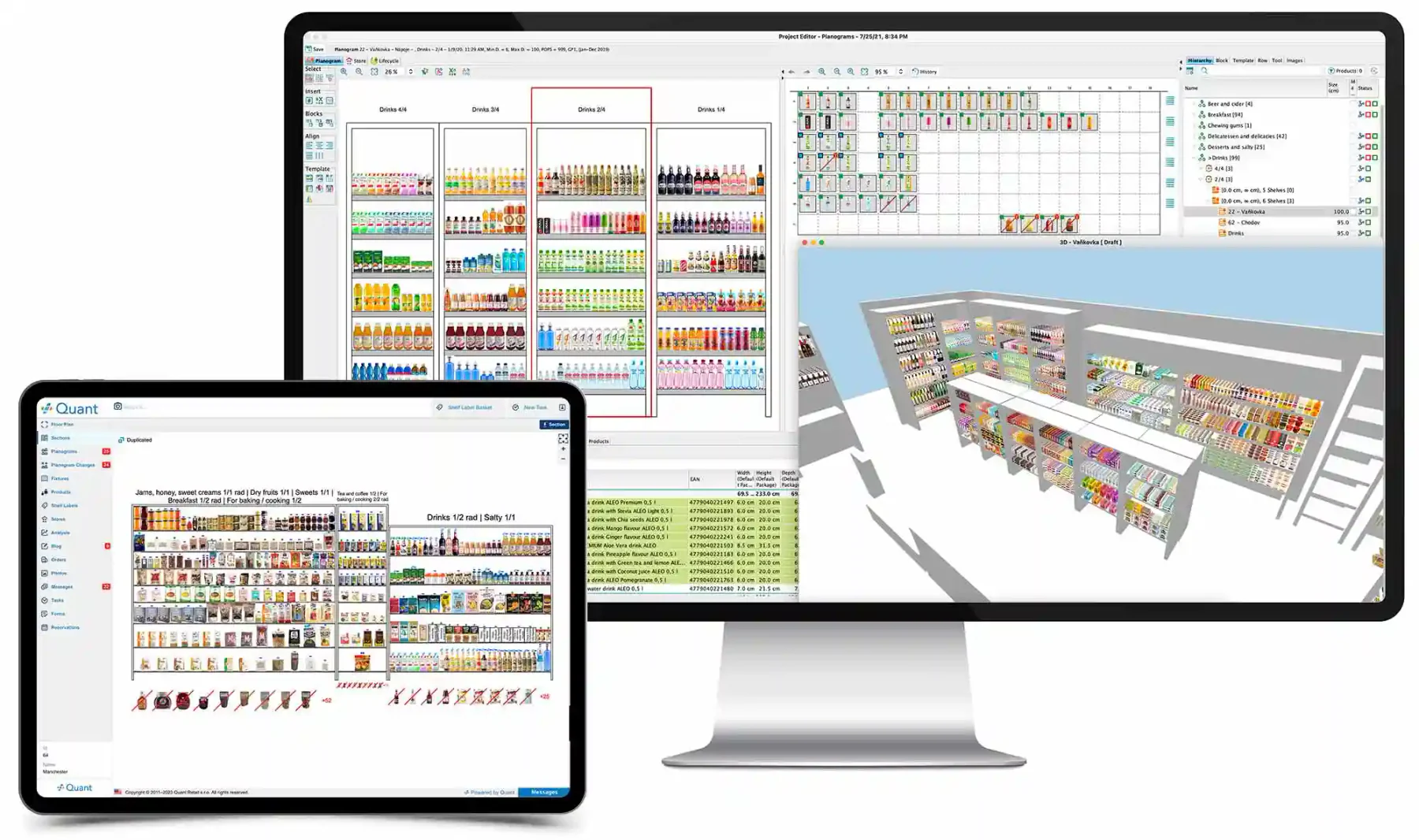
Quant is a retail management software that optimizes store layouts and merchandising through advanced data analytics. It benefits retailers by increasing sales through data-driven product placements, improving inventory management, and enhancing customer shopping experiences.
Features:
- Order management
- Returns management
- Change management
- Merchandise management
| Pros | Cons |
|---|---|
|
|
How to Choose the Right Retail Management Solution
Looking at different options for retail management Solution can be overwhelming, especially for businesses focused on retail operations. While these systems aim to simplify business management, each has unique features. Here are some tips to help you choose the right software for your retail management needs:
- Inventory management: Prioritize software that keeps your stock levels updated instantly.
- Automated barcoding: Look for a solution that handles barcoding automatically, reducing manual SKU input.
- Seamless labeling: Ensure the software works well with label printers for hassle-free tagging.
- Sales insights: Opt for retail management software that provides analytics to uncover business sales patterns.
- System compatibility: Choose software that easily integrates with your current platforms, like accounting or e-commerce.
- API connectivity: Seek out a platform that offers API access for effortless system interaction.
- User-friendly interface: Ensure the software is simple and straightforward for all team members.
- Reliable support: Select a provider that offers extensive customer support, including round-the-clock availability and live chat.
Key Features to Look for in Retail Management Software
The best retail management software should streamline operations, improve efficiency, and enhance customer experience. It must provide tools that manage sales, inventory, customer data, and performance insights in one platform. Here are the key features to prioritize:
- Point-of-Sale (POS) System
Enables fast, secure transactions and integrates with inventory to track sales and payments efficiently. - Inventory Management
Offers real-time stock tracking, automated replenishment, and tools to prevent overstocking or stockouts. - Customer Relationship Management (CRM)
Stores customer profiles and purchase history, helping personalize marketing, increase loyalty, and drive repeat sales. - Sales & Analytics Reporting
Provides insights on sales trends, customer behavior, and inventory performance to support data-driven decisions. - Multi-Store Management
Allows centralized control of multiple locations, ensuring consistent operations and optimized inventory across all stores.
Conclusion
Picking the right retail management software is vital for running your business smoothly. Good software helps you manage inventory, process orders faster, and ensure customers get what they need on time.
Regarding retail software in the Philippines, HashMicro stands out as the ultimate choice for businesses. Crafted with the local market in mind, HashMicro seamlessly integrates into your operations. Experience the power of HashMicro with its robust features, unwavering support, and scalable capabilities tailored to your business growth.
Register for a free demo now to see how HashMicro can help your business!
FAQ About Retail Management Software
A retail management system combines inventory management and POS tools to help run a retail store. It prevents stock losses and unsold goods, making retail operations easier.
The retail industry requires various types of management to oversee different roles and departments: human resource management, operations or production management, and strategic management.
Retail management involves assisting customers in finding products in your store. It covers everything from expanding your customer base to product presentation and meeting customer needs.
Retail task management software helps you manage store tasks efficiently with real-time tracking. It empowers staff by automating tasks like shelf restocking, inventory checks, and returns, reducing manual work.
Retail management involves store leaders boosting sales, improving employee performance, and meeting customer expectations. These efforts build customer loyalty, enhance efficiency, and help teams focus on shared goals.