

















A single missing component can bring an entire production line to a halt. For manufacturers, that kind of disruption isn’t just an inconvenience, it’s a direct hit to revenue and customer trust. Poor inventory control in manufacturing leads to stockouts, overstocking, and costly production delays that spreadsheets simply aren’t equipped to prevent.
This article covers the top manufacturing inventory management software solutions available, along with what to look for when evaluating them, whether you’re managing a single facility or multiple production sites.
Key Takeaways
|
Table of Contents
Manufacturing Inventory Software at a Glance
Choosing the right manufacturing inventory management software is crucial to streamline your operations. Below are the top picks of inventory management software for manufacturing companies this year:
- HashMicro: Best for automating barcode-to-shipping workflows for construction and retail giants
- Zoho Inventory: Best for small to mid-sized manufacturers with multi-warehouse needs
- Katana MRP: Best for strict batch control in food, cosmetics, and pharmaceuticals
- QuickBooks Enterprise: Best for accounting-focused inventory tracking in light manufacturing
Use this shortlist to find the inventory management software for manufacturing that best fits your production needs and growth plans.
What is Manufacturing Inventory?
Manufacturing inventory covers three core categories: raw materials waiting to enter production, work-in-progress (WIP) goods currently being assembled or processed, and finished goods ready for distribution. Together, these make up the lifeblood of any production operation — and managing them accurately is what keeps output consistent and costs predictable.
Dedicated manufacturing software helps businesses track all three categories in real time, reducing waste, preventing shortfalls, and keeping production lines responsive to actual demand.
Benefits of Manufacturing Inventory Software
Here are some of the main benefits of implementing manufacturing cloud inventory software.
- BOM Accuracy & Explosion
Automatically calculate exact material requirements for any production order. If you need to make 1,000 units of Product A, the software ‘explodes’ your BOM to tell you precisely: 2,000 screws, 1,000 casings, 500 motors needed. No more manual calculations, no more forgotten components. - Production Scheduling Optimization
Plan which products to manufacture, in what sequence, and when. The software considers machine capacity, labor availability, and material lead times to create realistic production schedules. Reschedule instantly when priorities change or machines break down. - WIP Costing & Tracking
Know exactly how much money is sitting on your production floor at any moment. Track the value of partially completed goods, including materials consumed, labor hours applied, and overhead allocated. Essential for accurate financial reporting and identifying bottlenecks. - Lot Traceability & Recall Management
Trace any finished product back to its raw material batches. If a customer reports a defect, identify exactly which production lot was affected and which other customers received products from the same lot. Critical for the food, pharmaceutical, and automotive industries. - MRP (Material Requirements Planning)
Automatically generate purchase orders and production orders based on sales forecasts, current inventory, and lead times. The system tells you: ‘Order 500 units of Component X by March 15 to meet your April production schedule.’ No more guesswork. - Scrap & Yield Tracking
Track actual material usage versus expected usage. If your BOM says 100 units should produce 1 kg of scrap, but you’re generating 1.5 kg, the software flags it immediately. Identify wasteful processes, operator errors, or quality issues before they drain your profits. - Quality Control Integration
Trigger quality inspections at key production stages. Record inspection results, track defect rates by machine/operator/shift, and automatically quarantine failed batches. Prevent defective products from reaching customers. - Shop Floor Data Collection
Capture real-time data directly from the production floor via barcode scanners, tablets, or IoT sensors. Workers scan materials as they’re consumed, log production quantities, and report machine downtime, all feeding into your inventory system instantly.
MRP: The Brain Behind Manufacturing Inventory Planning
Material Requirements Planning (MRP) answers one of manufacturing’s most critical questions: what materials are needed, in what quantities, and by when? It works by taking a production order. Say, 500 units due May 30 and calculating backwards through the bill of materials and production schedule to determine exactly what needs to be ordered and when, preventing both shortfalls and excess.
MRP Inputs:
- Master Production Schedule (what you plan to make and when)
- Bill of Materials (what’s needed to make each product)
- Current Inventory Levels (what you already have)
- Lead Times (how long suppliers take to deliver)
- Safety Stock Requirements (buffer you want to maintain)
MRP Outputs:
- Planned Purchase Orders (what to buy from suppliers)
- Planned Production Orders (what to manufacture internally)
- Rescheduling Recommendations (orders to expedite or delay)
- Exception Reports (potential shortages or excess)
Real Example:
You have an order for 500 units due May 30. MRP calculates:
- BOM explosion: Need 2,000 Component A, 500 Component B
- Current stock: 800 Component A, 200 Component B
- Shortage: 1,200 Component A, 300 Component B
- Lead time: Component A = 2 weeks, Component B = 3 weeks
- MRP recommendation: Order Component B by May 9, Component A by May 16
- Without MRP, you’d be guessing. With MRP, you have a precise action plan.
Different Industries, Different Inventory Needs
Not all manufacturing is the same. Here’s what to prioritize based on your industry:
| Industry | Critical Features Needed | Compliance Requirements |
|---|---|---|
| Food & Beverage | Expiration date tracking, lot traceability, FIFO enforcement, recipe & formula management, yield tracking | FDA Philippines, HACCP, batch recall capability within 24 hours |
| Pharmaceutical | Strict lot tracking, quarantine management, environmental monitoring, serialization | FDA CFRR, GMP compliance, 21 CFR Part 11 (electronic records) |
| Automotive Parts | Serial number tracking, PPAP documentation, Kanban support, EDI integration with OEMs | IATF 16949, customer-specific requirements, 100% traceability |
| Garment / Textile | Size–color matrix, roll tracking, cut planning, style & season management | Buyer compliance audits, ethical sourcing documentation |
| Electronics | Component obsolescence tracking, moisture sensitivity handling, SMT integration, RoHS tracking | RoHS, WEEE, conflict minerals documentation |
| Furniture / Woodworking | Cut optimization, finish & color variants, assembly instructions, custom order management | DENR wood legality, fire safety standards for upholstery |
10 Best Manufacturing Inventory Management Software in 2025
The right inventory management software boosts efficiency, cuts costs, and streamlines manufacturing. Below are 10 apps to enhance inventory control, traceability, and scalability.
1. HashMicro Inventory Software
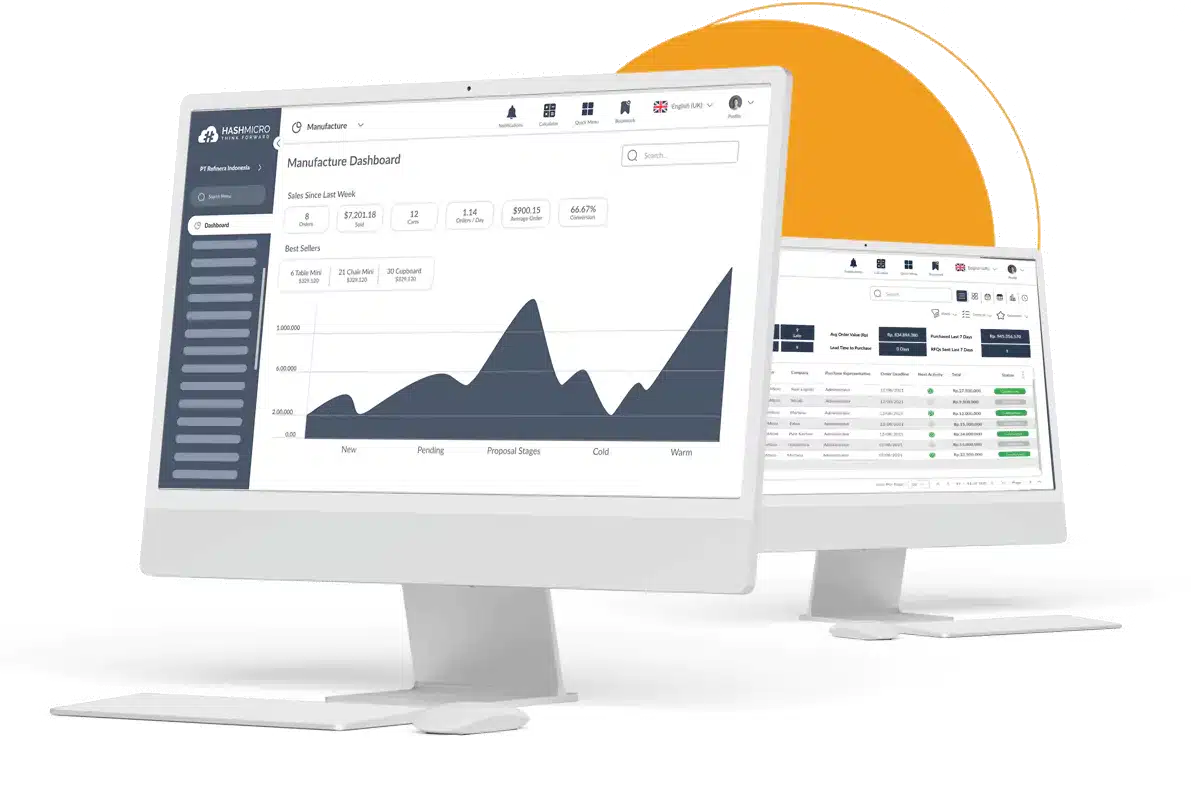 HashMicro provides a quick, easy, and complete inventory management solution for various types of businesses of all sizes, including construction. Many industries, such as steel and lumber, can utilize the lumber industry ERP system to enhance their business operation
The platform supports real-time stock monitoring, barcode generation, and picking and packing workflows, all within a broader ERP environment that connects inventory data to procurement, production, and finance.
Features:
- Efficient goods tracking: Barcode management ensures precise and swift tracking of goods.
- Streamlined stock requests: Automatic stock request management handles requests across store branches or warehouses.
- Tailored integration: Customization and integration align with your company’s unique requirements and growth. ERP Module Integration: Seamless integration with ERP modules like accounting, manufacturing management software, purchasing, and POS software.
- Automated inventory operations: Optimal and automatic stock recording streamlines warehouse and inventory processes.
- Partnership with singapore government grants: Maintain financial health with support from the Singapore Government’s EDG up to 50% and NTUC CTC Grant up to 70%.
| Pros | Cons |
|
|
2. Fishbowl Manufacturing Inventory Management Software
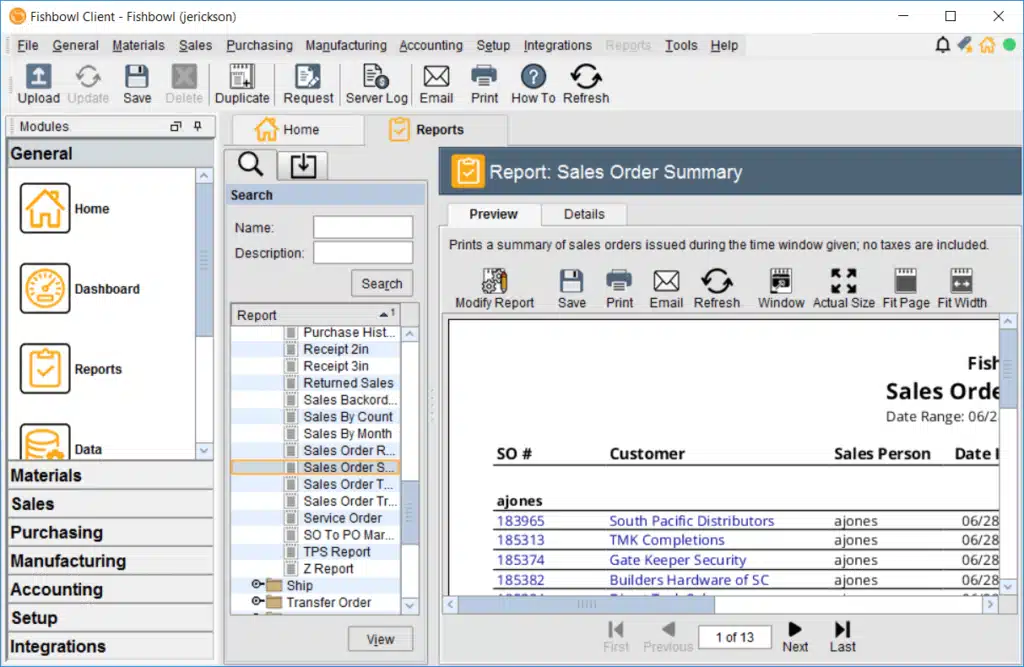 Fishbowl Inventory is a robust ERP system designed for businesses aiming to scale. It offers powerful inventory tracking and serves as a cost-effective, out-of-the-box solution for growing manufacturers. With built-in MRP capabilities, Fishbowl provides a flexible way to manage diverse inventory processes efficiently.
| Pros | Cons |
|
|
3. Zoho Manufacturing Inventory Software
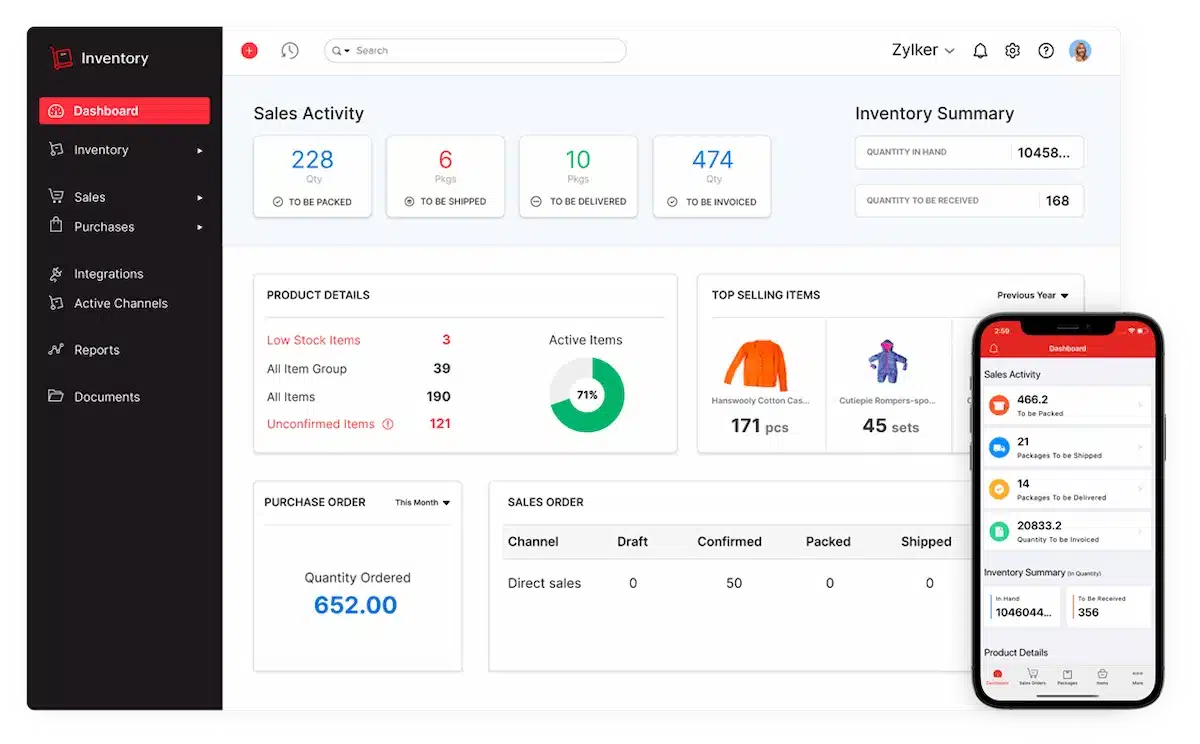 Zoho Inventory is an excellent option for small to mid-sized businesses in the online retail space. This cloud-based software simplifies inventory management, especially for businesses that need to track stock across multiple warehouses. It also allows for the tracking of individual units using expiration dates, serial numbers, or batches.
| Pros | Cons |
|
|
Also read: Top Manufacturing Asset Management Software
4. Katana MRP
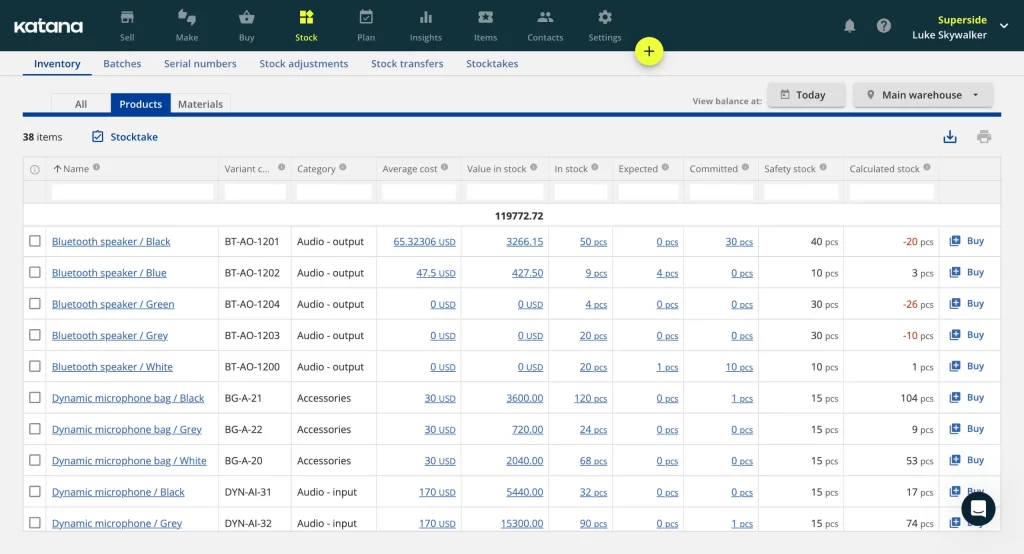 Katana MRP is perfect for industries needing strict batch control like food, cosmetics, and pharmaceuticals. Its batch management feature tracks raw materials and finished goods with unique batch numbers from production to sale, ensuring compliance with quality and safety standards.
| Pros | Cons |
|
|
5. SOS Manufacturing Inventory Software
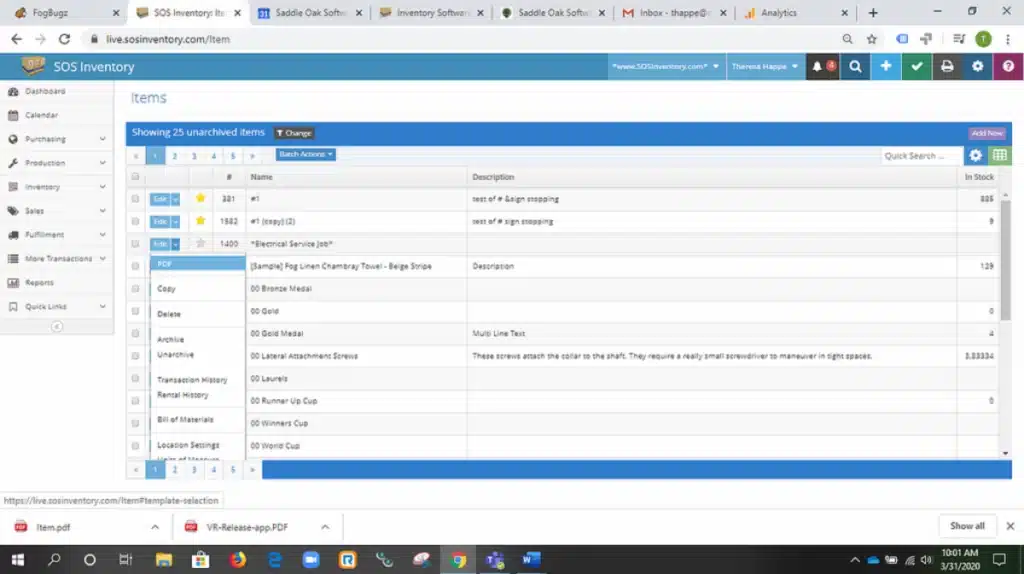 SOS Inventory excels in providing detailed lot tracking, making it an excellent choice for industries like food manufacturing, where traceability is critical. It assigns unique identifiers, such as lot or serial numbers, to every item, ensuring complete traceability throughout the supply chain. This includes product coding and labeling, which allows businesses to closely monitor inventory from procurement all the way to customer delivery.
| Pros | Cons |
|
|
6. MISys Manufacturing Inventory Software
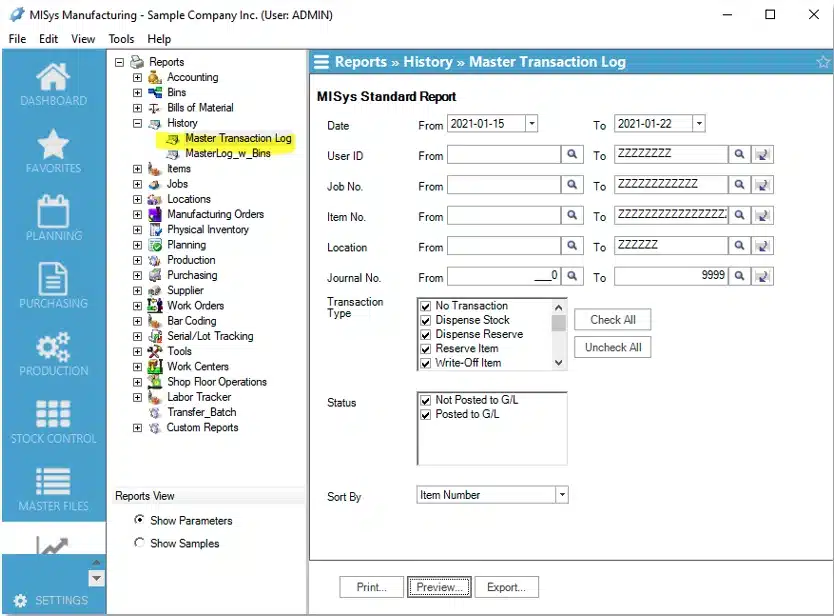 MISys Manufacturing is ideal for small to mid-sized manufacturers who need a scalable inventory management solution. Designed to grow with your business, it offers modules that can be added as your manufacturing needs evolve. The software provides comprehensive tracking of inventory levels, costs, and manufacturing orders, ensuring businesses can efficiently manage their resources as they expand.
| Pros | Cons |
|
|
7. MRPEasy Manufacturing Inventory Management Software
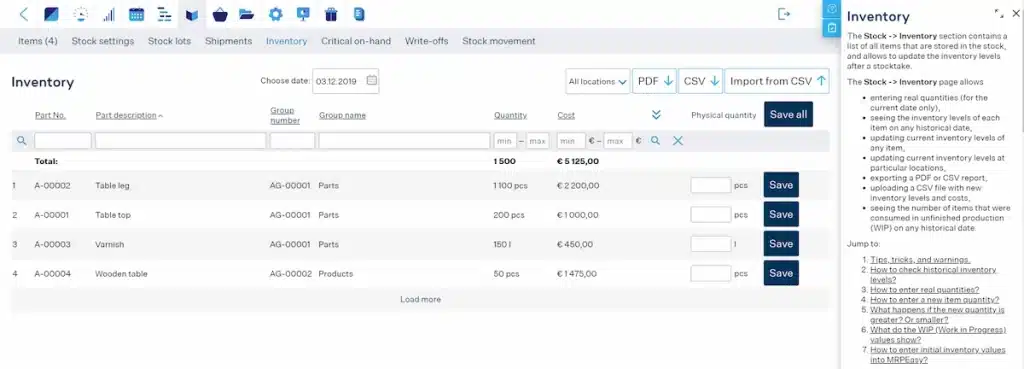 MRPEasy is a cloud-based MRP solution tailored for small manufacturers. One of its standout features is its flexibility, allowing users to choose the tools that best suit their unique needs, making it a great option for both small businesses and those that are growing.
However, it’s important to note that MRPEasy is primarily a manufacturing resource planning software and works best when integrated with a separate accounting system. It excels at managing stock, bills of materials (BOM), and inventory while streamlining production and assembly orders.
| Pros | Cons |
|
|
Read more: Top Construction Inventory Management Software
8. QuickBooks Enterprise
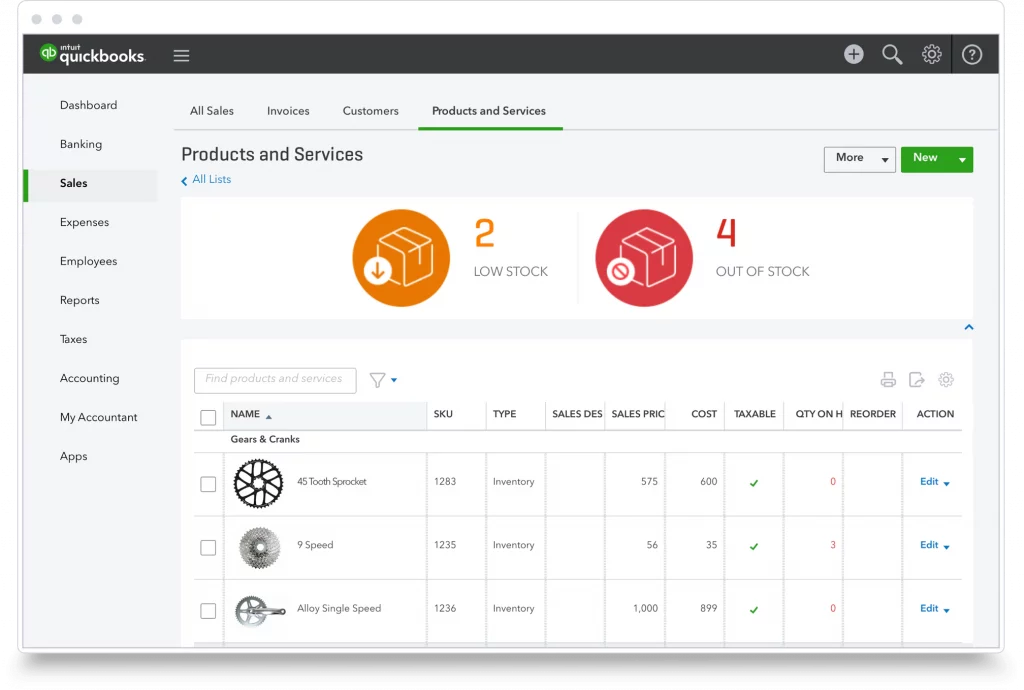 QuickBooks Enterprise, while renowned for its accounting software, also provides useful inventory management features that help businesses manage their stock more effectively.
| Pros | Cons |
|
|
9. Unleashed Manufacturing Inventory Software
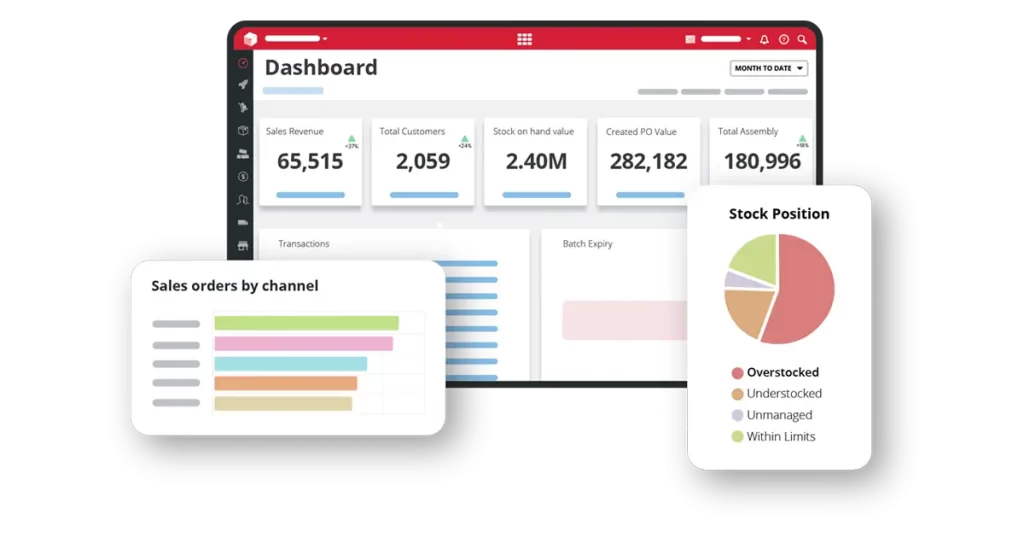 Unleashed is a cloud-based inventory management software designed specifically for manufacturers. It offers key features like batch tracking and supports multiple warehouse management, making it ideal for businesses with complex inventory needs.
| Pros | Cons |
|
|
Tips for Choosing the Right Manufacturing Inventory Software
Selecting the right platform starts with a clear picture of your specific operational pain points. Beyond feature lists, there are a few practical factors worth evaluating before committing to a solution especially for manufacturers managing multi-site asset and inventory complexity.
Assess your specific needs
Different manufacturers have different requirements. Identify your specific inventory management challenges whether it’s real-time tracking, forecasting, or multi-location management and choose software that addresses these needs.
Look for user-friendly interfaces
A complicated software solution can lead to confusion and errors. Ensure the software you choose has an intuitive interface that your team can easily adopt without extensive training.
Consider scalability
As your business grows, your inventory management system should grow with it. Choose the right inventory management solution that can scale seamlessly to handle higher order volumes, expanding product lines, and additional locations without disrupting operations.
Ensure integration with existing systems
To avoid siloed operations, ensure that the inventory management system integrates seamlessly with other business systems, such as your ERP or manufacturing execution system. This ensures smooth data flow and minimizes manual entry.
Check for strong customer support
Good customer support is essential, especially during the initial setup and when troubleshooting issues. Look for software providers that offer reliable, responsive customer service and training resources.
Why Quality Control Must Be Integrated with Inventory
In manufacturing, inventory isn’t just about quantity, it’s about quality. Defective materials can contaminate your entire production batch.
Key QC Integration Points:
- Incoming Inspection: Raw materials quarantined until QC approval. System prevents issuing uninspected materials to production.
- In-Process Inspection: Trigger quality checks at specific production stages. Failed batches automatically moved to rework or scrap inventory.
- Final Inspection: Finished goods can’t be shipped until QC signs off. System maintains inspection records for each lot.
- Supplier Quality Tracking: Track defect rates by supplier. System flags suppliers with declining quality for review.
Software Features to Look For: Inspection checklists, pass/fail recording, quarantine location management, Certificate of Analysis (COA) attachment, defect code tracking, corrective action workflow.
Conclusion
In today’s competitive manufacturing landscape, Efficient inventory management is foundational to keeping manufacturing operations on schedule and costs under control. The right software whether MRP-focused, cloud-based, or ERP-integrated reduces manual effort, improves material visibility, and gives production teams the data they need to make faster, better-informed decisions.
For businesses still evaluating their options, a structured comparison of leading inventory management platforms can help narrow the field based on industry fit, scalability, and integration needs.
FAQ About Manufacturing Inventory Software
-
What is manufacturing inventory software?
Manufacturing inventory software is a tool designed to help manufacturers manage their inventory, including raw materials, work-in-progress, and finished goods. It automates tracking, demand forecasting, and reordering to streamline operations and improve decision-making.
-
How can manufacturing inventory software benefit my business?
The software helps businesses reduce stockouts, avoid overstocking, improve demand forecasting, and automate reordering. It also provides real-time tracking and detailed reporting, ultimately increasing efficiency and reducing operational costs.
-
Is manufacturing inventory software scalable?
Yes, many manufacturing software solutions are designed to scale with your business. As your manufacturing operations grow, the software can accommodate more locations, products, and transactions, ensuring your inventory management evolves with your business.
-
How do I choose the right manufacturing inventory software for my business?
Consider factors like your specific inventory needs, software ease of use, scalability, integration with existing systems, and the quality of customer support when selecting a solution. It’s also important to choose a provider that offers a free demo or trial so you can assess the software before committing.
-
Can manufacturing inventory software integrate with other systems?
Yes, most modern manufacturing inventory software integrates seamlessly with other systems like ERP, accounting, or supply chain management platforms, allowing for a unified business operation.














