
Email threads, paper approvals, and manual data entry slow supplier invoice processing. As invoice volume grows, finance teams struggle to verify amounts, route approvals, and keep a complete payment record. A 2026 IJERIP Philippine study ranked exception handling and audit trail dependability the weakest areas of accounts payable control.
Payment mistakes and delayed approvals damage supplier relationships, slow month-end closing, and reduce visibility over cash commitments. A suitable accounts payable system manages invoice processing, approval workflows, vendor records, compliance, and payment timing in one place.
This article compares 15 accounts payable software options for Philippine businesses. It explains the features and selection criteria that matter most. These include invoice matching, approval controls, reporting, integration, scalability, security, and return on investment.
Key Takeaways
Accounts payable software is a type of financial management tool designed to help businesses efficiently manage their outstanding invoices and payment processes.
The best AP software for Philippine businesses in 2026 should cover: three-way matching, multi-level approval workflows, BIR-ready reporting and e-invoicing readiness, real-time payables dashboards, and native integration with your accounting/ERP system.
Companies need to know how to choose the Best Accounts Payable Software, weighing five factors: Scalability, Integration with existing systems, Security and compliance, cost, and ROI.
What is Accounts Payable Software?
Accounts payable software helps businesses manage supplier invoices and payment obligations in one system. It automates invoice capture, approval routing, payment scheduling, and recordkeeping. Understanding accounts payable helps you utilize the tools efficiently, which reduces errors, strengthens controls, and improves visibility into cash commitments.
These tools also centralize vendor information and support timely payments. Finance teams can track invoice status, confirm payment history, and resolve exceptions faster. Better visibility helps organizations protect supplier relationships, improve month-end close, and make informed working-capital decisions.
This guide explains how accounts payable software works and which capabilities matter most. It covers invoice processing, approval workflows, matching, reporting, integrations, security, scalability, and return on investment for growing businesses.
Features of Accounts Payable Software
Accounts payable software combines automation, controls, and payment tools to simplify daily finance work. Strong platforms connect invoice capture, approvals, matching, vendor management, compliance, reporting, and payments.
- Enhanced modules: Leading platforms support vendor registration, tax compliance, fraud detection, discount management, purchase order verification, multicurrency payments, and secure payment options.
- Immediate automation: AP automation digitizes invoice tasks, allowing finance teams to process transactions faster with less manual effort.
- Flexible scalability: Scalable systems connect with existing finance tools, support growing transaction volumes, and strengthen governance.
- Invoice digitization and approval workflow: OCR extracts invoice data while automated routing, international payments, and document management support controlled workflows.
- Matching and transparency: Automated matching verifies invoices against purchase orders and receipts, improves spending visibility, and supports comparisons of accounts payable vs. accounts receivable processes.
Hashy AI Fact

Effective accounts payable management needs the right tools. Automate invoices, track payments, and manage vendors easily with Hashy AI. Simplify your workflow today. Get a free demo now!
Get a Free Demo Now!
Comparison of the Top Accounts Payable Software
Choosing accounts payable software requires more than comparing prices. Businesses should match invoice controls, suitable payment terminals, integrations, and scalability with their workflows. The table below summarizes 15 options, including AP automation software. It highlights key features, suitable users, and pricing before you read each detailed review.
| Software | Features | Best for | Price |
|---|---|---|---|
| HashMicro | Invoice capture, approval workflows, bank reconciliation, cash flow forecasting, AI anomaly detection | Businesses of all sizes needing AI-supported AP and accounting | Custom quote |
| QuickBooks Online | Payment reminders, bank integration, cloud access, invoice tracking, reporting | Small businesses with bank integration | Simple Start ₱1,415/month, Essentials ₱2,089/month, Plus ₱3,099/month, Advanced ₱5,997/month |
| Xero | Invoice processing, bank reconciliation, multicurrency support, expense tracking, reporting | Cloud-based AP with multicurrency support | Lite ₱432/month, Starter ₱1,788/month, Standard ₱3,084/month, Premium ₱4,625/month |
| Zoho Books | Multicurrency support, bank reconciliation, expense tracking, tax management, payment reminders | Affordable invoicing and expense tracking | Free ₱0, Standard approximately ₱1,233/month, Professional approximately ₱3,084/month, Premium approximately ₱4,317/month |
| MYOB | VAT reporting, expense tracking, payroll, bill payments, bank reconciliation | Businesses needing local tax compliance and bank reconciliation | Solo approximately ₱339/month, Lite ₱1,079/month, Pro ₱1,295/month, AccountRight Plus ₱4,070/month |
| FreshBooks | AP management, financial reporting, invoicing, expense tracking, mobile access | Freelancers needing a simple AP system | Lite approximately ₱1,418/month, Plus ₱2,652/month, Premium ₱4,317/month, Select custom |
| Oracle NetSuite | Invoice approvals, supplier management, multicurrency, analytics, ERP workflows | Enterprises needing ERP integration with AI insights | Custom quote |
| Sage Intacct | Vendor management, invoice processing, payment processing, cloud access, financial reporting | Businesses needing advanced financial reporting | Custom quote |
| Acumatica | Multicurrency, multi-entity accounting, vendor management, analytics, customizable workflows | Midsize businesses needing highly customizable AP | Custom quote |
| Tipalti | Invoice automation, supplier management, global payments, tax compliance, fraud detection | Businesses managing global payments | AP from approximately ₱6,930/month, Mass Payments from approximately ₱17,430/month |
| Epicor | ERP-based AP, data capture, cloud or on-premises deployment, two-way and three-way matching | Manufacturing companies | Custom quote |
| Microsoft Dynamics | Microsoft integration, scalable finance, AP workflows, analytics, procurement tools | Enterprises needing deep Microsoft integration | Custom quote |
| Stampli | AI invoice processing, approval workflows, AP communication, ERP integrations, supplier collaboration | Businesses focused on invoice processing | Custom quote |
| Lightyear | High-volume invoice processing, data extraction, invoice capture, document management, approval automation | Businesses needing automated invoice capture | Custom quote |
| Coupa | AP automation, spend analytics, procurement workflows, supplier management, payment visibility | Spend management with procurement and vendor control | Registered free, Verified approximately ₱33,857/year, Premium Support approximately ₱30,773/year, Advanced approximately ₱296,016/year |
15 Best Accounts Payable Software Platforms in 2026
It is important to consider the benefits that the right tools can bring to your business. Here are the 15 best accounts payable software solutions for 2026 to streamline your operations.
1. HashMicro Accounts Payable Software
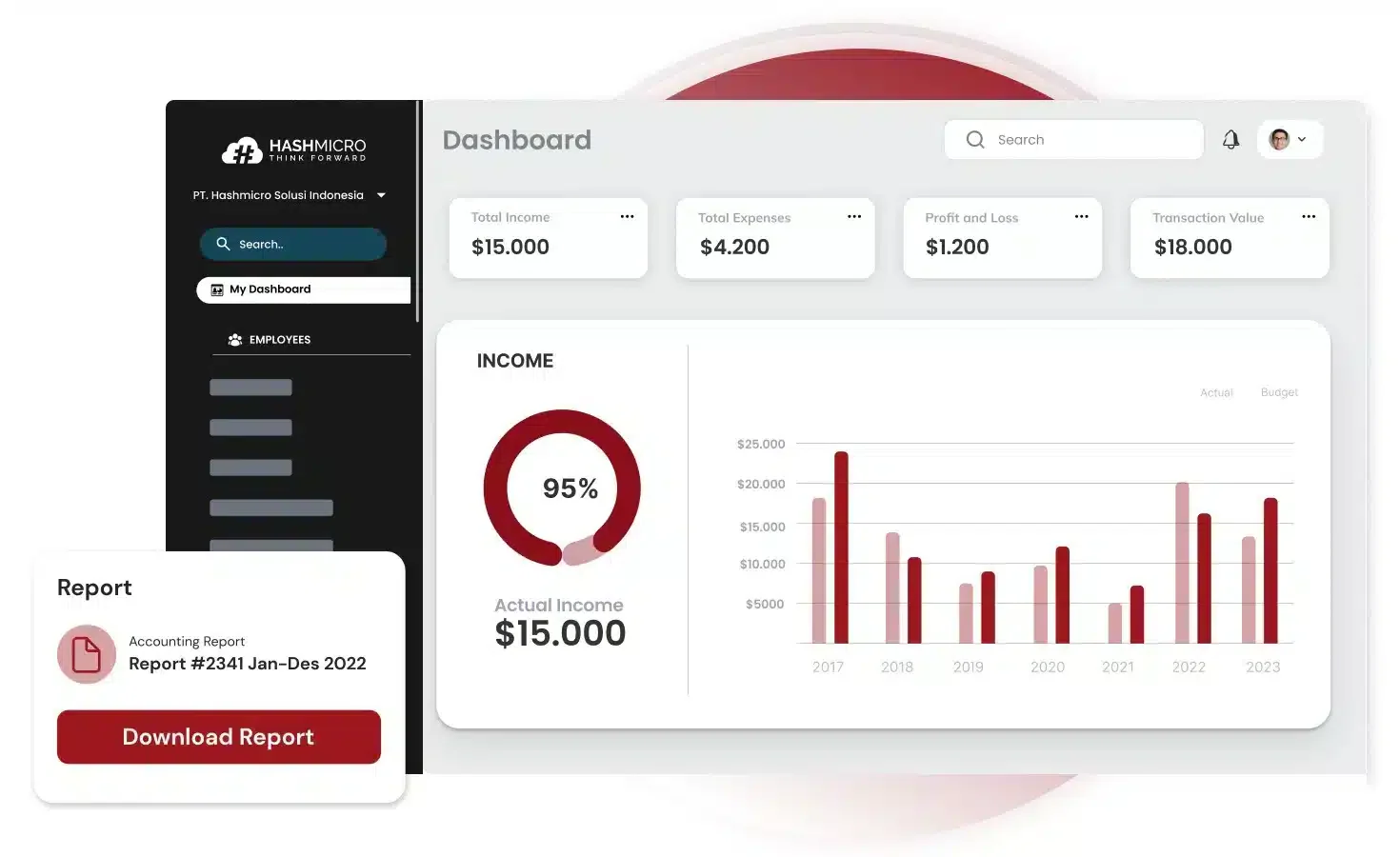
HashMicro is an accounts payable software that combines accounts payable and accounting workflows for Philippine businesses. Finance teams can capture supplier bills, track due dates, route approvals, and monitor payments. Its financial dashboard shows upcoming obligations and cash flow, helping teams plan payment schedules.
This approach suits companies with frequent purchases and multiple approval steps. Automated bank reconciliation reduces manual matching, while cash flow projections support payment planning. AI flags unusual transactions and duplicate entries, giving finance teams another chance to catch errors.
Key features:
- Supplier bill capture and due date tracking
- Approval workflows and budget controls
- Vendor payment tracking
- Automated bank reconciliation
- Cash flow projections
- AI anomaly detection and financial dashboards
| Pros | Cons |
|
|
Pricing: Customizable, based on a quote.
Best for: Philippine manufacturers, wholesalers, and retailers that need AI-supported accounts payable workflows alongside broader accounting tools.
HashMicro brings invoice approvals, payment tracking, and financial reporting into one workflow. Finance teams can use these tools to review discrepancies, plan payments, and keep supplier records organized. Explore how the software could fit your business through the banner below.
2. QuickBooks Online
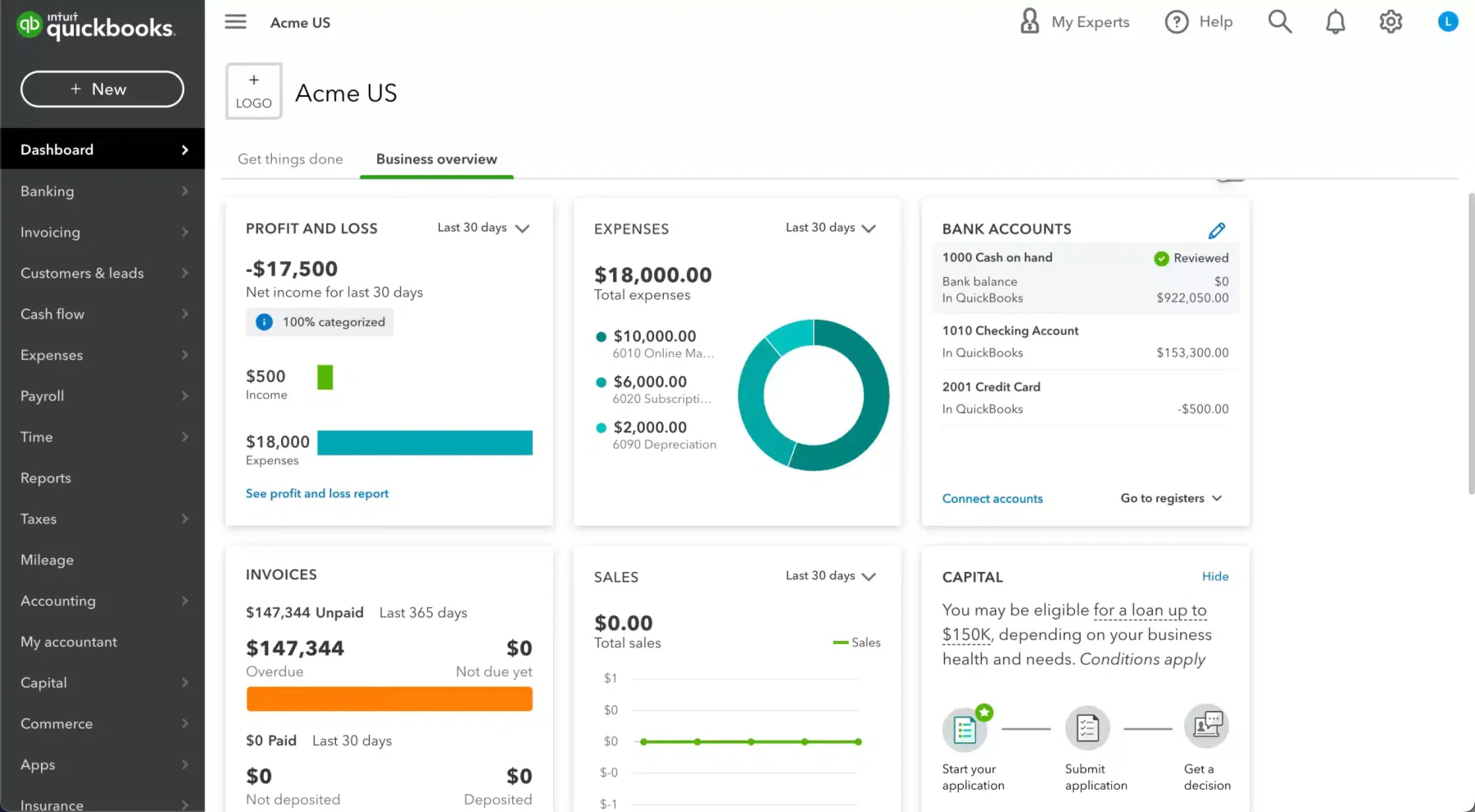
QuickBooks Online remains a popular accounting platform for small and midsize businesses. It combines an accessible interface with essential financial tools. Businesses comparing accounts payable software Philippines options can use it to track invoices, schedule payments, and organize supplier records.
The platform connects with bank accounts and sends payment reminders automatically. It also provides cloud access and detailed reports. If it does not suit your needs, explore an alternative QuickBooks accounting solution with broader customization or enterprise controls.
Key features:
- Automated payment reminders.
- Integration with bank accounts.
- Detailed reporting tools.
- Detailed reporting tools.
- Cloud-based access.
| Pros | Cons |
|
|
Pricing: Simple Start ₱1,415 per month, Essentials ₱2,089 per month, Plus ₱3,099 per month, and Advanced ₱5,997 per month.
Best for: Small businesses that need bank integration and straightforward accounts payable management.
3. Xero
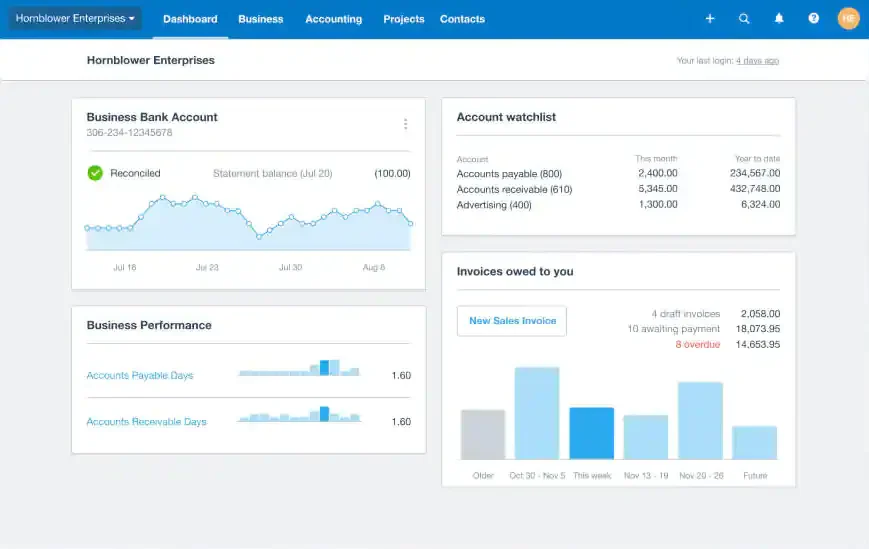
Xero helps small and midsize businesses manage invoices, bills, payments, and financial reports online. Its cloud-based platform suits companies comparing accounts payable software Philippines options for distributed finance teams and growing operations.
The software supports bank reconciliation, expense tracking, and multiple currencies. Its real-time reports help managers monitor cash commitments. Xero also offers a simple interface for businesses that want essential accounts payable tools without complex implementation.
Key features:
- Automated invoice and bill processing.
- Bank reconciliation.
- Multi-currency support.
- Real-time financial reporting.
- Expense tracking.
| Pros | Cons |
|
|
Pricing: Lite ₱432 per month, Starter ₱1,788 per month, Standard ₱3,084 per month, and Premium ₱4,625 per month.
Best for: Businesses that need cloud-based accounts payable management with multi-currency support.
4. Zoho Books
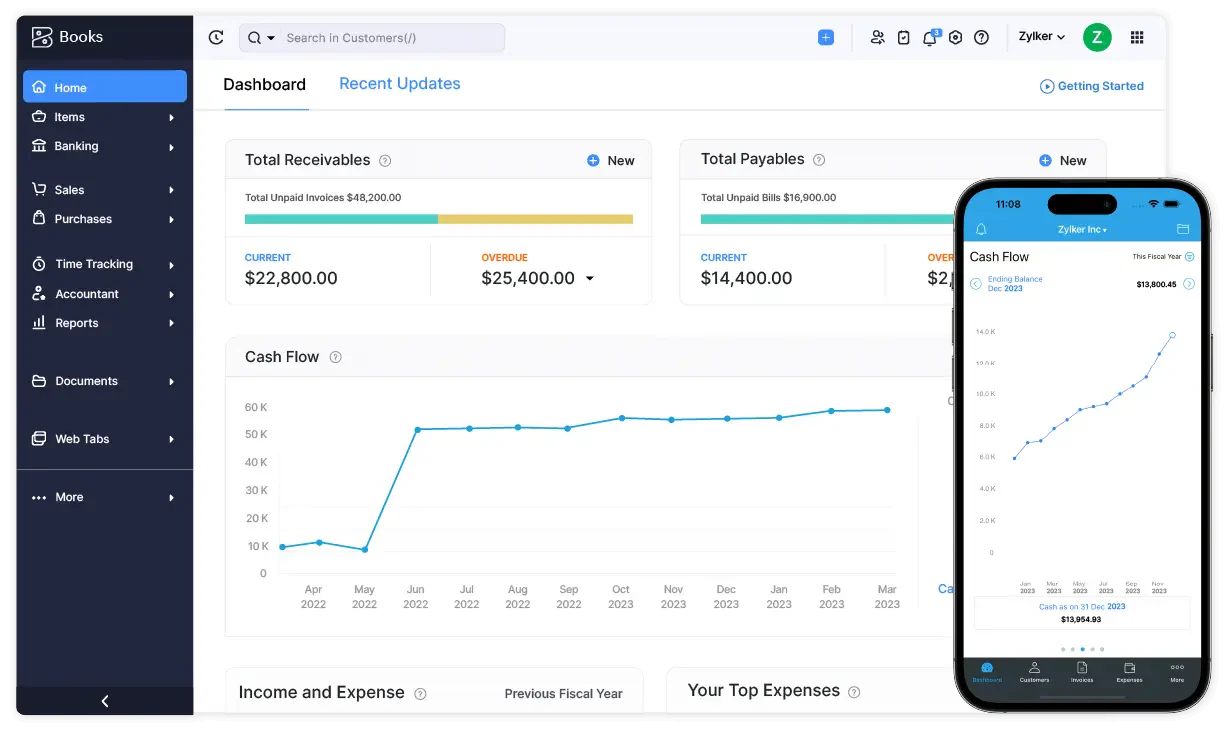
Zoho Books gives Philippine businesses a practical platform for invoicing, expenses, payments, and tax management. Companies reviewing accounts payable software Philippines options can use it to centralize supplier bills and monitor payment obligations.
The platform automates reminders, supports bank reconciliation, and produces financial reports. It also offers several plans for different business sizes. Businesses considering other Zoho alternatives can compare integration depth, reporting controls, and customization before choosing.
Key features:
- Multi-currency support.
- Bank reconciliation.
- Expense tracking.
- Tax management.
| Pros | Cons |
|
|
Pricing: Free ₱0, Standard approximately ₱1,233 per month, Professional approximately ₱3,084 per month, and Premium approximately ₱4,317 per month.
Best for: Businesses seeking affordable accounts payable management with invoicing and expense tracking.
5. MYOB
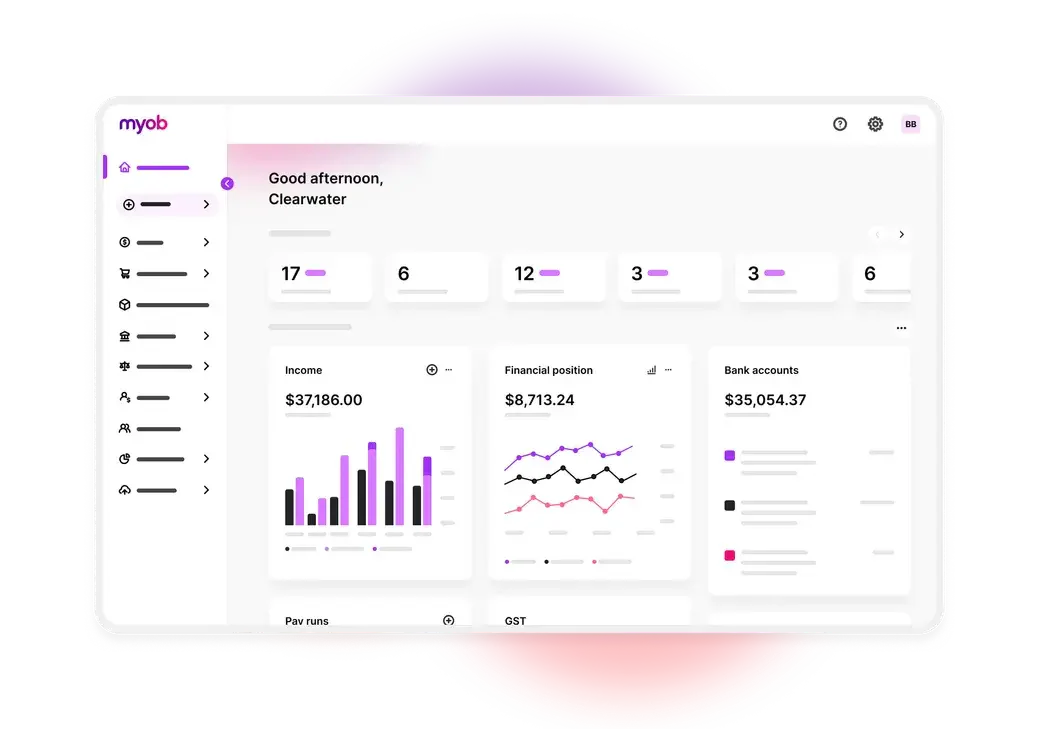
MYOB supports financial management, payroll, inventory, and accounts payable activities for small and midsize businesses. Companies comparing accounts payable software Philippines options can use its local tax tools and bank reconciliation features to improve financial control.
MYOB helps teams track expenses, automate bill payments, and manage payroll records. For background on what an accounting system includes, review its common types, examples, and software applications before selecting a platform.
Key features:
- GST and VAT reporting.
- Expense tracking.
- Payroll management.
- Automated bill payments.
| Pros | Cons |
|
|
Pricing: Solo approximately ₱339 per month, Lite approximately ₱1,079 per month, Pro approximately ₱1,295 per month, and AccountRight Plus approximately ₱4,070 per month.
Best for: Businesses that need local tax compliance and bank reconciliation.
6. FreshBooks
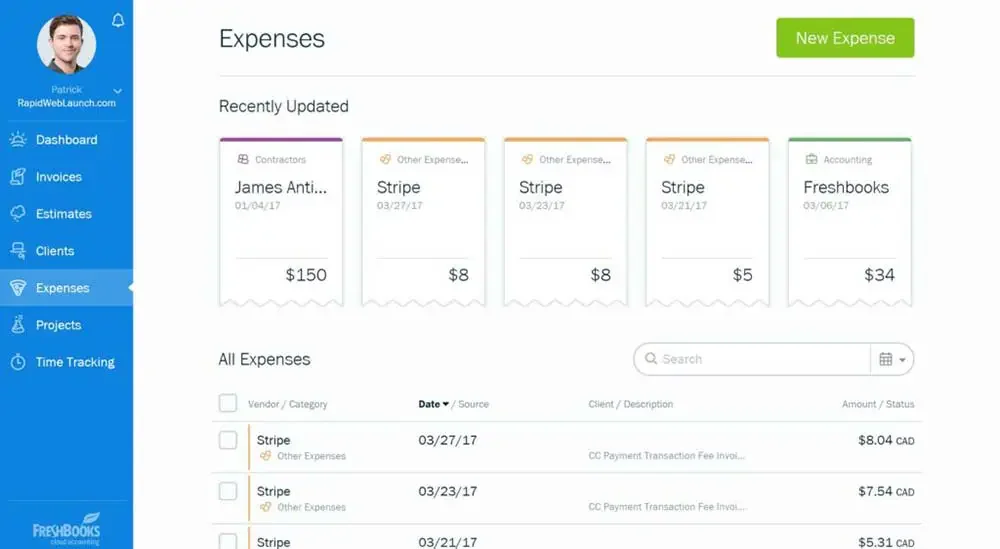
FreshBooks offers a simple cloud platform for expenses, invoices, payments, and financial reports. Freelancers and small businesses comparing accounts payable software Philippines options can use it to organize supplier obligations without a complex setup.
The software includes mobile access, automated invoicing, and multiple-currency support. Its interface helps non-accountants manage routine finance tasks. However, larger organizations may need stronger controls, deeper reporting, and more advanced accounting capabilities.
Key features:
- Accounts payable management.
- Financial reporting.
- Automated invoicing.
| Pros | Cons |
|
|
Pricing: Lite approximately ₱1,418 per month, Plus approximately ₱2,650 per month, Premium approximately ₱4,317 per month, and Select with custom pricing.
Best for: Freelancers and small businesses that need a simple accounts payable system.
7. Oracle NetSuite
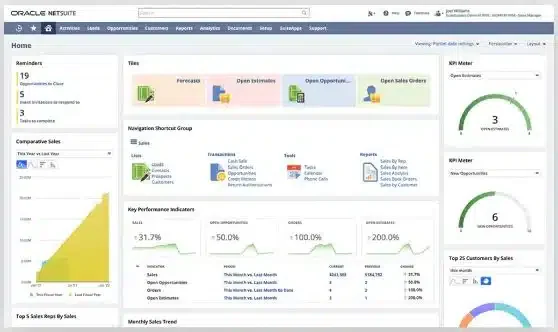
Oracle NetSuite provides enterprise finance, procurement, supplier management, and accounts payable tools in one ERP platform. Large companies often choose AP automation software like NetSuite to manage complex approval rules, multiple entities, and high invoice volumes.
The platform automates invoice approvals, supports multicurrency transactions, and delivers real-time financial analytics. Custom workflows help finance teams align the system with internal controls. However, implementation often requires specialist support and a larger technology budget.
Key features:
- Automated invoice and payment approvals.
- Supplier management and tracking.
- Real-time financial analytics.
- Multi-currency functionality.
- Customizable workflows.
| Pros | Cons |
|
|
Pricing: Custom quote.
Best for: Enterprises seeking ERP integration with AI-supported financial insights.
8. Sage Intacct
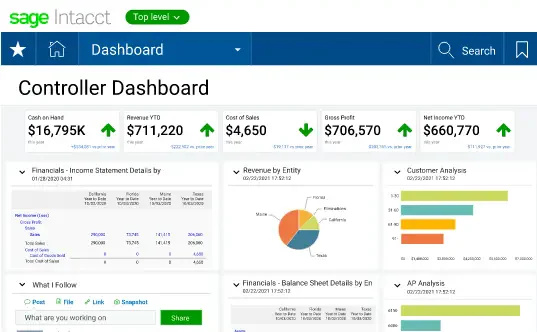
Sage Intacct helps finance teams automate invoice processing, vendor tracking, and payment management. Businesses evaluating AP automation software can use its cloud platform to improve accuracy and maintain centralized financial records.
The system supports remote access, recurring processes, and detailed reporting. It suits organizations that need stronger financial controls than basic bookkeeping tools provide. Complex configurations may still require training, implementation support, or specialist guidance.
Key features:
- Vendor management and tracking.
- Cloud-based access for remote management.
- Automated invoice and payment processing.
| Pros | Cons |
|
|
Pricing: Custom quote.
Best for: Businesses that need advanced financial reporting and controlled accounts payable workflows.
9. Acumatica
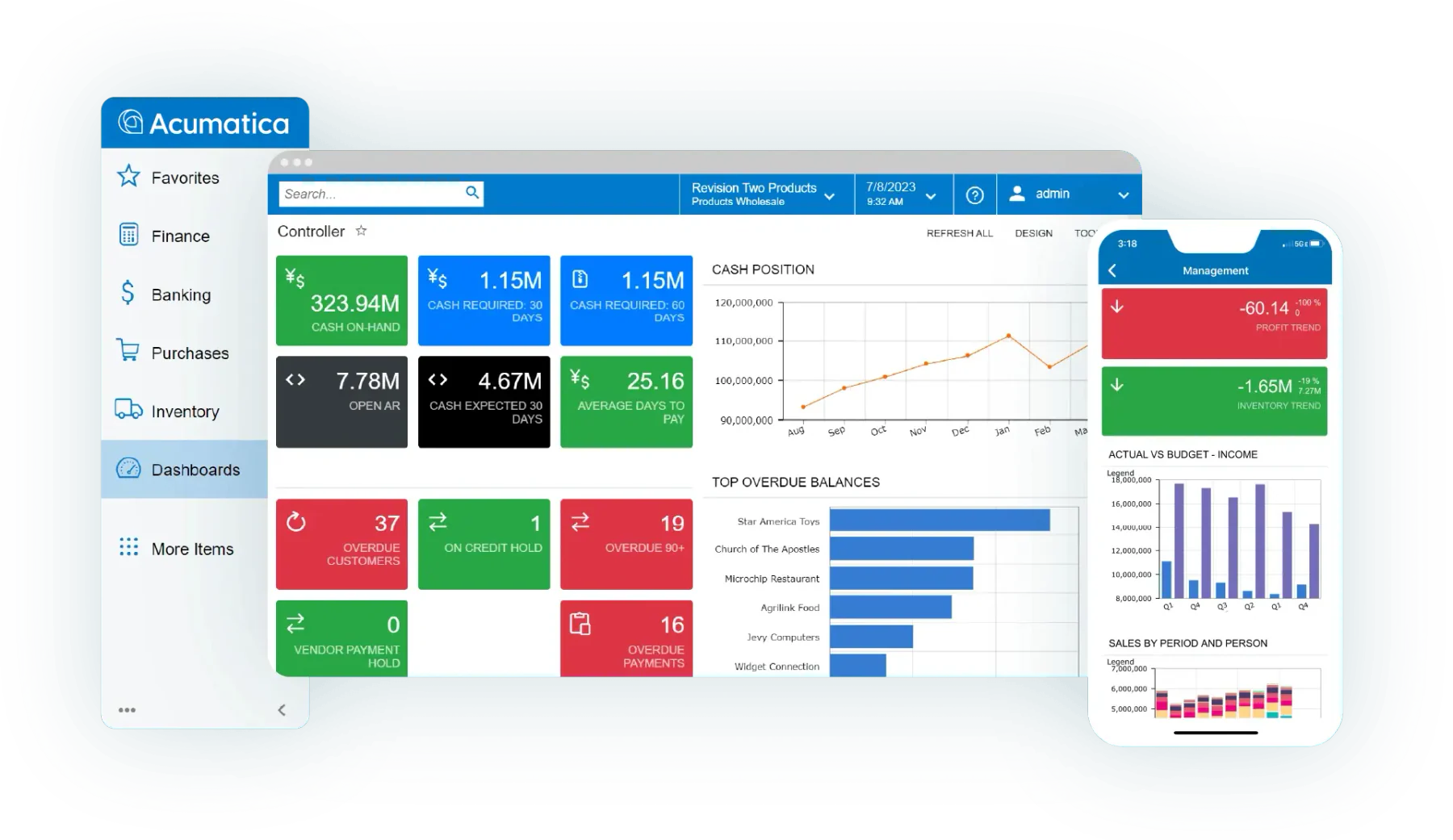
Acumatica combines accounting, purchasing, inventory, and accounts payable functions in a flexible cloud ERP. Midsize businesses often select AP automation software like Acumatica when they need scalable workflows and broader operational integration.
The system supports multi-entity operations, multiple currencies, vendor management, and real-time analytics. Its flexible architecture supports industry-specific processes. However, advanced configuration may require implementation specialists and dedicated internal resources.
Key features:
- Multi-currency and multi-entity support.
- Real-time analytics and financial reporting.
- Vendor management.
| Pros | Cons |
|
|
Pricing: Custom quote.
Best for: Midsize businesses that need a highly customizable accounts payable solution.
10. Tipalti
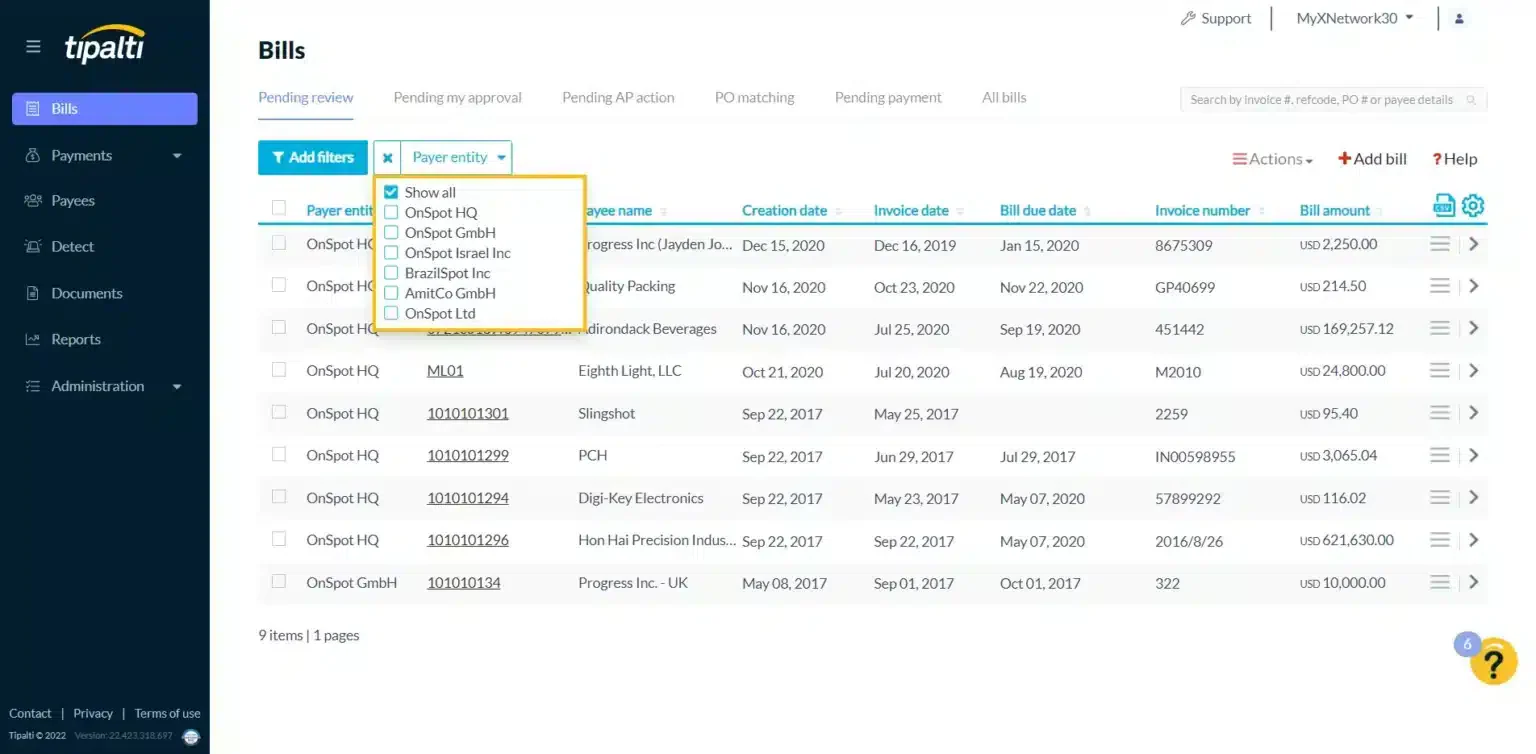
Tipalti helps companies manage supplier onboarding, invoice processing, tax compliance, and international payments. Businesses adopting ap automation software can use it to handle complex payment operations across currencies, entities, and supplier groups.
Its payment controls reduce manual work and improve visibility into transaction status. The platform also supports fraud controls and automated workflows. Companies exploring two-way matching and its contribution to businesses can compare how invoice and purchase order controls protect payment accuracy.
Key features:
- Payment status tracking.
- Automated accounts payable processes.
- Vendor management.
| Pros | Cons |
|
|
Pricing: Tipalti Accounts Payable starts at approximately ₱6,930 per month. Tipalti Mass Payments starts at approximately ₱17,430 per month.
Best for: Businesses that manage global payments and complex supplier networks.
11. Epicor
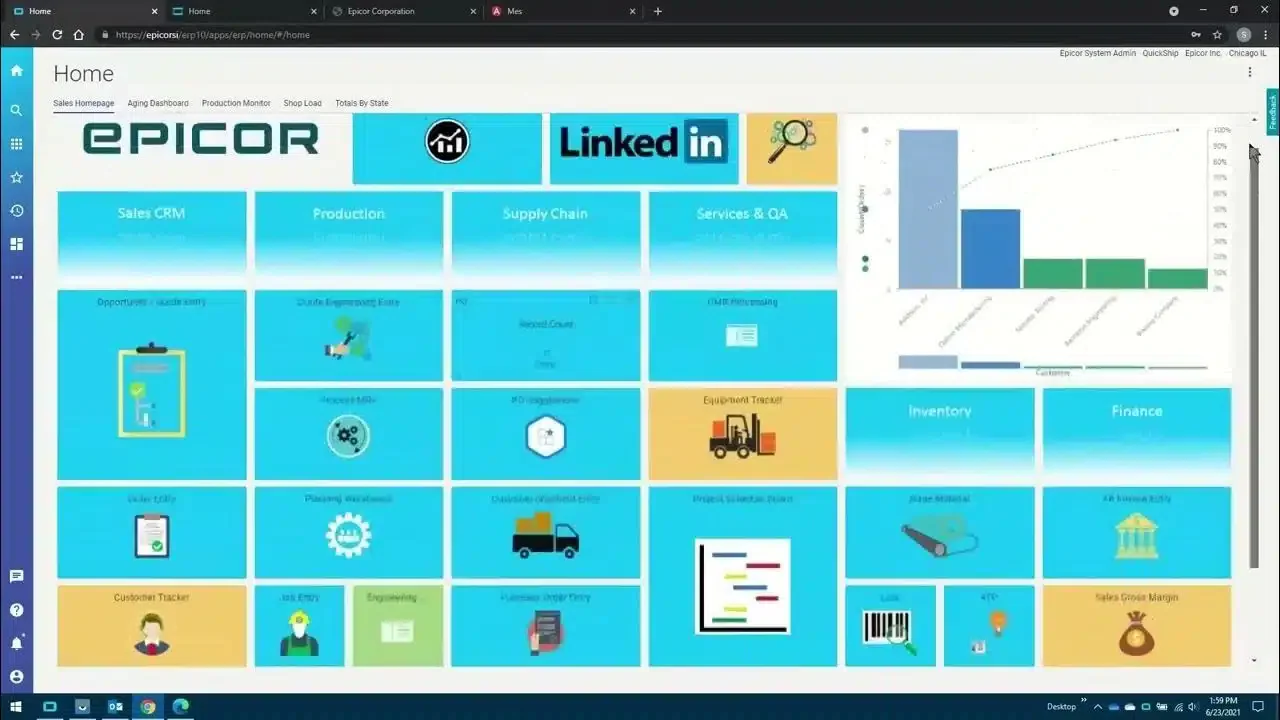
Epicor integrates accounts payable with manufacturing, purchasing, inventory, and broader ERP operations. Manufacturers can use its data capture tools and accounts payable software Philippines capabilities to reduce manual entry and improve invoice accuracy.
The platform supports cloud and on-premises deployment. Automated two-way and three-way matching helps teams validate invoices against purchase orders and receipts. Its broad functionality suits companies with dedicated implementation and IT resources.
Key features:
- Integrates AP within a unified ERP system.
- Uses data capture to reduce manual entry.
- Offers both cloud and on-premise deployment.
- Performs automated 2- and 3-way invoice matching.
| Pros | Cons |
|
|
Pricing: Custom quote.
Best for: Manufacturing companies that need integrated ERP and accounts payable workflows.
12. Microsoft Dynamics
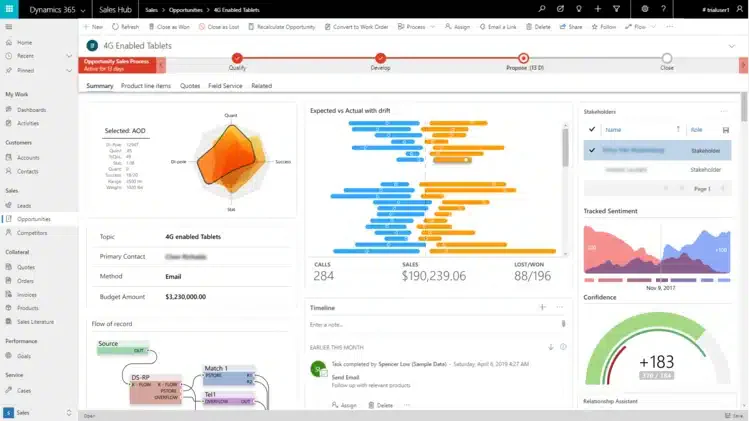
Microsoft Dynamics connects accounts payable with finance, procurement, analytics, and Microsoft business applications. Enterprises can use it to standardize financial processes across departments and locations.
Its scalable architecture supports customizable approval workflows and detailed reporting. Integration with Microsoft tools can improve collaboration and data access. However, implementation can require significant planning, technical resources, and user training.
Key features:
- Integrates seamlessly with Microsoft products.
- Scales for businesses of any size.
- Provides robust reporting and analytics.
- Allows customizable AP workflows.
| Pros | Cons |
|
|
Pricing: Custom quote.
Best for: Enterprises that need deep Microsoft integration.
13. Stampli
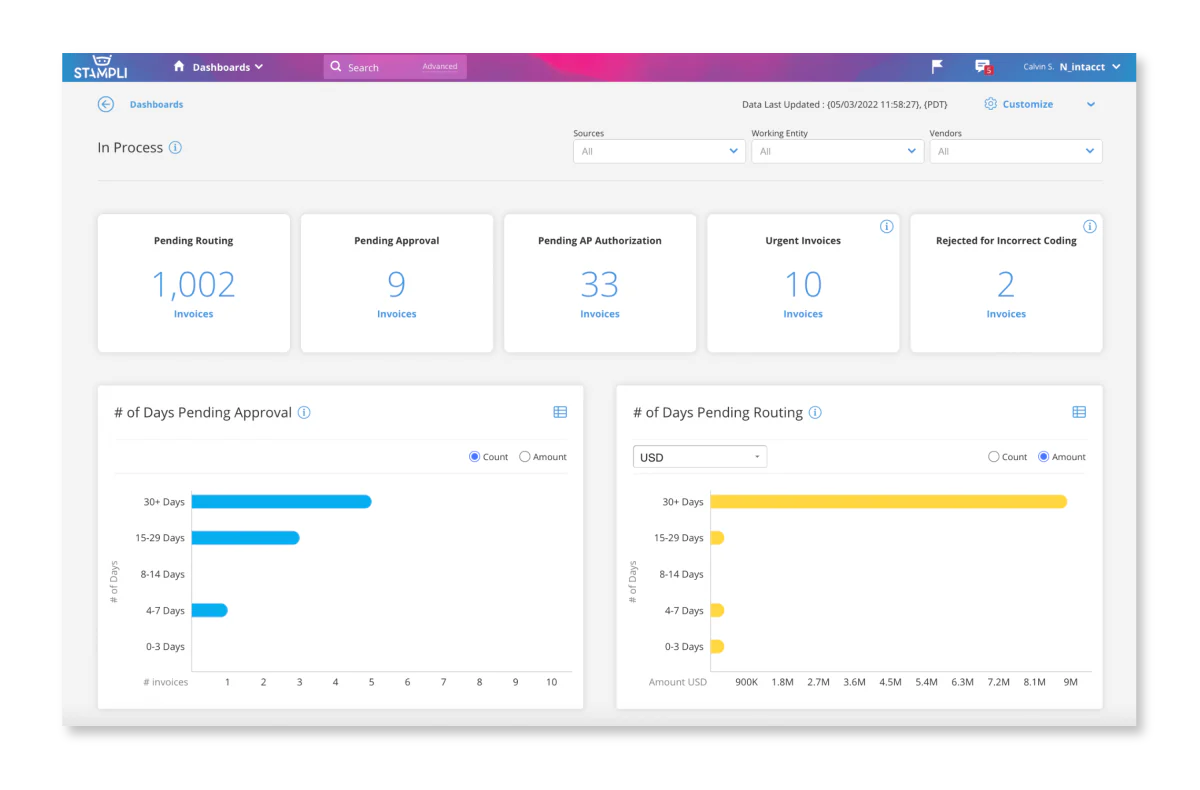
Stampli uses AI to help teams process invoices, manage approvals, and centralize accounts payable communication. Its workflow supports collaboration between finance teams, suppliers, and approvers.
The platform integrates with major ERP systems and provides a clear invoice workspace. It suits midsize businesses that want faster approvals and better accountability. Some companies may need additional integrations or reporting tools for complex requirements.
Key features:
- Features a user-friendly accounts payable interface.
- Uses AI to streamline invoice approvals.
- Centralizes AP-related communication.
- Integrates with major ERP systems.
| Pros | Cons |
|
|
Pricing: Custom quote.
Best for: Businesses that prioritize invoice processing and approval collaboration.
14. Lightyear
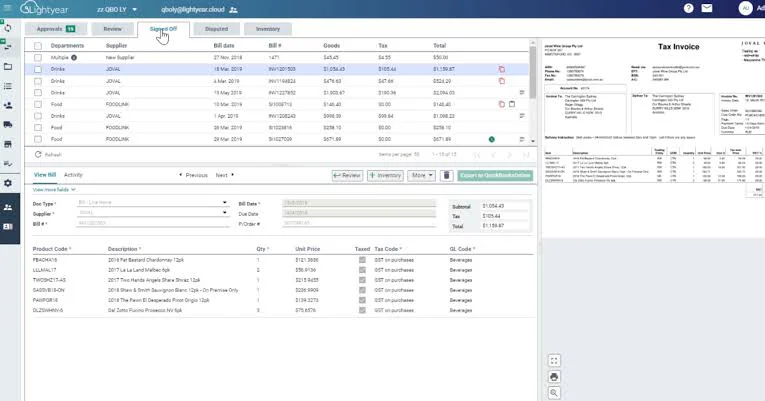
Lightyear helps businesses process high invoice volumes through automated data extraction and digital workflows. Its cloud-based design gives finance teams quick access to invoice records and approval status.
The platform reduces manual entry and supports secure document handling. Its simple interface suits teams that want faster invoice capture without a complex user experience. Integration availability and support response times may vary by business requirements.
Key features:
- Automates high-volume invoice workflows.
- Captures data in real-time to reduce manual work.
- Simple, intuitive user interface.
- Provides secure, cloud-based access.
| Pros | Cons |
|
|
Pricing: Custom quote.
Best for: Businesses that need data extraction and automated invoice capture.
15. Coupa
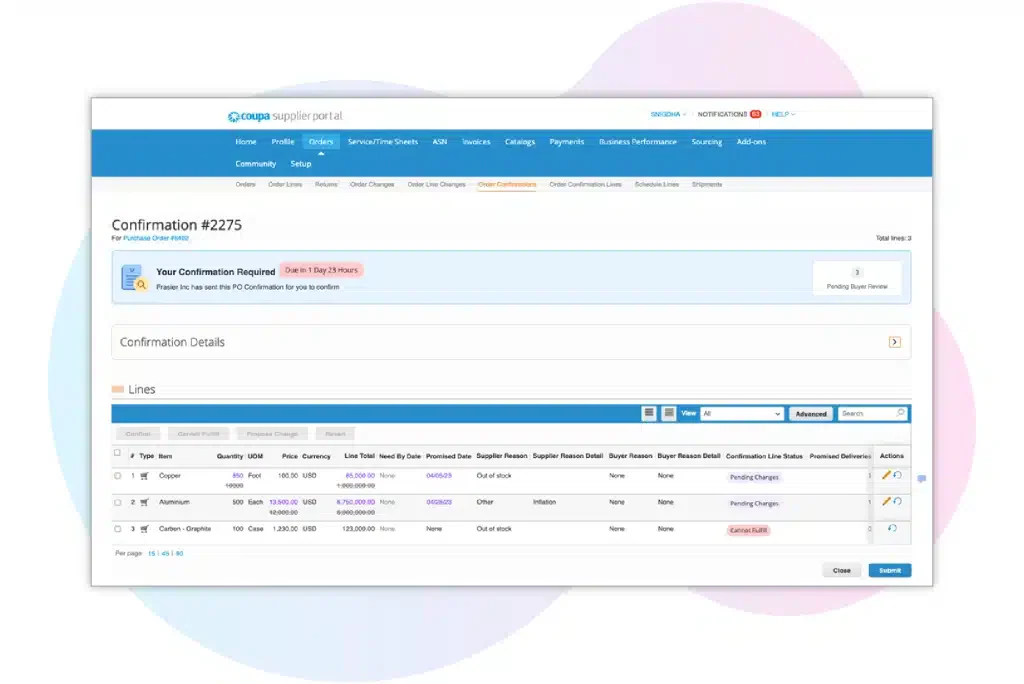
Coupa combines spend management, procurement, supplier control, and accounts payable automation. Businesses can use it to connect purchasing decisions with invoice processing and payment oversight.
The platform provides spend analytics and supplier management tools. Companies researching the 15 best invoicing software for Philippine businesses in 2026 can compare Coupa’s broader procurement controls with more focused invoicing platforms. Its full value may require extensive implementation and training.
Key features:
- Automates accounts payable tasks to reduce manual work.
- User-friendly design for easy navigation.
- Offers detailed analytics for insights.
- Manages supplier relationships effectively.
| Pros | Cons |
|
|
Pricing: Registered is free. Verified costs approximately ₱33,857 per year. Premium Support costs approximately ₱30,773 per year. Advanced costs approximately ₱296,016 per year.
Best for: Businesses seeking spend management with procurement and vendor control.
How to Choose the Best Accounts Payable Software
When comparing accounts payable software Philippines options, assess invoice handling, approvals, integrations, compliance, and cost. Compare AP automation software with your current workflow. Then prioritize tools that improve payment accuracy, protect financial data, and support growth without adding unnecessary complexity.
1. Scalability
Choose software that can grow with your business. A scalable accounts payable solution lets you add features as transaction volumes increase. This matters when your company adds suppliers, branches, or approval steps. Check user limits, workflow flexibility, and upgrade costs before you commit.
2. Integration with Existing Systems
Choose software that connects with your ERP, accounting, banking, and procurement systems. Strong integrations keep data moving and reduce repetitive entry. Review available APIs, native connectors, and synchronization rules. Confirm that the platform supports your current tools and future systems before implementation.
3. Security and Compliance
Confirm that the platform follows local tax rules and relevant data protection standards. Role-based access, approval controls, audit trails, and encryption protect sensitive financial data. Ask vendors how they manage backups, incident response, and compliance updates. These safeguards reduce fraud risk and support reliable audits.
4. Cost and ROI
Assess software costs against expected savings from lower labor, fewer errors, and fewer late-payment fees. Track metrics such as days payable outstanding (DPO) to evaluate payment timing and working-capital impact. Include implementation, training, integration, and renewal costs in your comparison. A cheaper plan may deliver weaker returns if it lacks essential controls.
Conclusion
Choosing accounts payable software helps Philippine businesses improve invoice accuracy, approval speed, payment visibility, and financial control. The comparison covers 15 options with different strengths, pricing models, and business fits. Evaluate scalability, integrations, security, reporting, automation, and total cost before selecting a platform.
HashMicro suits businesses seeking AP automation software with accounting, cash flow forecasting, bank reconciliation, and financial dashboards. Its AI-supported controls can help teams reduce manual work, monitor payment obligations, and strengthen oversight across growing operations.
If you need a reliable platform, review your workflow and shortlist one that matches transaction volume and approval structure. Consider your growth plans before making a final decision. You can make a more informed decision by signing up for a free demo to see how HashMicro supports your accounts payable process.
FAQ About Accounts Payable Software
AP automation, or accounts payable automation, is the process by which accounts payable processes are handled digitally using technology, rather than manually.
Accounts Payable Automation (AP Automation) is a technology system used by accounting teams to automate accounts payable invoice processes.
AP software is the solution businesses use to manage incoming bills. While some bills might be paid immediately, most are grouped and paid at a specific date, allowing for better cash flow management.