









 Limited to 100 registrants
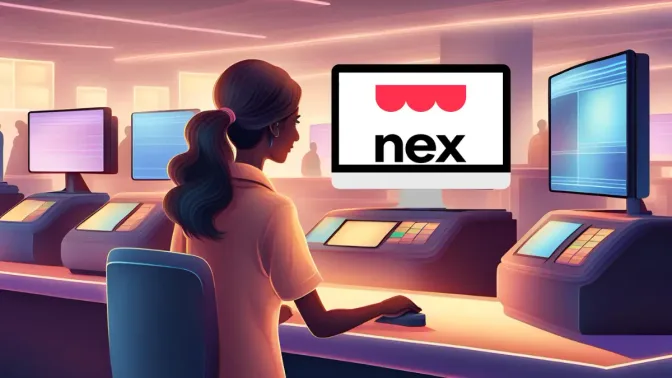
A reliable POS system helps improve daily operations, from transactions to inventory management. In the Philippines, many business owners look for a Nextar POS review when evaluating practical POS solutions.
One system often used by small retailers and shops is Nextar POS, known for its user-friendly interface and affordable pricing. These features make it easier for business owners to manage sales without dealing with the complicate technical setup.
As businesses grow, operational needs may expand beyond basic transaction management. Many business owners begin looking for POS systems that offer stronger reporting capabilities, better inventory tracking, and more flexible integrations.
Key Takeaways
The Nextar POS system is designed to make an accessible interface that maintains real-time customer, inventory, and sales data updates.
Nextar POS pricing offers fair and inexpensive options for organizations of all sizes. Nextar POS has two subscription tiers: the Free Plan and the Premium Plan.
POS Management Software provides Filipino companies with BIR-compliant reporting, smooth e-commerce integration, and integrated profit tracking.
What is Nextar POS?
Nextar POS is a complete point-of-sale solution designed to simplify daily operations for small and medium-sized retail businesses. It provides essential tools for managing sales and basic business processes in one system.
The platform features a user-friendly interface that reduces employee training time and helps businesses operate more efficiently. With support for multiple languages and currencies, it can adapt to businesses operating in different markets.
Nextar POS also works with common retail hardware such as cash drawers, receipt printers, and barcode scanners, making it practical for various store setups. This flexibility makes it a reliable option for retailers looking to streamline operations.
Key Features of Nextar POS
The Nextar POS system is designed to make business operations more efficient, quicker, and intelligent. At its core, it is an accessible interface that maintains real-time customer and sales data updates. Here are a few of Nextar’s key features:
- Sales processing: Effectively manages POS transactions by offering customizable receipts and support for various payment plan options.
- Inventory management: Inventory management offers practical tools for efficient product management, low-stock notifications, and stock level monitoring.
- Customer management: Companies can create client accounts, handle debt, and incorporate loyalty programs to encourage recurring business.
- Financial oversight: Provides comprehensive financial reporting and cash register features to help monitor and assess business performance.
"Nextar POS offers essential features like sales processing, customer management, and financial reporting in a simple, user-friendly system suited for small to mid-sized businesses."
Pros & Cons of Nextar POS

Nextar POS is often considered by small and medium-sized businesses that want a straightforward point-of-sale system without the complex setup. It comes with clear strengths as well as limitations that may affect daily operations and scalability.
Reviewing the pros and cons of Nextar POS in the Philippines helps business owners evaluate whether the system aligns with their operational needs, budget, and long-term growth plans.
| Pros | Cons |
|---|---|
|
|
Overall, Nextar POS is suitable for businesses that prioritize ease of use and basic operational features over advanced customization and omnichannel capabilities. It can work well for smaller retail operations with straightforward needs.
However, growing businesses or those requiring deeper integrations may find its limitations restrictive. Carefully weighing these advantages and drawbacks can help determine whether Nextar POS aligns with your business goals.
Nextar POS Pricing
Nextar POS pricing offers fair and inexpensive options for organizations of all sizes, from startups to enterprises. Nextar POS in the Philippines has two subscription tiers: the Free Plan and the Premium Plan, each designed to satisfy the various demands of enterprises.
The Free Plan costs ₱0 per month, and no subscription is required. It intuitively facilitates sales transactions, which is ideal for small businesses seeking essential best POS system Philippines functionalities without incurring additional alternative costs.
The Premium Plan cost varies by country. For example, in the Philippines, Nextar POS costs around ₱57 per month and ₱570 annually. The Premium Plan has Sales reports and statistics features suited for businesses requiring advanced features to optimize.
Hashmicro as the Alternative for Nextar POS
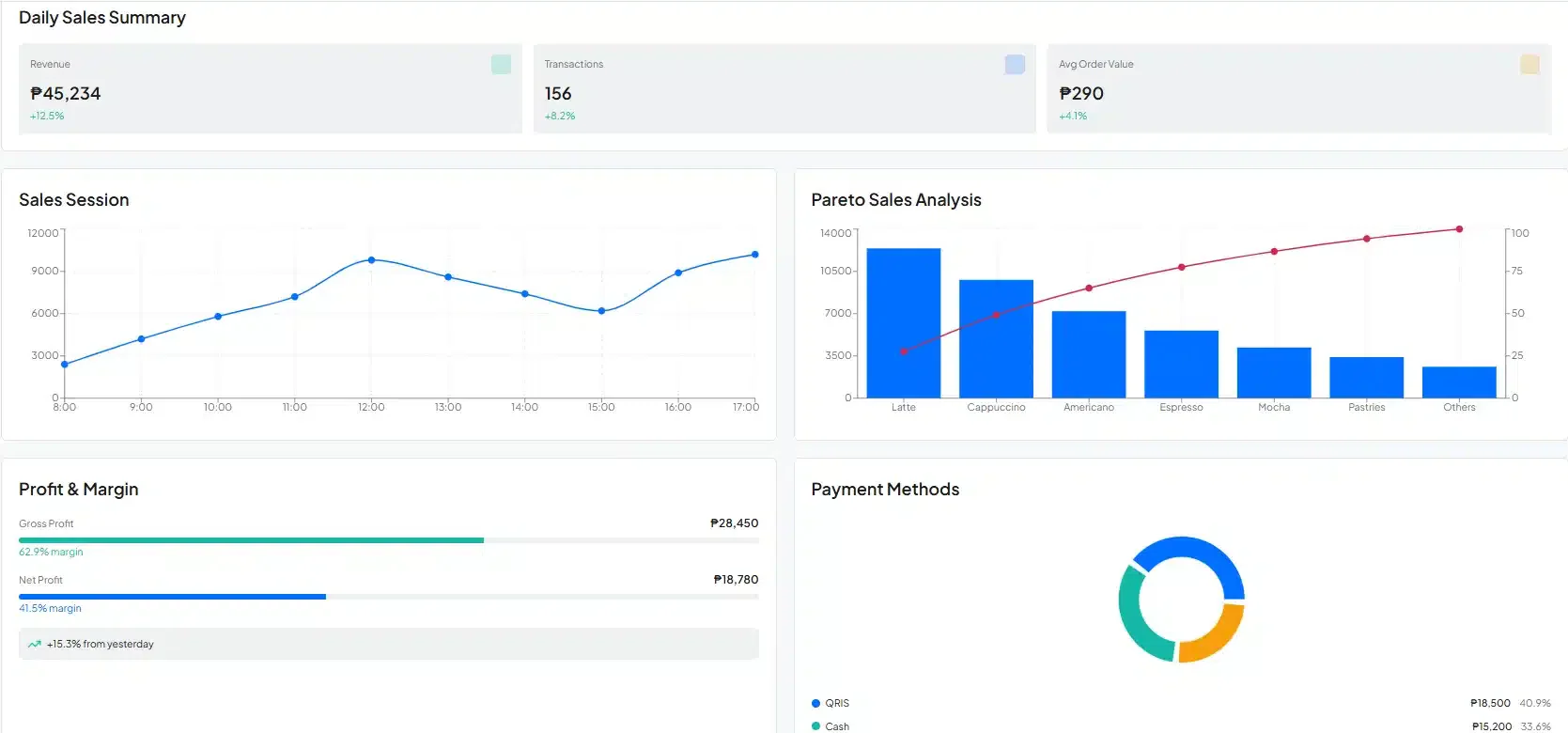
Although Nextar POS offers a reliable point-of-sale system, some business owners may need more advanced features as their operations grow. One alternative often considered is HashMicro POS Software, which connects sales, inventory, and customer management in a single integrated system.
The system is designed to support different types of businesses, including retail stores, restaurants, and multi-branch operations. With flexible features, businesses can manage daily operations in a more centralized and efficient way.
Some available features include:
- Online and offline hybrid: The system continues running even when the internet connection is lost and automatically syncs data once the connection returns.
- Loyalty management: Customers can collect and redeem points through a membership program.
- Product bundling: Combine products into promotional packages or discounted bundles.
- Zone and period analysis: Track customer traffic patterns by location and time of day.
- Auto-triggered promotion (BIN card): Card-based promotions are applied automatically during transactions.
Conclusion
Nextar POS offers a simple and reliable solution for businesses that need essential features like payment processing, inventory tracking, and e-commerce connectivity to support daily retail operations.
As businesses grow, operational needs often expand beyond basic transaction management. Many business owners begin looking for POS systems with stronger integrations and more comprehensive reporting.
Booking a free consultation can help business owners better understand which POS solution fits their operational needs and long-term growth plans, while exploring ways to improve efficiency, visibility, and overall business performance.
FAQ About Nextar POS
Nex is free, with no usage time limit, product registration limit, or customer registration limit! The system was developed to serve commerce, helping to manage your store and with the possibility of being used in a free plan at no cost and for an indefinite period.
Ya, HashMicro dapat menyesuaikan modul, workflow, dan integrasi sesuai kebutuhan operasional.
FAQ
The total cost of a POS system includes several components, from physical devices to software subscriptions, transaction fees, and other hidden expenses that can add up over time. Understanding these costs upfront is essential to making an informed decision and choosing the best POS system Philippines that fits your business’s needs and budget.
However, with a cloud-based POS in offline mode, you can access data from anywhere and keep your business running even when you temporarily lose your Internet connection. You can accept various payments, send orders to the kitchen, and keep customers satisfied and returning for more.