
Cash flow is the engine of businesses, but manual invoicing still slows billing cycles and creates avoidable rework. The right invoice processing platform helps finance teams bill faster, standardise approvals, and keep figures consistent across entities.
Australia’s shift toward digital invoicing means moving beyond PDFs is now part of modern finance operations, not a nice-to-have. Adopting e-invoicing supports cleaner records, smoother integrations, and tighter control over invoice data from creation to payment.
Plenty of tools claim to be the best, but fit matters more at scale. This guide compares leading invoicing software in Australia so you can choose a solution that matches your workflows, compliance needs, and reporting requirements, without adding complexity.
Australian E Invoicing Software At a Glance (Shortlist)
Before diving into the detailed reviews, here is a quick overview of the top contenders for 2026, categorized by their primary strengths within the Australian market.
Best Because
Best for established Australian SMEs that prioritise strong local support and compliance with Australian tax regulations.


Best Because
Best for businesses that prefer cloud-based accounting with broad advisor and accountant adoption across Australia.
Best Because
Best for teams that value automation features and an easy-to-use interface for day-to-day finance operations.

Best Because
Best for businesses looking for an affordable invoicing and accounting suite with integrated ecosystem capabilities.
What Is E-Invoicing Software and Why Australian Businesses Must Use It Now?
Many teams still assume that an emailed PDF invoice counts as e-invoicing, but it remains a manual document that someone must read and re-enter. Real e invoicing software sends structured invoice data from one system to another, so the buyer receives it inside their finance system without rekeying.
In Australia, this exchange runs through the Peppol network, which standardises invoice data such as ABN, GST, and payment terms. With the right invoicing and billing software, invoices arrive ready for approval, supporting accounts payable automation and reducing errors at scale.
Large organisations should treat this shift as an operating upgrade, not a trend, because trading partners and government workflows increasingly prefer structured e-invoicing. This is why many finance leaders now evaluate invoicing software Australia options like they would any core platform, looking for the best fit, comparing the best invoicing software Australia options, and selecting invoicing software that integrates cleanly with approvals, reporting, and controls at scale.
What to Look for in Australian E-Invoicing Software
Selecting the right software goes beyond just finding a tool that can generate a bill. To future-proof your business for 2026 and beyond, you must evaluate solutions based on specific criteria relevant to the Australian regulatory environment.
- Peppol PINT A-NZ compliance and ATO accreditation: Choose e-invoicing software that connects to the Peppol network via an ATO-accredited provider or a certified Peppol Access Point, so invoices flow system-to-system without manual steps. Make sure it supports PINT A-NZ, the current spec for Australia and New Zealand, so your setup stays interoperable as large buyers standardise.
- GST-compliant tax invoice generation: Your invoicing software should automatically generate GST-compliant tax invoices with the required fields (including “Tax Invoice”, ABN, date, item details, GST, and totals) to protect input tax credit claims. Built-in compliance reduces disputes, rework, and delays that hit cash flow at scale.
- ABN verification and buyer identification: Look for invoicing software Australia teams can use to verify customer ABNs against the ABR, so entity details and GST registration stay accurate from the start. Correct buyer identification also helps route e-invoices reliably through Peppol, which matters when you invoice large organisations with strict AP rules.
- BAS-ready reporting and integration: Strong invoicing and billing software categorises GST in real time and produces BAS-ready reports that reduce end-of-period clean-up. If it supports SBR-enabled workflows or clean exports, finance teams close faster and keep reporting consistent across entities.
- Integration with Australian banks and payment gateways: Prioritise tools that support Pay Now flows and integrate with Australian banks plus payment options such as BPAY and major gateways, so customers can settle invoices with minimal friction. Faster payment collection is a direct operational win for high-volume billing.
- Automated payment reminders and accounts receivable automation: Pick software that automates polite reminder sequences and dunning rules via email or SMS, so follow-ups happen consistently without manual chasing. This lifts collections discipline and keeps working capital healthier across large debtor books.
- Scalability from invoicing to full ERP: For medium to large organisations, the best invoicing tools should scale into an accounting platform for enterprise workflows as complexity grows, rather than becoming a silo. When invoicing ties into inventory, procurement, and forecasting, teams stop reconciling across tools and get one source of truth.
- Data security and Australian data residency: Treat security as non-negotiable: require MFA and credible security assurance such as ISO 27001 to protect financial data access and audit trails. If your contracts or governance demand it, confirm Australian data residency or strict alignment with Australian privacy requirements before you commit.
12 Best E-Invoicing Software in Australia for 2026
Based on the criteria above, we have analyzed the market to bring you the 12 best e-invoicing solutions tailored for Australian businesses.
1. MYOB
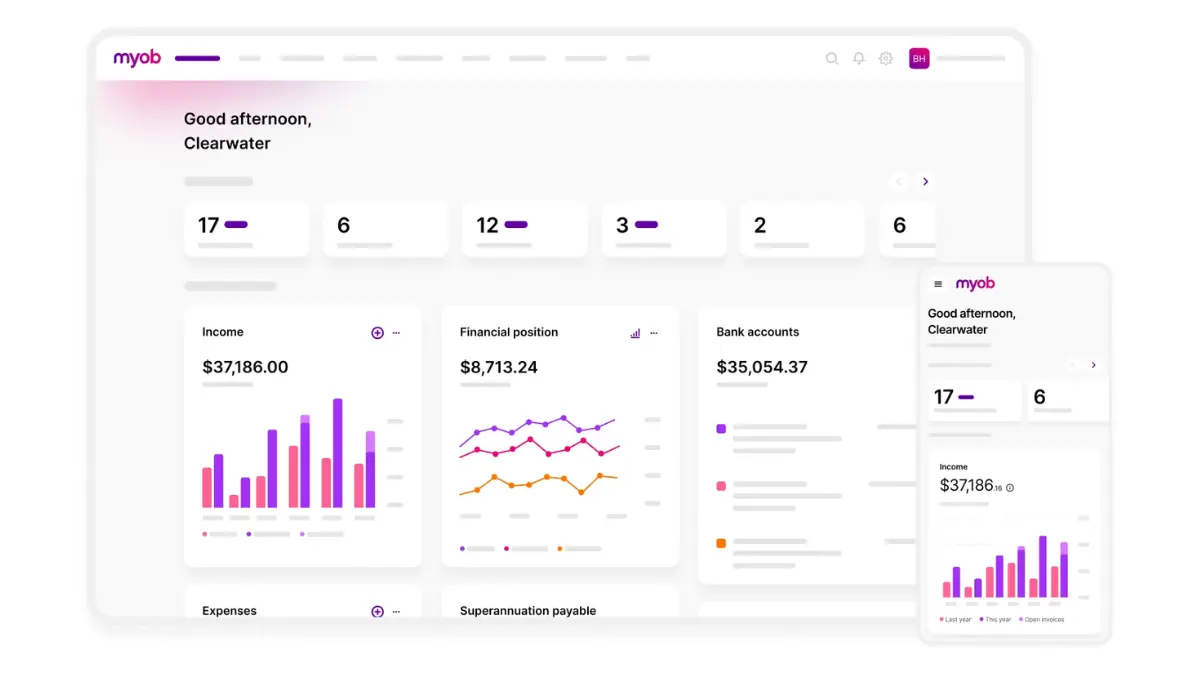
MYOB (Mind Your Own Business) is a stalwart in the Australian business landscape. Having served Aussie businesses for decades, it has evolved from desktop software to a robust cloud platform. MYOB Business is their flagship cloud offering, designed to cover everything from simple invoicing to complex payroll.
Key Features: MYOB offers direct e-invoicing capabilities via the Peppol network, allowing users to send and receive invoices directly within the software. It excels in payroll integration (STP Phase 2 compliant) and offers excellent inventory management for retail and trade businesses.
| Pros | Cons |
| ✓ Strong local support with deep understanding of Australian tax regulations. ✓ Seamless collaboration with accountants using MYOB practice software. |
× Interface feels slightly dated compared to newer global platforms. × Subscription costs increase when adding features like multi-currency or expanded payroll. |
2. HashMicro
HashMicro has established itself as a leading provider of extensive business solutions, particularly suited for mid-to-large enterprises that require more than just basic bookkeeping. Their e-invoicing module is typically part of a larger, integrated ERP ecosystem.
Key Features: HashMicro offers a highly customizable invoicing solution that integrates flawlessly with accounting, inventory, procurement, and CRM modules. It supports complex recurring billing, multi-tier approval workflows, and automated tax calculations compliant with Australian regulations.
| Pros | Cons |
| ✓ Highly scalable and customisable to match specific industry workflows such as construction, manufacturing, and wholesale. ✓ Enterprise-grade security with advanced reporting and analytics capabilities. |
× May be excessive for micro-businesses or sole traders with minimal invoicing needs. |
3. Xero
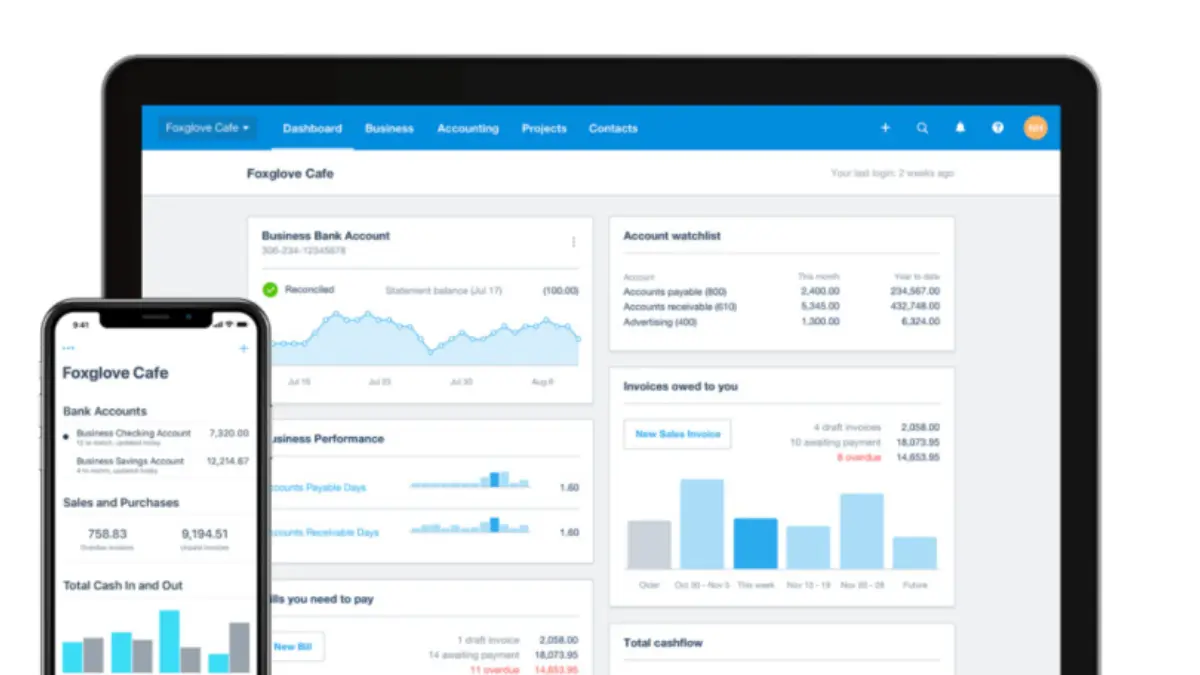
Xero is a cloud-native accounting platform that originated in New Zealand and dominates the Australian small business market. Known for its “beautiful accounting” philosophy, it prioritizes user experience and ecosystem connectivity.
Key Features: Xero was one of the first to champion e-invoicing in Australia. It offers a seamless registration process for Peppol and allows users to swap between PDF and e-invoice delivery easily. Its “Hubdoc” integration automates bill capture, and it has arguably the largest marketplace of third-party app integrations.
| Pros | Cons |
| ✓ Extremely user-friendly interface that helps teams onboard quickly. ✓ Large add-on ecosystem with strong adoption among Australian bookkeepers and accountants. |
× Advanced features like multi-currency and expense claims sit behind the highest-priced tier. × Reporting customisation can feel limited compared to enterprise-grade tools. |
4. QuickBooks Online
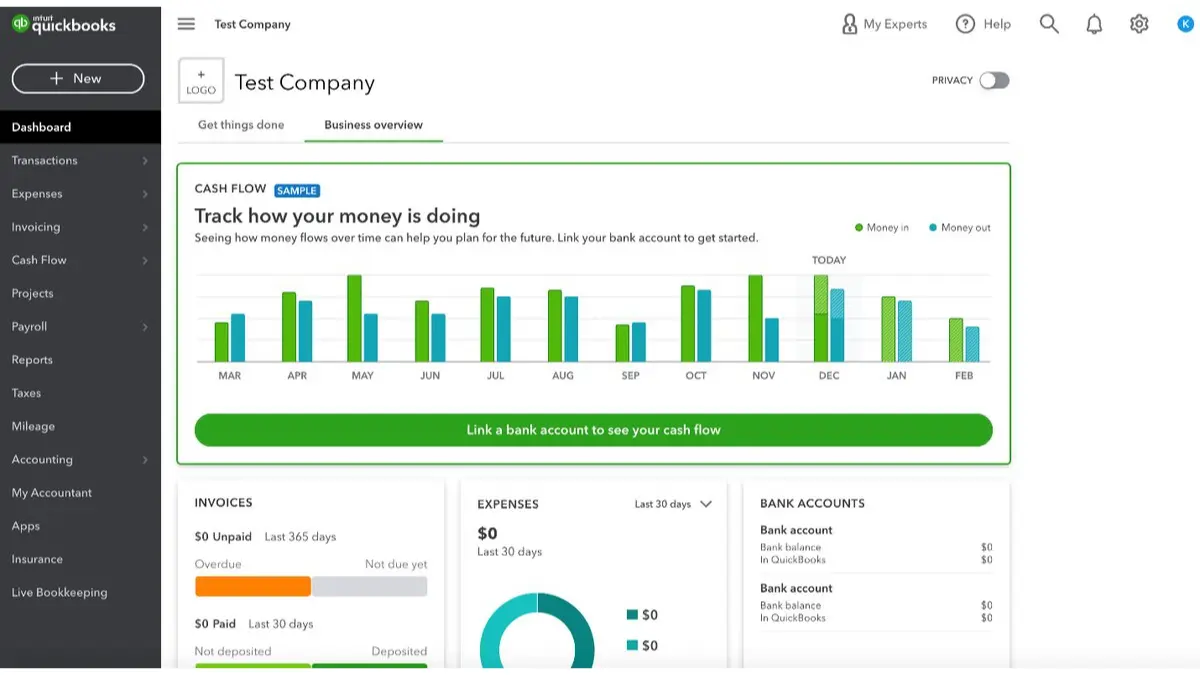
Intuit’s QuickBooks Online is a global giant that offers a polished, automation-heavy experience for Australian users. It competes directly with Xero and MYOB, often differentiating itself through aggressive pricing and automation capabilities.
Key Features: QuickBooks excels at workflow automation. You can set rules to automatically categorize bank transactions and send recurring invoices. It supports e-invoicing and includes a powerful mobile app that allows you to create and send invoices from the field.
| Pros | Cons |
| ✓ Lower entry-level pricing than many competitors for getting started quickly. ✓ Excellent in-app mileage tracking that suits tradies and consultants with frequent travel. |
× The Australian version can receive feature updates later than the US release. × Support can feel less localised compared to MYOB’s Australia-focused network. |
5. Zoho Invoice / Zoho Books
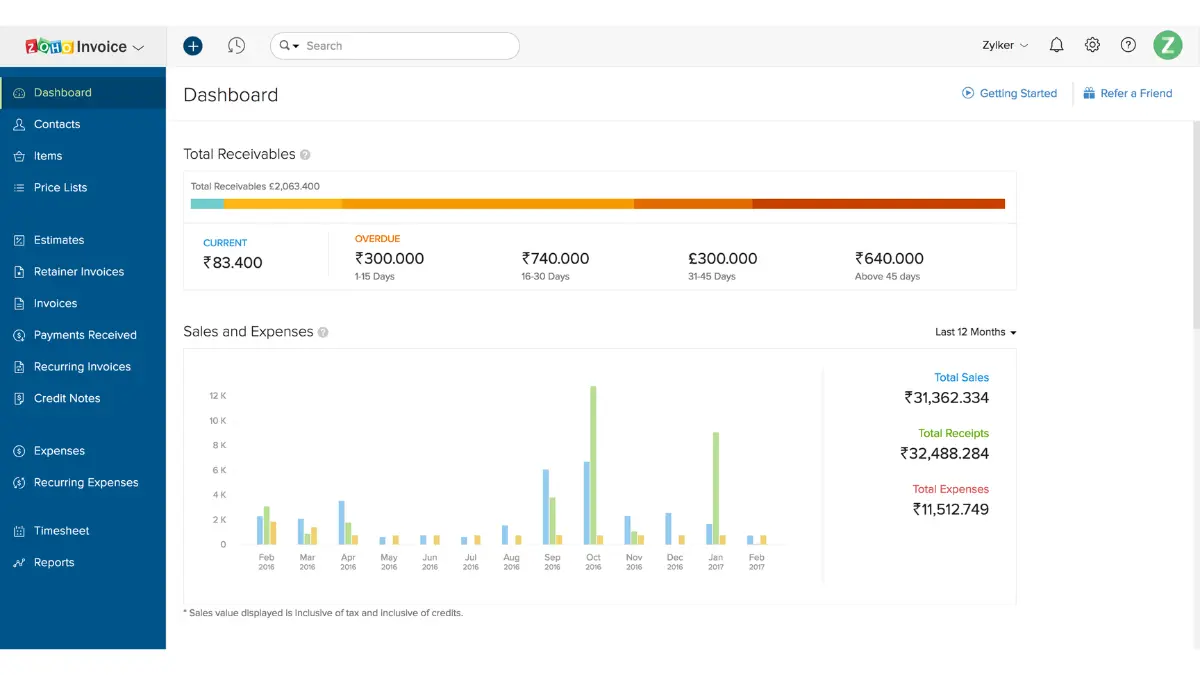
Zoho offers a unique proposition: a suite of business software that rivals giants like Google and Microsoft. Zoho Invoice is a free standalone tool, while Zoho Books is the comprehensive accounting package.
Key Features: Zoho Invoice is completely free for small businesses and allows for professional, customizable templates. Zoho Books adds the accounting layer with Peppol e-invoicing support, inventory tracking, and banking integration. It integrates tightly with Zoho CRM, making it ideal for sales-driven organizations.
| Pros | Cons |
| ✓ Zoho Invoice is one of the strongest free invoicing tools available for core billing needs. ✓ Zoho Books delivers strong value and works especially well if you already use other Zoho products. |
× The interface can feel overwhelming because of the breadth of features and settings. × Connecting multiple Zoho apps can take extra setup time and technical patience. |
6. FreshBooks
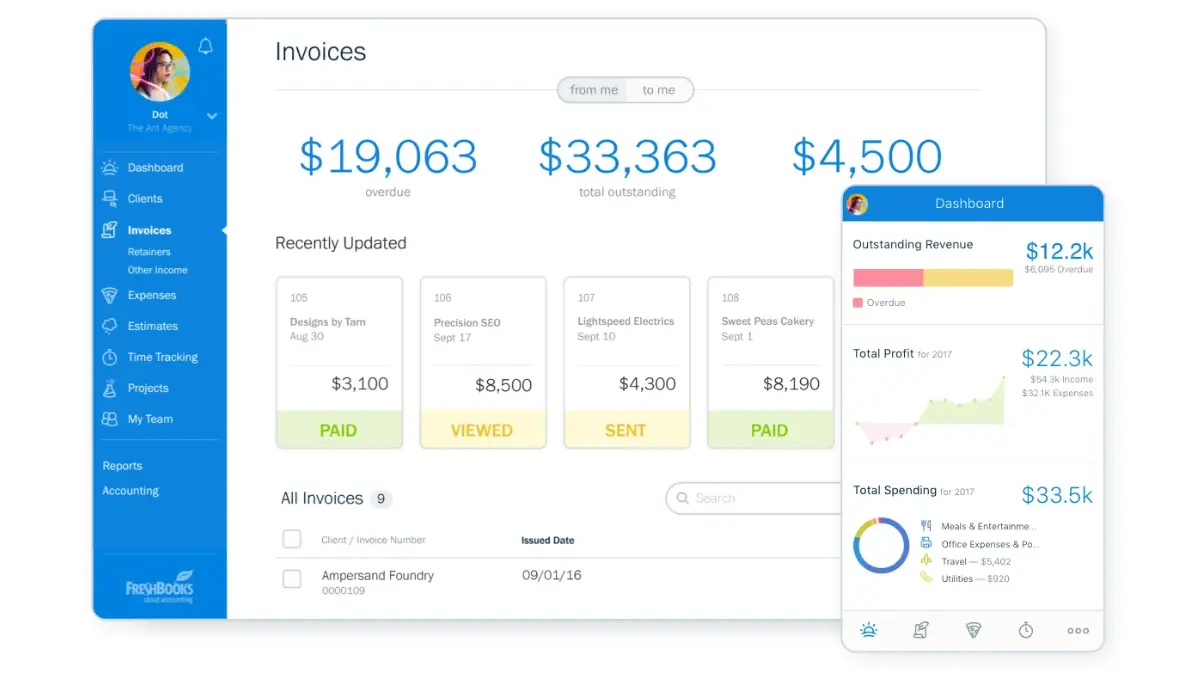
FreshBooks began as an invoicing tool for freelancers and has grown into a full accounting solution. It focuses heavily on the “non-accountant” user—agencies, consultants, and service providers.
Key Features: The platform shines in time tracking and project-based billing. You can convert tracked hours directly into an invoice. It also offers client portals where clients can view estimates, invoices, and project progress.
| Pros | Cons |
| ✓ Excellent user experience for service-based teams that need a clean, fast billing flow. ✓ Smooth proposal-to-invoice workflow that reduces admin work from quoting to payment. |
× Less suitable for product businesses with complex inventory and stock workflows. × Accounting depth can fall short of Xero or MYOB for more complex tax requirements. |
7. Billdu
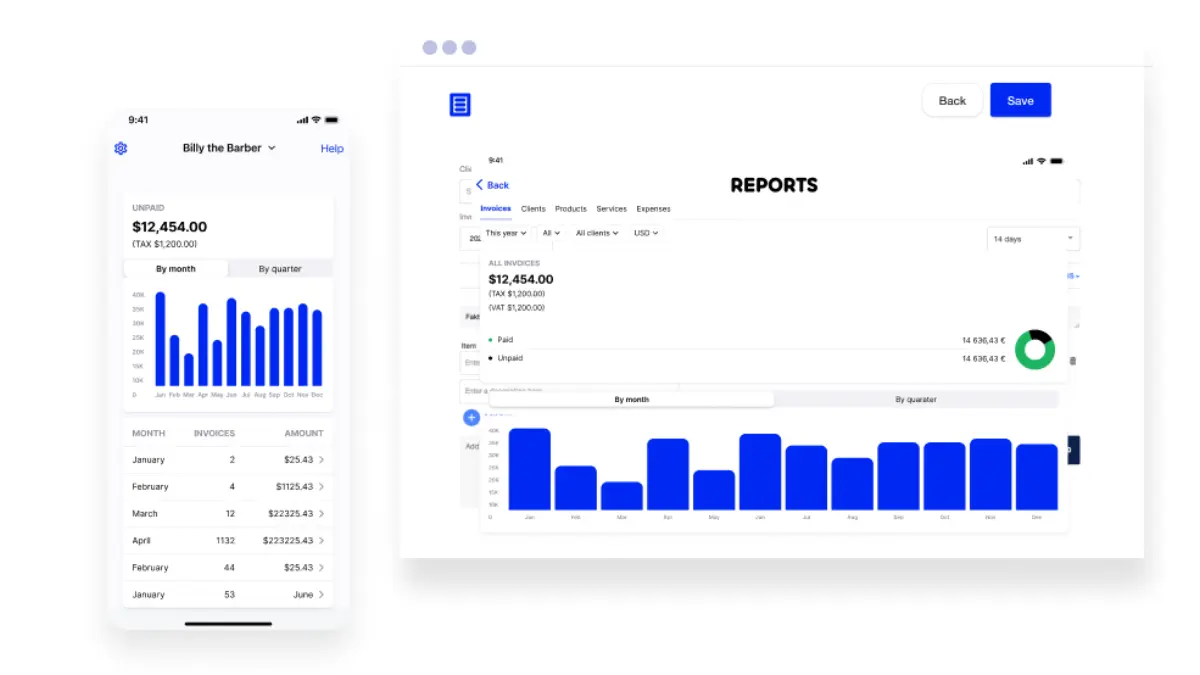
Billdu is designed with mobility in mind. It targets small business owners who run their operations from a smartphone or tablet, such as tradespeople and mobile service providers.
Key Features: It allows for the creation of invoices, estimates, and purchase orders in seconds via a mobile app. It includes features for setting up an online store and booking appointments, which is unique for invoicing software.
| Pros | Cons |
| ✓ Modern, fast, and intuitive mobile experience for teams working in the field. ✓ Great for issuing quotes and collecting signatures on the spot to speed up approvals. |
× Primarily an invoicing tool, not a full double-entry accounting system. × You may still need to export data to your accountant’s system for end-of-year tax work. |
8. EEZI powered by VAT IT Compliance
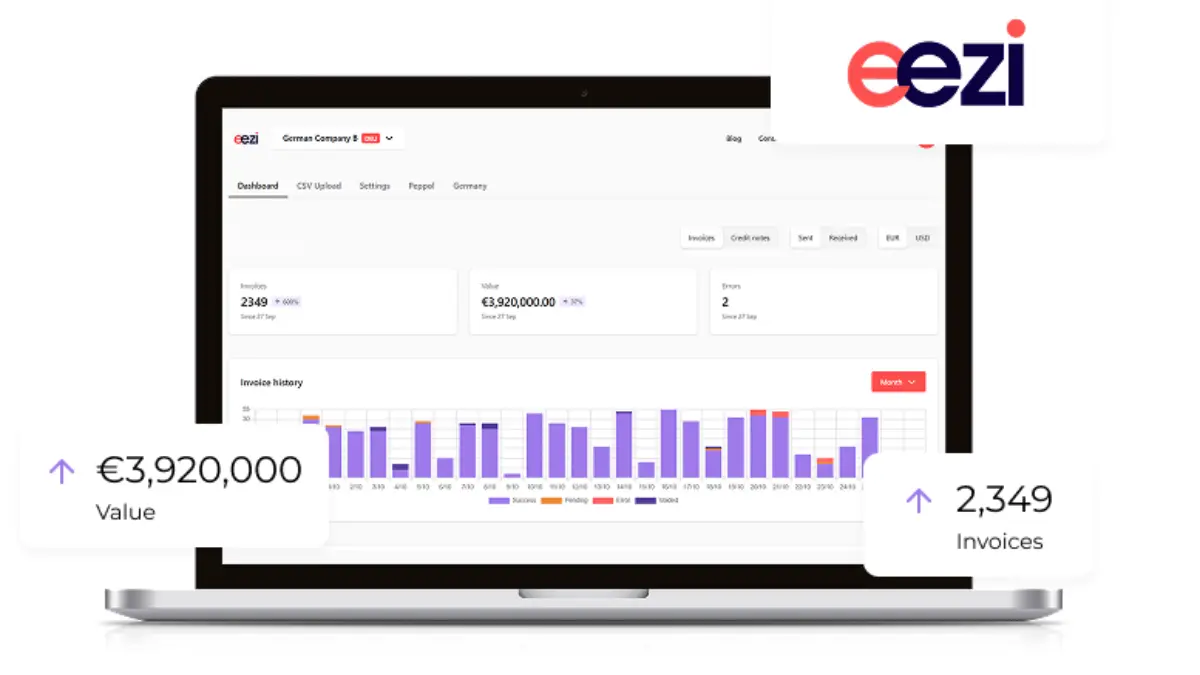
EEZI is a specialized player focusing intensely on the mechanics of e-invoicing and compliance. It is less of a general accounting ledger and more of a dedicated e-invoicing enabler.
Key Features: EEZI focuses on connecting businesses to the Peppol network with minimal friction. It is designed to sit alongside existing ERPs or accounting systems that might not have native Peppol capabilities, acting as the bridge.
| Pros | Cons |
| ✓ Ideal for businesses that want to keep their current accounting setup while becoming e-invoicing compliant. ✓ Strong focus on data security, validation, and structured invoice accuracy. |
× Designed as a specialised compliance tool rather than a full bookkeeping suite. × Lacks broader features such as bank reconciliation found in all-in-one platforms. |
9. Reckon One
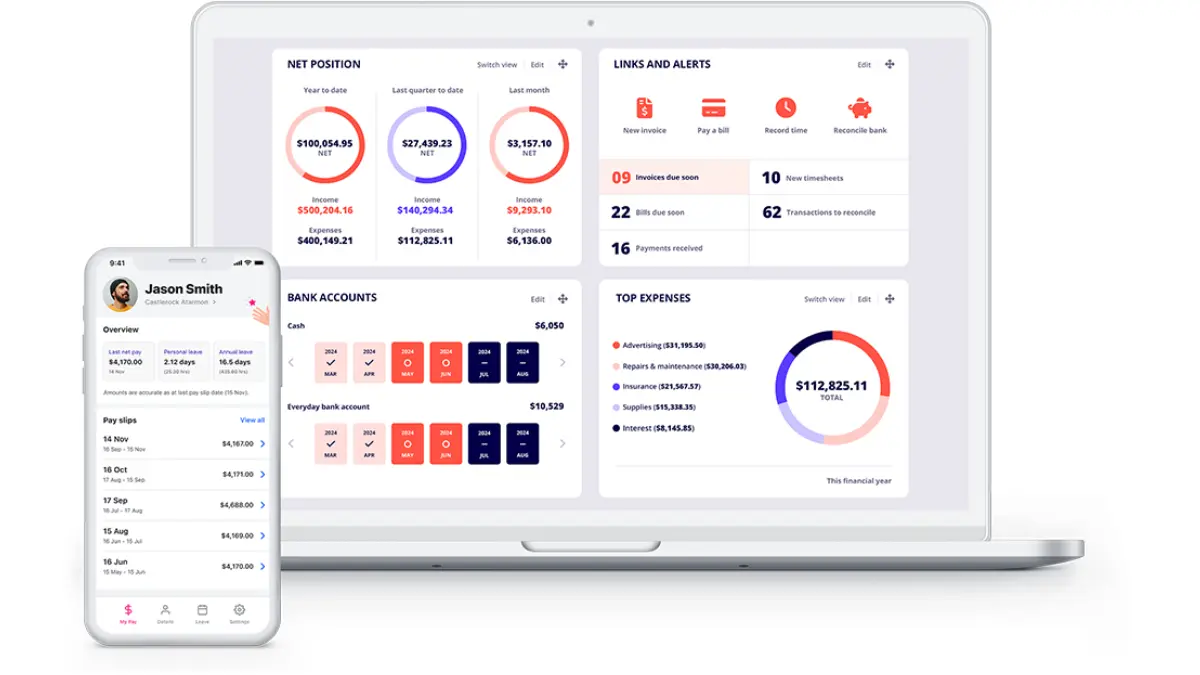
Reckon is another Australian heritage brand. Reckon One is their cloud offering, known for its modular pricing structure which allows businesses to pay only for what they use.
Key Features: You can toggle modules (Invoicing, Payroll, Projects, Time) on and off. It supports e-invoicing and provides a very clean, no-nonsense interface for managing cash flow.
| Pros | Cons |
| ✓ Very cost-effective pricing, with payroll only when you actually need it. ✓ Australian-owned and hosted, which suits local governance and data expectations. |
× Smaller third-party app ecosystem than Xero or QuickBooks. × May feel less polished in UI “delight” compared to newer, design-led platforms. |
10. Invoice2go
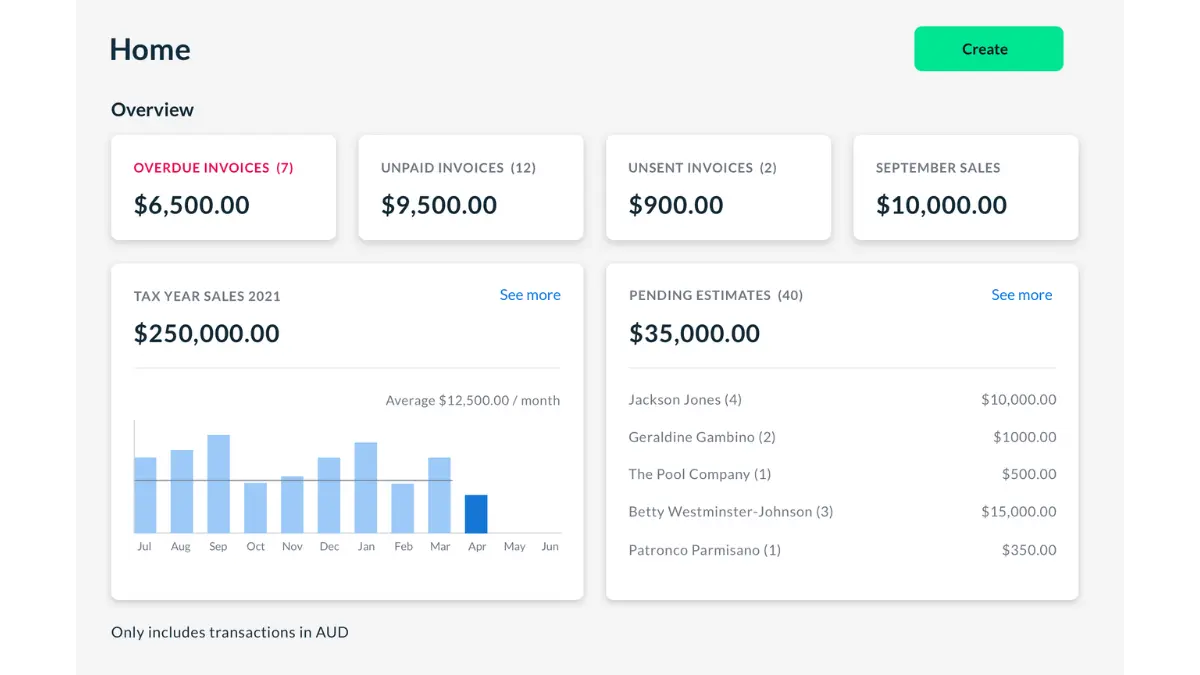
Owned by Bill.com, Invoice2go is a mobile-first solution that empowers small business owners to look professional. It is heavily marketed towards tradies, construction workers, and creative freelancers.
Key Features: It offers highly customizable templates that look great on mobile devices. Features include expense tracking, time tracking, and instant reporting on business performance. It also facilitates instant payments via card.
| Pros | Cons |
| ✓ Best-in-class template customisation for a mobile-first invoicing app. ✓ Helps small businesses present a polished, enterprise-like brand in quotes and invoices. |
× Not a full accounting suite, so you will need another system for deeper bookkeeping and reporting. × As compliance needs grow (e.g., more complex payroll), many businesses will outgrow it. |
11. Sage Business Cloud
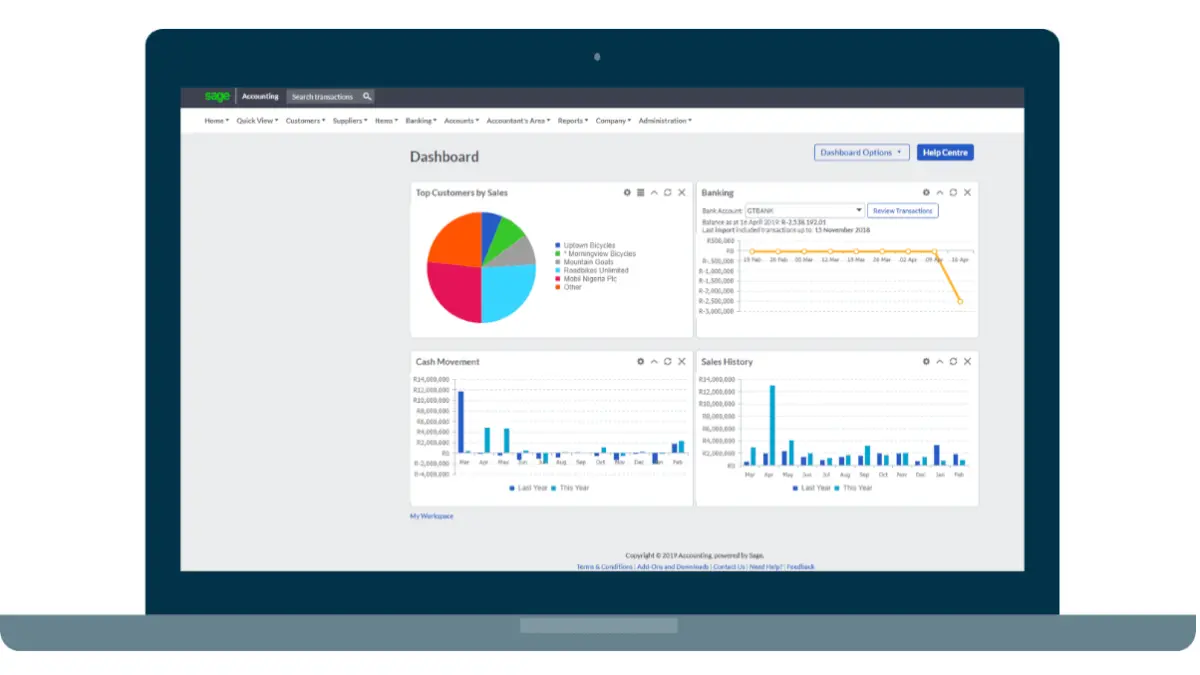
Sage is a global leader in enterprise software. Sage Business Cloud Accounting is their entry for small to medium businesses, but it carries the DNA of their high-end products.
Key Features: It offers robust inventory management and multi-currency capabilities. Sage has a strong focus on compliance and audit trails, making it a favorite among accountants who prioritize data integrity.
| Pros | Cons |
| ✓ Strong accounting fundamentals that suit businesses with more complex finance needs. ✓ Handles complex stock management better than many entry-level cloud platforms. |
× Interface is functional but can feel less intuitive or modern than Xero. × Support may feel more corporate and slower to respond, especially for smaller clients. |
12. SoleApp
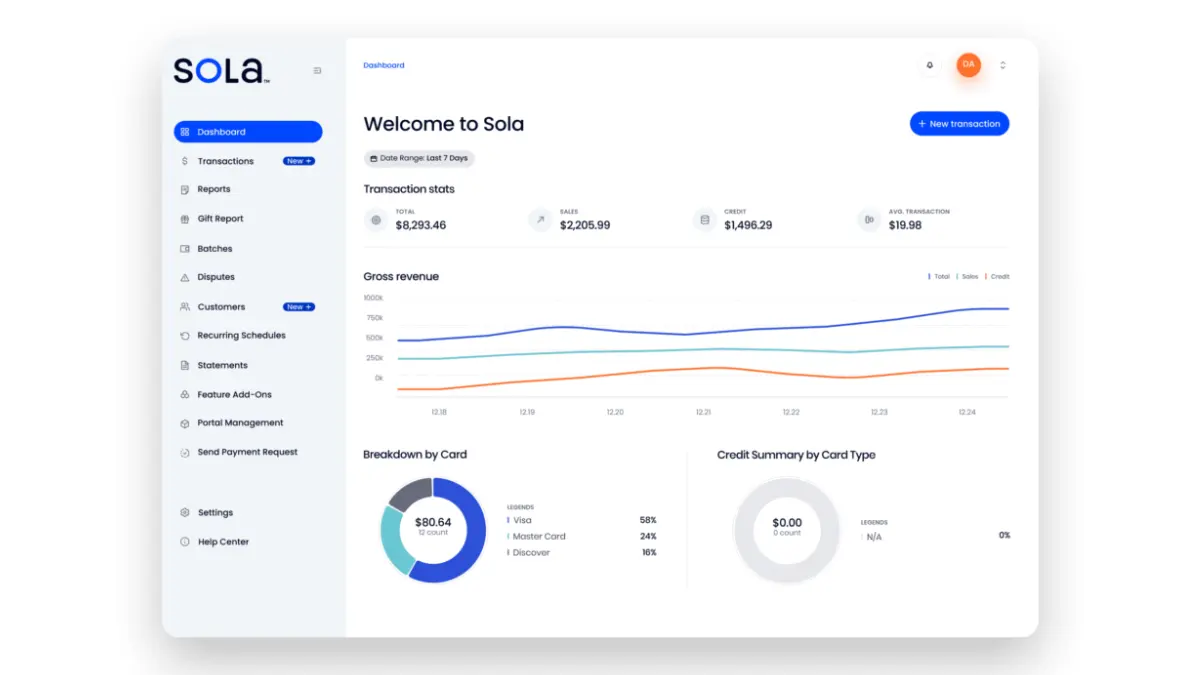
SoleApp is an Australian accounting app built specifically for sole traders, freelancers, and the self-employed. It strips away the complexity of tools designed for larger companies.
Key Features: It offers simple invoicing, expense tracking, and a real-time tax estimation feature that helps sole traders save for their tax bill. It is designed to be operated entirely from a phone.
| Pros | Cons |
| ✓ “Instant Tax Estimation” helps freelancers avoid surprises at tax time. ✓ Affordable and simple to run day-to-day invoicing and expense tracking. |
× Built strictly for sole traders, so it won’t fit partnerships or company structures. × No payroll support, which limits its usefulness once you start hiring staff. |
Australia’s E-Invoicing Compliance Checklist: Is Your Software Ready for 2026?
As we approach the 2026 milestones, use this checklist to audit your current or prospective software. If you cannot check all these boxes, it may be time to migrate.
- Peppol Network Connection: Does the software connect to the Peppol network either natively or via a seamless API integration with an Access Point?
- PINT A-NZ Support: Is the vendor committed to supporting the PINT A-NZ standard for trans-Tasman and international interoperability?
- ABN/ACN Validation: Does the system automatically validate ABNs against the Australian Business Register to prevent invoicing errors?
- Security Standards: Is the platform ISO 27001 certified, and does it offer Multi-Factor Authentication (MFA) to protect financial data?
- Data Sovereignty: Is your financial data hosted in Australia, or does the vendor comply with Australian Privacy Principles regarding cross-border data transfer?
- STP Phase 2 (If applicable): If the software handles payroll, is it fully compliant with Single Touch Payroll Phase 2 reporting requirements?
- Record Keeping: Does the software maintain audit logs and store invoices for the statutory 5-year period required by the ATO?
How to Choose the Right E-Invoicing Software for Your Australian Business
Choosing the right software is a balancing act between budget, functionality, and future growth. Here is a strategic approach to making your decision:
1. Assess your business volume and complexity
If you send only a handful of invoices each month, a lightweight tool may be enough. However, if you process high transaction volumes, manage inventory, or operate across multiple teams and entities, you need a more robust platform such as HashMicro.
Do not under-spec your software at the start. Migrating systems later can disrupt operations, require data cleanup, and significantly increase overall costs.
2. Consider integration needs
Your invoicing software should not stand alone. It needs to talk to your CRM, your inventory system, and your bank. Map out your current tech stack. If you use Salesforce, does the invoicing tool integrate with Salesforce? If you use Shopify, does sales data flow automatically into the invoice system?
3. Evaluate the “Advisability”
In Australia, the relationship between the business owner and the accountant is vital. Ask your accountant what software they prefer. While you shouldn’t choose solely based on their preference, using a tool they are certified in can save you thousands in bookkeeping fees because they can work faster.
4. Test the mobile experience
Business doesn’t always happen at a desk. Download the mobile apps of the shortlisted software. Try creating an invoice, adding a customer, and viewing a report. If the app is clunky, it will frustrate you in the long run.
5. Check the support channels
When you cannot send an invoice, cash flow stops. Test the support channels before buying. Is there a phone number? Is there a 24/7 chat? Is the support team based in Australia or offshore? Local support (like HashMicro, MYOB, or Reckon) can be invaluable during Australian business hours.
Conclusion
Australia’s invoicing landscape is shifting rapidly as more businesses move from PDFs to structured e-invoices. Beyond compliance momentum, the real advantages are faster payments, fewer manual errors, and tighter control over financial data.
Exchanging invoices via the Peppol network is becoming standard practice for organisations prioritising efficiency and interoperability. Teams that review their workflows early and transition proactively avoid disruption and keep finance operations stable.
If you want a tailored recommendation based on your transaction volume, entities, approval layers, and reporting requirements, you can consult our expert without cost to map the right setup and rollout plan.
Frequently Asked Questions About E-Invoicing
-
Is e-invoicing mandatory in Australia for all businesses?
E-invoicing is not mandatory for all businesses across every transaction type. However, Commonwealth government agencies must be able to receive e-invoices, and many large organisations are adopting it to streamline accounts payable and reduce manual processing.
-
What is the Peppol PINT A-NZ format, and do I need it?
Peppol PINT A-NZ is the e-invoicing specification used in Australia and New Zealand to standardise how invoice data is structured and exchanged between systems. Using software that supports PINT A-NZ helps your invoices remain compatible with trading partners on the Peppol network and reduces interoperability issues.
-
What is the cheapest invoicing software in Australia?
The cheapest option depends on your needs: some providers offer a free invoicing tier, while others start low-cost but charge more for multi-currency, payroll, or advanced reporting. For medium to large organisations, “cheapest” often becomes “lowest total cost of ownership,” so prioritise fit, automation, and integrations over the lowest sticker price.