Malaysia · LHDN e-Invoicing
Send e-Invoices from HashMicro to MyInvois
Create the invoice in HashMicro, send it to MyInvois and check the validation result. Your finance team can submit using the billing details it already entered.
Check your LHDN phase
Choose your situation to see which phase may apply and what to prepare next.
30% off HashMicro e-Invoicing
HashMicro offer ends (Malaysia time).
Why choose HashMicro for e-Invoicing?
HashMicro brings billing, accounting and MyInvois into one workflow. That matters when your team issues invoices regularly or bills through several companies.
- Cut out repeat data entry
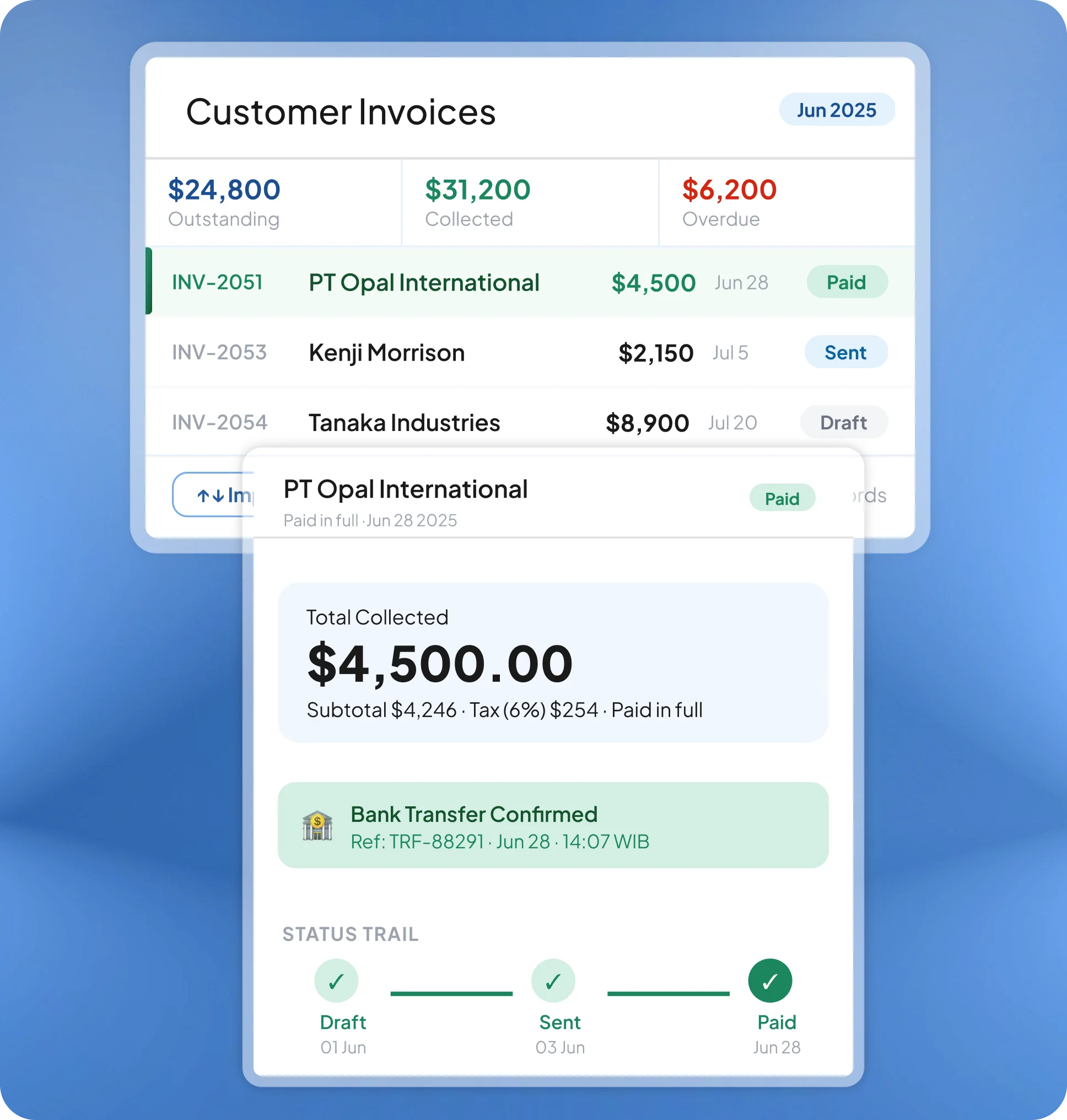
- Submit to MyInvois from the invoice you’ve already created in HashMicro. Your team can reuse the buyer details, line items and tax amounts it entered for billing.
- Know what to follow up on
- Check the MyInvois validation result to see which invoices went through and which still need correcting before you close the books.
- Keep each company’s books separate
- Run invoicing and accounting across multiple companies while keeping each invoice with the legal entity that issued it.
Your MyInvois preparation checklist
What to prepare before you submit
Tick the steps your team has finished and use the resources to work through the rest.
See how your own invoice would work in HashMicro
Bring an anonymised invoice or describe how you bill today. We’ll use that example to show you the MyInvois workflow and discuss what you need for a first rollout.
What you’ll see in the free demo
- How invoice data such as the buyer’s TIN and line items maps to MyInvois.
- What happens when a sample is validated and what to check if it’s rejected.
- What Finance and IT would need to prepare to start with one company or billing flow.
Frequently asked questions
When does my business need to start e-Invoicing?
Your start date depends on the LHDN phase that applies to your business. Use the phase checker for an initial indication. If you started trading later, your turnover changed or you’re part of a group, check the official HASiL e-Invoice General FAQs (on www.hasil.gov.my) for your situation.
Do I have to submit an e-Invoice on the day of the sale?
HASiL gives no general same-day requirement. A consolidated e-Invoice is due within seven calendar days after month end. Separate timing rules apply to some self-billed imports and foreign income. See question 38 in the HASiL e-Invoice General FAQs.
Why use HashMicro if I already have access to MyInvois?
If your team already creates invoices in a billing system, HashMicro lets you reuse those billing details for submission to MyInvois. You can check validation in the same workflow and keep invoice records organised by legal entity.
How long would it take to start submitting from HashMicro?
It depends on your invoice data, current systems and approval process. In the demo, we’ll discuss what your team needs to prepare and which company or billing flow to start with.
What should I bring to the free demo?
Bring an anonymised invoice or describe how you bill today. We’ll walk through the details MyInvois needs, the validation result and what to check if an invoice is rejected.