
Over the past decade, managing finances in Australia has become more complex due to evolving digital reporting requirements from the Australian Taxation Office (ATO), such as Single Touch Payroll (STP) Phase 2 and e-invoicing. As businesses strive for stability and growth, relying on outdated systems like manual spreadsheets no longer ensures accuracy and can expose them to compliance risks.
The market is flooded with various financial software options, from simple invoicing tools for small businesses to sophisticated ERP systems for larger enterprises. Choosing the right solution requires careful consideration of specific business needs, especially in navigating local regulations like GST and BAS lodgements.
This guide explores the leading financial software solutions available to Australian businesses, providing a detailed comparison to help you select the best fit for your company’s unique requirements and ensure smooth operations moving forward.
Key Takeaways
Accounting software automates financial transactions, improving accuracy and efficiency.
With local compliance needs like GST and BAS, choosing the right software simplifies tax reporting.
Explore the leading platforms for streamlined financial management and compliance in Australia.
Australian Accounting Software At a Glance
The Australian accounting software market is shifting towards cloud-based solutions that offer real-time bank feeds and easy accessibility. Here’s a shortlist of leading vendors offering tailored solutions across industries, helping businesses automate financial management and ensure compliance with local regulations.
Best Because
Simplifies accounting and payroll with local compliance for Australian businesses.



Best Because
Flexible accounting software designed for growing businesses.


Best Because
Modular accounting software offering simplicity and cost-effectiveness.
What is Accounting Software and Why Australian Businesses Need It?
Accounting software is a digital tool that automates the recording, processing, and reporting of financial transactions. Beyond simply tracking income and expenses, it integrates with other business systems to streamline operations, making financial management more efficient.
In Australia, a comprehensive financial management solution is essential due to the country’s complex tax system. With regulations like GST and BAS reporting, manual processes are no longer viable.
The shift to Open Banking has enhanced the value of accounting software by providing secure, direct transaction feeds from financial institutions. This integration enables businesses to monitor cash flow in real time, empowering owners to make informed decisions quickly and maintain financial stability.
What to Look for in Australian Accounting Software
When evaluating accounting software for your Australian business, it’s essential to consider features that cater specifically to local needs and regulations. Generic software won’t suffice, what’s required is a solution that ensures compliance with GST, BAS, STP, and other Australian financial practices.
With so many options available, it’s important to focus on the best accounting software that not only automates your processes but also integrates seamlessly with financial institutions and government systems, providing peace of mind and efficiency for your business operations.
1. GST tracking and BAS lodgement
Look for accounting software in Australia that automatically tracks GST on all transactions, ensuring accurate reporting for BAS lodgement. The best software for accounting should also allow easy generation of BAS reports, and some even support direct lodgement to the ATO via Standard Business Reporting (SBR).
2. Single Touch Payroll (STP phase 2) compliance
STP Phase 2 compliance is crucial for Australian businesses. The top accounting software ensures your payroll data is automatically categorized and reported to the ATO, helping you avoid penalties and simplifying superannuation and tax reporting.
3. ATO integration
The best accounting software integrates directly with the ATO, verifying ABNs and streamlining Taxable Payments Annual Reports (TPAR). This feature reduces administrative burden and ensures that your records stay in sync with government requirements.
4. Bank integration
Reliable bank feeds help integrate financial reporting and automate reconciliation across your accounting workflows. Choose software that supports direct feeds from major banks to reduce manual work.
5. Multi-currency support
For importers and exporters, the best accounting software in Australia supports multi-currency transactions. It automatically updates exchange rates, ensuring accurate financial reporting and eliminating manual calculation errors.
6. Data security and residency
Data security is critical for protecting financial information. Look for top accounting software that adheres to Australian Privacy Principles (APPs), ensuring that your data is securely hosted within Australia and protected by local privacy laws. Additionally, enforce Two-Factor Authentication (2FA) for added security.
This guidance will help you choose the best accounting software Australia has to offer, ensuring compliance and operational efficiency.
10 Top Accounting Software in Australia
The following list represents the leading accounting solutions available to Australian businesses in 2026. Each has distinct strengths, catering to businesses of different sizes and industries.
1. MYOB
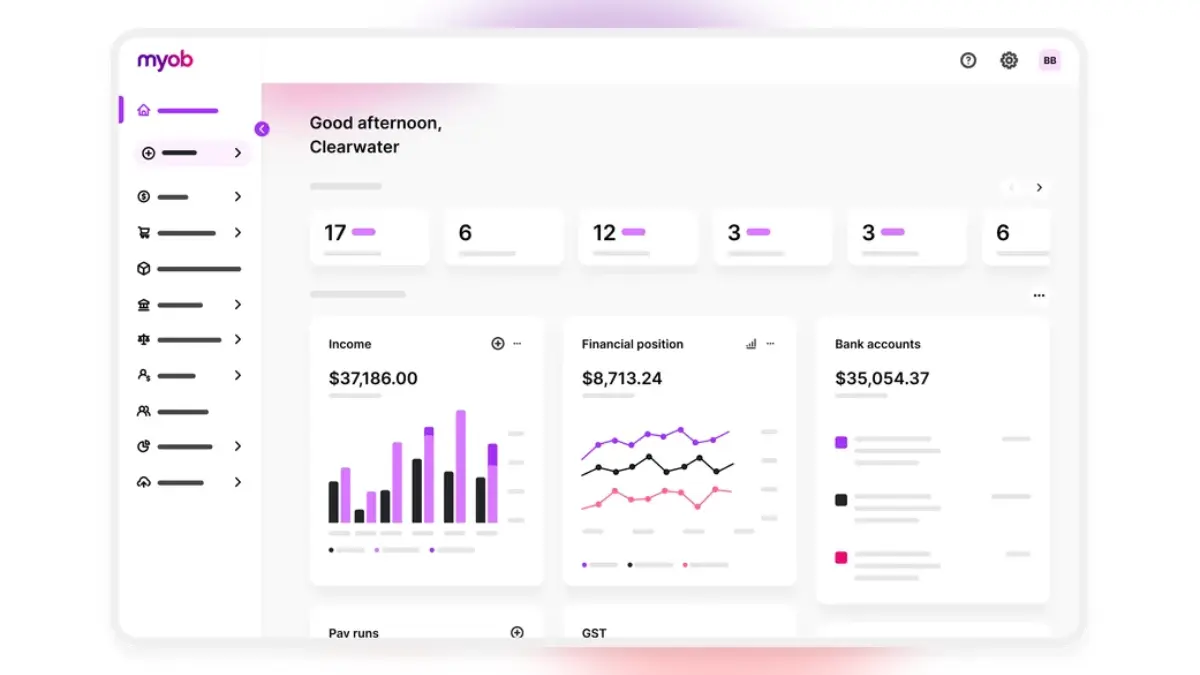
MYOB (Mind Your Own Business) is a veteran in the Australian market. For decades, it was the default choice for Australian accountants and businesses. While it faced stiff competition from cloud-native entrants, MYOB has successfully pivoted to a robust cloud platform, MYOB Business.
Key Features:
MYOB excels in local compliance. Its payroll features are deeply rooted in Australian industrial relations complexities. It offers strong inventory management capabilities in its higher-tier plans and integrates seamlessly with a vast network of local accountants who are historically trained on the platform. The “Capture” app allows for easy receipt scanning and storage.
| Pros | Cons |
| ✓ Extremely strong brand recognition and accountant familiarity. | × Can be more expensive than some competitors for basic features. |
| ✓ Excellent handling of complex Australian payroll conditions. | × The user interface, while improved, can feel denser than newer platforms. |
| ✓ Robust customer support based in the region. |
2. Xero
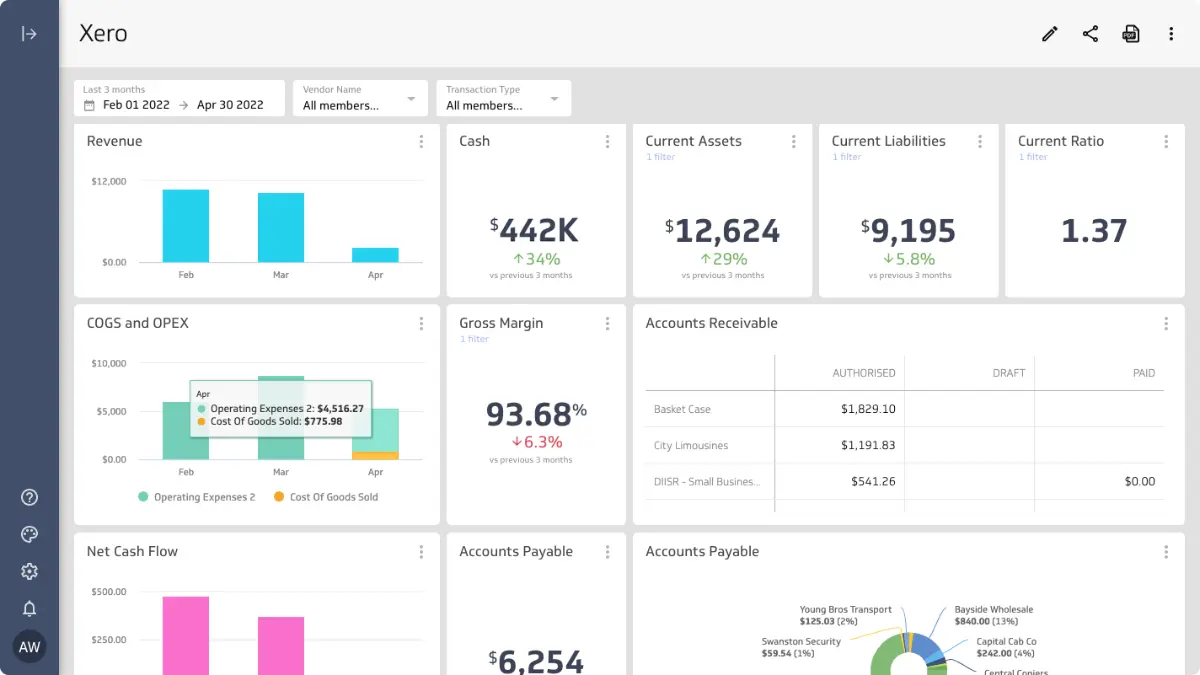
Born in New Zealand, Xero revolutionized the market by being “cloud-first.” It is currently the dominant player for Australian SMEs. Its success is built on a “beautiful” user experience and an open API that has spawned an ecosystem of over 1,000 third-party apps.
Key Features:
Xero’s dashboard provides a clear, real-time view to support better cash flow monitoring across the business. Its reconciliation process (“Match,” “Create,” “Transfer”) is gamified and intuitive. Xero Payroll is fully STP Phase 2 compliant and includes an employee self-service portal (Xero Me) for leave requests and payslips. Hubdoc, a data capture tool, is included in most plans.
| Pros | Cons |
| ✓ Intuitive, user-friendly interface ideal for non-accountants. | × Payroll is limited to a certain number of employees per plan; costs rise as you grow. |
| ✓ Massive ecosystem of integrations (inventory, CRM, POS). | × Multi-currency is only available on the most expensive “Premium” tier. |
| ✓ “Find and Recode” feature is a favorite among bookkeepers for fixing bulk errors. |
3. QuickBooks Online
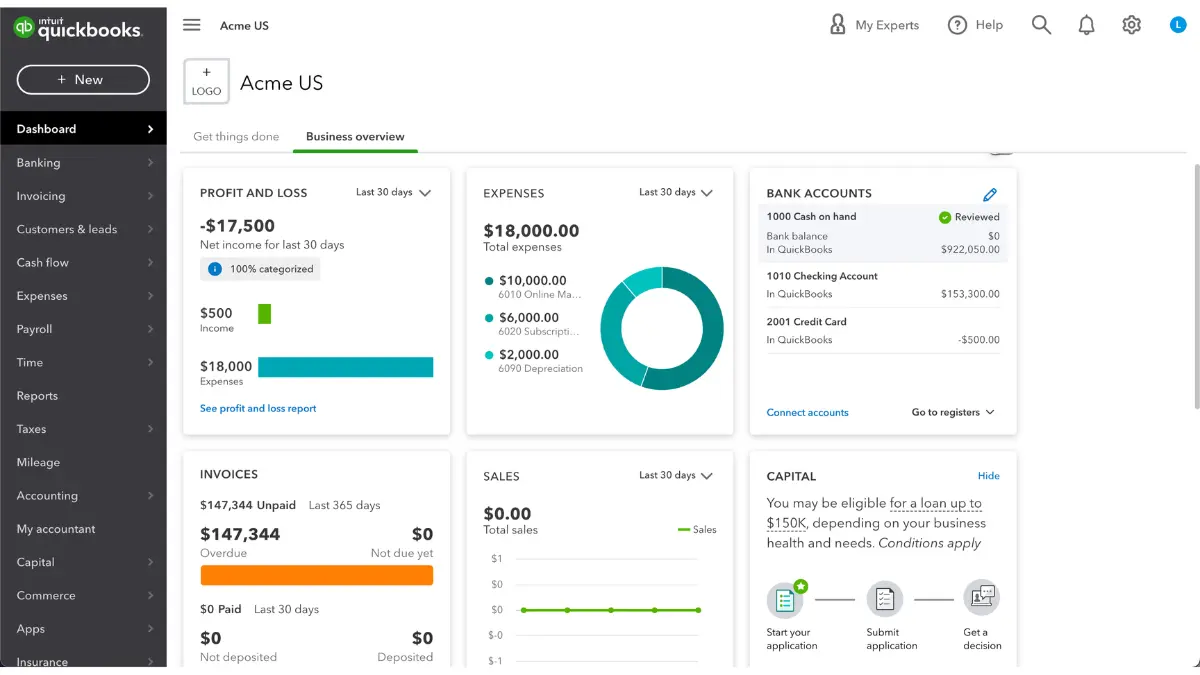
Developed by Intuit, QuickBooks is the global heavyweight in accounting software. In Australia, it competes aggressively on price and functionality. It is a powerful tool that offers deep reporting capabilities and automation features.
Key Features:
QuickBooks Online offers strong project profitability tracking, allowing businesses to tag income and expenses to specific jobs. Its mobile app is highly rated, allowing users to send invoices and snap receipts on the go. It also features a “GST Centre” specifically designed to simplify BAS preparation.
| Pros | Cons |
| ✓ Generally more affordable entry points compared to Xero and MYOB. | × The terminology can sometimes feel “Americanized” despite localization. |
| ✓ Advanced reporting features are available on lower tiers. | × Payroll is powered by a third party (KeyPay) in some versions, which is excellent but feels like a separate interface. |
| ✓ Mileage tracking is built-in via the mobile app. |
4. HashMicro
While many platforms on this list focus on small-business bookkeeping, HashMicro positions itself as a comprehensive solution for growing medium- to large-sized enterprises. It bridges the gap between standard accounting software and full-scale ERP systems. For businesses that require high levels of customization and complex operational workflows, HashMicro provides a modular approach.
Key Features:
HashMicro’s accounting module is fully integrated with its broader suite, including inventory, manufacturing, and procurement. This ensures that financial data is not siloed but is a direct reflection of operational activities. It supports multi-company structures, advanced budgeting, and granular asset management, which are often limitations in standard SME software.
| Pros | Cons |
| ✓ Highly customizable to fit unique business workflows. | × Implementation time is longer than “plug-and-play” SaaS tools due to its depth. |
| ✓ Seamless integration with non-financial modules (e.g., Warehouse Management System). | × May be overkill for sole traders or micro-businesses with simple needs. |
| ✓ Scalable architecture suitable for businesses outgrowing Xero or MYOB. |

5. Reckon One
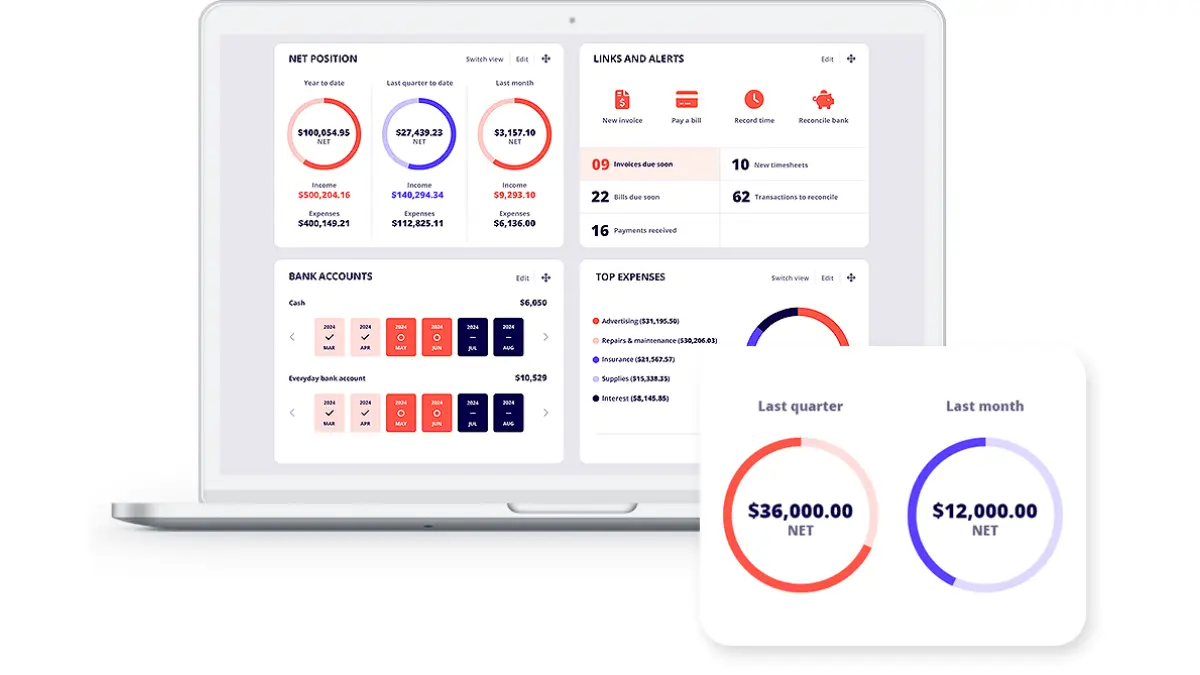
Reckon is another Australian stalwart. Reckon One is their cloud offering, known for its modular pricing structure. Instead of bundled tiers, users pay for a “base” and then add modules (Invoices, Payroll, Projects) as needed.
Key Features:
The “design your own plan” approach is its standout feature. If you don’t need payroll, you don’t pay for it. It covers all the Australian basics: STP payroll, BAS reports, and bank feeds. It is a no-frills, cost-effective solution.
| Pros | Cons |
| ✓ Extremely cost-effective; you only pay for what you use. | × The ecosystem of third-party integrations is smaller than Xero’s. |
| ✓ Australian-owned and hosted data. | × The interface is functional but less modern than competitors. |
| ✓ Unlimited invoicing on the invoicing module. |
6. FreshBooks
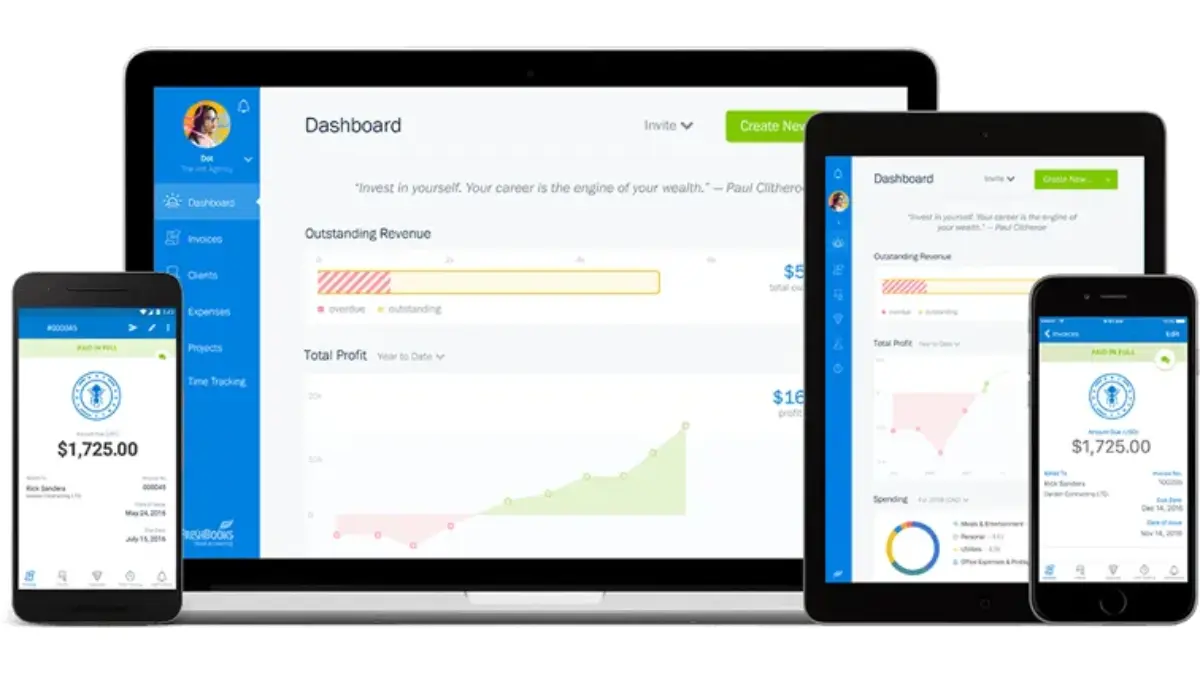
FreshBooks began as an invoicing tool for freelancers and has evolved into a full accounting platform. It is particularly popular among service-based businesses, agencies, and consultants who bill by the hour.
Key Features:
Time tracking is deeply integrated into the invoicing workflow. You can log hours against a client and convert them into an invoice with one click. It also offers client portals where customers can view invoices, pay online, and discuss project details.
| Pros | Cons |
| ✓ Best-in-class invoicing and time-tracking user experience. | × Not suited for retail or businesses with heavy inventory needs. |
| ✓ “Double-entry accounting” mode allows for professional reporting. | × Australian payroll integration is less seamless than local competitors. |
| ✓ Excellent proposal and estimates functionality. |
7. Zoho Books
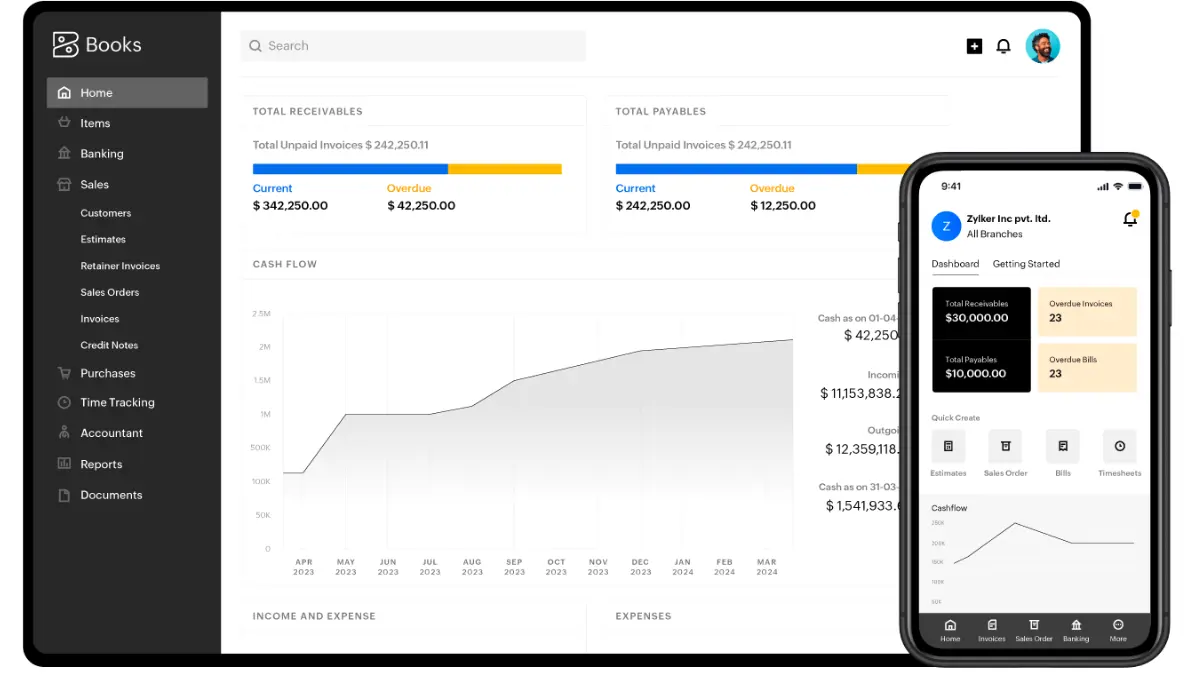
Part of the massive Zoho ecosystem, Zoho Books is a strong contender for businesses that want to run their entire operation on one platform (CRM, Mail, Desk, etc.). It offers a surprising depth of features at a competitive price point.
Key Features:
Zoho Books automates bank feeds and offers a client portal. It handles end-to-end accounting, including GST handling for Australia. A unique feature is the ability to trigger automated workflows (e.g., email alerts) based on financial events.
| Pros | Cons |
| ✓ Incredible value if you already use other Zoho apps. | × Payroll integration for Australia requires using Zoho Payroll (which is good) or KeyPay. |
| ✓ Extensive automation capabilities for workflows. | × The sheer number of settings can be overwhelming for beginners. |
| ✓ Robust inventory management for an accounting tool. |
8. Sage Business Cloud
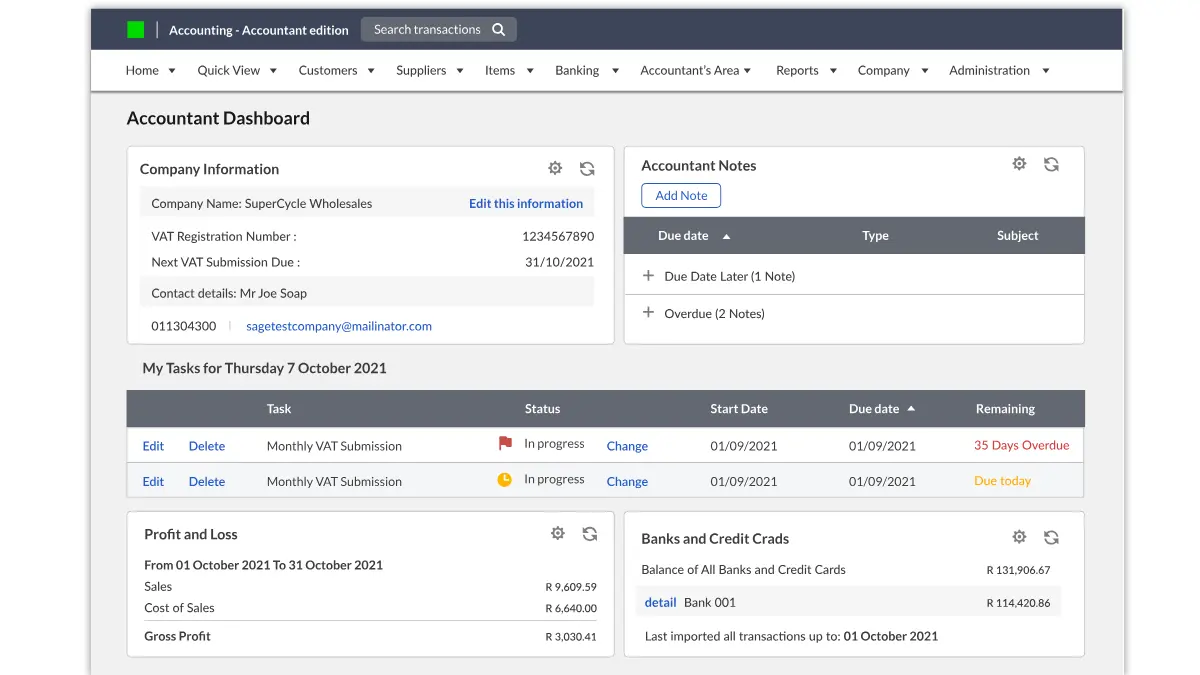
Sage is a global brand with a strong history in the mid-market. Sage Business Cloud Accounting (formerly Sage One) is their entry-level cloud product. It is straightforward and reliable, often favored by traditional accountants.
Key Features:
Sage focuses on “getting the job done.” It handles invoicing, bank reconciliation, and BAS reporting efficiently. It has a strong reputation in the construction industry due to legacy products, and the cloud version continues this with decent project tracking.
| Pros | Cons |
| ✓ Very strong audit trails and security features. | × Marketing and interface feel less modern than Xero or QuickBooks. |
| ✓ Good support for multi-currency transactions. | × Fewer “delight” features or AI-driven insights. |
| ✓ Reliable uptime and performance. |
9. Wave
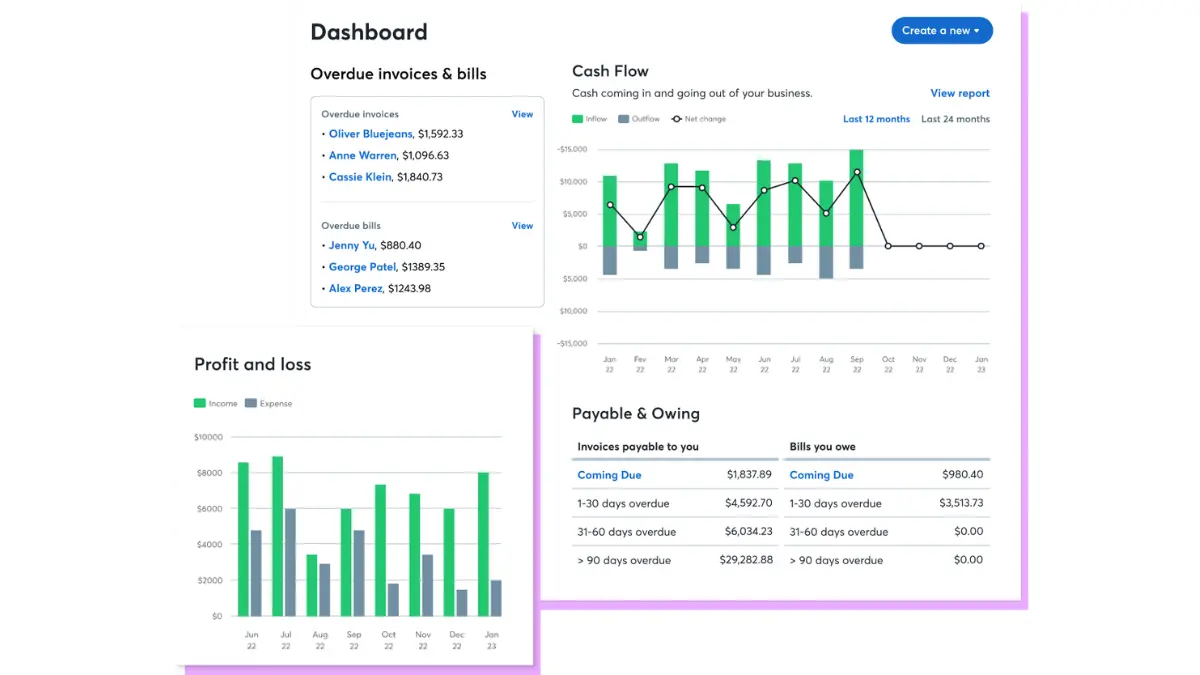
Wave made a name for itself by being completely free for accounting and invoicing. However, its availability and support structures have shifted over time. It remains a popular choice for micro-businesses and sole traders with zero budget.
Key Features:
Wave offers unlimited income and expense tracking, unlimited invoicing, and scanning of receipts. It connects to bank accounts for transaction imports. It makes money through payment processing fees rather than subscriptions.
| Pros | Cons |
| ✓ Free to use for the core accounting modules. | × No Australian payroll support (you must calculate PAYG manually). |
| ✓ Simple, clean interface that is easy to learn. | × No direct BAS generation specific to ATO codes. |
| ✓ Good for separating personal and business finances for sole traders. | × Limited customer support for free users. |
10. Akaunting
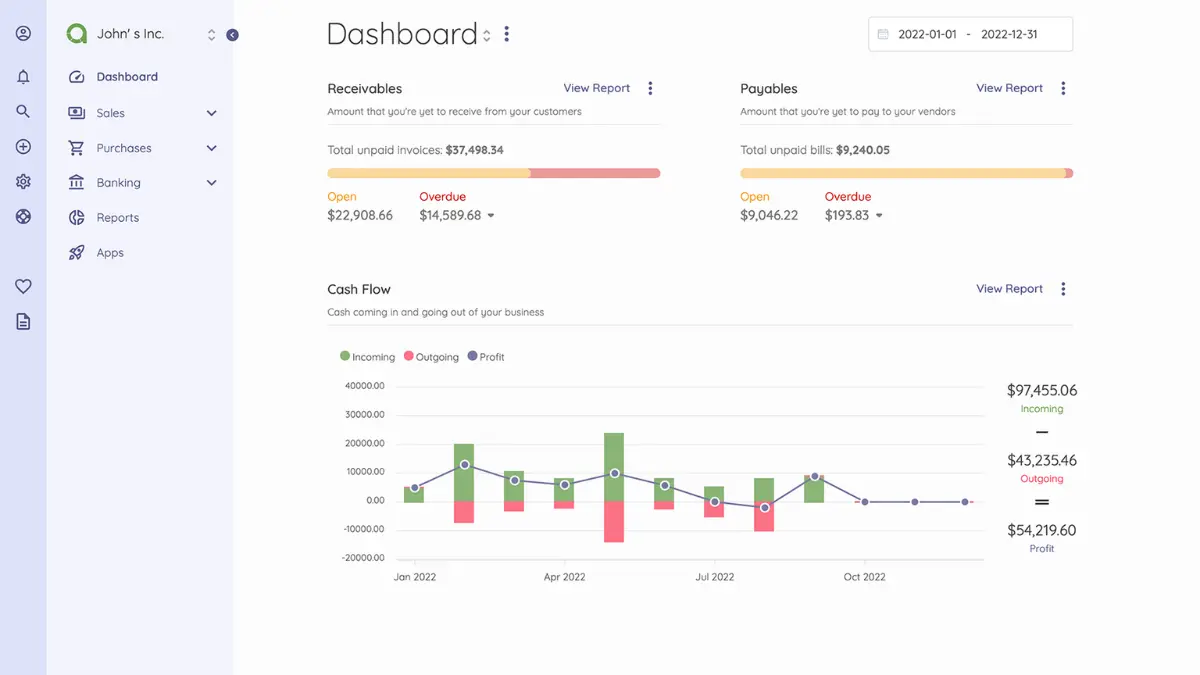
Akaunting is an open-source accounting software built for SMEs and freelancers. It allows you to host the software on your own server (for full data control) or use their cloud version.
Key Features:
Being open-source, it is highly modular via an “App Store” where you can download extensions. It covers invoicing, expense tracking, and multi-currency. It is translated into many languages and is truly global in nature.
| Pros | Cons |
| ✓ Full control over your data (if self-hosted). | × Requires technical knowledge to self-host securely. |
| ✓ No subscription fees for the self-hosted version (though apps may cost money). | × Lacks specific Australian compliance features (STP, BAS wizards) out of the box without plugins. |
| ✓ Community-driven development. |
How to Choose the Best Accounting Software for Your Business
Selecting the right software is a strategic decision. To ensure you make the right choice for 2026 and beyond, follow this structured approach:
1. Map Your Workflows
Don’t start with the software; start with your business. Map out how money flows in and out. Do you need to track time? Do you hold stock? do you have staff? Make a list of “Must-Haves” and “Nice-to-Haves.”
2. Consult Your Accountant
Your accountant or bookkeeper is a key stakeholder. They may have a preference based on efficiency. While you shouldn’t choose software solely for their benefit, using a platform they are certified in can save you billable hours in advisory fees.
3. Test the Australian Features
Verify the STP Phase 2 compliance and BAS functionality. Ask the vendor specifically about their ATO integration status. If the software is global, ensure the Australian localisation is native, not an afterthought.
4. Check the Ecosystem
Look at the other tools you use. Check the integration marketplaces of the accounting software to ensure they can connect. Native integrations are always preferred over third-party connectors like HashMicro for core financial data.
5. Consider Scalability
Will this software still serve you in three years? If you plan to double your headcount or expand internationally, ensure the platform has a pricing tier or upgrade path that supports that growth without a painful data migration.
Conclusion
The accounting software landscape in Australia in 2026 is evolving rapidly, with more businesses embracing automation to improve efficiency. From sole traders to large enterprises, there are tailored solutions to meet the diverse needs of businesses, whether it’s simple compliance or more complex financial management.
For many, the decision often comes down to popular choices based on affordability and functionality. However, businesses with unique requirements or those experiencing rapid growth may find it valuable to explore more customizable options or solutions that offer broader capabilities.
Choosing the right accounting software Australia has to offer can be overwhelming, but understanding your specific needs is key. If you’re uncertain about which solution suits your business, don’t hesitate to reach out for a free consultation with our team to discuss the best path forward.

FAQ About Accounting Software Australia
-
What is the difference between accounting software and ERP?
Accounting software focuses primarily on financial management, such as invoicing, expenses, and payroll. An ERP (Enterprise Resource Planning) system integrates accounting with other core business processes like inventory management, supply chain, CRM, human resources, and manufacturing into a unified system.
-
Can I use accounting software for BAS lodgement?
Yes, most major Australian accounting software, like HashMicro, Xero, MYOB, and QuickBooks, allows you to generate BAS reports. Many are SBR-enabled, meaning you can lodge directly to the ATO from the software, provided you have set up your credentials.
-
Is there a free alternative to Xero in Australia?
Yes, Wave is a popular free alternative for basic accounting, though it lacks Australian-specific payroll features. Other options include the free tier of Zoho Books for very small businesses or open-source alternatives like Akaunting, though these may require more manual setup for ATO compliance.